AI Virtual Staging Fill Empty Rooms Instantly
Turn vacant properties into beautifully furnished spaces in seconds. Stage multiple rooms in different styles without hiring movers or renting furniture.
Try it for free — no credit card required One-time plans start at $15
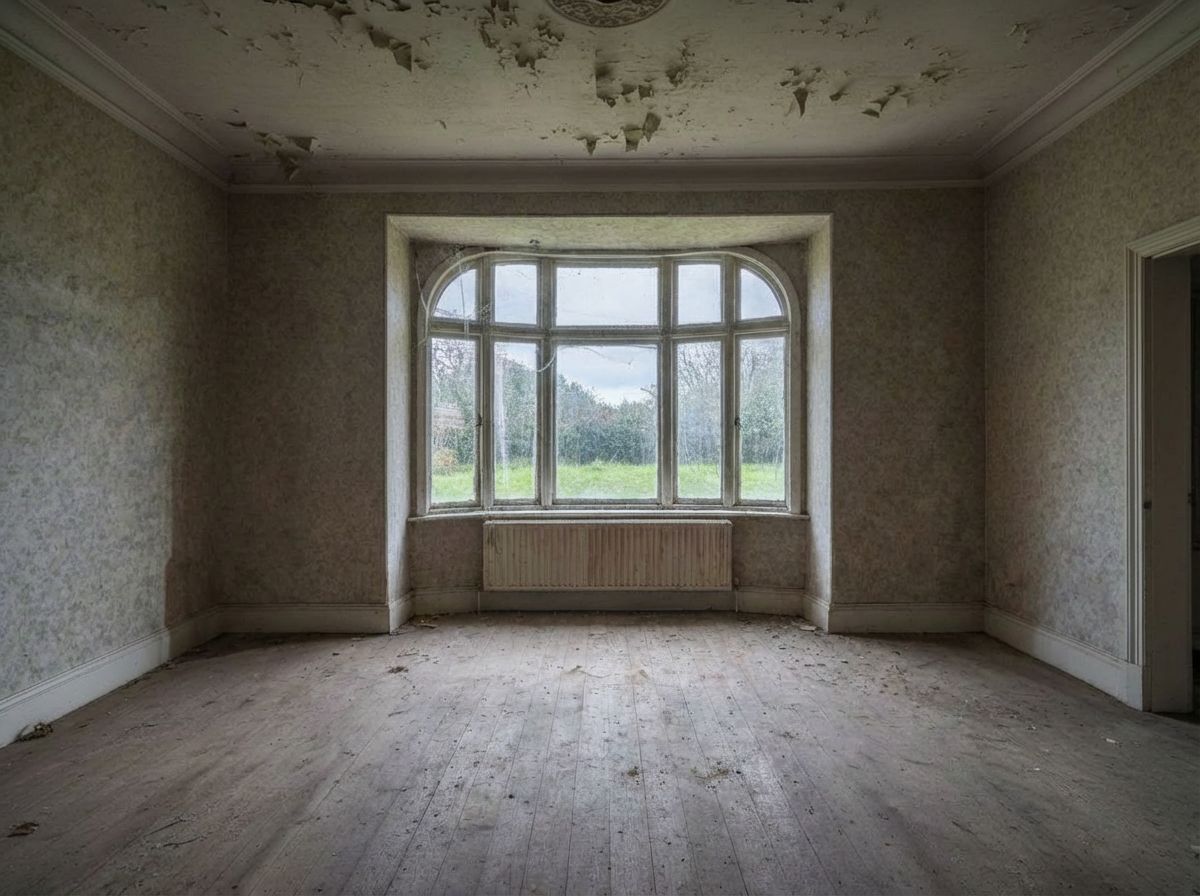
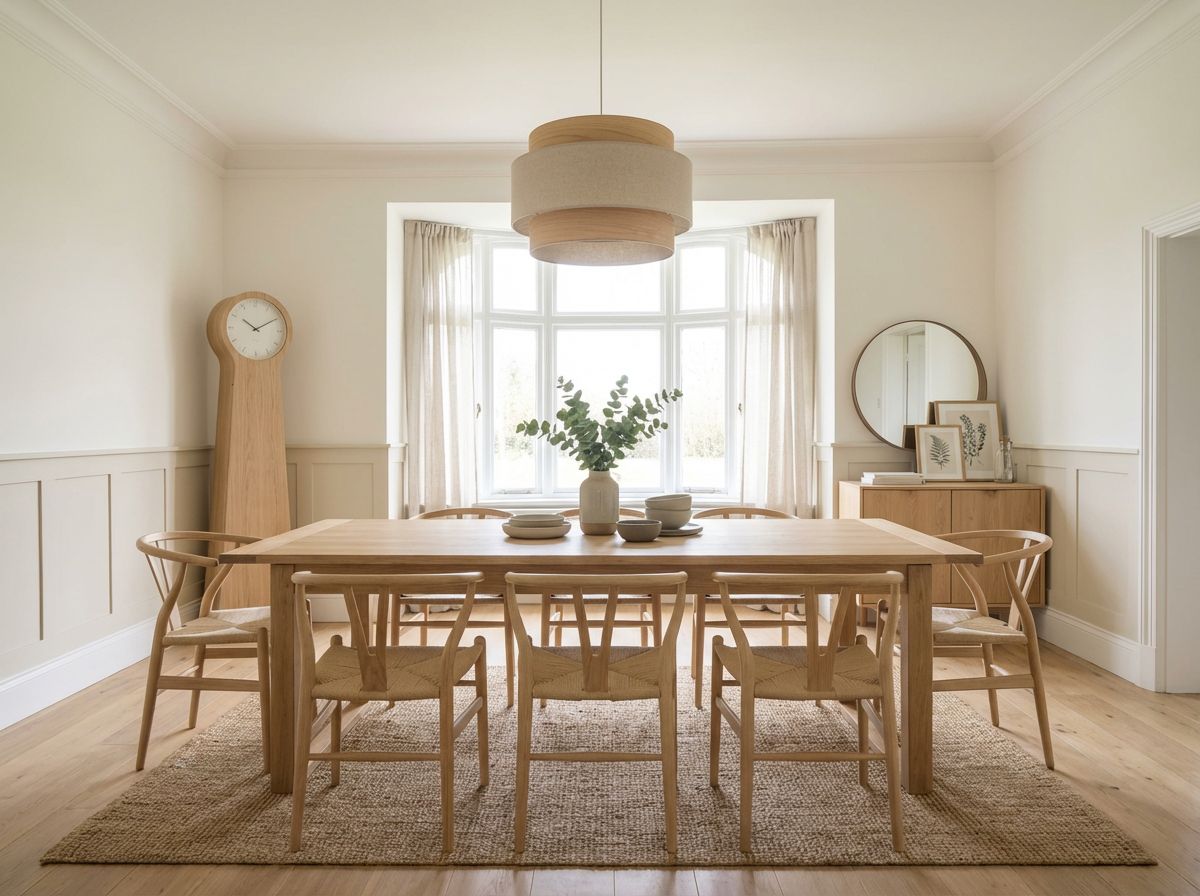
Furnish Vacant Rooms in Seconds
Empty rooms fail to sell. Upload a photo of any vacant space and instantly fill it with stylish, realistic furniture. Choose from dozens of interior design styles to match your target buyers.
- Transform empty rooms into inviting spaces
- Realistic furniture placement with proper scale
- Stage an entire property in minutes
- Cost a fraction of traditional physical staging
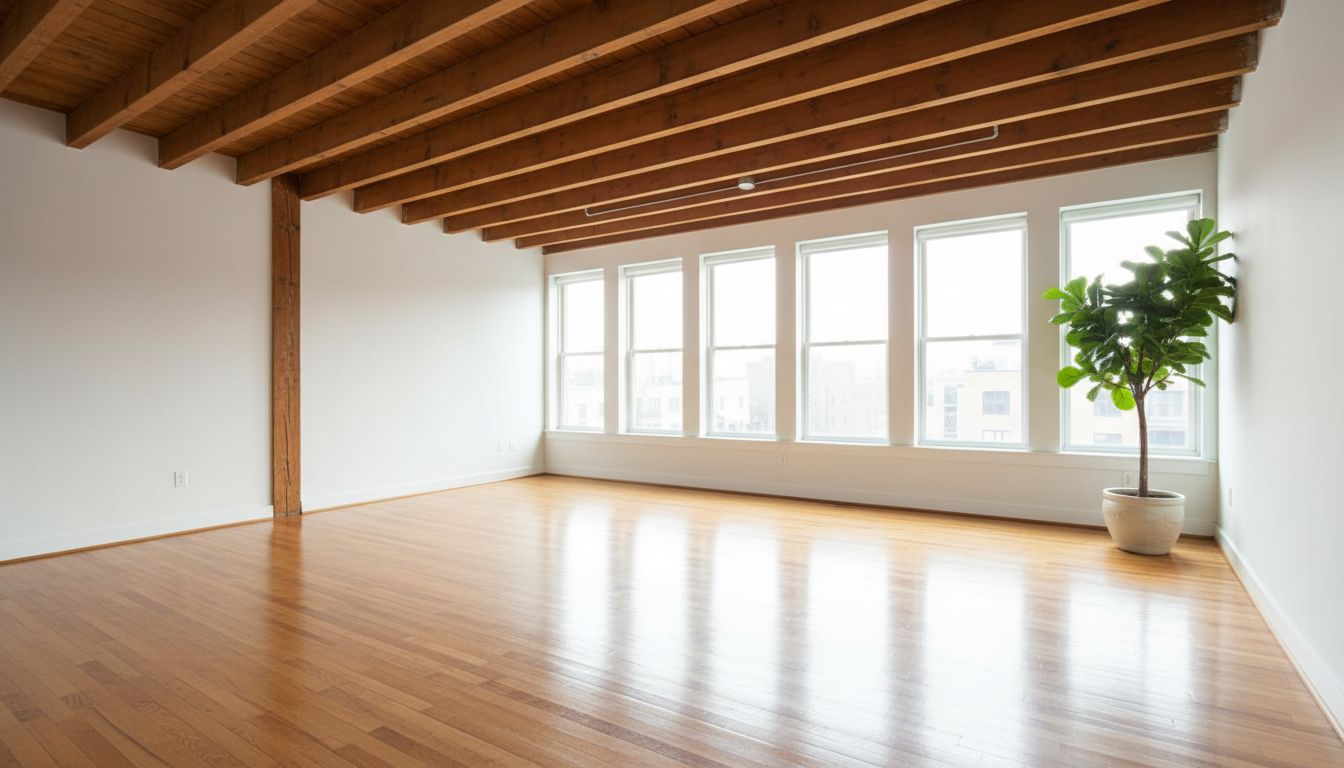
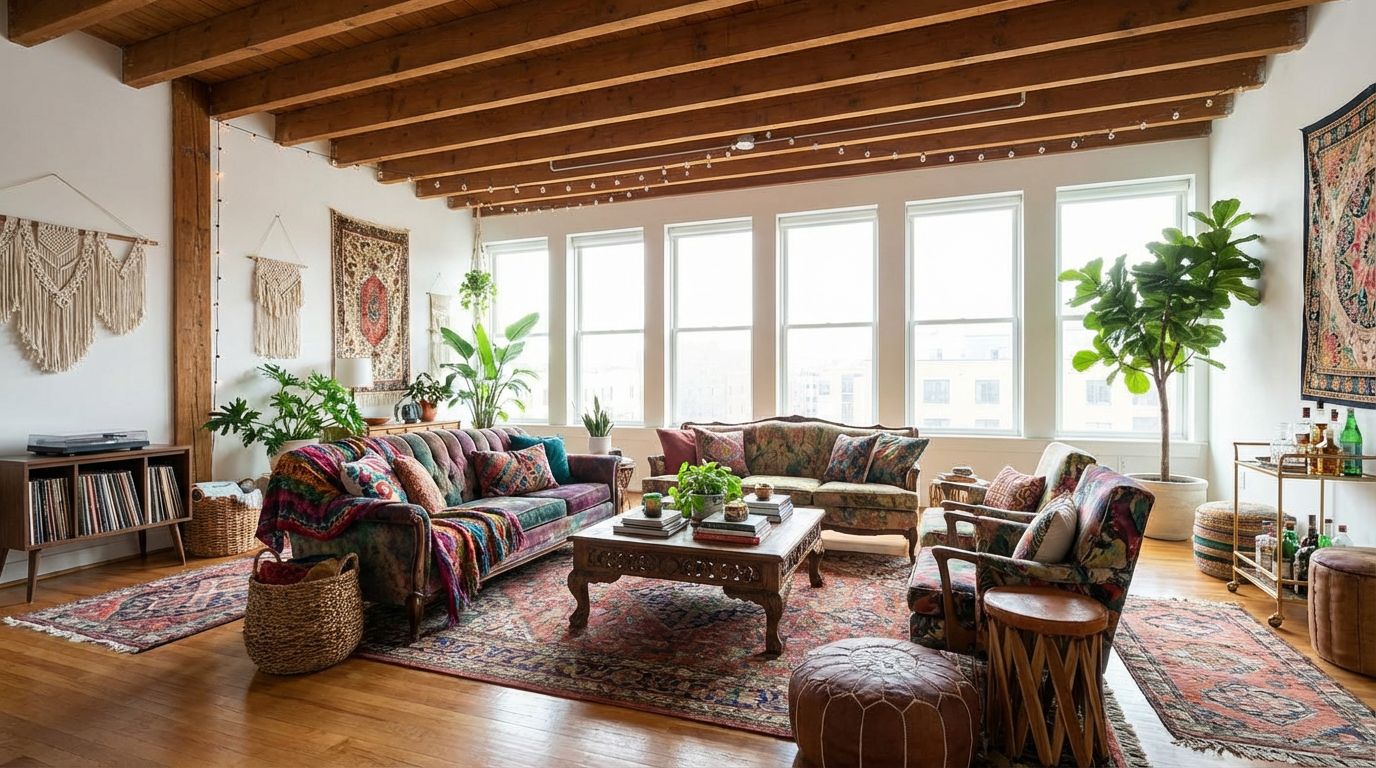
From Empty Room to Video Walkthrough
RoomLab covers the entire staging pipeline. Start with an empty room and end with a cinematic video — all from one platform.
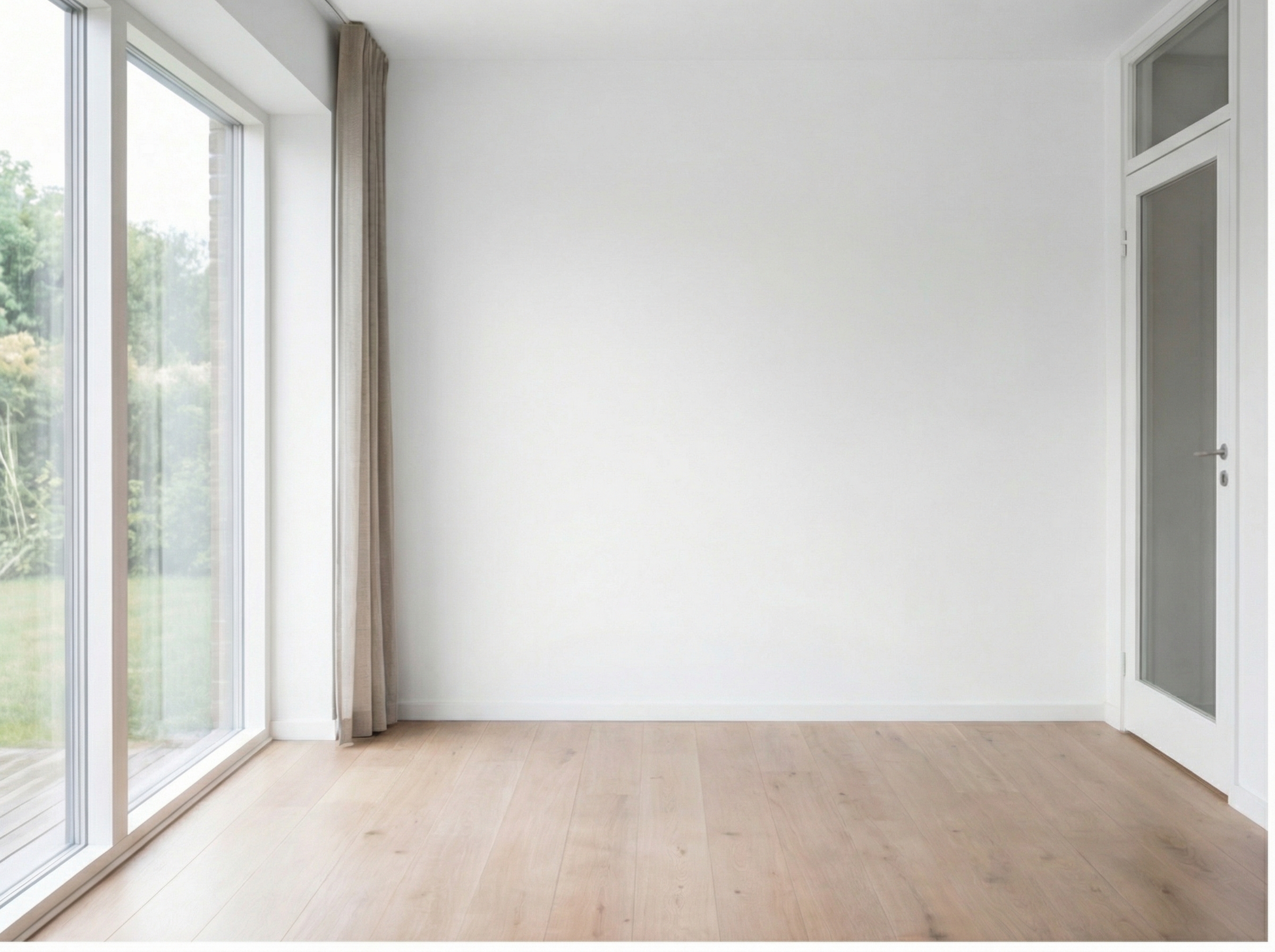
Got an Empty Room?
No problem. Every great listing starts here — an empty space full of potential, ready to impress buyers.
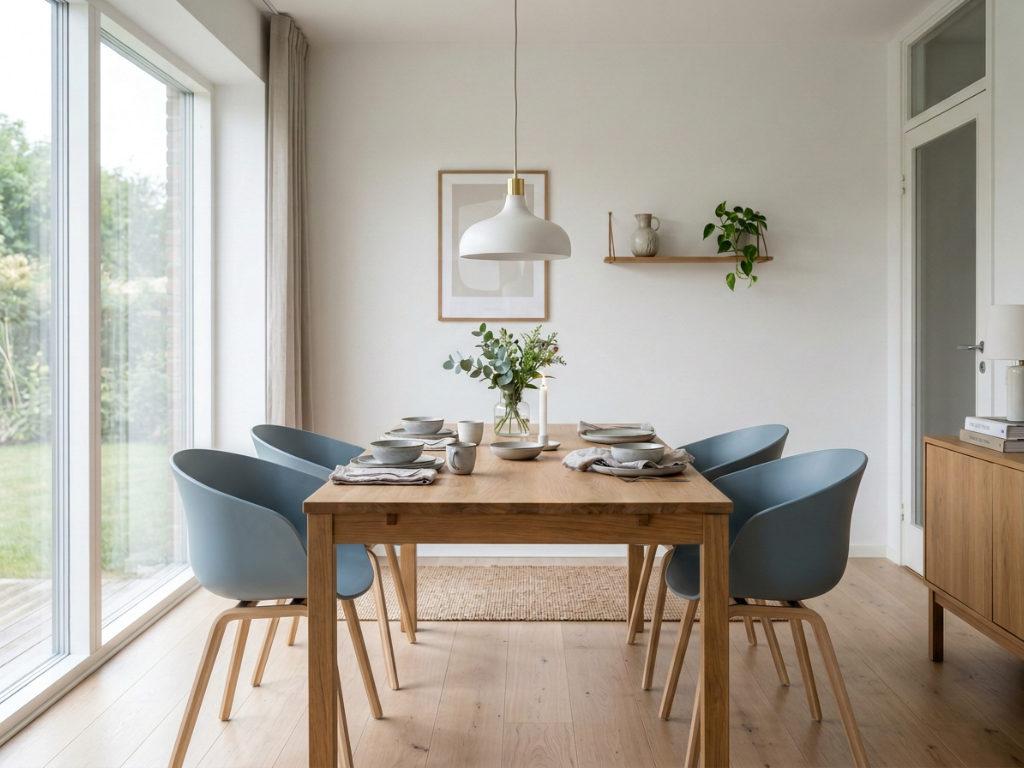
Stage It Instantly
Showcase the true value of the room. Fill it with elegant furniture and decor so buyers can picture themselves living here.
Find the Perfect Wall Color
Test different wall colors to find the one that makes the room pop. This soft blue was the winner.
Explore Wall Colors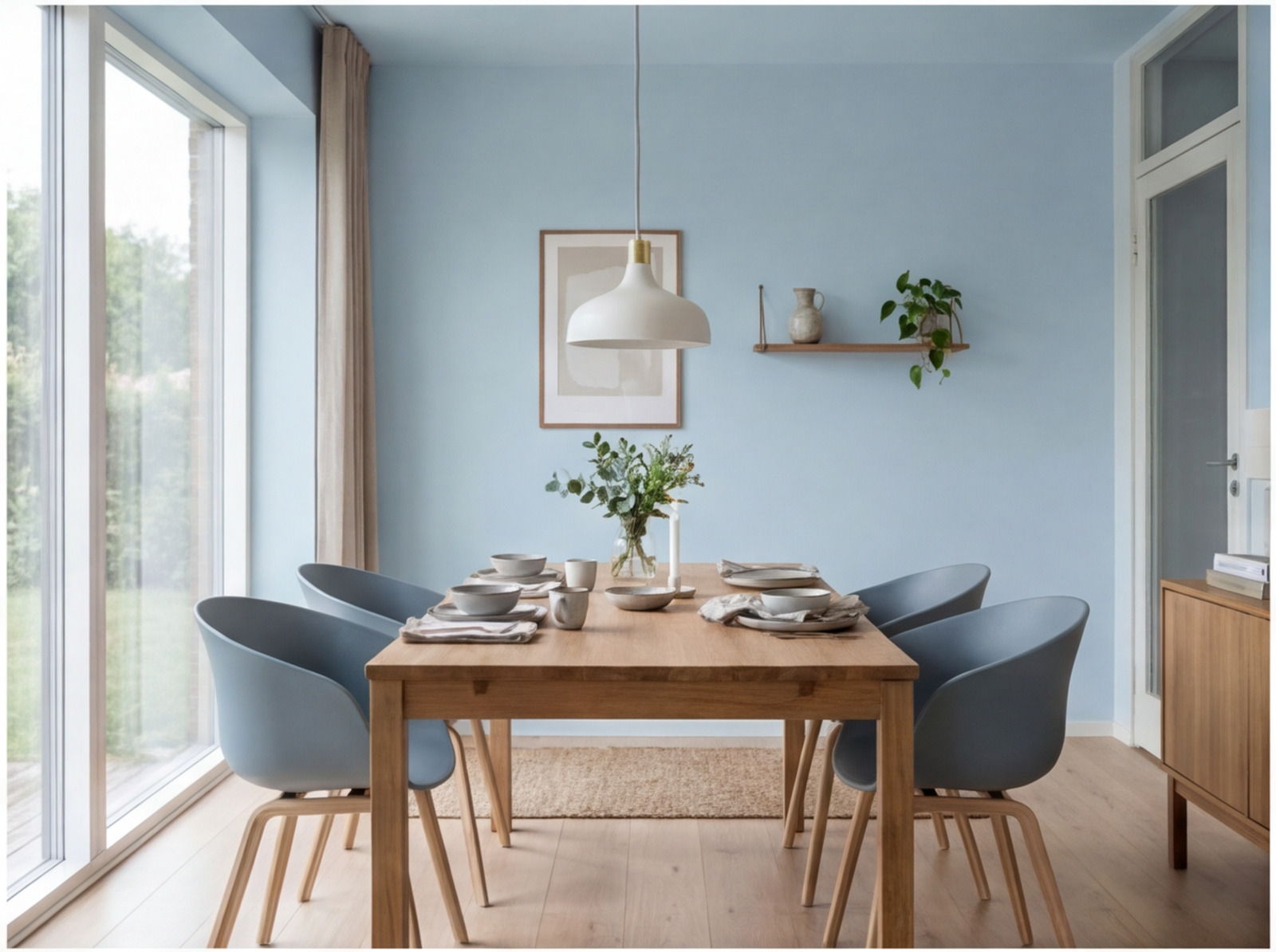
Wow Them with a Video
Turn the final result into a cinematic walkthrough that stops buyers mid-scroll. Ready for listings and social media.
Virtual staging videosDeclutter Existing Rooms
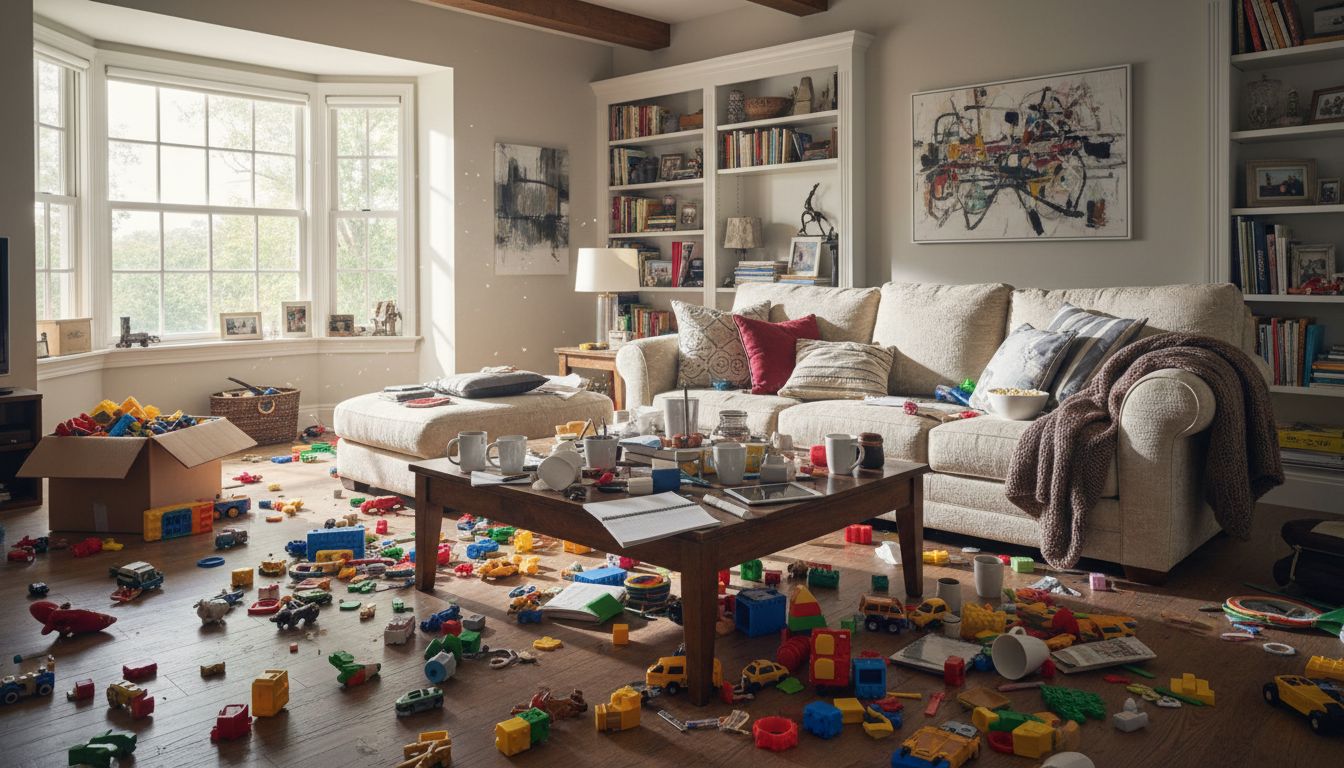
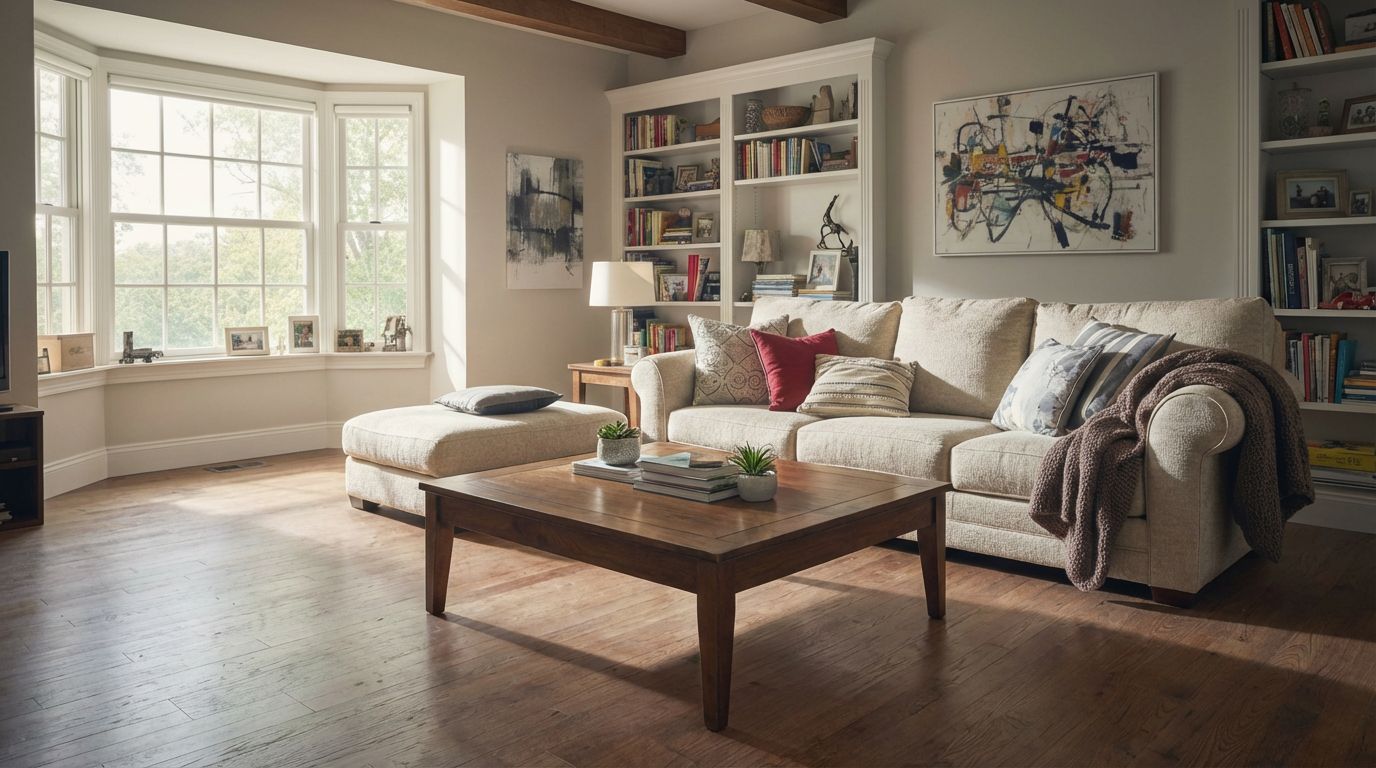
Not every property is vacant. Remove clutter, personal items, and mess from occupied rooms to create clean, listing-ready photos without asking owners to tidy up.
- Remove clutter while keeping furniture intact
- Clean up occupied rooms for listing photos
- No need to schedule cleanup sessions
- Process multiple rooms in a batch
Other Modes to Increase Value
Go beyond interiors — stage the exterior to maximize perceived property value.


Turn a dull or cloudy sky into a clear bright blue sky.
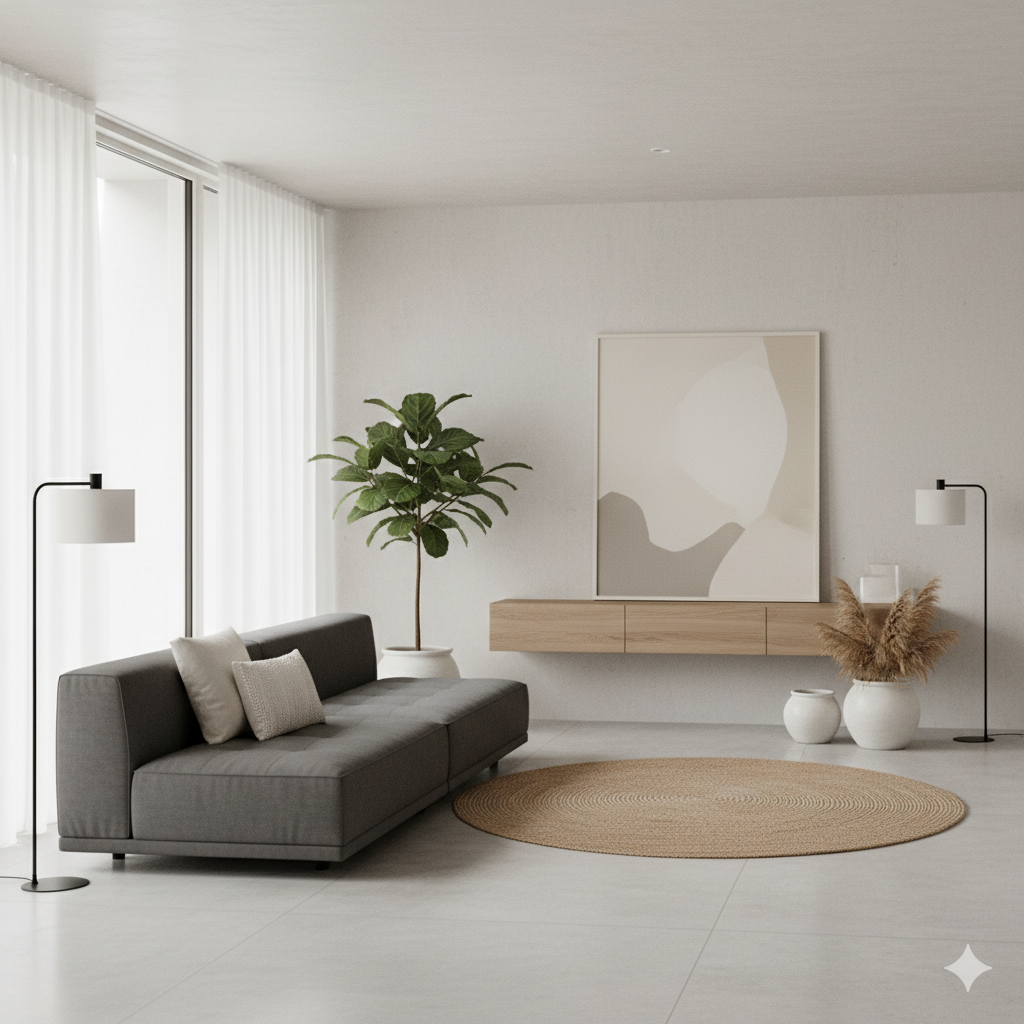
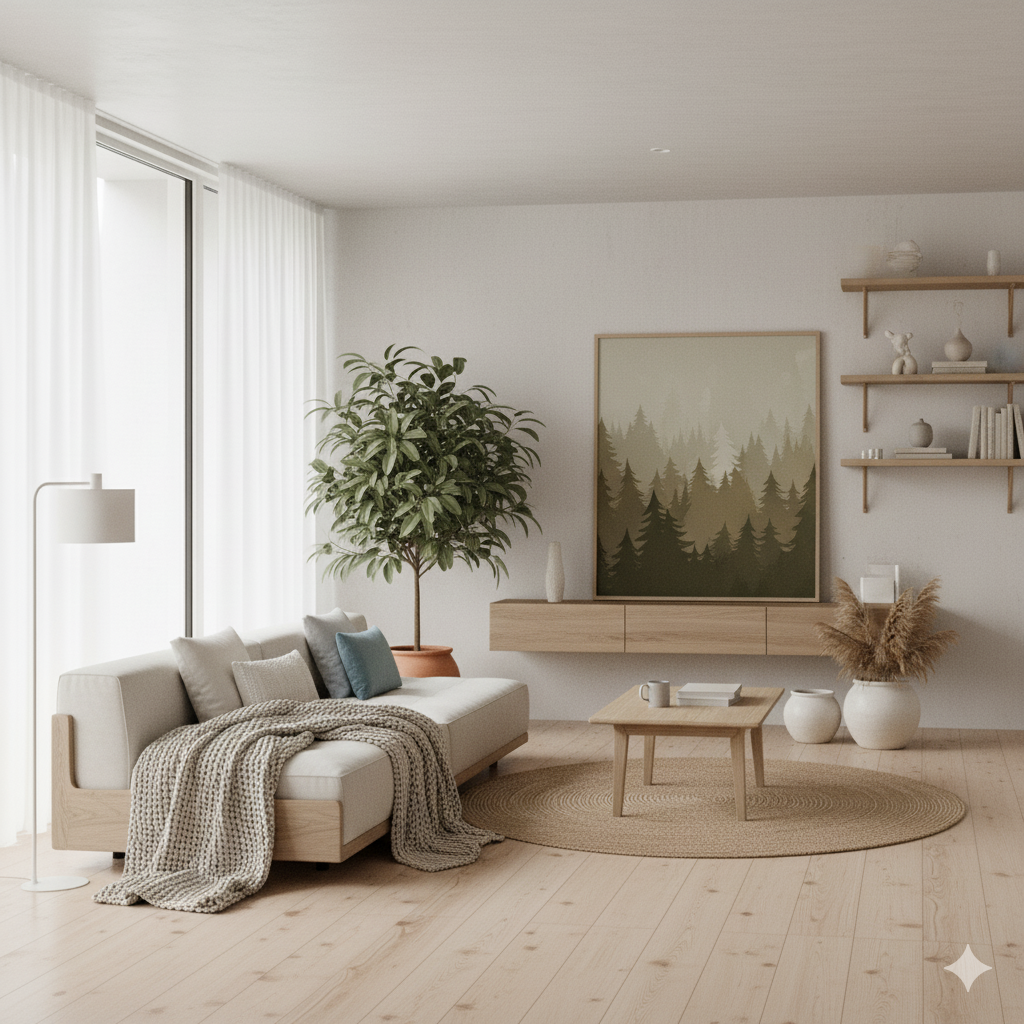
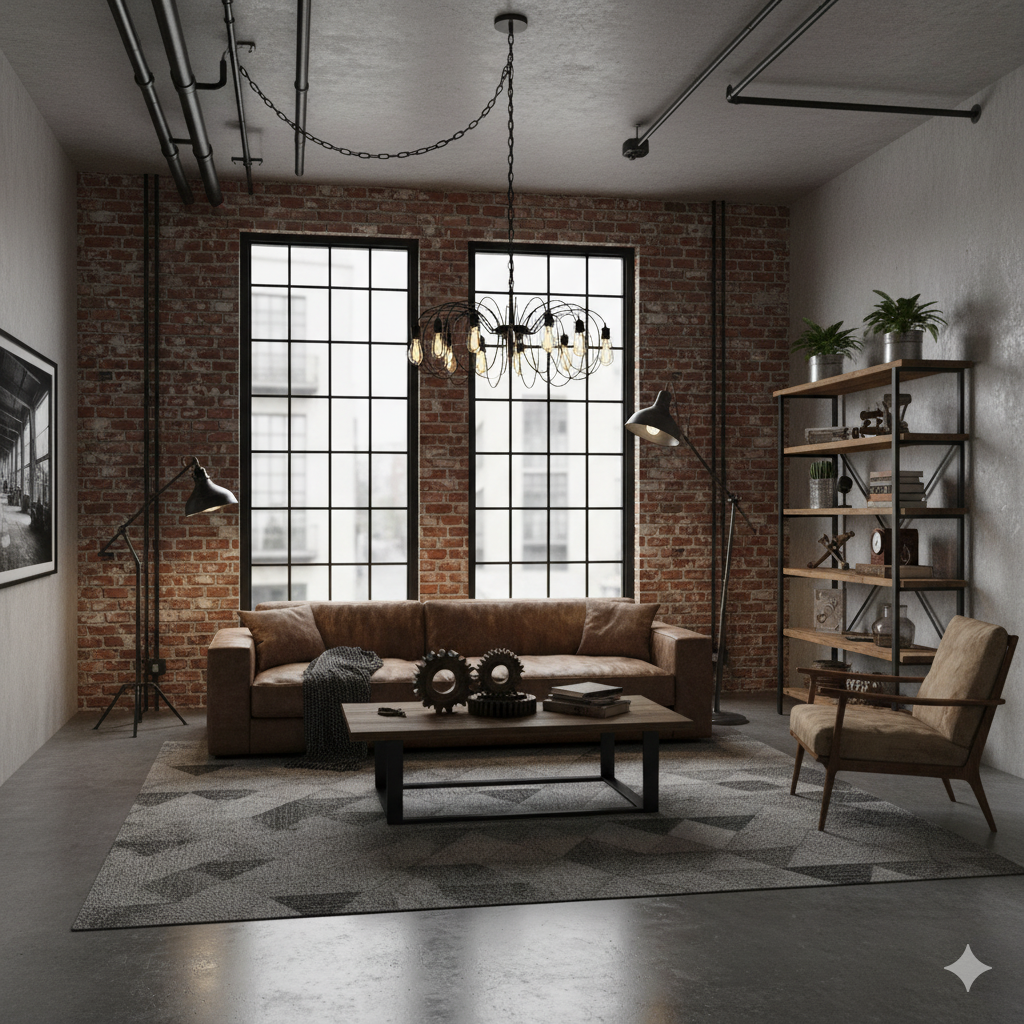
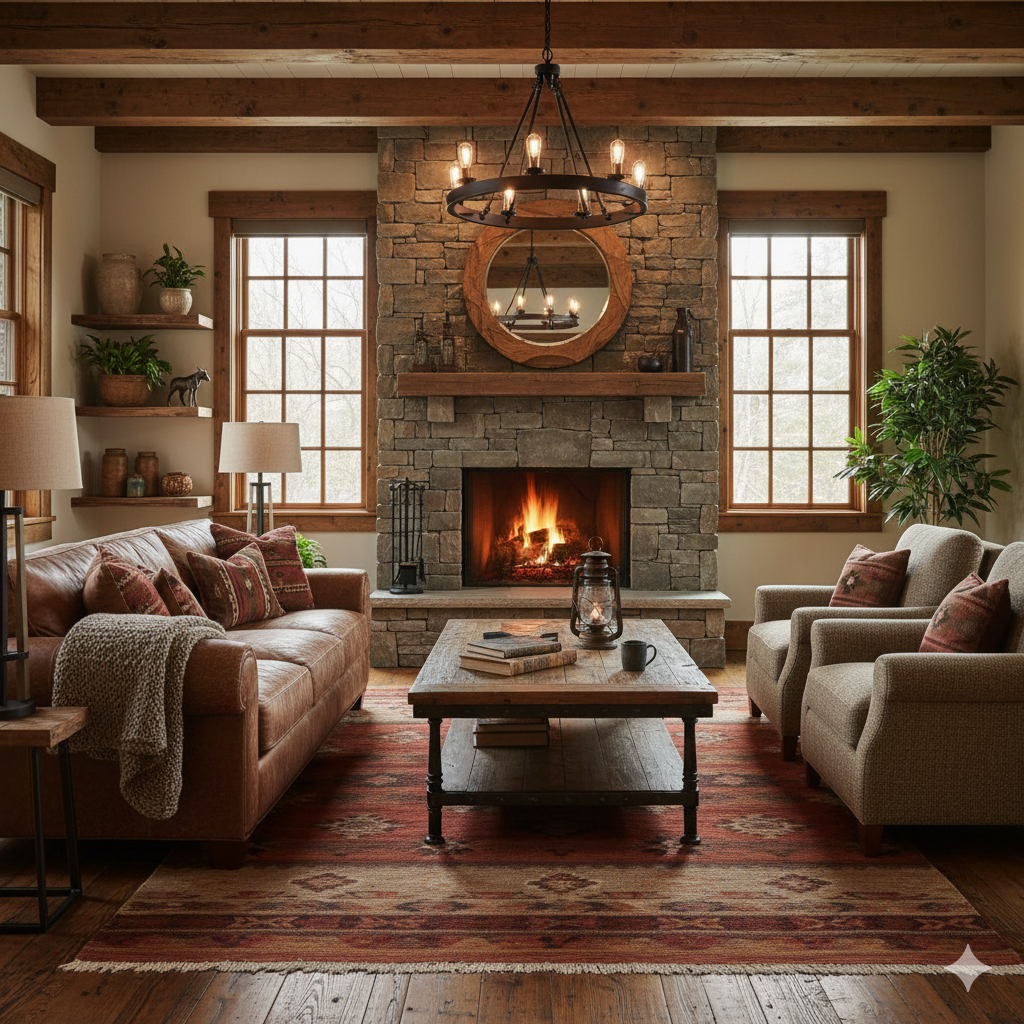
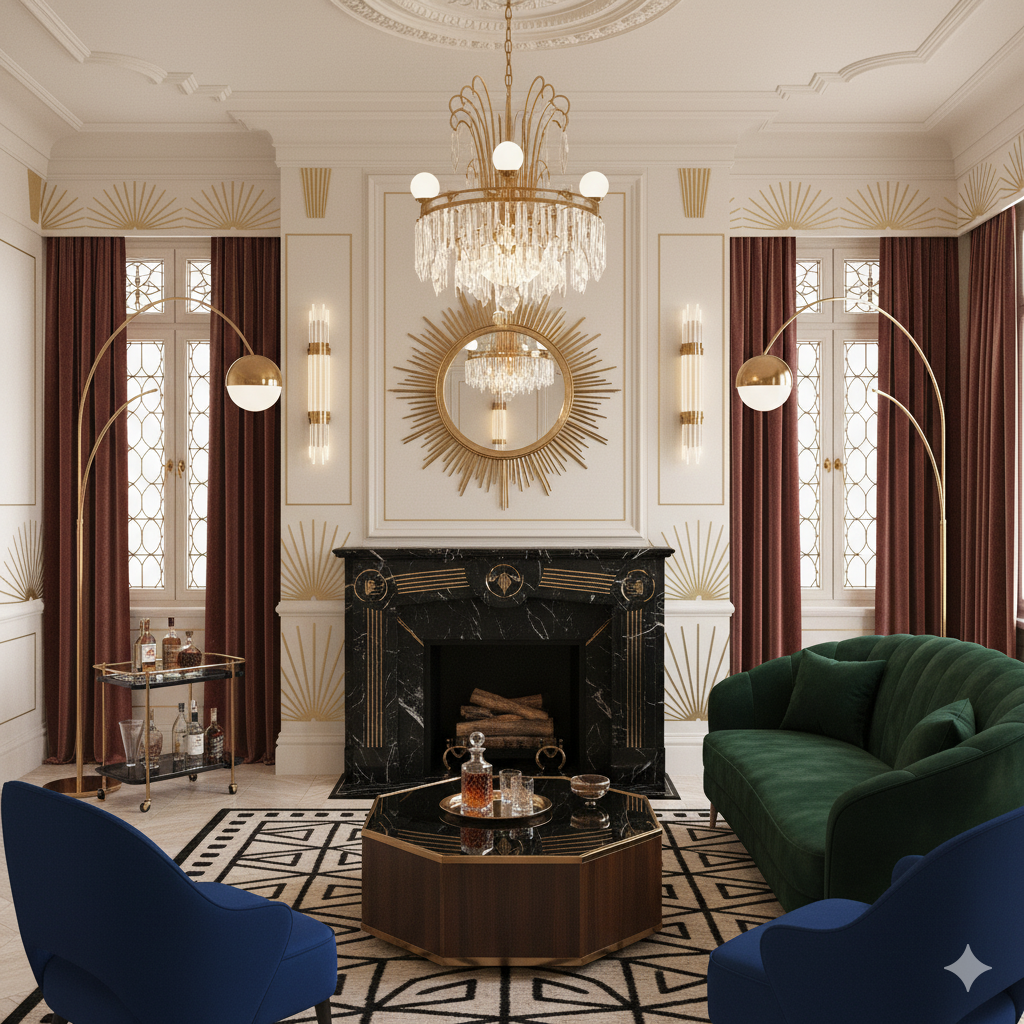
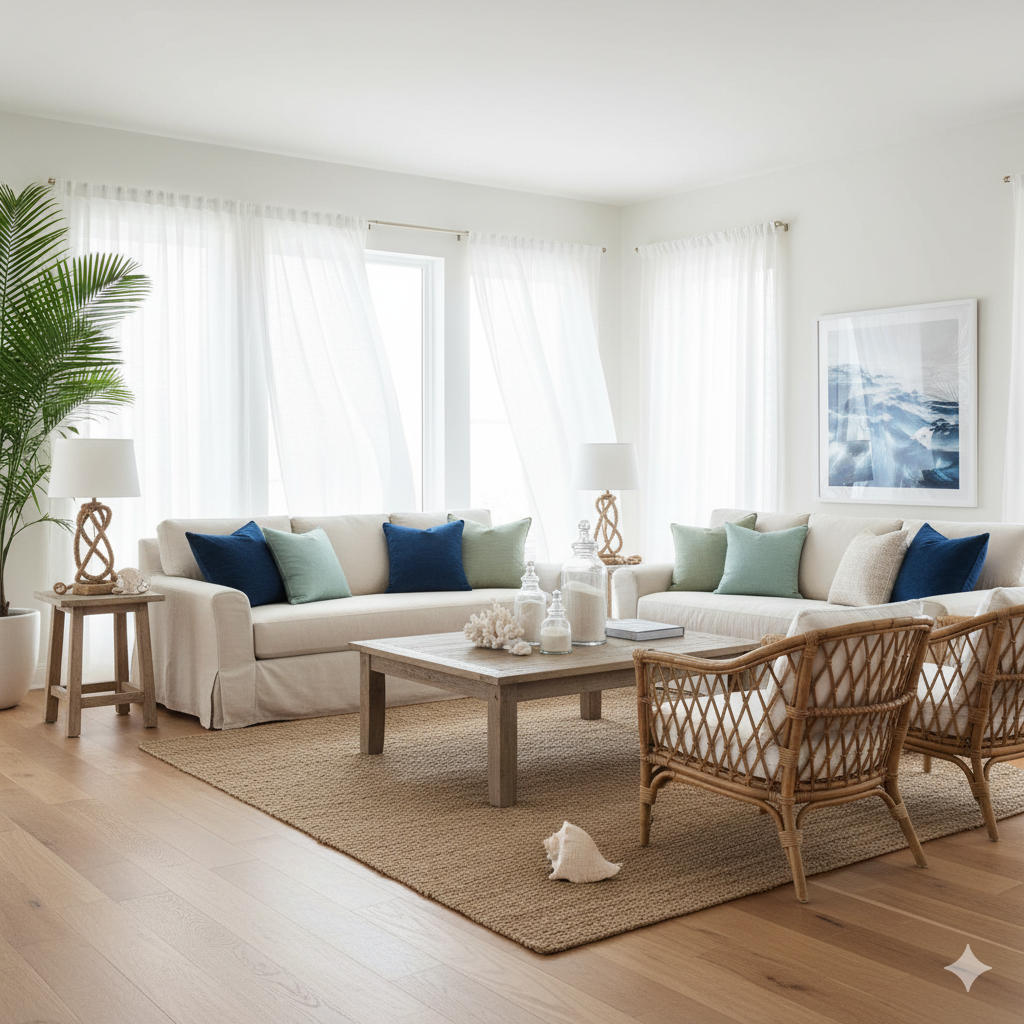
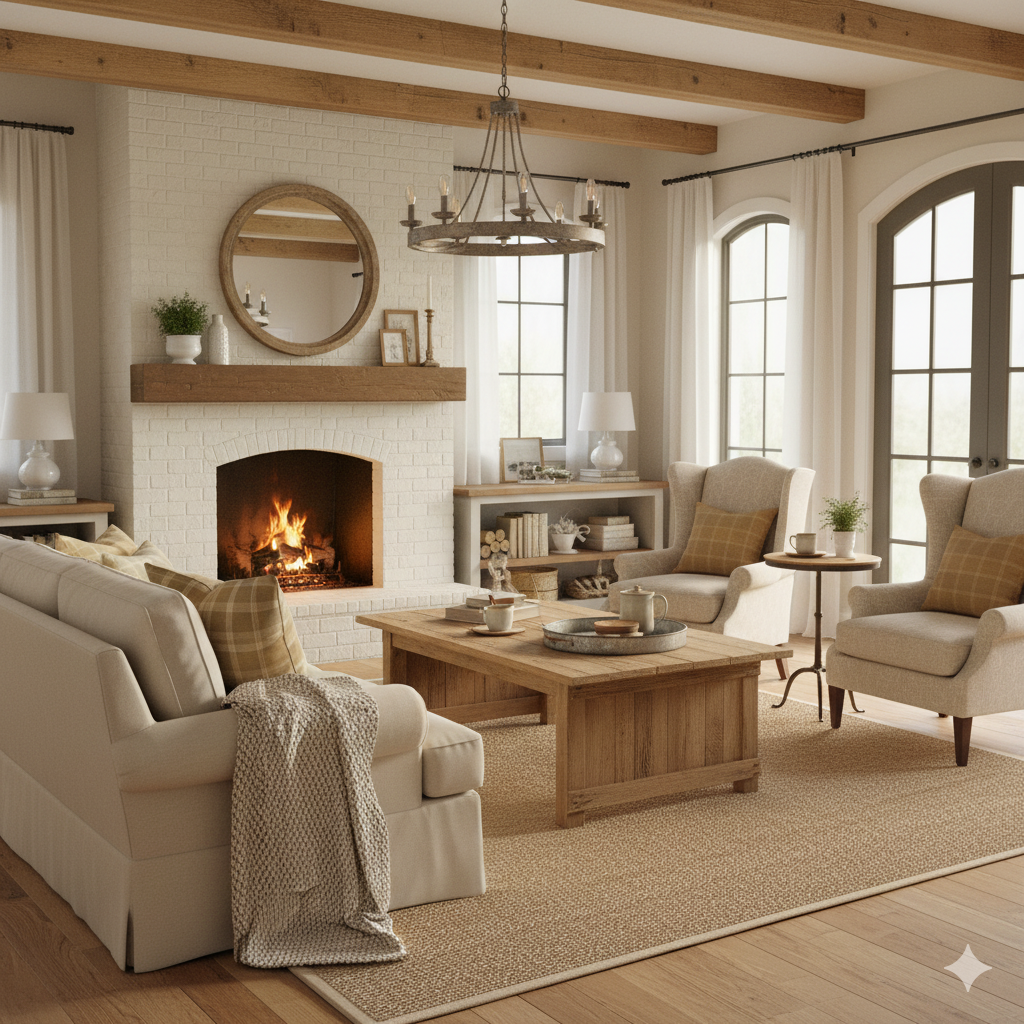
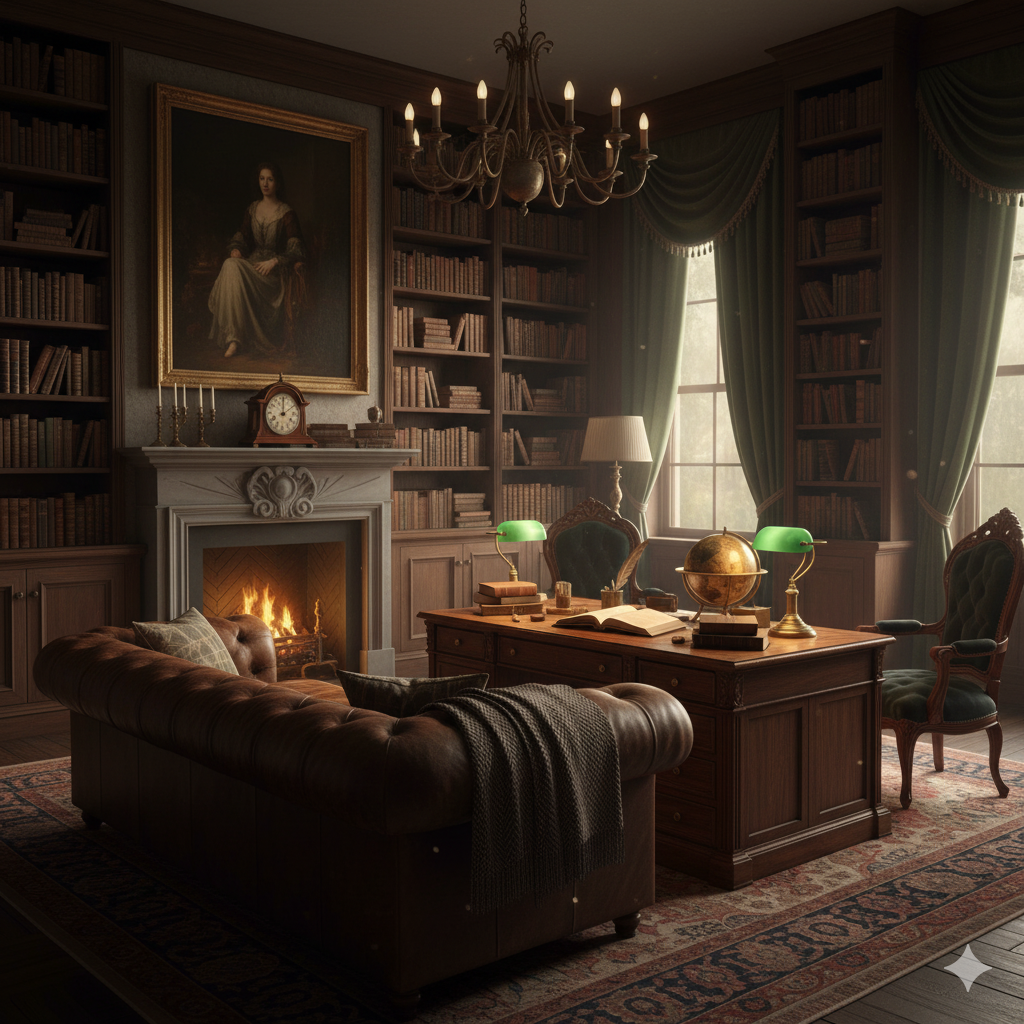
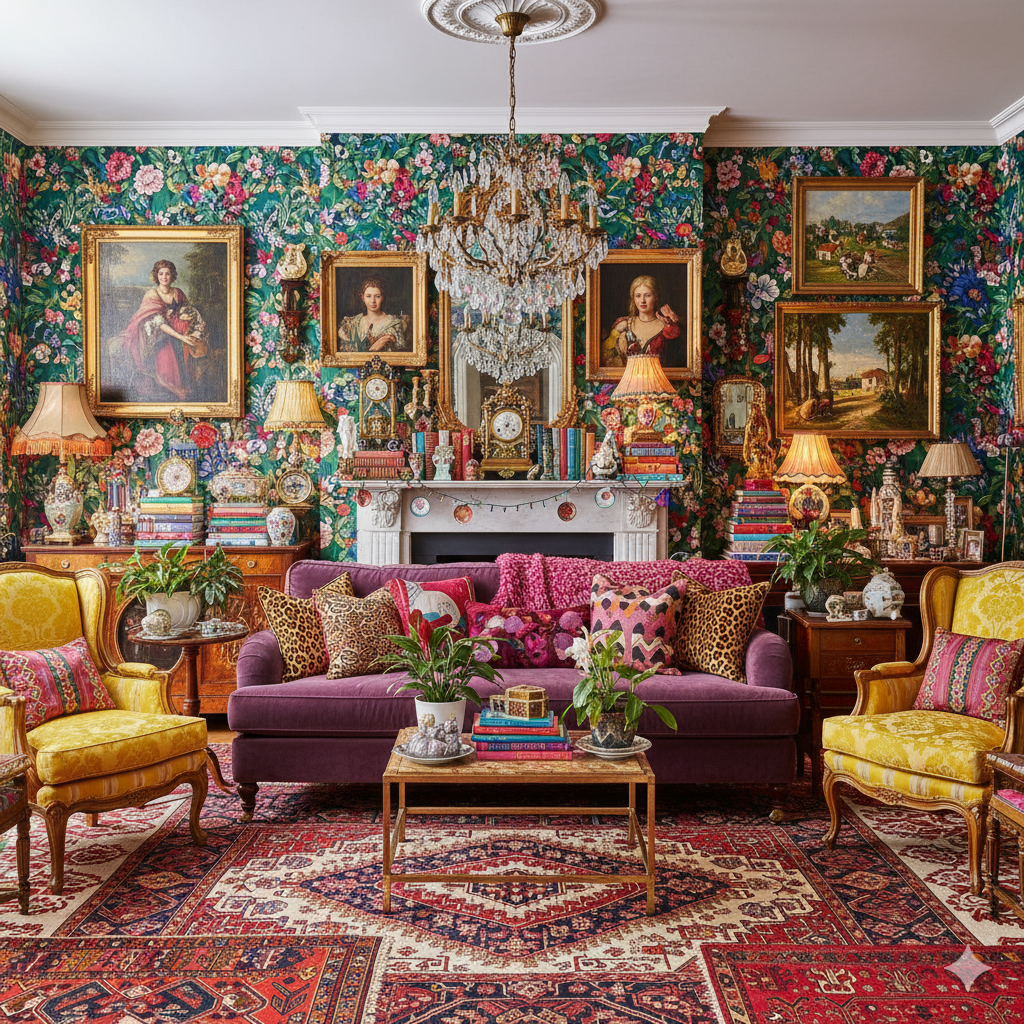
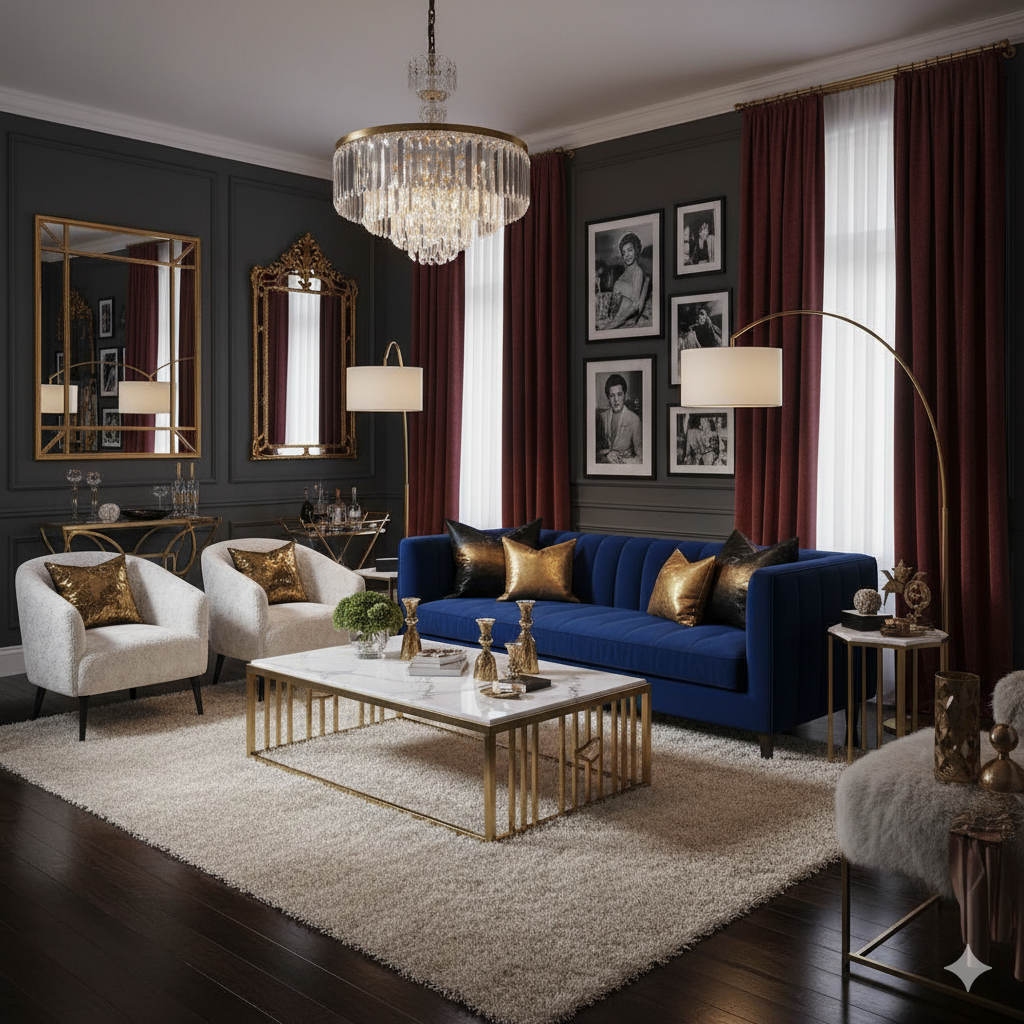
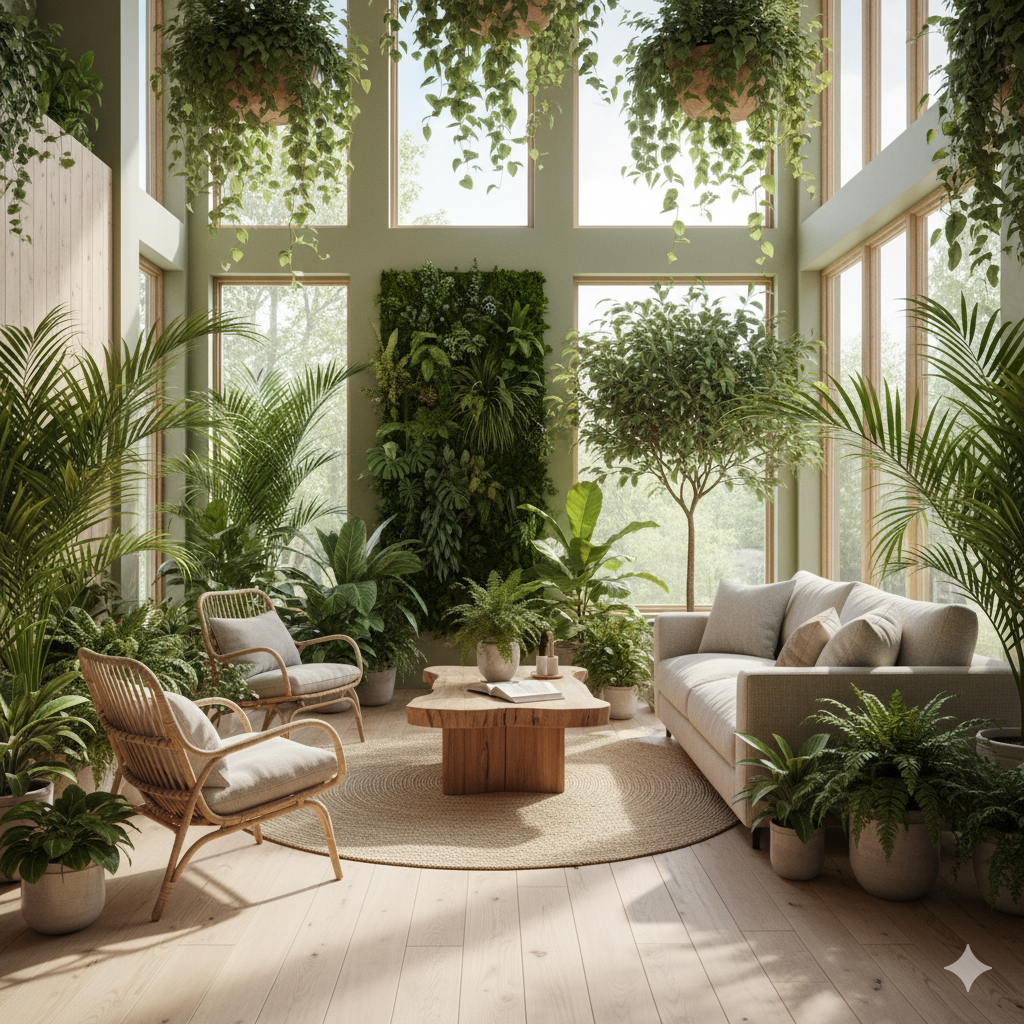
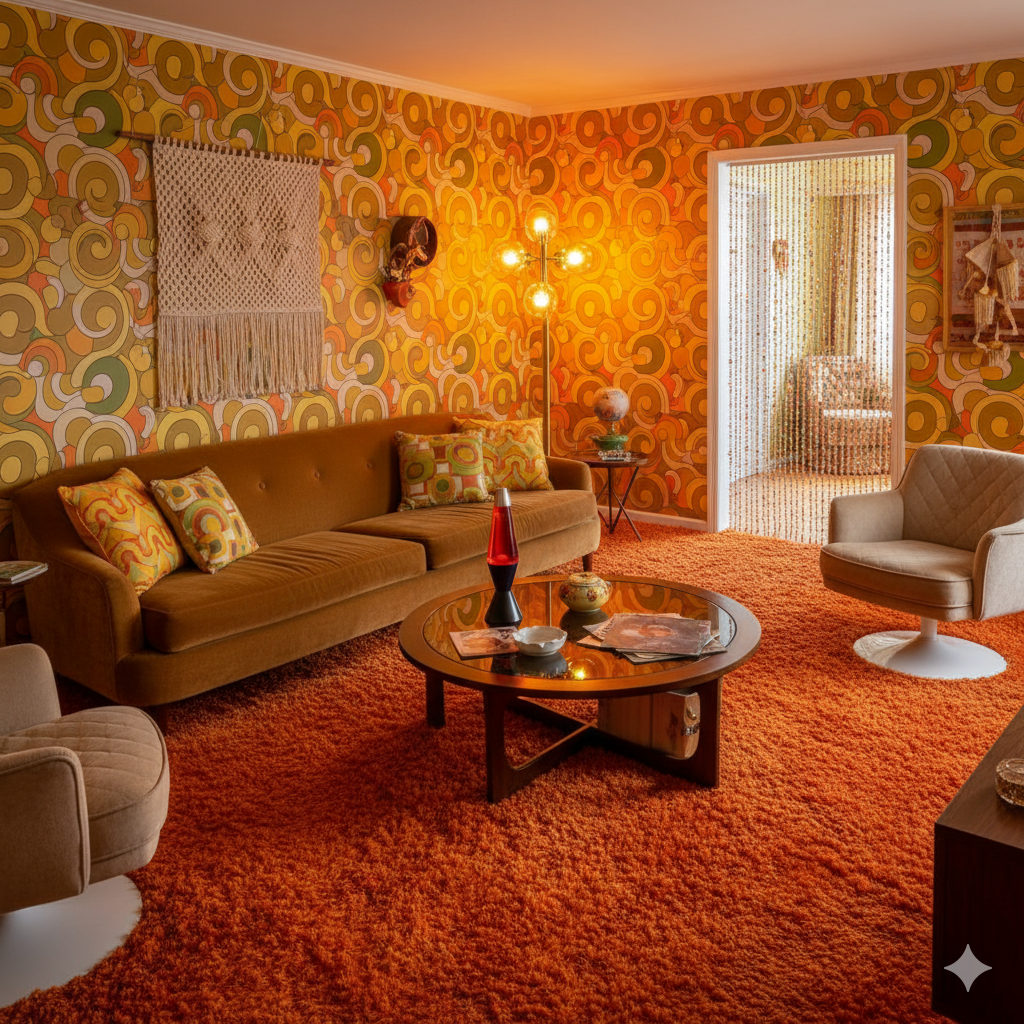
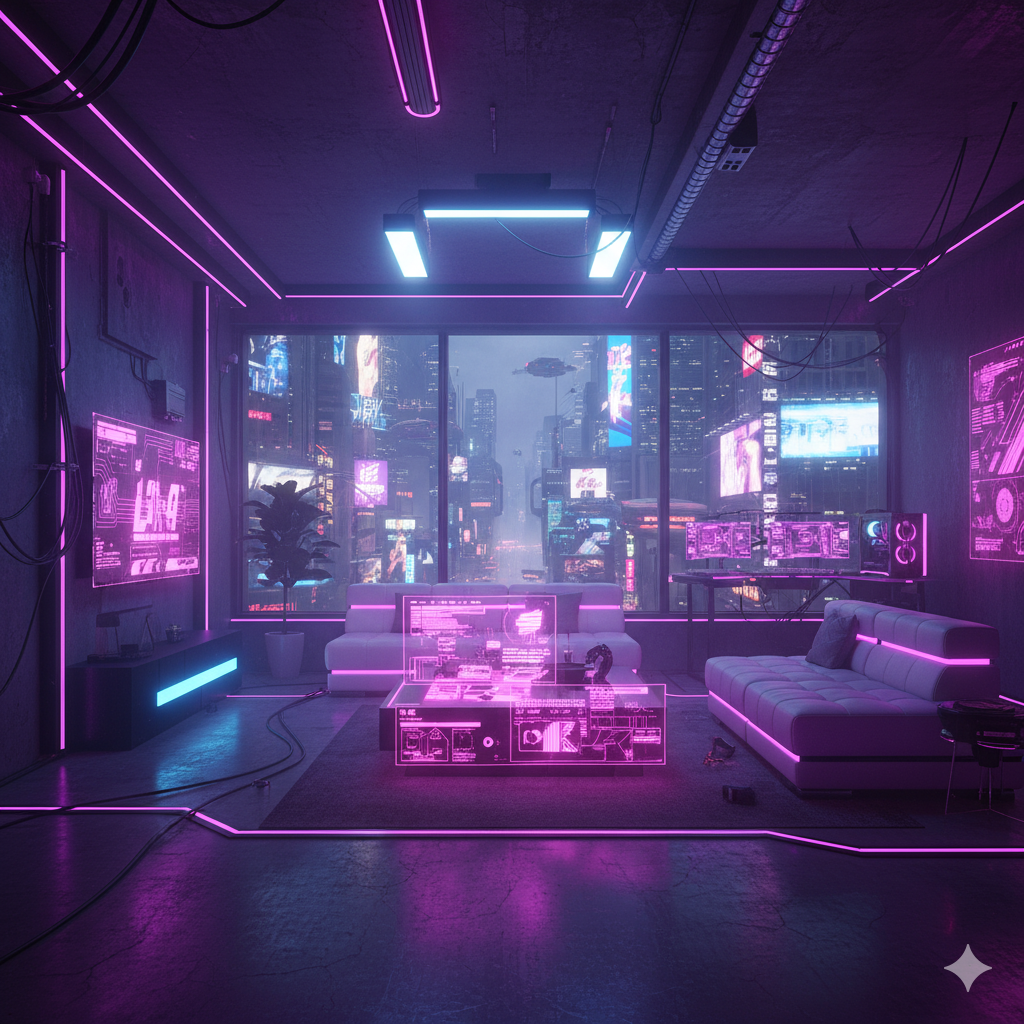
Transform Any Room Into Any Style
From modern minimalism to festive holiday themes — choose from our extensive collection of interior design styles.
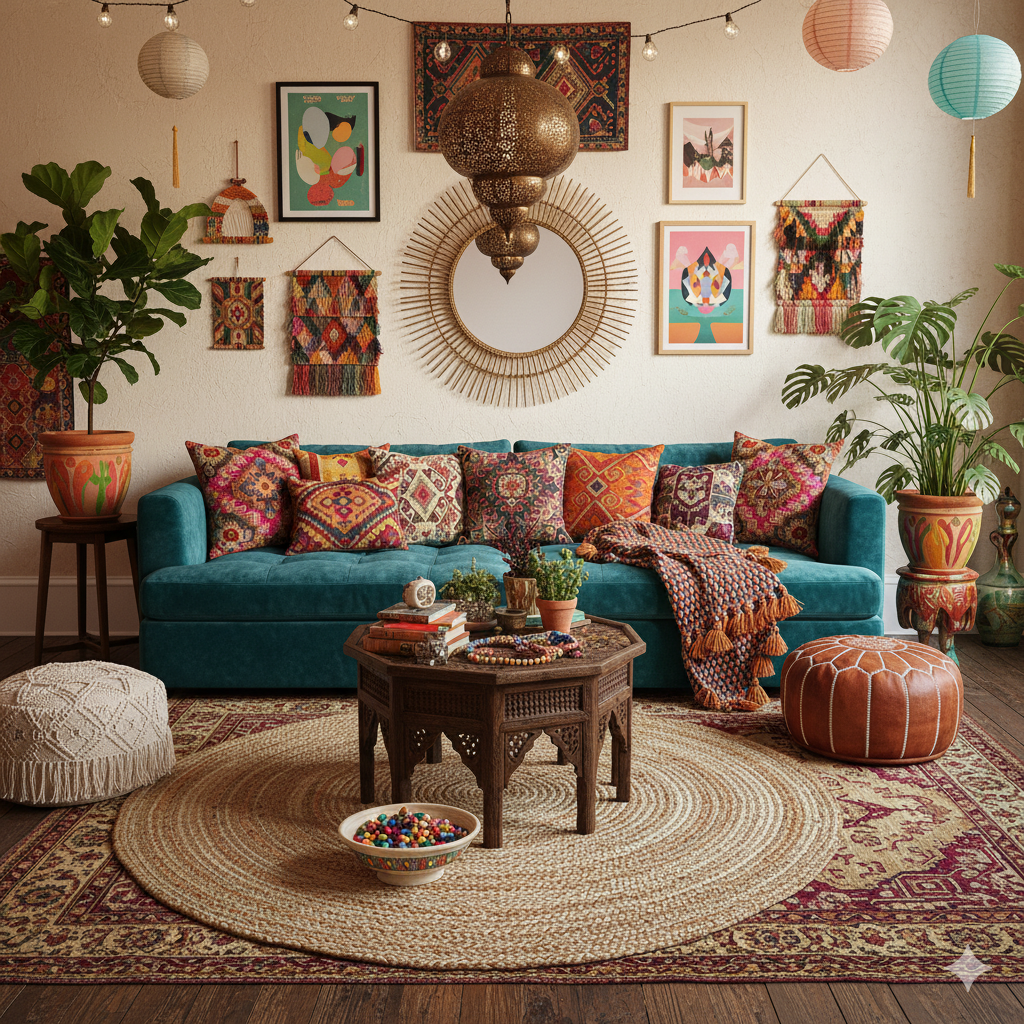
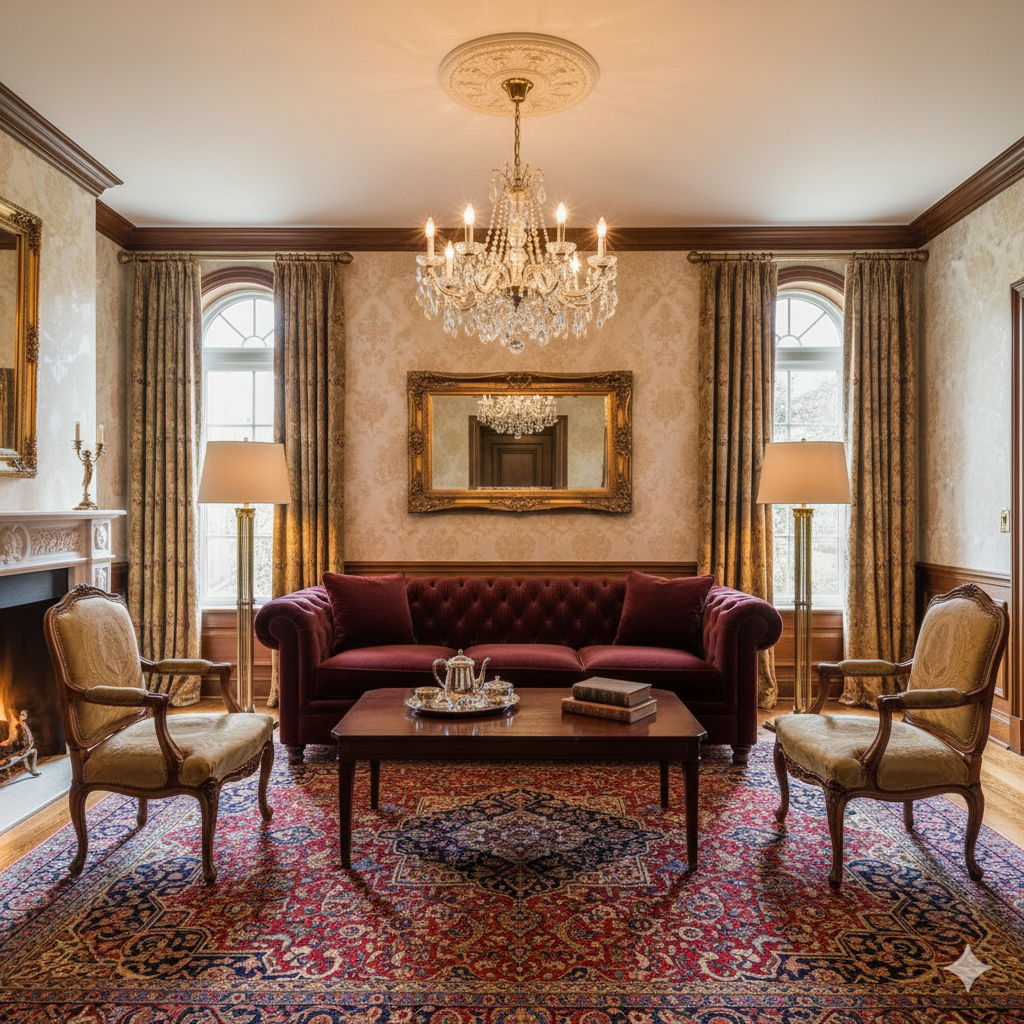
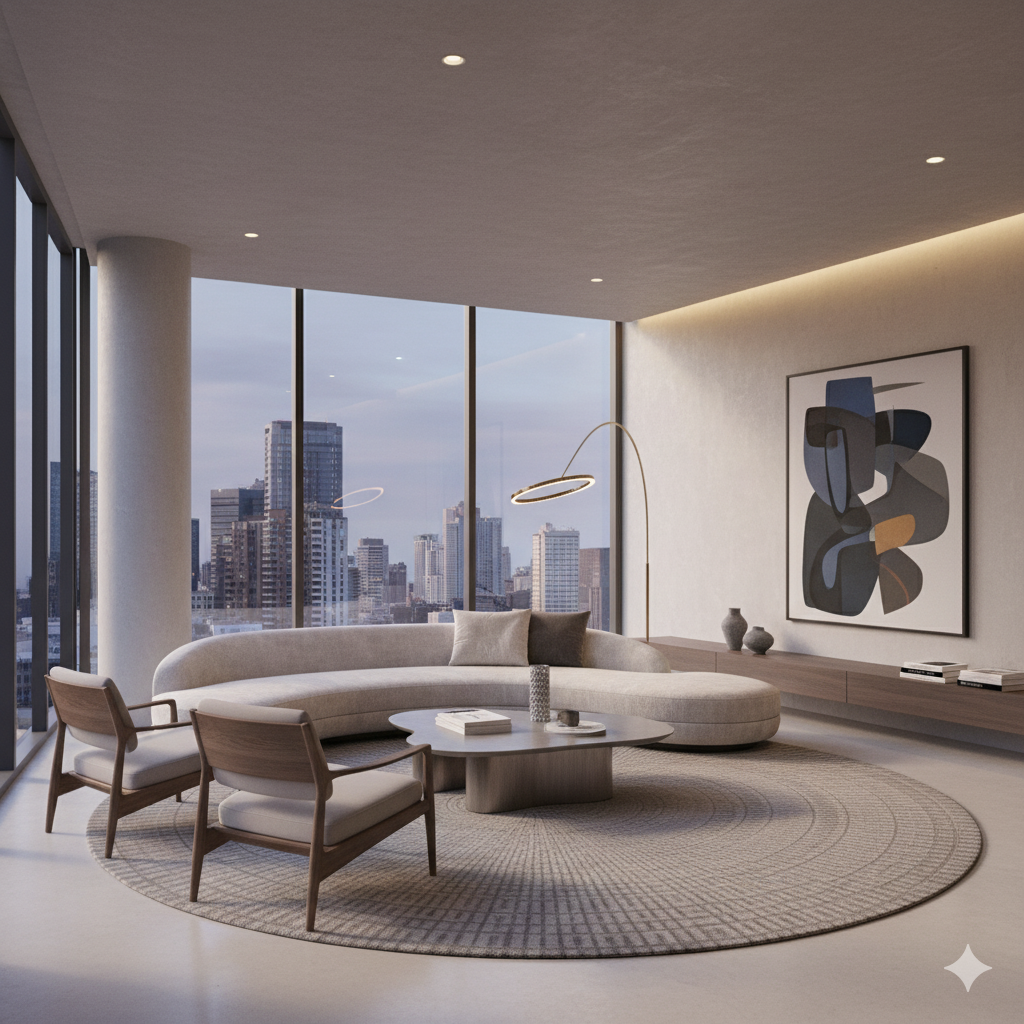
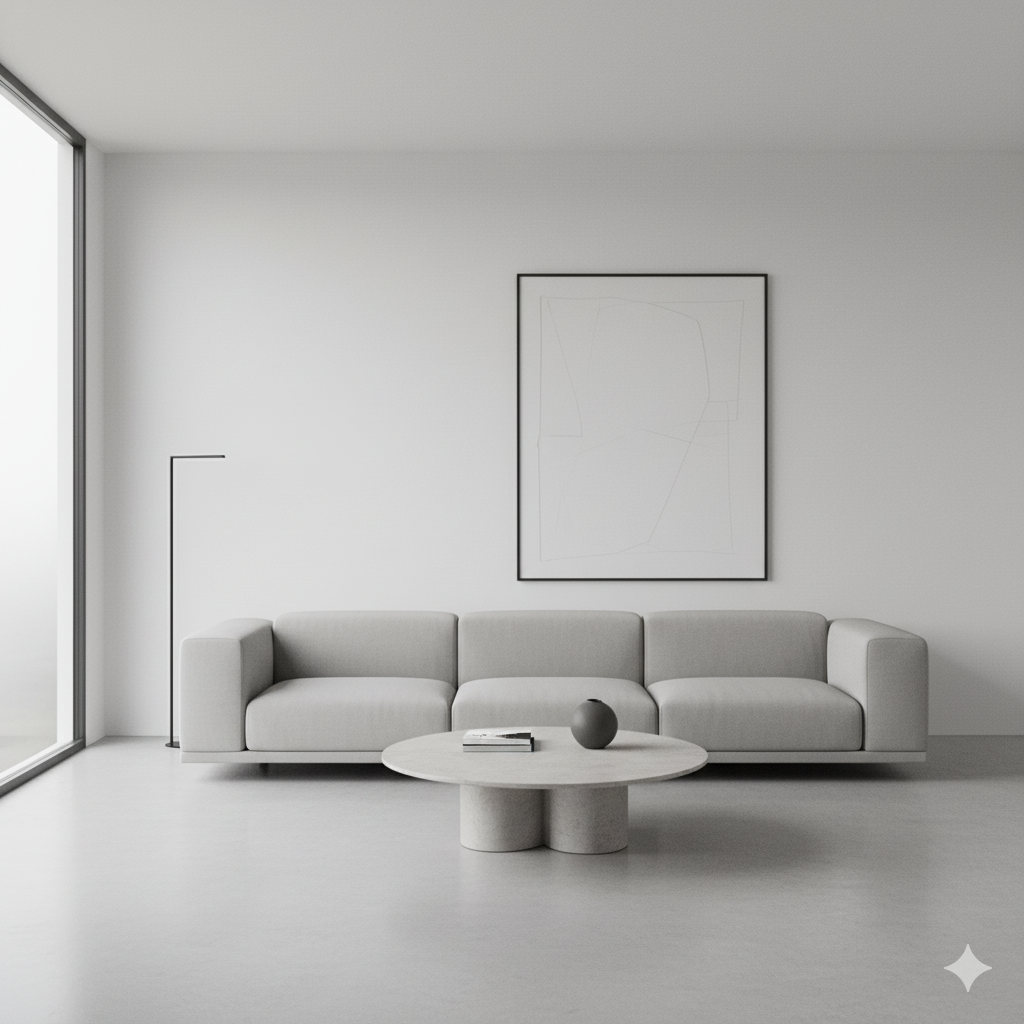
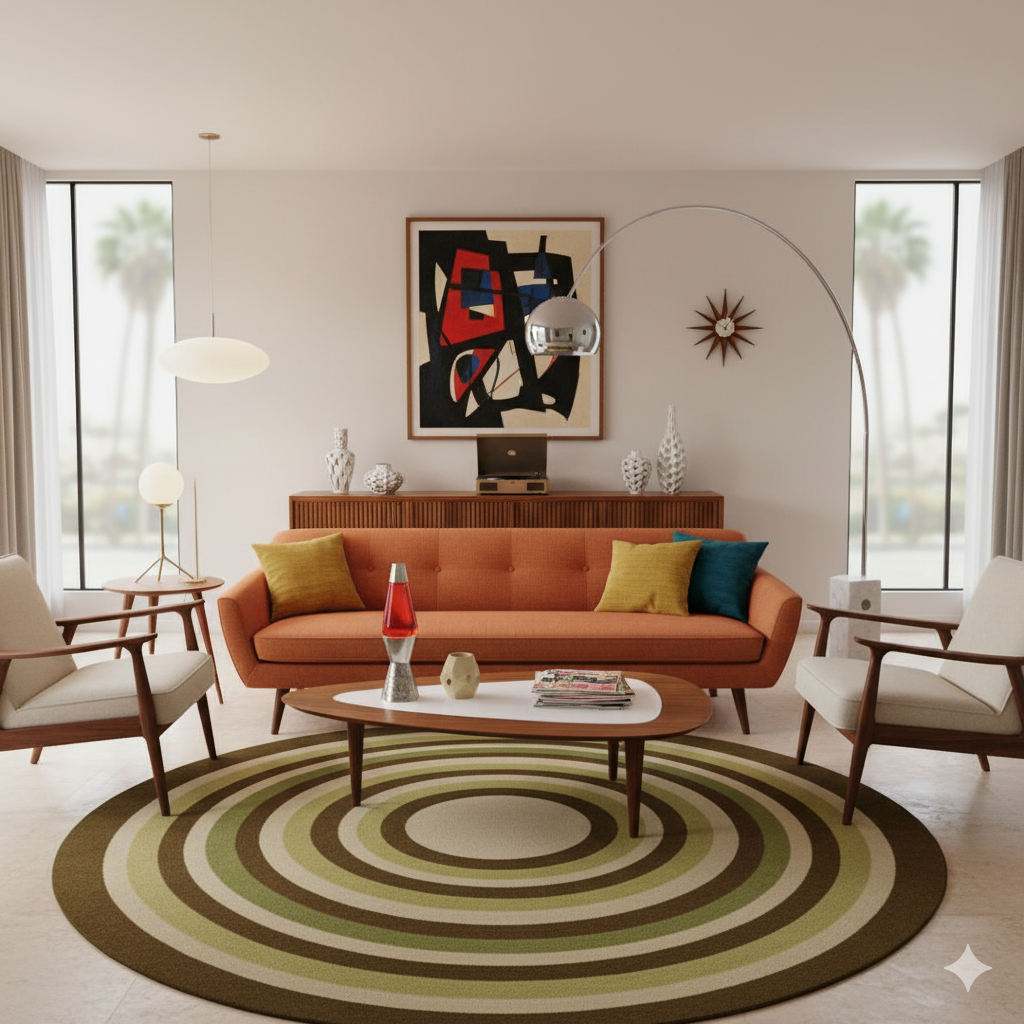
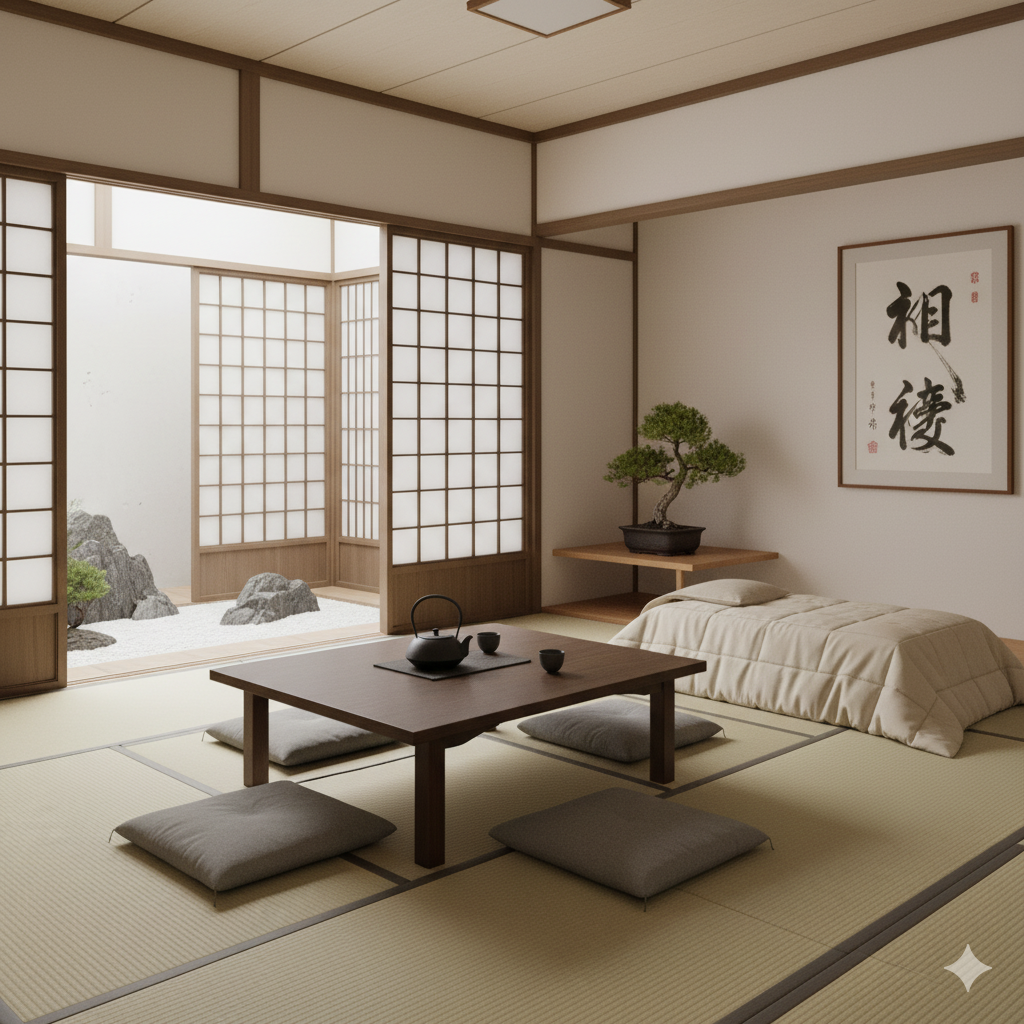
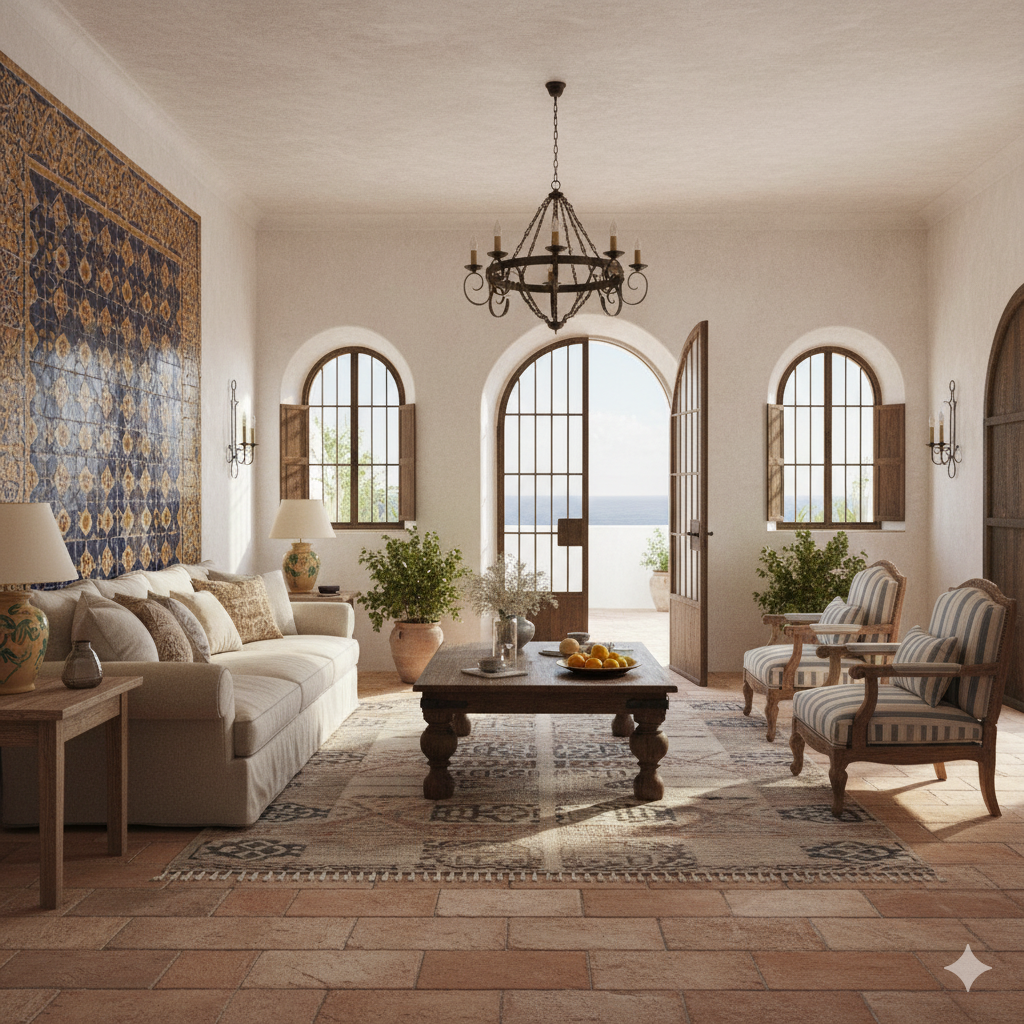

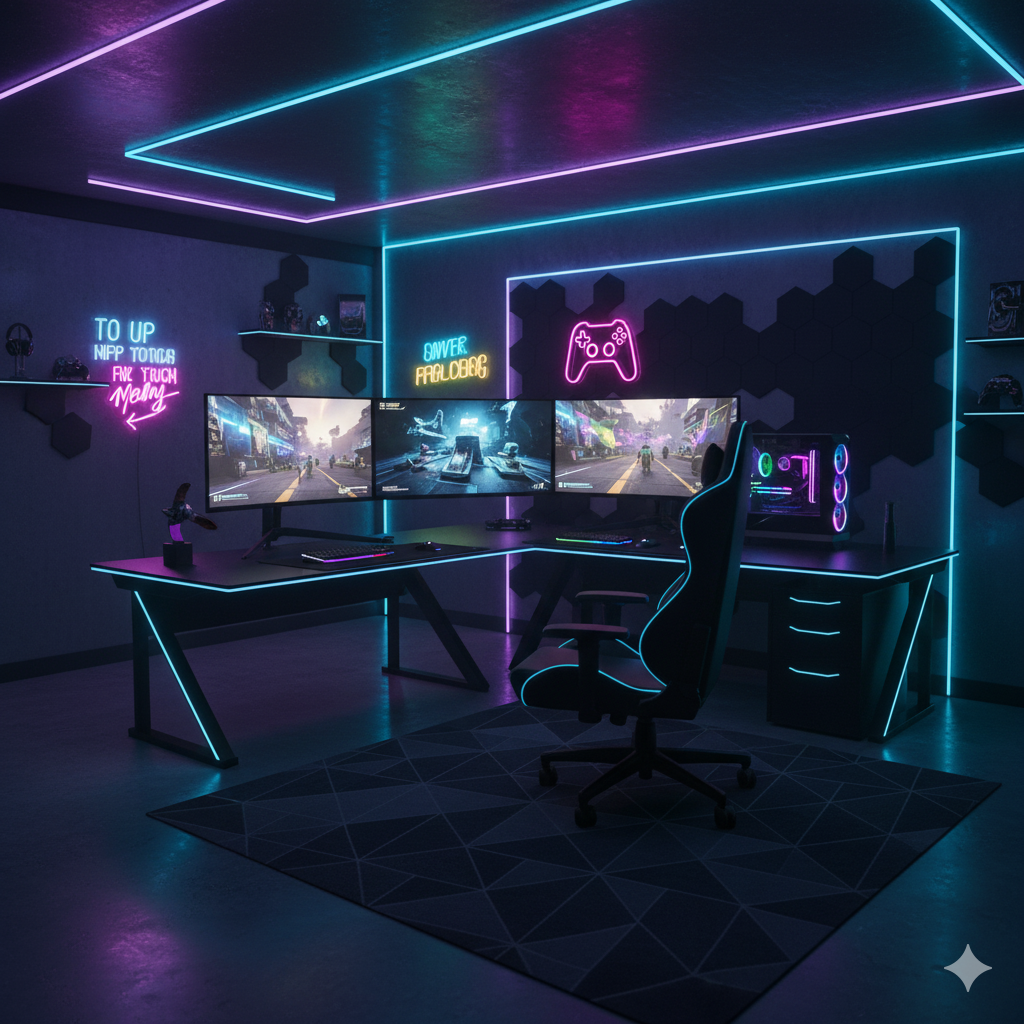
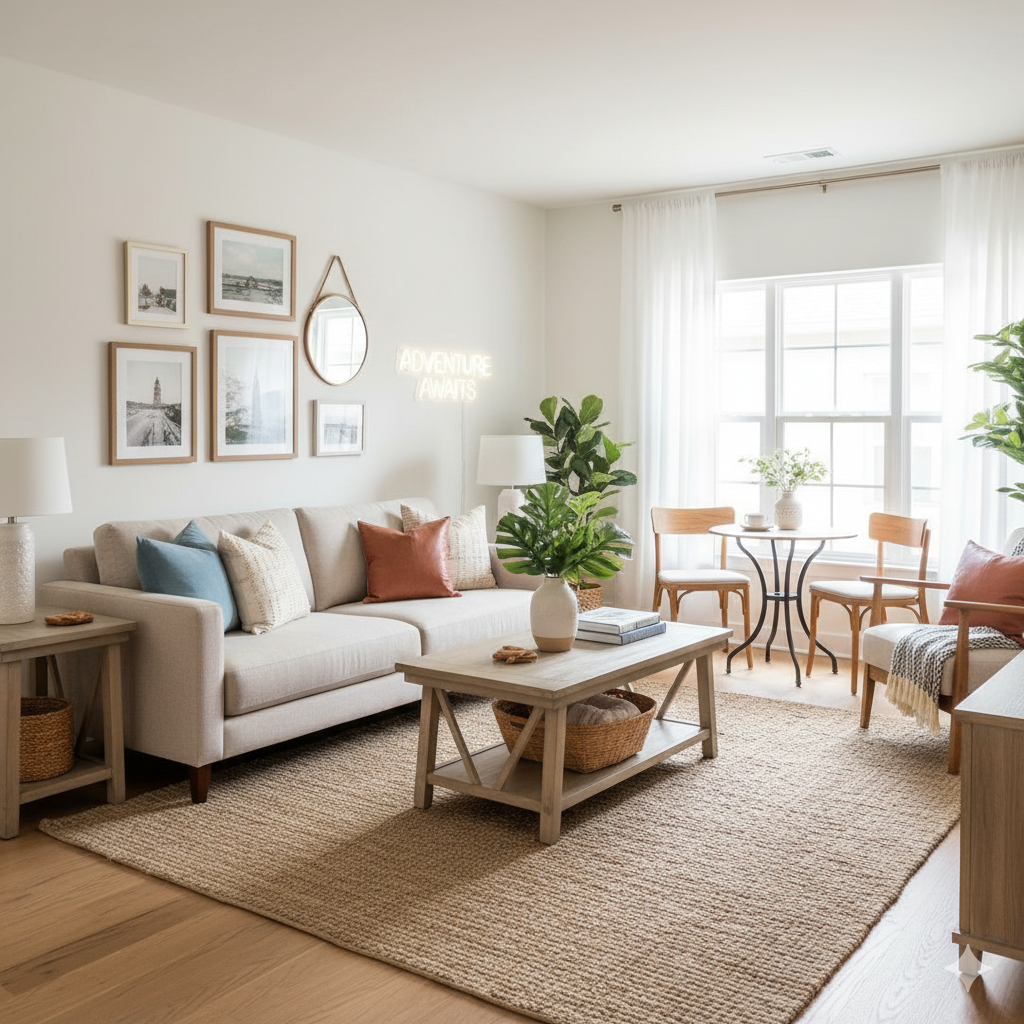
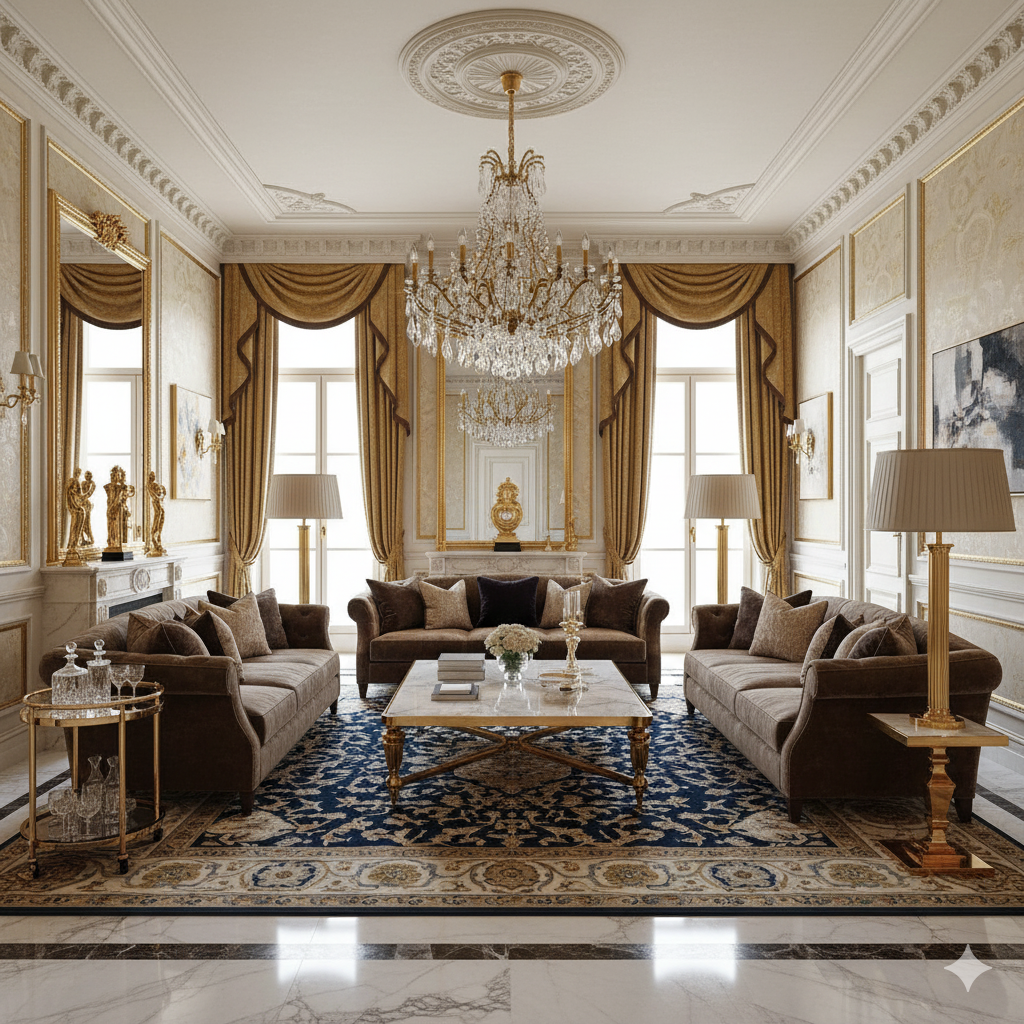
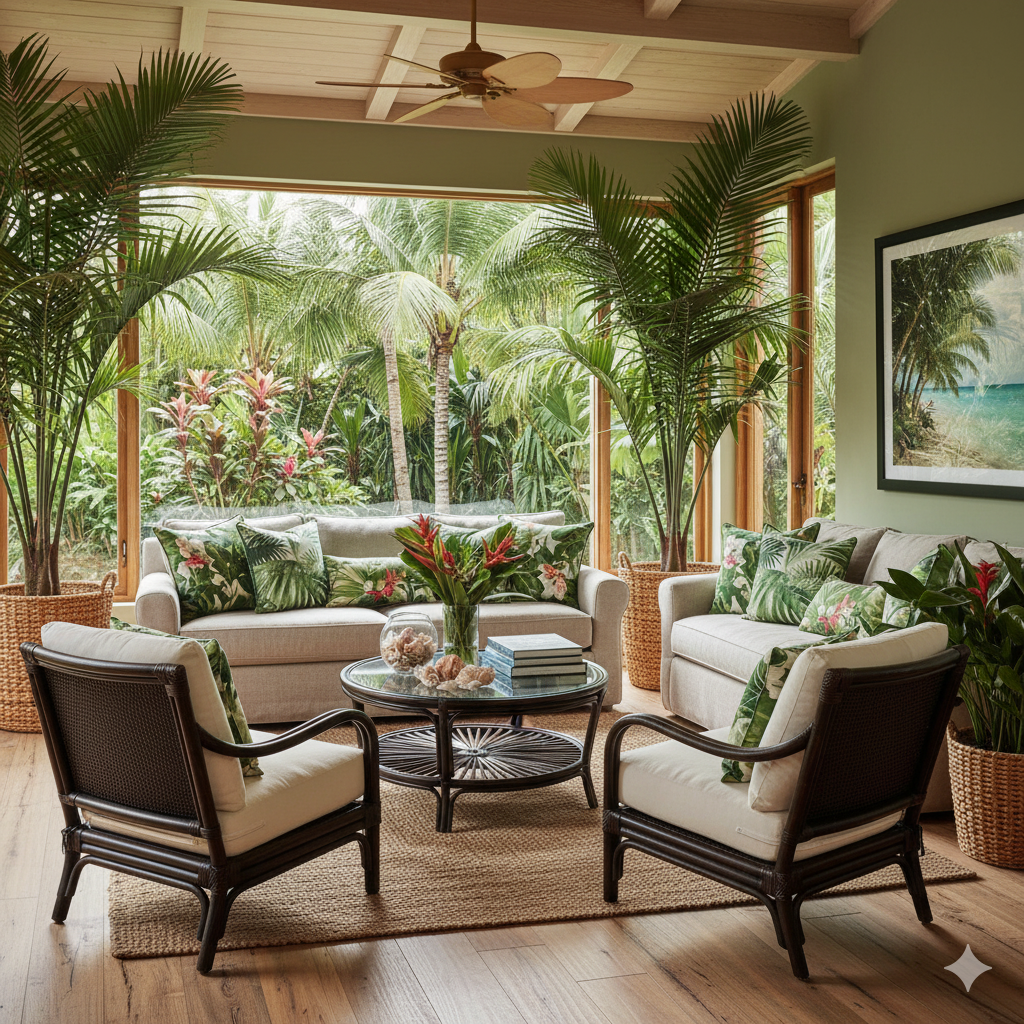


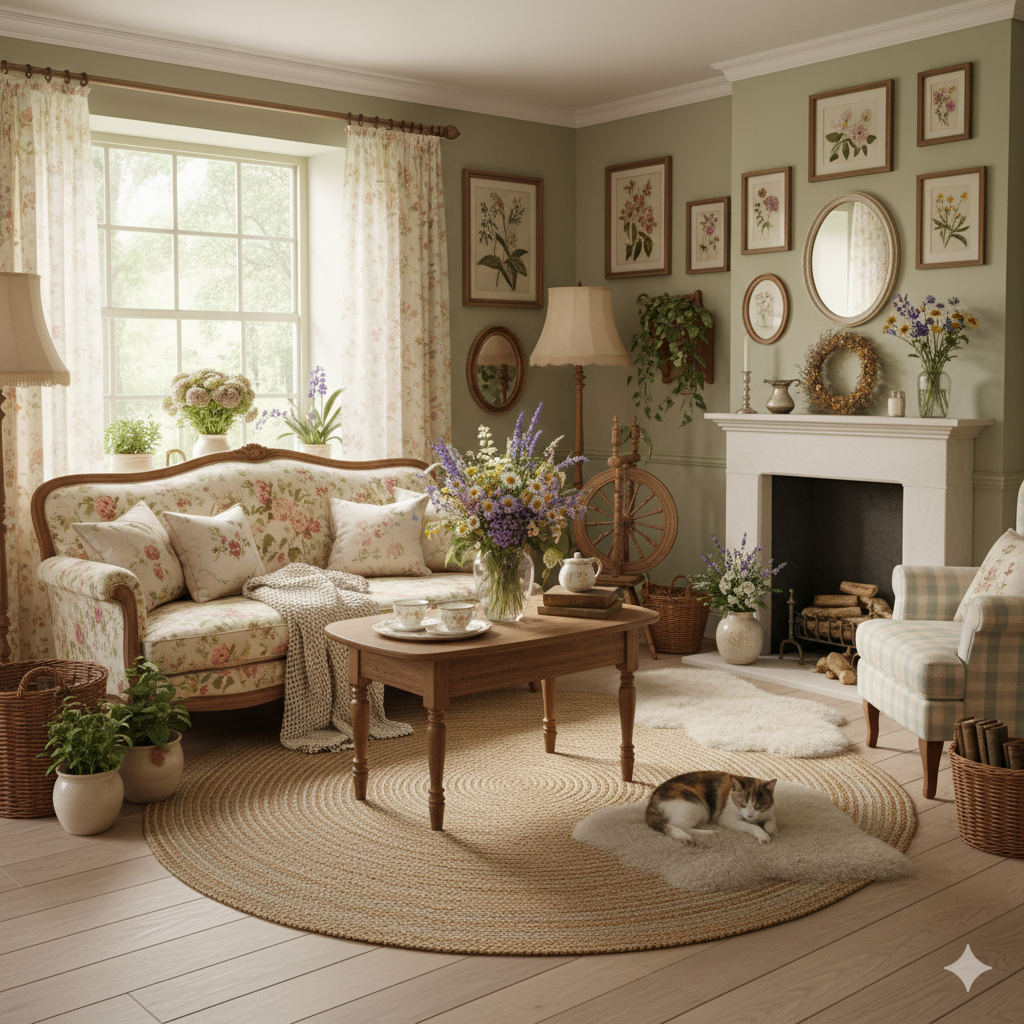

Pay only for the images you want to generate
All users get all features.
One-Time
Personal
One-time purchase, no subscription
15 Images
150 Credits
≈ $1 / image
One-time payment · no subscription
Subscriptions
Pro
Perfect for personal projects
40 Images
400 Credits
≈ $0.50 / image
Cancel anytime · keep your credits
Ultra
Best for professionals
110 Images
1,100 Credits
≈ $0.45 / image
Cancel anytime · keep your credits
Premium
For agencies and power users
300 Images
3,000 Credits
≈ $0.33 / image
Cancel anytime · keep your credits
Have any question?
How much does each generation cost?
How long does it take to generate an image?
What happens if I run out of credits mid-month?
What are credits?
Do credits expire?
Can I upgrade my plan?
How long are my images stored?
Can I get a refund?
Can I get a receipt or invoice?
What are input photos?
What happens to my personal photos?
What happens if I cancel my subscription?
Professional Results. Fraction of the Cost.
Get photorealistic interior renders in seconds, not days. Professional-grade AI visualization with full creative control — no design skills needed.
No credit card required