Flooring & Countertop Visualizer On a Photo of Your Real Room
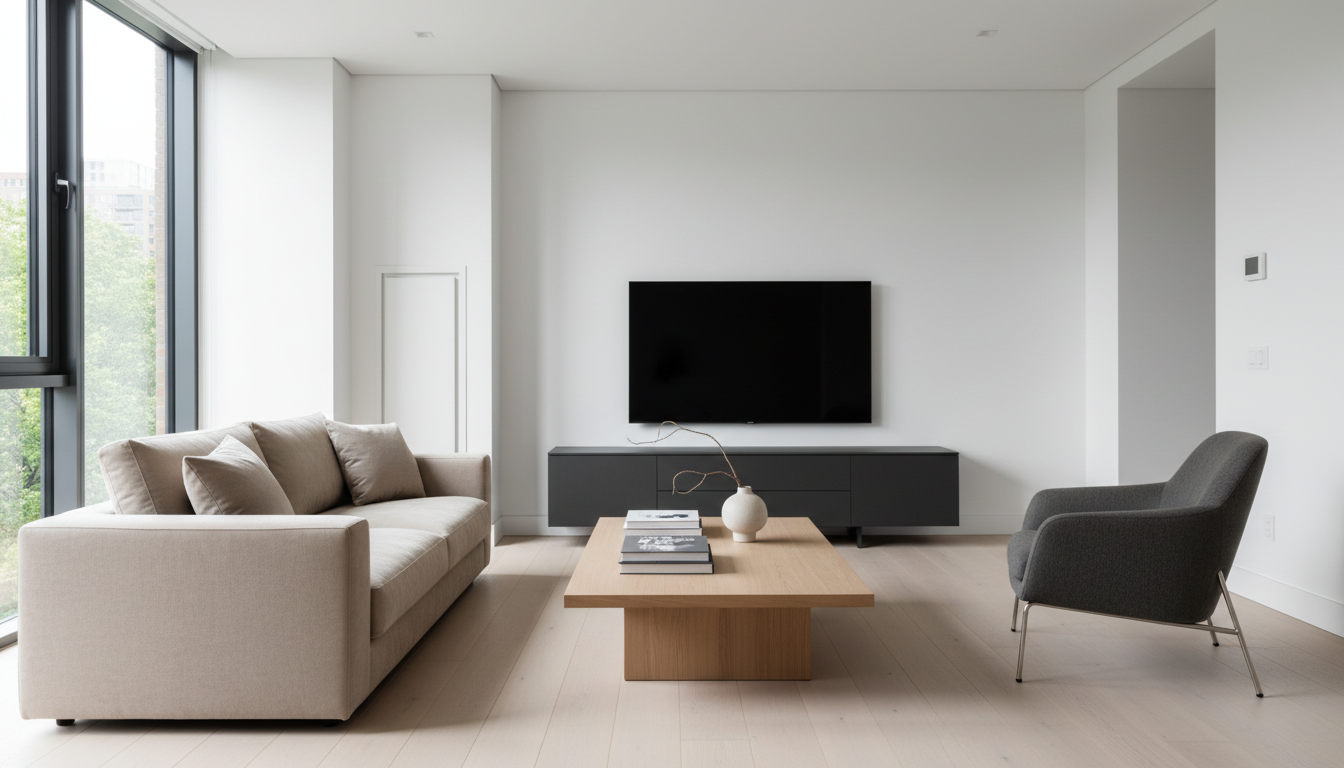
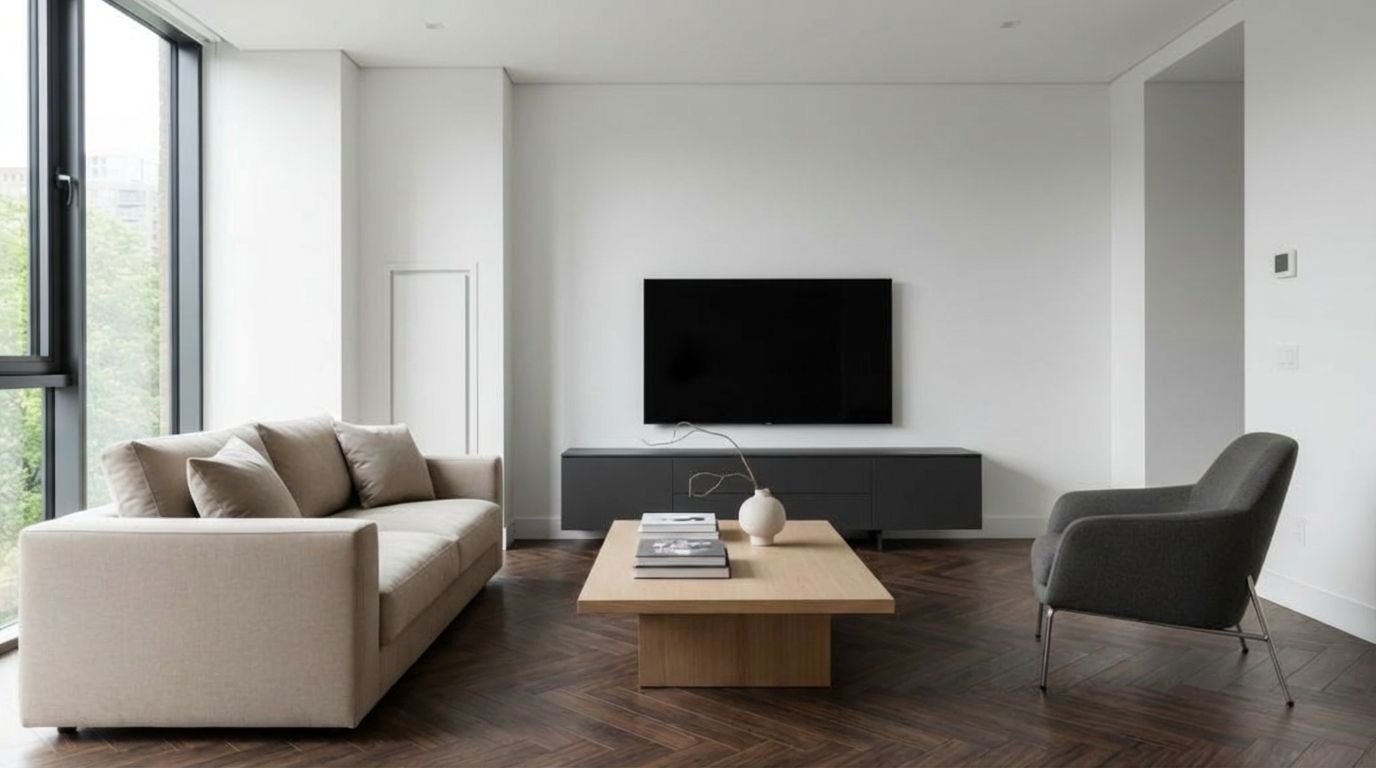
Planning a renovation? Visualize the outcome first. Swap existing flooring for hardwood, change wall colors, or test new wallpapers instantly. See how different textures interact with your room's lighting before making a mess.
One-time plans from $15
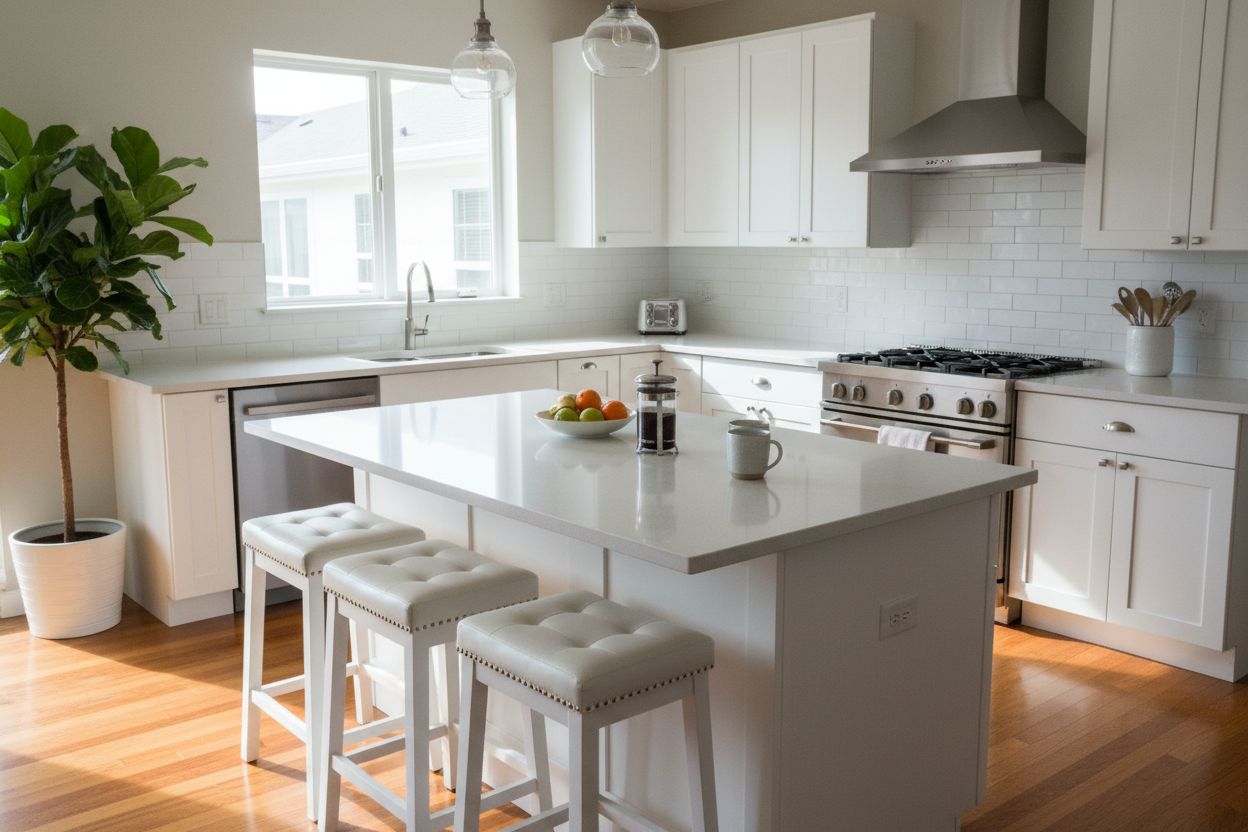
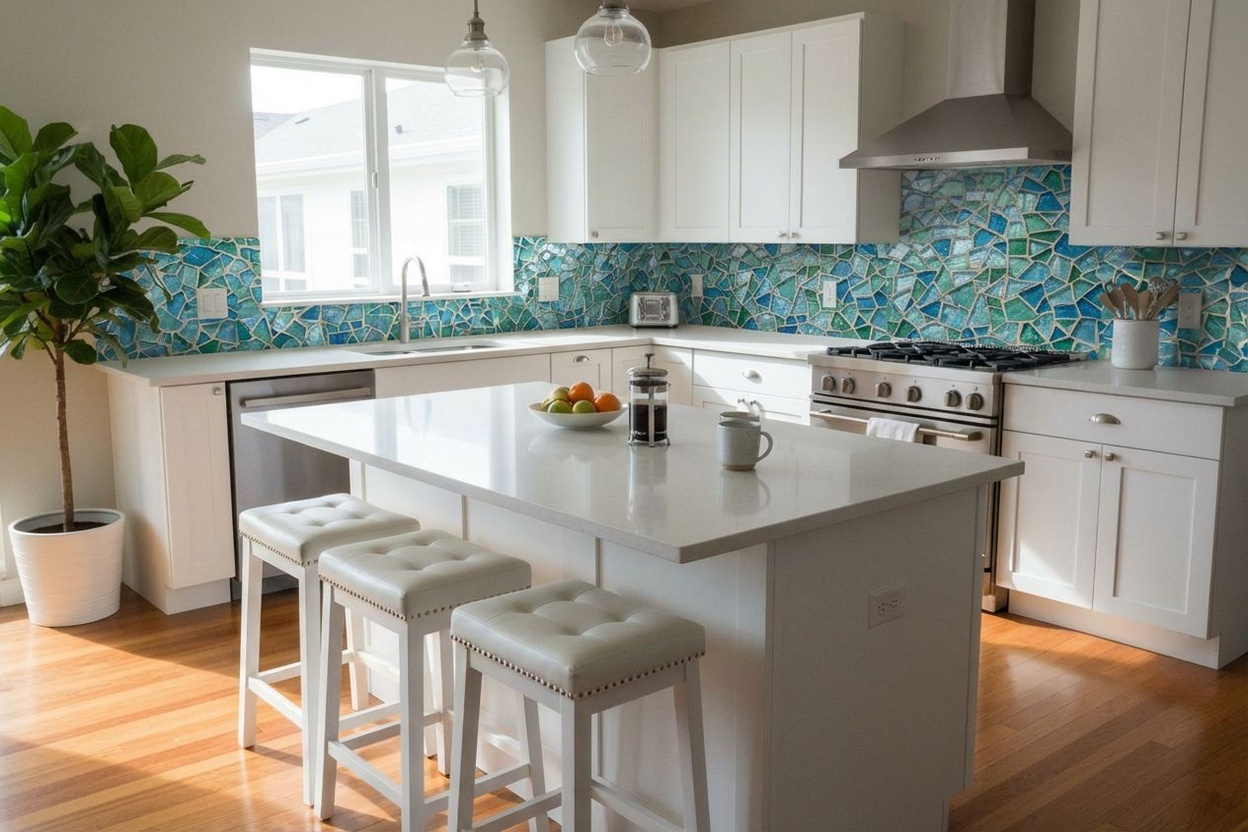
AI Material & Texture Replacement for Walls, Floors & Surfaces
Physical samples are expensive and slow. Preview wood, tile, marble, or paint finishes directly on your client's walls and floors in seconds.
Clients hesitate on materials they can't see in context — show realistic previews instantly.
Skip expensive physical samples. Preview wood, tile, or paint directly on their walls.
Don't lose renovation projects to indecision. Let clients compare finishes side by side.
Used by property and design teams around the world



See How It Works
With less than 10 clicks, modify with precision the aspect of your room
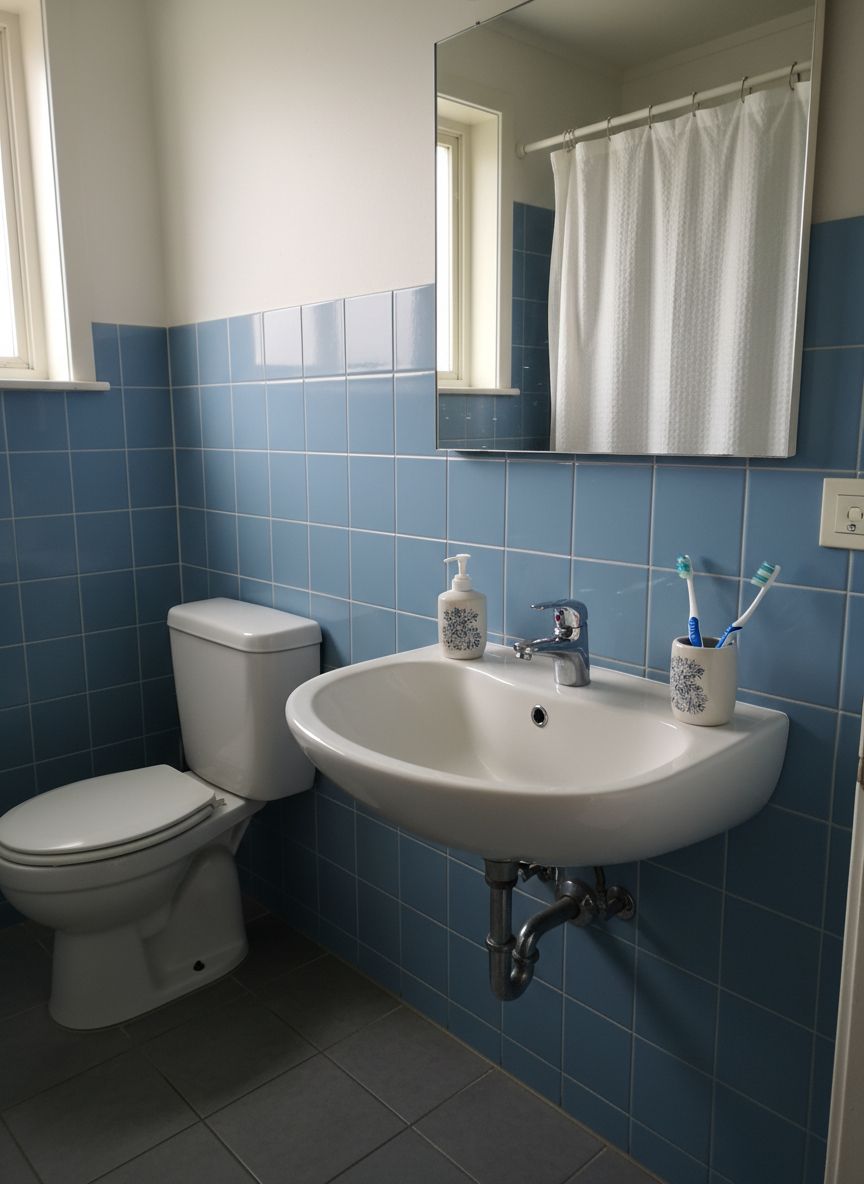
Your Room
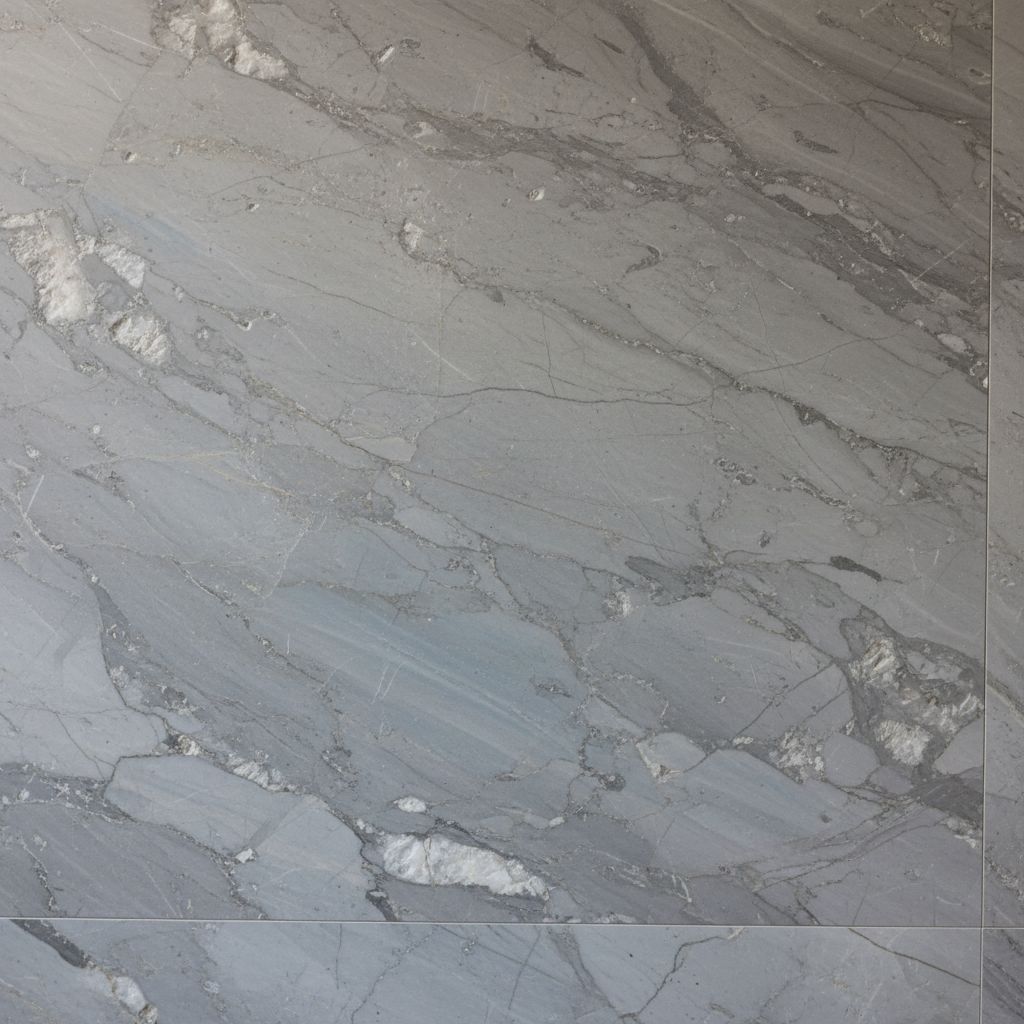
Pick Material
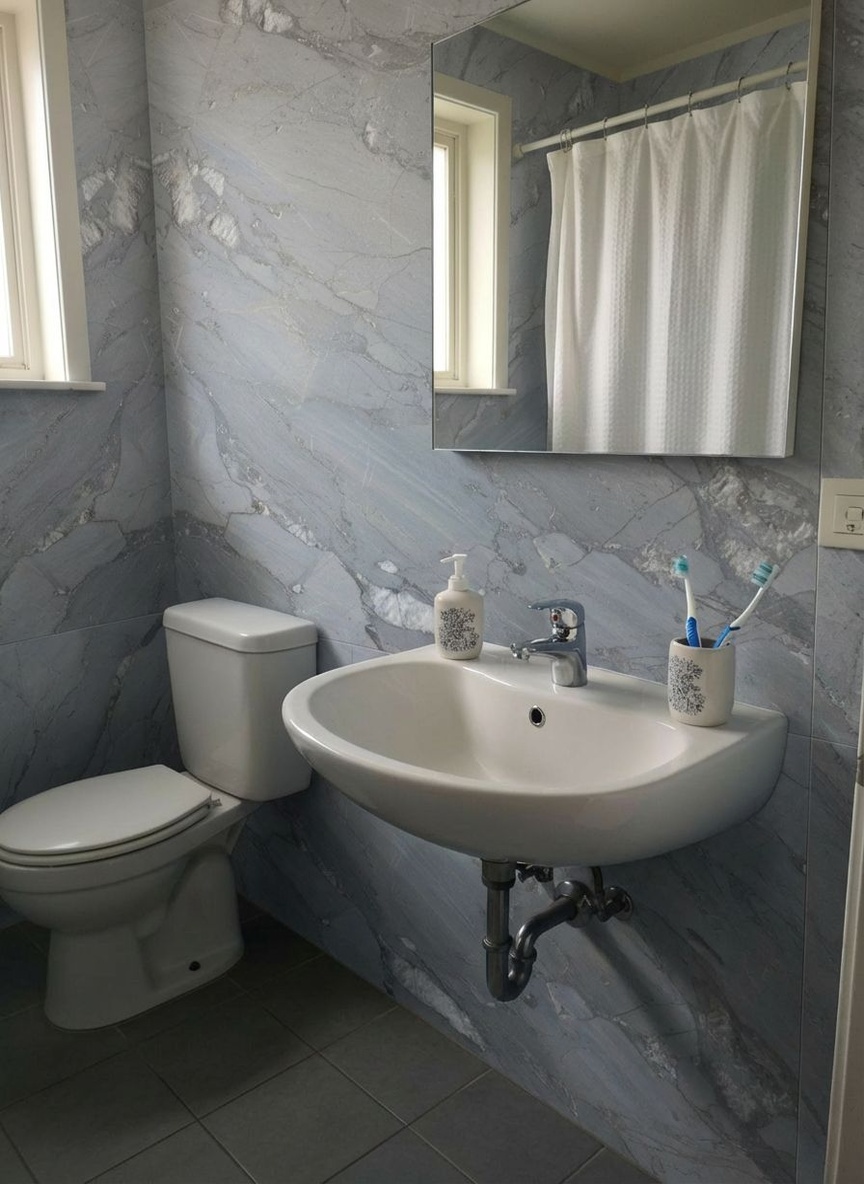
AI Result
Preview New Wall Tiles in Your Bathroom
Redefine your bathroom walls. Test waterproof paints or elegant tile patterns to create a spa-like atmosphere in your own home.
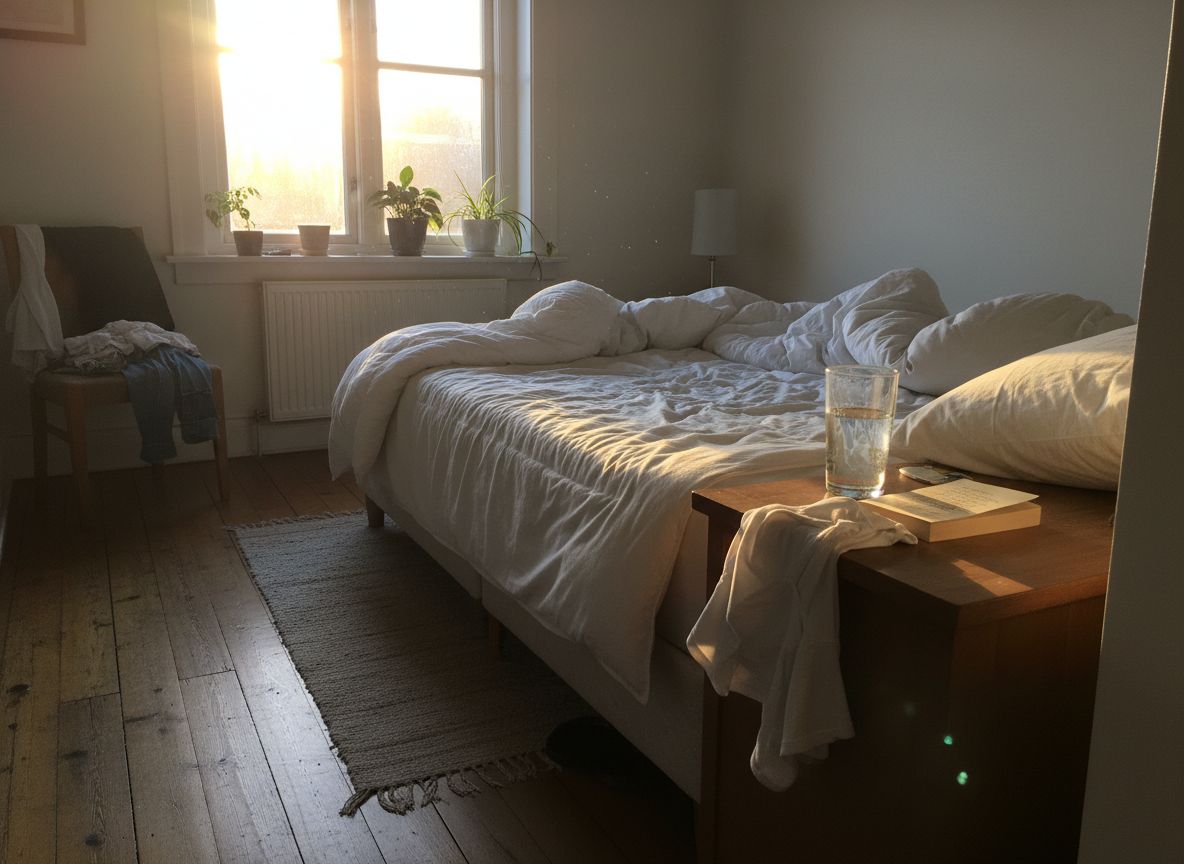
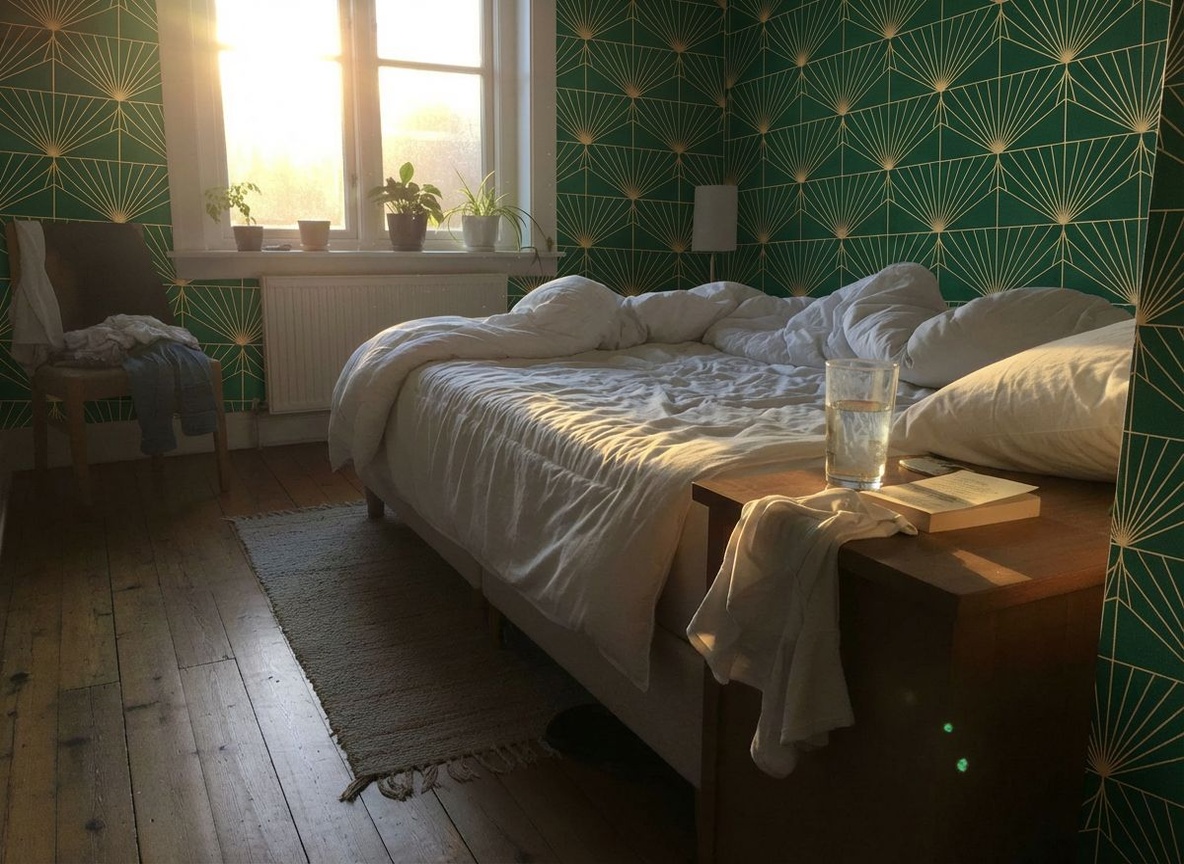
Preview New Wall Colors in Your Bedroom
Visualize flooring, wallpaper, or fabric changes instantly with AI interior design tools. Speed up client approval with photorealistic previews.

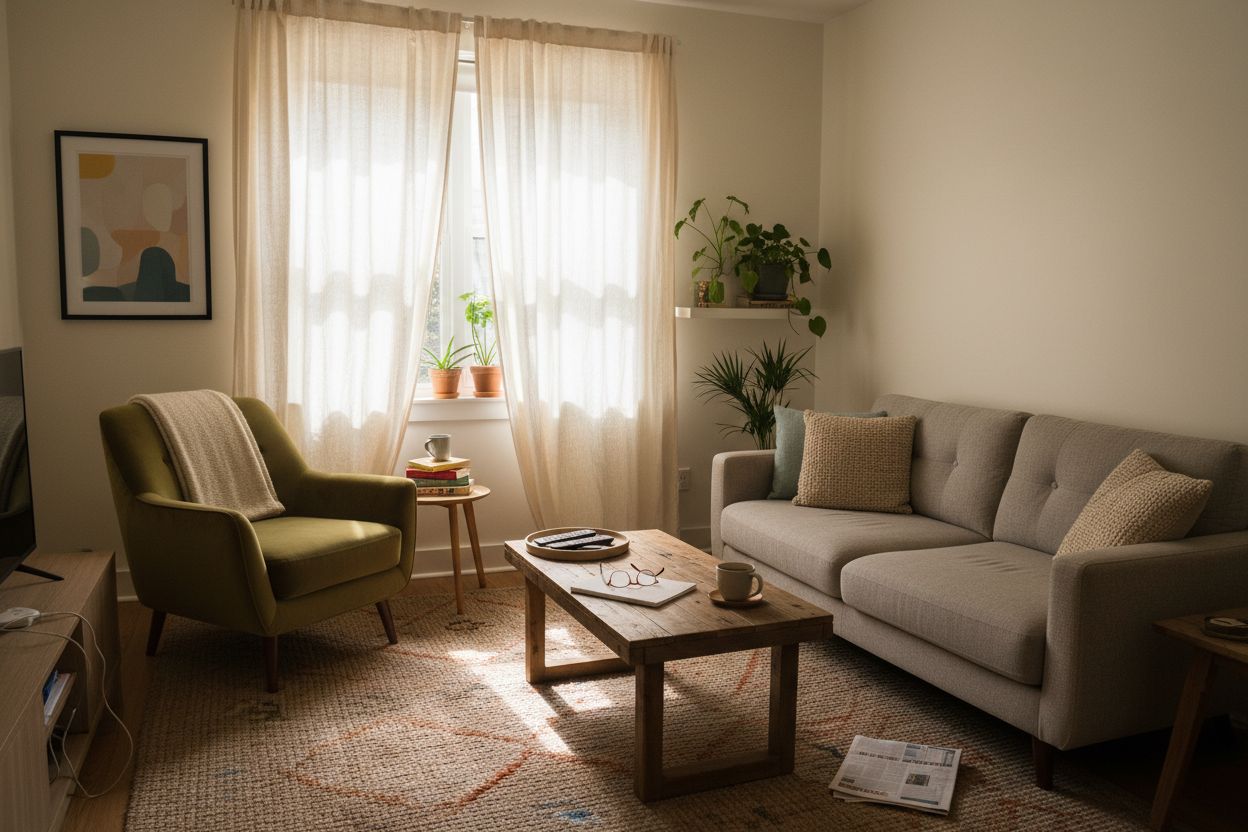
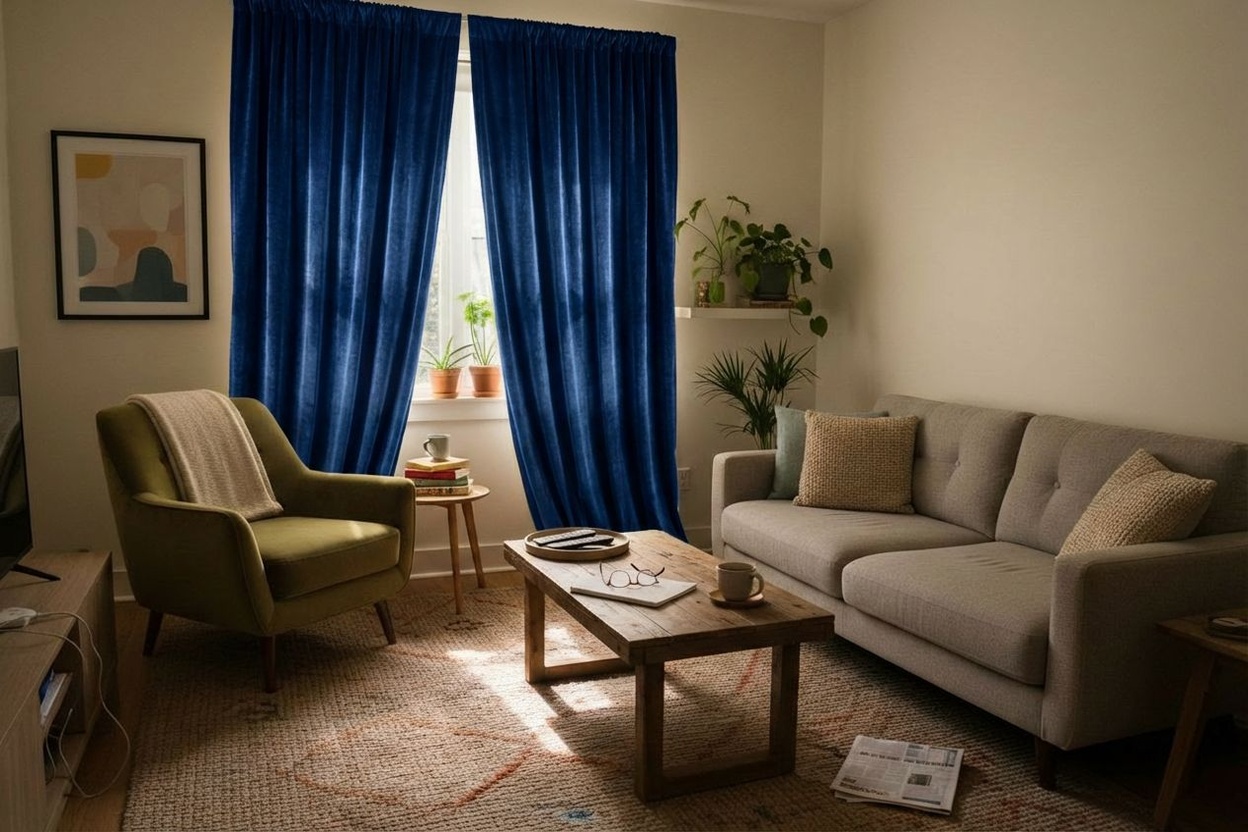
See How New Curtains Look in Your Living Room
See how new curtains frame your lounge view. Experiment with sheer fabrics versus heavy drapes to control light and style in your apartment living area.

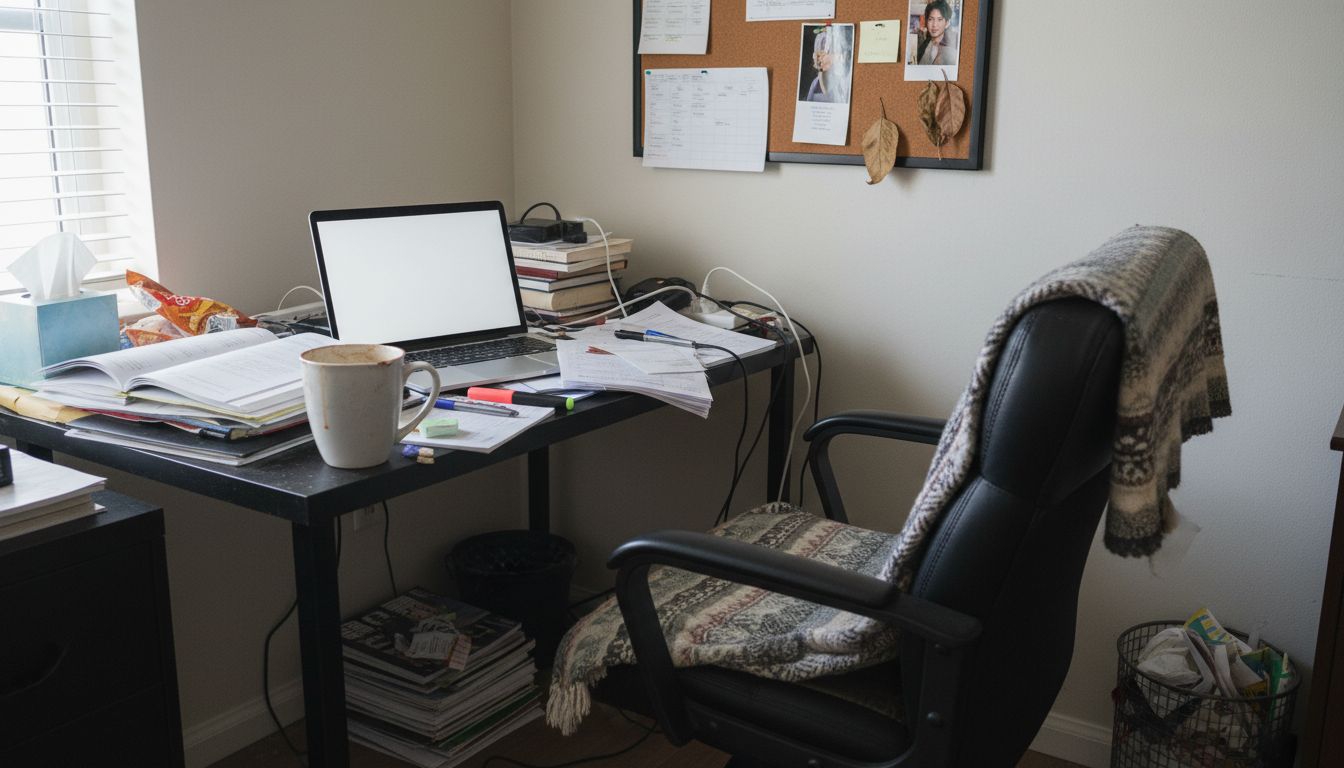
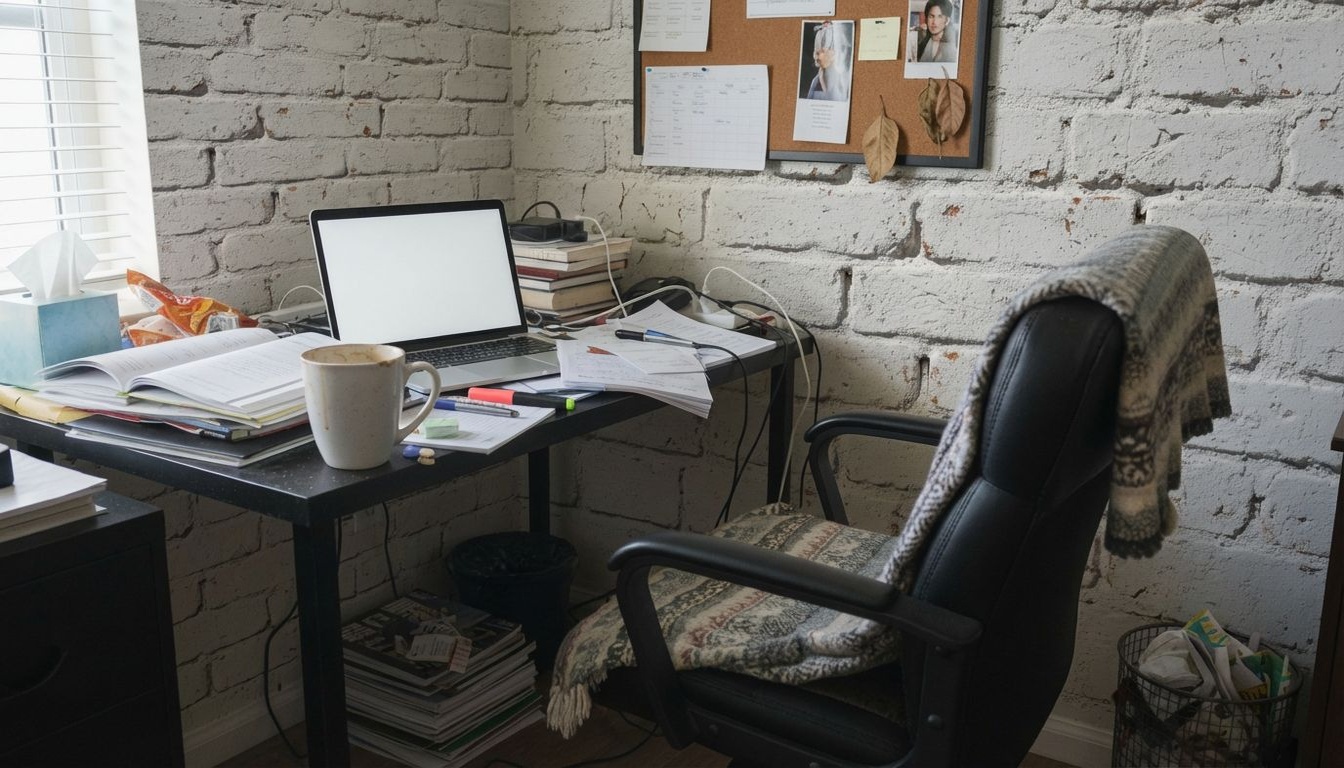
Preview Wall Colors for Your Home Office
Boost productivity with a new office backdrop. Change your wall color or texture to create a workspace that inspires focus and creativity.

Material Visualizer — Frequently Asked Questions
How can I see new flooring in my room before buying?
Upload a photo of your room to RoomLab.app, select the floor, and choose the material you're considering — from a preset or a reference image of the exact product. The AI re-renders the floor with correct perspective and your room's real lighting, so you see how it would actually look.
Can I compare hardwood vs tile in the same room?
Yes — generate one version with hardwood and another with tile from the same photo, and compare them side by side. It's the fastest way to settle a materials debate before ordering samples.
Does it work for countertops and walls too?
Yes. Beyond flooring, you can swap countertops (granite, quartz, marble...), wall finishes and tiles — any large surface in the room.
How accurate is the preview?
The AI keeps your room's geometry, perspective and lighting, so the preview is realistic enough to choose confidently between options. For the final purchase we still recommend checking a physical sample for exact color under your light.
Is it free to try?
Yes — every new RoomLab.app account includes a free image generation, no credit card required.
Explore More Features
Discover what else you can achieve with RoomLab
Replace Furniture
Swap furniture pieces in photos to visualize options before purchase.
Paint Color Visualizer
Preview any wall paint color on any room — pick your own or use our curated presets.
Custom Prompt
Describe any transformation in natural language for unique results.
Virtual Staging
Add furniture and decor to empty rooms for listing-ready property photos.
Declutter Rooms
Remove mess and personal items while keeping the furniture intact.
Remove Furniture
Empty any room photo to show the bare space and its potential.
Change Style
Restyle existing rooms while preserving layout and structure.
3D to Photorealistic
Convert 3D models and renders into stunning photorealistic images.
Video Generation
Create walkthroughs, before-and-after transitions, and multi-room house tours from property photos.
Photo Enhancement
Blue skies, green grass, clean pools — one-click fixes for listing photos.
Pay only for the images you want to generate
All users get all features.
One-Time
Personal
One-time purchase, no subscription
15 Images or 3 videos
150 Credits
One-time payment · no subscription
Subscriptions
Pro
For personal projects
40 Images or 8 videos
400 Credits
Cancel anytime · keep your credits
Ultra
Best for professionals
110 Images or 22 videos
1,100 Credits
Cancel anytime · keep your credits
Premium
For agencies and power users
300 Images or 60 videos
3,000 Credits
Cancel anytime · keep your credits
Have any question?
How much does each generation cost?
How long does it take to generate an image?
What happens if I run out of credits mid-month?
What are credits?
Do credits expire?
Can I upgrade my plan?
How long are my images stored?
Can I get a refund?
Can I get a receipt or invoice?
What are input photos?
What happens to my personal photos?
What happens if I cancel my subscription?
Professional Results. Fraction of the Cost.
Get photorealistic interior renders in seconds, not days. Professional-grade AI visualization with full creative control — no design skills needed.
No credit card required