Visualize West Elm Pieces in Your Space
See how West Elm's modern designs look in your actual room. Save a product image from westelm.com, upload it with your room photo, and make confident design decisions.
One-time plans from $15
See How It Works
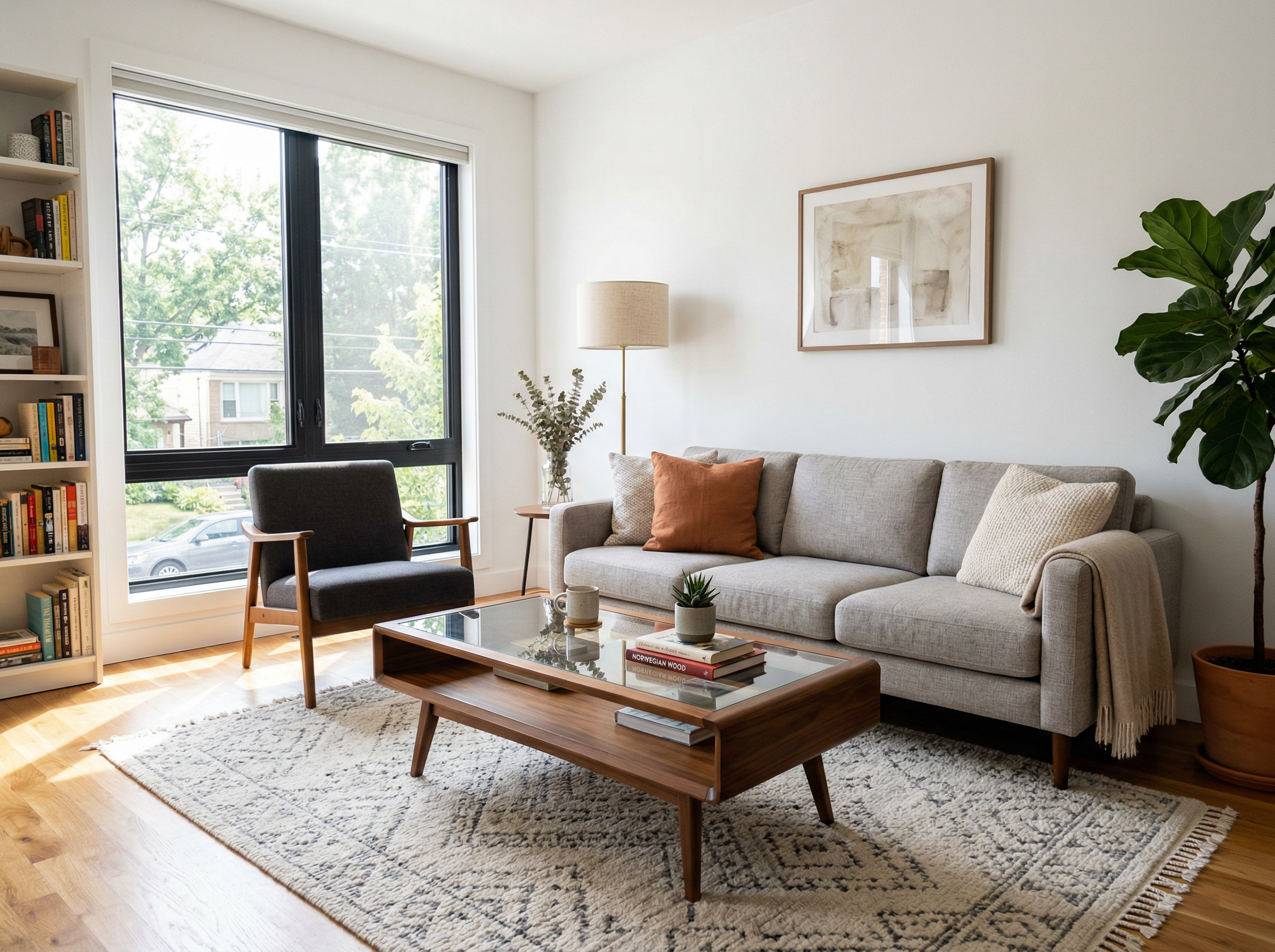
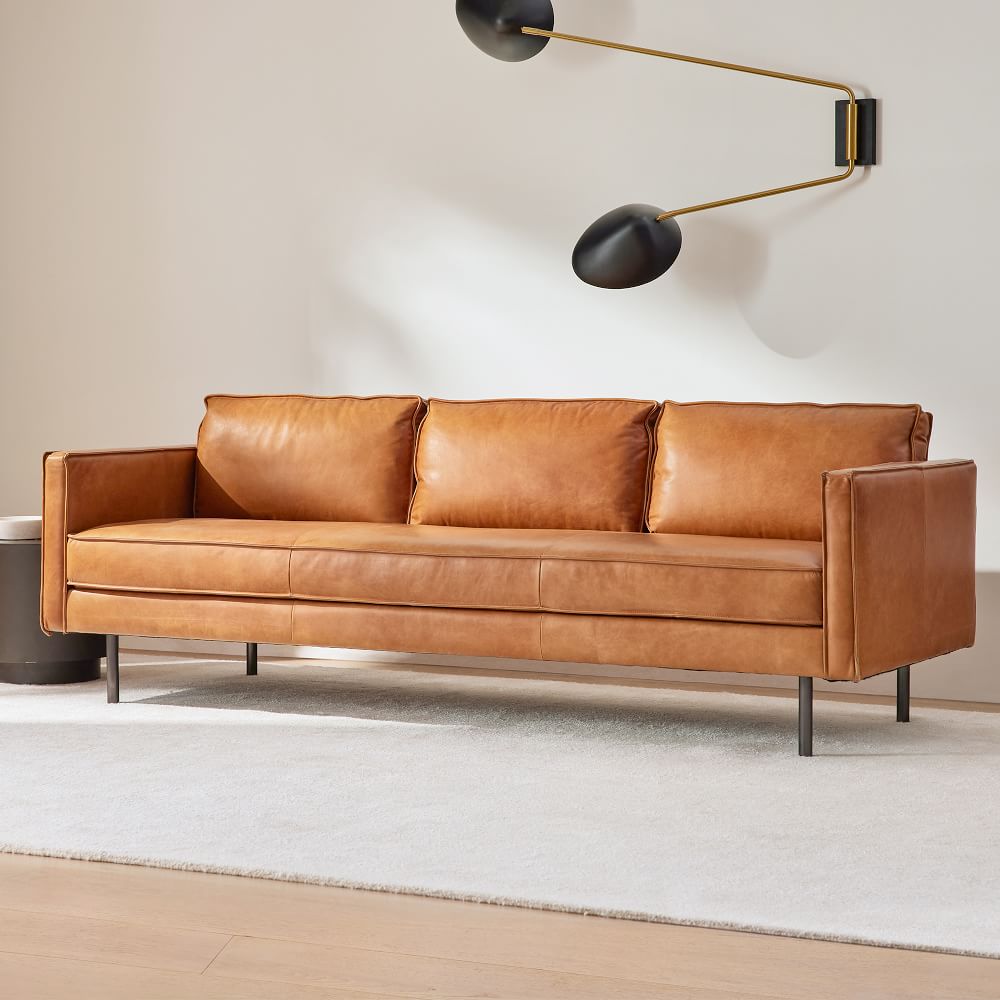
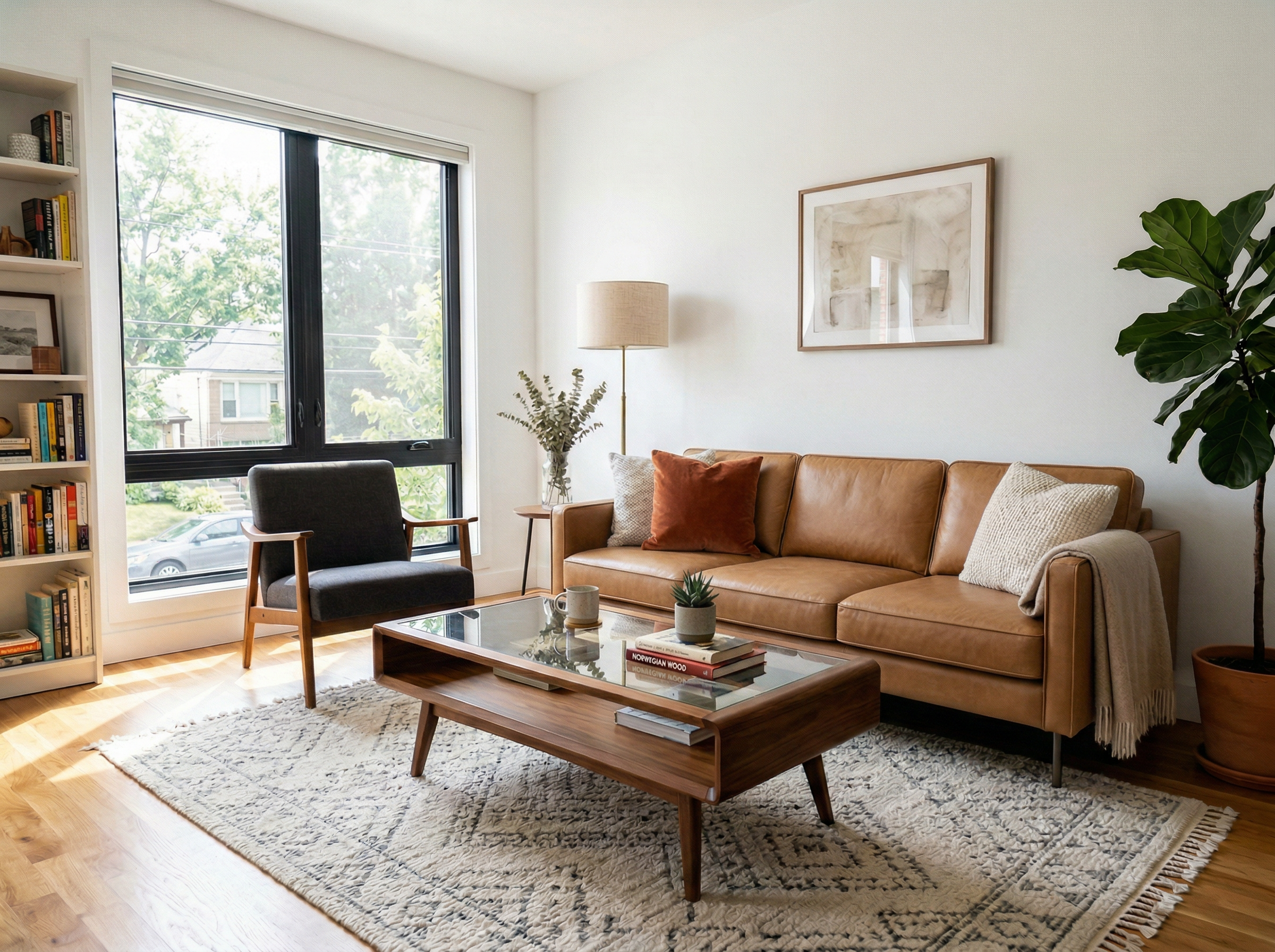
Store Displays Don't Match Your Home
West Elm stores are beautifully curated, but your home has its own lighting, wall colors, and layout. That mid-century credenza might look stunning in the showroom spotlight but clash with your existing decor. Save the product photo and see it in your own room first.
How It Works
Upload Your Room Photo
Take a photo of any room and upload it to RoomLab.
Add a Product Reference Image
Save a product photo from the brand's website — this is the piece you want in your room.
See It in Your Space
RoomLab's AI replaces the furniture in your room with the piece from your reference image.
West Elm is known for modern, sustainably-sourced furniture with a mid-century aesthetic. Part of the Williams-Sonoma family, they offer a curated selection of sofas, beds, tables, and decor that blend form and function.
Popular Products to Visualize
Why Visualize Before You Buy
West Elm pieces are an investment — their sofas and bedroom sets range from hundreds to thousands of dollars. Save the product photo, upload it with your room photo, and make sure the look and fit are exactly right before committing.
Frequently Asked Questions
Can I see how West Elm's Mid-Century collection looks in my room?
How can I test West Elm fabric options in my room?
Is this useful for West Elm's outdoor furniture too?
Can I combine West Elm with furniture from other brands?
Professional Results. Fraction of the Cost.
Get photorealistic interior renders in seconds, not days. Professional-grade AI visualization with full creative control — no design skills needed.
No credit card required