ChatGPT Images or a Dedicated Room Design Workflow?
ChatGPT Images 2.0 is a capable general-purpose creator. RoomLab.app uses Gemini 3 Pro Image (Nano Banana Pro) through its provider and adds guided tools for interior design, architectural rendering, furniture visualization and virtual staging.
One-time plans from $15
ChatGPT Images 2.0 can create and edit images inside a general-purpose conversation, but it does not provide RoomLab.app's room-specific controls and preset workflow.
ChatGPT's Free tier includes limited image creation; paid plans expand image-generation access, and limits can vary with demand and plan.
A chat subscription covers many non-design features. RoomLab.app's credits are dedicated to visual workflows and can be replenished for larger batches.
For repeated room variations, RoomLab.app removes much of the prompt setup with consistent staging, redesign, rendering and furniture tools.
Before / After
Photo-realistic results in seconds, not minutes
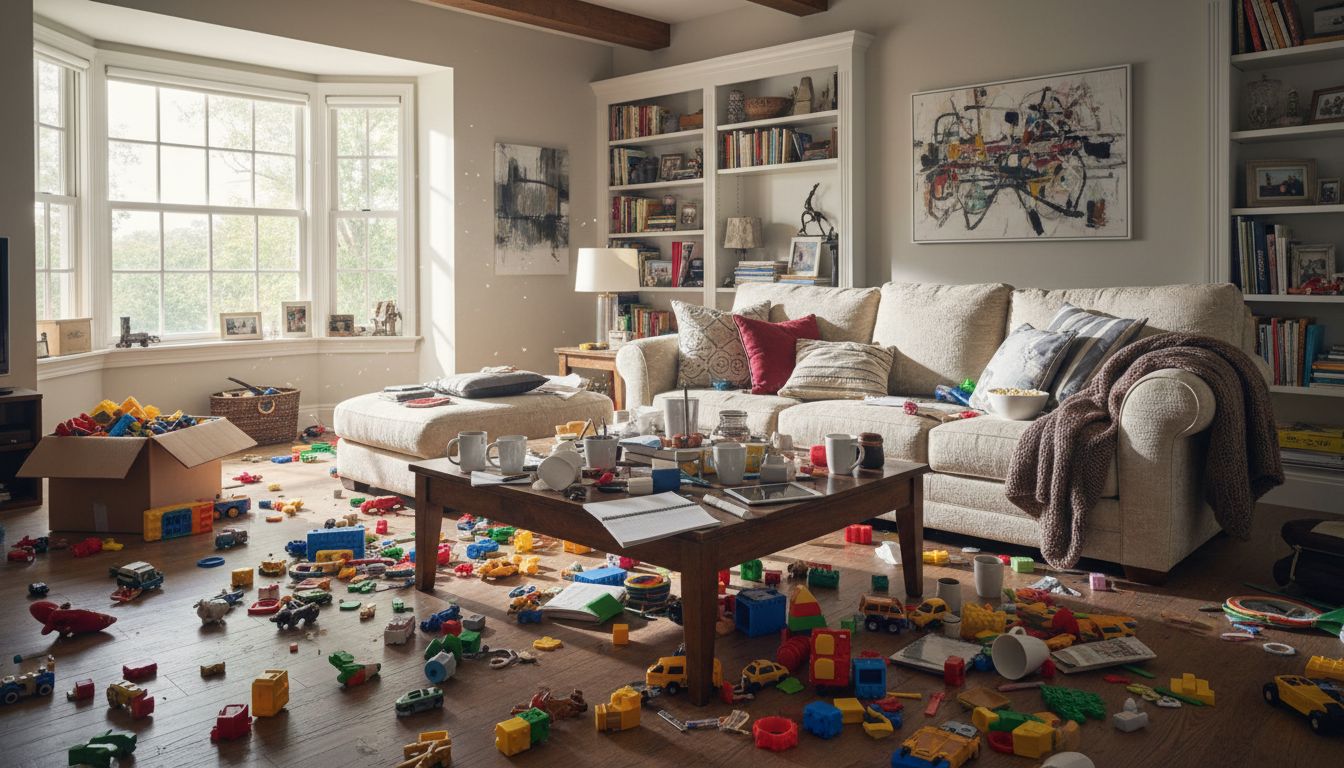
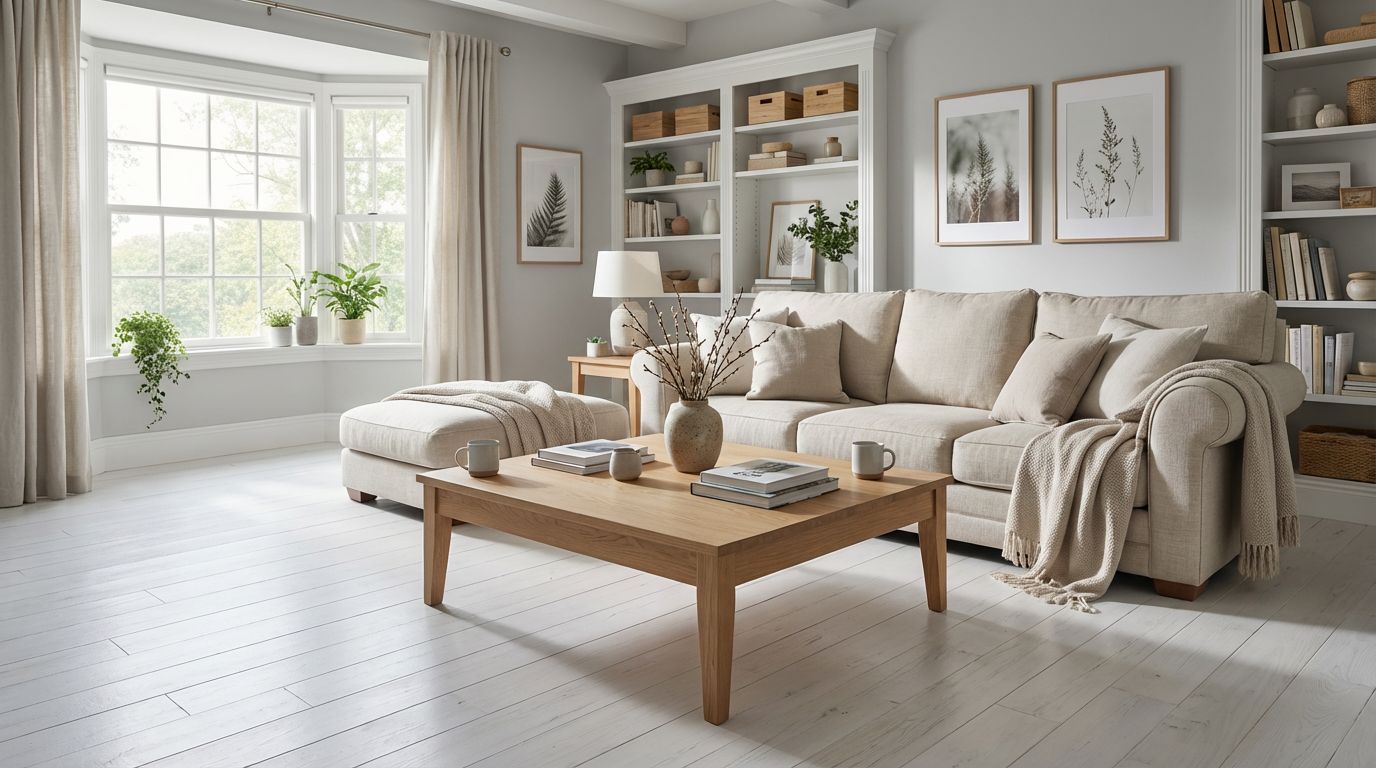
Before / After
4 generation modes: Redesign, Replace, Render, Custom
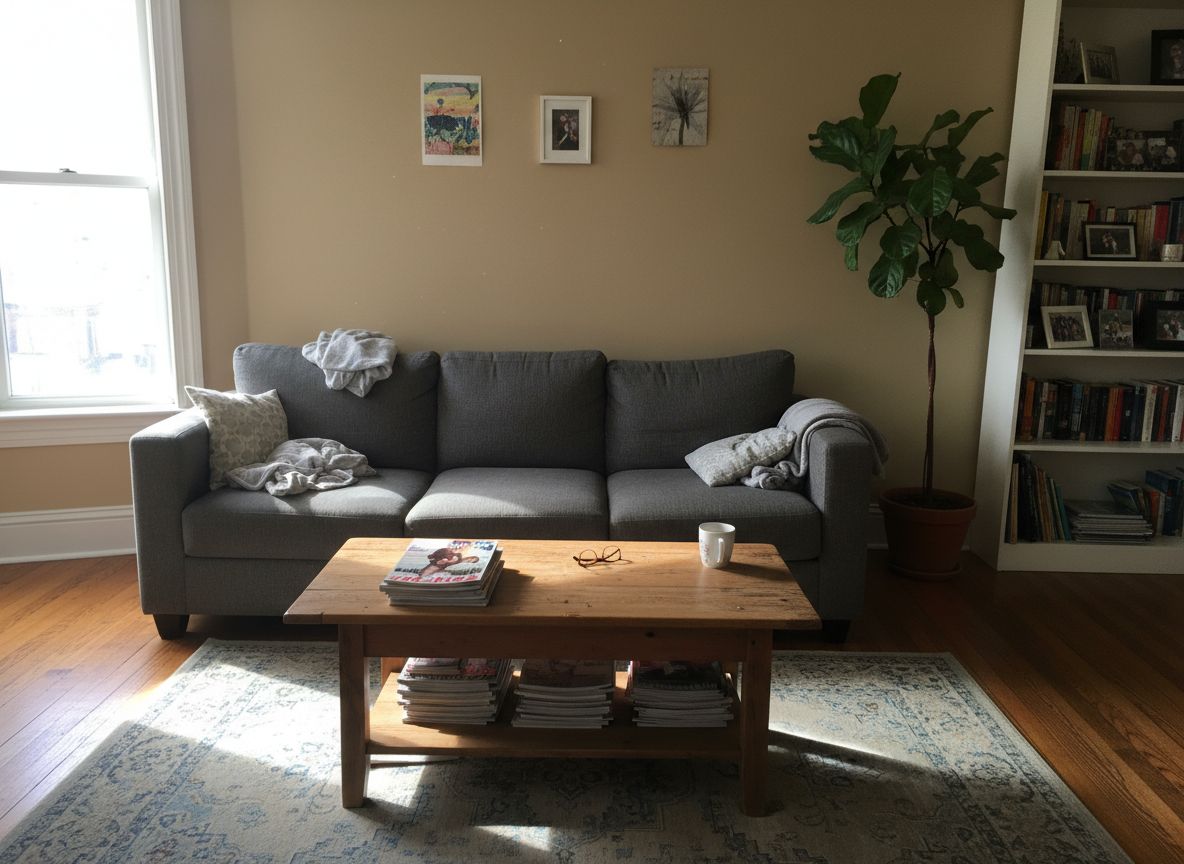
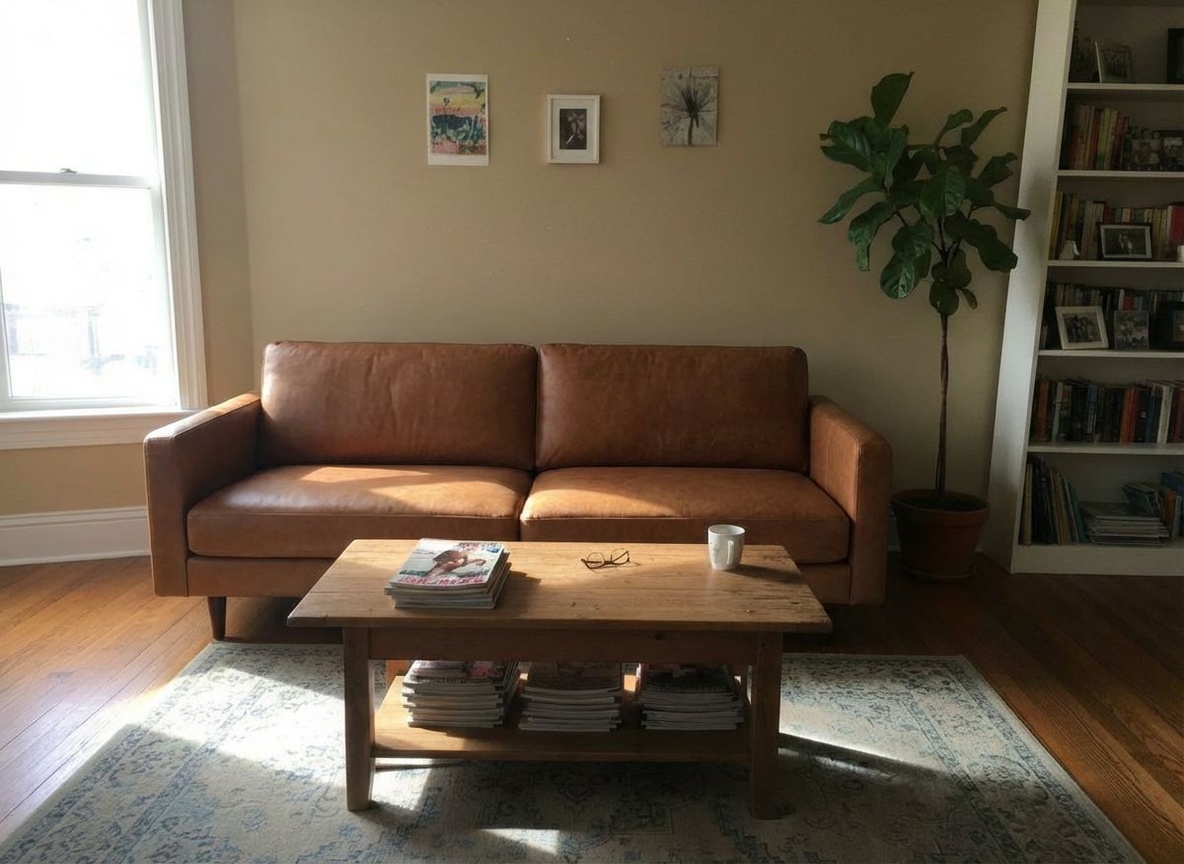
Before / After
4K upscale available on every image
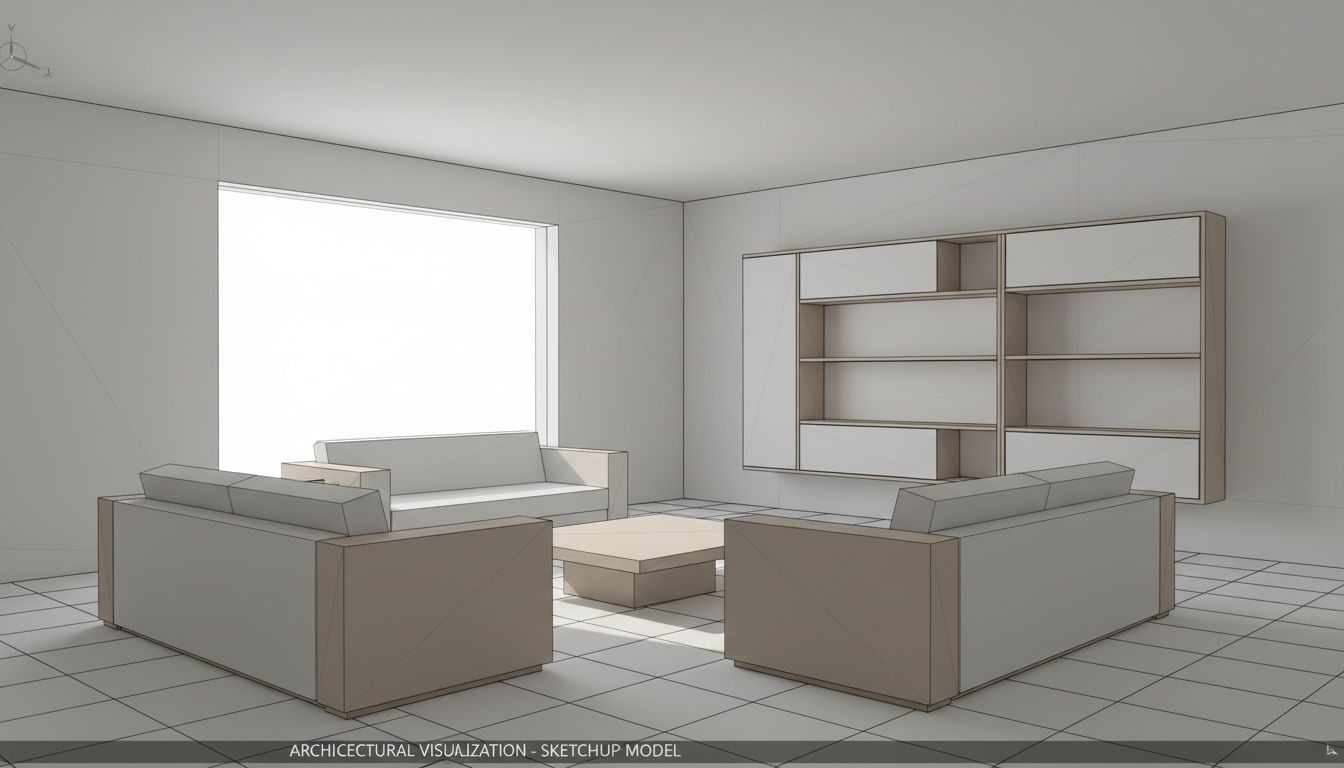
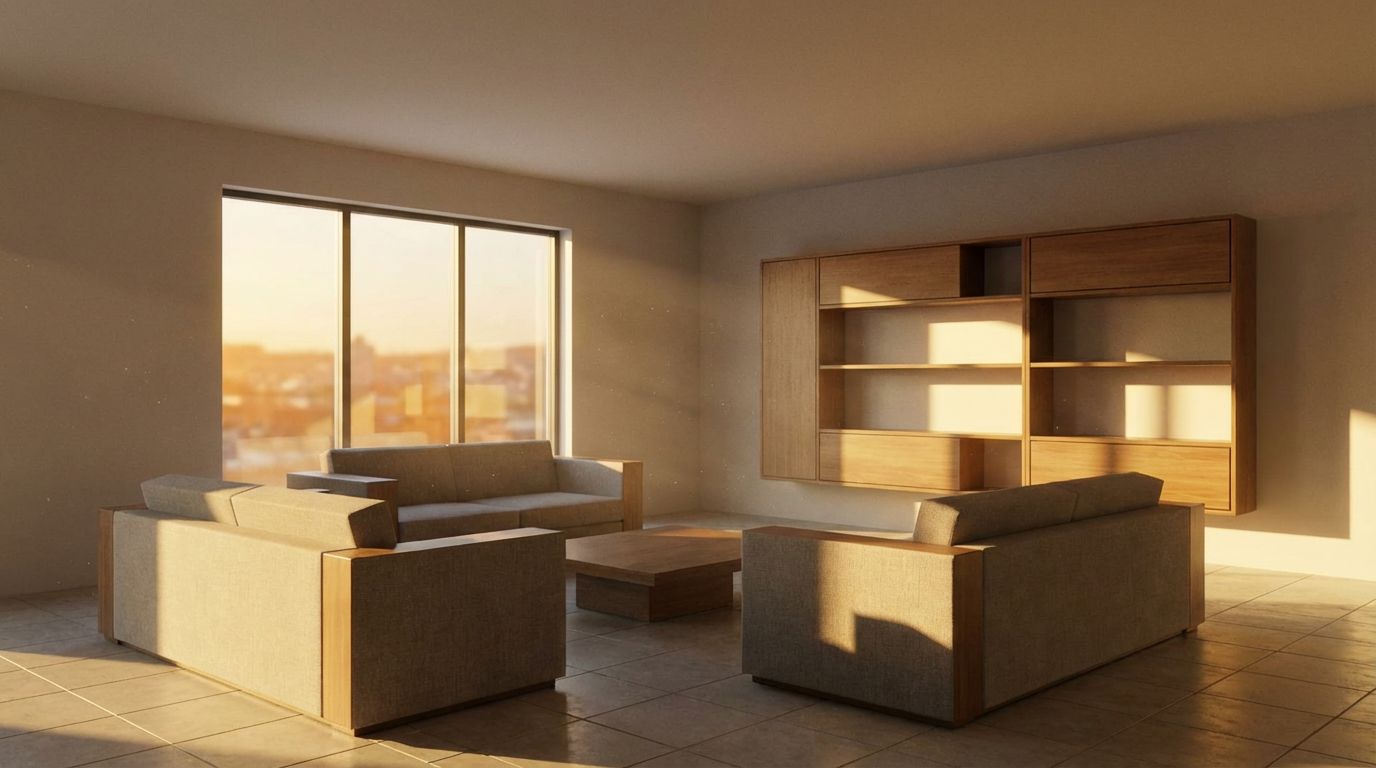
Before / After
29+ interior styles — from Modern to Holiday themes
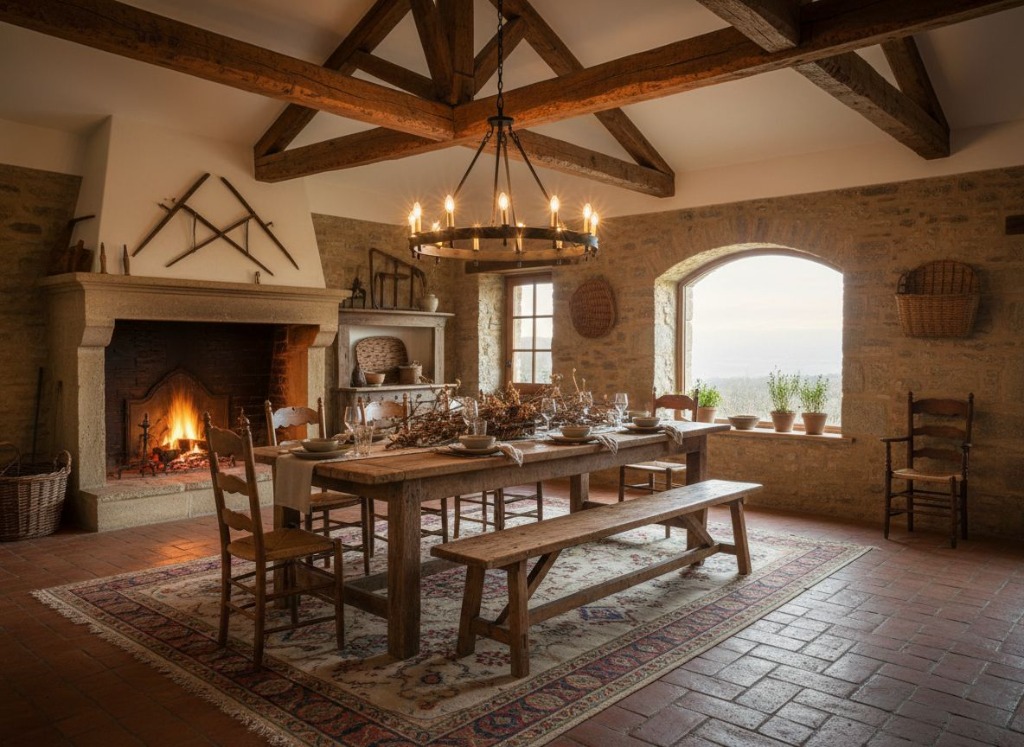
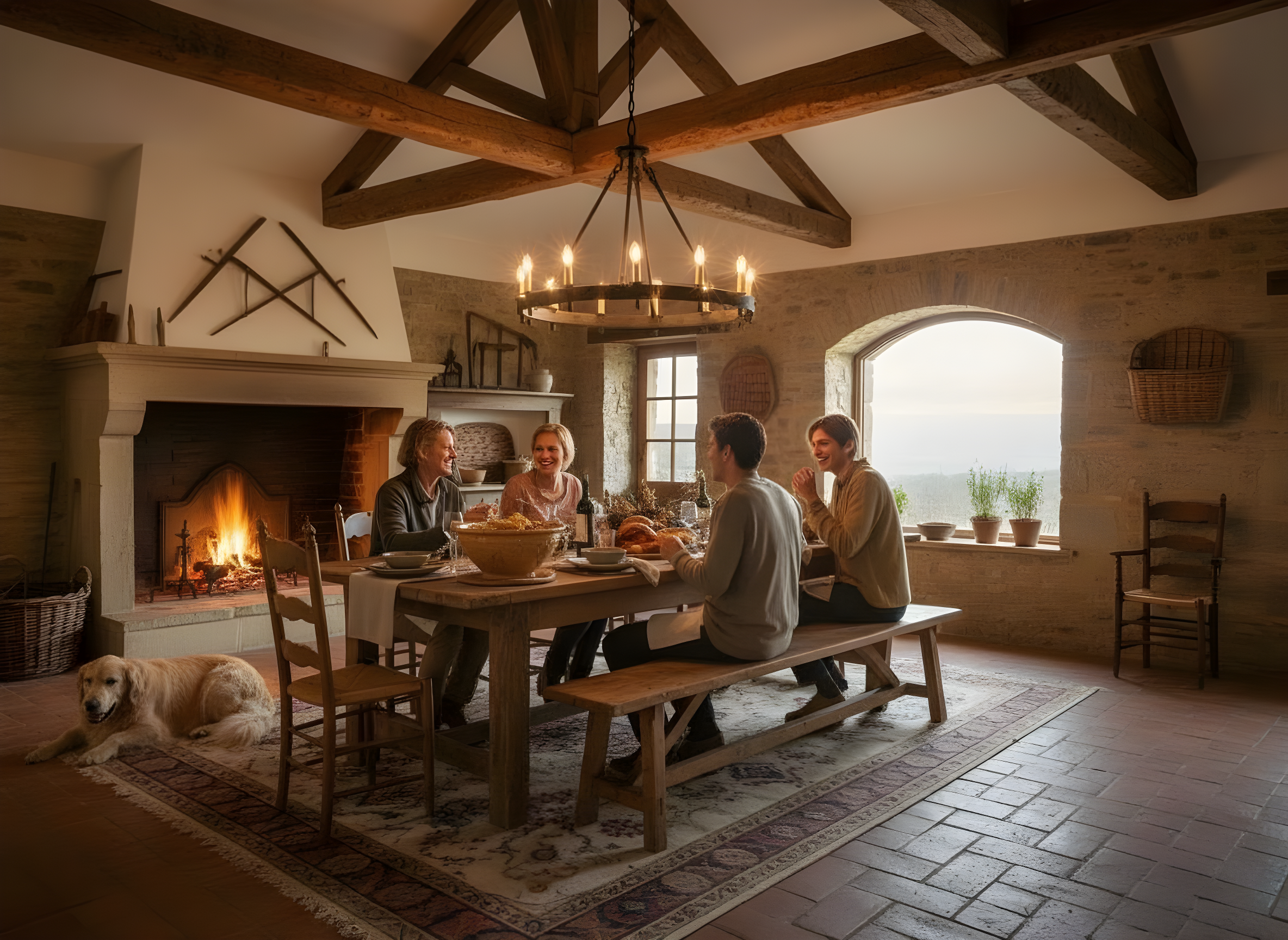
Feature Comparison
| Feature | ChatGPT Images | RoomLab |
|---|---|---|
| Speed | Conversational prompt-and-edit workflow | Direct room workflow with no prompt setup |
| Workflow | Prompt or edit inside a general-purpose chat | Upload photo → pick style → done |
| Pricing | Free tier is limited; paid plans expand image access | From €9.99 one-time or €14.99/mo |
| Practical Image Capacity | Plan-based image limits apply and may change | Dedicated credits for repeat image generation |
| Room Preservation | Room fidelity depends on the prompt and edit | AI preserves room structure |
| Generation Modes | General image creation and editing | Specialized tools for staging, redesign, rendering and furniture |
| Style Library | No dedicated room-style preset library | 29+ curated interior styles |
| 4K Upscale | No dedicated room-specific 4K upscale step | 4K upscale on every image |
The Verdict
ChatGPT Images 2.0 is a strong choice when image work is one part of a broader AI conversation. RoomLab.app is the more focused option for repeated room work: it combines Gemini 3 Pro Image (Nano Banana Pro) with room-specific presets, consistent before-and-after tools and dedicated credits that generally support more practical image iteration than a capped chat tier.
Why People Switch to RoomLab
No CAD, SketchUp, or design software required
Photo-realistic results in seconds, not minutes
29+ interior styles — from Modern to Holiday themes
4 generation modes: Redesign, Replace, Render, Custom
4K upscale available on every image
Transparent, affordable pricing with no hidden fees
Frequently Asked Questions
Why is RoomLab better than ChatGPT for interior design?
Do I need to write prompts with RoomLab?
Can ChatGPT preserve my room layout when redesigning?
How do ChatGPT's image limits compare with RoomLab.app credits?
What AI model does RoomLab use?
Professional Results. Fraction of the Cost.
Get photorealistic interior renders in seconds, not days. Professional-grade AI visualization with full creative control — no design skills needed.
No credit card required