Real Estate Photo Enhancement Blue Sky, Green Grass, One Click
Gray sky on shooting day? Brown lawn, empty pool, overgrown garden? Upload the listing photo and fix each problem with one click — the AI enhances sky, grass, pool and garden while keeping the property exactly as it is.
One-time plans from $15
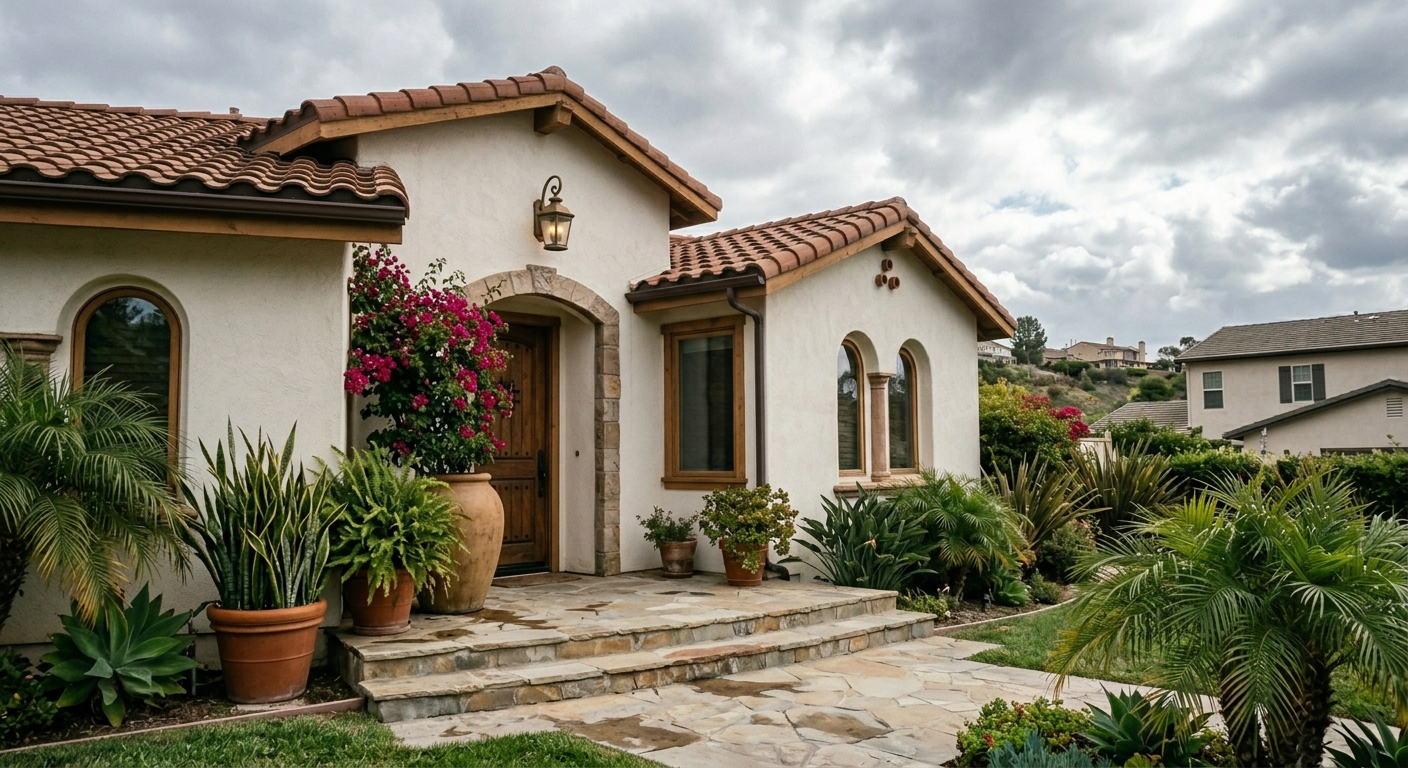
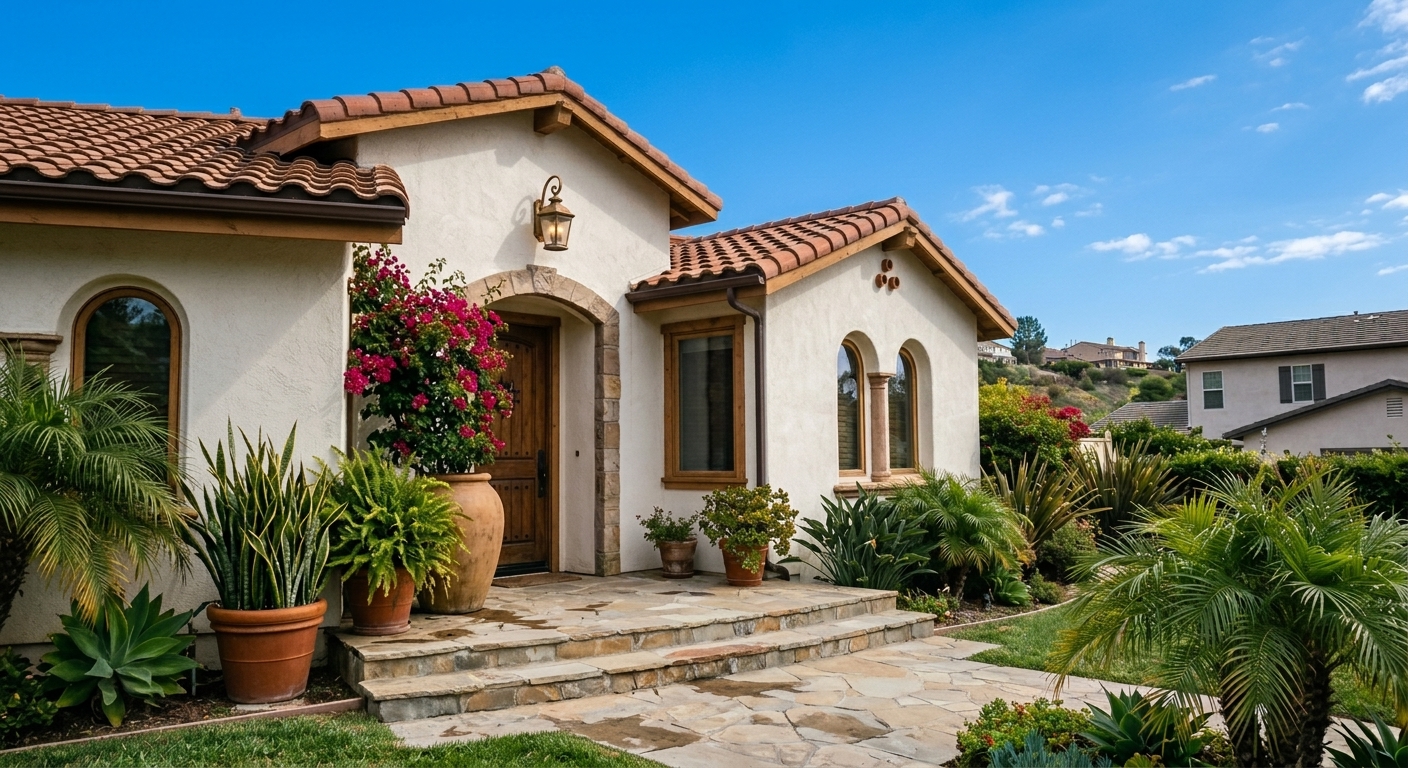
AI Photo Enhancement for Real Estate Listings
You can't control the weather on shooting day — but gray skies, dry lawns and empty pools cost clicks on every portal. RoomLab.app fixes them in seconds while keeping the building, landscaping and layout exactly as photographed.
Overcast photos get fewer clicks — a blue sky makes the same house look move-in ready.
Reshooting a listing because the pool was empty or the lawn was brown costs days.
Professional photo editors charge per image and take days — this takes seconds.
Used by property and design teams around the world



Replace a Gray Sky in a Real Estate Photo
Turn an overcast exterior photo into a bright, listing-ready image with a natural blue sky while keeping the property unchanged.
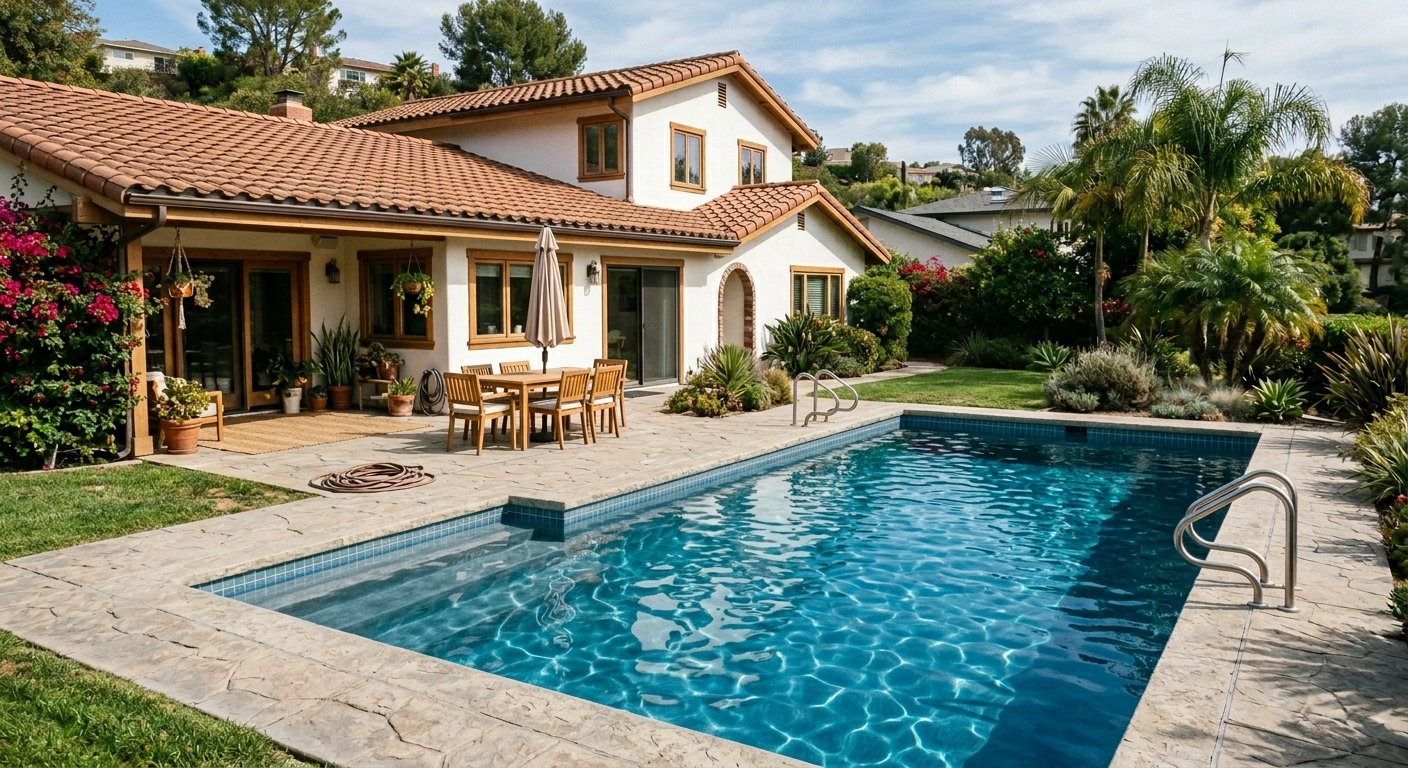
View ExampleFill and Clean an Empty Pool with AI
Show the same property with clean blue pool water and a tidier pool area without changing the house or its architecture.
View Example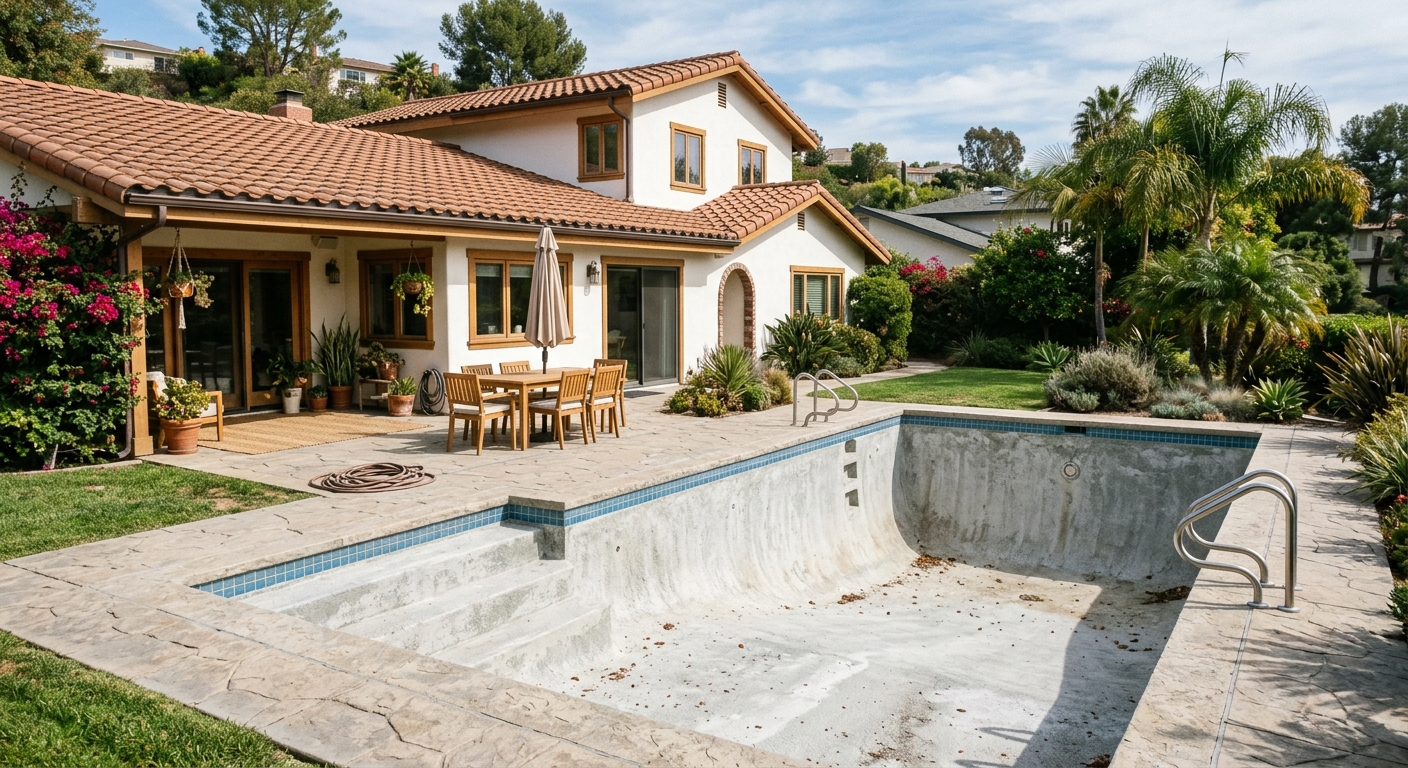
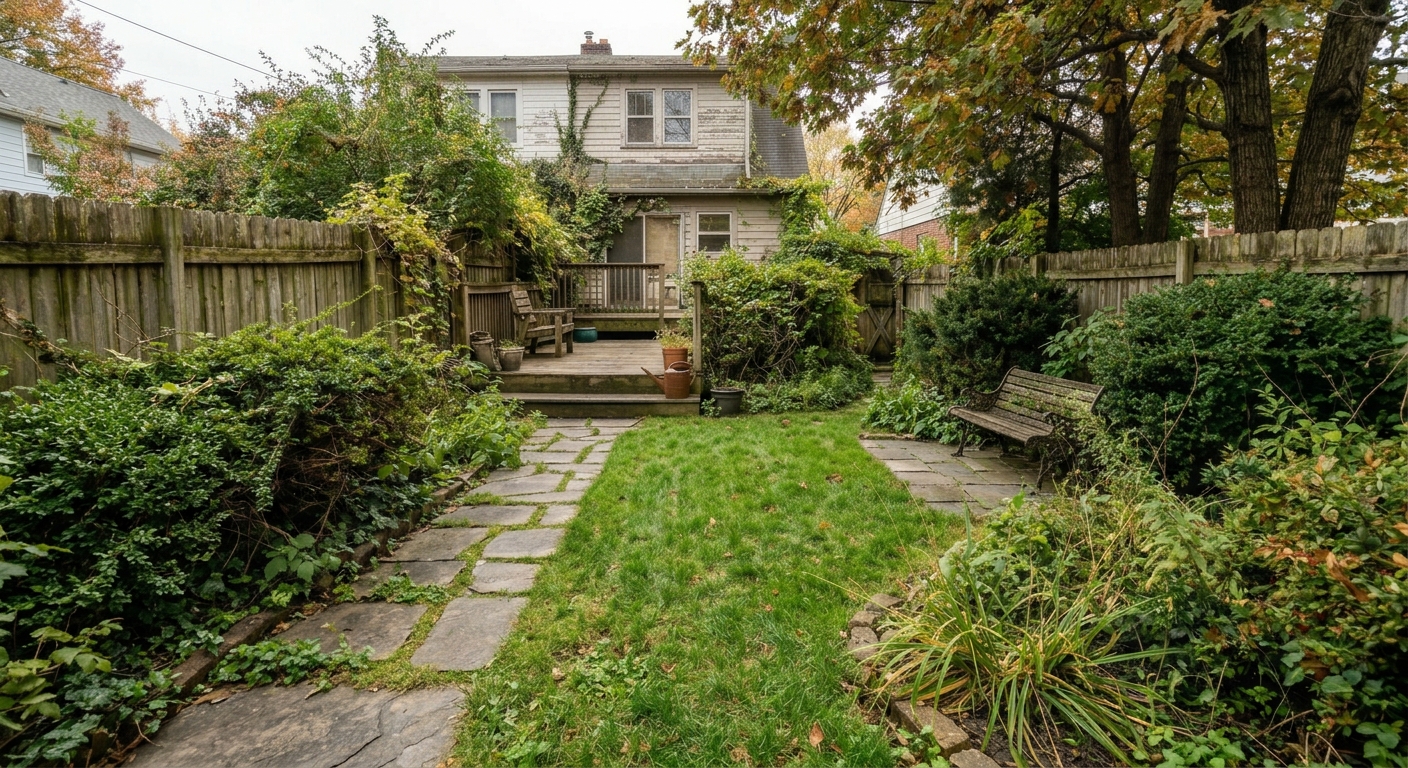
Tidy an Overgrown Garden for a Property Listing
Remove visual garden clutter and present a maintained outdoor area while preserving the real building and landscaping layout.
View Example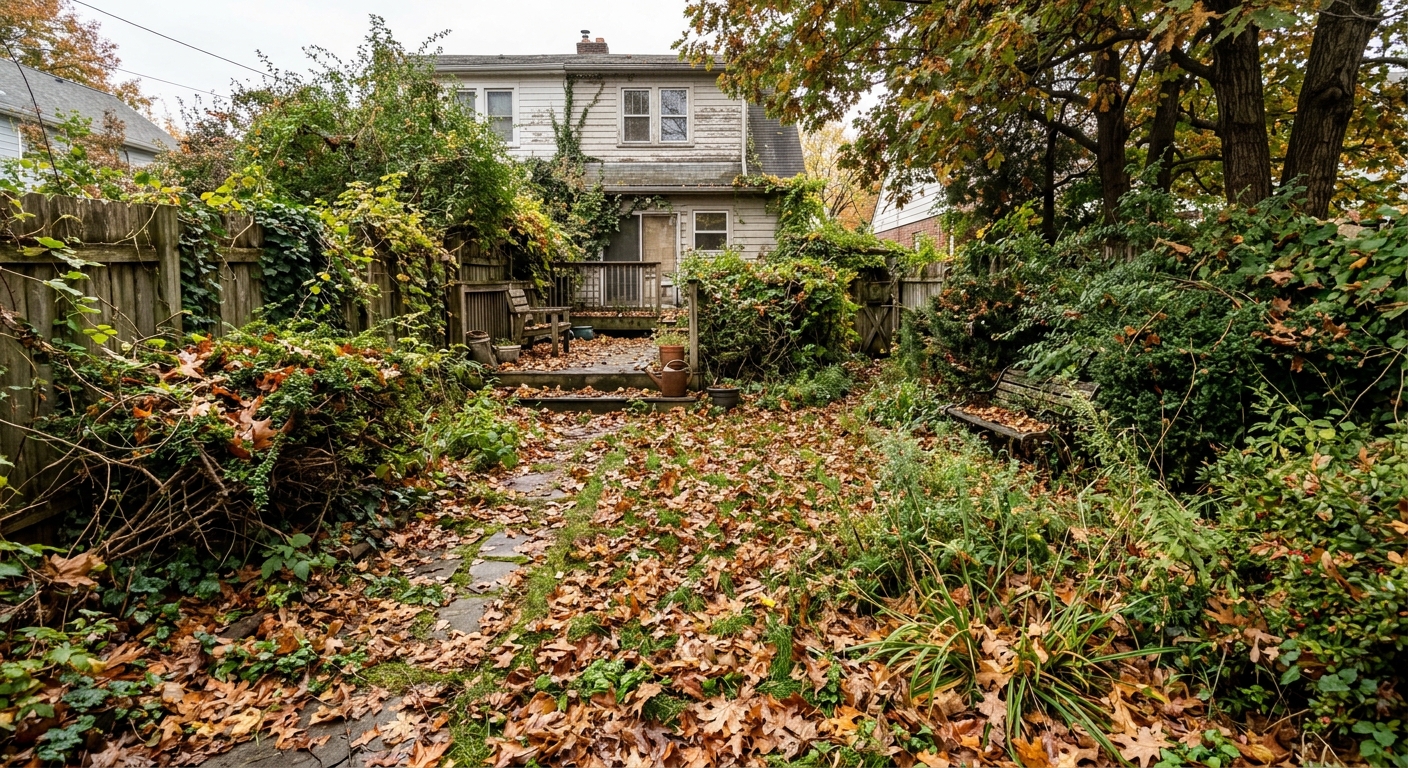
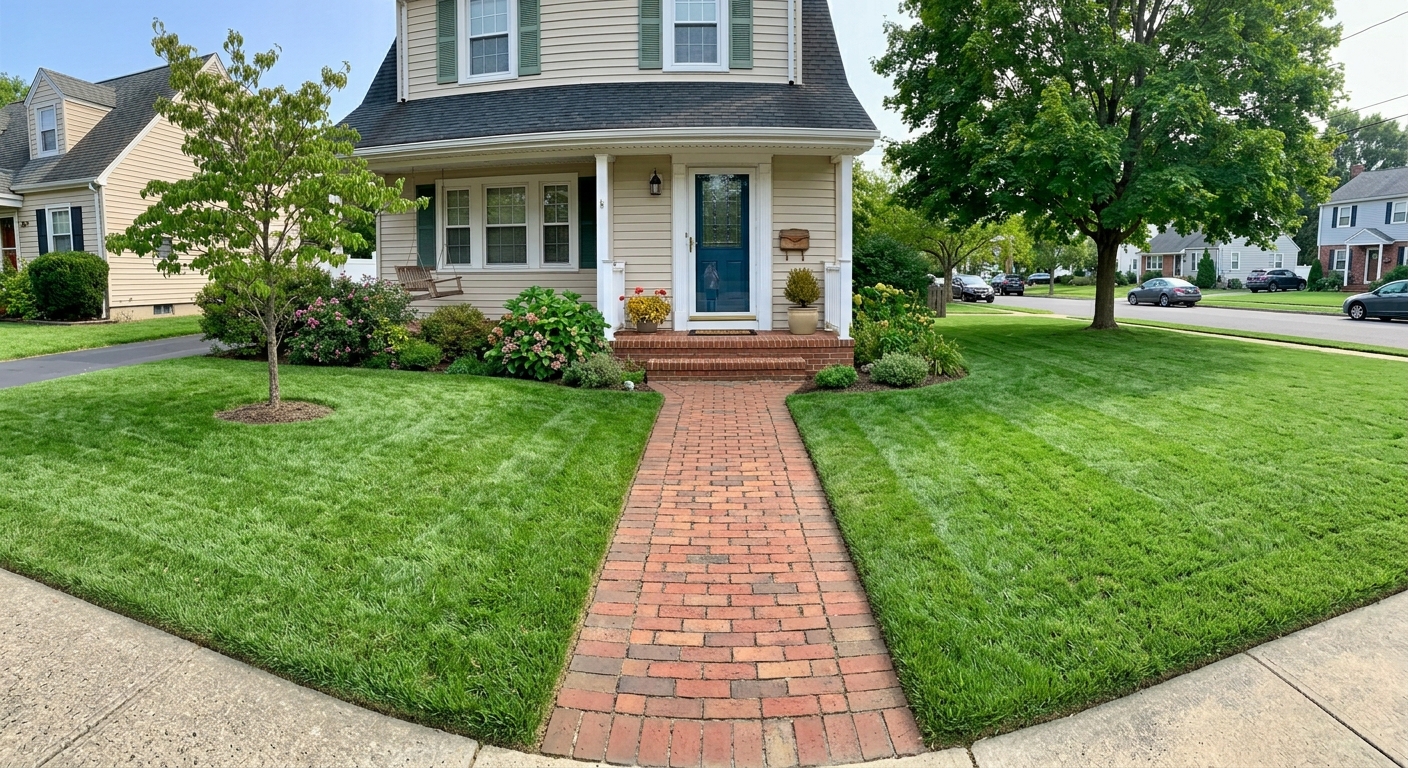
Make Brown Grass Green in a Listing Photo
Restore a dry, patchy lawn to a healthy green appearance while leaving the house, paths and surrounding details intact.
View Example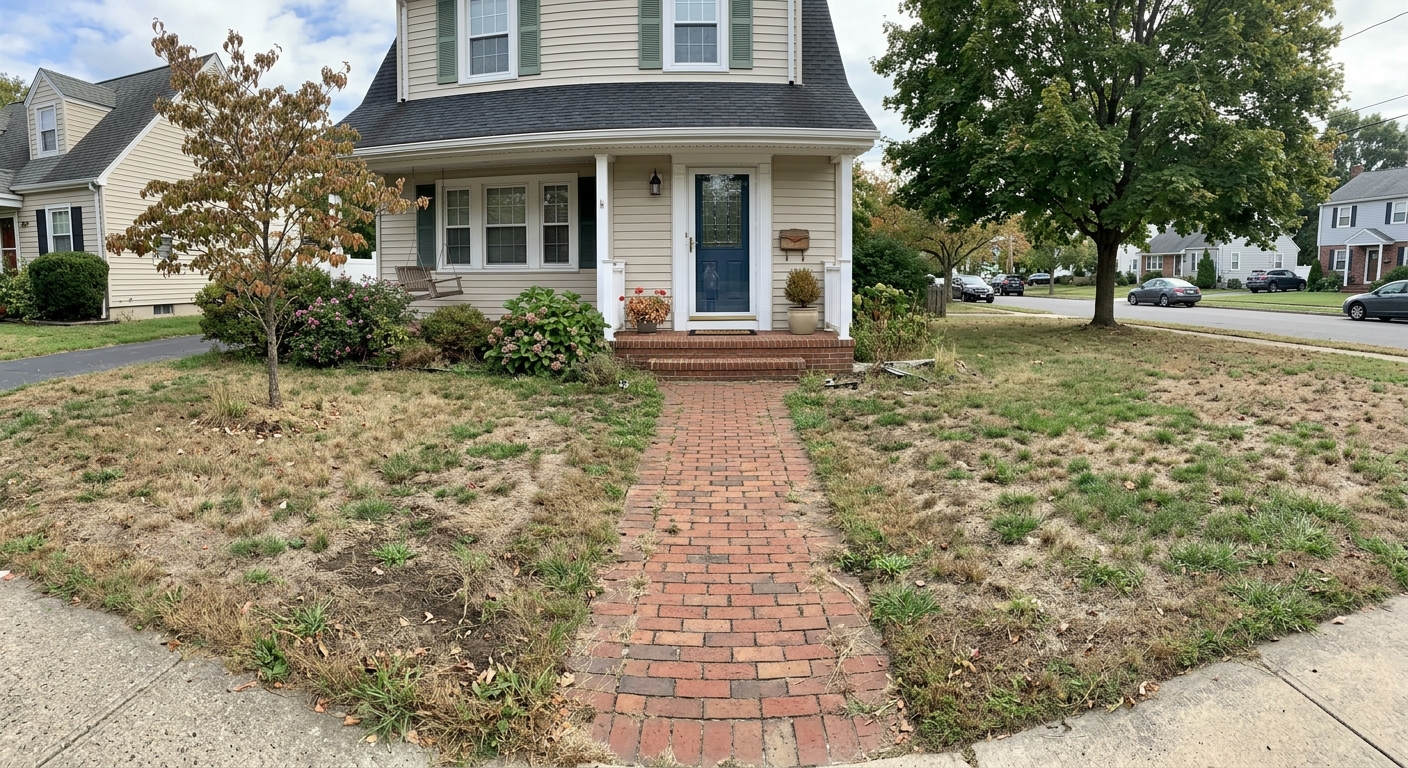
Real Estate Photo Enhancement — Frequently Asked Questions
How do I change a gray sky to blue in a real estate photo?
Upload the exterior photo to RoomLab.app and use the Blue Sky mode — the AI replaces the overcast sky with a clear blue one and improves the overall weather, while the building and landscaping stay exactly unchanged.
Can AI make the grass look green in my listing photos?
Yes. The Green Grass mode makes the lawn greener, healthier and freshly maintained while keeping the rest of the image untouched — ideal for photos taken in late summer or winter.
What about an empty or dirty pool?
The Clean Pool mode fills the pool with clean blue water and tidies the surrounding area, so the listing shows the pool at its best without waiting for maintenance.
Will it change the house itself?
No. Each enhancement mode is instructed to keep the building and its landscaping unchanged — only the specific problem (sky, grass, pool or garden tidiness) is corrected. Buyers see the same property in better conditions.
Is it OK to enhance listing photos?
Weather and maintenance enhancements — blue sky, green grass, clean pool — represent conditions the property genuinely has at its best, and are standard practice in real estate photography. Always follow your local MLS or portal disclosure rules for edited photos.
Is it free to try?
Yes — every new RoomLab.app account includes a free image generation, no credit card required. Enhance your first listing photo before deciding on a plan.
Explore More Features
Discover what else you can achieve with RoomLab
Replace Furniture
Swap furniture pieces in photos to visualize options before purchase.
Replace Materials
Swap flooring, countertops, walls, and other surfaces to compare options.
Paint Color Visualizer
Preview any wall paint color on any room — pick your own or use our curated presets.
Custom Prompt
Describe any transformation in natural language for unique results.
Virtual Staging
Add furniture and decor to empty rooms for listing-ready property photos.
Declutter Rooms
Remove mess and personal items while keeping the furniture intact.
Remove Furniture
Empty any room photo to show the bare space and its potential.
Change Style
Restyle existing rooms while preserving layout and structure.
3D to Photorealistic
Convert 3D models and renders into stunning photorealistic images.
Video Generation
Create walkthroughs, before-and-after transitions, and multi-room house tours from property photos.
Pay only for the images you want to generate
All users get all features.
One-Time
Personal
One-time purchase, no subscription
15 Images or 3 videos
150 Credits
One-time payment · no subscription
Subscriptions
Pro
For personal projects
40 Images or 8 videos
400 Credits
Cancel anytime · keep your credits
Ultra
Best for professionals
110 Images or 22 videos
1,100 Credits
Cancel anytime · keep your credits
Premium
For agencies and power users
300 Images or 60 videos
3,000 Credits
Cancel anytime · keep your credits
Have any question?
How much does each generation cost?
How long does it take to generate an image?
What happens if I run out of credits mid-month?
What are credits?
Do credits expire?
Can I upgrade my plan?
How long are my images stored?
Can I get a refund?
Can I get a receipt or invoice?
What are input photos?
What happens to my personal photos?
What happens if I cancel my subscription?
Professional Results. Fraction of the Cost.
Get photorealistic interior renders in seconds, not days. Professional-grade AI visualization with full creative control — no design skills needed.
No credit card required