Replace a Gray Sky in a Real Estate Photo
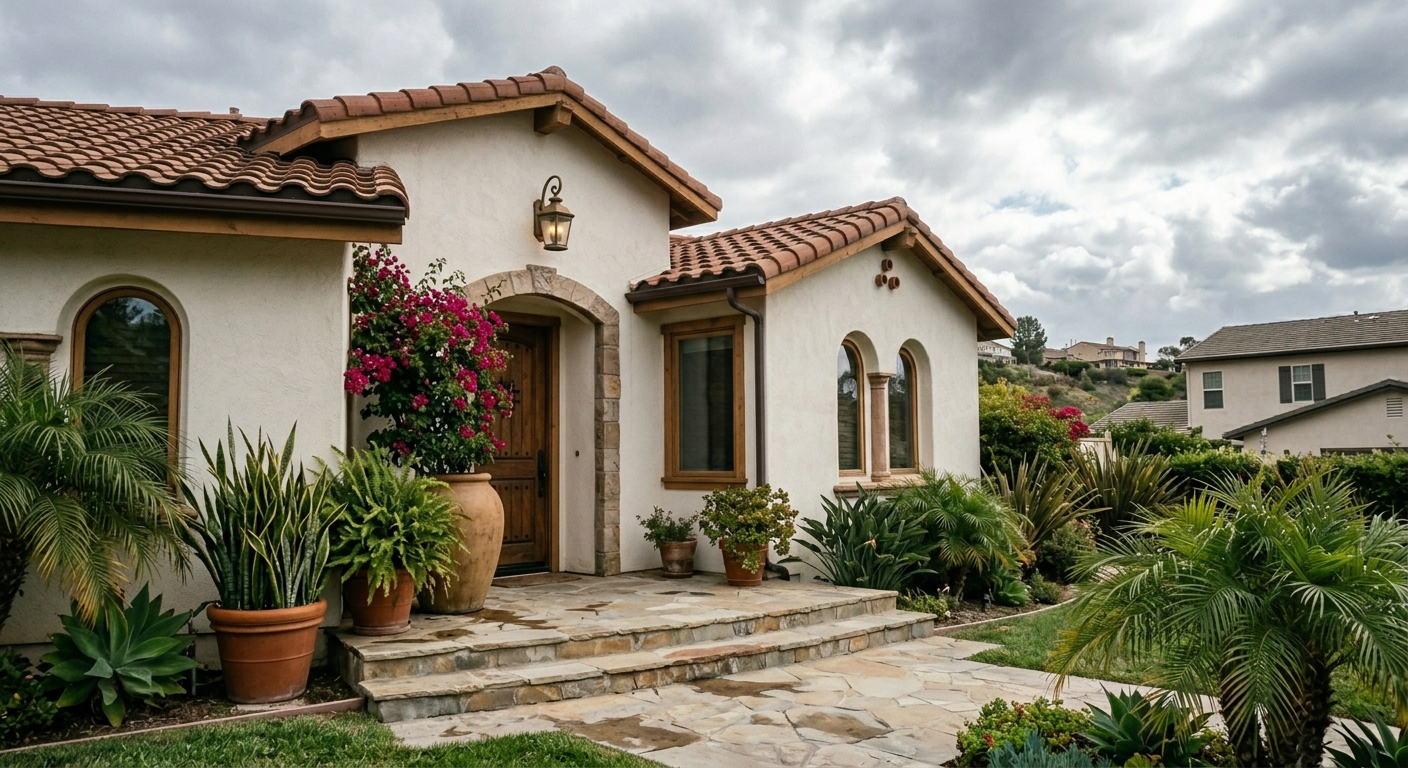
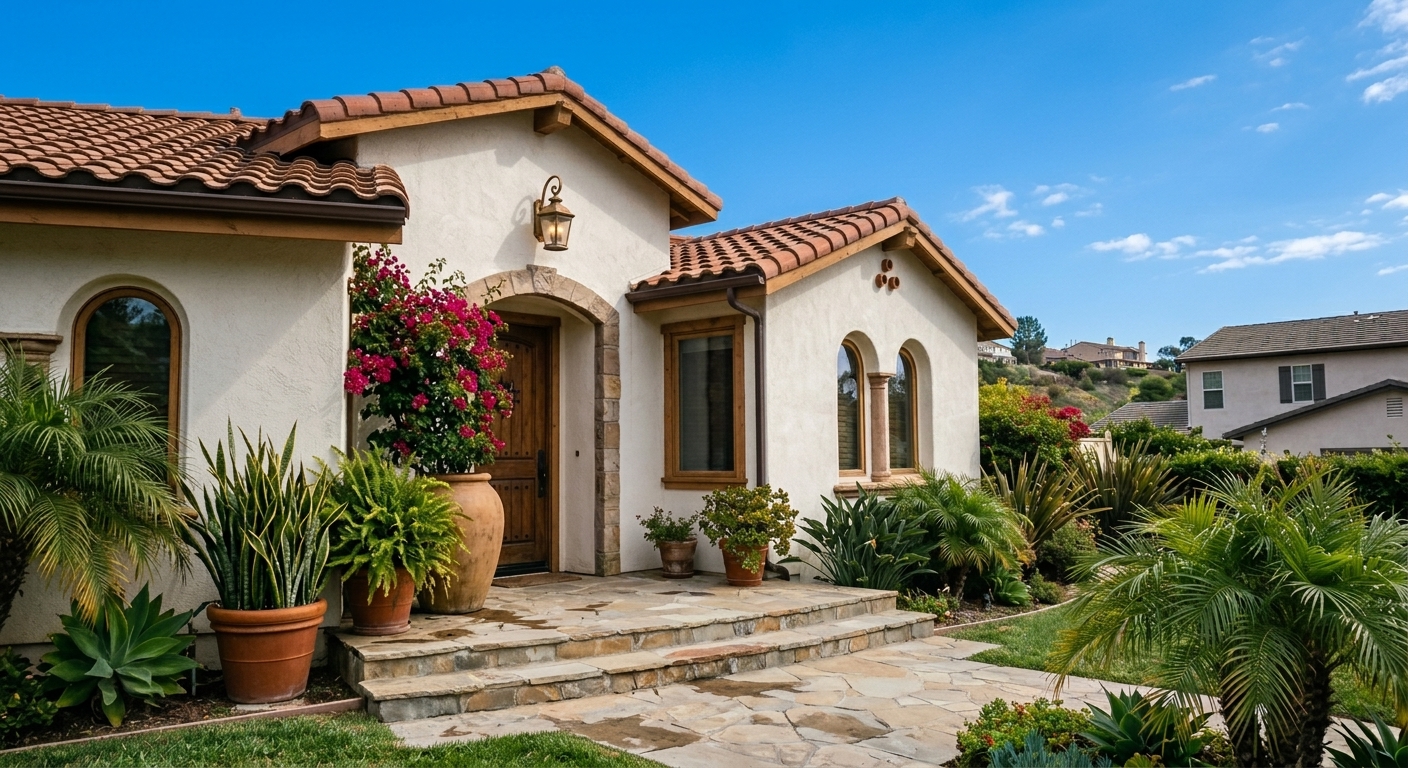
Turn an overcast exterior photo into a bright, listing-ready image with a natural blue sky while keeping the property unchanged.
Inputs Used
Ready to Transform Your Space?
How to Recreate This
Want to achieve a similar transformation? Here's how to use Custom mode to bring your vision to life.
✨ What You'll Achieve
Original Room
After
Select Mode
Choose the Custom card from the mode grid.
Upload Your Room
Upload the room photo you want to transform.
Configure Options
landing.examples.ui.howToRecreate.optionDescriptions.custom
Generate
Click Generate and wait for your AI-transformed result!
Your Result
🎯 Try the Result
Drag the slider to compare before and after!
Related Examples
More Custom Examples
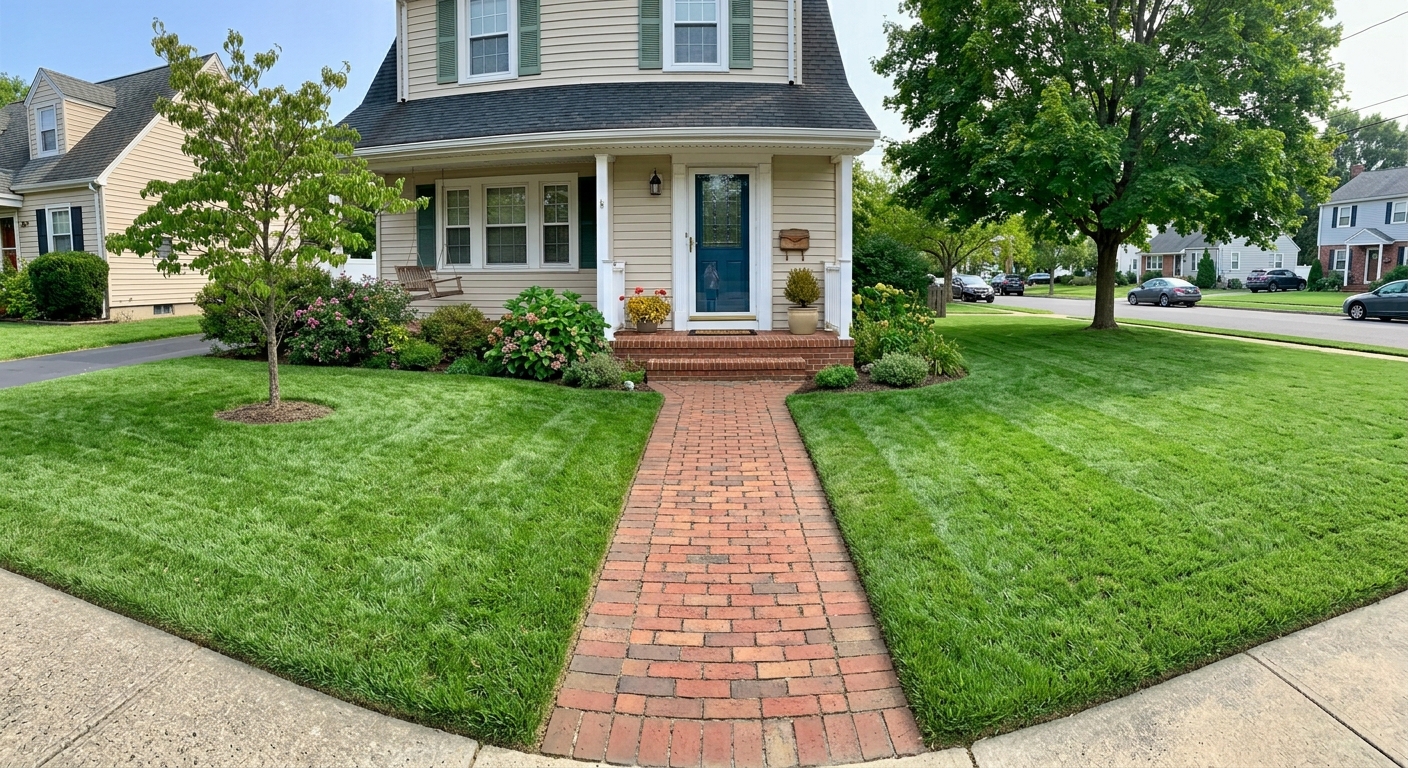
Make Brown Grass Green in a Listing Photo
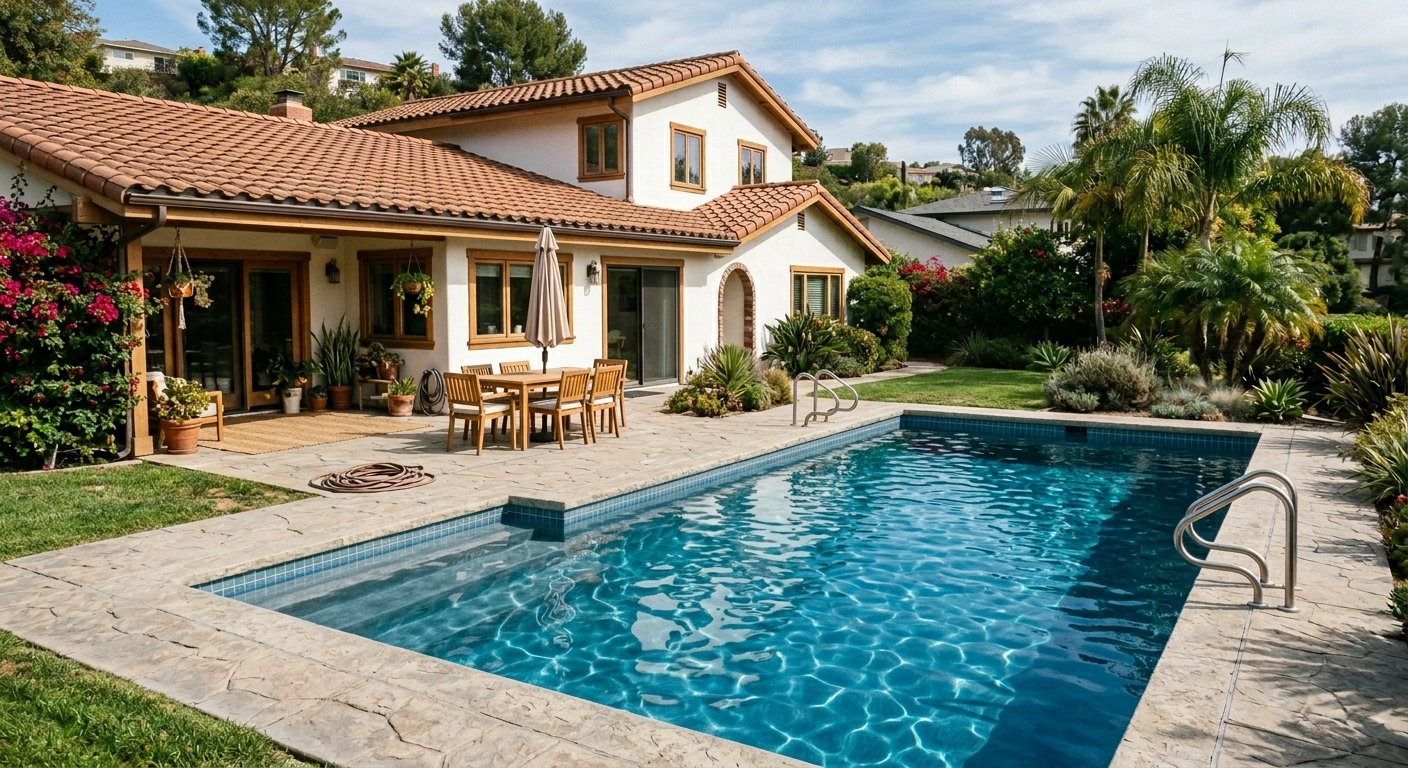
Fill and Clean an Empty Pool with AI
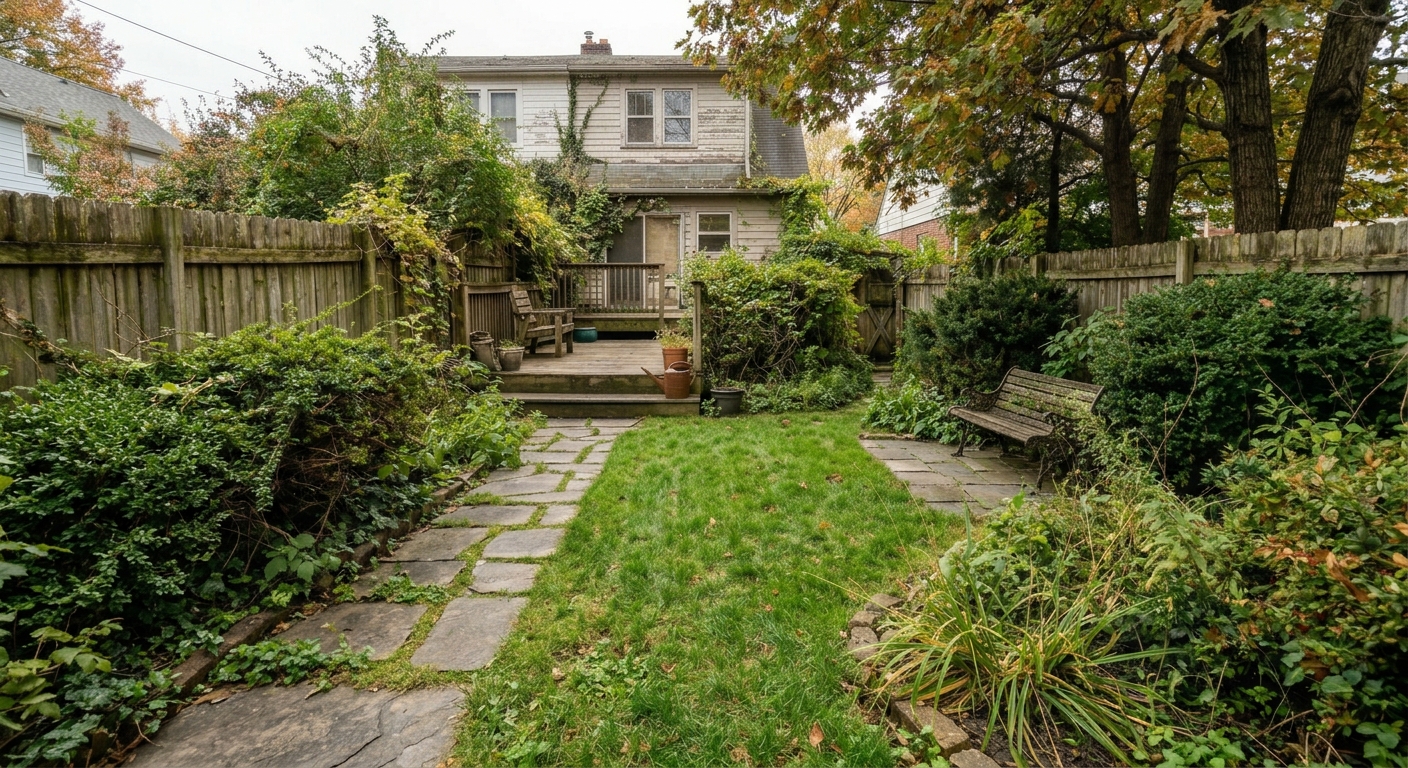
Tidy an Overgrown Garden for a Property Listing
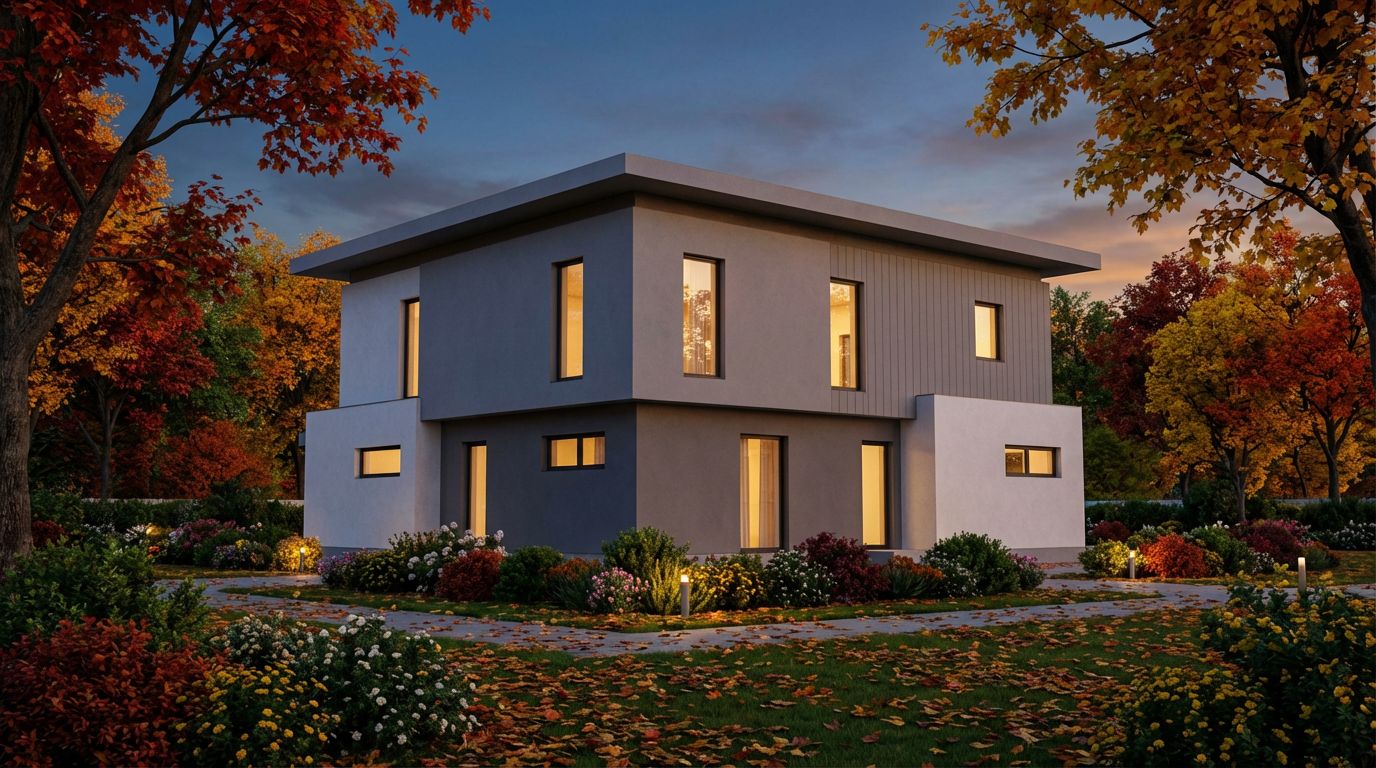
Render Your House Exterior Model Photorealistically
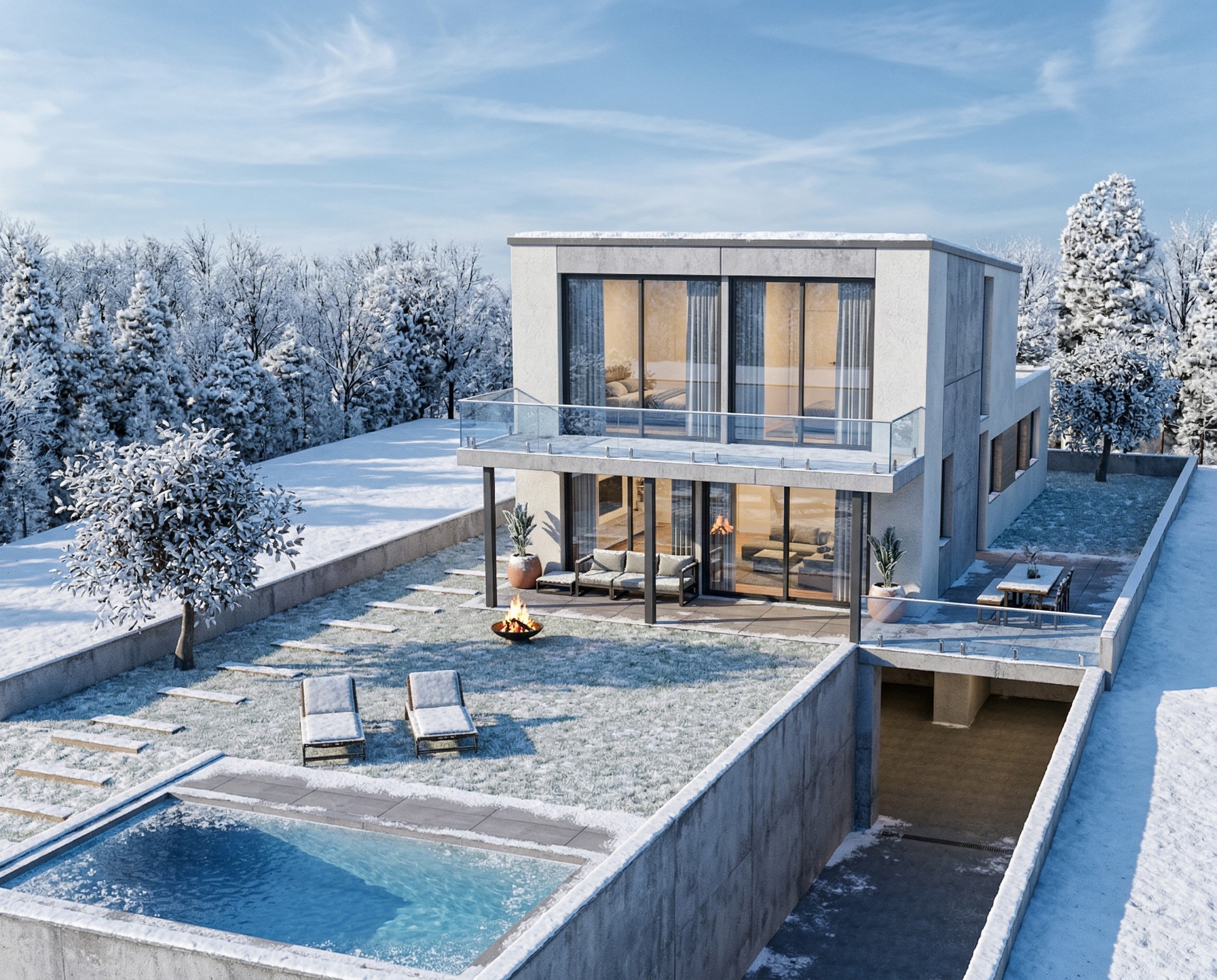
Transform Your House Model into a Winter Render