Edit Any Room Photo with a Custom AI Prompt
If you can describe it, you can visualize it. Use natural language to add specific lifestyle elements, holiday decorations, or custom branding to your real estate photography.
One-time plans from $15
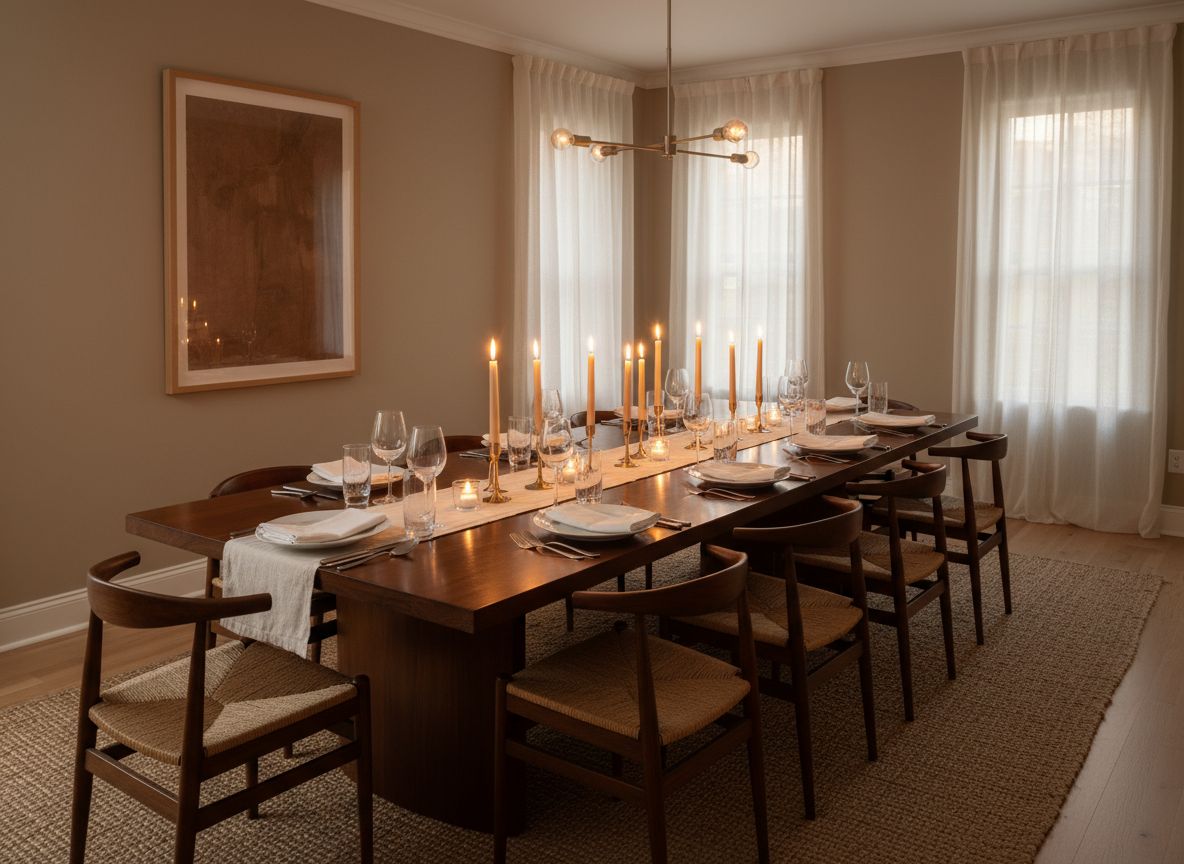
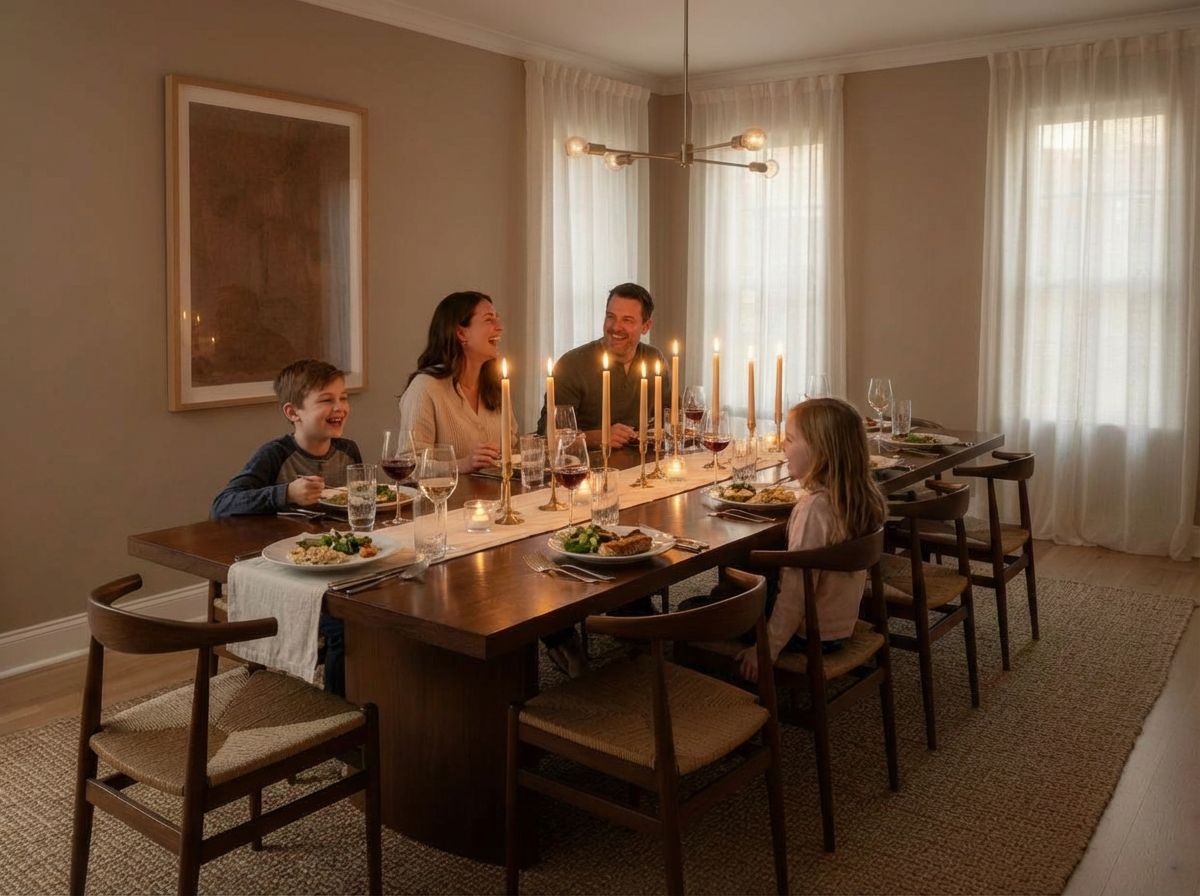
Custom Prompt — Design Anything You Can Describe
Preset styles have limits. Describe exactly what you want in plain text, add reference images for precision, and generate designs that match your client's unique vision.
Learn how in the tutorial →Preset styles don't capture your client's unique vision — describe exactly what you need.
Ideas stuck in your head don't sell. Visualize any concept on demand.
Stop settling for generic AI output. Add reference images for precise control.
Perfect For
Used by property and design teams around the world



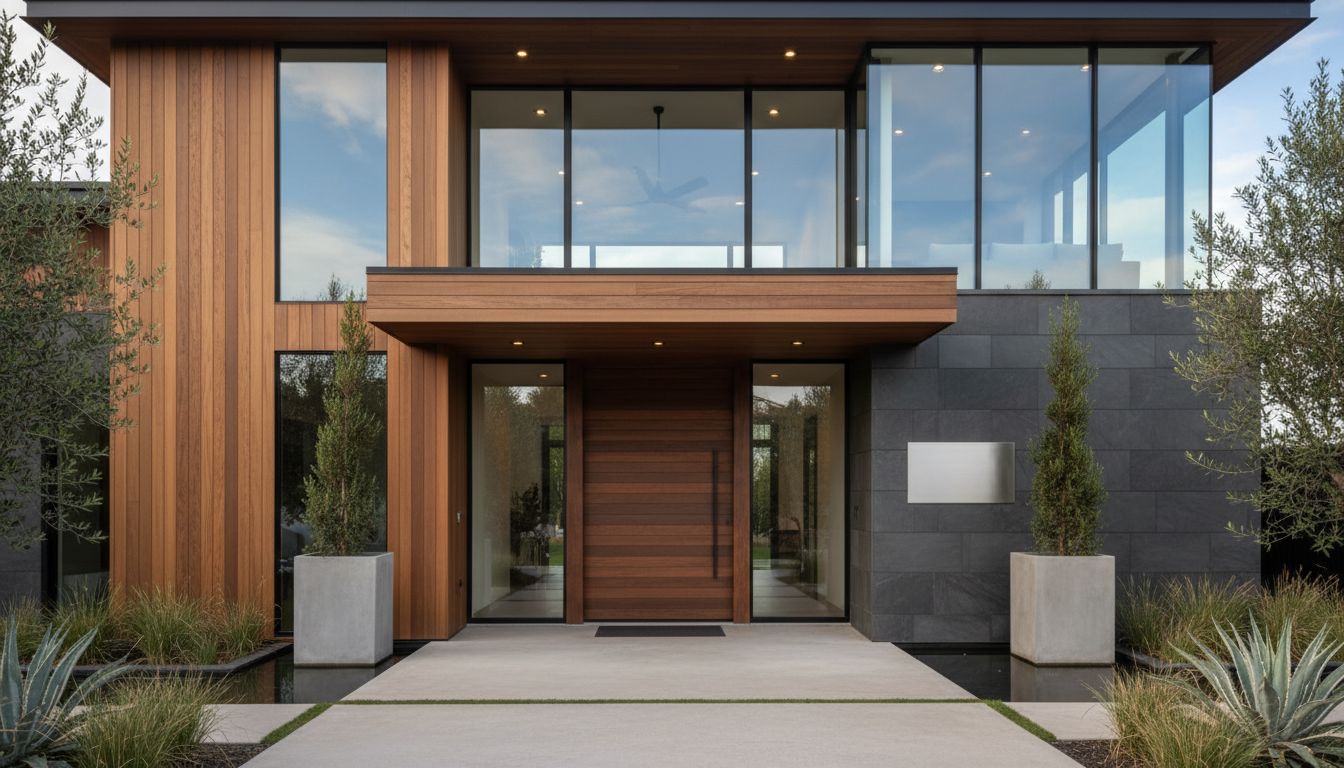
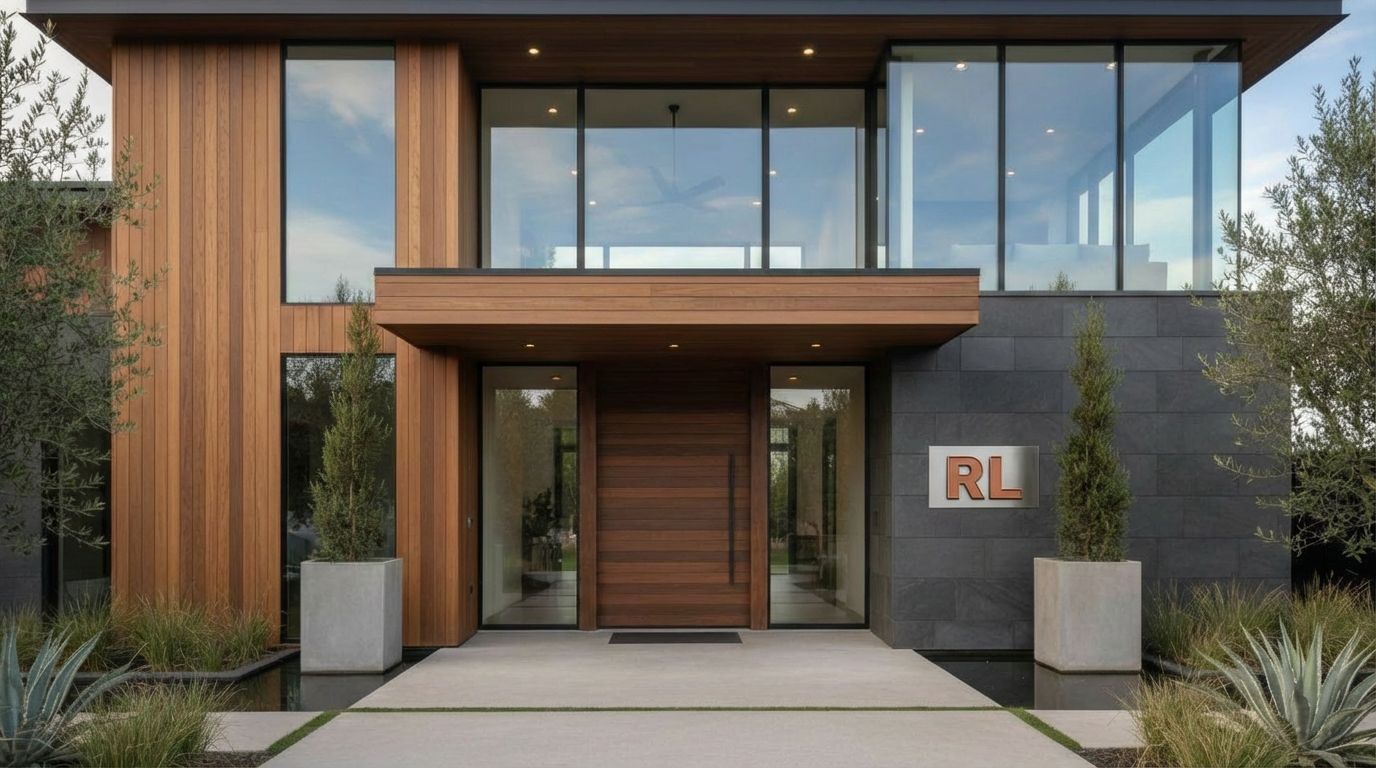
Add Your Logo or House Number to Exterior Photos
Digitally insert a custom real estate logo or house number onto a signpost, ensuring perfectly matched perspective and lighting.
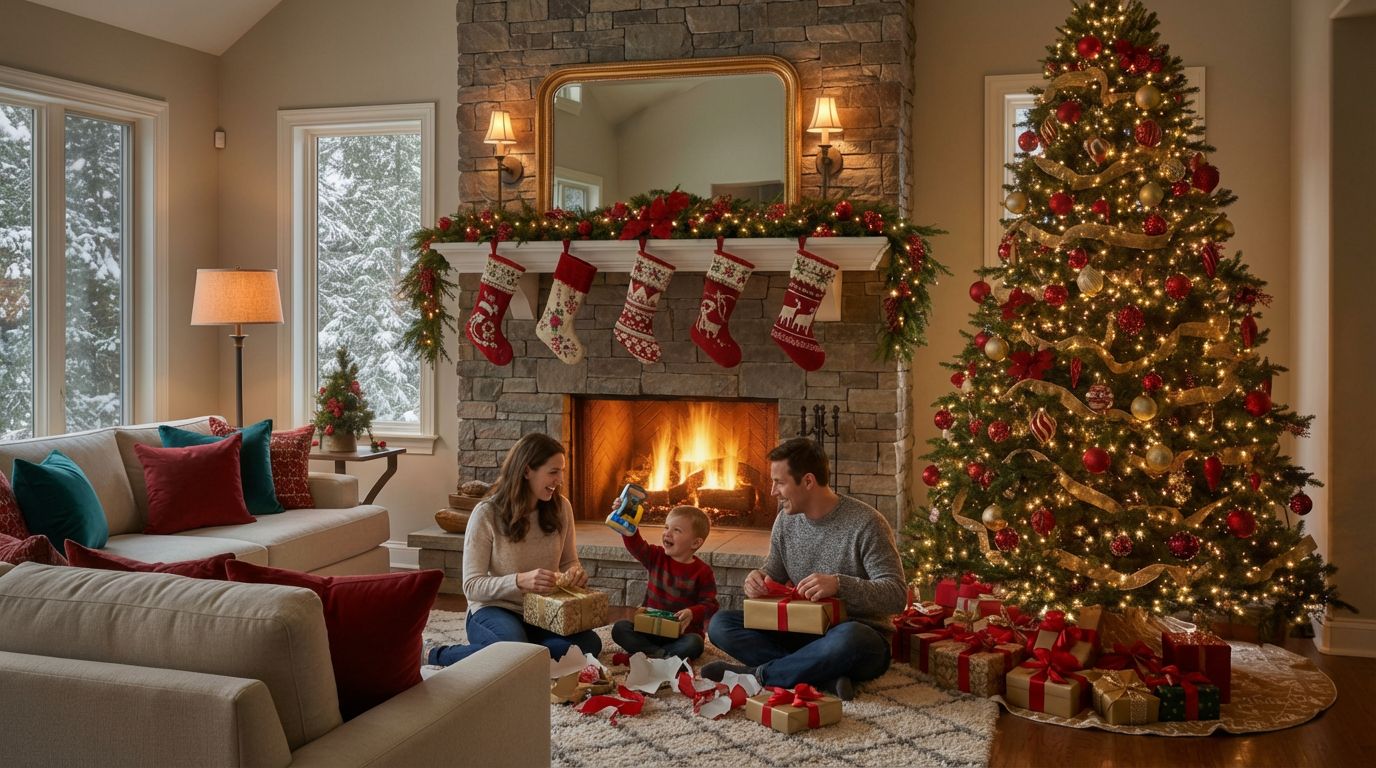
Add Christmas Decorations to Your Room Photos
Add a holiday atmosphere to a standard living room photo by generating a Christmas tree, presents, and a family gathering to drive seasonal engagement.

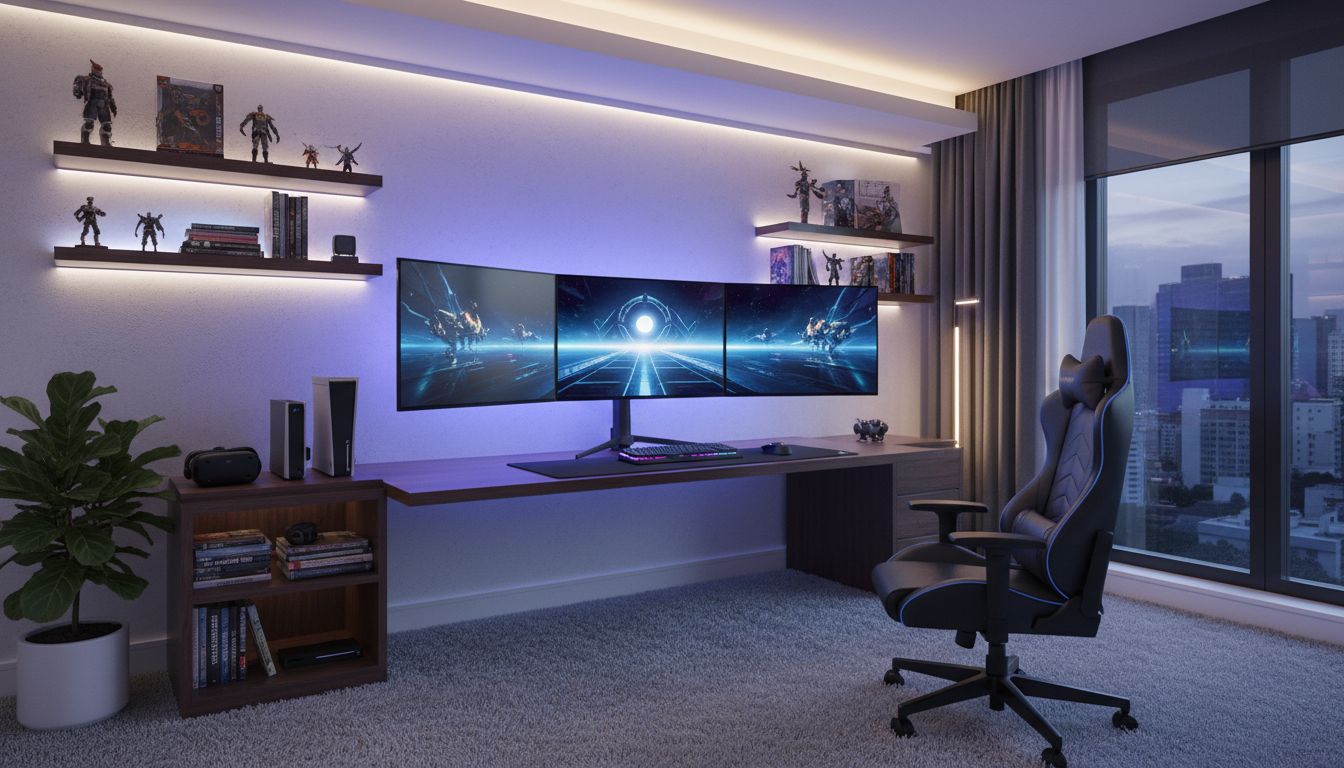
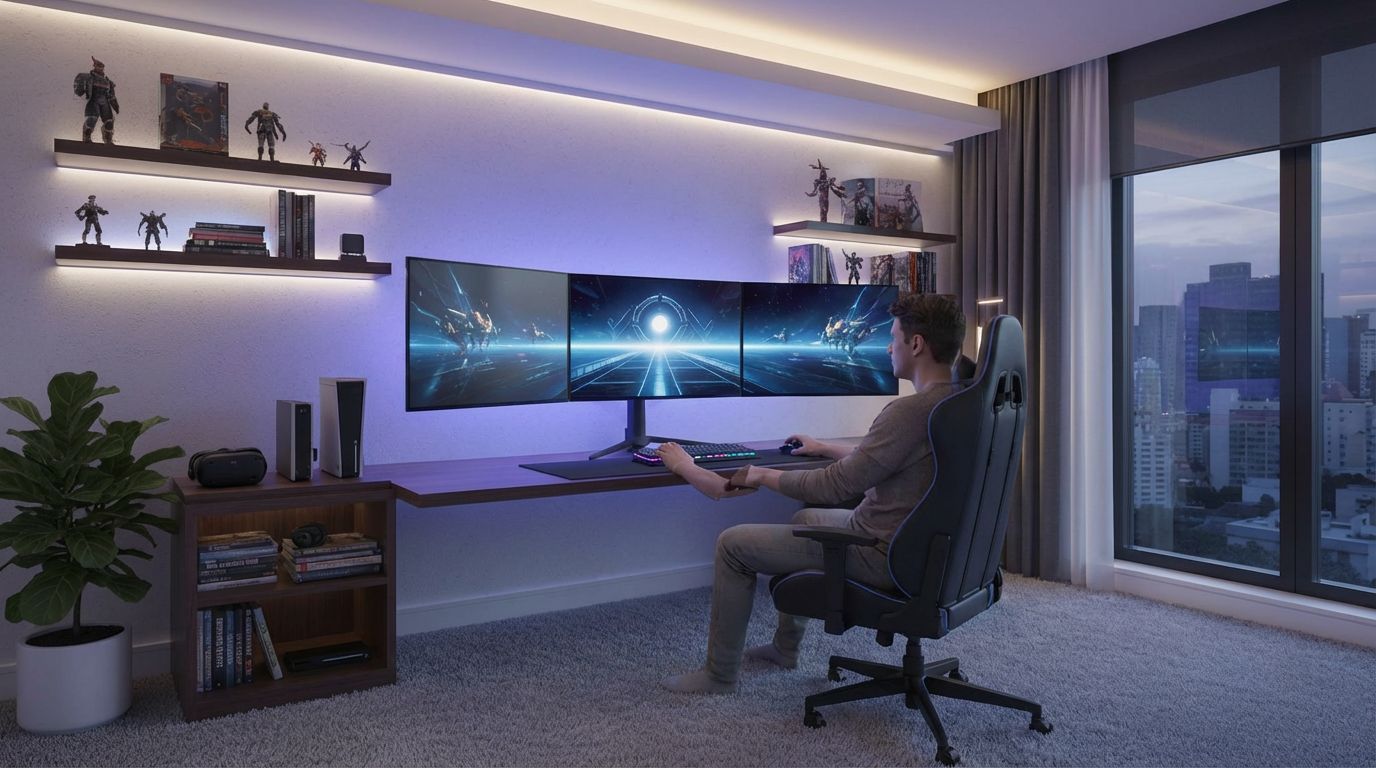
Add a Person Gaming to Your Setup Photo
Add a person actively gaming to a fully set up gaming room scene with AI-generated photorealistic detail and natural lighting effects.
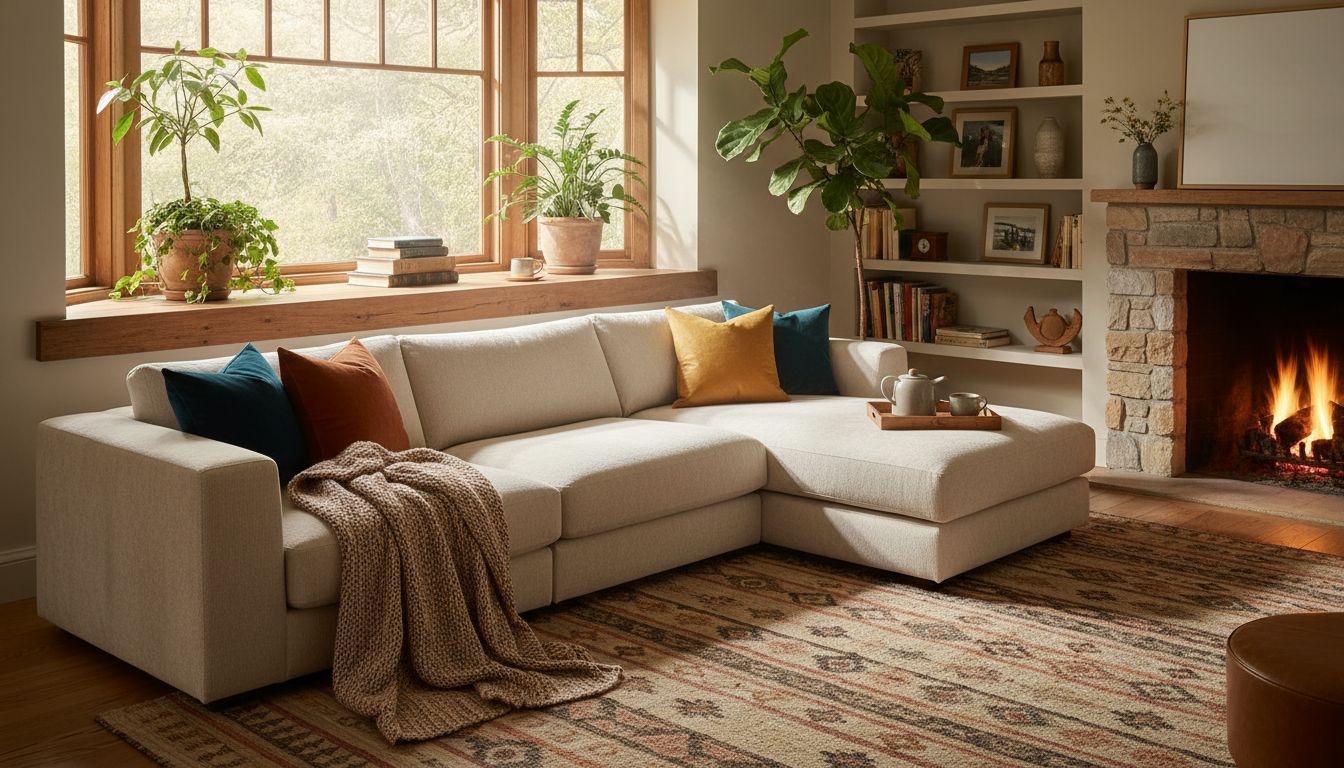
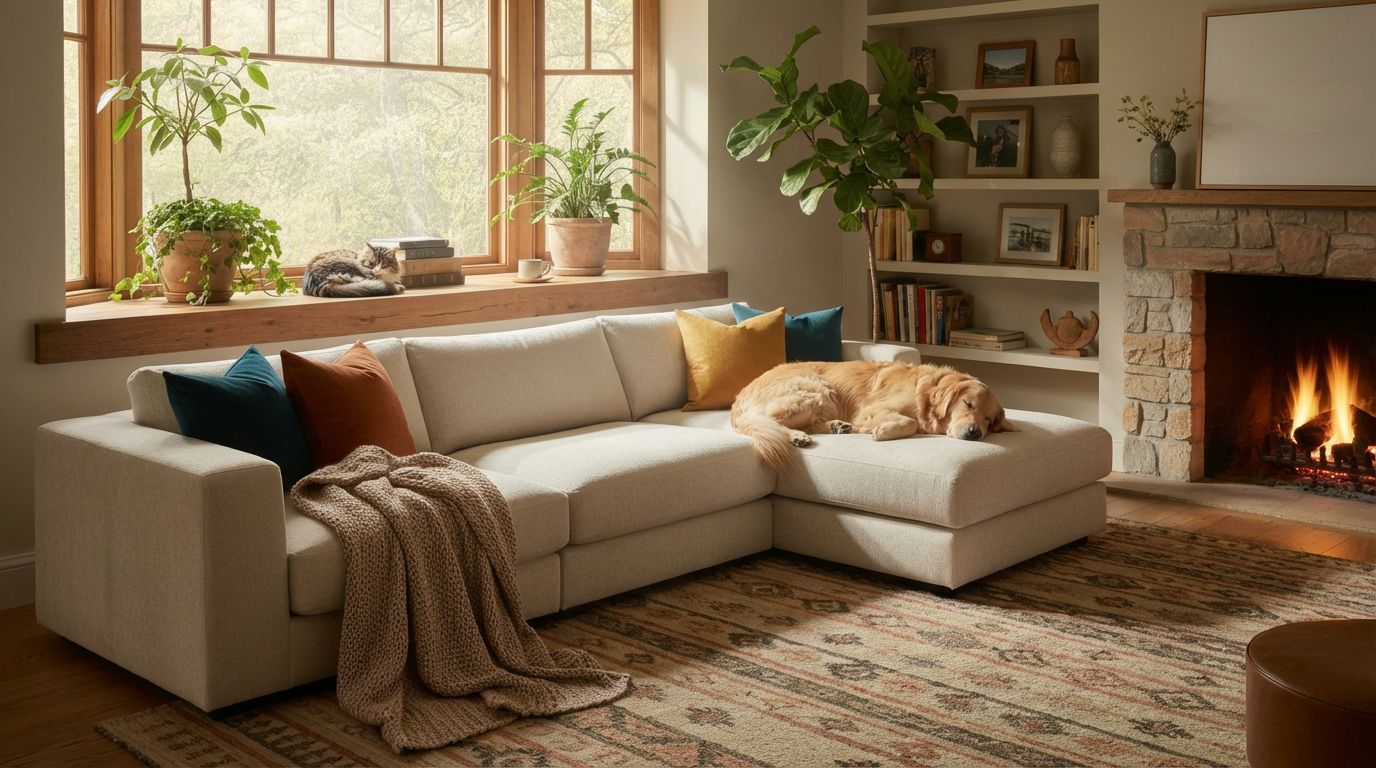
Add a Dog or Cat to Your Living Room Photo
Make a room feel lived-in and cozy by adding pets like a dog sleeping on the sofa and a cat on the windowsill.
Custom Prompt Editing — Frequently Asked Questions
Can I edit a room photo just by describing what I want?
Yes. Upload the photo and type the change in plain words — 'add a fireplace under the TV', 'make it feel like a cozy autumn evening', 'replace the curtains with linen ones'. You can write in your own language; the AI understands and applies it to your actual room.
What kind of changes can I ask for?
Anything the preset modes don't cover: adding or removing specific objects, changing lighting and mood, seasonal decoration, combining several changes at once, or unusual client requests. If you can describe it, you can generate it.
Can I add a reference image to my prompt?
Yes — attach a reference photo alongside your text prompt when you want a specific item or look. The AI uses the reference for accuracy and your text for instructions.
How do I write a good prompt?
Be specific about what should change and what should stay. 'Change the sofa to a green velvet one, keep everything else the same' works better than 'make it nicer'. Short, concrete instructions produce the most predictable results.
Is it free to try?
Yes — every new RoomLab.app account includes a free image generation, no credit card required.
Explore More Features
Discover what else you can achieve with RoomLab
Replace Furniture
Swap furniture pieces in photos to visualize options before purchase.
Replace Materials
Swap flooring, countertops, walls, and other surfaces to compare options.
Paint Color Visualizer
Preview any wall paint color on any room — pick your own or use our curated presets.
Virtual Staging
Add furniture and decor to empty rooms for listing-ready property photos.
Declutter Rooms
Remove mess and personal items while keeping the furniture intact.
Remove Furniture
Empty any room photo to show the bare space and its potential.
Change Style
Restyle existing rooms while preserving layout and structure.
3D to Photorealistic
Convert 3D models and renders into stunning photorealistic images.
Video Generation
Create walkthroughs, before-and-after transitions, and multi-room house tours from property photos.
Photo Enhancement
Blue skies, green grass, clean pools — one-click fixes for listing photos.
Pay only for the images you want to generate
All users get all features.
One-Time
Personal
One-time purchase, no subscription
15 Images or 3 videos
150 Credits
One-time payment · no subscription
Subscriptions
Pro
For personal projects
40 Images or 8 videos
400 Credits
Cancel anytime · keep your credits
Ultra
Best for professionals
110 Images or 22 videos
1,100 Credits
Cancel anytime · keep your credits
Premium
For agencies and power users
300 Images or 60 videos
3,000 Credits
Cancel anytime · keep your credits
Have any question?
How much does each generation cost?
How long does it take to generate an image?
What happens if I run out of credits mid-month?
What are credits?
Do credits expire?
Can I upgrade my plan?
How long are my images stored?
Can I get a refund?
Can I get a receipt or invoice?
What are input photos?
What happens to my personal photos?
What happens if I cancel my subscription?
Professional Results. Fraction of the Cost.
Get photorealistic interior renders in seconds, not days. Professional-grade AI visualization with full creative control — no design skills needed.
No credit card required