AI Paint Color Visualizer See Any Color on Your Walls
Upload a photo of your room and change the wall color with AI. Start with our curated presets or pick your own paint color — compare tones side by side and find the perfect match before touching a brush.
One-time plans from $15
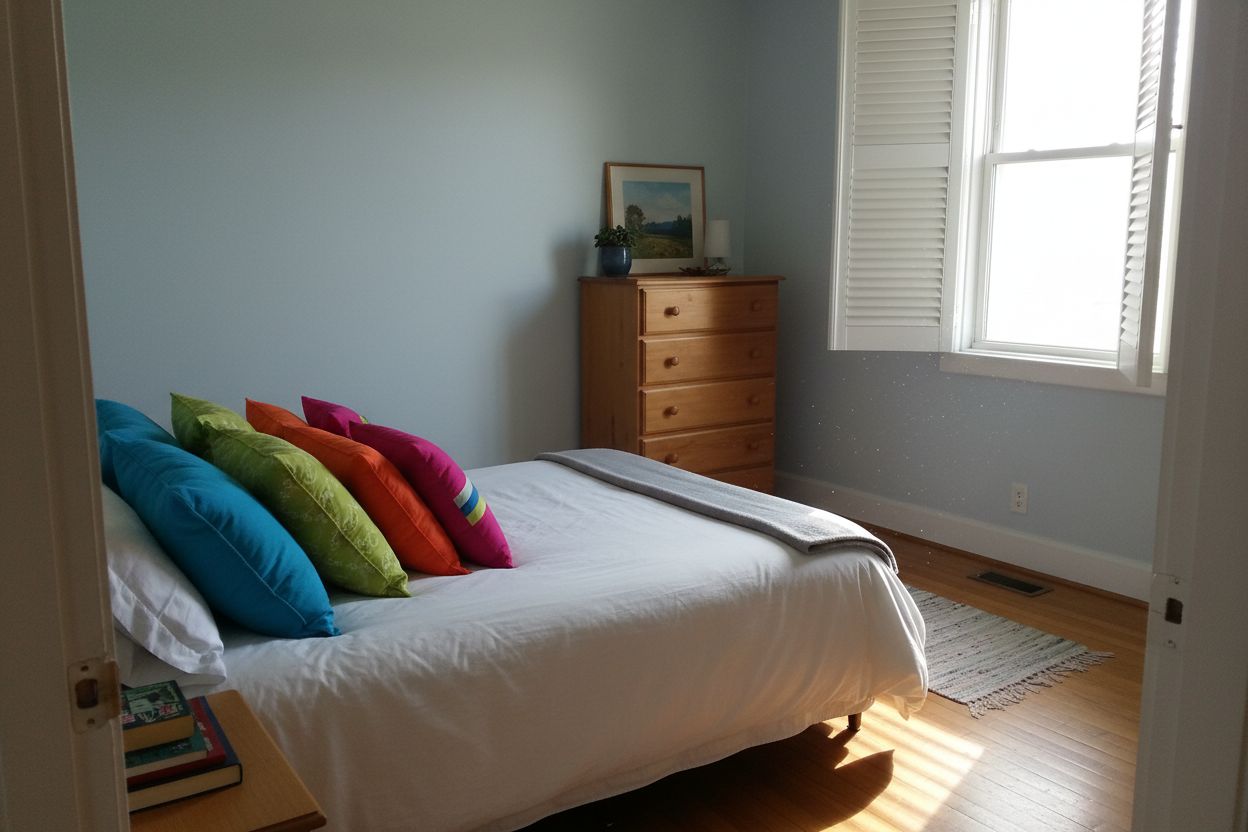
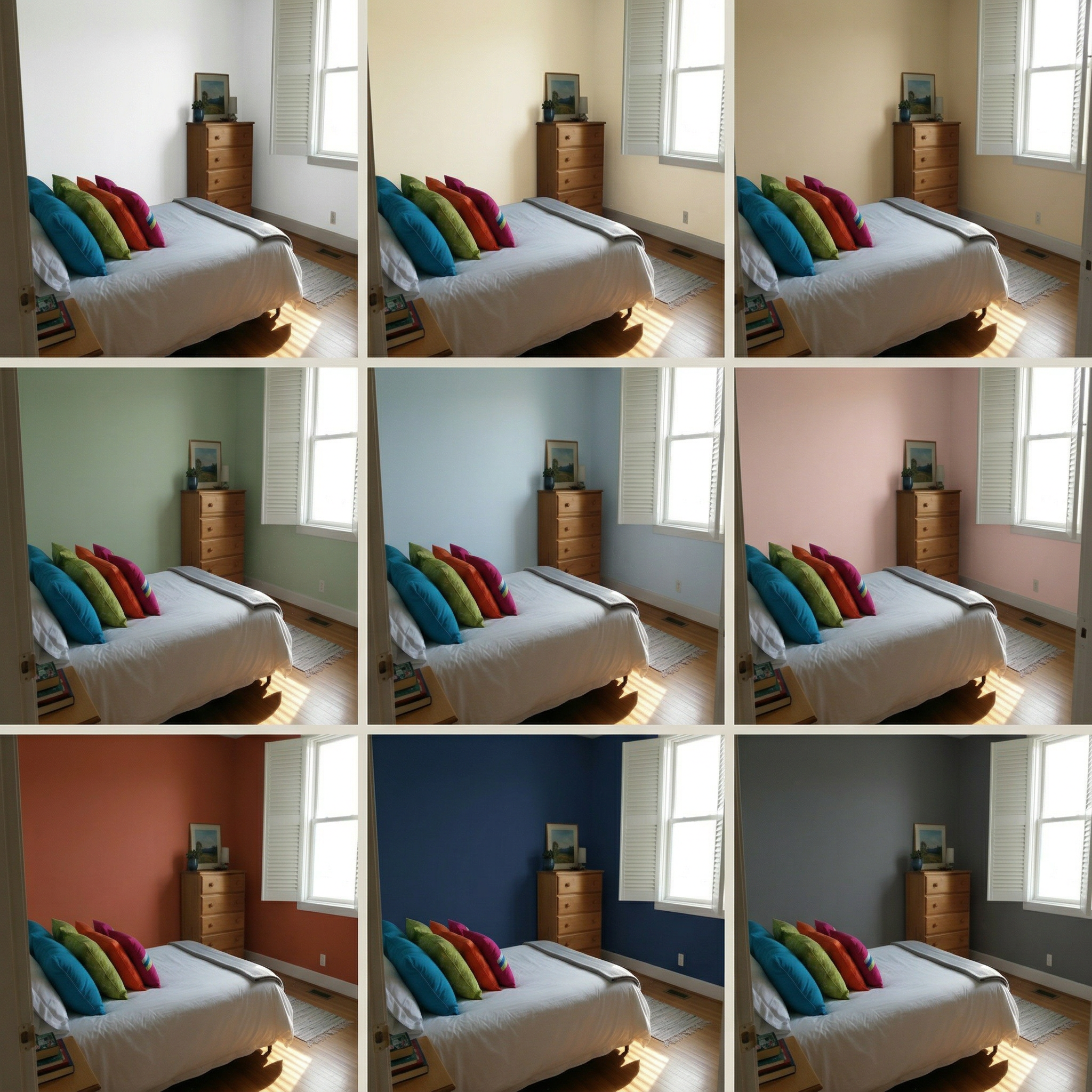
AI Paint Color Generator — Compare 9 Paint Colors at Once
Repainting the wrong color costs hundreds. Preview 9 wall paint options side by side on your actual room photo before committing to a single can.
Clients second-guess paint colors after the job is done — show them 9 options upfront.
Wrong color choices cost hundreds in repainting. Preview before committing.
Don't lose renovation deals to color indecision. Compare tones side by side.
Perfect For
Used by property and design teams around the world



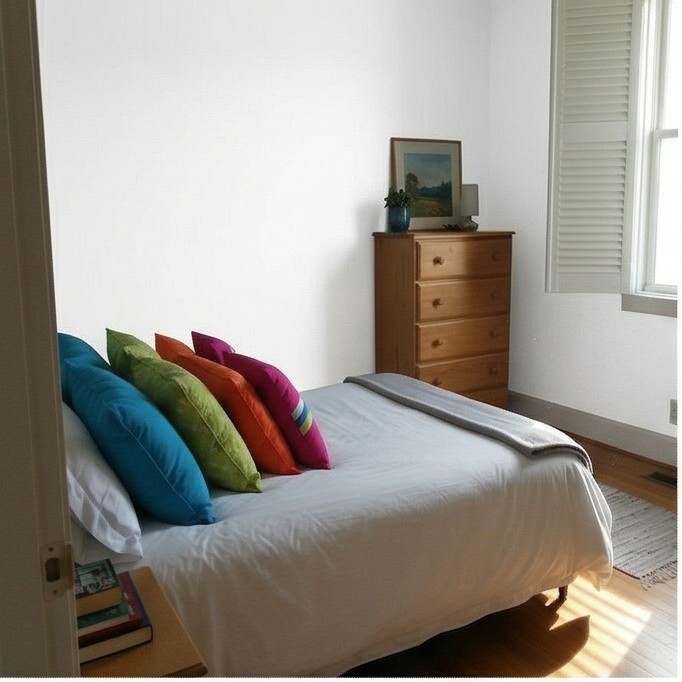
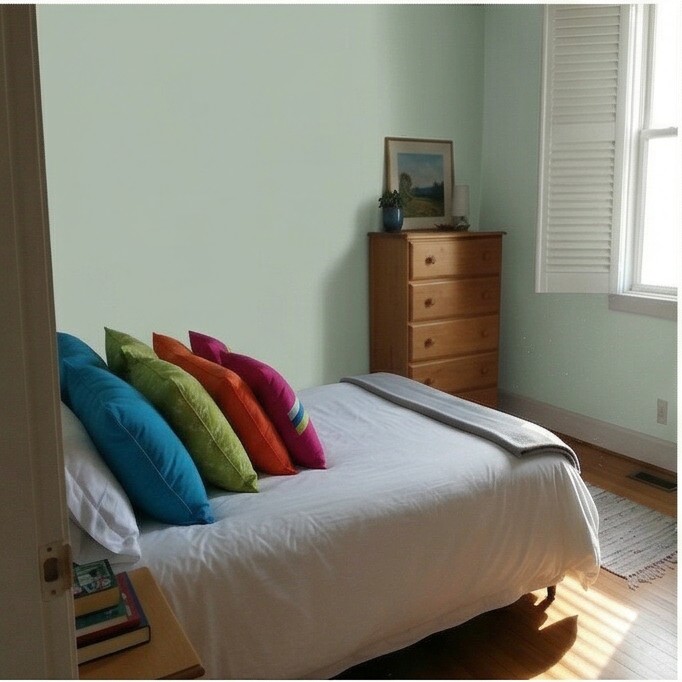
Guest Bedroom
These are just preset examples — in the app you can choose any color you want
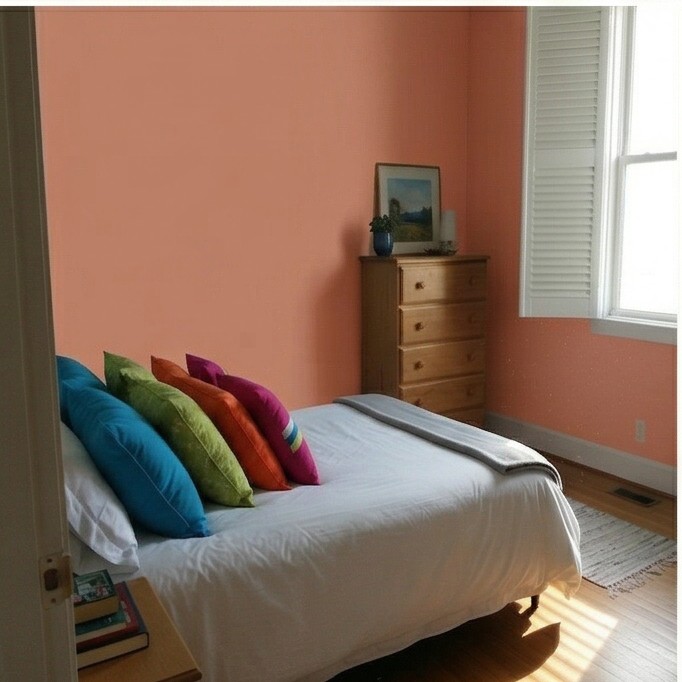
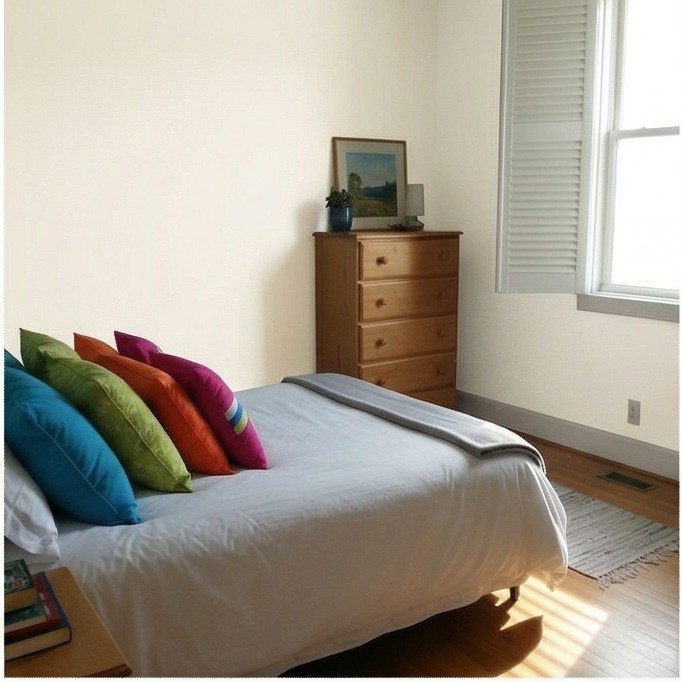
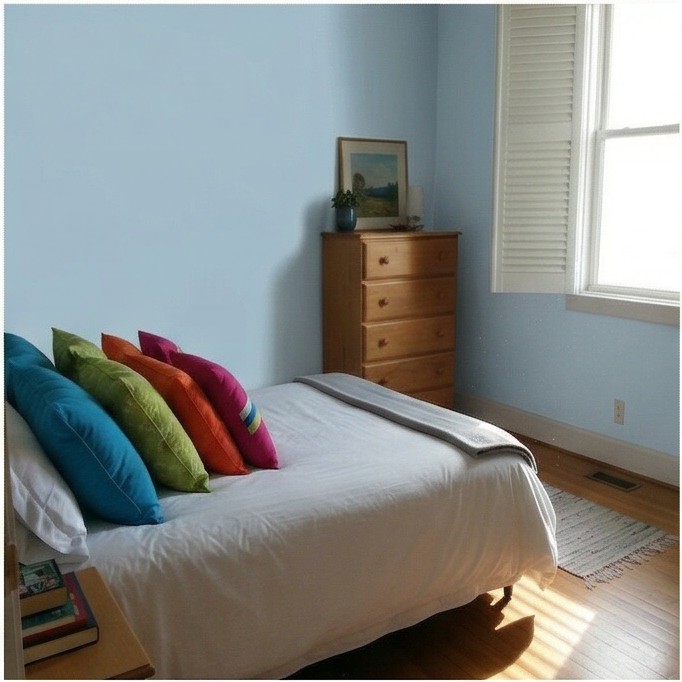
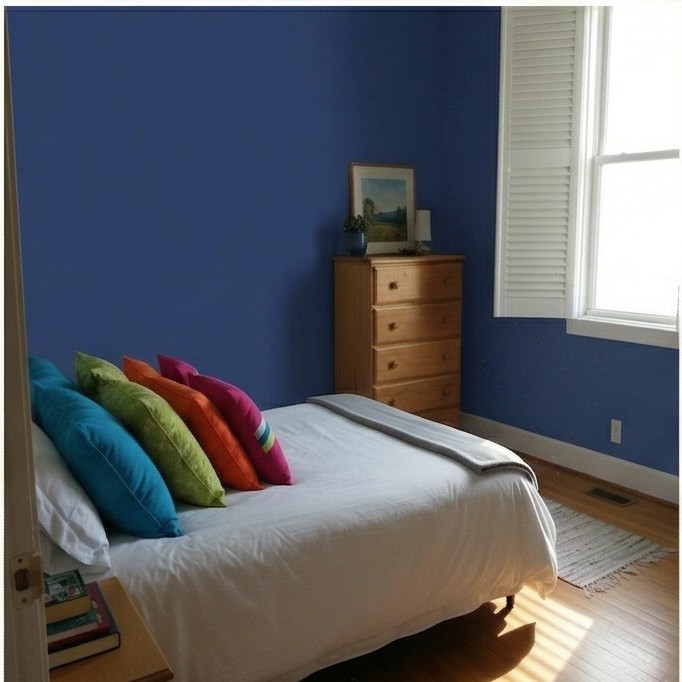
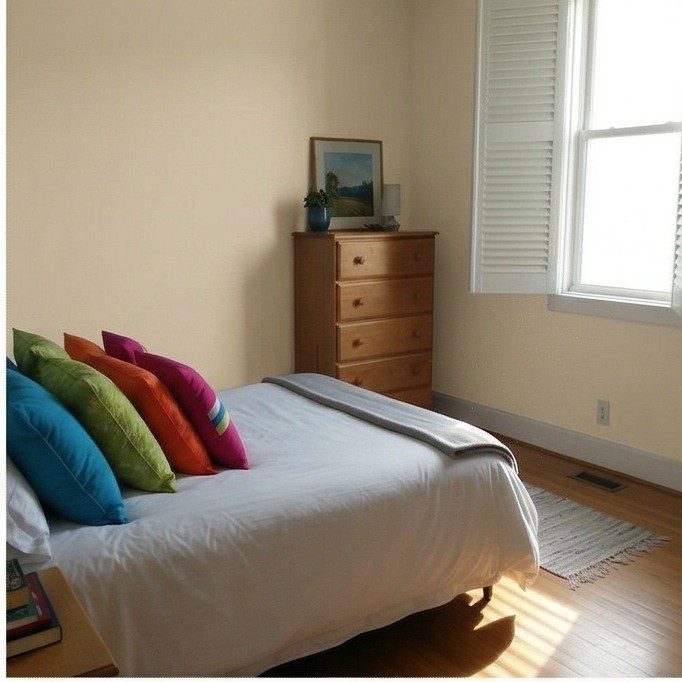
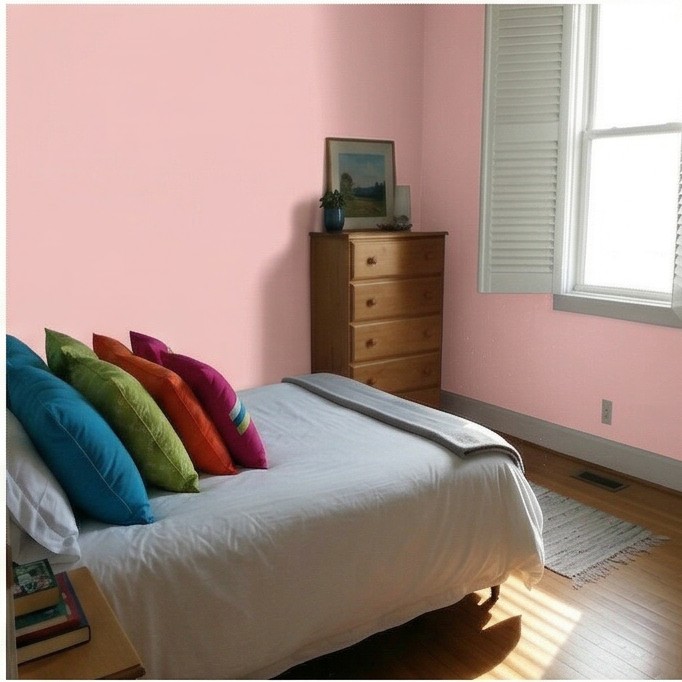
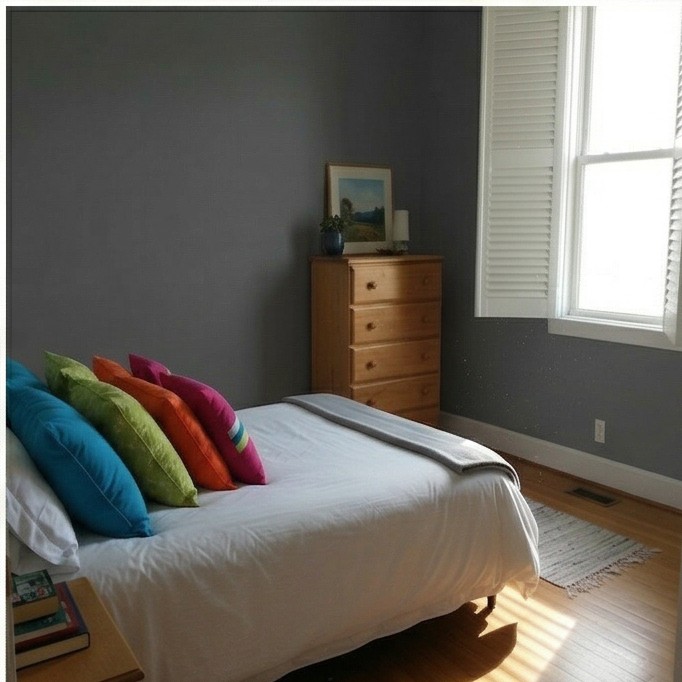
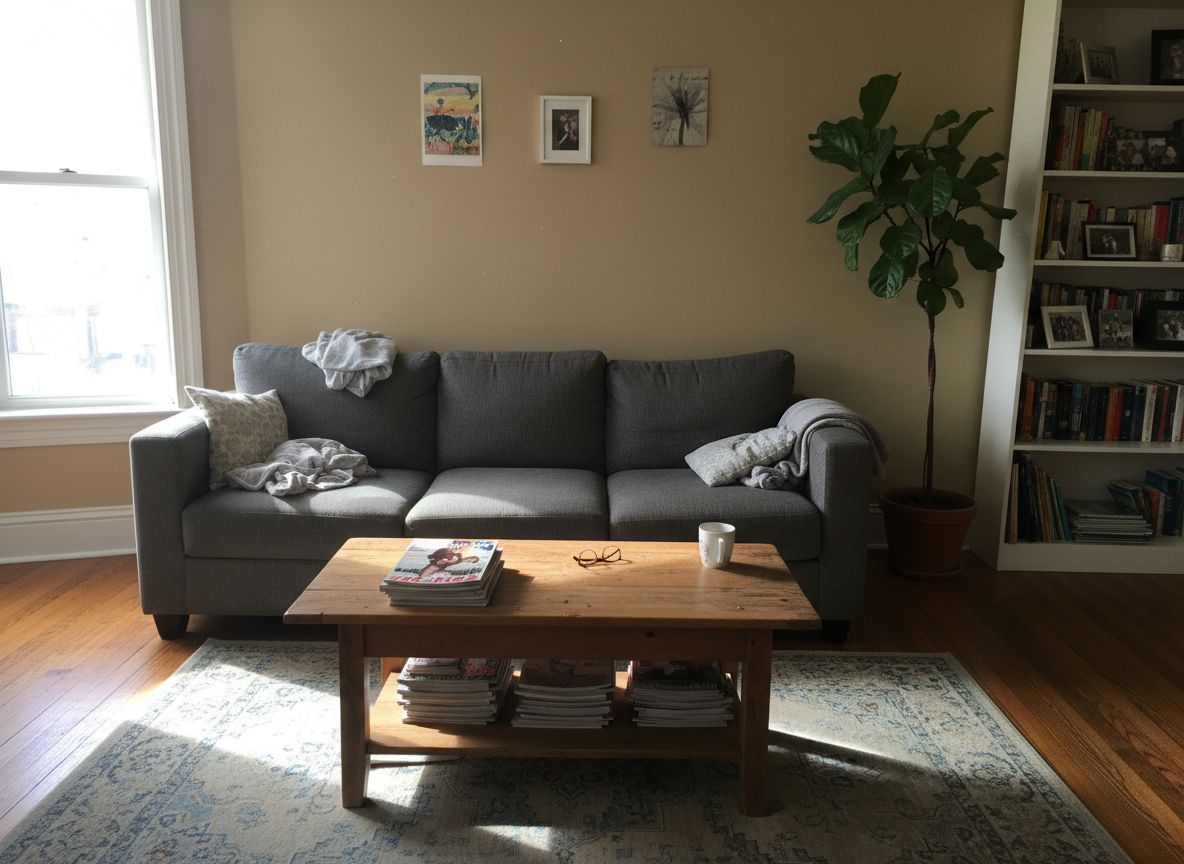
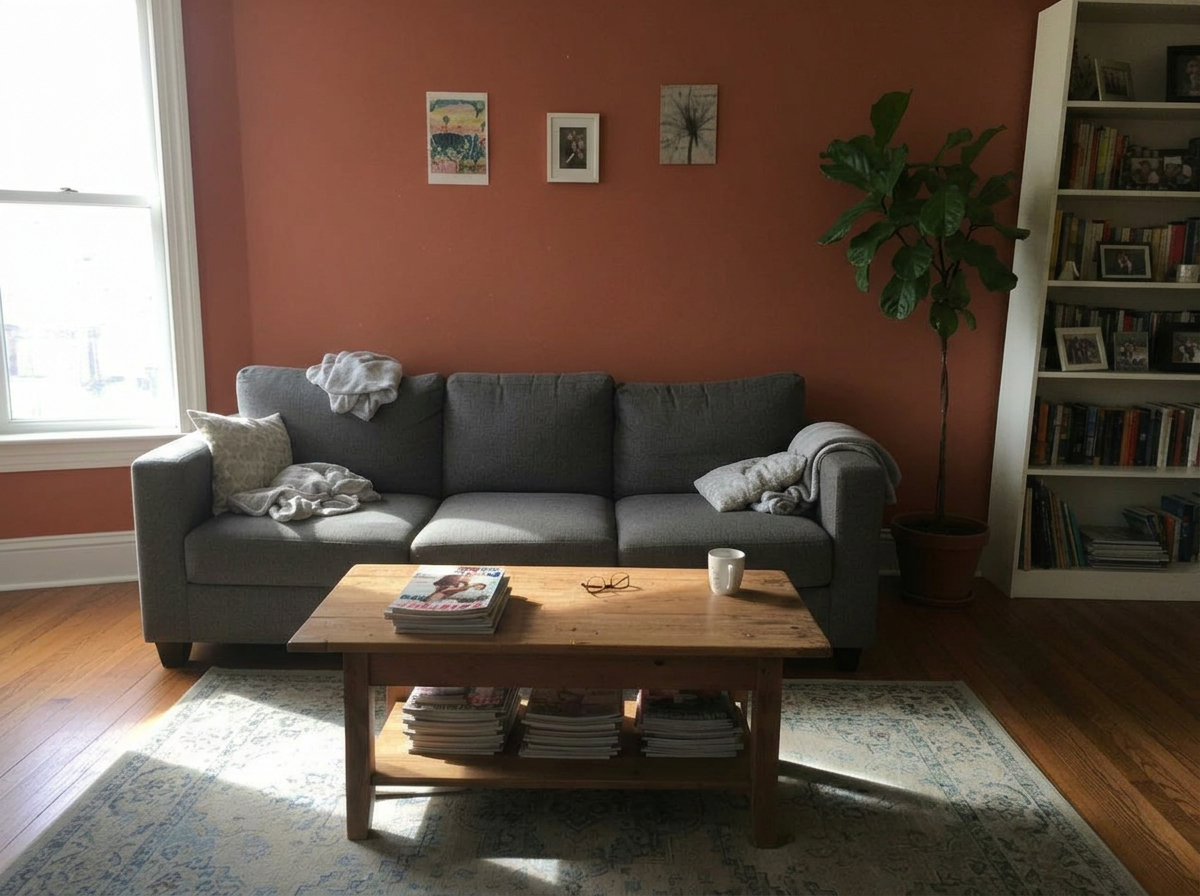
Living Room
These are just preset examples — in the app you can choose any color you want
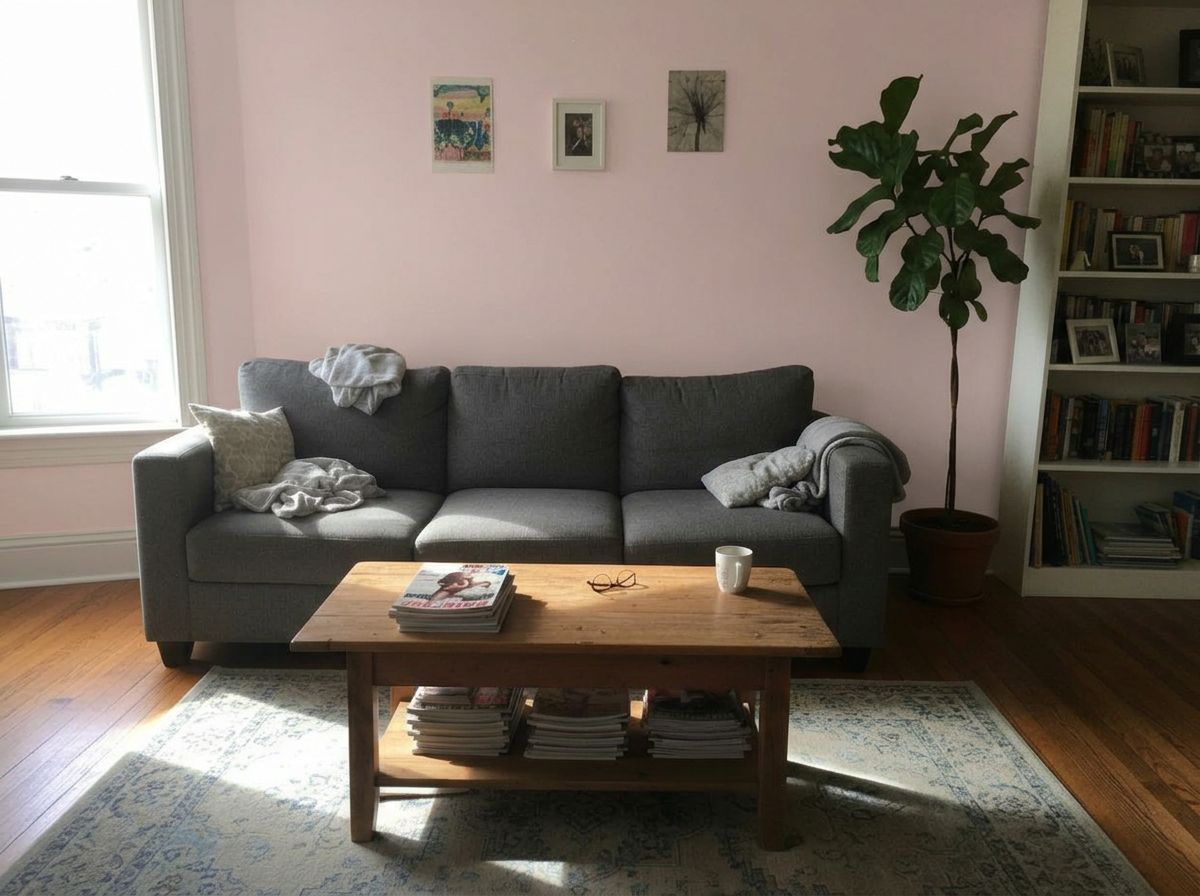
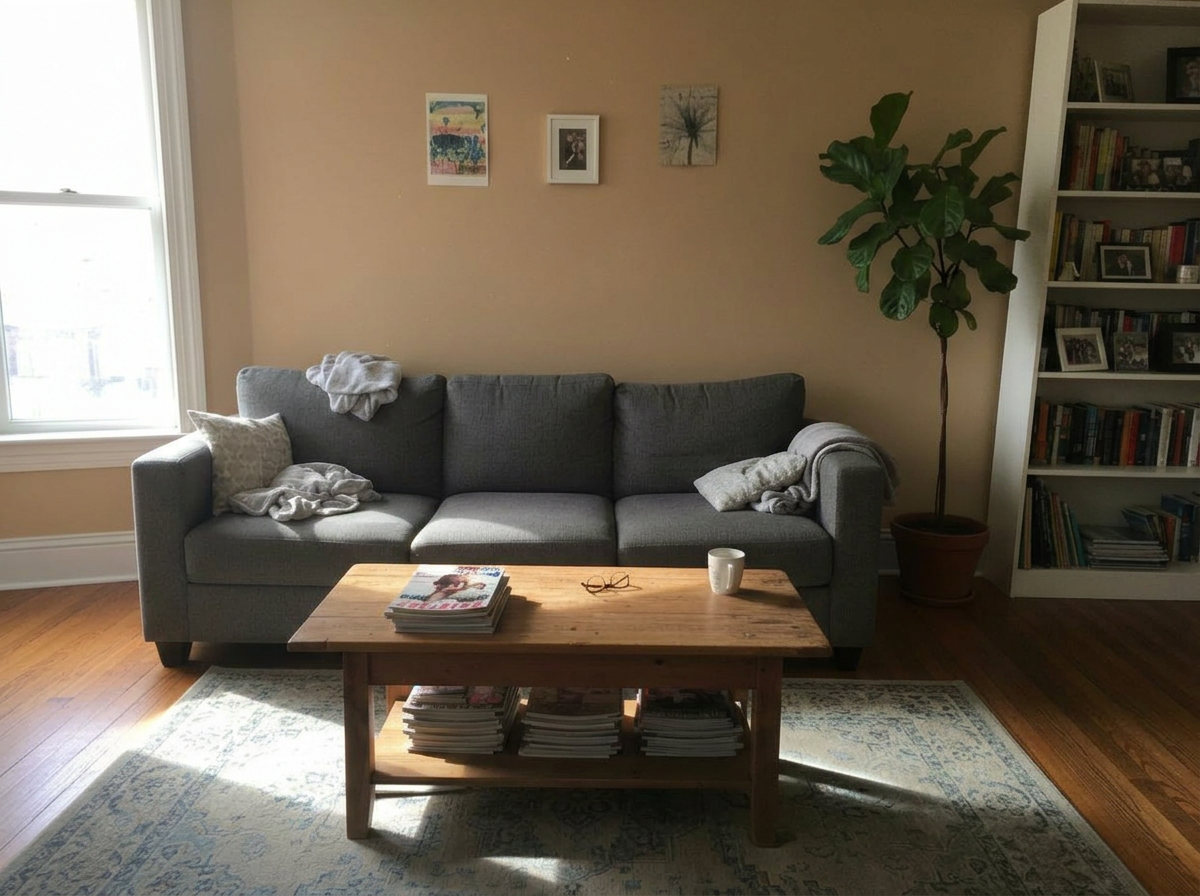
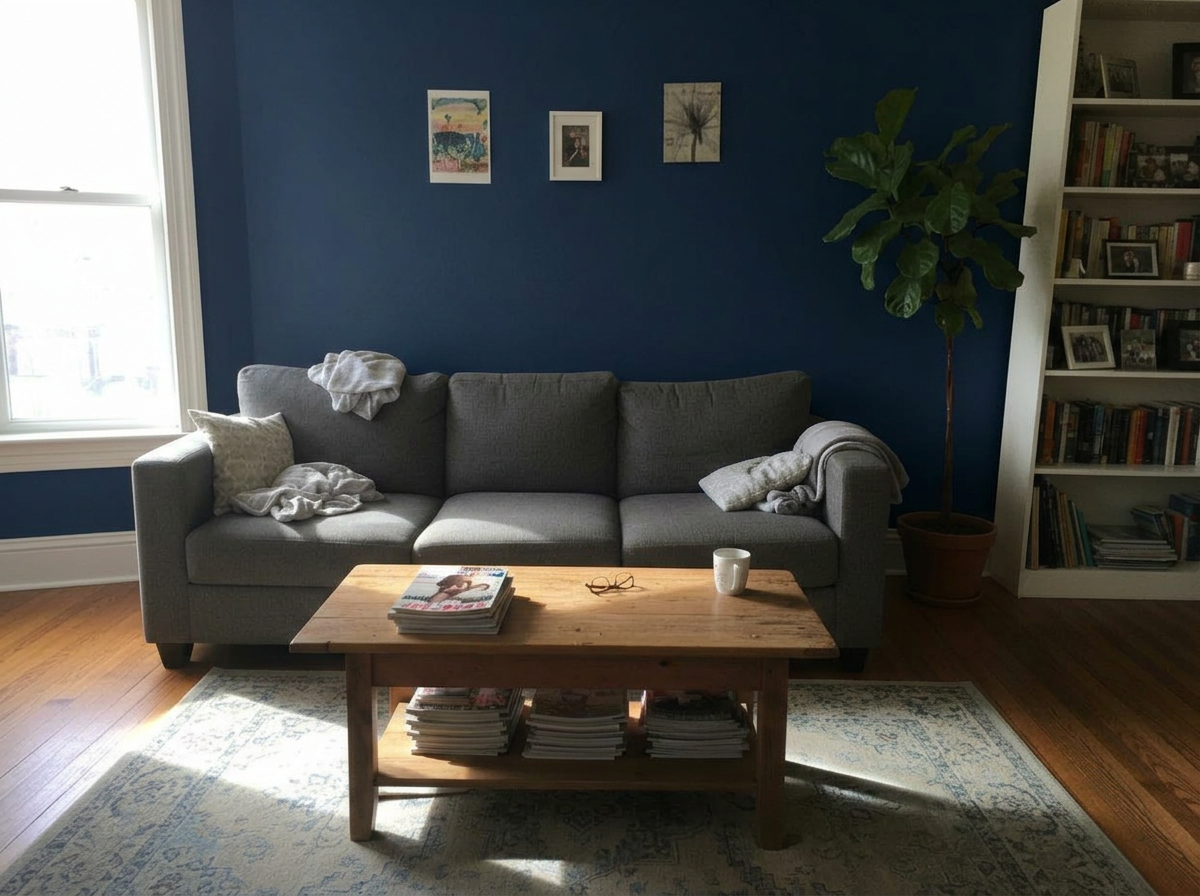
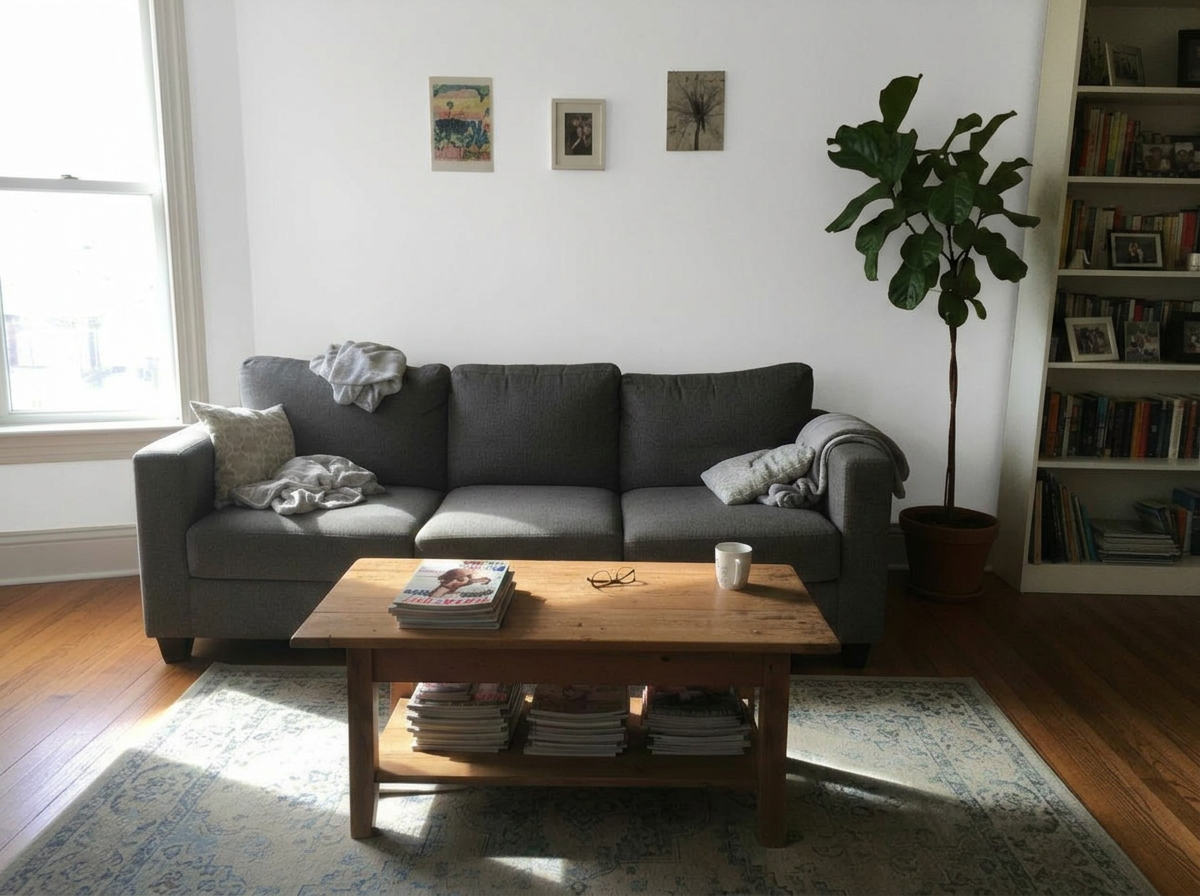
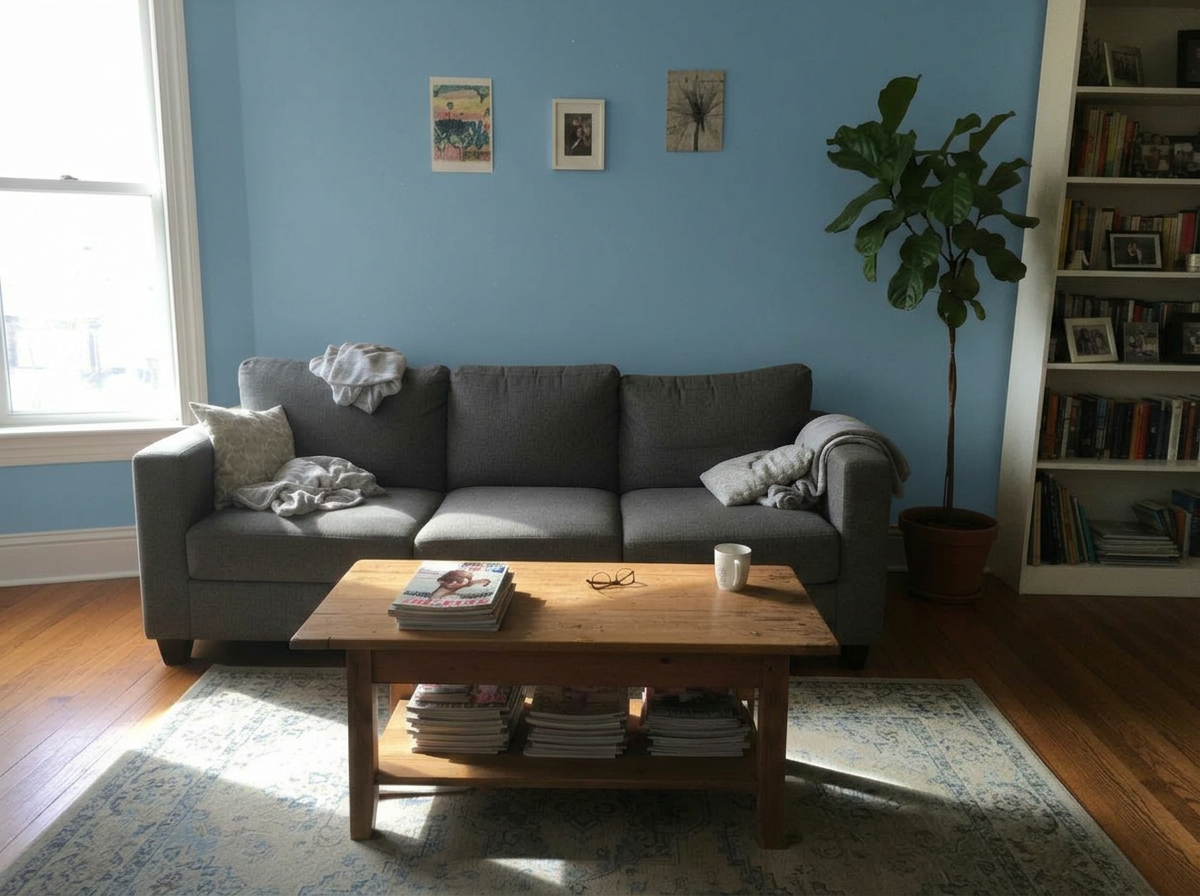
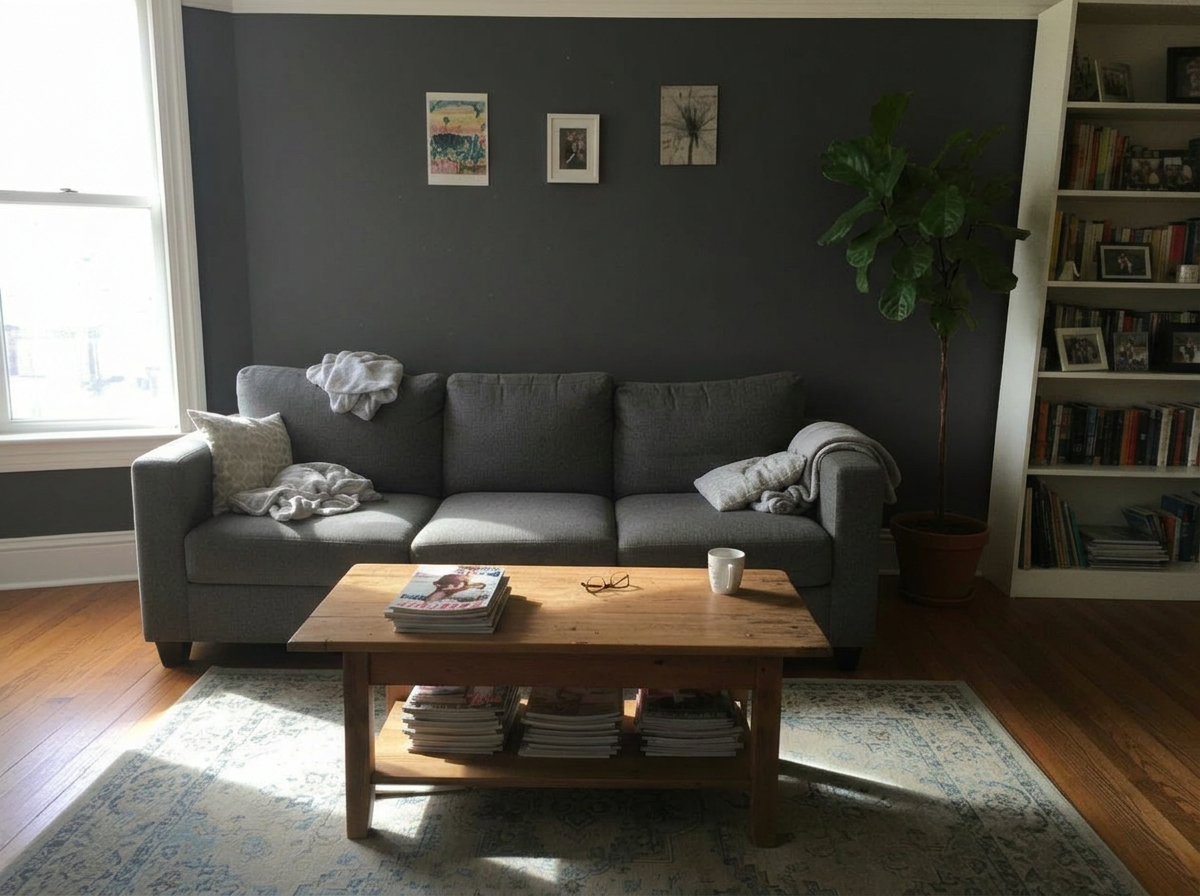
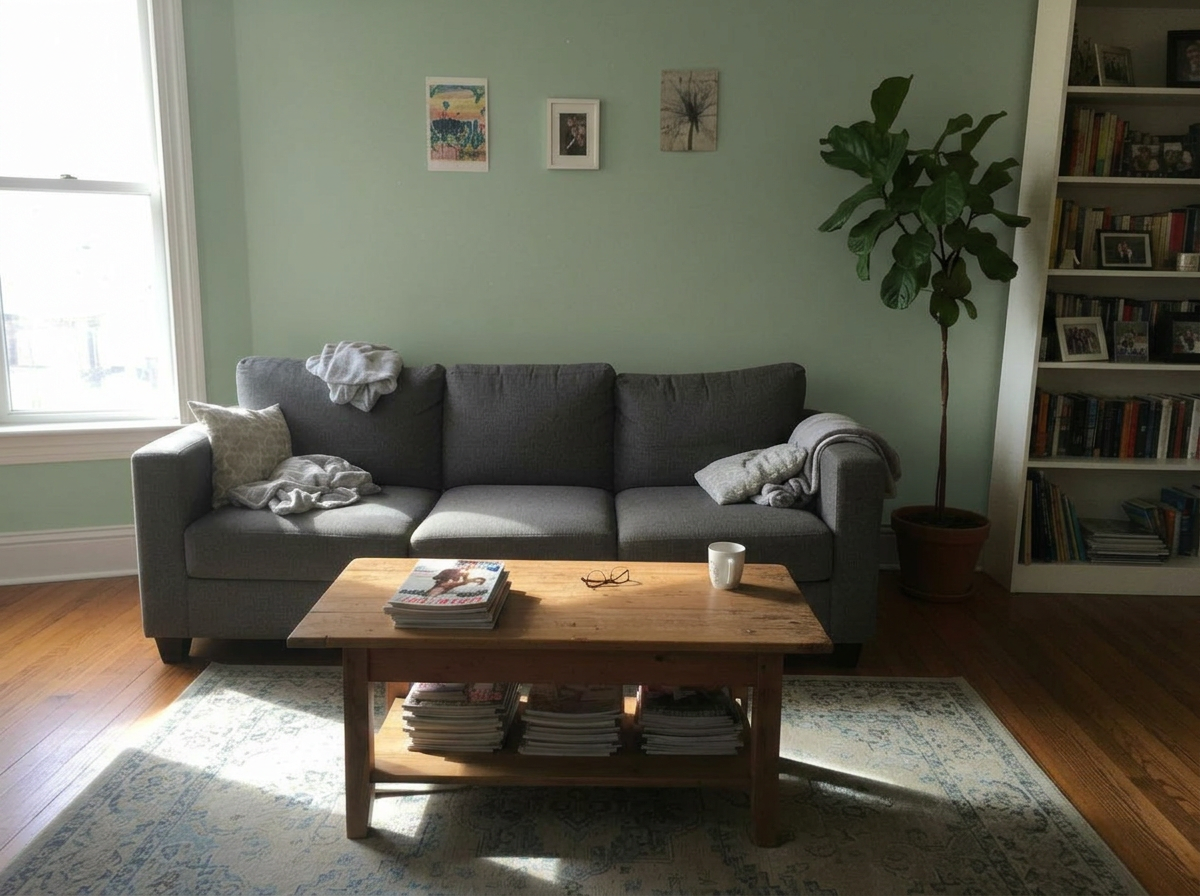
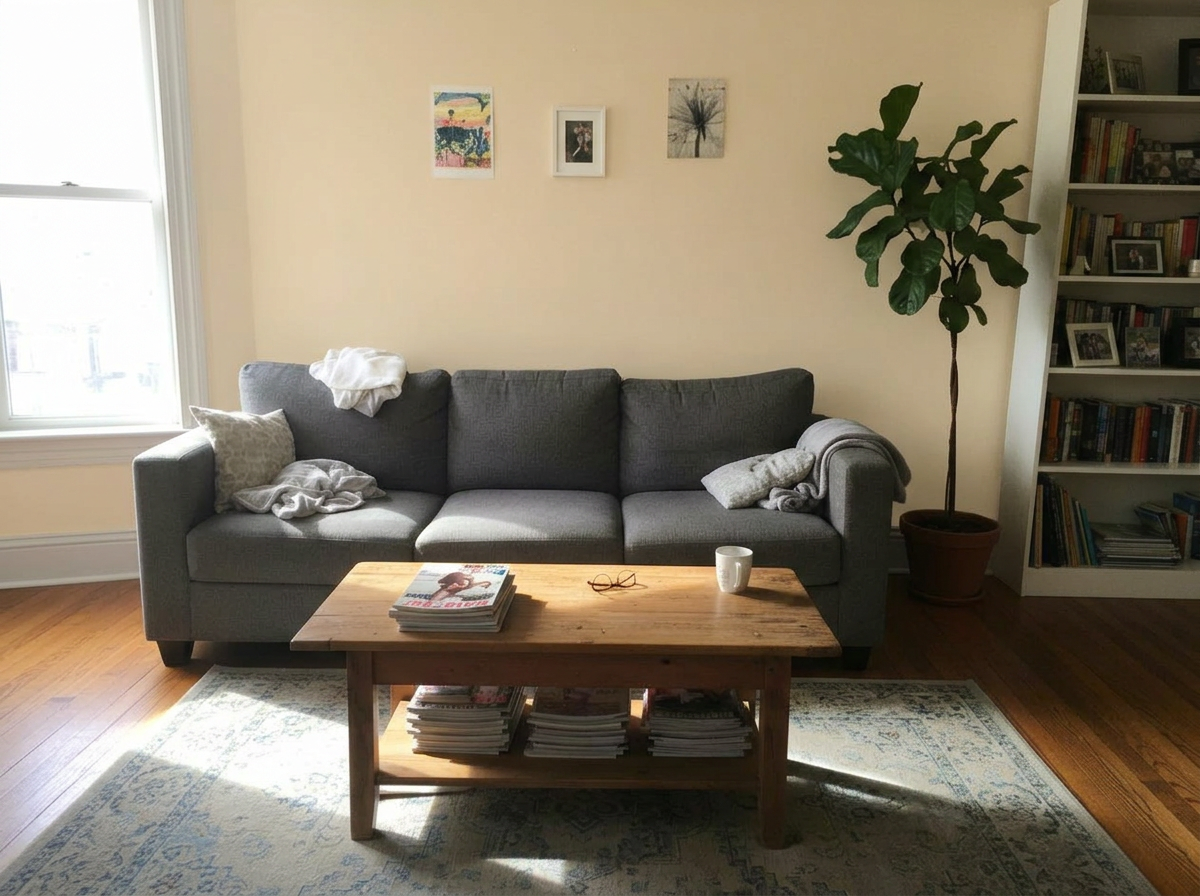
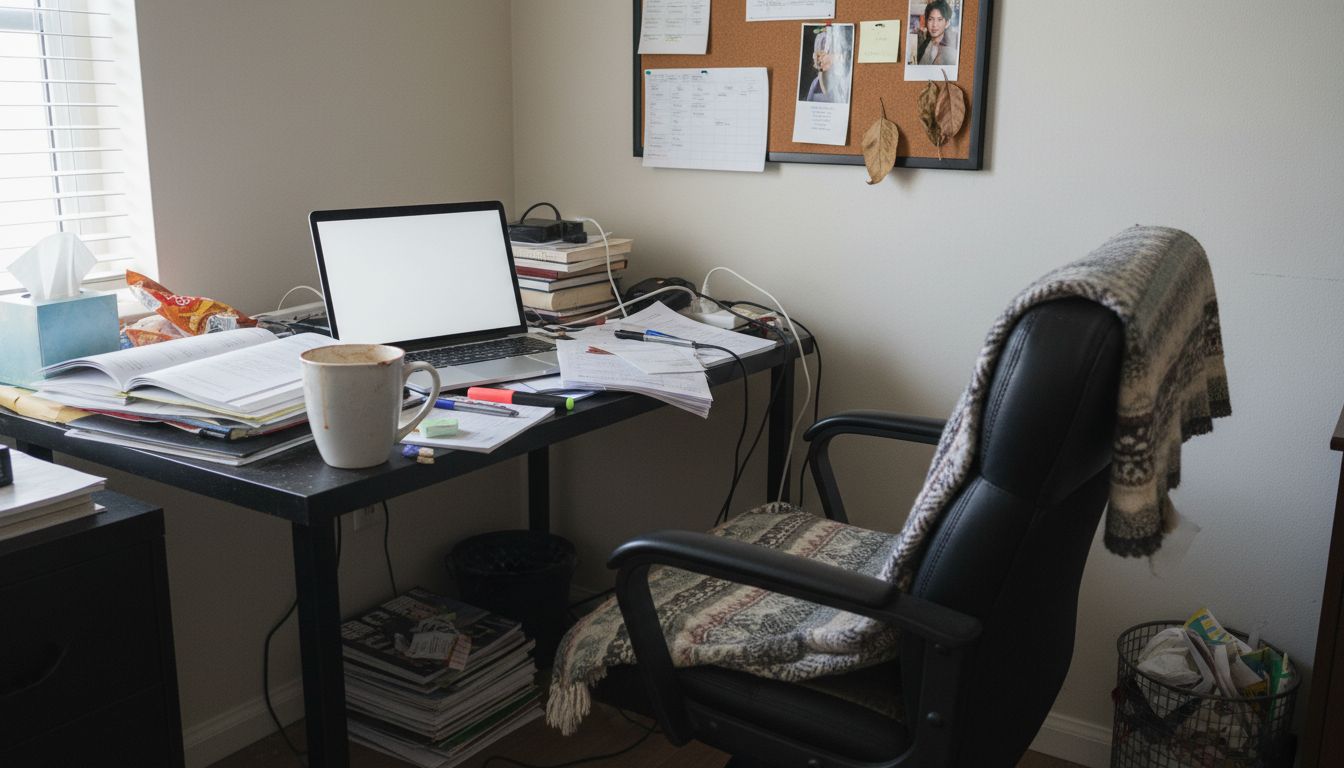
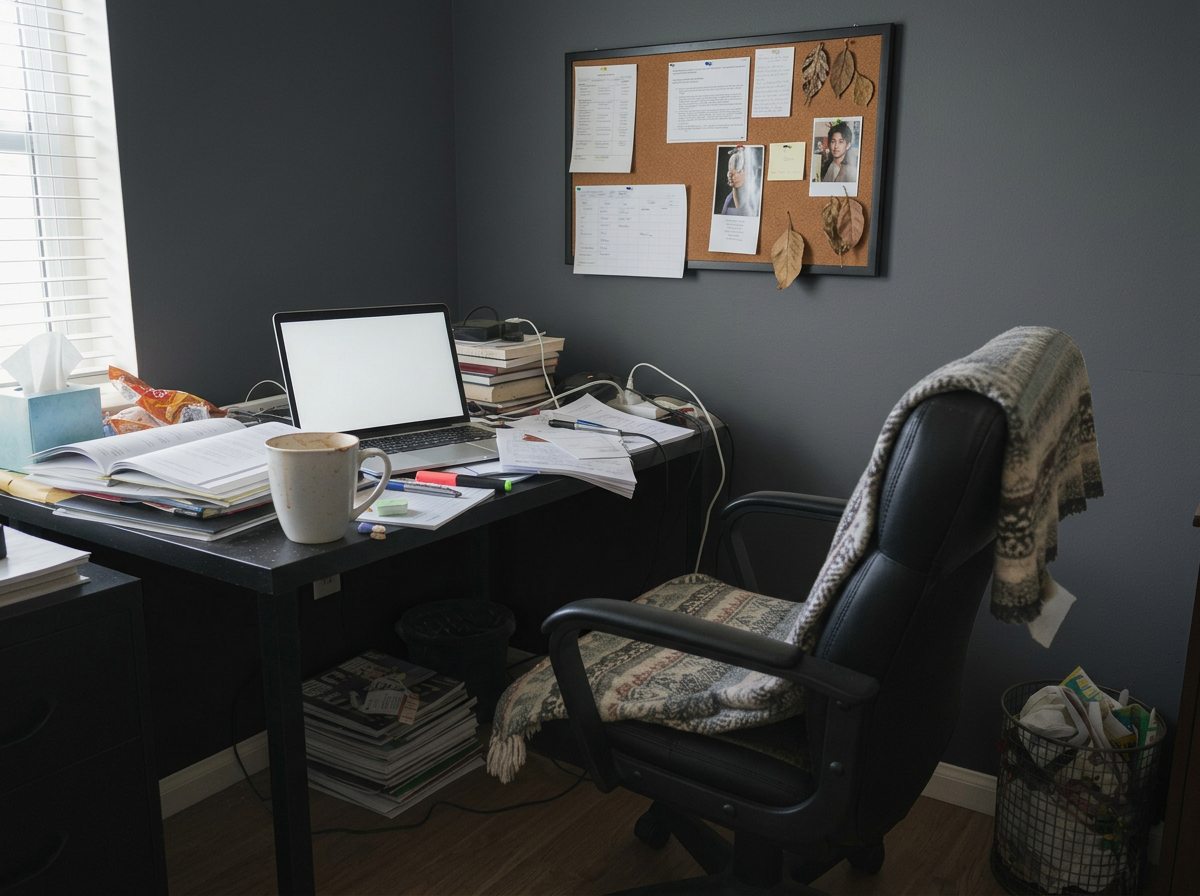
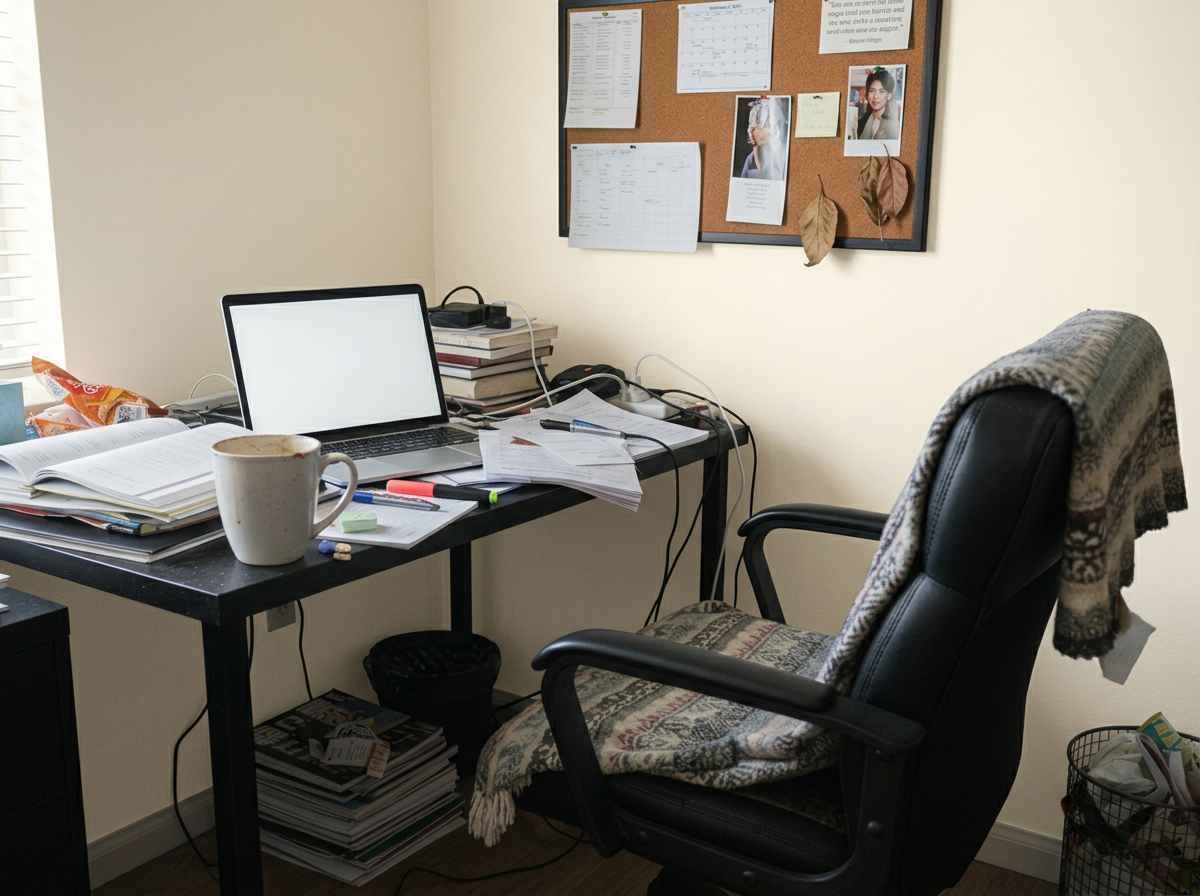
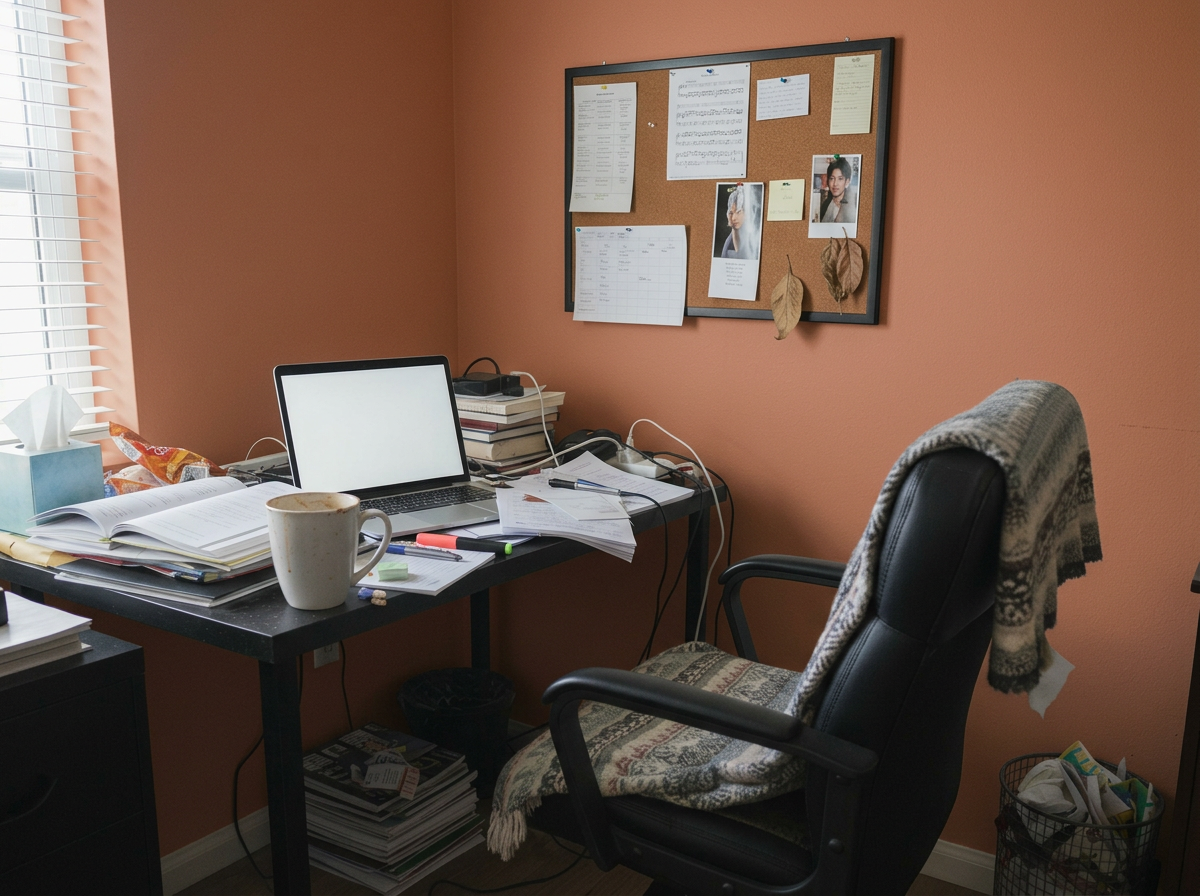
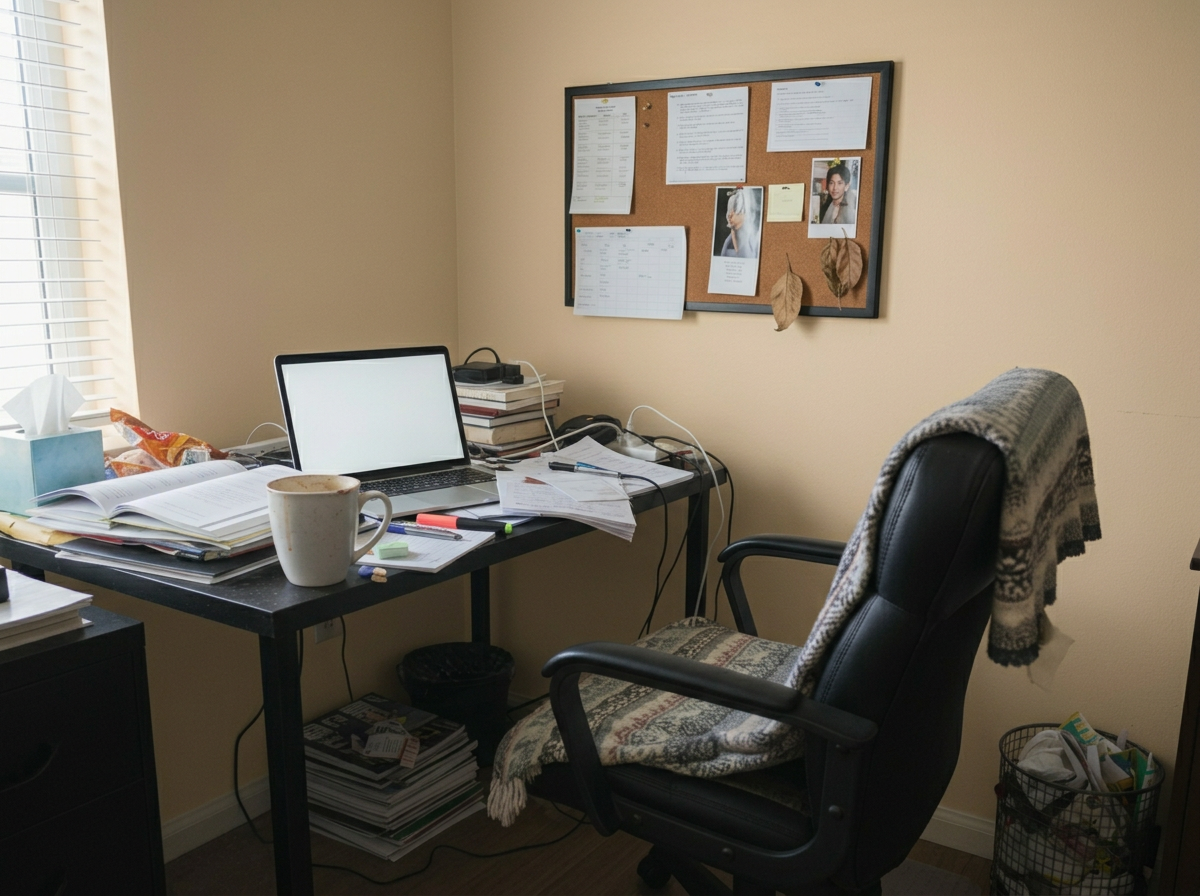
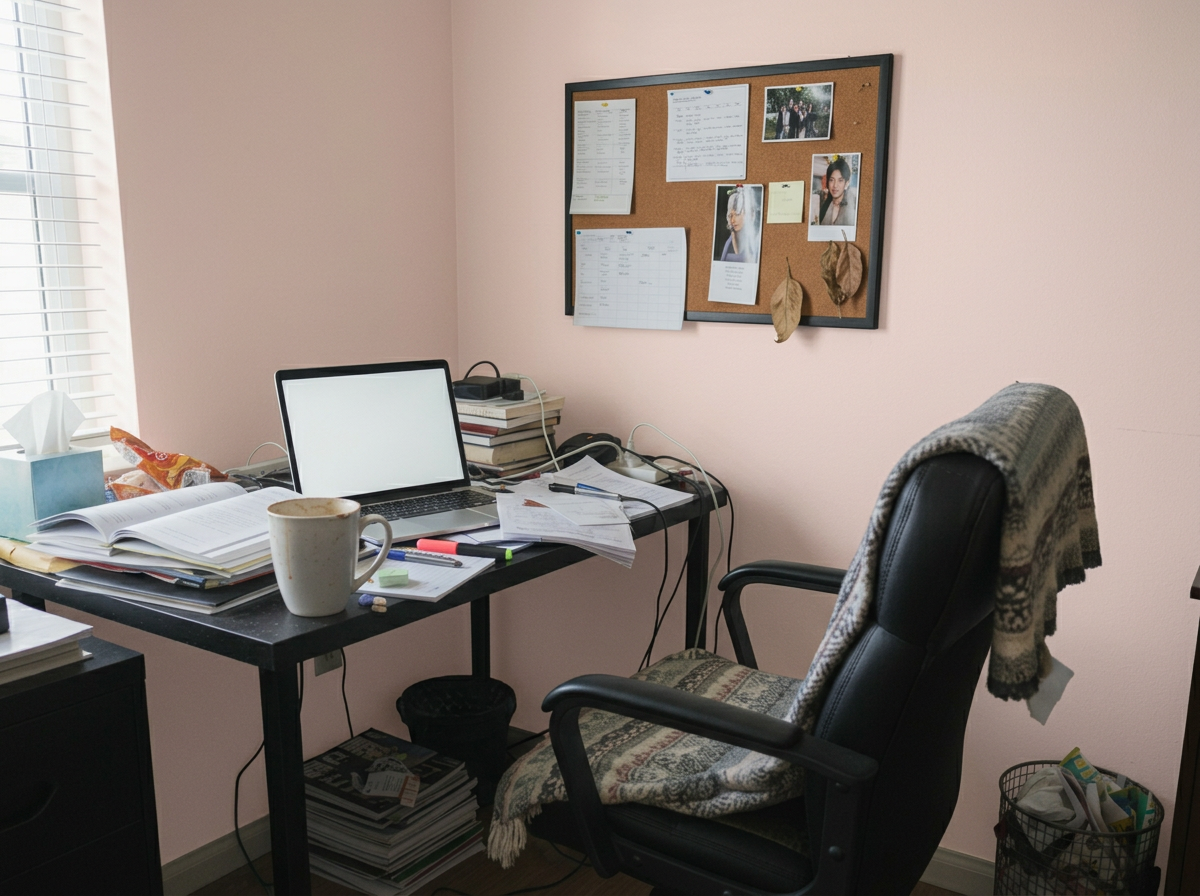
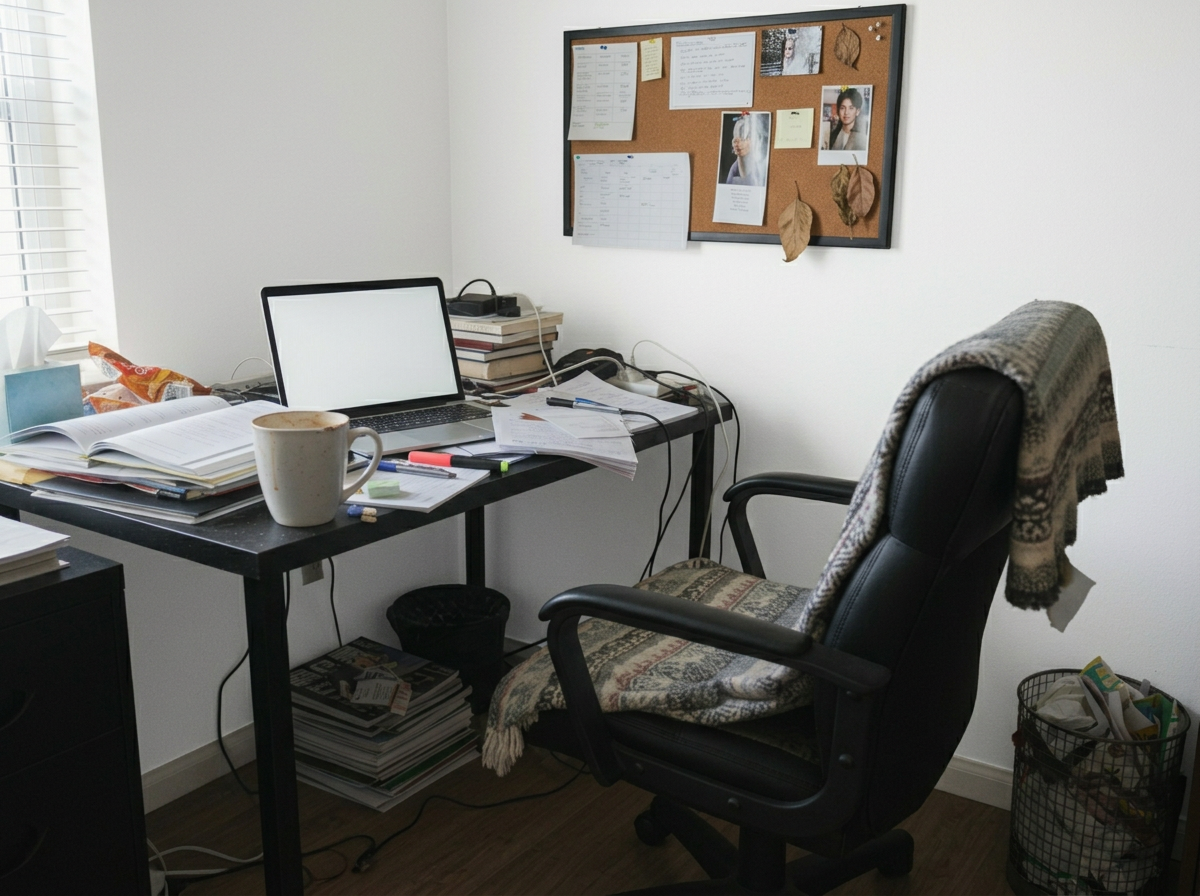
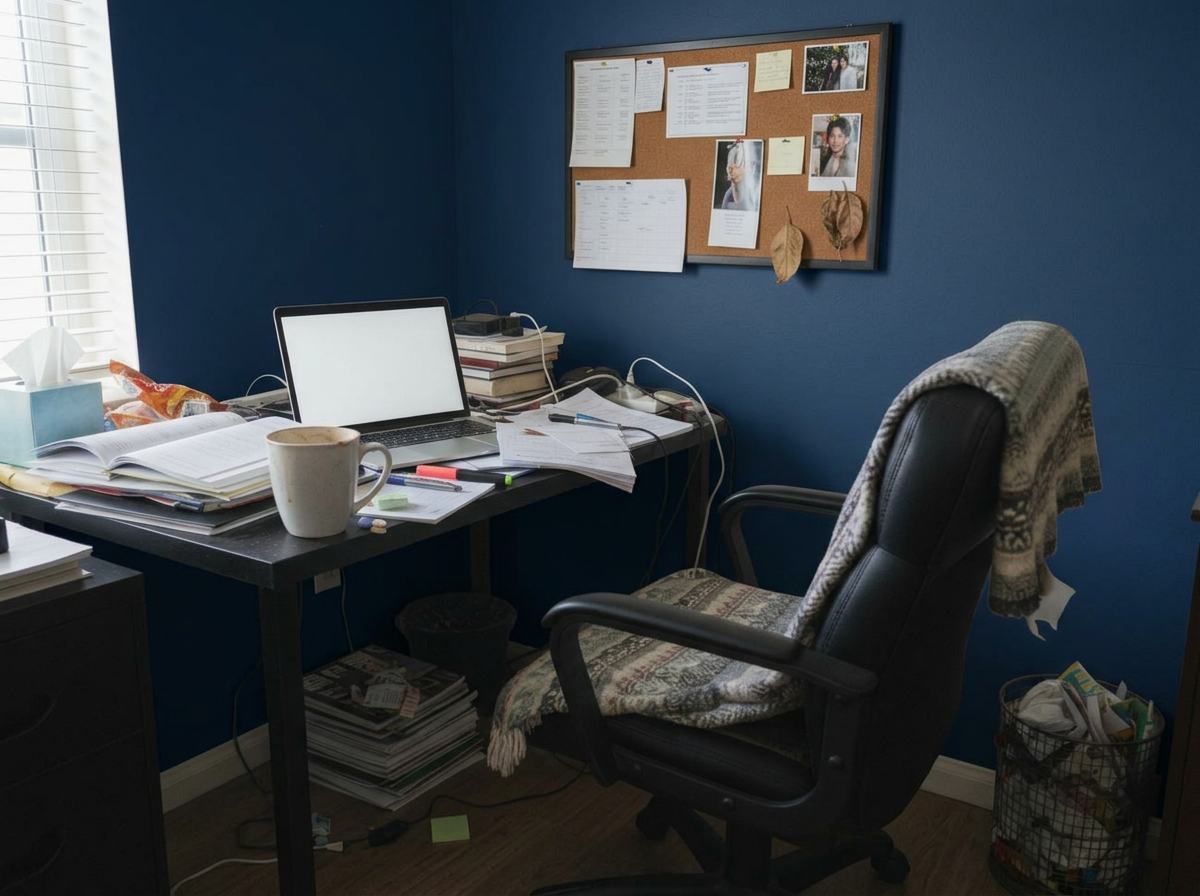
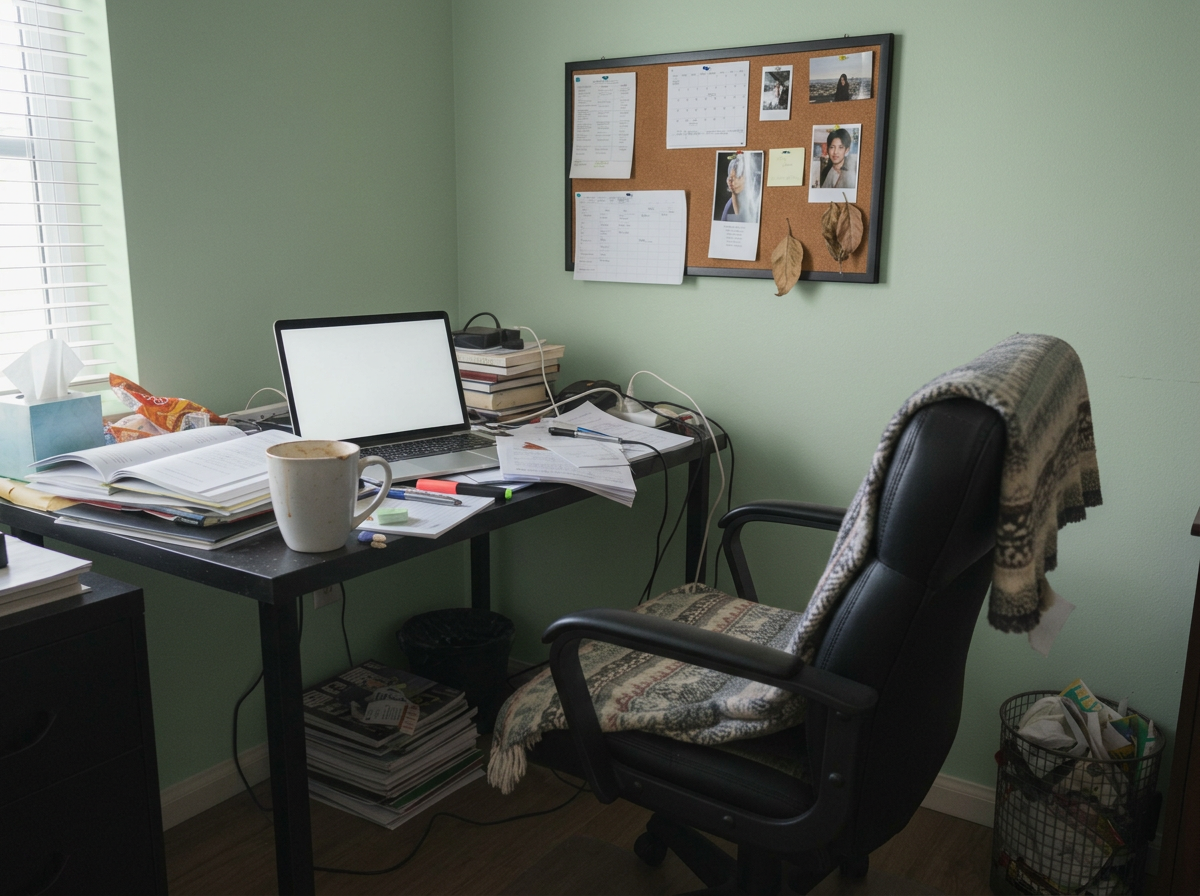
Home Office
These are just preset examples — in the app you can choose any color you want
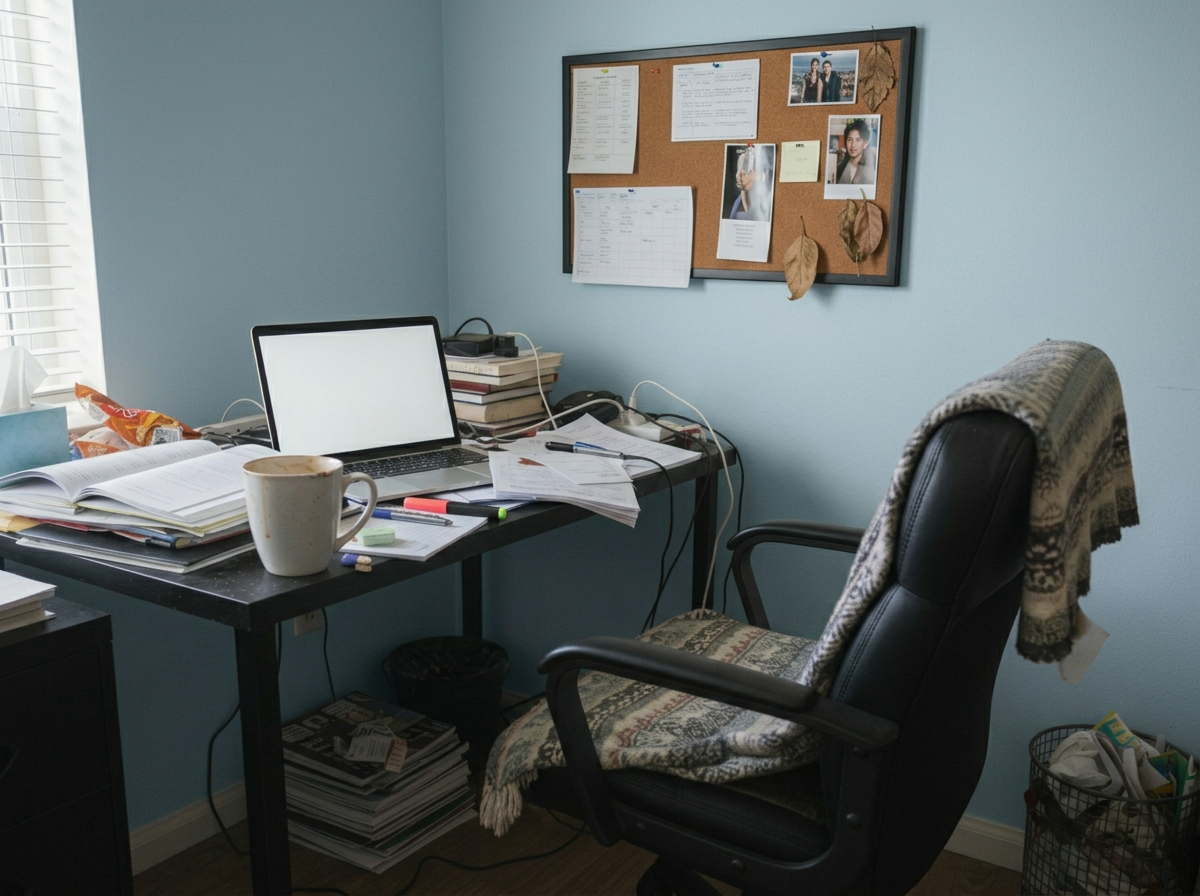
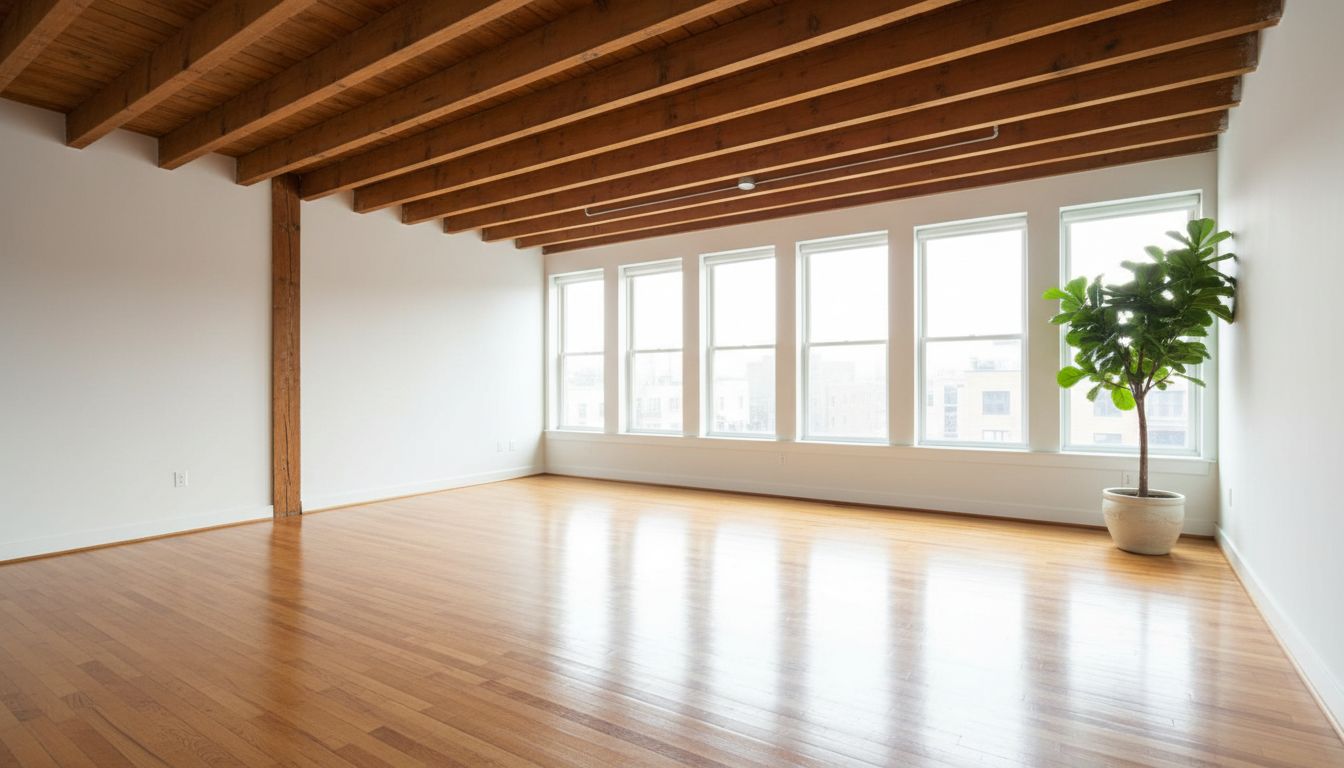
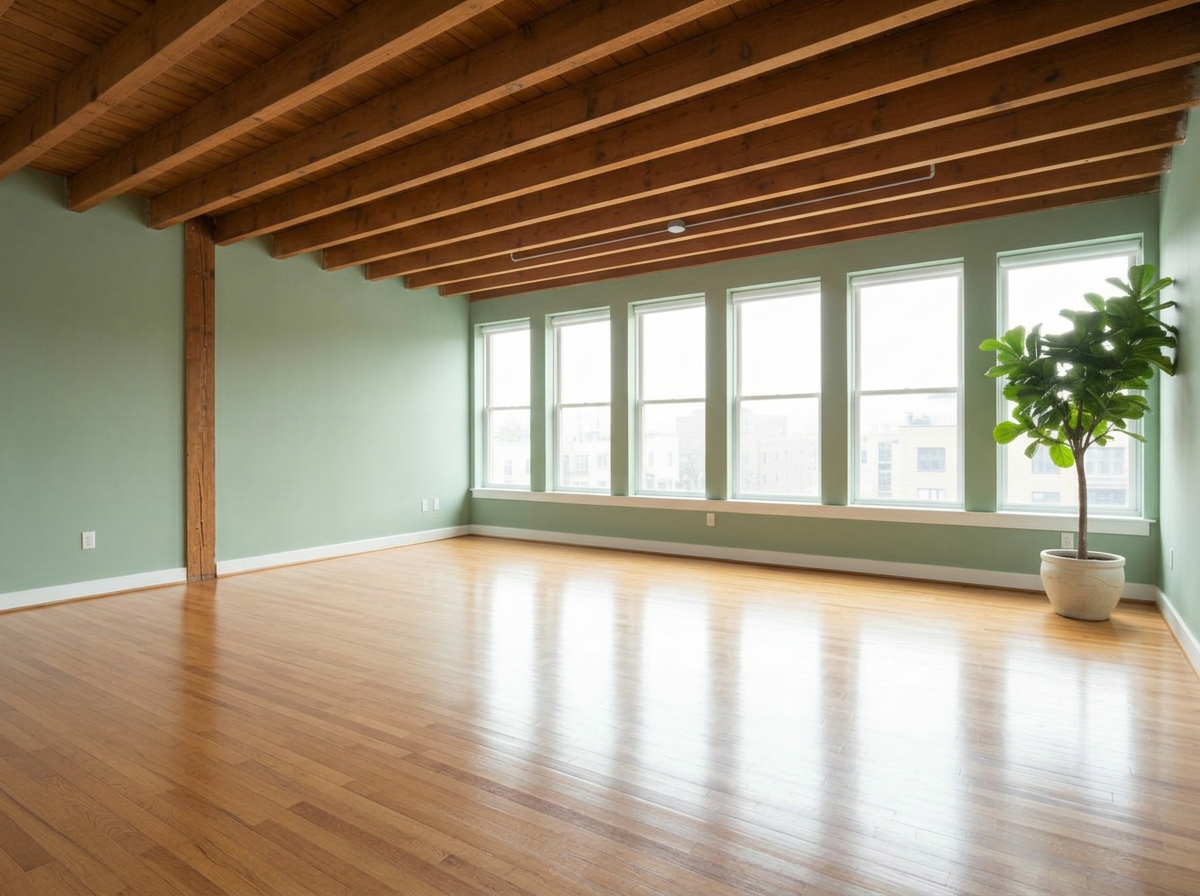
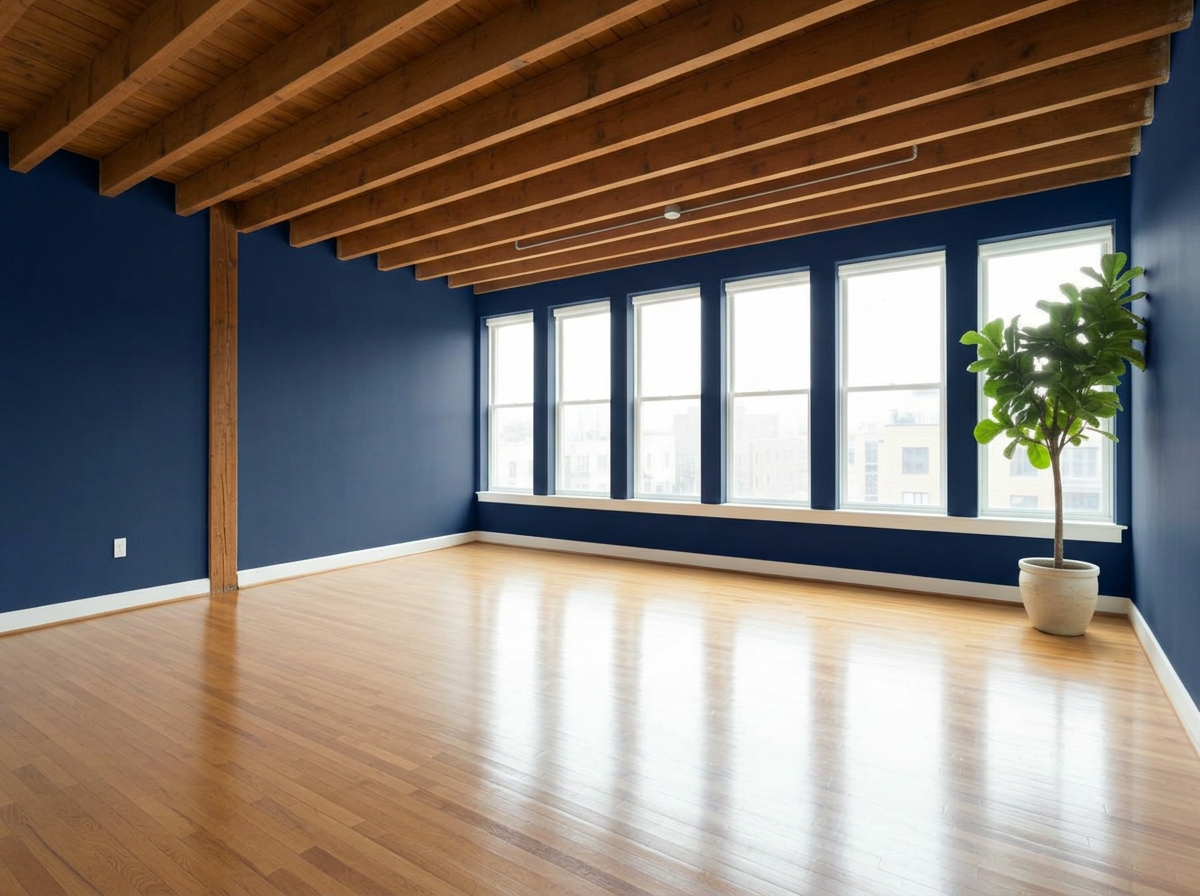
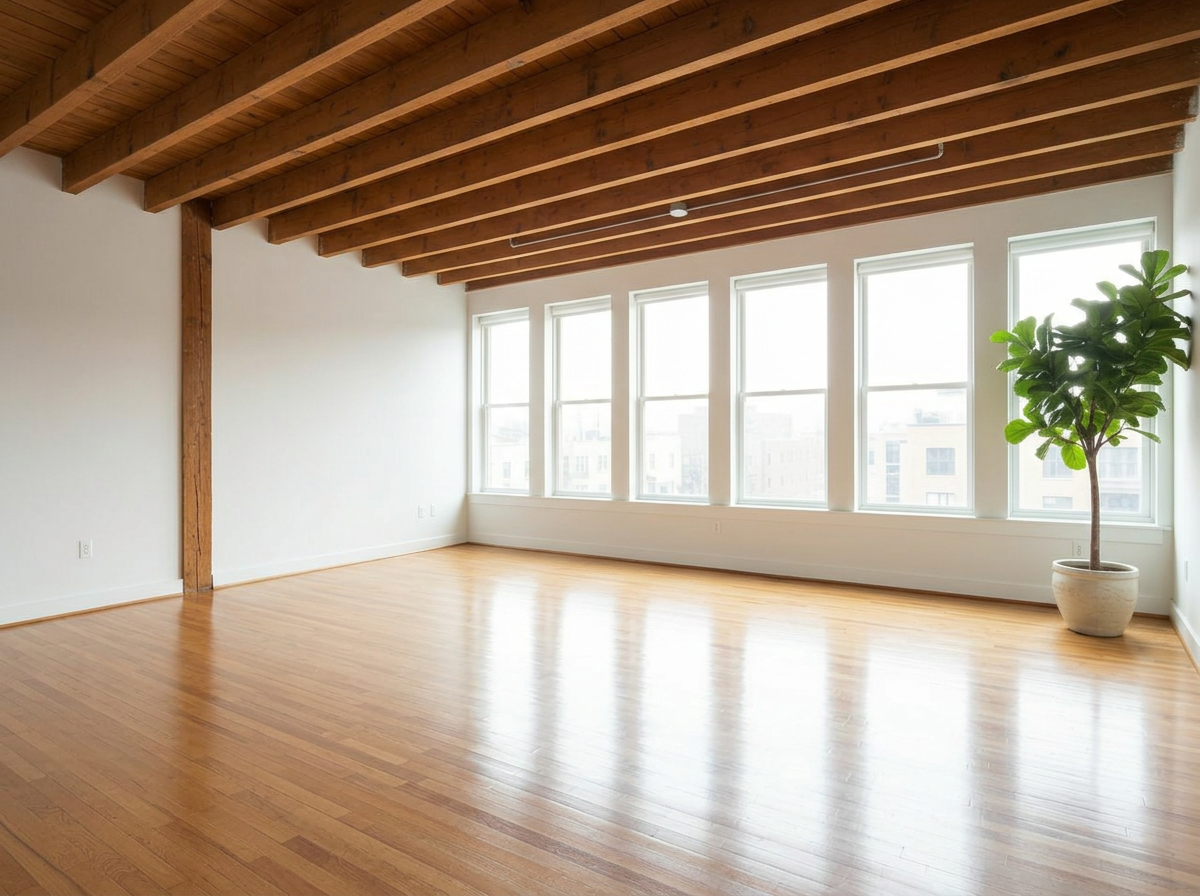
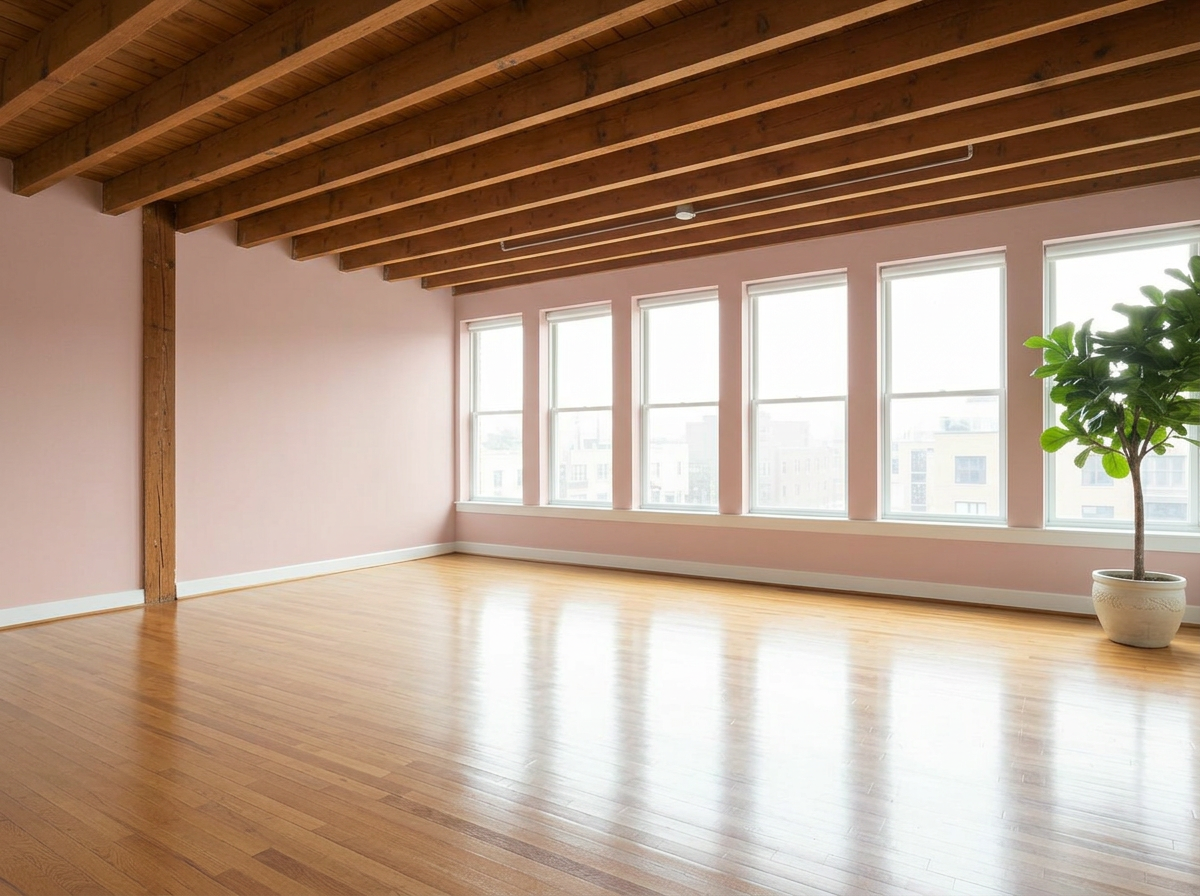
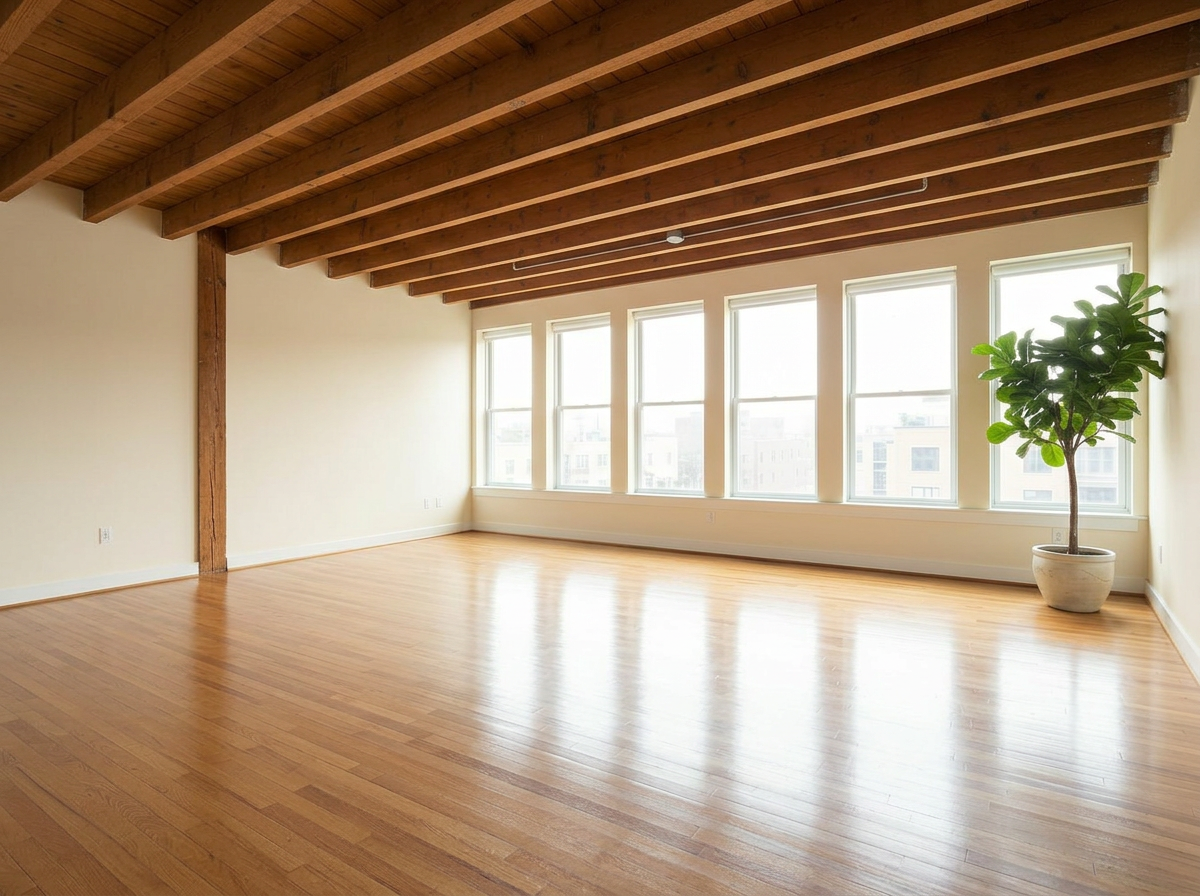
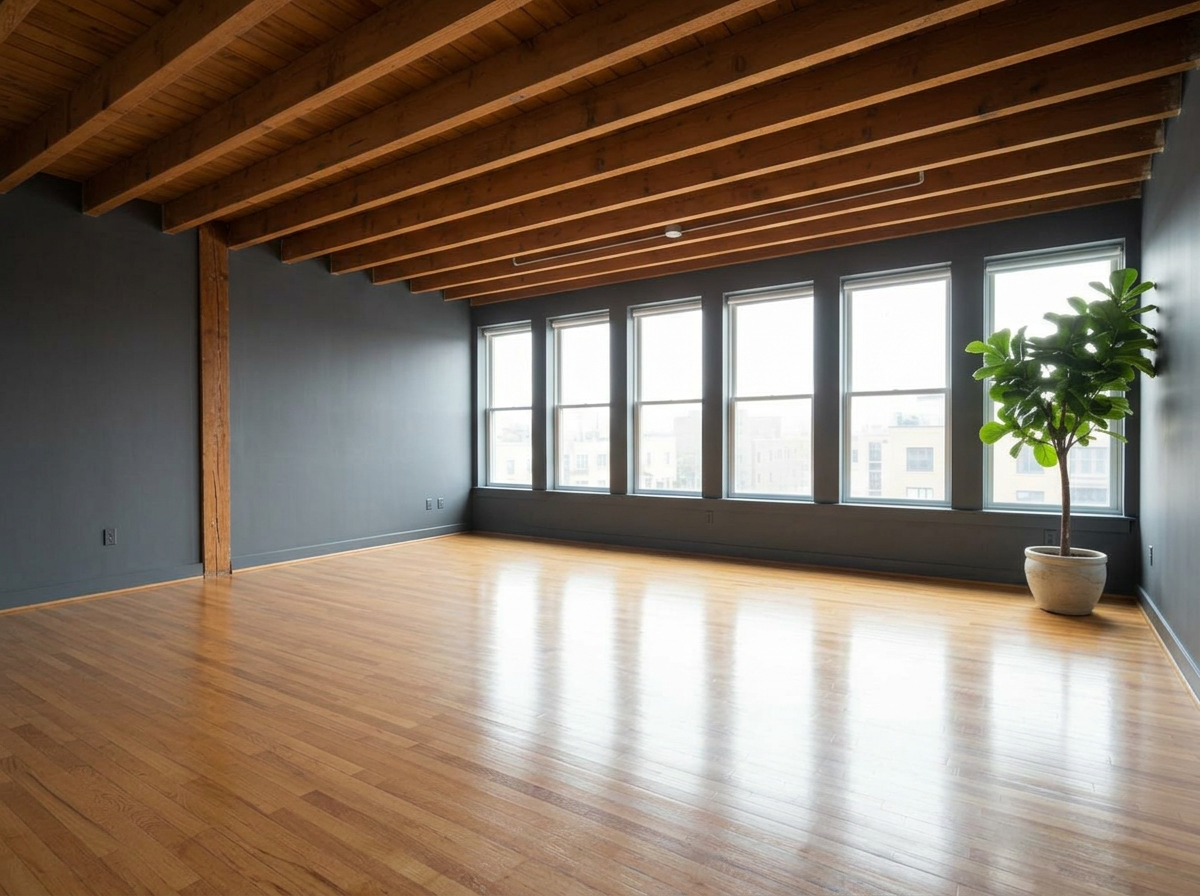
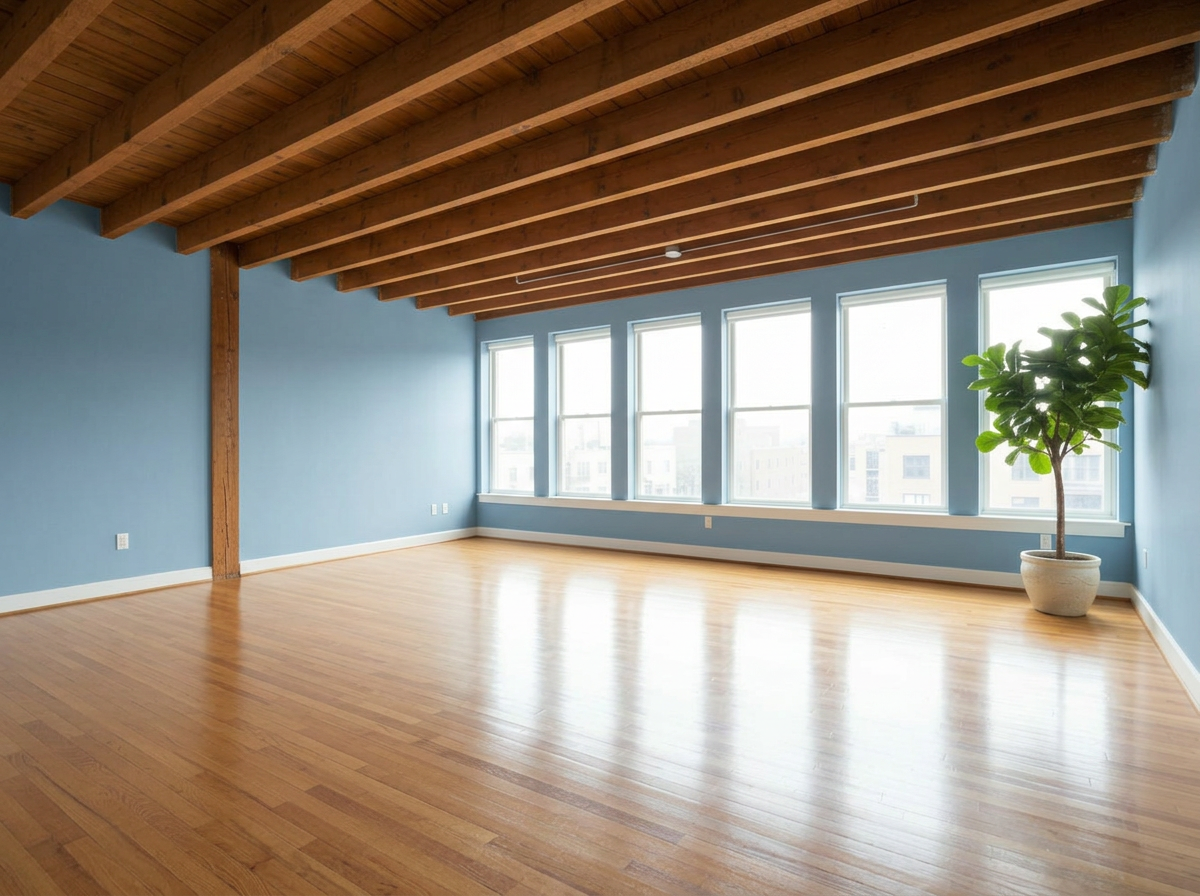
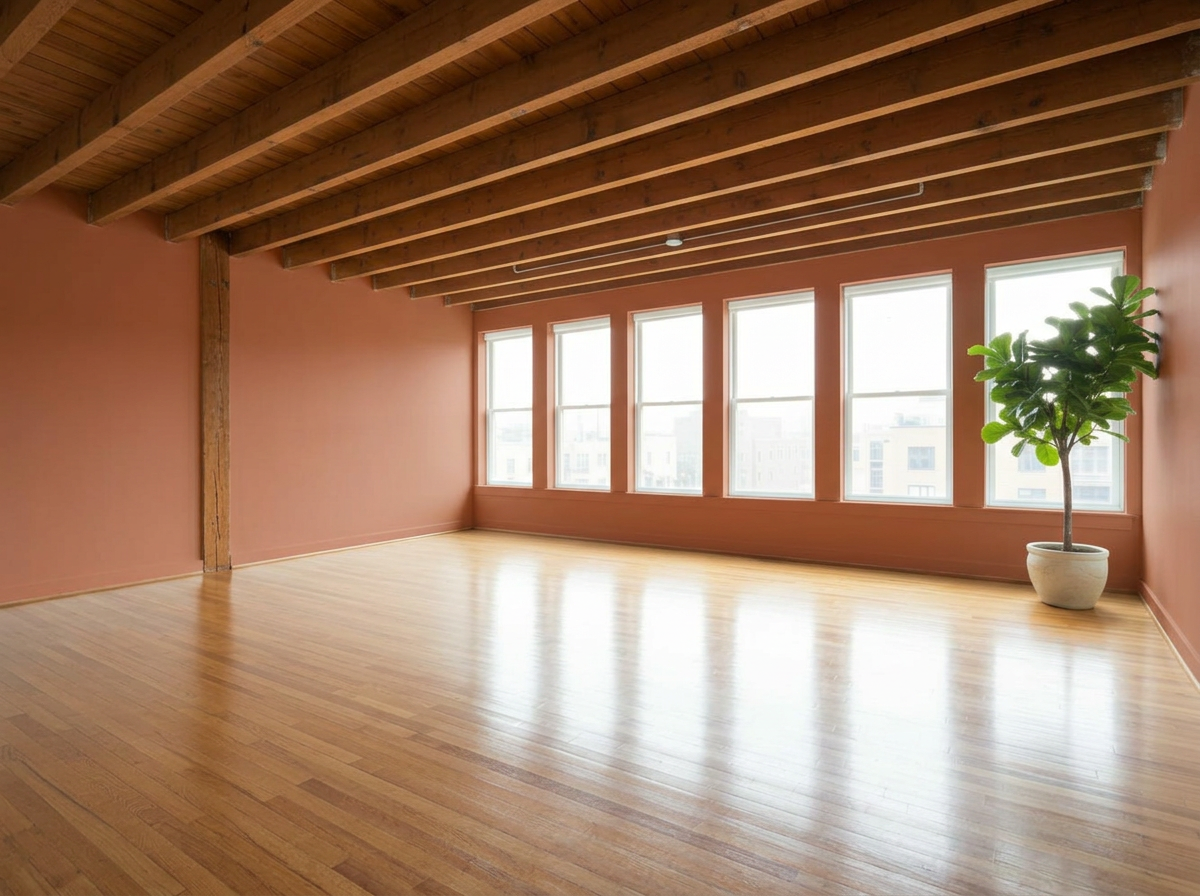
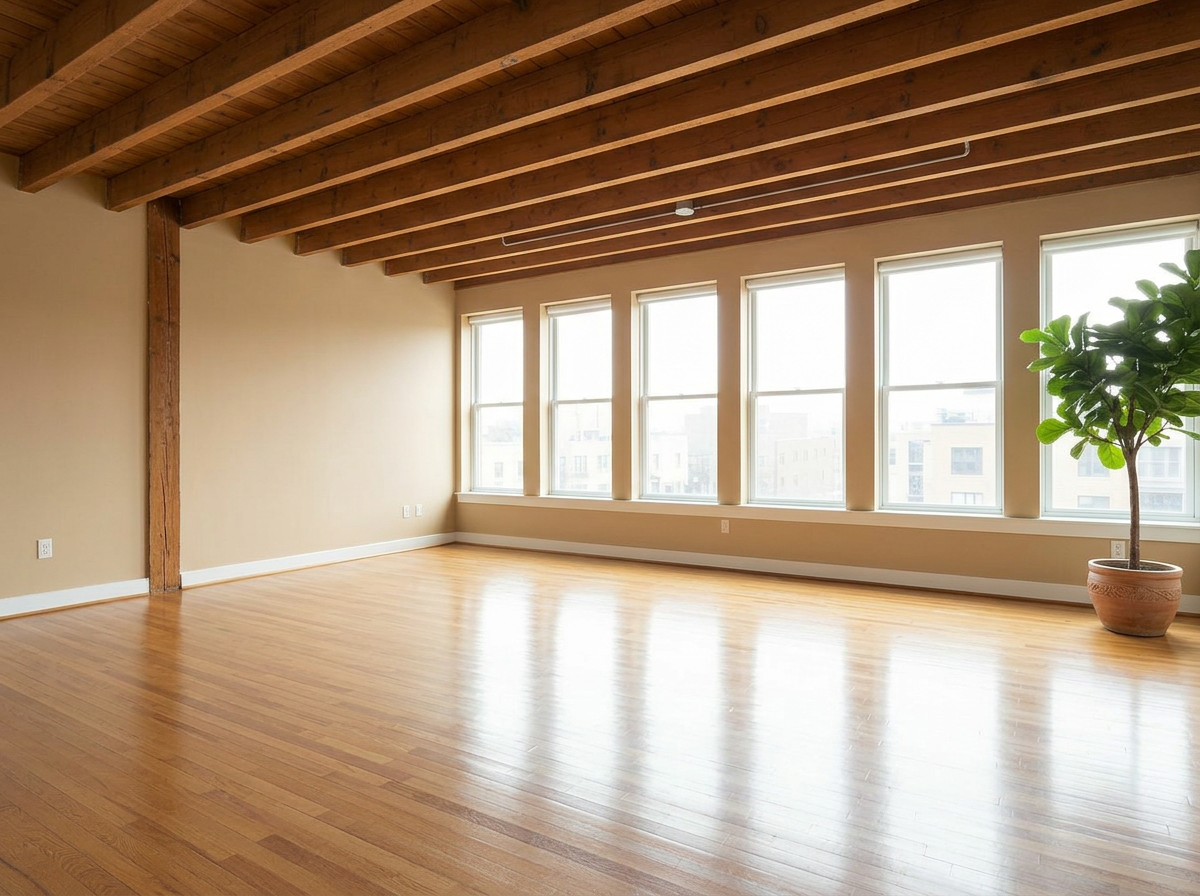
Empty Studio
These are just preset examples — in the app you can choose any color you want
AI Paint Color Generator — Frequently Asked Questions
Is there an AI that changes wall color in photos?
Yes. RoomLab.app's wall paint generator changes the wall color in a photo of your actual room. Upload the picture, pick a color, and the AI repaints the walls realistically — respecting lighting, shadows and textures — so you see exactly how that color looks in your space.
How can I see my room in a different paint color?
Take a photo of the room in daylight, upload it to RoomLab.app, and choose the Wall Colors mode. You can preview curated preset palettes or enter any custom color, and compare up to 9 options side by side on the same photo.
Is the wall paint visualizer free?
You can try it free — every new RoomLab.app account includes a free image generation, no credit card required. Testing a color virtually costs a fraction of repainting a wall you end up hating.
Can I test my own paint color, not just presets?
Yes. Presets are just a starting point — you can specify any color you want, so you can match the exact tone you're considering from your paint store before you buy.
How accurate is the AI paint preview?
The AI keeps your room's real lighting, shadows and wall texture, so the preview reflects how the color behaves in your actual conditions — far more realistic than looking at a flat swatch. For best results use a well-lit, straight-on photo.
Explore More Features
Discover what else you can achieve with RoomLab
Replace Furniture
Swap furniture pieces in photos to visualize options before purchase.
Replace Materials
Swap flooring, countertops, walls, and other surfaces to compare options.
Custom Prompt
Describe any transformation in natural language for unique results.
Virtual Staging
Add furniture and decor to empty rooms for listing-ready property photos.
Declutter Rooms
Remove mess and personal items while keeping the furniture intact.
Remove Furniture
Empty any room photo to show the bare space and its potential.
Change Style
Restyle existing rooms while preserving layout and structure.
3D to Photorealistic
Convert 3D models and renders into stunning photorealistic images.
Video Generation
Create walkthroughs, before-and-after transitions, and multi-room house tours from property photos.
Photo Enhancement
Blue skies, green grass, clean pools — one-click fixes for listing photos.
Pay only for the images you want to generate
All users get all features.
One-Time
Personal
One-time purchase, no subscription
15 Images or 3 videos
150 Credits
One-time payment · no subscription
Subscriptions
Pro
For personal projects
40 Images or 8 videos
400 Credits
Cancel anytime · keep your credits
Ultra
Best for professionals
110 Images or 22 videos
1,100 Credits
Cancel anytime · keep your credits
Premium
For agencies and power users
300 Images or 60 videos
3,000 Credits
Cancel anytime · keep your credits
Have any question?
How much does each generation cost?
How long does it take to generate an image?
What happens if I run out of credits mid-month?
What are credits?
Do credits expire?
Can I upgrade my plan?
How long are my images stored?
Can I get a refund?
Can I get a receipt or invoice?
What are input photos?
What happens to my personal photos?
What happens if I cancel my subscription?
Professional Results. Fraction of the Cost.
Get photorealistic interior renders in seconds, not days. Professional-grade AI visualization with full creative control — no design skills needed.
No credit card required