See New Furniture in Your Room Before You Buy It
Will that expensive sectional fit your vibe? Don't guess. Upload a photo of your room and swap out sofas, tables, or beds digitally. See exactly how specific furniture pieces look in your actual space before spending the money.
One-time plans from $15
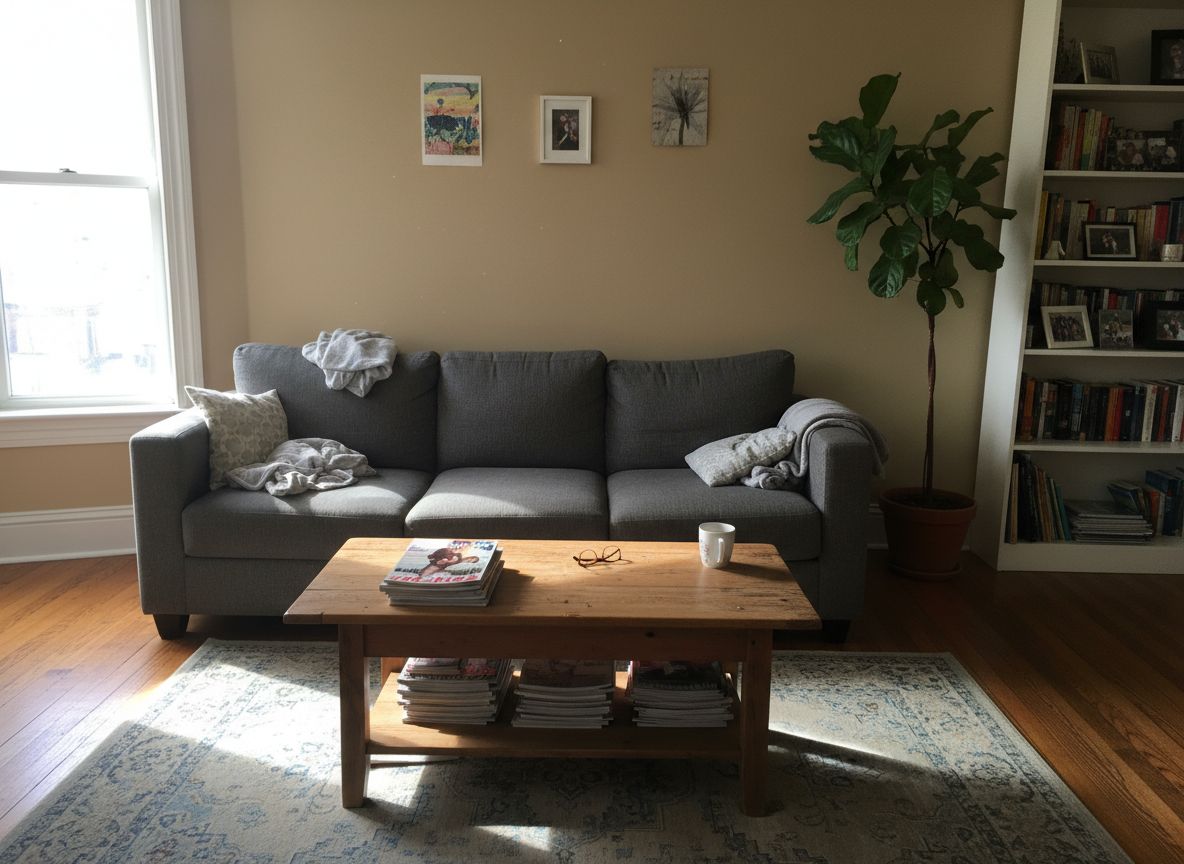
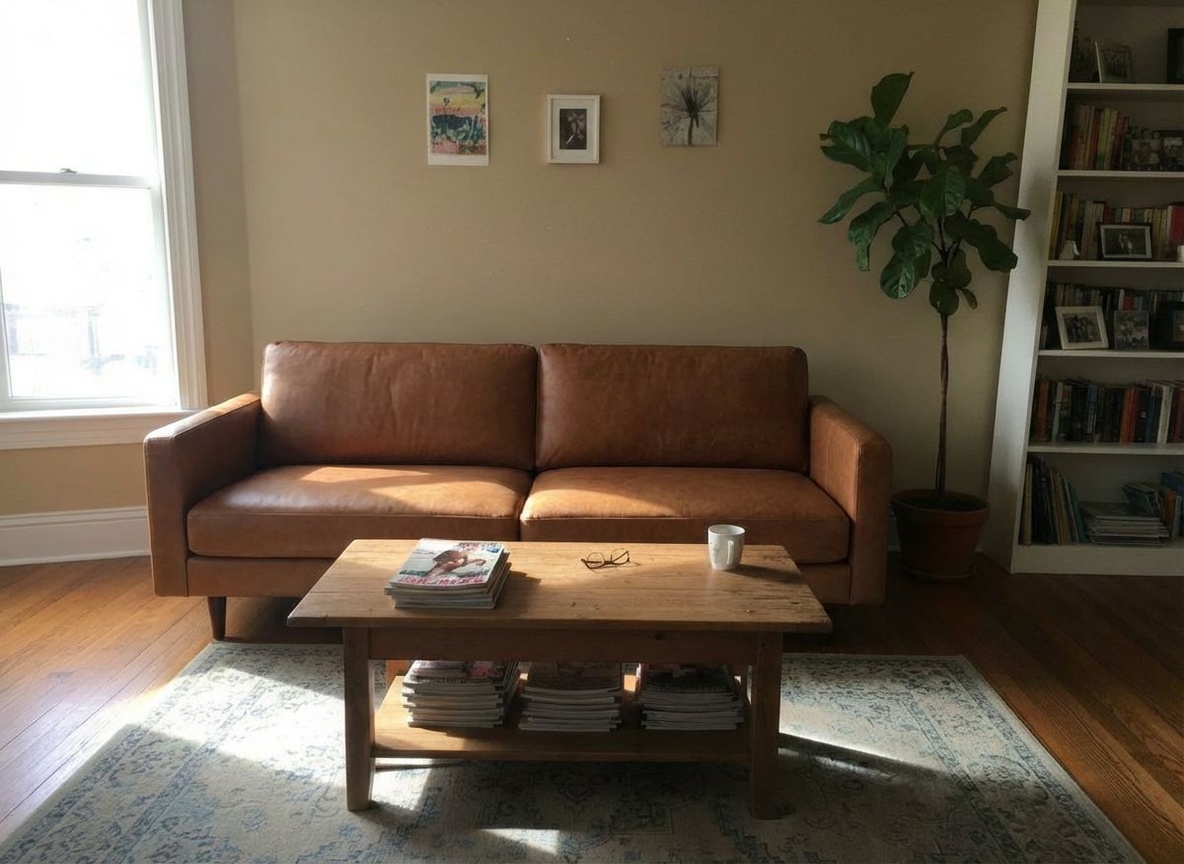
AI Furniture Replacement — Swap Any Piece Instantly
Every time you reshoot a room, you lose time and money. Replace sofas, tables, beds, or chairs with a reference photo — the AI handles perspective, lighting, and scale.
Clients reject furniture they can't visualize — show them the exact piece in their room.
Every reshoot costs time and money. Replace sofas, beds, or tables without moving anything.
Stop wasting hours on mockups. Swap any furniture piece in under a minute.
Used by property and design teams around the world



See How It Works
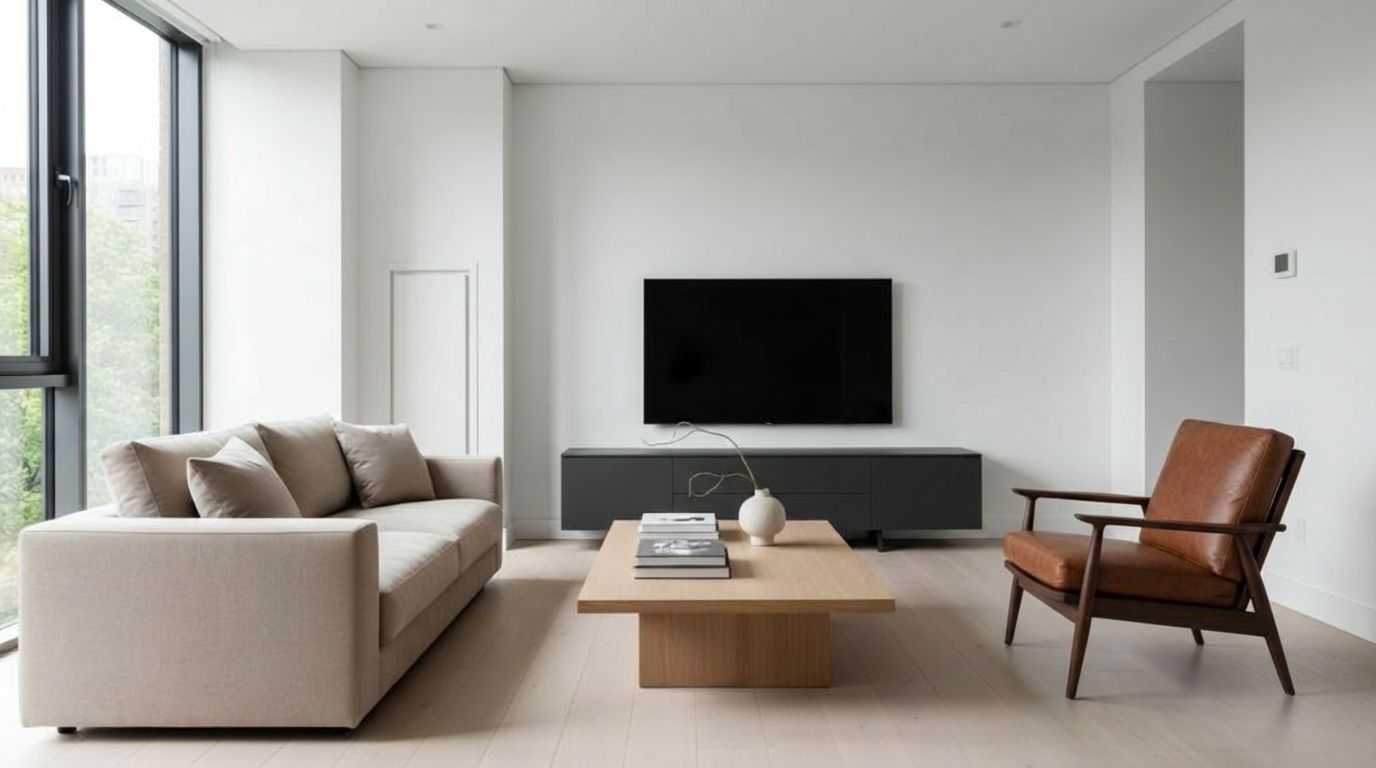
With less than 10 clicks, modify with precision the aspect of your room
Your Room
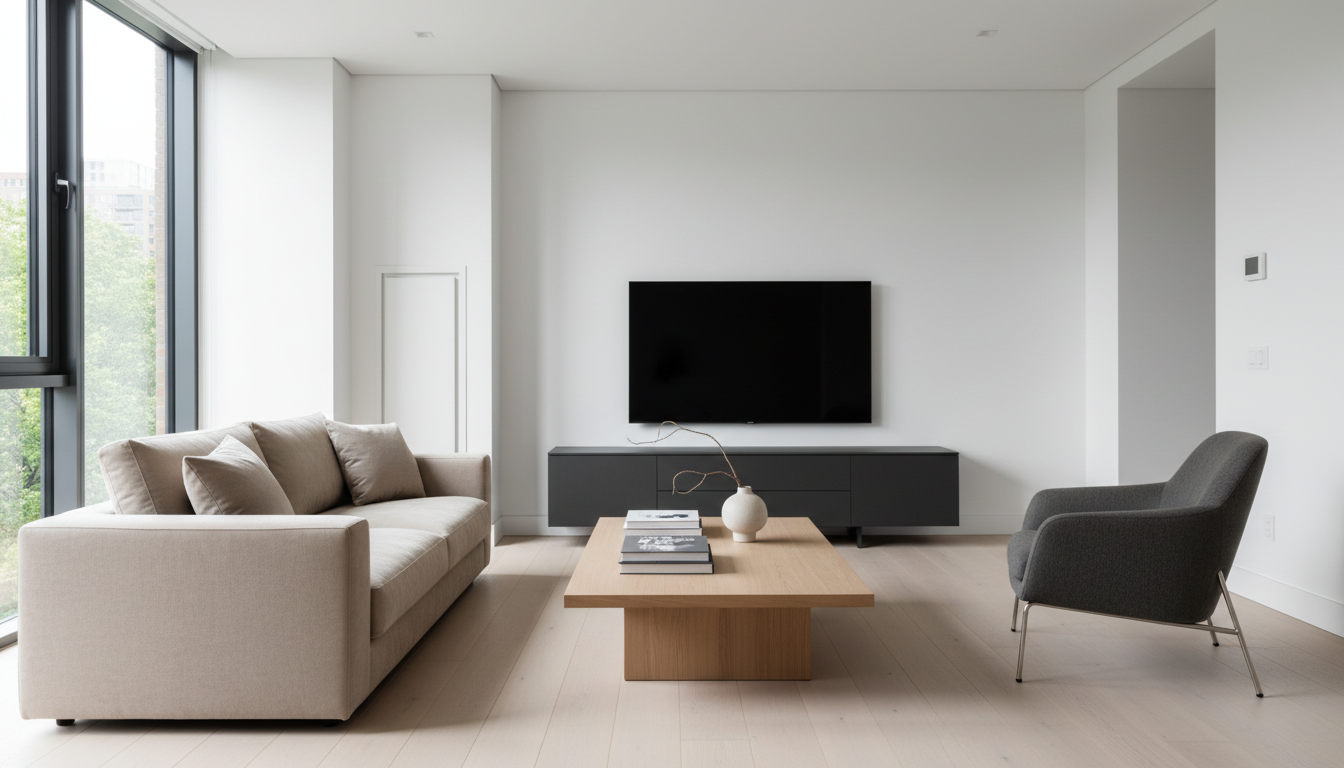
Pick Furniture
AI Result
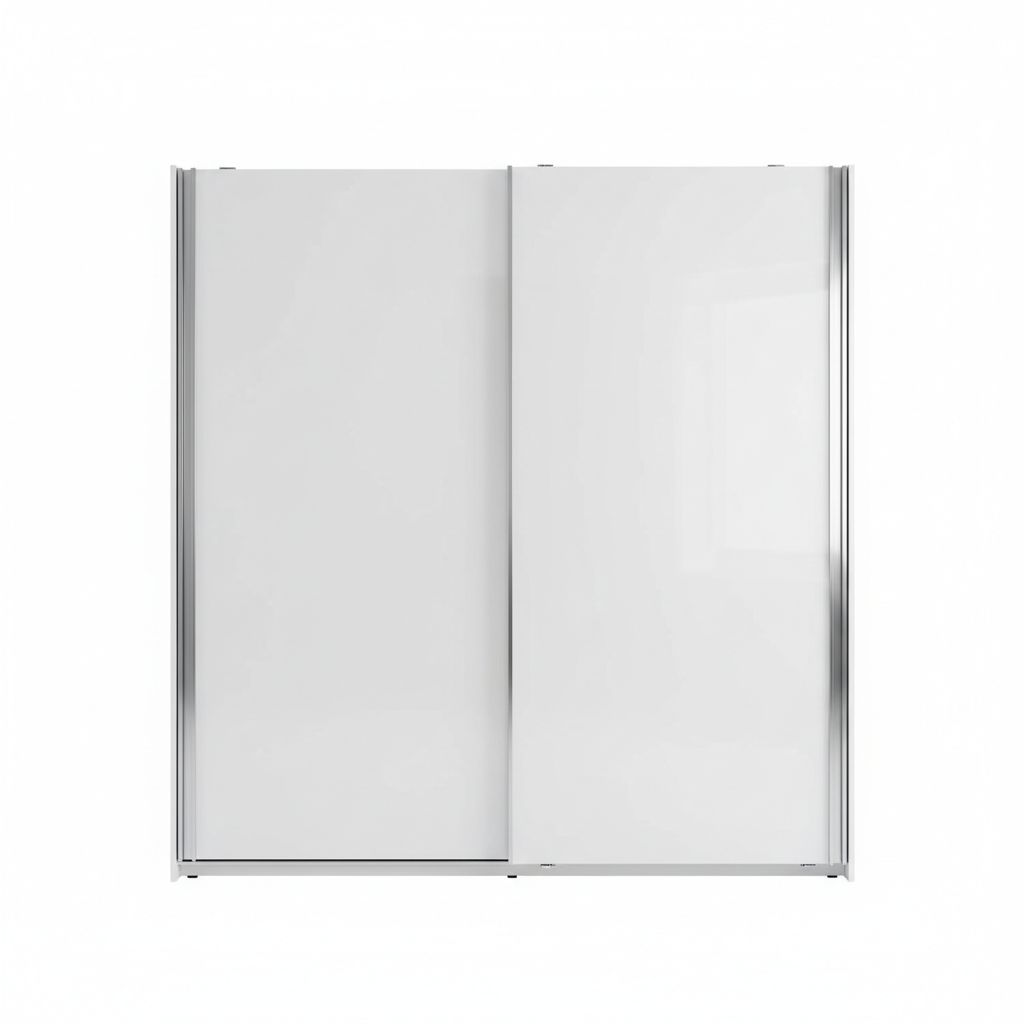
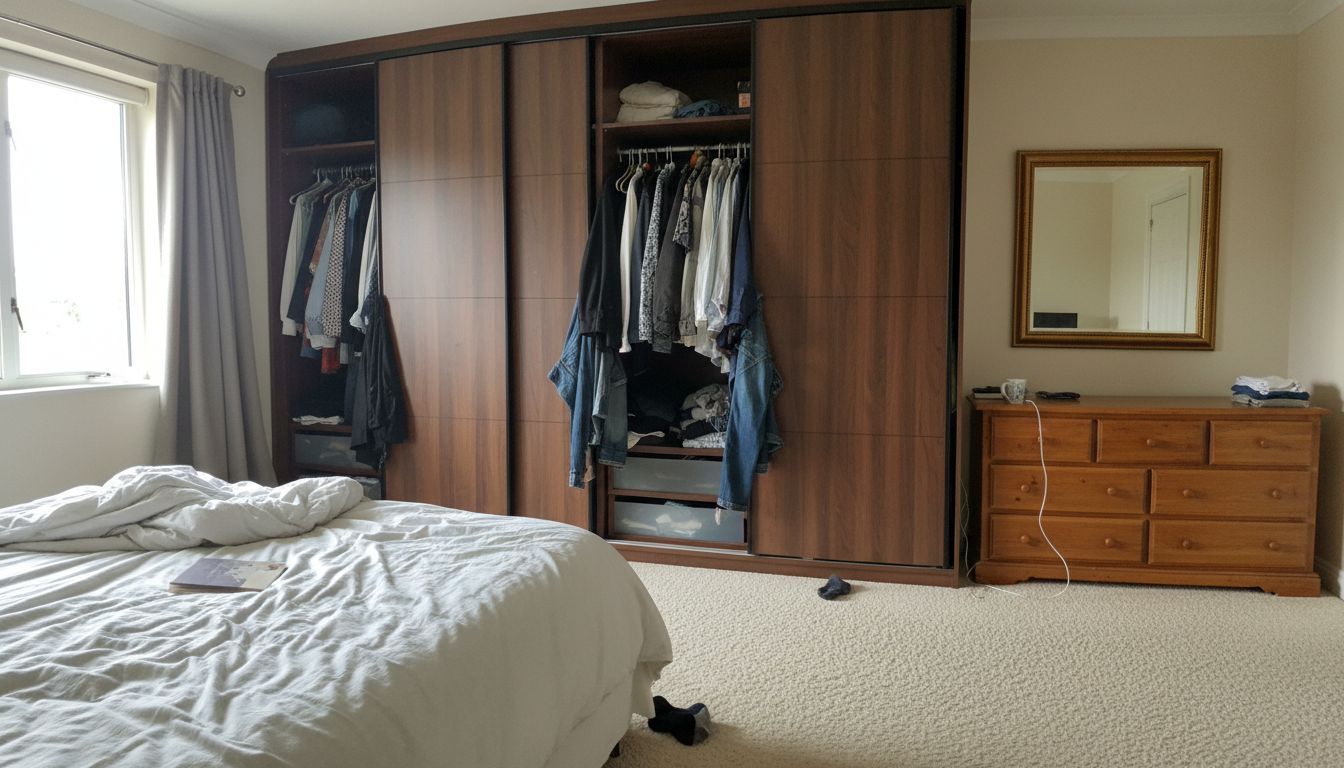
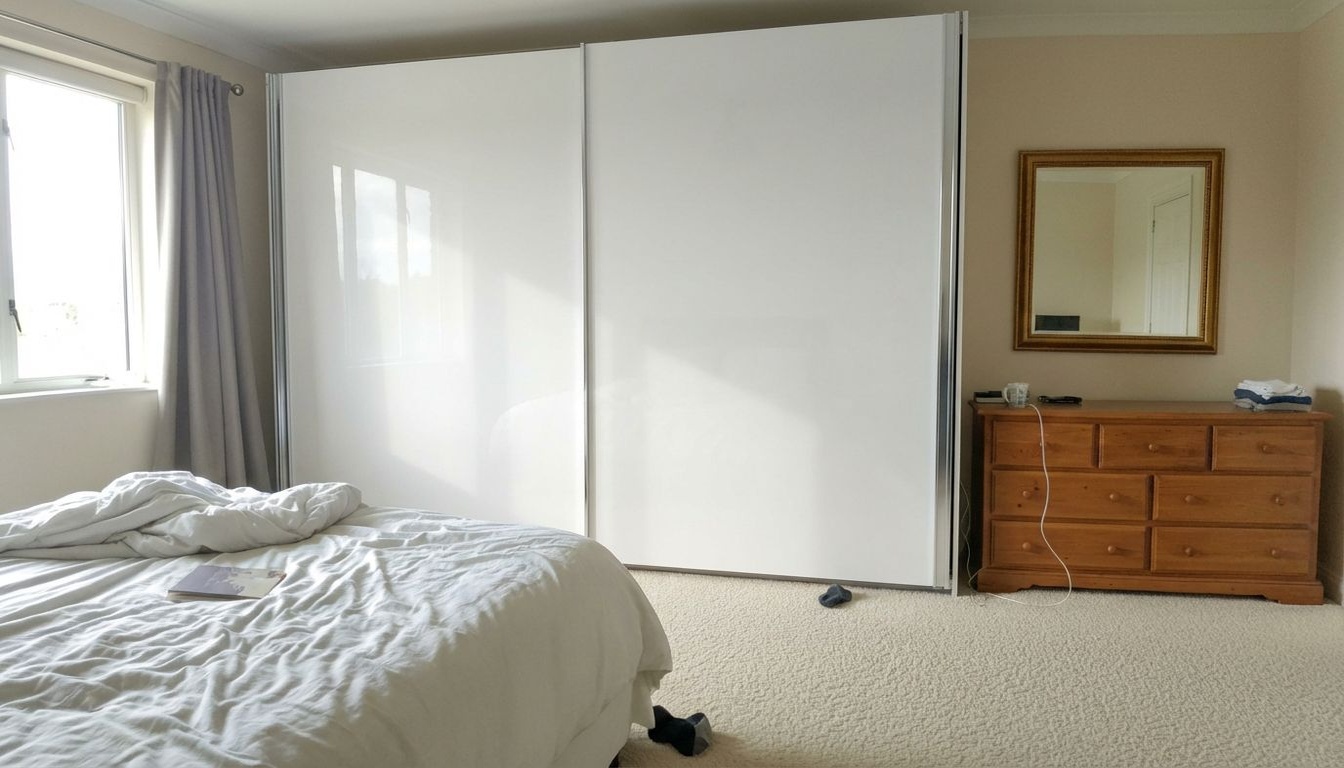
Visualize a New Wardrobe in Your Bedroom
Update your storage style seamlessly. See how a built-in wardrobe versus a freestanding armoire changes the flow and spaciousness of your master bedroom.
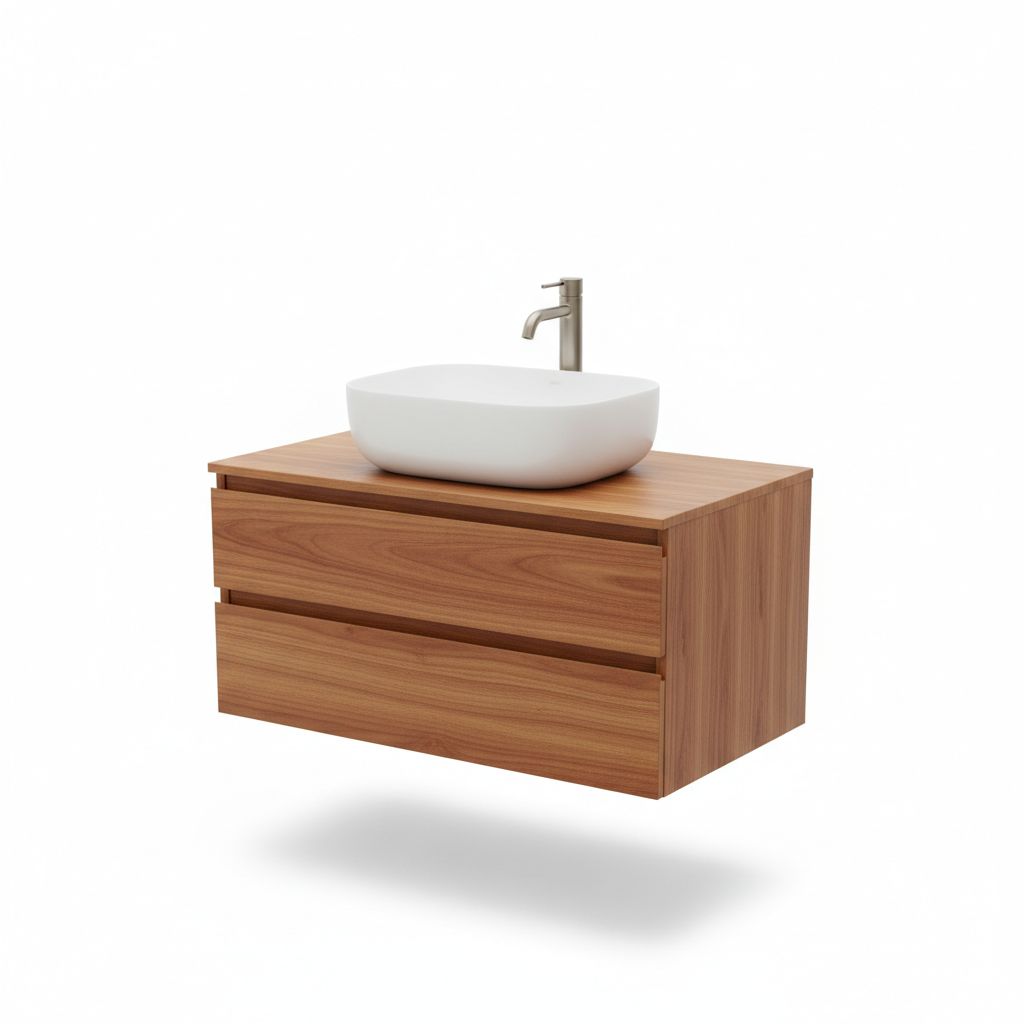
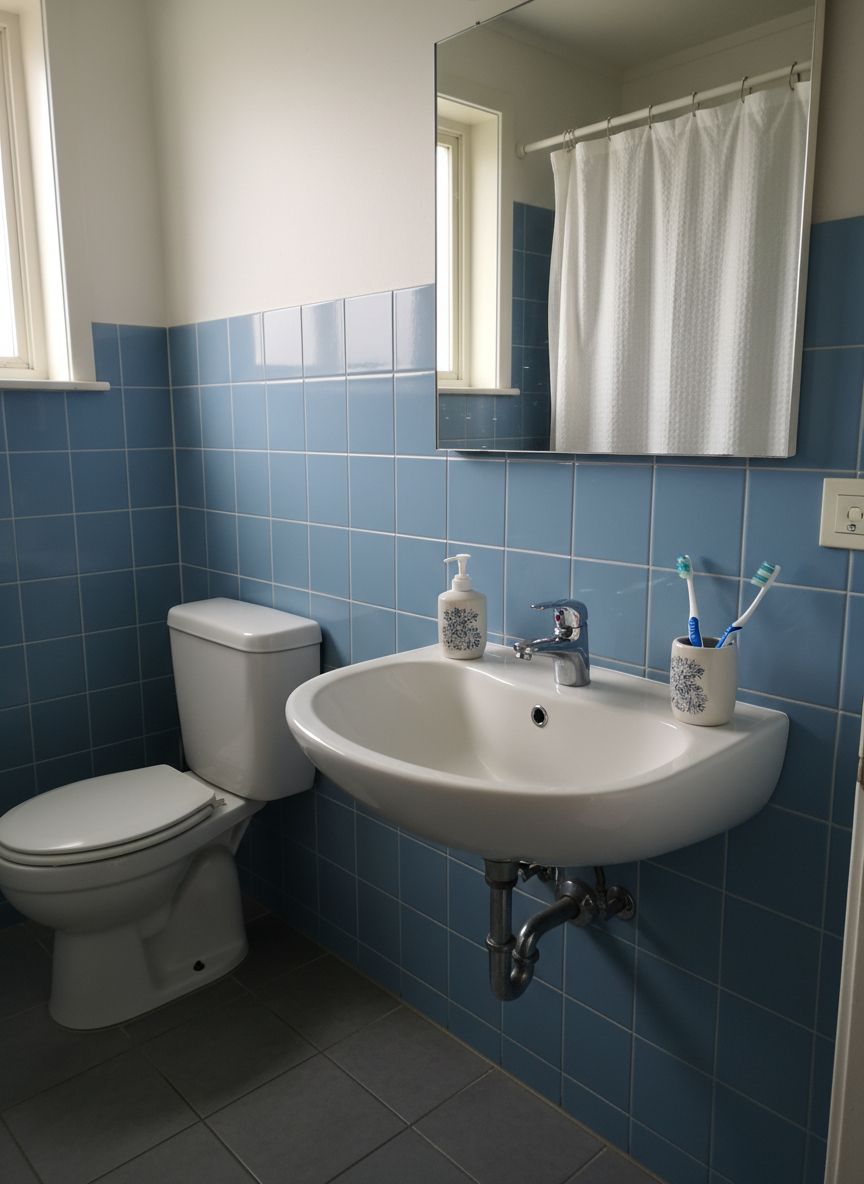
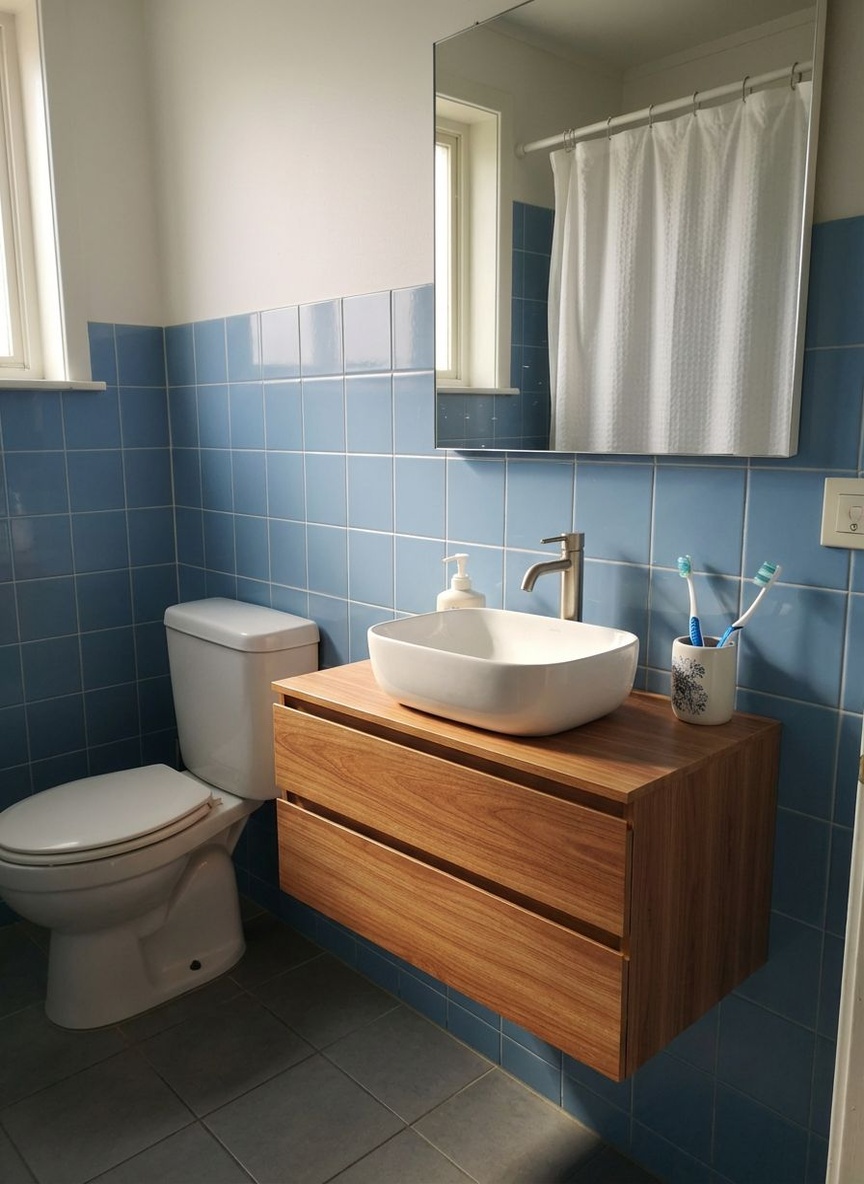
See How a New Vanity Transforms Your Bathroom
Update your bathroom vanity digitally. See how a floating vanity or a vintage cabinet transforms the look and feel of your daily bathroom.
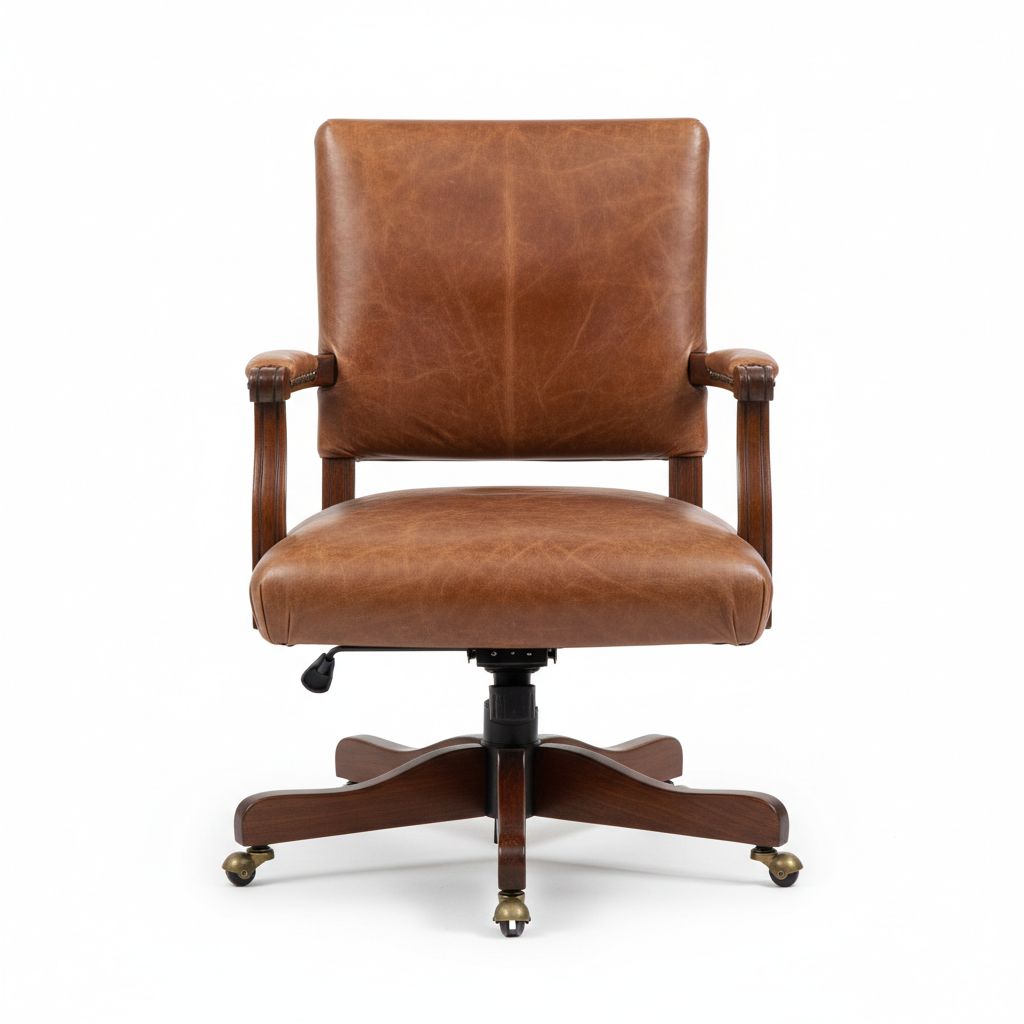
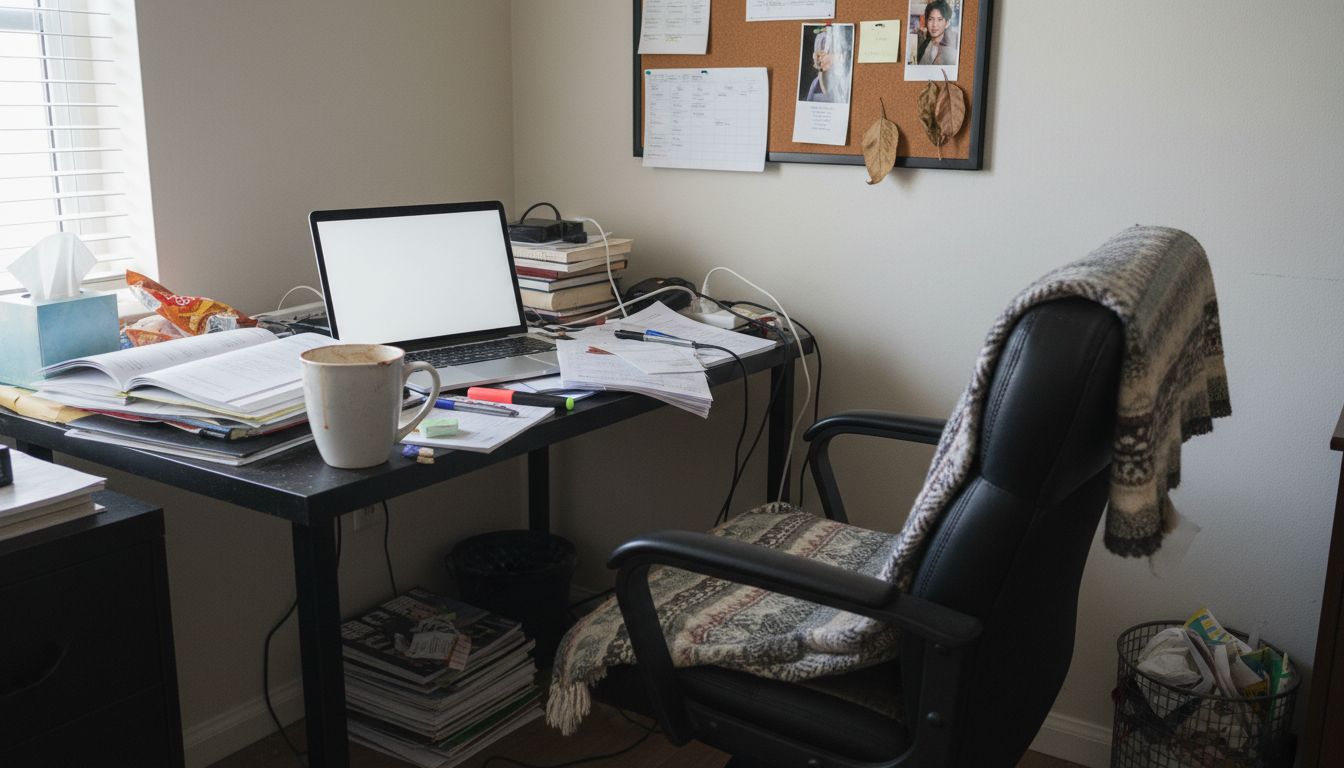
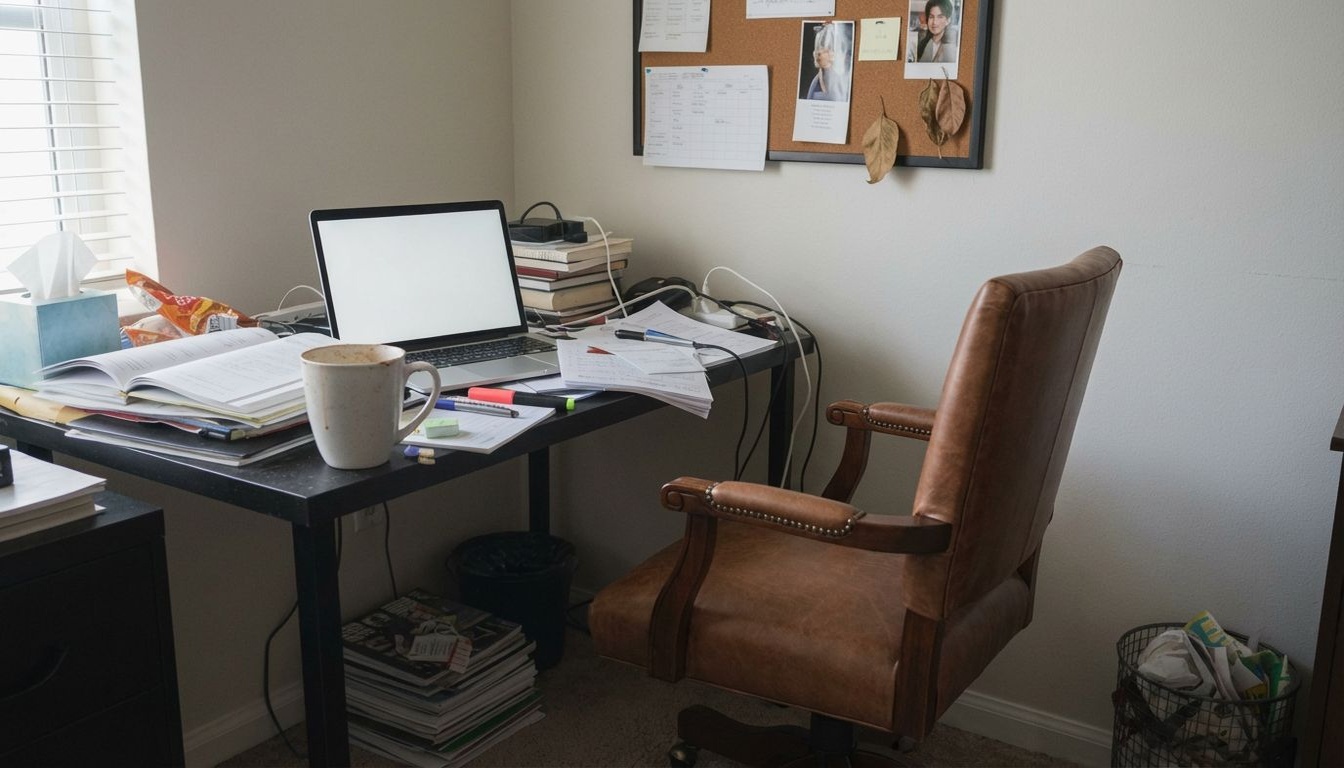
Preview Ergonomic Chairs in Your Home Office
Visualize the perfect ergonomic chair. Swap your seat to see how a modern mesh chair or a plush leather executive chair fits your workspace aesthetic.
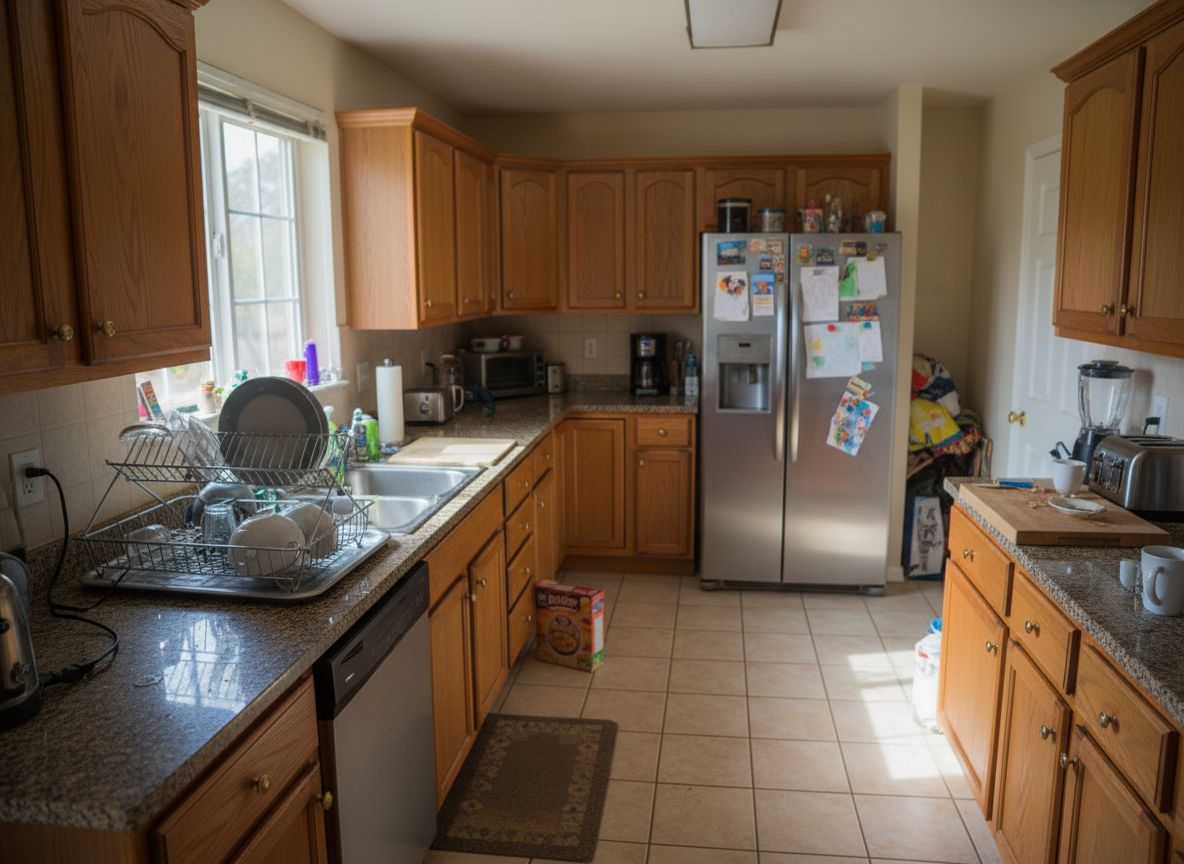
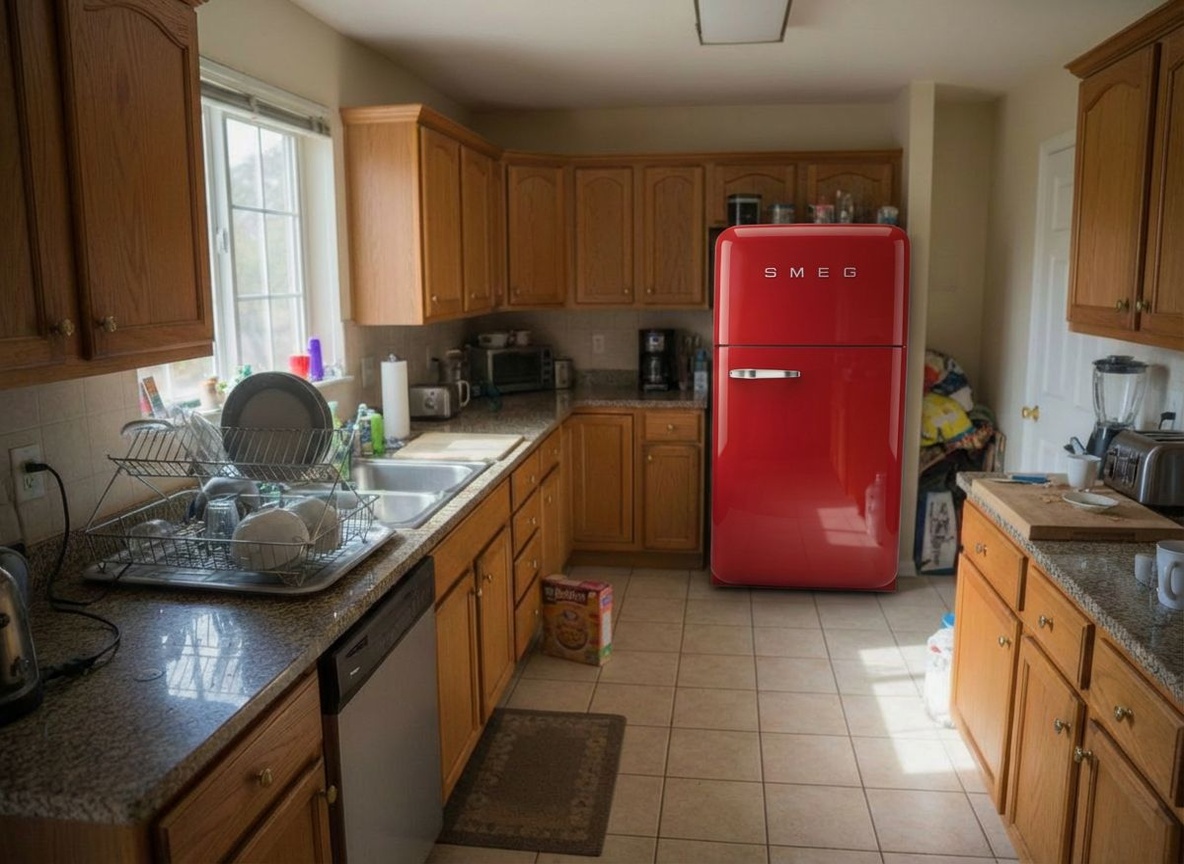
Preview a New Refrigerator in Your Kitchen
Upgrade your kitchen aesthetic with a new fridge. Visualize a modern stainless steel or retro-style refrigerator in your existing kitchen layout.

Own a furniture store? Embed this on your website
Let your customers visualize your furniture in their rooms before purchasing — directly on your product pages.
Furniture Visualization — Frequently Asked Questions
Is there an app to see furniture in your room before buying?
Yes. RoomLab.app works from a single photo: upload a picture of your room and a picture of the furniture you're considering, and the AI places the piece in your actual space with realistic scale, perspective and lighting. It runs in the browser — nothing to install.
How does it work with a product photo?
Select the piece you want to replace in your room photo, then add a reference image of the new item — for example the product photo from a store listing. The AI swaps the old piece for the new one, matching your room's perspective and light.
Do I need AR or a special device?
No. Unlike AR apps, RoomLab.app doesn't need a camera scan, LiDAR or a supported phone — it works from any normal photo, on any device. You also get a shareable image instead of a live view that disappears when you close the app.
Can I try furniture from any store?
Yes — use any product image, whether it's from IKEA, Amazon, West Elm or a local shop. If you have a photo of the piece, the AI can visualize it in your room.
Is it free to try?
Yes — every new RoomLab.app account includes a free image generation, no credit card required. See one piece in your room for free before deciding on a plan.
Explore More Features
Discover what else you can achieve with RoomLab
Replace Materials
Swap flooring, countertops, walls, and other surfaces to compare options.
Paint Color Visualizer
Preview any wall paint color on any room — pick your own or use our curated presets.
Custom Prompt
Describe any transformation in natural language for unique results.
Virtual Staging
Add furniture and decor to empty rooms for listing-ready property photos.
Declutter Rooms
Remove mess and personal items while keeping the furniture intact.
Remove Furniture
Empty any room photo to show the bare space and its potential.
Change Style
Restyle existing rooms while preserving layout and structure.
3D to Photorealistic
Convert 3D models and renders into stunning photorealistic images.
Video Generation
Create walkthroughs, before-and-after transitions, and multi-room house tours from property photos.
Photo Enhancement
Blue skies, green grass, clean pools — one-click fixes for listing photos.
Pay only for the images you want to generate
All users get all features.
One-Time
Personal
One-time purchase, no subscription
15 Images or 3 videos
150 Credits
One-time payment · no subscription
Subscriptions
Pro
For personal projects
40 Images or 8 videos
400 Credits
Cancel anytime · keep your credits
Ultra
Best for professionals
110 Images or 22 videos
1,100 Credits
Cancel anytime · keep your credits
Premium
For agencies and power users
300 Images or 60 videos
3,000 Credits
Cancel anytime · keep your credits
Have any question?
How much does each generation cost?
How long does it take to generate an image?
What happens if I run out of credits mid-month?
What are credits?
Do credits expire?
Can I upgrade my plan?
How long are my images stored?
Can I get a refund?
Can I get a receipt or invoice?
What are input photos?
What happens to my personal photos?
What happens if I cancel my subscription?
Professional Results. Fraction of the Cost.
Get photorealistic interior renders in seconds, not days. Professional-grade AI visualization with full creative control — no design skills needed.
No credit card required