Replace Materials
Learn how to swap walls, floors, countertops, and surfaces with new materials using AI. Step-by-step guide to visualize renovations.
Want to see how new flooring looks in your kitchen? Or test a different wall color? Replace Material lets you visualize material changes before committing to expensive renovations.
✨ What You'll Achieve
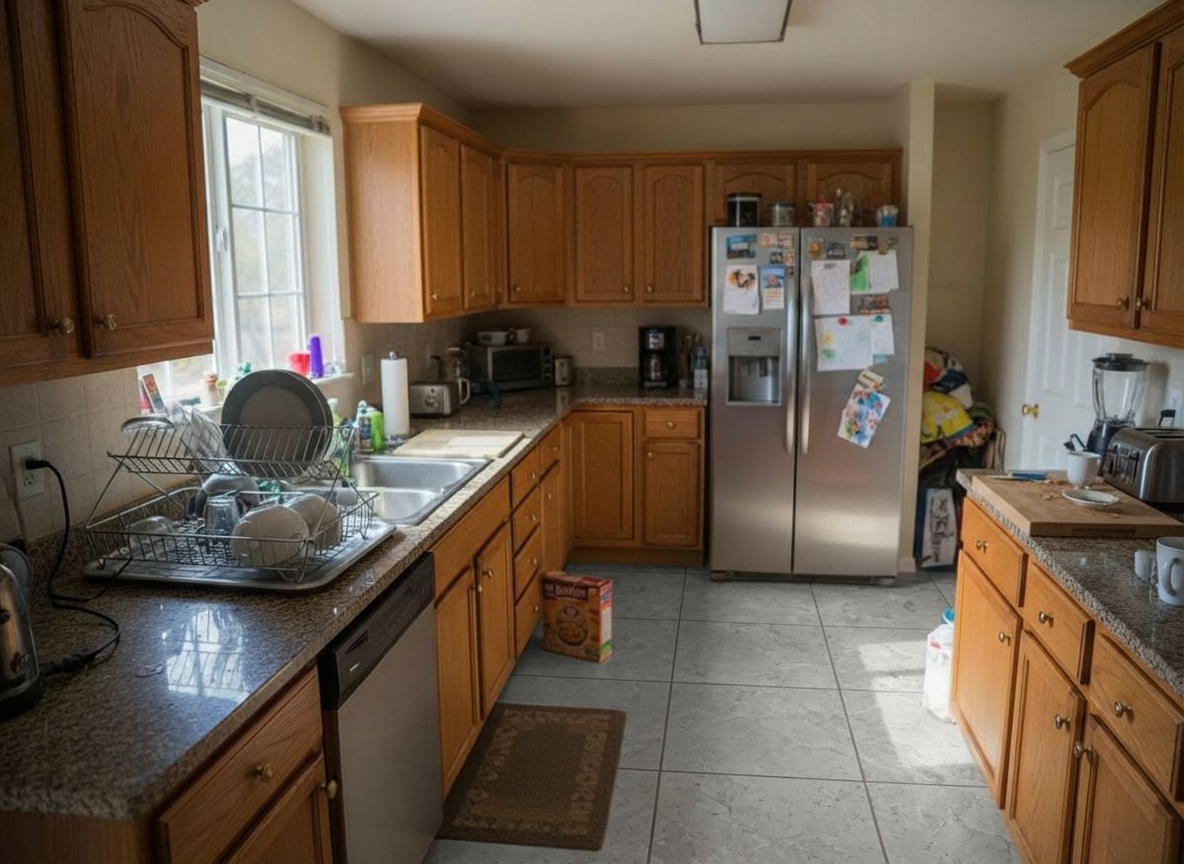
Original Room
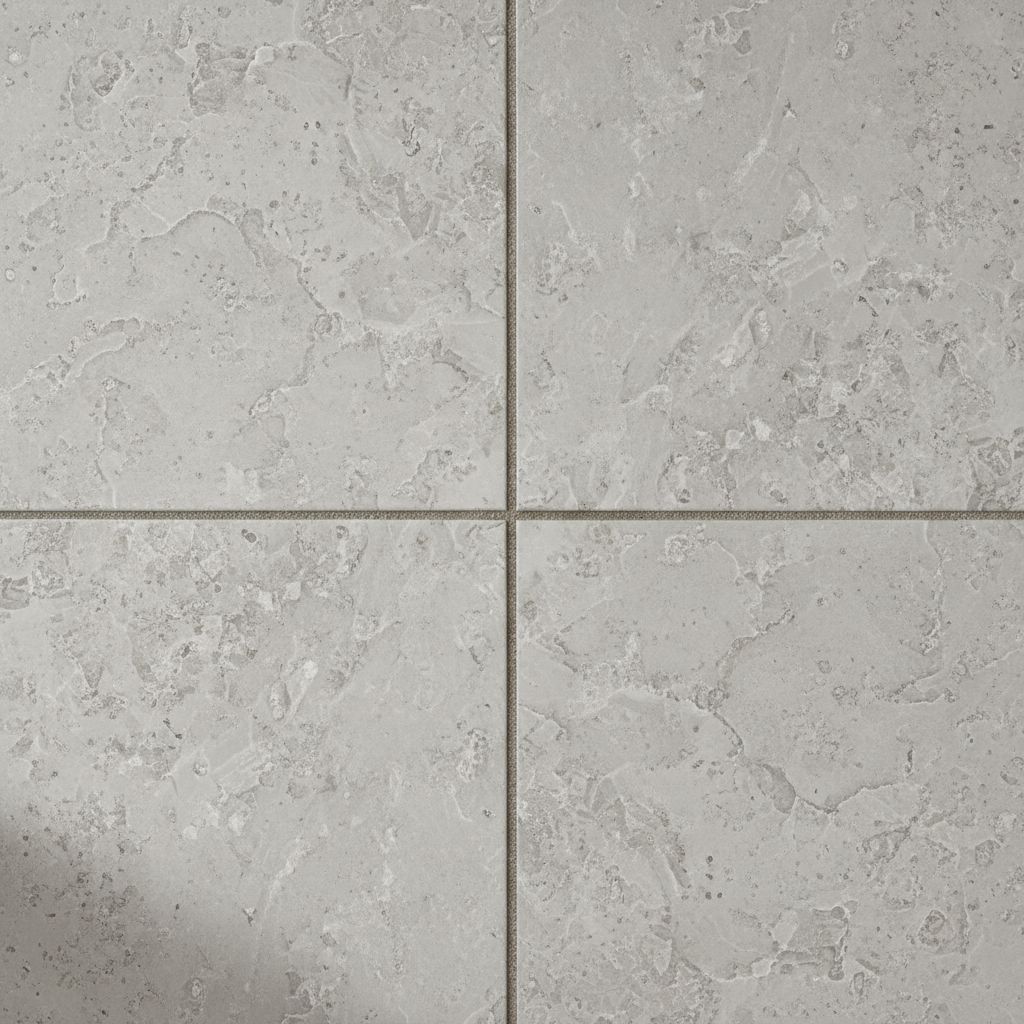
Reference Texture
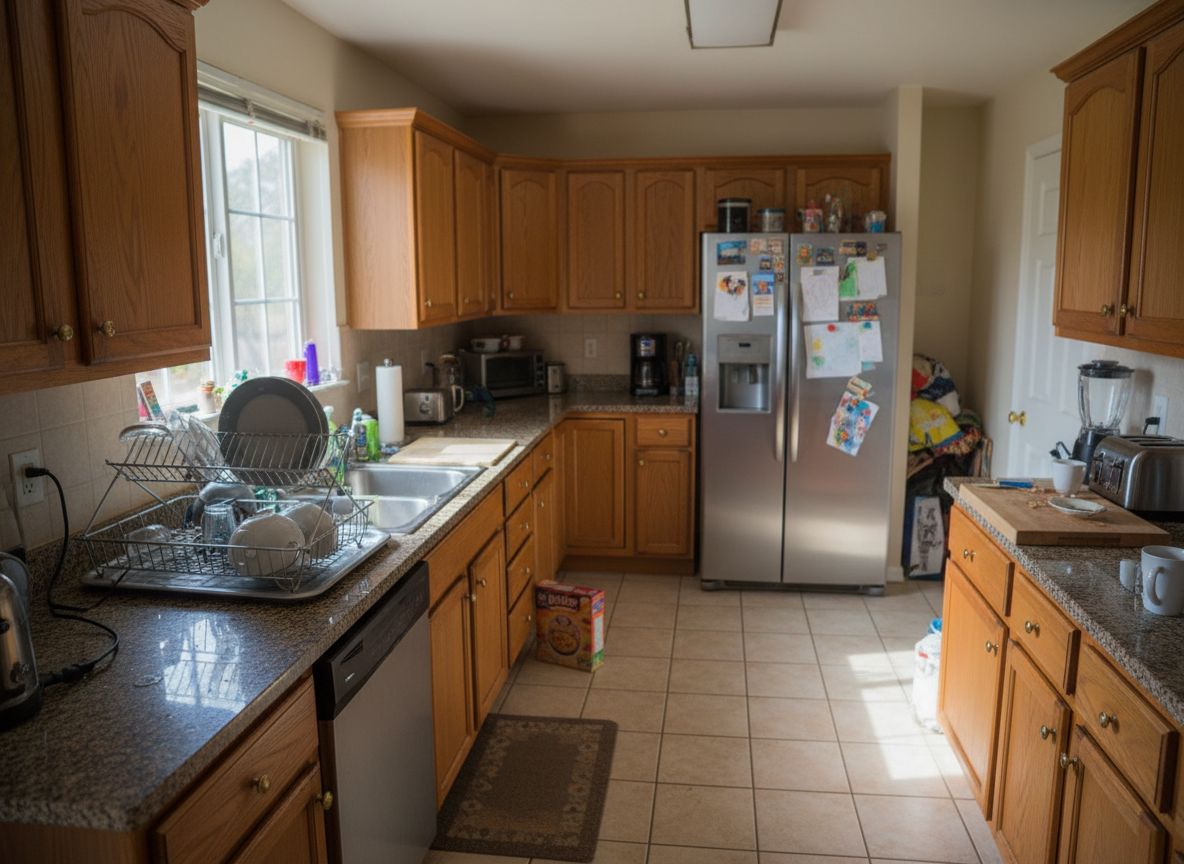
New Floor!
Choose Your Mode
Click the Replace Material card on the canvas grid.
Upload Your Room
Click the upload area and select the room photo you want to modify.
Upload Reference Texture
Upload a photo of the new material you want (wood sample, tile, paint swatch).
Select Texture Category
Choose what surface to change (floor, wall, countertop, etc.).
Adjust Options (Optional)
Use optional instructions to clarify the exact surface or detail to change, and enable Fast mode if you want quicker results.
Generate
Click Generate and wait ~30 seconds for your transformed room!
🎯 Try the Result
Drag the slider to compare before and after!
Convert to 4K (Optional)
After generating your image, click the "Convert to 4K" button on the canvas to get a high-resolution version (Ultra/Premium only).
Ready to Transform Your Space?
Start creating stunning room transformations in minutes. Sign up and try it yourself!