Remove All Furniture
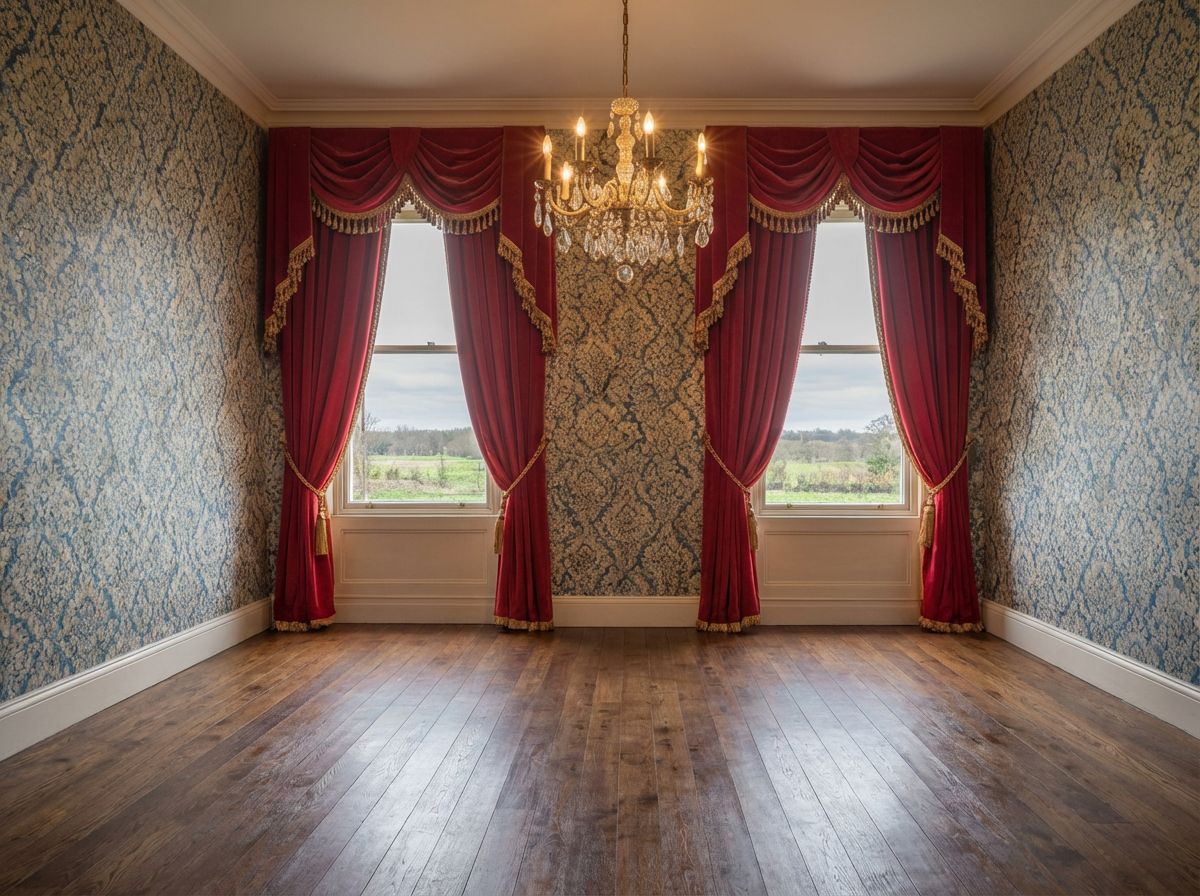
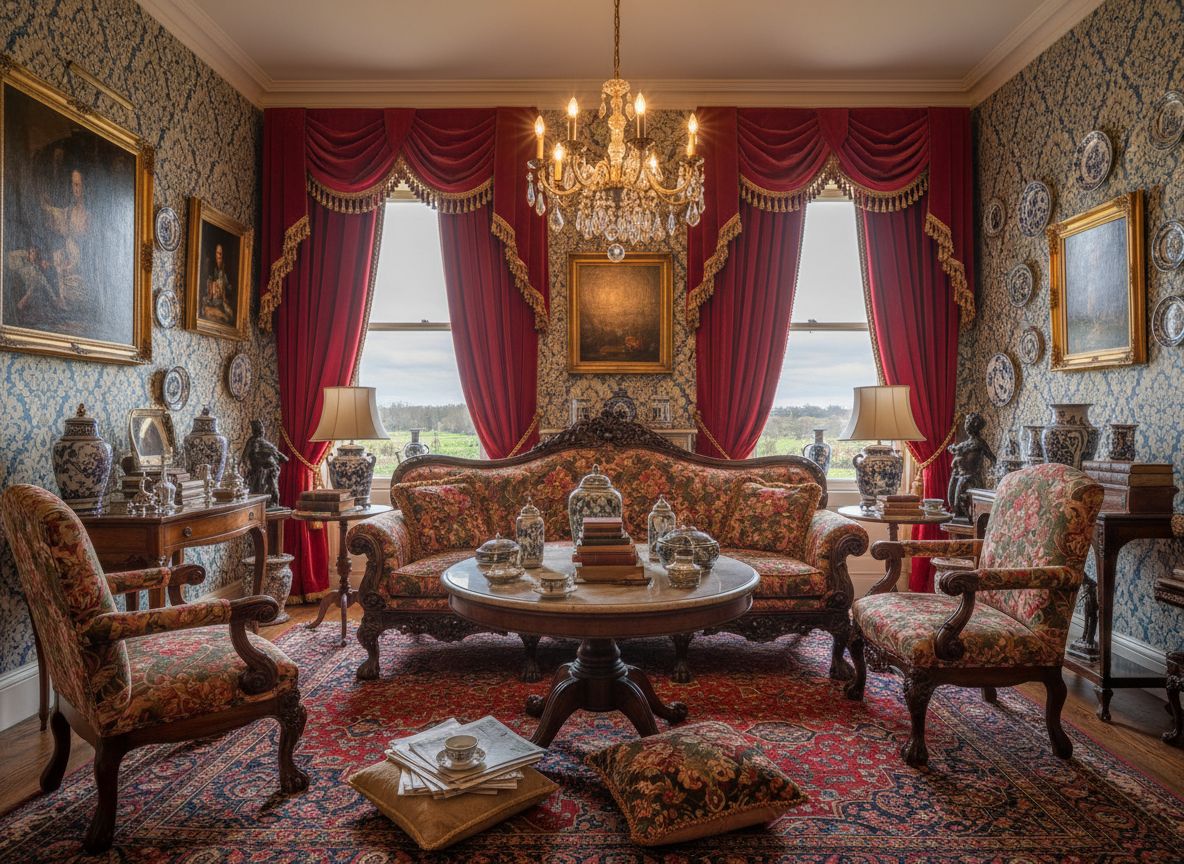
Virtually empty a room to show the raw space and floor plan.
Need to show what a room looks like without furniture? Empty mode removes all furniture and objects, revealing the true dimensions and potential of the space.
๐ฆ What You'll Achieve
Furnished Room
Empty Space!
1
Select Mode from Sidebar
Open the sidebar and select Redesign mode.
๐ฑ Mode Selection
Replace Mode
Replace specific elements with reference images
Home Staging | Redesign
Redesign the room or clean it
Render Mode
Convert 3D models to photorealistic images
Custom Mode
Use your own images and instructions
2
Upload Your Furnished Room
Select the room you want to empty.
๐ฑ Upload
3
Select "Empty" Action
Click Empty to remove ALL furniture from the room.
๐ฑ Action Selection
4
Adjust Options (Optional)
Enable Fast mode for quicker results.
๐ฑ Options
5
Generate
Click Generate and wait ~30 seconds for your transformed room!
๐ฑ Generate
๐ฏ Try the Result
Drag the slider to compare before and after!
Convert to HD (Optional)
After generating your image, click the "Convert to HD" button on the canvas to get a high-resolution version (Ultra/Premium only).
Furnished
Empty
Ready to Transform Your Space?
Start creating stunning room transformations in minutes. Sign up and try it yourself!