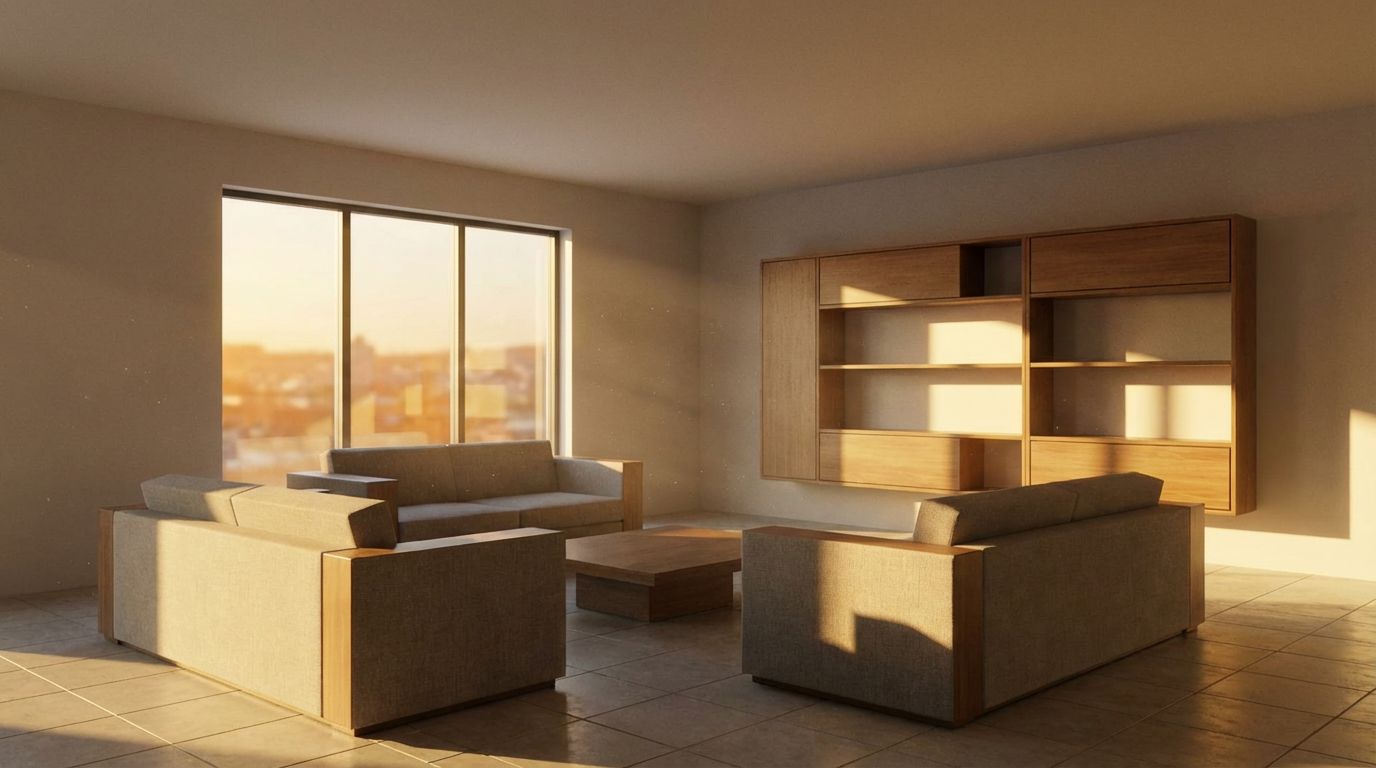
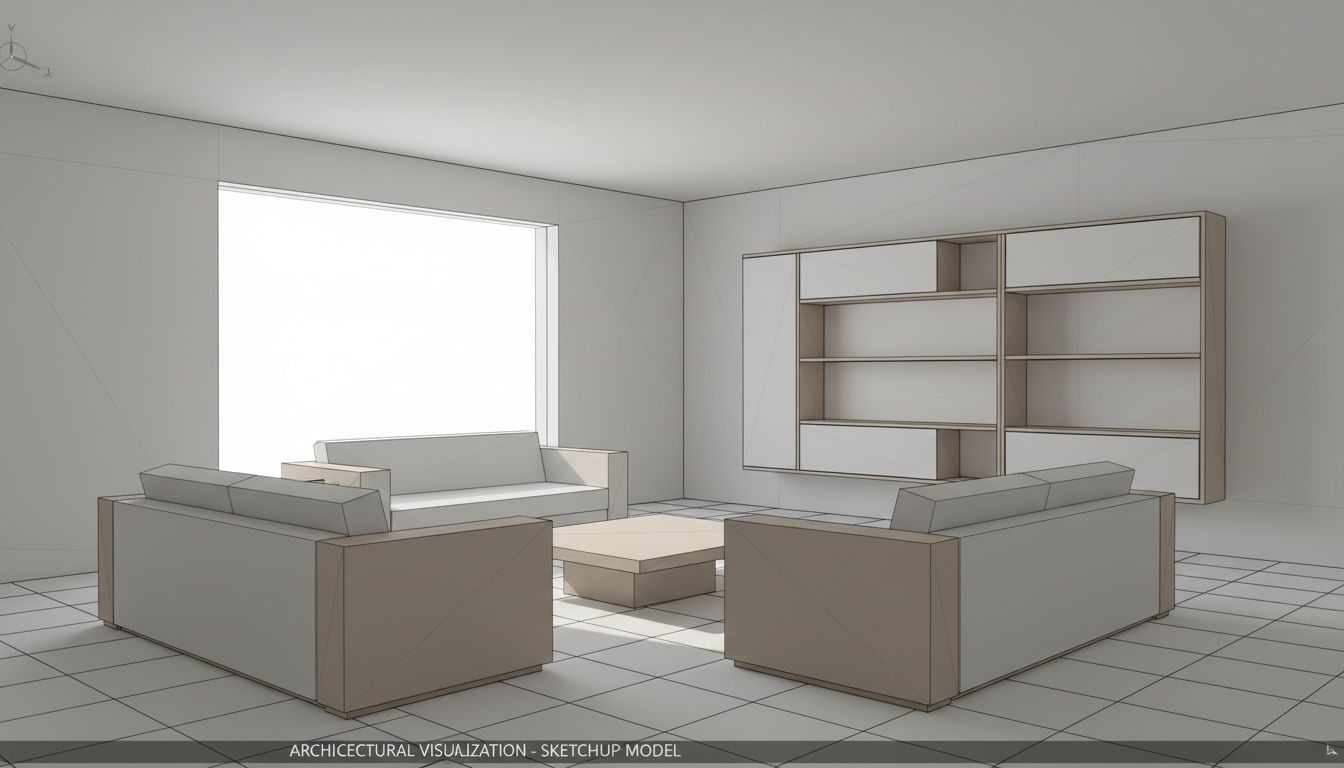
3D Interior to Photorealistic
Transform 3D interior models into photorealistic room visualizations.
Turn your interior 3D model screenshots into stunning photorealistic renders with realistic materials, furniture, and lighting. Ideal for interior designers and architects presenting room designs to clients.
✨ What You'll Achieve
3D Model
Photorealistic Render
Choose Your Mode
Click the Render Interior card on the canvas grid.
Upload 3D Interior View
Upload a screenshot of your interior 3D model. Ensure the room layout and furniture are visible.
Configure Render Settings
Select Interior render type, then adjust the time of day and season settings.
Choose Render Type
Time of Day
Season
Generate
Click Generate and wait ~30 seconds for your transformed room!
🎯 Try the Result
Drag the slider to compare before and after!
Convert to 4K (Optional)
After generating your image, click the "Convert to 4K" button on the canvas to get a high-resolution version (Ultra/Premium only).
Ready to Transform Your Space?
Start creating stunning room transformations in minutes. Sign up and try it yourself!