Replace Furniture & Materials

Compare Different Flooring Options Instantly

See how changing the flooring transforms your room instantly with AI visualization. Compare hardwood, tile, and carpet options side by side.

Inputs Used
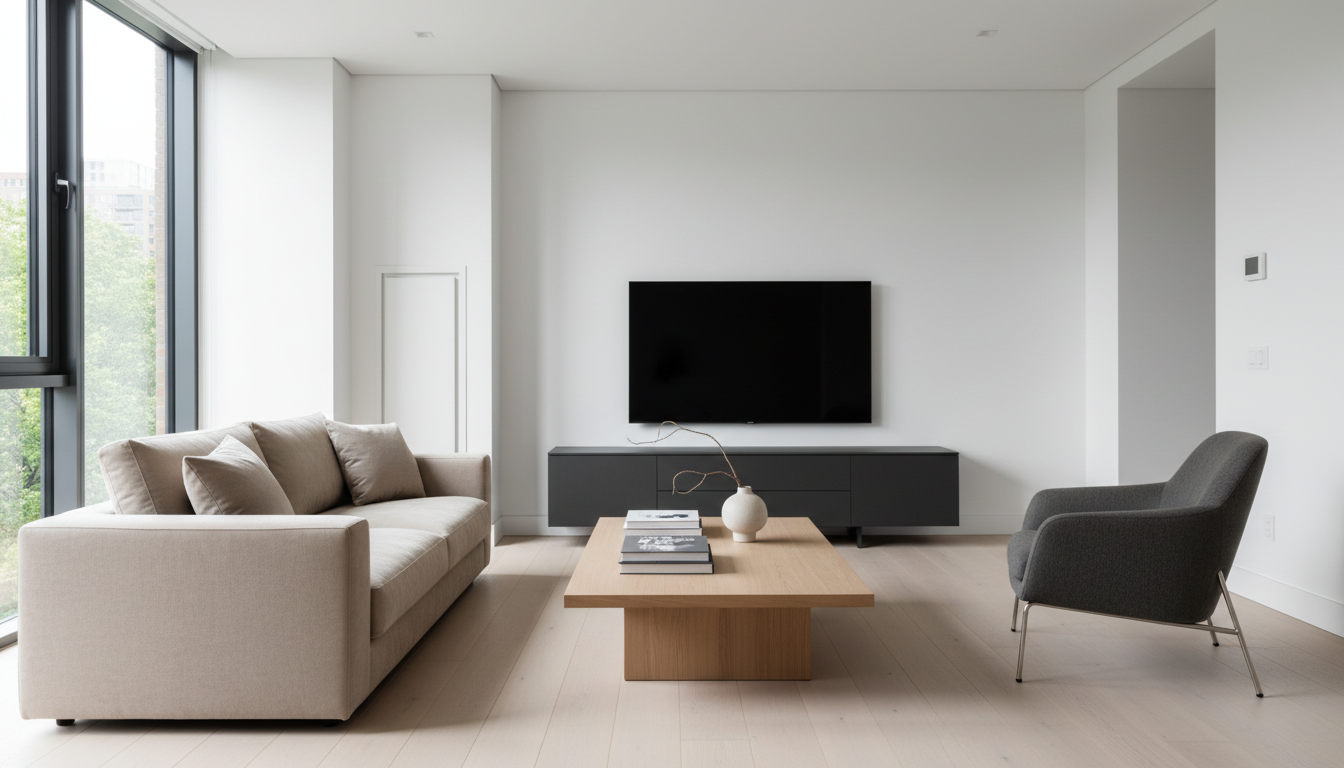
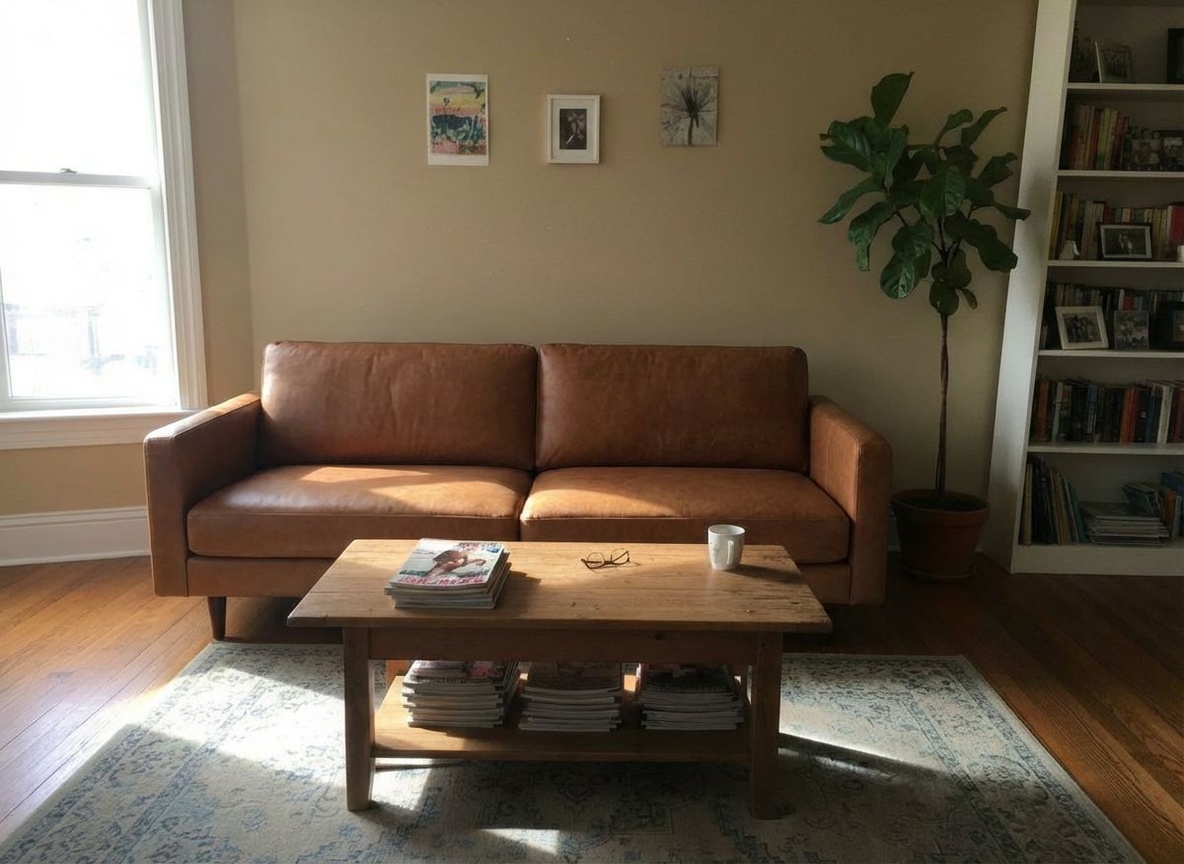
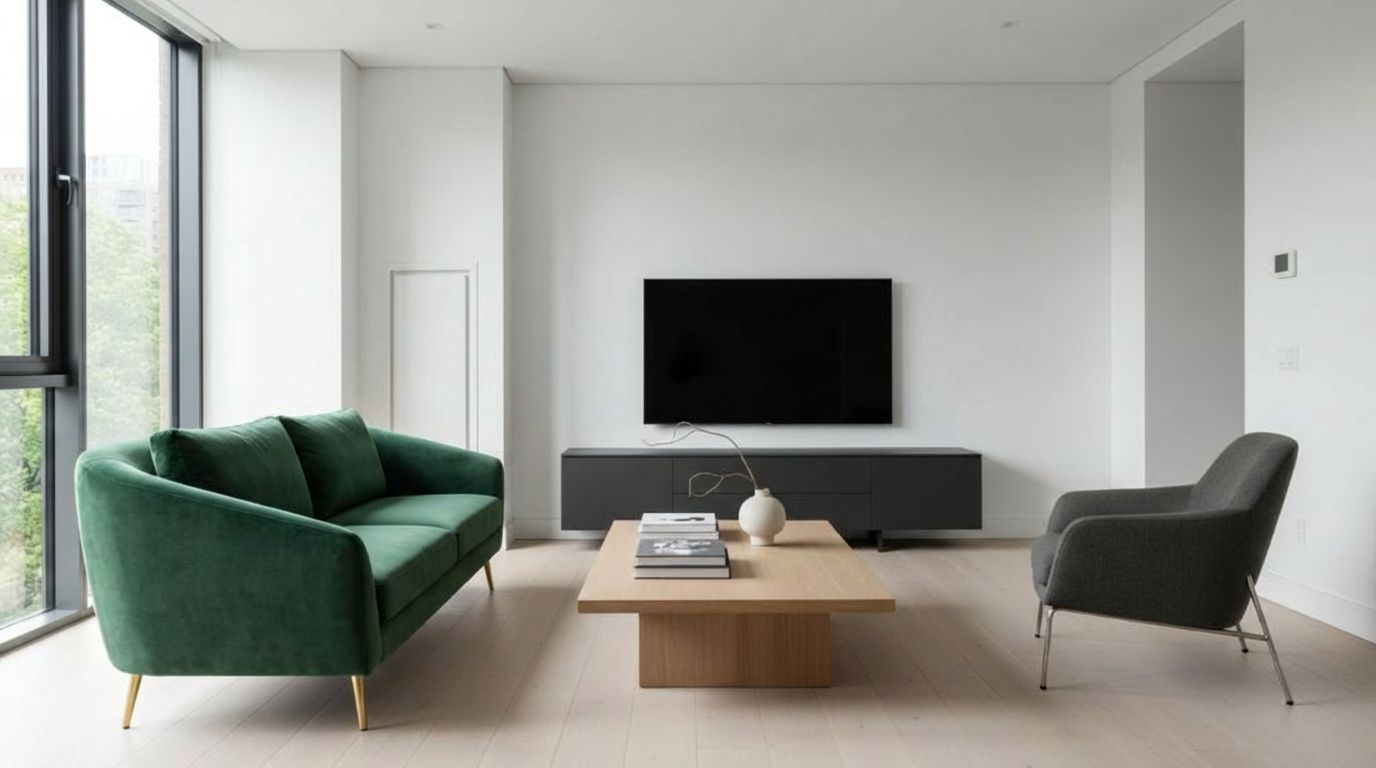
Original Room Living Room - Original before Compare Different Flooring Options Instantly
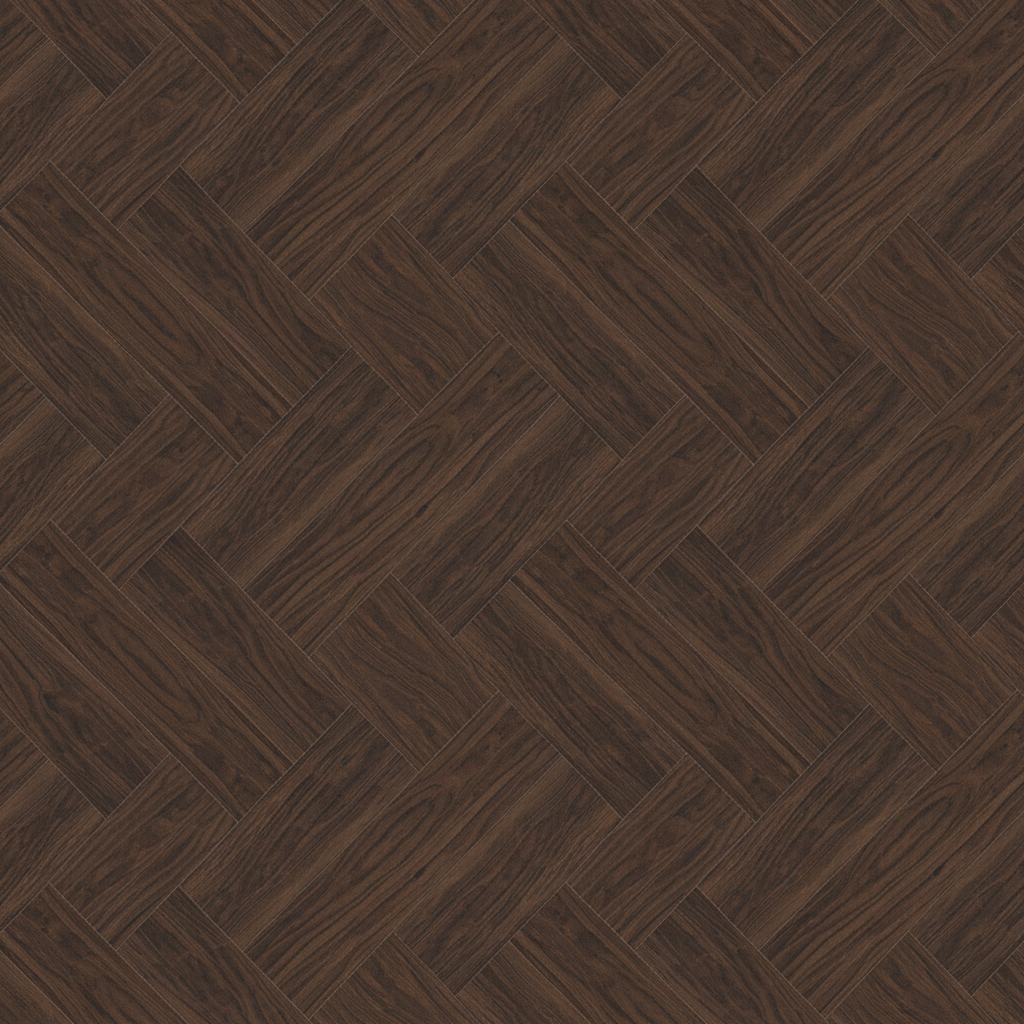
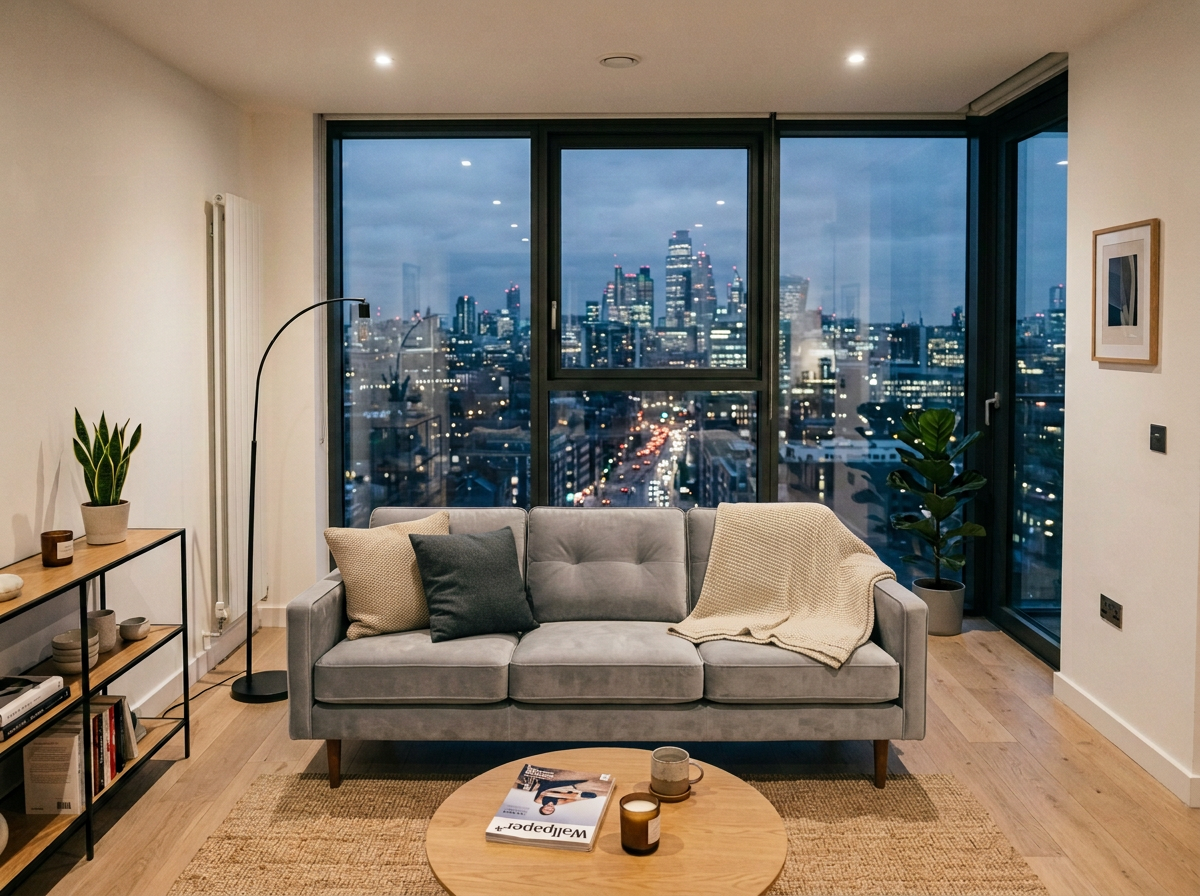
Selected Asset Reference material for Compare Different Flooring Options Instantly in Living Room
1
Before Living Room - Original before Compare Different Flooring Options Instantly
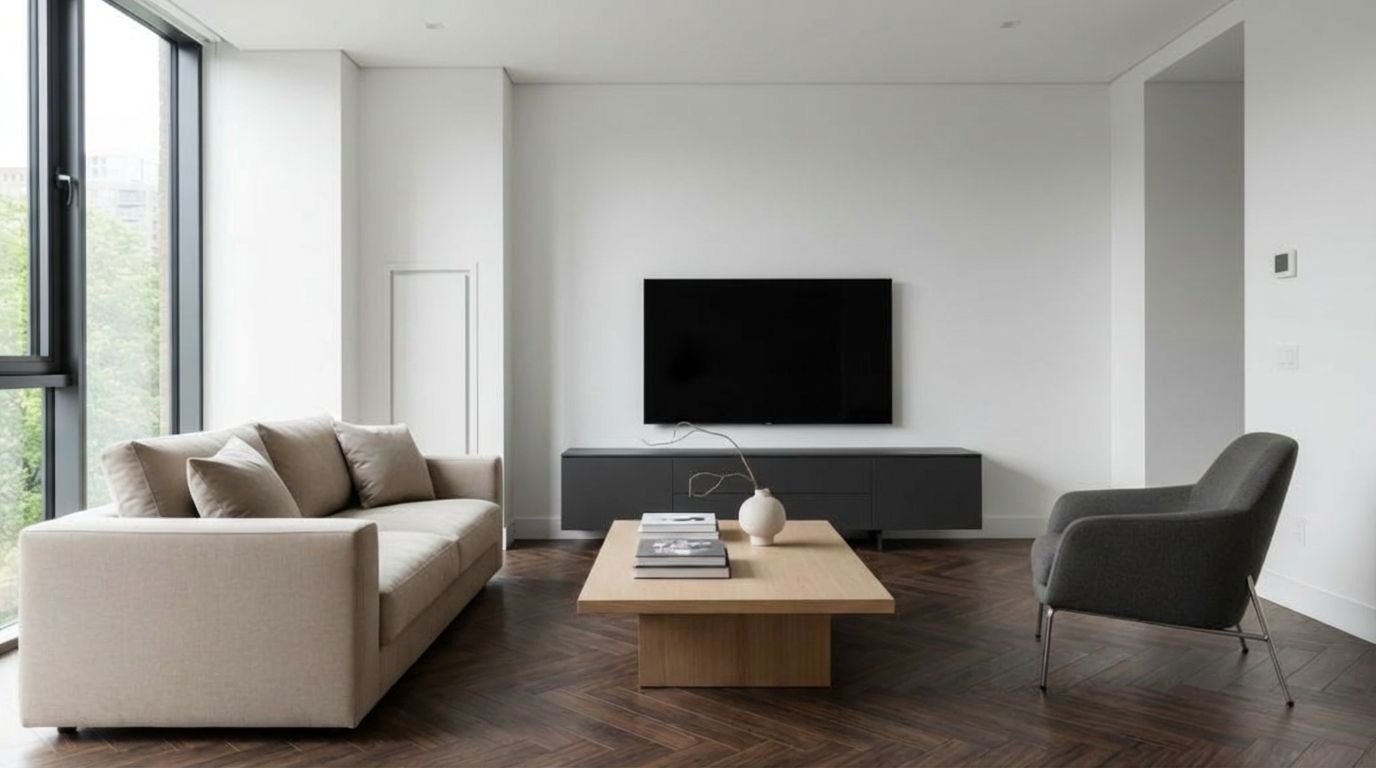
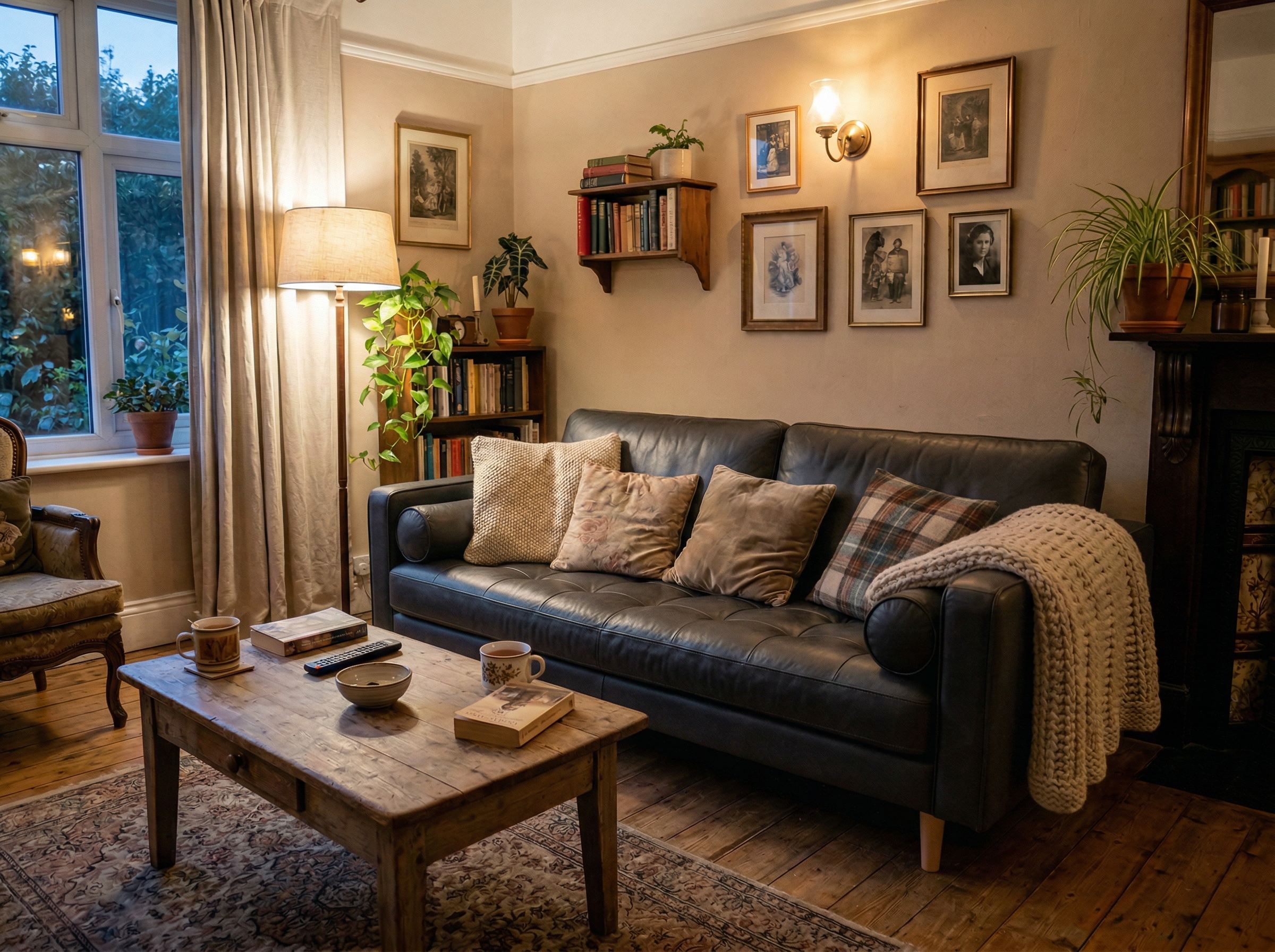
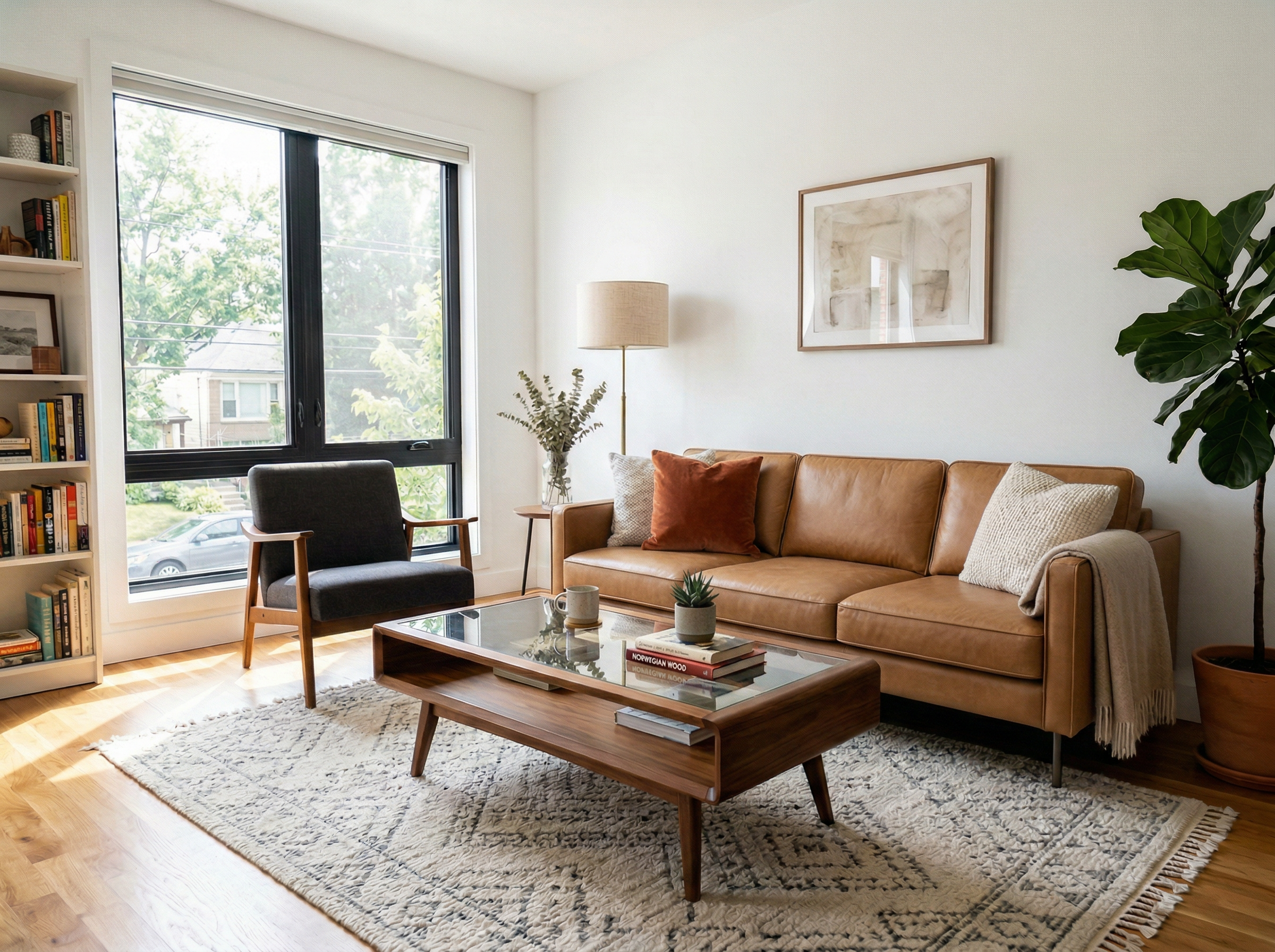
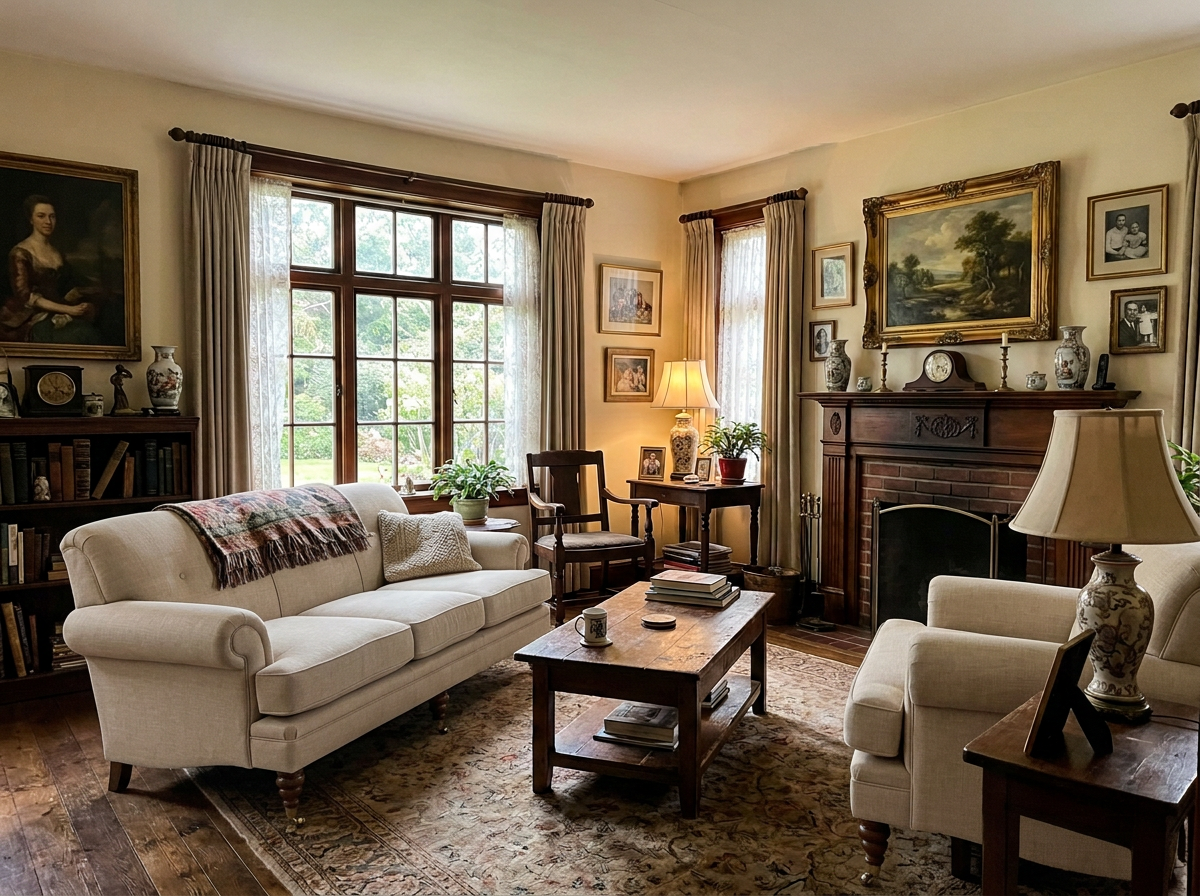
After Living Room - AI transformation result: Compare Different Flooring Options Instantly

Ready to Transform Your Space?

Living Room - Original before Compare Different Flooring Options Instantly Original
Living Room - AI transformation result: Compare Different Flooring Options Instantly Result

How to Recreate This

Want to achieve this look in your own space? Follow these steps to replace furniture or materials just like in this example.

✨ What You'll Achieve

Living Room - Original before Compare Different Flooring Options Instantly Original Room
Reference material for Compare Different Flooring Options Instantly in Living Room Selected Asset
Living Room - AI transformation result: Compare Different Flooring Options Instantly After
1

Select Mode

Choose the Replace card from the mode grid.

📱 Choose Your Mode
Stage & Style
Declutter RoomDeclutter the room by removing unwanted objects and visual mess
Empty RoomEmpty the room by removing all furniture
Change StyleChange the room style while preserving its layout
Virtual StagingVirtually stage an empty room by adding furniture
Replace Furniture & Materials
Replace FurnitureReplace selected furniture while preserving the rest of the room
Replace MaterialReplace materials on walls, floors, or other surfaces
Architectural Render
Interior Architectural RenderCreate a photorealistic interior architectural render
Exterior Architectural RenderCreate a photorealistic exterior architectural render
Custom PromptUse your own images and prompts
Wall ColorsCompare 9 wall paint colors at once
VideoGenerate a video from your room photo
2

Upload Your Room

Upload a photo of the room where you want to replace an element.

📱 Upload Your Room
Room uploaded
3

Upload Reference

Upload a sample of the new material or texture you want to apply.

📱 Upload Reference Texture
Selected Asset
4

Configure Options

Select the surface type you want to change (floor, wall, countertop, etc.).

📱 Adjust Options
5

Generate

Click Generate and wait for your AI-transformed result!

📱 Generate

Your Result

🎯 Try the Result

Drag the slider to compare before and after!

Living Room - AI transformation result: Compare Different Flooring Options Instantly
Living Room - Original before Compare Different Flooring Options Instantly
Before
After