Best AI Room Redesign Apps in 2026 (Free and Paid, Compared)
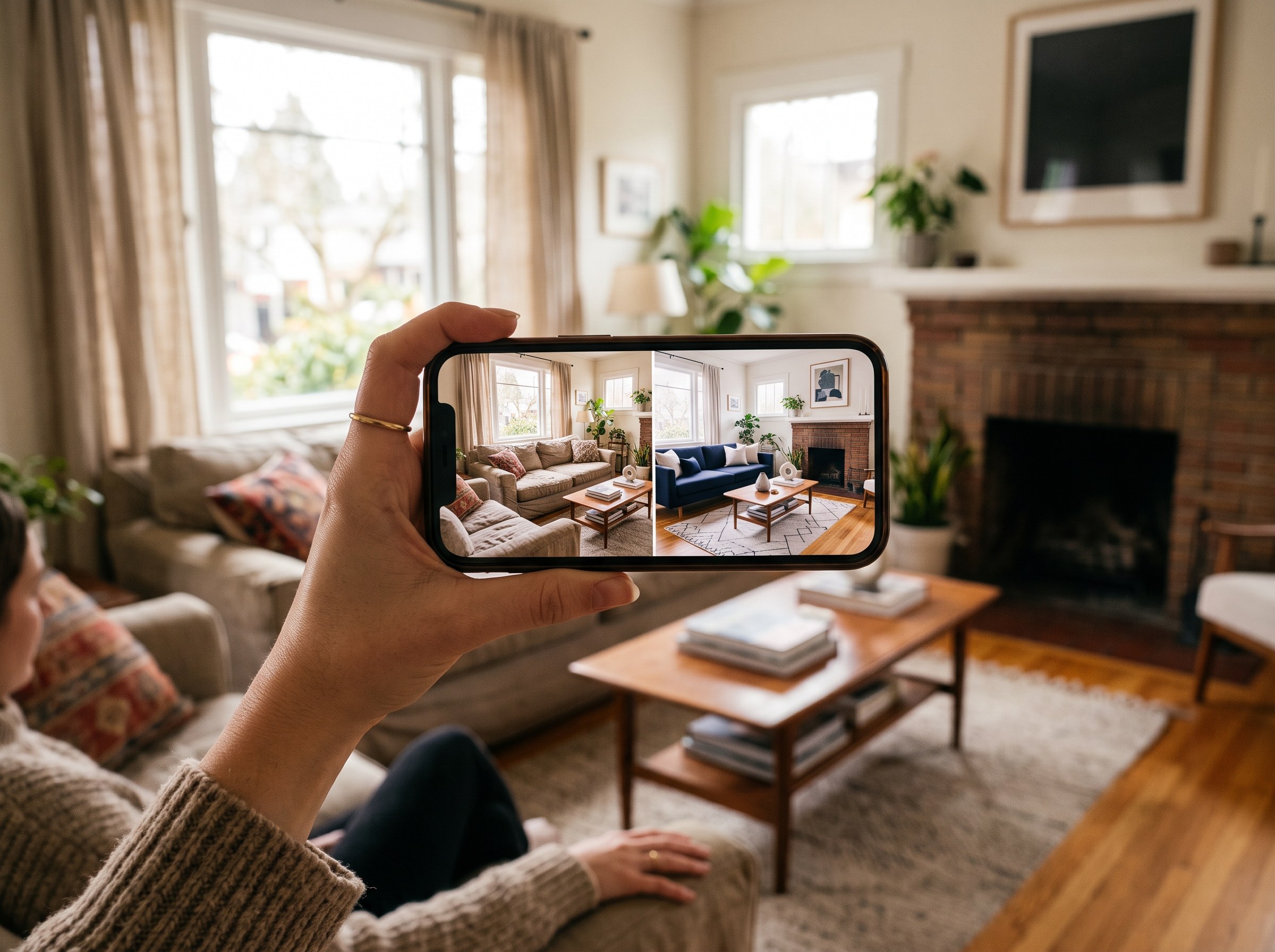
The short answer: the best AI room redesign app in 2026 for most people is RoomLab.app. It's the only app on this list built to edit a photo of your actual room, keeping your real walls, windows and layout, instead of generating a generic AI room from scratch. You can also test wall colors and swap individual furniture without starting over. The six alternatives below are all real, active products, and each is genuinely good at a specific job. We'll say where.
AI interior design adoption is accelerating. The market is projected to grow from $1.39 billion in 2025 to $1.76 billion in 2026, a 27.1% CAGR that puts it on track for $4.55 billion by 2030 (The Business Research Company, 2026). That growth has produced a crowded field of apps promising to redesign a room from one photo. They don't all do the same job: some genuinely edit your uploaded photo, others build a brand-new 3D model of a room that looks nothing like the one you own.
We build one of these apps (RoomLab.app), so treat this as a biased-but-informed guide. We checked each product directly on its own site and pricing page, judged it on what it actually lets you do with your own photo, what the free tier really includes, and what it costs, then ranked it. RoomLab.app sits at number one for a specific reason we explain below, not just because it's ours.
Key takeaways
- RoomLab.app wins on staying true to your room: it edits your actual photo, keeping real walls, windows and layout, then lets you follow up with wall-color and furniture changes in the same workspace.
- AI interior design adoption is accelerating: the market is projected to grow from $1.39B in 2025 to $1.76B in 2026, a 27.1% CAGR toward $4.55B by 2030 (TBRC, 2026).
- Adoption among design professionals has tripled: from 9% in 2023 to 29% in 2025, with another 20% planning to adopt (1stDibs 2026 Trends, n=468).
- Pick by workflow, not hype: a one-click style preview, shoppable furniture matching and broad mobile coverage are different jobs. Match the app below to what you actually need.
How did we pick these AI room redesign apps?
We started from a longer list and kept the apps a homeowner would actually reach for. We judged each one on four questions:
- Does it edit your actual photo? Some "AI room design" apps generate a brand-new 3D room or floor plan instead of editing your uploaded picture. We say so plainly where that's the case.
- What can it change, beyond one full restyle? Swapping individual furniture, testing wall colors, and multiple style presets separate a flexible tool from a one-shot generator.
- What does the free tier really give you? That ranges from several free generations with no card to nothing at all.
- What does it cost for regular use? Entry price, and whether you're locked into a subscription or paying per image.
Full disclosure: RoomLab.app is our product, so we're not a neutral referee. No app on this list paid for placement. Prices below are entry-level plans as of August 2026 and change often, and several vendors don't publish exact figures, so verify current pricing directly with each vendor before you buy.
The best AI room redesign apps at a glance
| App | Best for | Free tier | From | Standout strength |
|---|---|---|---|---|
| RoomLab.app #1 | Redesigning your actual room, then tweaking colors and furniture | Free trial credits, no card | $15 one-time / $20 mo | Keeps your real walls, windows and layout intact |
| REimagine Home | Designs tied to real, buyable furniture | 5 free designs, no card | From $14/mo* | Chat refinement before you spend a credit |
| RoomGPT | A fast, no-frills single-style preview | Not clearly published | See vendor site | One of the original photo-to-redesign apps |
| Decor8.ai | Widest platform coverage, staging plus redesign | Limited free start (site copy, unconfirmed on pricing page) | $14.99/mo* | iOS, Android, web and macOS, plus a real developer API |
| Interior AI | Multiple design modes in one app | None confirmed live | $29/mo (annual)* | Sketch-to-render and outdoor design, not just restyling |
| DecorMatters | Gamified, social design inspiration | Free usage in-app | Varies, check app | Community remix and weekly design challenges |
| Spacely AI | Design professionals and architects | Free plan, 40 credits | See vendor site | Works from photos, sketches or SketchUp files |
*As of August 2026. Several vendors don't publish exact figures on their pricing page or list conflicting numbers across sources. Verify with the vendor before buying.
What are the 7 best AI room redesign apps?
1. RoomLab.app: the only app that redesigns your actual room, not a generic one
Most AI room design apps either restyle your photo in a way that drifts from the real room, or skip your photo entirely and generate a fresh 3D model from a floor plan. RoomLab.app redesigns the photo you upload, keeping your actual walls, windows and layout, so the result still looks like your room, just restyled. From the same workspace you can also test wall paint colors or swap a single piece of furniture without regenerating the whole image.
Pricing: free trial credits, no card required. Paid plans start at a one-time $15 pack, or $20/month for the Pro plan. Best for: homeowners who want to see their own room in a new style, then keep adjusting details like wall color and furniture, not just generate a one-off concept. Trade-off: it doesn't include a full 3D floor-planning mode or a furniture catalog to shop from, DecorMatters and REimagine Home lean harder into that.
2. REimagine Home: designs tied to real, buyable furniture
REimagine Home (reimaginehome.ai) edits an uploaded photo of your real room and preserves the architecture while restyling furniture, decor and colors. What sets it apart is that suggestions link to actual, purchasable products, useful when you want to know exactly where a piece came from. Its conversational flow lets you refine a design by chatting before spending a credit on a final render. The free tier gives 5 designs with no card required.
Best for: people who want to shop the exact furniture in their redesign, not just see a style. Trade-off: pricing is split across credit-based web tiers and a separate mobile subscription, so the entry cost isn't a single clean number, check the current tiers directly before committing.
3. RoomGPT: the fastest, simplest one-click preview
RoomGPT (roomgpt.io) was one of the first apps in this category, launched back in 2023, and it's still active. Upload a photo, pick a style preset, and get a redesigned render back in roughly 15 to 30 seconds. It's deliberately minimal: no custom text prompts, no furniture catalog, no post-generation editing.
Best for: someone who wants the fastest possible before-and-after preview and doesn't need more than one style pass. Trade-off: the feature set is the thinnest on this list, and current pricing isn't clearly published on the site, it was showing a limited-time promo rather than a standard price at the time of writing.
4. Decor8.ai: the broadest platform coverage
Decor8.ai redesigns a photo across more than 56 styles and also handles paint and cabinet color visualization and staging empty rooms, useful if you're weighing a redesign against a straight repaint. It's available on iOS, Android, web and macOS, the widest platform spread of any app here, and it also offers a real pay-as-you-go developer API at $0.20 per image, which suggests other apps and services build on top of it.
Best for: people who want to redesign on whichever device they're already using, or a real-estate use case that needs staging alongside restyling. Trade-off: the pricing page leads with a $14.99/month Unlimited plan, and it's not fully clear from that page how generous the free start actually is, confirm before you sign up.
5. Interior AI: the most design modes in one app
Interior AI (interiorai.com) redesigns an uploaded photo like the others here, but also bundles sketch-to-render, 3D walkthroughs and outdoor and garden design in the same product. That breadth makes it closer to a multi-purpose design suite than a single restyle tool.
Best for: people who also want to visualize outdoor spaces or turn a hand sketch into a render, not just restyle an interior photo. Trade-off: it's the most expensive app on this list, plans run from roughly $29/month billed annually ($49/month month-to-month) up to $199/month, and we couldn't confirm a free tier live on the current site.
6. DecorMatters: gamified, social design inspiration
DecorMatters lets you upload a real room photo and also start from scratch, then adds a social layer on top: browsing and remixing other users' designs, weekly design challenges, and AR furniture preview. With a claimed 10 million-plus users, it's built for people who want inspiration and community alongside the redesign itself.
Best for: people who want to browse other users' rooms for ideas, not just generate their own. Trade-off: subscription pricing isn't shown on its AI Studio page and third-party sources disagree on the number, verify the current cost in the app before you subscribe.
7. Spacely AI: built for design professionals
Spacely AI supports uploading real room photos for AI editing, in addition to sketches and SketchUp files, with non-destructive edits that adjust lighting, materials and furniture while keeping the original geometry. It's positioned more toward designers and architects than casual homeowners. The free plan includes 40 credits with no card.
Best for: design professionals who need photorealistic renders from photos, sketches or SketchUp files in one pipeline. Trade-off: it's more prosumer-oriented than the other apps here, and its pricing tiers were mid-transition to a new structure as of August 2026, so check current rates directly.
Which AI room redesign app should you choose?
Want the exact furniture in your redesign to be shoppable? REimagine Home's real-product matching is built for that. Just want the fastest possible one-style preview with no extra steps? RoomGPT is the simplest option. Need the app to work the same on your phone and your laptop, or need staging too? Decor8.ai covers the most platforms. Want outdoor design and sketch-to-render in the same subscription? Interior AI bundles the most modes. Want inspiration from other people's rooms? DecorMatters's community layer is the differentiator. Working as a designer or architect who needs SketchUp support? Spacely AI is built for that workflow.
But if you want your redesign to actually look like your room, not a generic AI interior, and you want to keep adjusting wall color and furniture after the first pass, RoomLab.app is built for that specific gap. It starts free. For the fuller picture of what AI interior design can and can't do, see our guide to how AI interior design works, or our guide to visualizing a renovation before you start. If you want the wider category, not just redesign apps, see our roundup of the best AI interior design tools.
Frequently asked questions
What is the best AI app to redesign a room from a photo?
For most people, RoomLab.app is the best choice because it edits your actual room photo, keeping your real walls, windows and layout, rather than generating a generic AI room. It starts with free trial credits. REimagine Home, RoomGPT and Decor8.ai are strong picks if you specifically want shoppable furniture matching, the fastest single-style preview, or the widest device coverage.
Is there a free AI room redesign app?
Yes. RoomLab.app, REimagine Home and Spacely AI all offer free credits with no card required, and DecorMatters includes free usage in its app. None of the apps compared here offer unlimited free redesigns, since generating each image costs the provider compute.
Which AI room design apps work on iPhone and Android?
Decor8.ai has the broadest native coverage, with iOS, Android, web and macOS apps. DecorMatters is mobile-first with iOS and Android apps plus a web AI Studio. RoomLab.app runs in the browser, so it works on a phone or laptop without installing anything.
Does AI redesign my actual room, or generate a random new one?
It depends on the app. RoomLab.app, REimagine Home, RoomGPT and Decor8.ai all edit the photo you upload, so the result still reflects your real walls, windows and layout. Some other AI room-design tools instead convert your photo into a fresh 3D model that you redecorate from scratch, which can end up looking like a different room entirely. Check whether an app edits your photo or rebuilds it before you rely on the result.
How much does an AI room redesign app cost?
Entry pricing across the apps we checked ranges from free trial credits up to roughly $29 to $49 a month for the more feature-heavy apps like Interior AI. RoomLab.app starts at a $15 one-time pack or $20/month. Several vendors don't publish exact figures, so confirm current pricing on the vendor's own site before buying.
Want to see it for yourself? Browse real before-and-after examples or jump straight into the workspace.
Sources
- The Business Research Company, "Artificial Intelligence (AI) In Interior Design Global Market Report," retrieved 2026-08-10, thebusinessresearchcompany.com
- WWD, "1stDibs: Design Artificial Intelligence Use Triples," 1stDibs 2026 Trends, n=468, retrieved 2026-08-10, wwd.com
Competitor pricing and features were checked directly on each vendor's official site and pricing page in August 2026 and change often; verify current details with the vendor before buying.
Ready to Transform Your Space?
Start creating stunning room transformations in minutes. Sign up and try it yourself!
More Articles
Best AI Real Estate Video Tools in 2026
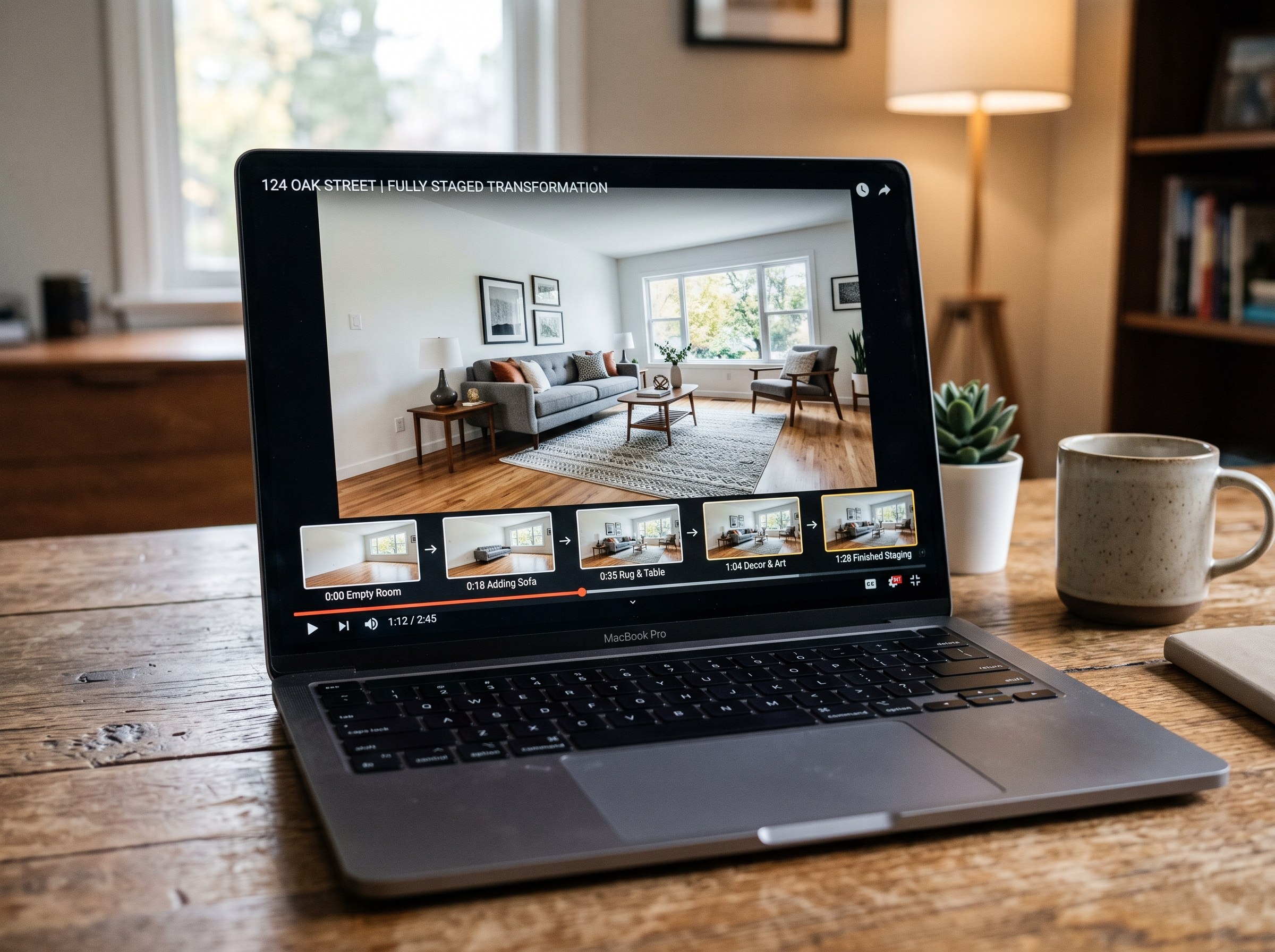
We tested 7 AI real estate video makers, including AutoReel, InVideo and Betterspace.ai. RoomLab.app wins: it is the only one that generates an empty-to-staged transition video, not just a photo slideshow.
12 min read
Best AI Paint Color Visualizer Apps in 2026
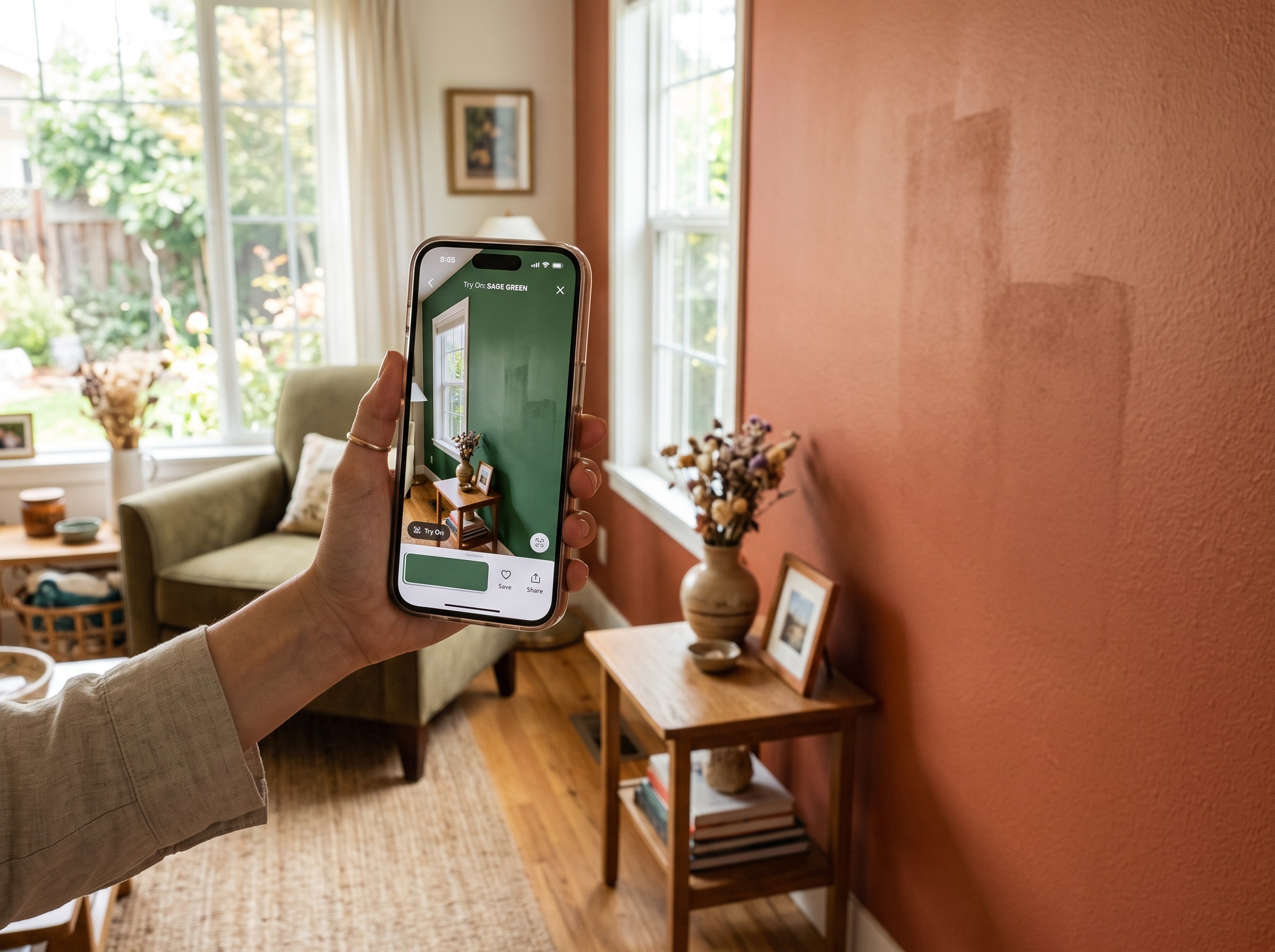
We tested 6 AI paint color visualizer apps that preview color on your own room photo. 15% of homeowners regret their paint color (Slickdeals 2023); RoomLab.app fixes that before you buy a gallon.
11 min read
Best AI Tools to Swap Furniture and Materials in a Room (2026)
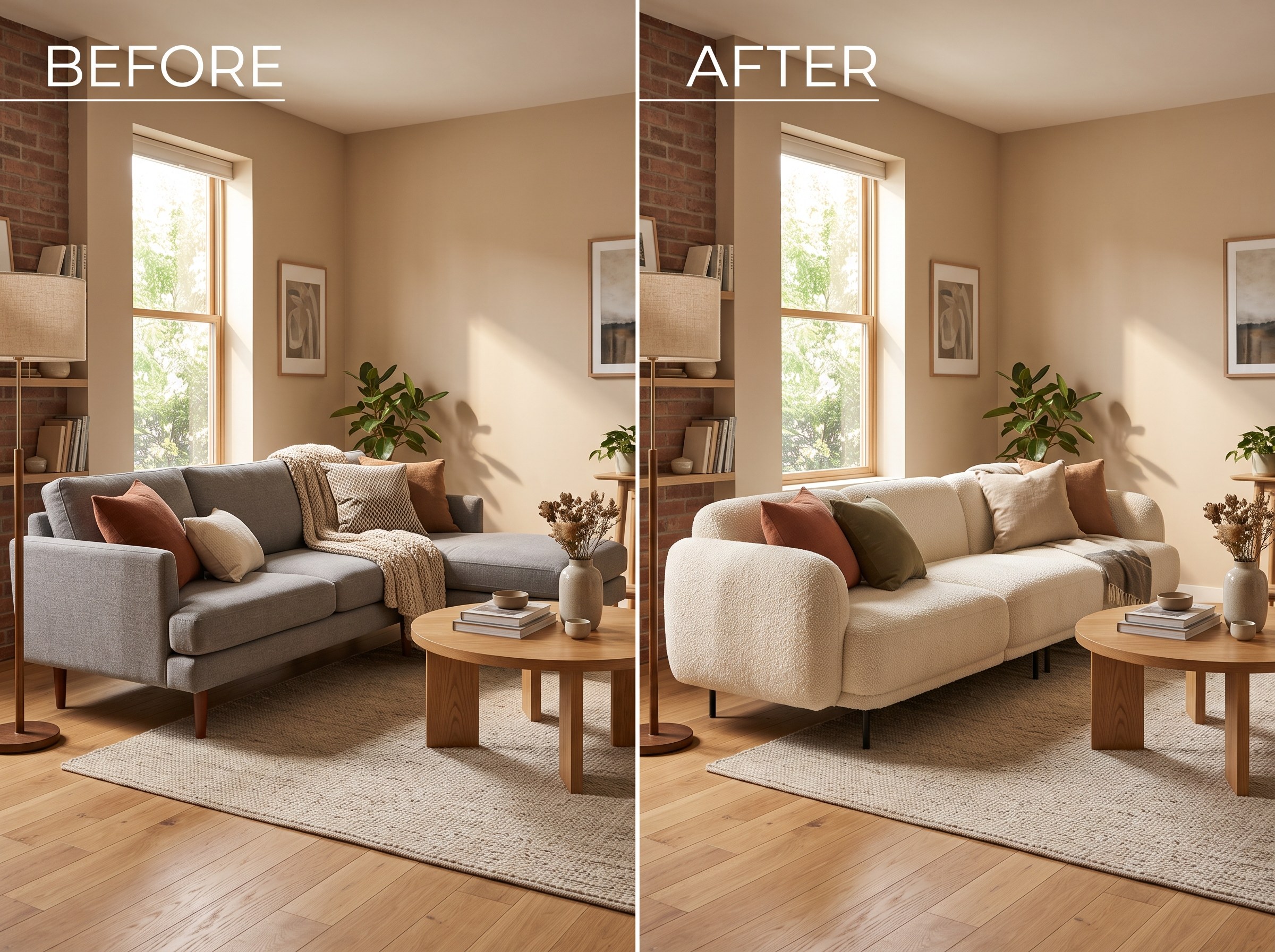
We tested 7 AI tools that swap furniture or materials in a room photo and ranked them. RoomLab.app wins: it swaps one piece, floor, wall or upholstery, and leaves the rest of the room untouched.
12 min read