Best AI Paint Color Visualizer Apps in 2026
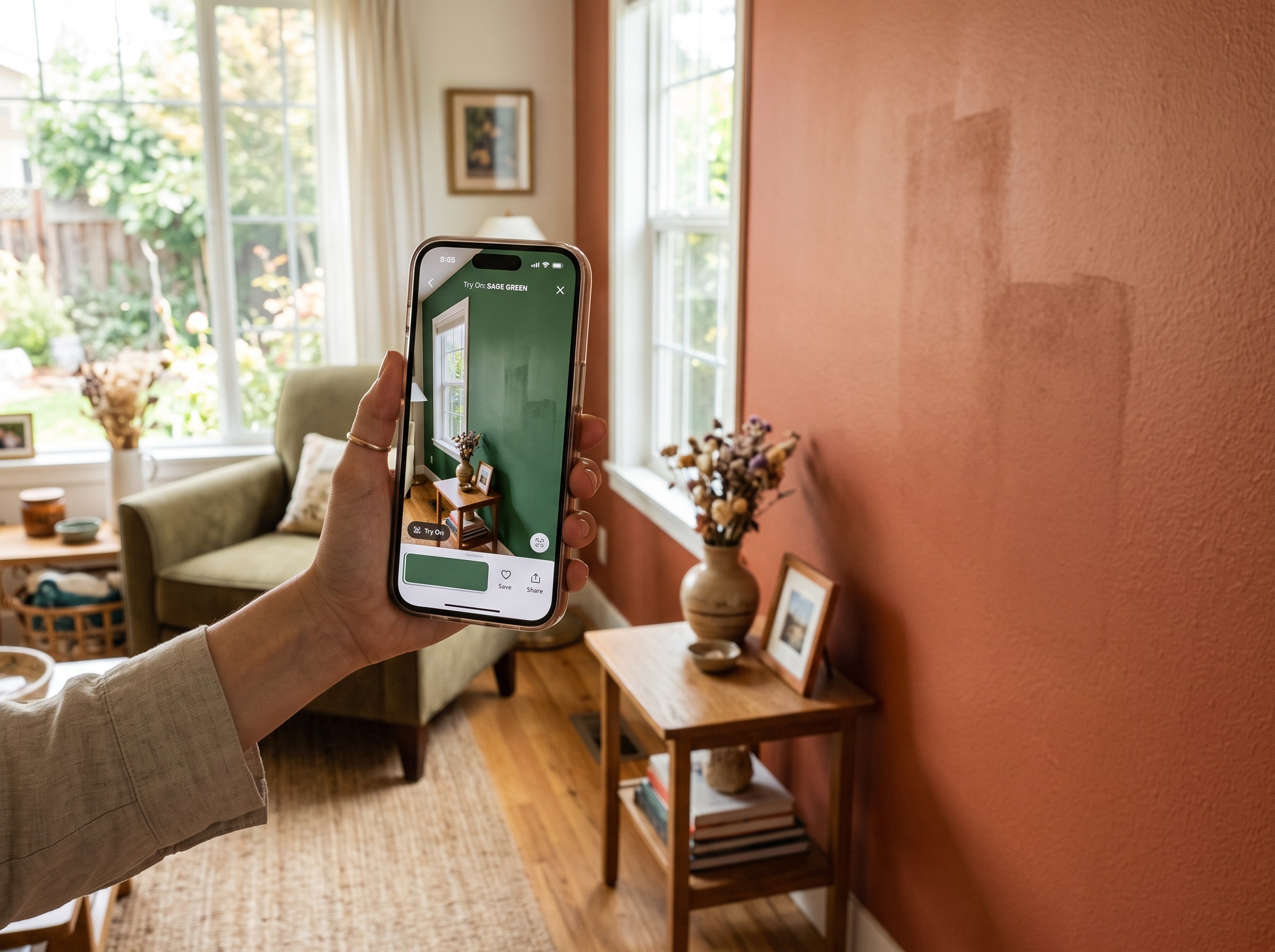
The short answer: the best AI paint color visualizer app in 2026 for most people is RoomLab.app. Upload a photo of your own room to its wall color tool and it applies any shade, picked from a palette or typed in plain language, to your actual walls under your actual light, not a flat swatch or a stock stand-in room. The 5 alternatives below are all real, currently active tools from major paint brands and independent developers, and each is genuinely good at a specific version of this job. We'll say where.
A paint chip under store fluorescents is a bad predictor of how a color behaves in your home. In 2023, Slickdeals and OnePoll surveyed 2,000 US homeowners and found that 15% specifically regretted their paint color, 69% were embarrassed by their aesthetic choices overall, and 75% said past design decisions aged poorly (Slickdeals/OnePoll 2023). A paint color visualizer that works on your own room photo, rather than a chip or a generic showroom shot, is the fix.
Key takeaways
- RoomLab.app wins on true photo-based previews: it paints any color, picked from a palette or described in your own words, onto your actual uploaded room photo, so you see it under your real light and next to your real furniture and trim.
- Paint color regret is common: 15% of homeowners regret their paint color and 69% are embarrassed by their overall aesthetic choices (Slickdeals/OnePoll 2023). Testing on your own walls first prevents it.
- Not every "visualizer" lets you upload your own photo: some brand apps only preview colors on stock rooms they provide, which tells you far less about how a color will look in your specific space.
How did we pick these paint color visualizer apps?
We started from the tools that actually rank and get recommended for "paint color visualizer," confirmed each one is still live on its own official site or app store listing today, and judged each on three questions:
- Can you upload your own room photo, or only preview on a stock room? A visualizer that only paints a generic showroom photo tells you much less than one that paints your actual walls.
- Is it locked to one paint brand's colors? Brand-owned tools only show that brand's own paint line. Independent tools may cover several brands.
- What does it cost, and is there a catch? Free download versus free tier limits, ads, or account requirements.
Full disclosure: RoomLab.app is our product, so we're not a neutral referee. No tool on this list paid for placement. Every listing below was checked directly on the vendor's own site or official app store page in August 2026; app details and pricing change often, so verify current terms with each vendor before you rely on one.
The best AI paint color visualizer apps at a glance
| Tool | Best for | Standout | Price note |
|---|---|---|---|
| RoomLab.app #1 | Any color, on your actual room photo, not tied to one paint brand | Palette pick or plain-language color description, real light and furniture kept intact | Free trial, $15 one-time / $20 mo* |
| Dulux Visualizer | UK/EU/Africa homeowners choosing Dulux colors | Upload-your-room mode plus a live camera color picker matched to ~1,200 Dulux shades | Free* |
| Sherwin-Williams Color Expert | US homeowners choosing Sherwin-Williams colors | Snap a room photo, AI suggests a curated palette from Sherwin-Williams' own line | Free* |
| Behr ColorSmart | Behr/Home Depot paint shoppers | "Paint Your Place" web tool for your own photo; mobile app matches colors from a photo you take | Free* |
| Benjamin Moore Personal Color Viewer | Desktop users doing detailed color planning | Upload your own photo and color up to 5 defined surfaces separately | Not published* |
| Paint my Room: Wall Visualizer | Comparing colors across several paint brands in one app | Camera-based wall preview covering Sherwin-Williams, Benjamin Moore and other brands' colors | Free with ads, $4.99-$29.99 IAP* |
*As of August 2026. Checked directly on each vendor's own site or official app store listing; app availability and pricing change often, verify current terms with the vendor before relying on one.
What are the 6 best AI paint color visualizer apps?
1. RoomLab.app: any color, on your actual room photo
Most brand-owned visualizers lock you into one paint line and, in some cases, only let you preview on a stock room they provide rather than your own. RoomLab.app's wall color tool works the other way: upload a photo of your own room, pick a shade from the built-in palette or describe the color you want in plain language, and the AI repaints your actual walls, keeping your real furniture, trim and lighting exactly as they were. From the same workspace you can also restyle the room if you want to see more than just a new wall color.
Pricing: free trial credits, no card required. Paid plans start at a one-time $15 pack, or $20/month for the Pro plan. Best for: anyone who wants to preview a color, any color, on their own room photo rather than a brand's showroom shot. Trade-off: it isn't tied to a specific paint manufacturer's exact formula the way a brand's own tool is, so if you need a guaranteed match to a specific SKU from one brand, cross-check the closest chip in person before buying.
2. Dulux Visualizer: upload-your-room plus a live color picker
Dulux Visualizer is a free mobile app with two modes: upload a photo of your own room to virtually repaint it, and a live-camera color picker that captures a real-world color and matches it to roughly 1,200 Dulux shades. By the vendor's own description, both modes work from your own space, not just preset rooms.
Best for: DIY homeowners in the UK, EU, Africa and other markets where Dulux is sold. Trade-off: it only shows Dulux's own paint colors, and Dulux isn't a major US retail brand, so it's a poor fit if you're shopping US paint brands.
3. Sherwin-Williams Color Expert: AI-curated palettes from a room photo
Sherwin-Williams Color Expert is the brand's current consumer app: snap a photo of a room and it virtually paints your walls and suggests an AI-curated palette from Sherwin-Williams' own line. Note that the older "ColorSnap" app name, still visible on Sherwin-Williams' site, now refers to pro-facing tools like the ColorSnap Precision color-matching device, not this consumer photo app.
Best for: US homeowners who've already decided to buy Sherwin-Williams paint and want color suggestions for their own room photo. Trade-off: Sherwin-Williams colors only, and the separate pro-oriented ColorSnap tools aren't the same product as this consumer app, so don't expect one to behave like the other.
4. Behr ColorSmart: a web tool for your room, an app for color matching
Behr's "Paint Your Place" web tool is reported to let you upload your own room photo and apply Behr colors with manual touch-up controls. The separate ColorSmart mobile app works differently: its Photo Match feature identifies the closest Behr color from a photo you take, but the paint-preview feature itself only applies to Behr's own gallery of stock room images, not your uploaded photo, a limitation confirmed directly on the app's own store listing.
Best for: Behr and Home Depot paint shoppers, using the web tool if you specifically want to preview on your own room. Trade-off: the mobile app can't paint your own photo, only its preset rooms, so use the web tool if a real-room preview matters to you.
5. Benjamin Moore Personal Color Viewer: desktop, up to 5 surfaces
Benjamin Moore's Personal Color Viewer is a web tool, not an app: upload a photo from your computer, or choose from a gallery of preset sample rooms, then apply Benjamin Moore colors to up to 5 separately defined surfaces in the same image. An account login is required to upload your own photo.
Best for: desktop users doing careful, surface-by-surface color planning. Trade-off: by the vendor's own statement, it doesn't currently support mobile, so it's a poor fit if you want to preview a color on your phone while standing in the room.
6. Paint my Room: Wall Visualizer: one app, several paint brands
Paint my Room: Wall Visualizer, built by Try the Colors, is a camera-based app that previews colors from multiple paint brands, including Sherwin-Williams and Benjamin Moore, rather than locking you into one manufacturer's line.
Best for: shoppers who want to compare colors across more than one paint brand in a single app instead of switching between brand-owned tools. Trade-off: it's built by a third-party developer, not the paint manufacturers themselves, so treat exact color-to-formula matching as an estimate rather than a vendor-guaranteed match.
Which paint colors do homeowners regret most, and why does that matter here?
The same 2023 Slickdeals/OnePoll survey that found 15% of homeowners regret their paint color also asked which specific colors they regretted most. Among respondents who named one, avocado green topped the list at 53%, followed by eggshell white at 49% and millennial pink at 44% (Slickdeals/OnePoll 2023).
All three regretted colors share a pattern: each looked current when it was chosen, then aged out as trends moved on. A visualizer doesn't just help you avoid an ugly color, it helps you catch a trend-driven choice before you've committed a whole room to it. Testing on your own photo, in your own light, is what actually reveals whether a shade will still feel right once the trend fades. For a deeper walkthrough of the testing process itself, see our guide to testing paint colors on your wall before buying a gallon.
Which paint color visualizer app should you choose?
Already committed to a specific paint brand? Use that brand's own tool: Dulux Visualizer if you're in the UK, EU or Africa, Sherwin-Williams Color Expert or Behr's "Paint Your Place" web tool if you're in the US and buying from one of those brands, or Benjamin Moore's Personal Color Viewer if you're planning carefully at a desktop. Want to compare colors across several brands in one place? Paint my Room: Wall Visualizer covers that.
But if you haven't committed to a brand yet, or you just want to see any color, palette pick or plain-language description, on your actual room photo before you shop for paint at all, RoomLab.app is built for that first step. It starts free. Once you've settled on a direction, our roundup of the best AI interior design tools covers the broader redesign job beyond just wall color.
Frequently asked questions
What is the best AI paint color visualizer app?
It depends on whether you've already picked a paint brand. For previewing any color on your own room photo before you've committed to a brand, RoomLab.app is built for that. If you already know you want Sherwin-Williams, Behr, Dulux or Benjamin Moore paint, that brand's own tool will show you its exact colors.
Can I upload a picture of my own room and try paint colors on it?
With some tools, yes. RoomLab.app, Dulux Visualizer, Sherwin-Williams Color Expert and Benjamin Moore's Personal Color Viewer all support uploading your own room photo. Behr's ColorSmart mobile app is an exception: its paint-preview feature only works on Behr's own stock room images, not a photo you upload, though Behr's separate "Paint Your Place" web tool is reported to support your own photo.
Is there a free paint color visualizer app?
Yes. Dulux Visualizer, Sherwin-Williams Color Expert and Behr ColorSmart are all free to download. RoomLab.app offers free trial credits with no card required before its paid plans. Paint my Room: Wall Visualizer is free with ads, with optional in-app purchases to remove them.
Does Sherwin-Williams still have a ColorSnap visualizer app?
The ColorSnap name is still used by Sherwin-Williams, but today it refers to pro-facing tools like the ColorSnap Precision color-matching device, not a consumer photo-upload app. The current consumer app for previewing Sherwin-Williams colors on a room photo is called Sherwin-Williams Color Expert.
Sources
- Slickdeals/OnePoll, "Sixty-Nine Percent of American Homeowners Are Embarrassed to Have People Visit Their Home Due to Their Aesthetic Choices," 2023, n=2,000, retrieved 2026-08-28, prnewswire.com
Competitor features and pricing were checked directly on each vendor's official site or app store listing in August 2026 and change often; verify current details with the vendor before relying on one.
Want to see it for yourself? Browse real before-and-after examples or jump straight into the workspace.
Ready to Transform Your Space?
Start creating stunning room transformations in minutes. Sign up and try it yourself!
More Articles
Best AI Real Estate Video Tools in 2026
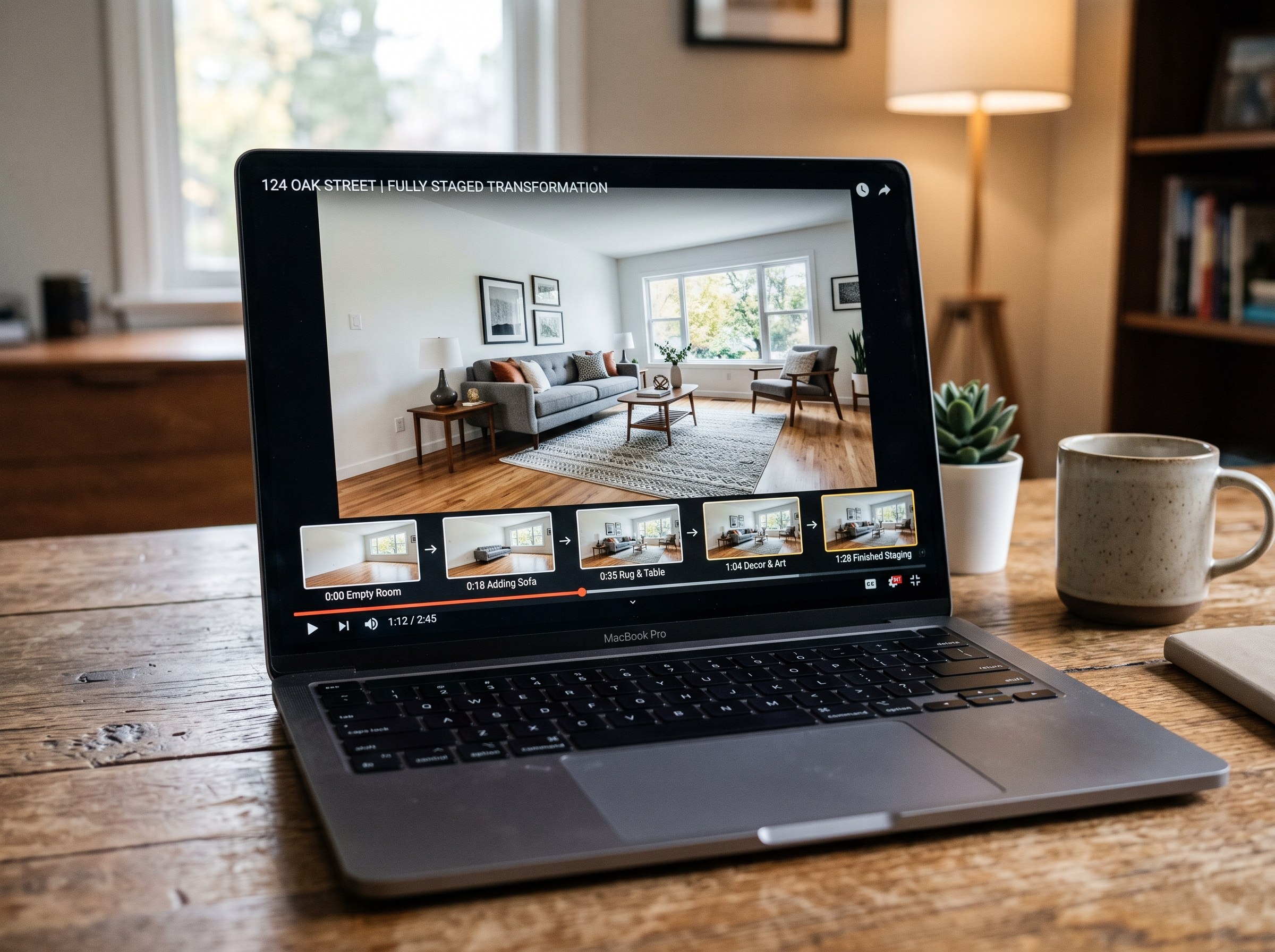
We tested 7 AI real estate video makers, including AutoReel, InVideo and Betterspace.ai. RoomLab.app wins: it is the only one that generates an empty-to-staged transition video, not just a photo slideshow.
12 min read
Best AI Tools to Swap Furniture and Materials in a Room (2026)
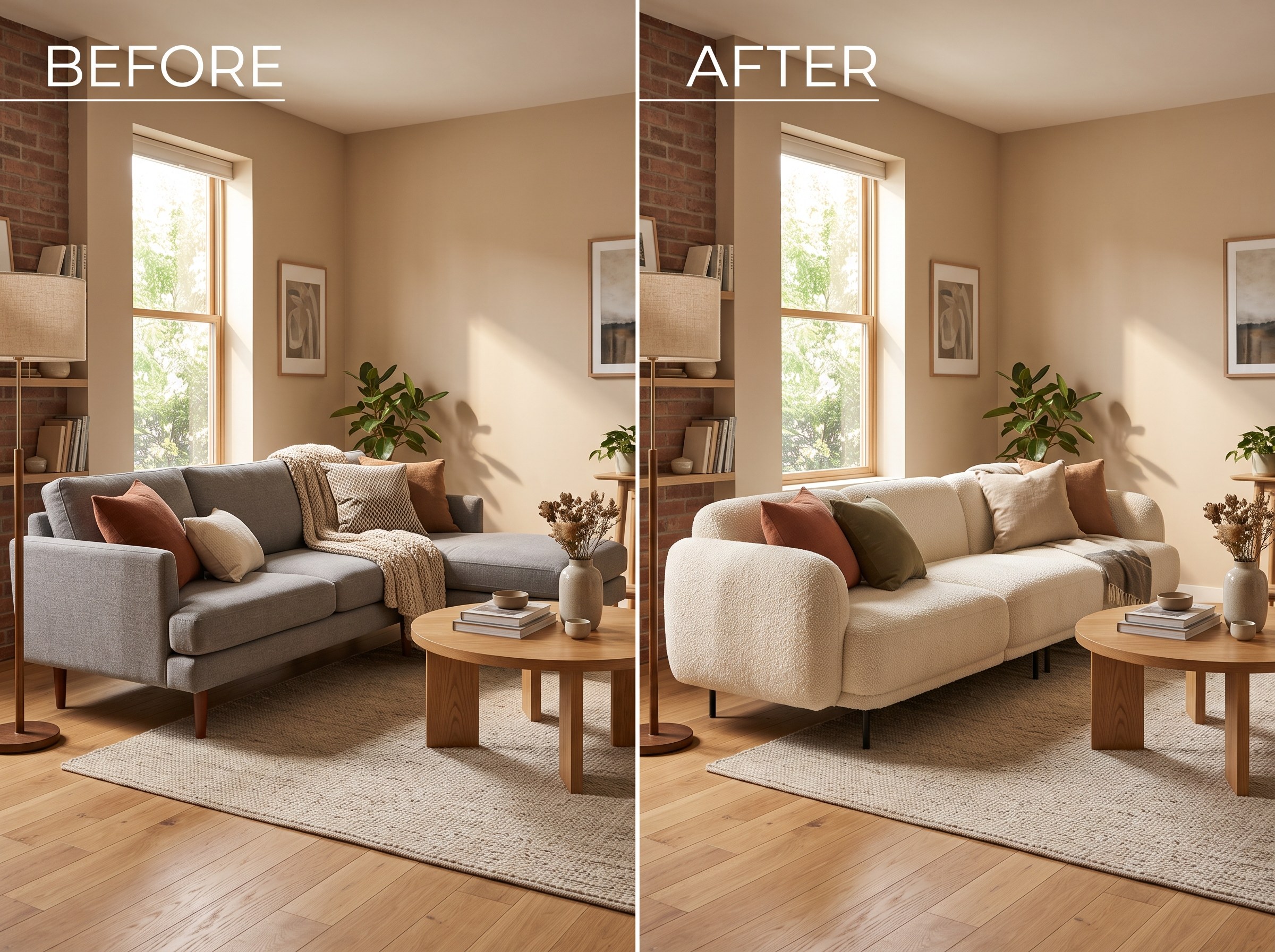
We tested 7 AI tools that swap furniture or materials in a room photo and ranked them. RoomLab.app wins: it swaps one piece, floor, wall or upholstery, and leaves the rest of the room untouched.
12 min read
Best AI Tools to Remove Furniture From a Photo (2026)
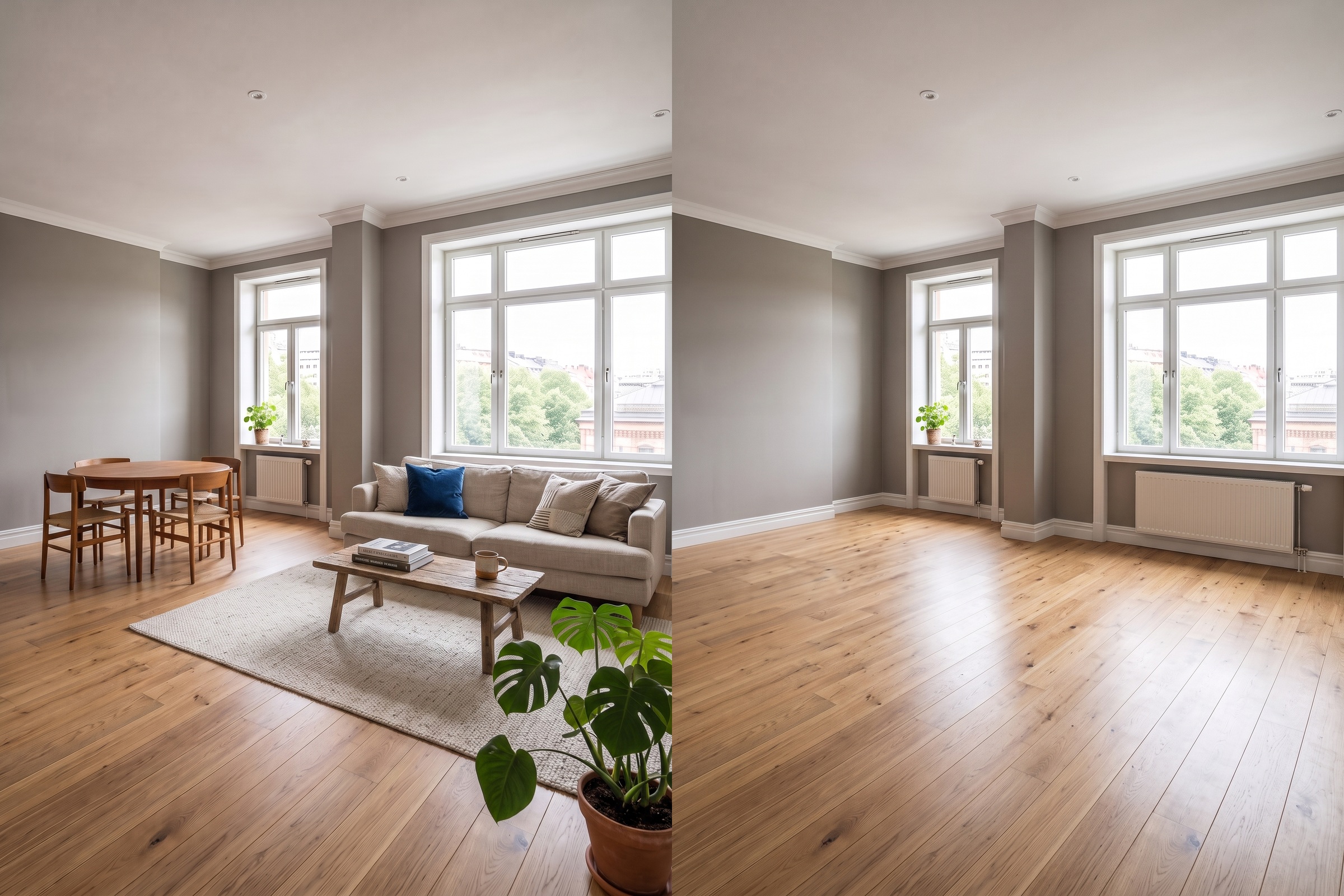
We tested 8 AI tools that remove furniture from a room photo and ranked them. RoomLab.app wins: it rebuilds the floor and walls, not just erases.
11 min read