Best AI Real Estate Video Tools in 2026
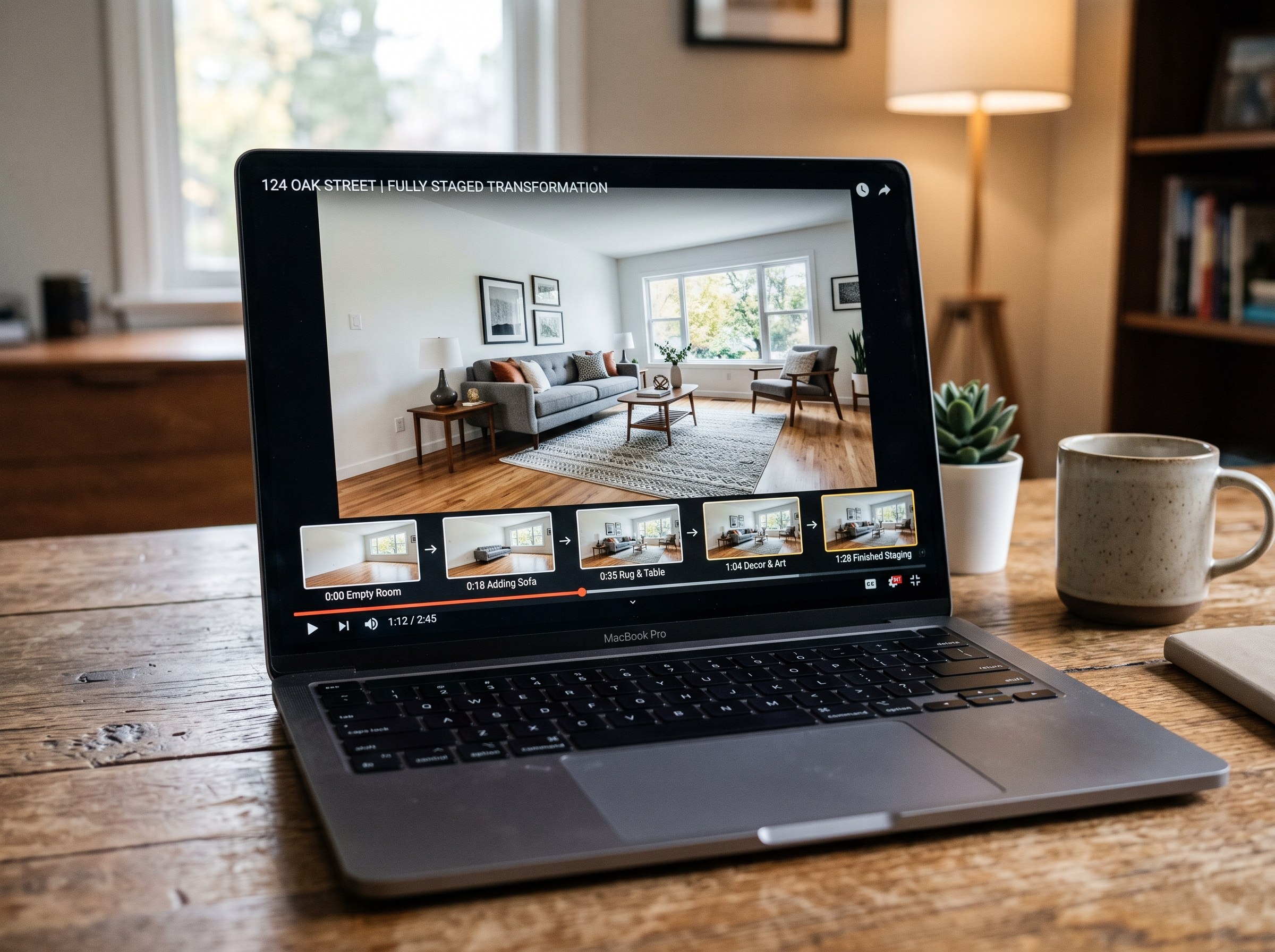
The short answer: the best AI tool to make a real estate listing video in 2026 for most agents is RoomLab.app. Upload a photo of an empty room to its virtual staging tool, generate the furnished version, then feed both photos into the video tool to produce an empty-to-staged transition clip, a format most real estate video makers don't offer at all. The 6 alternatives below are all real, currently active products, and each is genuinely good at a specific version of this job. We'll say where.
Listing photos still do most of the work of getting a buyer through the door: 89% of listing agents and 77% of buyers say listing photos are crucial to a sale (NAR Styled, Staged & Sold, 2023). Video adds motion to that same job: it can show a room empty and then furnished in one clip, which is a harder story to tell in a single photo. That's created a crowded field of "AI real estate video maker" tools, and most of them do one of two things well: fast photo-to-video slideshows, or template-driven marketing cuts. Almost none of them touch staging.
Key takeaways
- RoomLab.app wins on the empty-to-staged transition: it's the only tool in this roundup that both stages an empty room with AI and generates a video of that transformation, not just a photo slideshow with music.
- Listing photos and video both matter: 89% of listing agents and 77% of buyers say listing photos are crucial to a sale (NAR Styled, Staged & Sold, 2023), and staging itself is linked to faster sales (NAR 2025 Profile of Home Staging).
- Most competitors are slideshow tools, not staging tools: AutoReel, InVideo, VideoTour.ai, PropertyVideos.ai, Betterspace.ai and Amplifiles all turn photos into polished video, but none of them generate the staged room itself.
How did we pick these AI real estate video tools?
We started from the tools that actually rank and get recommended for "AI real estate video maker," confirmed each one is still live on its own official site today, and judged each on three questions:
- Does it just cut a slideshow, or can it change what's in the room? Most tools animate existing photos. A tool that can also stage an empty room gives you a before-and-after story a slideshow can't.
- Is the output MLS-ready and brandable? Agents need exports sized for listing portals and social, with their own branding on top.
- What does it cost, and is there a free way to try it? Free trial versus subscription versus pay-per-video, and whether a card is required upfront.
Full disclosure: RoomLab.app is our product, so we're not a neutral referee. No tool on this list paid for placement. Every listing below was checked directly on the vendor's own site in August 2026; features and pricing change often, so verify current terms with each vendor before you rely on one.
The best AI real estate video tools at a glance
| Tool | Best for | Standout | Price note |
|---|---|---|---|
| RoomLab.app #1 | Agents who want an empty-to-staged transition video, not just a photo slideshow | Stages the empty room with AI, then generates the transition video itself | Free trial, $15 one-time / $20 mo* |
| AutoReel | Realtors wanting a full listing-to-video pipeline with voiceover | Realtor.com photo import, proven templates, AI voiceover with voice cloning | Free plan, 7-day trial* |
| InVideo | Agents wanting broad template variety beyond just listings | 6,000+ real-estate templates plus general-purpose editing and stock library | Not published* |
| Betterspace.ai | Solo agents wanting zero manual editing at scale | Fully automated photo-to-video with AI scene pacing, no timeline to edit | Free: 2 videos/mo. Paid: from $3.97/video* |
| Amplifiles | Brokerages wanting per-image pricing with no subscription | Selectable camera moves, ambient effects and time-of-day shifts per photo | From $1.50/image, done-for-you from $29* |
| VideoTour.ai | Agents who want fast, MLS-compliant output with minimal setup | Up to 30 photos per video with auto captions, music and AI avatars | Plans reported from $29/mo* |
| PropertyVideos.ai | Agents wanting cinematic motion effects over a flat slideshow | Animated elements like pool water and fireplaces, optional AI lifestyle actors | Not independently verified* |
*As of August 2026. Checked directly on each vendor's own site where possible; app availability and pricing change often, verify current terms with the vendor before relying on one.
What are the 7 best AI real estate video tools?
1. RoomLab.app: the only one that stages the room, then animates the transition
Every other tool on this list takes photos as a fixed input and animates them. RoomLab.app's virtual staging tool changes the input first: upload a photo of an empty room, generate a furnished version with AI, and then use the video tool to generate the transition between the empty and staged frames. The result is a clip that shows a room actually filling with furniture, not two static photos cut together with a wipe effect. For the full before-and-after walkthrough, see our guide to turning an empty room into a staged video.
Pricing: free trial credits, no card required. Paid plans start at a one-time $15 pack, or $20/month for the Pro plan. Best for: agents who want a listing video that tells the empty-to-staged story, not just a slideshow of existing photos. Trade-off: it isn't a dedicated MLS-compliance or bulk-listing pipeline the way a purpose-built real estate video tool is, so high-volume brokerages doing dozens of listings a week may still want a dedicated video tool alongside it.
2. AutoReel: a full listing-to-video pipeline with voiceover
AutoReel pulls listing photos, including a direct Realtor.com import, applies ready-made templates, and adds an AI voiceover using either a stock voice or a cloned one. It also includes a virtual staging add-on, though staging there is a static photo edit, not part of the video transition itself.
Best for: realtors and real estate photographers who want the whole listing-to-video pipeline handled, photos in, branded video out. Trade-off: its staging feature produces a still image, not a video of the room transforming, so it doesn't tell the empty-to-staged story in motion.
3. InVideo: the broadest template library, not real-estate-specific
InVideo is a general-purpose video editor with a dedicated real estate marketing page and, by the vendor's own account, over 6,000 templates plus text-to-speech and a stock media library. It isn't a real-estate-only product, so it covers a much wider range of video styles than a listing-specific tool.
Best for: agents and marketers who want template variety and plan to reuse the same tool for other kinds of social content. Trade-off: it's a template-based slideshow tool at its core, with no staging or empty-to-furnished concept built in, and exact pricing isn't published on its real estate landing page.
4. Betterspace.ai: zero-editing automation at a low per-video price
Betterspace.ai turns a set of listing photos into a video automatically, with AI-driven scene pacing, transitions and music, and no manual timeline to edit. Staging is offered as a separate product on the same site, not built into this video tool.
Best for: solo agents who want MLS-ready video at scale without touching an editor. Trade-off: no empty-to-staged transition, since staging and video are two separate tools rather than one workflow.
5. Amplifiles: per-image pricing with camera-move effects
Amplifiles applies selectable camera moves, ambient effects and time-of-day shifts to each listing photo, then exports video sized for MLS and listing portals. Custom voice cloning is listed on its own site as not yet available.
Best for: brokerages that want to pay per image rather than commit to a monthly subscription. Trade-off: no staging feature at all, so an empty room stays empty in the output.
6. VideoTour.ai: fast, MLS-compliant, minimal setup
VideoTour.ai accepts up to 30 photos per video and automatically adds music, transitions and captions, with MLS-compliant output and AI avatar or voice-cloning options. Its own pricing page is reported to list plans starting around $29/month, though we were unable to fully verify tier-by-tier pricing on a direct site fetch, so confirm current plans with the vendor.
Best for: agents who want the fastest path from raw photos to an MLS-compliant clip. Trade-off: it's built for speed and compliance rather than a premium staging narrative, and doesn't offer an empty-to-staged concept.
7. PropertyVideos.ai: cinematic motion over a flat slideshow
PropertyVideos.ai adds cinematic motion effects and animated elements, such as moving pool water or a lit fireplace, along with AI voiceover, agent branding and optional AI "lifestyle actors" in the frame. Its pricing wasn't independently confirmed on its own site at the time of writing; a third-party source cites a starting price, which we're not repeating here without direct vendor confirmation.
Best for: agents who want more visual flourish than a static slideshow, without hiring a videographer. Trade-off: no verified staging capability, and pricing needs a direct check with the vendor before you commit.
Why does staging matter for a real estate video, and not just the photos?
Staging is one of the few listing decisions with real evidence behind it. In NAR's 2025 Profile of Home Staging, 83% of buyers' agents said staging helps buyers visualize a home as their own, 49% of sellers' agents saw listings spend less time on the market, and 29% reported a 1% to 10% price lift after staging (NAR 2025 Profile of Home Staging, n=1,266). Only 21% of stagers stage every listing they take on, which leaves most listings going out either unstaged or staged inconsistently.
A video built purely from slideshow tools inherits whatever the source photos show, staged or not. A video that can also generate the staged version, then animate the change, gives a buyer both pieces of evidence NAR's data points to: the visualized, furnished home, and the transformation itself. For the cost and ROI case behind staging generally, see our guide to AI virtual staging for real estate.
Which AI real estate video tool should you choose?
Already have staged, finished photos and just need them cut into a polished clip? AutoReel if you want voiceover and a Realtor.com import, Betterspace.ai or Amplifiles if you want fully automated, low-cost output, VideoTour.ai if MLS compliance and speed matter most, PropertyVideos.ai if you want cinematic flourish, or InVideo if you want the widest template library for other content too.
But if some of your listings are still empty, and you want a video that shows the room furnished and shows the transformation itself, RoomLab.app is built for that job. It starts free. For the broader case on why staging pays off before you shoot a single video, our AI virtual staging guide covers the numbers in more depth.
Frequently asked questions
What is the best AI tool to make a real estate listing video?
It depends on whether your listing is already staged. If you need to show an empty room transformed into a furnished one, RoomLab.app is the only tool in this roundup built for that. If your photos are already staged and you just need them cut into a polished clip, AutoReel, Betterspace.ai, Amplifiles, VideoTour.ai, PropertyVideos.ai and InVideo are all real, active options worth comparing.
Is there a free AI real estate video maker?
Several offer a free way to try before you pay. AutoReel has a free plan and a 7-day trial. Betterspace.ai's free tier includes 2 videos a month with no card required. Amplifiles offers a free trial of 1,200 credits, covering roughly 8 images. RoomLab.app offers free trial credits with no card required before its paid plans.
Can AI turn real estate photos into a video?
Yes, and it's the core job of every tool on this list. Most turn a set of existing photos into a video with transitions, music and captions. Fewer can also generate new content, like a staged version of an empty room, before animating it. RoomLab.app does both: it stages the room, then generates the transition video.
Does any AI video tool show a room before and after staging?
RoomLab.app is the tool in this roundup built specifically for that. Upload a photo of the empty room, generate a staged version with its virtual staging tool, then use its video tool to create the transition clip between the two. The other tools we researched, AutoReel, InVideo, Betterspace.ai, Amplifiles, VideoTour.ai and PropertyVideos.ai, animate existing photos but don't generate a staged version of an empty room as part of the video itself.
Sources
- National Association of Realtors, "Generative AI Is Your Ally for Smart Staging, Faster Deals," Styled, Staged & Sold, 2023, retrieved 2026-08-31, nar.realtor
- National Association of Realtors, "NAR Report Reveals Home Staging Boosts Sale Prices and Reduces Time on Market," 2025 Profile of Home Staging, n=1,266, retrieved 2026-08-31, nar.realtor
Competitor features and pricing were checked directly on each vendor's official site where possible in August 2026 and change often; two vendors' pricing could not be independently confirmed on-site and are flagged above, verify current details with the vendor before relying on one.
Want to see it for yourself? Browse real before-and-after examples or jump straight into the workspace.
Ready to Transform Your Space?
Start creating stunning room transformations in minutes. Sign up and try it yourself!
More Articles
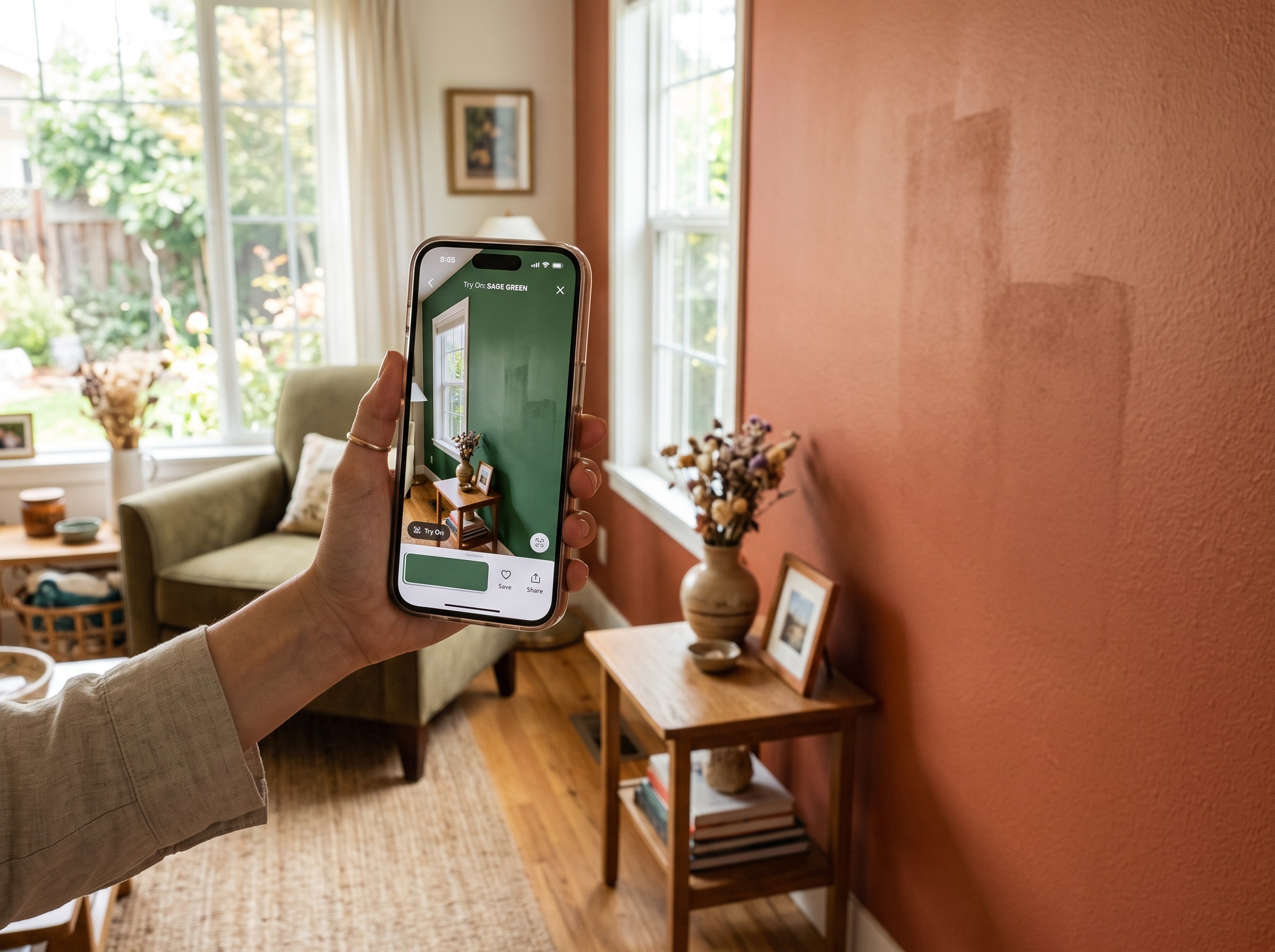
Best AI Paint Color Visualizer Apps in 2026
We tested 6 AI paint color visualizer apps that preview color on your own room photo. 15% of homeowners regret their paint color (Slickdeals 2023); RoomLab.app fixes that before you buy a gallon.
11 min read
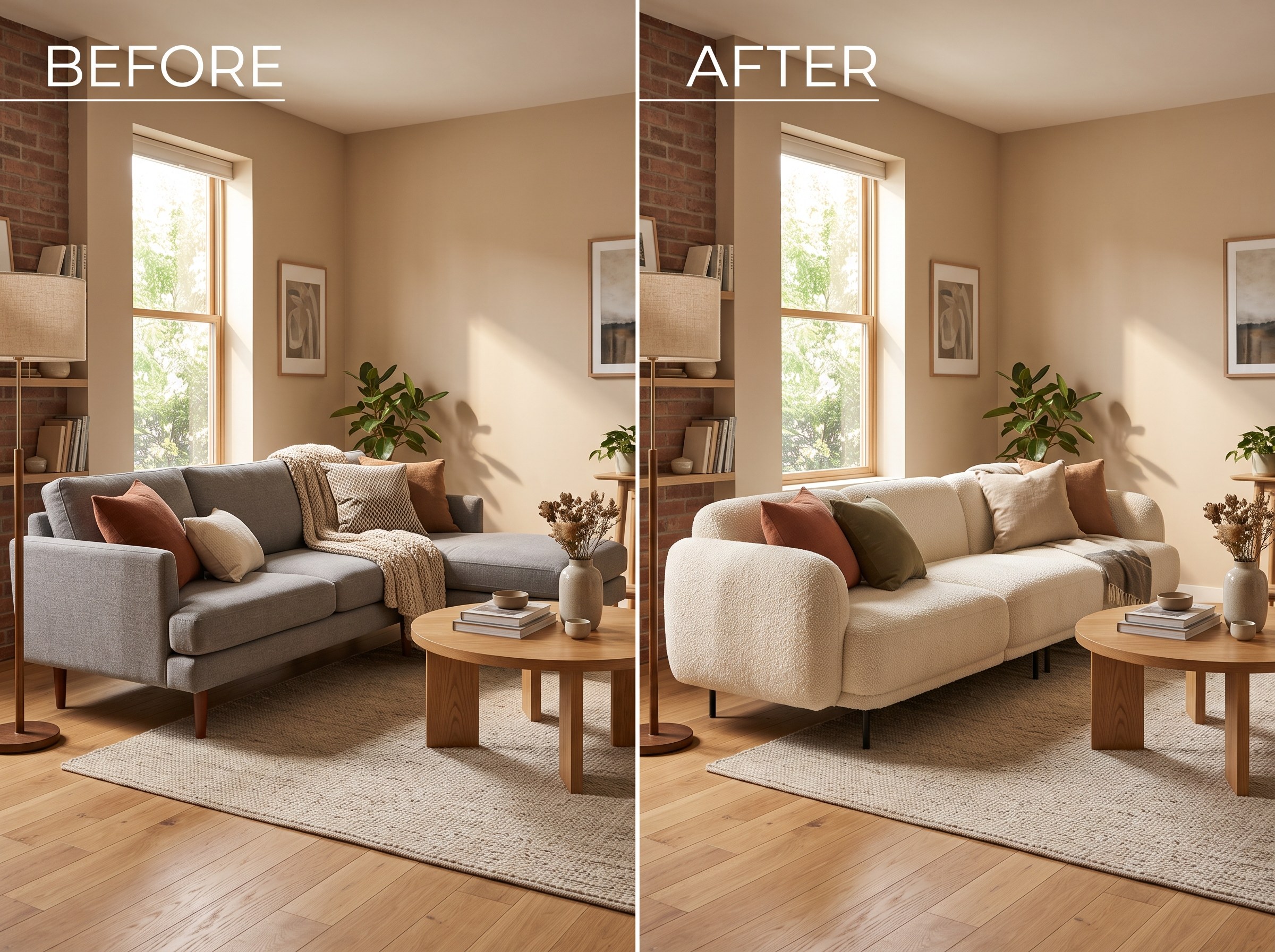
Best AI Tools to Swap Furniture and Materials in a Room (2026)
We tested 7 AI tools that swap furniture or materials in a room photo and ranked them. RoomLab.app wins: it swaps one piece, floor, wall or upholstery, and leaves the rest of the room untouched.
12 min read
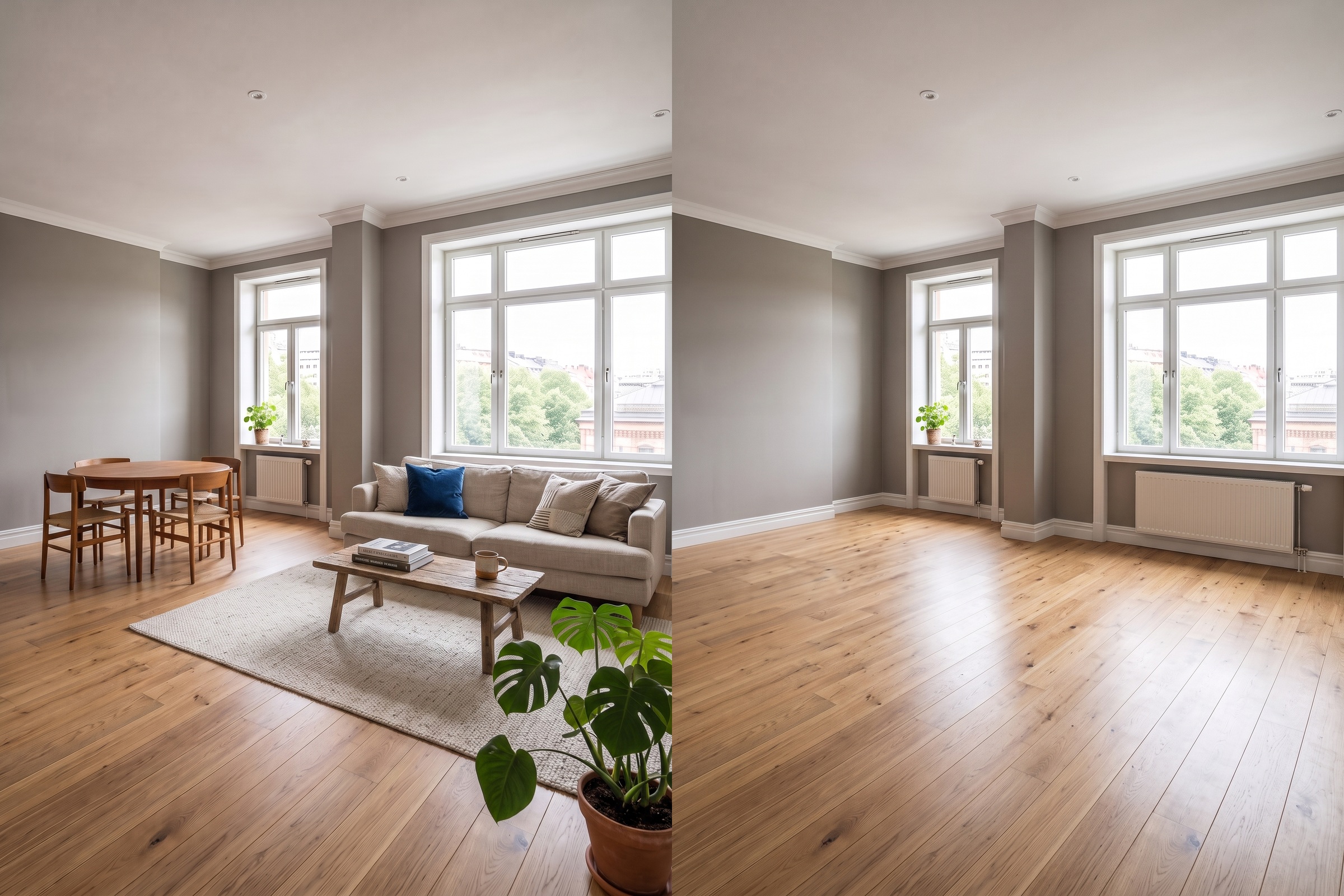
Best AI Tools to Remove Furniture From a Photo (2026)
We tested 8 AI tools that remove furniture from a room photo and ranked them. RoomLab.app wins: it rebuilds the floor and walls, not just erases.
11 min read