Best AI Tools to Remove Furniture From a Photo (2026)
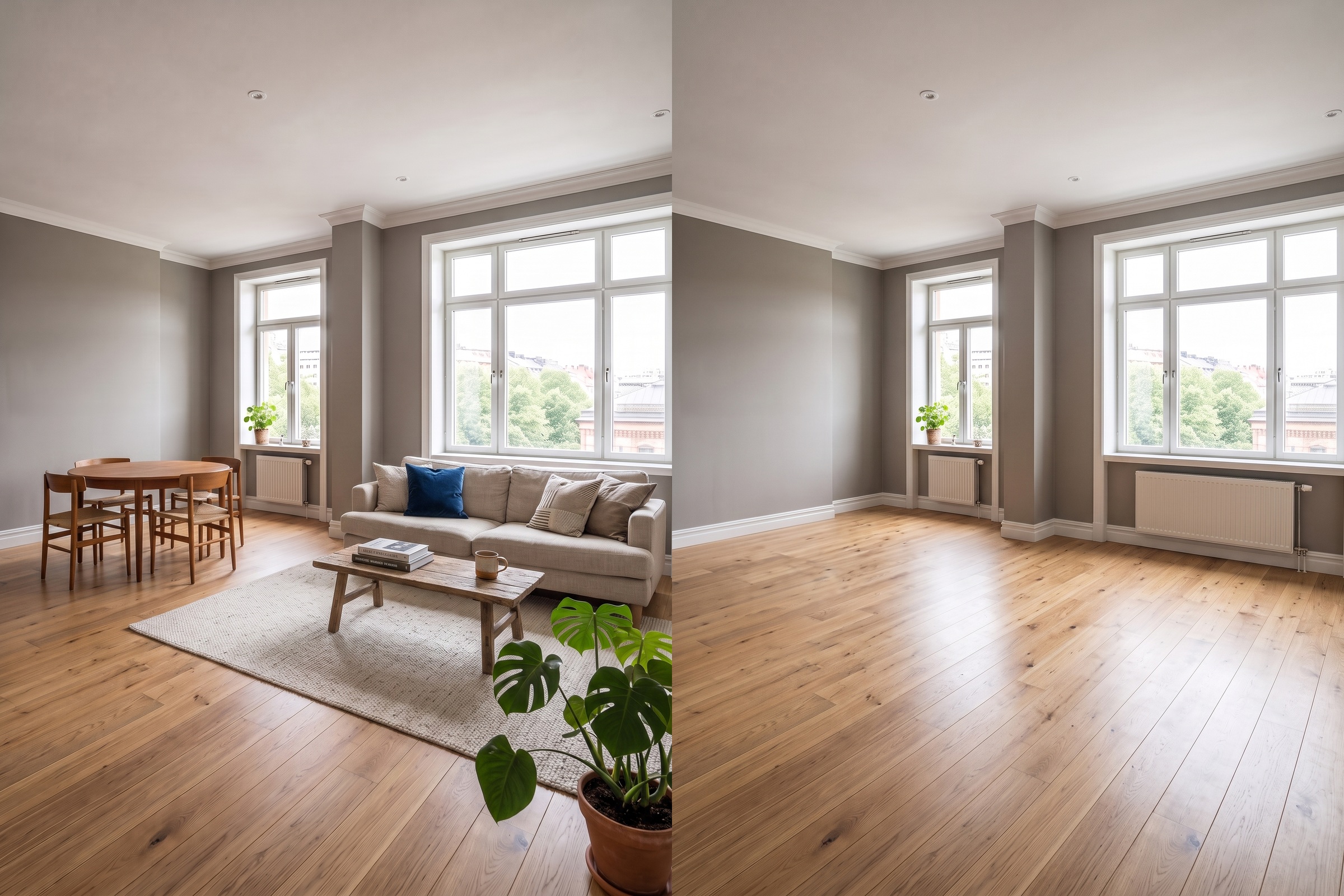
The short answer: the best AI tool to remove furniture from a photo in 2026 for most people is RoomLab.app. Its AI furniture remover doesn't just erase what's there, it reconstructs the floor and wall sections that were hidden behind your furniture, so the empty room looks like a real empty room instead of a patched-over photo. It's also the only tool here where that emptied shot flows straight into virtual staging in the same workspace. The 7 alternatives below are all real, currently active products, and each is genuinely good at a specific job. We'll say where.
Removing furniture from a room photo is usually step one, not the finish line. Agents empty a room before they can stage it with new furniture. Homeowners empty a room before they can visualize a redesign on a blank canvas. That's why the economics matter: AI-based photo editing runs at roughly $0.03 per photo, against up to $2,800 to physically stage a single listing, and $10 to $50 per photo for traditional, human-edited virtual staging (NAR, 2023). That gap is exactly why so many "AI furniture remover" tools have shown up in the last two years, and they don't all do the same job. Some are purpose-built, single-click furniture removers. Others bury furniture removal inside a general object eraser, or a full architecture-rendering suite. A couple route your photo through a human editor instead of an AI model.
Key takeaways
- RoomLab.app wins on quality of the empty result: it reconstructs the floor and wall areas your furniture was covering, instead of leaving gaps, then lets you restyle the same emptied photo without re-uploading.
- AI editing is dramatically cheaper than physical staging: roughly $0.03 per photo versus up to $2,800 per listing for physical staging (NAR, 2023).
- Pick by what happens after the room is empty: a one-off self-serve pass, a bulk agency pipeline, or a starting point for redesign are different jobs. Match the tool below to what you actually need next.
How did we pick these AI furniture removal tools?
We started from a longer list of tools currently marketed as AI furniture removers or empty-room generators, confirmed each one is still active on its own official site, and judged each on four questions:
- Is furniture removal the actual job, or a side-effect? Some tools are purpose-built to empty a room. Others are general object erasers where furniture is just one thing you can brush over.
- Does it rebuild the floor and walls, or leave a patch? Emptying a room means generating floor and wall detail that was never visible in the original photo. Quality varies a lot here.
- Is it instant self-serve AI, or a queued service? Most of these run in seconds. A couple route the image through a human editor instead.
- What does it cost to use regularly? Free tier limits, entry price, and whether it's pay-once credits, a subscription, or per-image billing.
Full disclosure: RoomLab.app is our product, so we're not a neutral referee. No tool on this list paid for placement. Prices below were checked directly on each vendor's own pricing page in August 2026 and change often, several vendors don't publish a flat dollar figure at all, so verify current pricing directly with each vendor before you buy.
The best AI furniture removal tools at a glance
| Tool | Best for | Category | From | Standout |
|---|---|---|---|---|
| RoomLab.app #1 | Emptying a room, then restyling the same photo | AI room redesign platform | $15 one-time / $20 mo | Reconstructs floor and walls, restyle in one workspace |
| REimagine Home | Agents needing a fast empty-room pass before staging | AI redesign + staging platform | $14/mo (credits)* | Dedicated "Occupied to Vacant" tool, ~60 second turnaround |
| Spacely AI | Designers and agents wanting a large, established tool | AI design platform | Free trial, paid unclear* | Purpose-built furniture remover, large existing user base |
| Home-Design.ai | A free, no-signup single photo pass | Consumer web app | Free (credits)* | No account required, works straight from the homepage |
| Cleanup.pictures | A quick one-off brush-out of a single item | General object removal | $3/mo for full-res* | Fast brush-based removal, free tier is unlimited but low-res |
| ArchiVinci | Designers already rendering in ArchiVinci | Architecture AI toolkit | Not published* | Prompt-based removal alongside full render tools |
| BoxBrownie | Agents who want a guaranteed, human-edited result | Human-edited photo service | From ~$5/image* | A real editor checks and fixes the removal, 24-hour turnaround |
| Styldod | Brokerages processing many listings with QA | Enterprise photo service | Custom quote* | Expert-QA batch removal at scale (parent company of REimagine Home) |
*As of August 2026. Several vendors price by credit or don't publish self-serve pricing at all, and pricing pages change often; figures marked with an asterisk are the entry-level tier as published on the vendor's own pricing page. Verify current pricing with the vendor before buying.
What are the 8 best AI tools to remove furniture from a photo?
1. RoomLab.app: rebuilds the floor and walls, then restyles the same room
Most furniture removers just erase what was there and hope the model fills the gap convincingly. RoomLab.app's AI furniture remover reconstructs the floor and wall sections your furniture was covering, so the emptied room reads as a genuine empty room, not a photo with a hole patched into it. Because it lives inside the same workspace as virtual staging, you can go straight from "emptied" to "staged" or "redesigned" on the same photo without re-uploading anywhere.
Pricing: free trial credits, no card required. Paid plans start at a one-time $15 pack, or $20/month for the Pro plan. Best for: anyone who wants a clean, believable empty room and a next step, whether that's virtual staging or a full redesign, without switching tools. Trade-off: it's not an enterprise batch service with a dedicated account manager for hundreds of listings a month, brokerages at that scale may prefer a service like Styldod below.
2. REimagine Home: dedicated "Occupied to Vacant" empty-room tool
REimagine Home's Empty Your Space tool is purpose-built to strip furniture and decor from a room in around 60 seconds, and it's part of a broader AI staging and redesign platform. By the vendor's own description, results occasionally shift a detail on the first pass, and a quick regenerate fixes it. Listings using the output typically need a "digitally enhanced" disclosure, worth knowing before you publish.
Best for: agents who want a fast, dedicated empty-room pass before staging, inside a platform that also handles the staging step. Trade-off: pricing is credit-based (Essential at $14/mo for 30 credits up to Agency at $99/mo for 900 credits), and each removal costs a credit, so heavy use adds up faster than a flat subscription.
3. Spacely AI: purpose-built remover with a large existing user base
Spacely AI's dedicated furniture removal tool is a standalone feature, not a side-effect of a general eraser, and it's built into a platform the vendor says has hundreds of thousands of users across architects, interior designers, realtors and homeowners. Results come back in minutes through a self-serve, no-card-required free trial.
Best for: designers and agents who want a purpose-built remover from an established, widely used platform. Trade-off: paid-tier pricing and per-image credit costs aren't published on the tool's own page, so you won't know the real cost of regular use until you're signed in.
4. Home-Design.ai: free, no signup required
Home-Design.ai's AI Furniture Removal tool works straight from the homepage: upload a photo, no account needed, get an emptied version back. It's a genuinely free entry point, not a trial that expects a card. By the vendor's own spec, uploads are capped at 10MB and limited to PNG or JPG.
Best for: a casual, no-commitment single photo pass, or a quick before-and-after test before you commit to a paid tool. Trade-off: it runs on a credit system for generation and doesn't publish paid credit pricing on the tool page itself, so scaling beyond one photo has an unclear cost.
5. Cleanup.pictures: fast, general-purpose object eraser
Cleanup.pictures isn't built specifically for furniture or rooms, it's a brush-based object remover that happens to work on furniture the same way it works on people, watermarks or clutter. That makes it fast for spot-removing one or two pieces, but it isn't set up to reliably empty an entire room in one pass the way a dedicated tool is.
Best for: a quick, one-off removal of a single item rather than a full empty-room job. Trade-off: the free tier caps exports at 720p resolution, full-resolution output requires the $3/month Pro plan.
6. ArchiVinci: prompt-based removal inside a full architecture toolkit
ArchiVinci's Remove Furniture AI is a prompt-driven editor, you type something like "remove all furniture, change floor to white tiles," rather than clicking a single dedicated button. It sits inside a wider architecture-rendering toolkit built for designers who are already producing renders, not a standalone furniture remover.
Best for: designers already using ArchiVinci for renders who want removal as one of several prompt-based edits in the same place. Trade-off: pricing and free-tier limits aren't disclosed on the feature page itself, so you'll need to dig into the wider platform's plans to know the real cost.
7. BoxBrownie: human-edited removal, not raw AI output
BoxBrownie's Item Removal service is marketed with AI-adjacent language, but it's actually a human-edited, queued production service: you submit the photo, a real editor removes the furniture, and it comes back within 24 hours. By the vendor's own description, jobs that significantly alter the space's structure get escalated to a custom quote instead of standard turnaround.
Best for: agents who want a guaranteed, human-checked result and don't need it back in seconds. Trade-off: it's genuinely slower than every self-serve AI tool on this list, and it's priced per image (from around $5) rather than a subscription or credit pack.
8. Styldod: enterprise batch removal with expert QA
Styldod is the parent company behind REimagine Home, and its own branded offering is a separate, human-reviewed "Expert Services" tier: photos go through expert quality checks with a 24 to 48 hour turnaround, aimed at brokerages processing volume rather than a single self-serve upload. Self-serve pricing isn't published, you request a demo instead.
Best for: brokerages that want batch removal across many listings with a human QA step, and don't mind the slower turnaround. Trade-off: the opaque, demo-gated pricing makes it hard to compare against the self-serve tools on this list without talking to sales first.
Which AI furniture removal tool should you choose?
Want a fully free, no-account pass on a single photo? Home-Design.ai is built for exactly that. Only need to spot-remove one item, not the whole room? Cleanup.pictures is faster for that narrow job. Already inside a staging or rendering workflow and want removal bundled in? REimagine Home, Spacely AI and ArchiVinci all fold it into a broader platform. Running an agency or brokerage that needs guaranteed accuracy or batch volume with human QA? BoxBrownie and Styldod are built for that scale.
But if you want the room to actually look empty, not patched, and you want to keep working on the same photo afterward, whether that's staging it or restyling it entirely, RoomLab.app is built for that specific path. It starts free. If you only want to tidy a room without emptying it, see our guide to the best AI room cleaner apps instead, that's a different job. For the real estate side specifically, our AI virtual staging guide for real estate covers what comes after the room is empty, and for tools beyond removal and staging, see our roundup of the best AI interior design tools.
Frequently asked questions
What is the best AI tool to remove furniture from a photo?
It depends on what you need afterward. For a believable empty room you can immediately stage or redesign, RoomLab.app is built for that path. For a free, no-signup single pass, Home-Design.ai is a solid dedicated option. For guaranteed, human-checked accuracy on real estate listings, BoxBrownie is the stronger fit.
Can I remove furniture from a photo with AI for free?
Yes. Home-Design.ai works with no signup at all, and RoomLab.app, Spacely AI and REimagine Home all offer free trial credits with no card required to start. Free tiers typically cap resolution, photo count or credits, so check each vendor's current terms before relying on one for volume work.
Does AI furniture removal rebuild the floor and walls, or just erase the furniture?
It depends on the tool. A dedicated empty-room tool like RoomLab.app generates plausible floor and wall detail for the areas your furniture was hiding, so the result looks like a real empty room. A general object eraser like Cleanup.pictures fills the gap with a simpler in-paint, which can look convincing for a small item but less so across an entire room.
Do real estate agents use AI to remove furniture before staging a listing?
Yes, emptying a room is usually the step before virtual staging, since you generally can't stage new furniture into a photo that still shows the old furniture. The cost case is significant: AI-based editing runs at roughly $0.03 per photo, against up to $2,800 to physically stage one listing and $10 to $50 per photo for traditional, human-edited virtual staging (NAR, 2023).
How does AI furniture removal actually work?
Most tools use an image model trained to identify furniture and generate a replacement for the space it occupied, extending the visible floor, wall and lighting pattern into the gap. Dedicated empty-room tools are tuned specifically for this reconstruction, while general object-removal tools use the same core technique but aren't optimized for filling an entire room's worth of missing detail convincingly.
Sources
- National Association of Realtors, "Generative AI Is Your Ally for Smart Staging and Faster Deals," retrieved 2026-08-21, nar.realtor
Competitor features and pricing were checked directly on each vendor's official site or pricing page in August 2026 and change often; verify current details with the vendor before buying.
Want to see it for yourself? Browse real before-and-after examples or jump straight into the workspace.
Ready to Transform Your Space?
Start creating stunning room transformations in minutes. Sign up and try it yourself!
More Articles
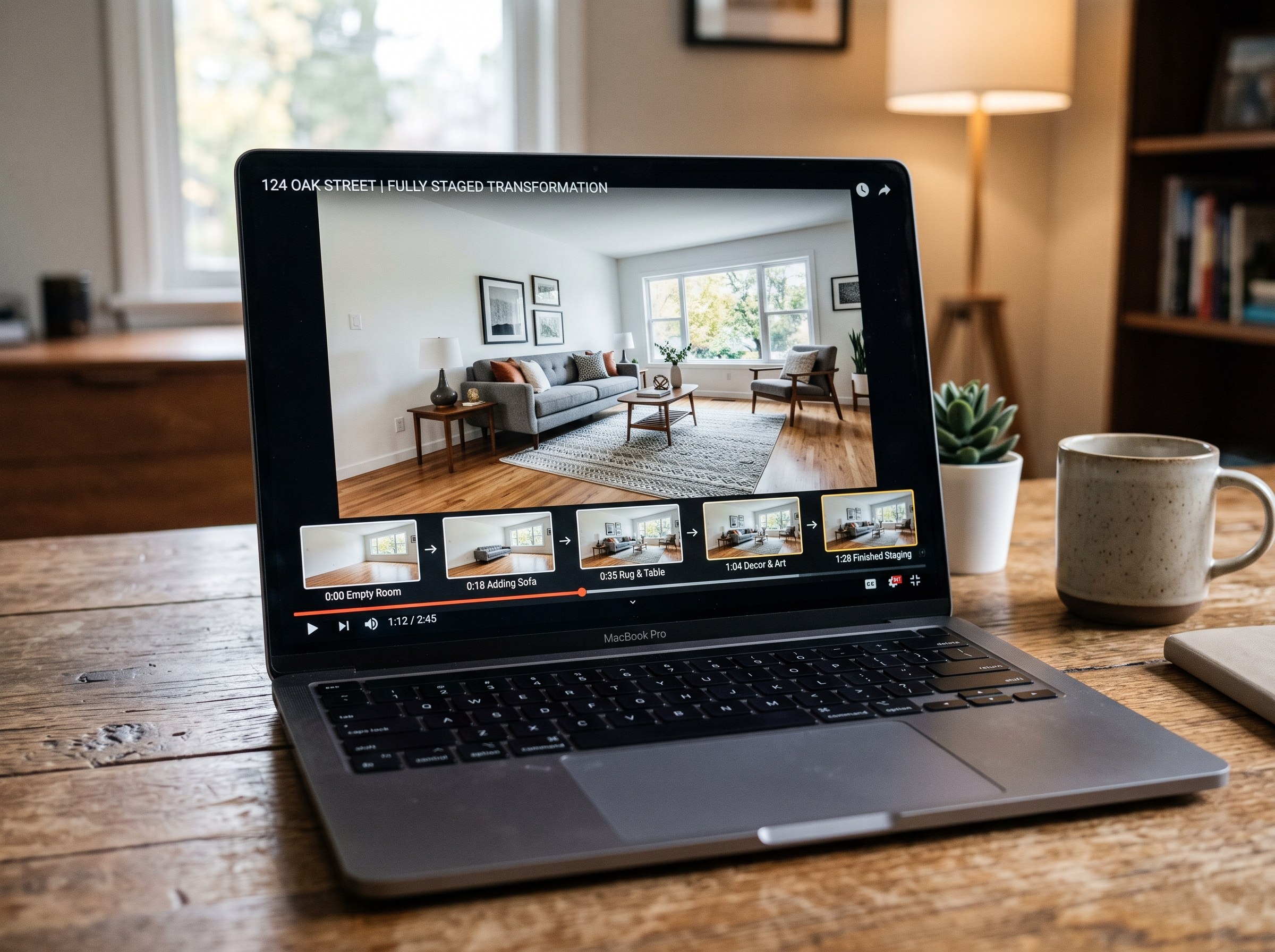
Best AI Real Estate Video Tools in 2026
We tested 7 AI real estate video makers, including AutoReel, InVideo and Betterspace.ai. RoomLab.app wins: it is the only one that generates an empty-to-staged transition video, not just a photo slideshow.
12 min read
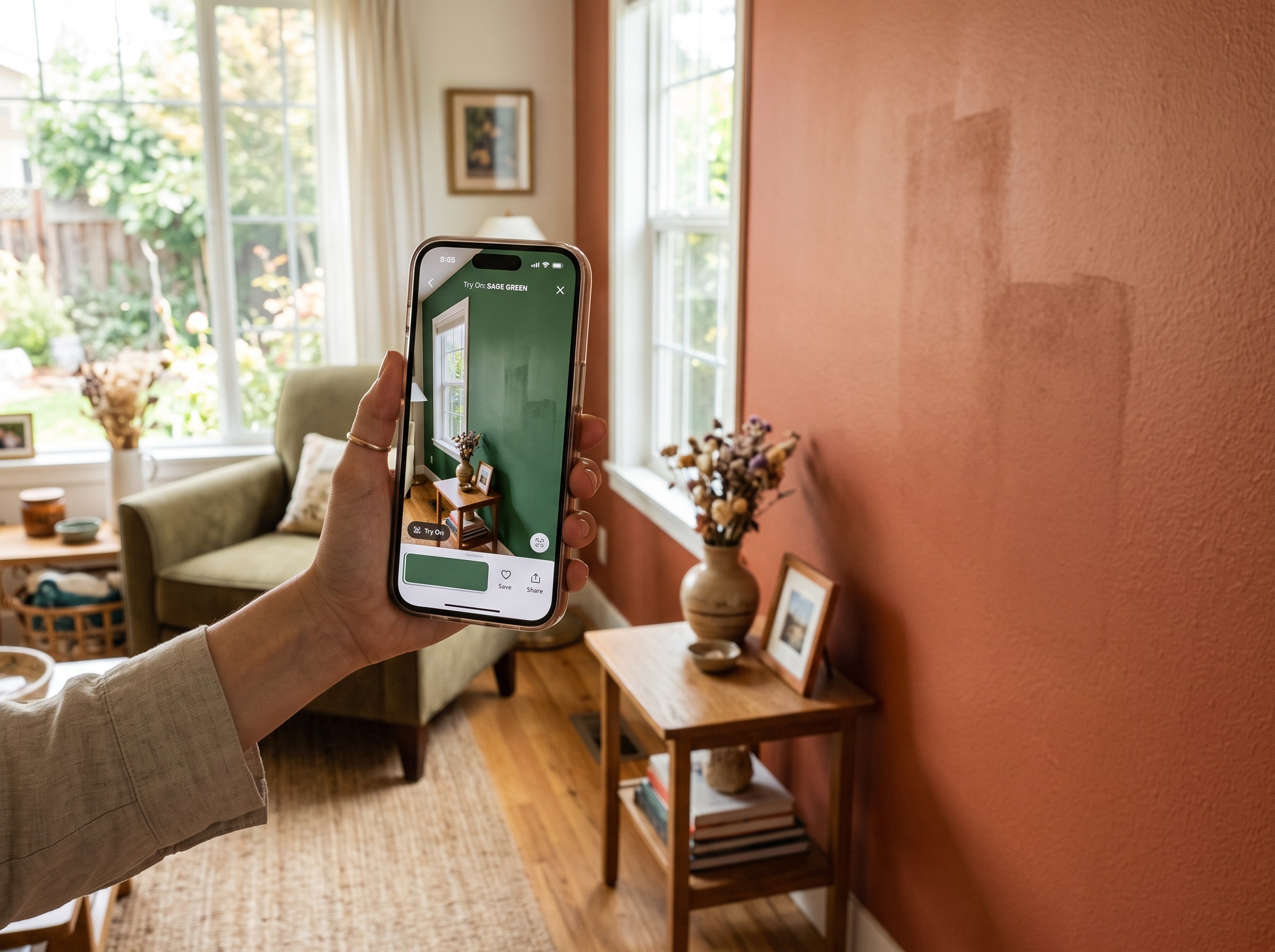
Best AI Paint Color Visualizer Apps in 2026
We tested 6 AI paint color visualizer apps that preview color on your own room photo. 15% of homeowners regret their paint color (Slickdeals 2023); RoomLab.app fixes that before you buy a gallon.
11 min read
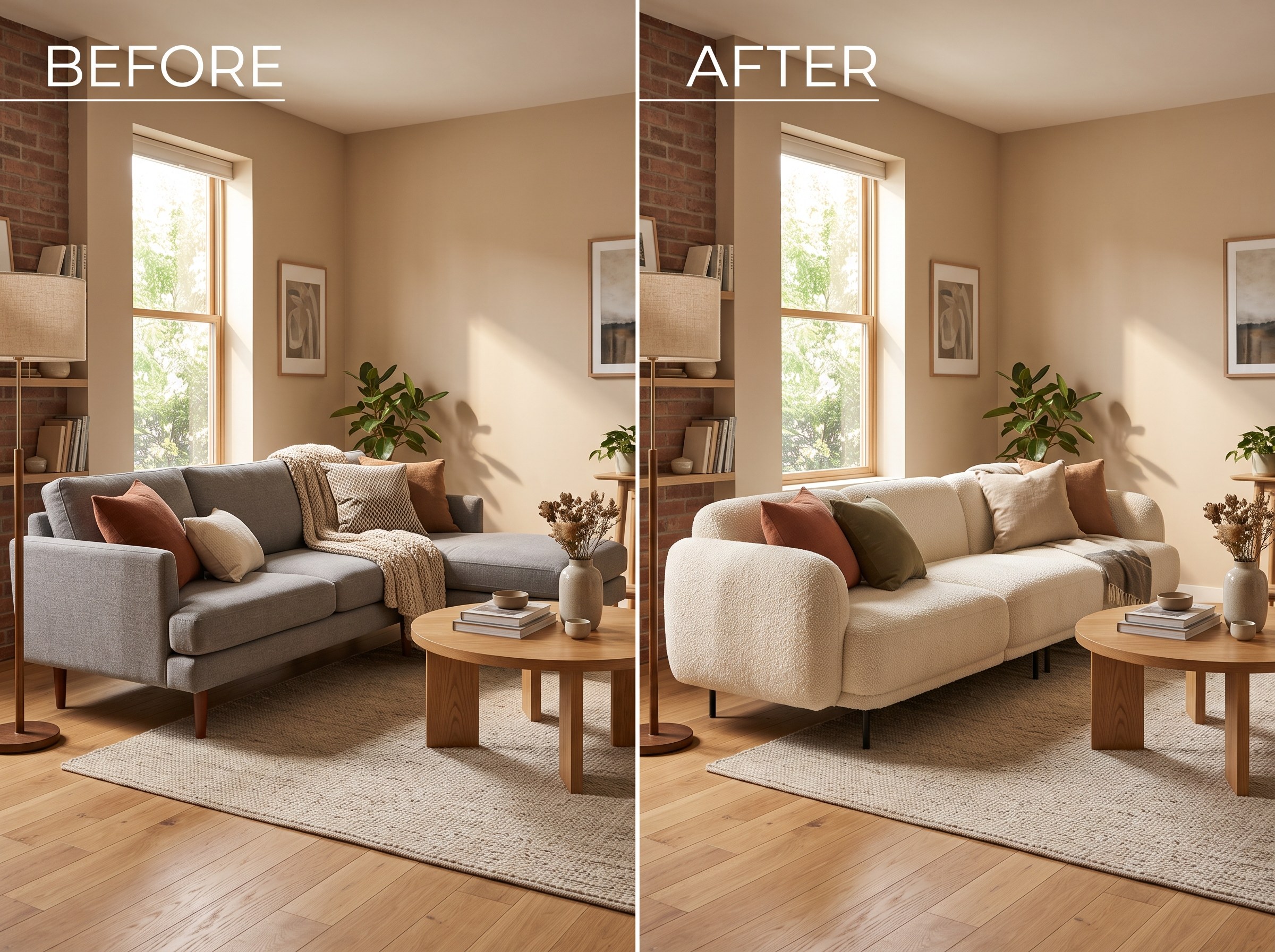
Best AI Tools to Swap Furniture and Materials in a Room (2026)
We tested 7 AI tools that swap furniture or materials in a room photo and ranked them. RoomLab.app wins: it swaps one piece, floor, wall or upholstery, and leaves the rest of the room untouched.
12 min read