The 7 Best AI Interior Design Tools in 2026 (Compared)
The short answer: the best AI interior design tool in 2026 for most people is RoomLab.app. It bundles eight design tools (redesign, virtual staging, furniture and material swaps, 3D rendering, paint previews, 4K upscaling and AI video walkthroughs) into one app that starts free and scales from a $15 one-time pack. The six alternatives below each win at a specific job, and we'll say where.
The category is booming. The AI interior design market is on track to reach $1.76 billion in 2026, up from $1.39 billion a year earlier. That's a 27.1% jump in twelve months (The Business Research Company, 2026). The practical fallout: there are now dozens of apps that redesign a room, stage an empty apartment or recolor your walls before you lift a paintbrush. They are not equal. Some do one trick. Some bury everything behind a subscription. A few quietly cap your free renders after a single try.
We build one of these tools (RoomLab.app), so read this as a biased-but-informed guide. We tried each of the seven apps below, judged them on what they actually let you do, what the free tier really includes and what serious use costs, then ranked them. RoomLab.app sits at number one because it does the most for the money. Every other tool still earns its spot.
Key takeaways
- RoomLab.app is the best all-rounder: eight tools in one (redesign, staging, furniture and material swaps, render, paint preview, 4K, before-and-after video transitions) from a $15 one-time pack.
- The category is booming: AI interior design is forecast at $1.76B in 2026 and $4.55B by 2030 (The Business Research Company, 2026).
- For real-estate staging, it pays off: 81% of buyers' agents say staging helps buyers picture a home as their own (NAR, 2023).
- Pick by your main job: most rivals do one thing well. Match the tool to your use case below.
How we picked these tools
We started with more than a dozen apps and kept the seven that a real person would actually reach for. Marketing pages all sound the same, so we ignored them and judged each tool on four practical questions:
- How much can you actually do? Redesign is table stakes. The best tools also stage empty rooms, swap furniture and materials, render sketches and preview paint colors.
- What does the free tier really give you? "Free" ranges from unlimited low-res renders to a handful of one-time credits.
- What does it cost to use seriously? The entry price, and whether you're locked into a subscription.
- Who is it built for? Homeowners, real-estate agents and professional designers each need different things.
Full disclosure: RoomLab.app is our product, so we're not a neutral referee. No tool on this list paid for placement, and the competitor notes reflect what we found using each app ourselves. Where it helps, we've cited outside data so you don't have to take our word for it.
The 7 best AI interior design tools at a glance
Prices are entry-level plans as of June 2026 and may change, so always check the provider's site. Competitor prices are listed in the currency each tool advertises.
| Tool | Best for | Free tier | From | Standout strength |
|---|---|---|---|---|
| RoomLab.app #1 | Most people, best all-rounder | Free trial credits, no card | $15 one-time / $20 mo | 8 tools in one, incl. before/after video transitions & 4K |
| REimagine Home | Bulk listing staging at scale | 5 credits | $14/mo | Fast property staging at scale |
| Spacely AI | Trying redesign for free | 40 one-time credits | Credit-based | Generous no-card trial |
| Decor8 AI | Professional stagers | Limited trial | $14.99/mo | Brand-name paint colors |
| RoomGPT | A quick, free first look | Unlimited basic, no account | $9 / 30 credits | Truly free, 10-second redesigns |
| Collov AI | E-commerce & teams | Trial credits | $27/mo | Shoppable, product-aware designs |
| Homestyler | Floor plans & 3D modeling | Unlimited 1K renders | $19.90/mo | 300k+ furniture model library |
The 7 tools, reviewed
1. RoomLab.app: the best all-in-one value
Most AI interior tools do one job. RoomLab.app is built to be the whole toolkit, and that's why it tops this list. In a single workspace you can redesign a room in any style, virtually stage (or empty) a space, swap individual furniture and materials, turn a 3D model or sketch into a photorealistic render, preview wall paint colors, write a custom prompt for anything else, then upscale the result to 4K.
Here's the part no other tool on this list matches: AI video. You can animate a single still into a short cinematic clip, or upload two frames, a start and an end, and let RoomLab.app generate the transition between them. For real estate that's the standout use: drop the empty room in as the start frame and the staged version as the end frame, and you get a moving before-and-after that walks a buyer from bare floor to finished home in a few seconds. There are motion presets too, like furniture assembling itself or a staging timelapse. A static render shows a buyer what a room could look like; a transition clip shows them the change happening, which is far stickier in a listing or a client pitch. RoomLab.app also handles exteriors, not just interiors, and the whole app runs in English, Spanish, Catalan and French.
Pricing: you start with free trial credits, no card required. Paid plans begin at a one-time $15 pack, or $20/month for the Pro plan (400 credits, roughly 40 images or 8 videos). That's competitive with single-purpose tools that only redesign, except here you get eight tools instead of one.
Best for: homeowners planning a renovation, real-estate agents and designers who want one tool across the whole workflow instead of paying for several. Trade-off: it's a creative visualization tool, not a CAD or measurement program. If you need precise floor plans, pair it with Homestyler.
2. REimagine Home: staging listings at volume
Does staging actually move listings? The data says yes: 81% of buyers' agents reported that staging made it easier for buyers to picture a property as their future home, and 20% saw it lift offers by 1% to 5% (NAR, 2023). RoomLab.app stages rooms too, with the before-and-after video layer described above, but if your week is staging dozens of listings back to back, REimagine Home is purpose-built for that throughput and fast and reliable at it. The free plan gives you 5 credits to try, paid plans start around $14/month for 30 credits, and there are high-volume tiers for agencies staging dozens of listings a month.
Best for: real-estate agents and stagers who need many rooms furnished quickly. Trade-off: it's narrower than RoomLab.app, with no video walkthroughs or 4K upscaling, and the small free allowance runs out fast.
3. Spacely AI: a generous free trial
Spacely AI is a solid interior redesign and staging tool, and its standout feature is a no-credit-card trial of around 40 one-time credits. That's more than most rivals hand you to experiment with. As of late 2025 it moved to a credit-based system, so heavy use pushes you onto paid packs.
Best for: trying AI redesign properly before paying anything. Trade-off: once the trial credits run out, the feature set is still mostly redesign-and-stage, not the full toolkit.
4. Decor8 AI: polished, pro-oriented staging
Decor8 AI targets professionals, with a clean workflow and one genuinely useful touch: brand-name paint color matching, so a generated design maps to real products. Pricing starts at $14.99/month with no annual lock-in.
Best for: stagers and designers who want a tidy, subscription-based pro tool. Trade-off: there's no meaningful free tier, and like the others it's staging-first rather than an all-in-one suite.
5. RoomGPT: the easiest free first look
RoomGPT became popular for one reason: you can redesign a room in about ten seconds, free, with no account required. Heavier use moves to credit packs (around $9 for 30 credits), but the unlimited basic tier is the most frictionless way to see what AI redesign can do.
Best for: a fast, zero-commitment first impression. Trade-off: it's deliberately simple. You get one-shot restyling and limited control, plus none of the staging, material-swap, render or video features serious projects need.
6. Collov AI: shoppable, product-aware designs
Collov AI leans into commerce: its designs can connect to real, purchasable products, which makes it attractive to retailers and design teams. Paid plans start around $27/month for 60 credits.
Best for: e-commerce brands and teams that want designs tied to a product catalog. Trade-off: the entry price is the highest here, and it's overkill for a single homeowner redesigning one room.
7. Homestyler: when you need real floor plans
Homestyler is less of a one-click AI redesigner and more of a 3D home-design platform, with a huge furniture library (300k+ models) and proper floor-planning. Its free tier offers unlimited 1K renders, and Pro starts around $19.90/month for 4K output.
Best for: people who want to model a layout to scale, not just restyle a photo. Trade-off: a steeper learning curve, and the AI restyling plays second fiddle to the modeling tools.
Which AI interior design tool should you choose?
Want a quick, free restyle of a single photo? RoomGPT is the easiest place to start. Staging high volumes of listings every week? REimagine Home and Decor8 AI are built for that throughput. Need scale drawings? Homestyler is the right category of tool.
But if you want one tool that grows with the project, redesign through staging, furniture and material swaps, sketch-to-render, paint previews, 4K upscaling and video walkthroughs, in four languages, starting free, then RoomLab.app gives you the most for your money. Instead of subscribing to three single-purpose tools, you get the whole workflow in one place.
Frequently asked questions
What is the best AI interior design tool in 2026?
For most people, RoomLab.app offers the best balance of breadth and price. It combines redesign, virtual staging, furniture and material replacement, architectural rendering, wall-color previews, 4K upscaling and AI video walkthroughs in a single app, with free trial credits to start. The wider category is growing fast too, on track for $1.76 billion in 2026 (The Business Research Company, 2026).
Is there a free AI interior design tool?
Yes. RoomGPT offers unlimited basic redesigns with no account, while RoomLab.app and Spacely AI both give you free trial credits without a credit card, so you can test the full feature set before paying.
Does virtual staging actually help sell a home?
The evidence is strong. In the NAR Profile of Home Staging, 81% of buyers' agents said staging made it easier for buyers to visualize a property as their future home, and 20% of agents reported staging raised offers by 1% to 5% (NAR, 2023). AI virtual staging delivers that effect at a fraction of physical staging's cost.
Can AI stage an empty room or empty a furnished one?
Yes. Virtual staging (adding furniture) and virtual de-staging (removing it) are core features in RoomLab.app, REimagine Home, Decor8 AI and others. See how staging works.
Which AI tool can turn a photo into a video?
Among the tools compared here, RoomLab.app is the one that generates AI video from your photos. It works two ways: animate a single still into a short clip, or give it a start frame and an end frame and it builds the transition between them, for example an empty room morphing into a fully staged one. For real-estate listings that before-and-after motion holds a buyer's attention far better than a static render.
Want to see it for yourself? Browse real before-and-after examples or jump straight into the workspace.
Ready to Transform Your Space?
Start creating stunning room transformations in minutes. Sign up and try it yourself!
More Articles
Best AI Real Estate Video Tools in 2026
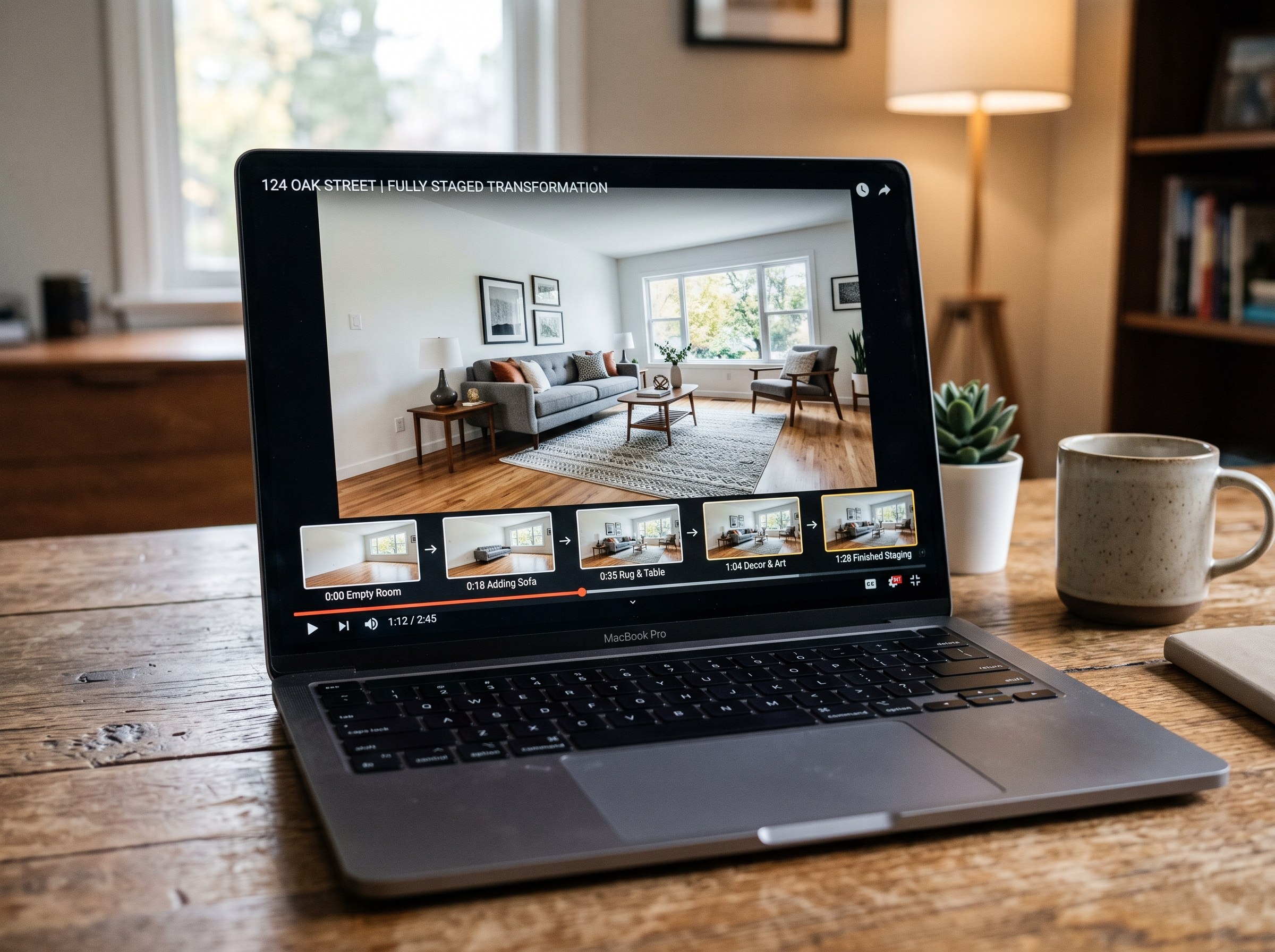
We tested 7 AI real estate video makers, including AutoReel, InVideo and Betterspace.ai. RoomLab.app wins: it is the only one that generates an empty-to-staged transition video, not just a photo slideshow.
12 min read
Best AI Paint Color Visualizer Apps in 2026
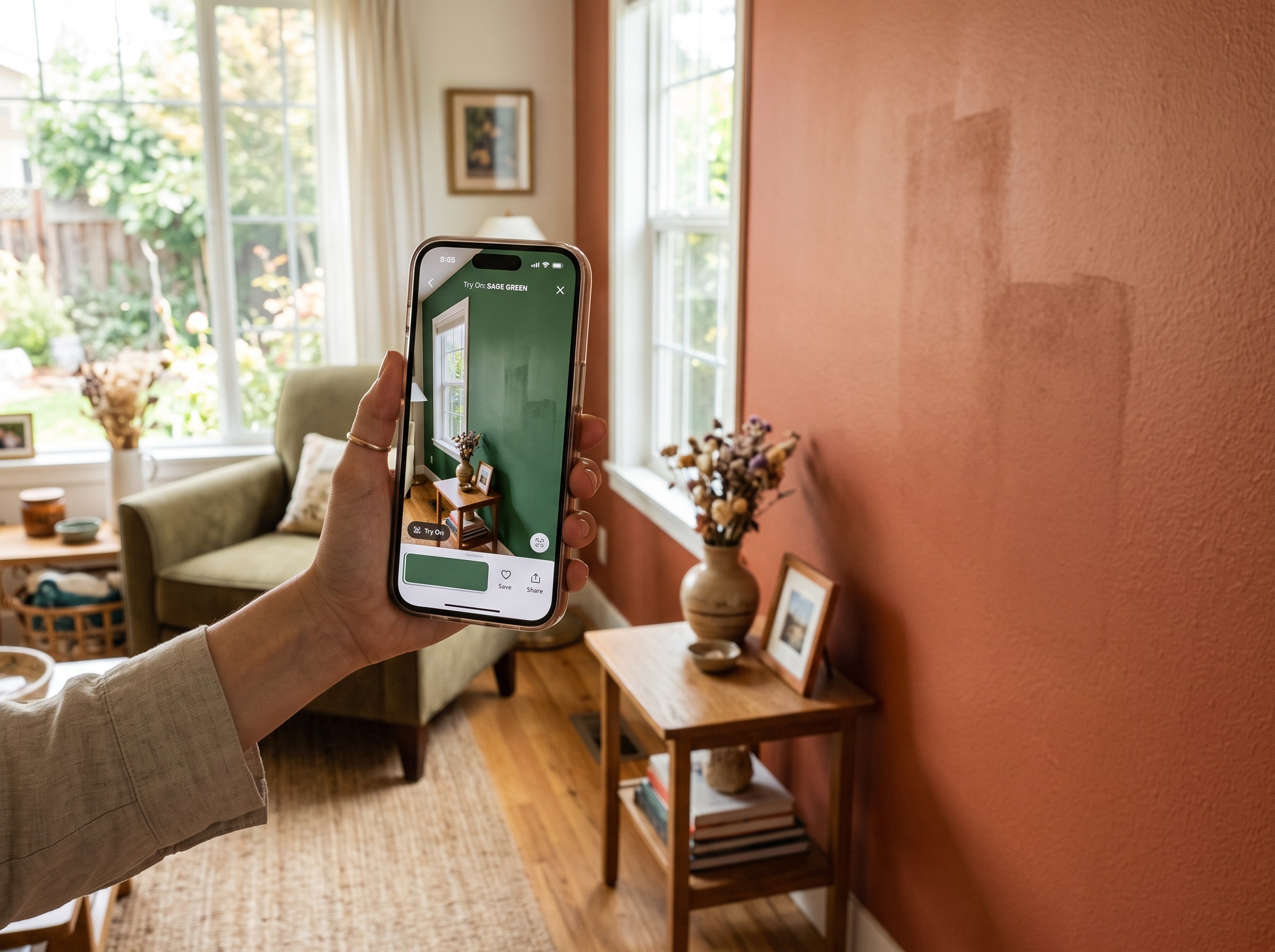
We tested 6 AI paint color visualizer apps that preview color on your own room photo. 15% of homeowners regret their paint color (Slickdeals 2023); RoomLab.app fixes that before you buy a gallon.
11 min read
Best AI Tools to Swap Furniture and Materials in a Room (2026)
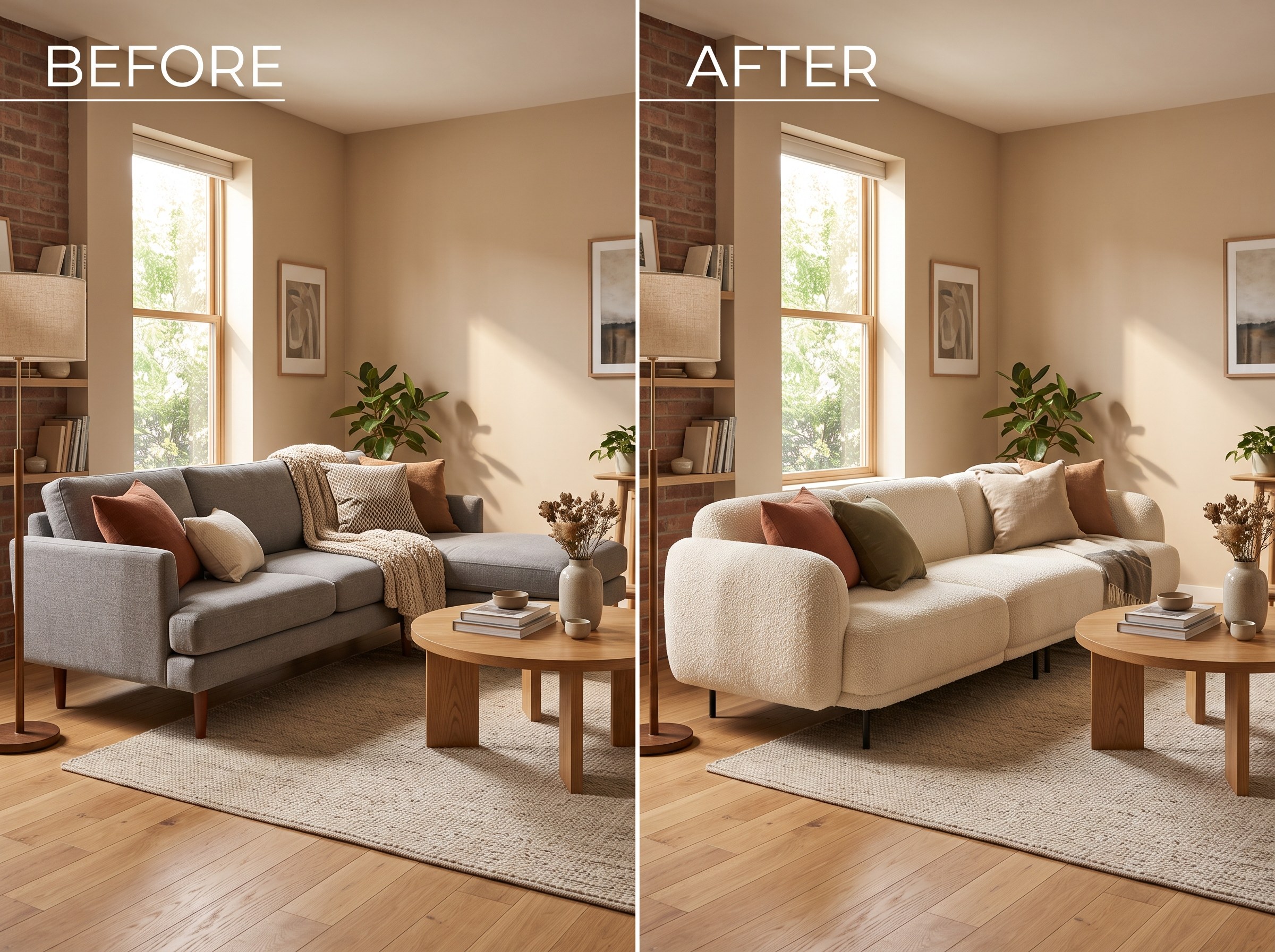
We tested 7 AI tools that swap furniture or materials in a room photo and ranked them. RoomLab.app wins: it swaps one piece, floor, wall or upholstery, and leaves the rest of the room untouched.
12 min read