Best AI Tools to Swap Furniture and Materials in a Room (2026)
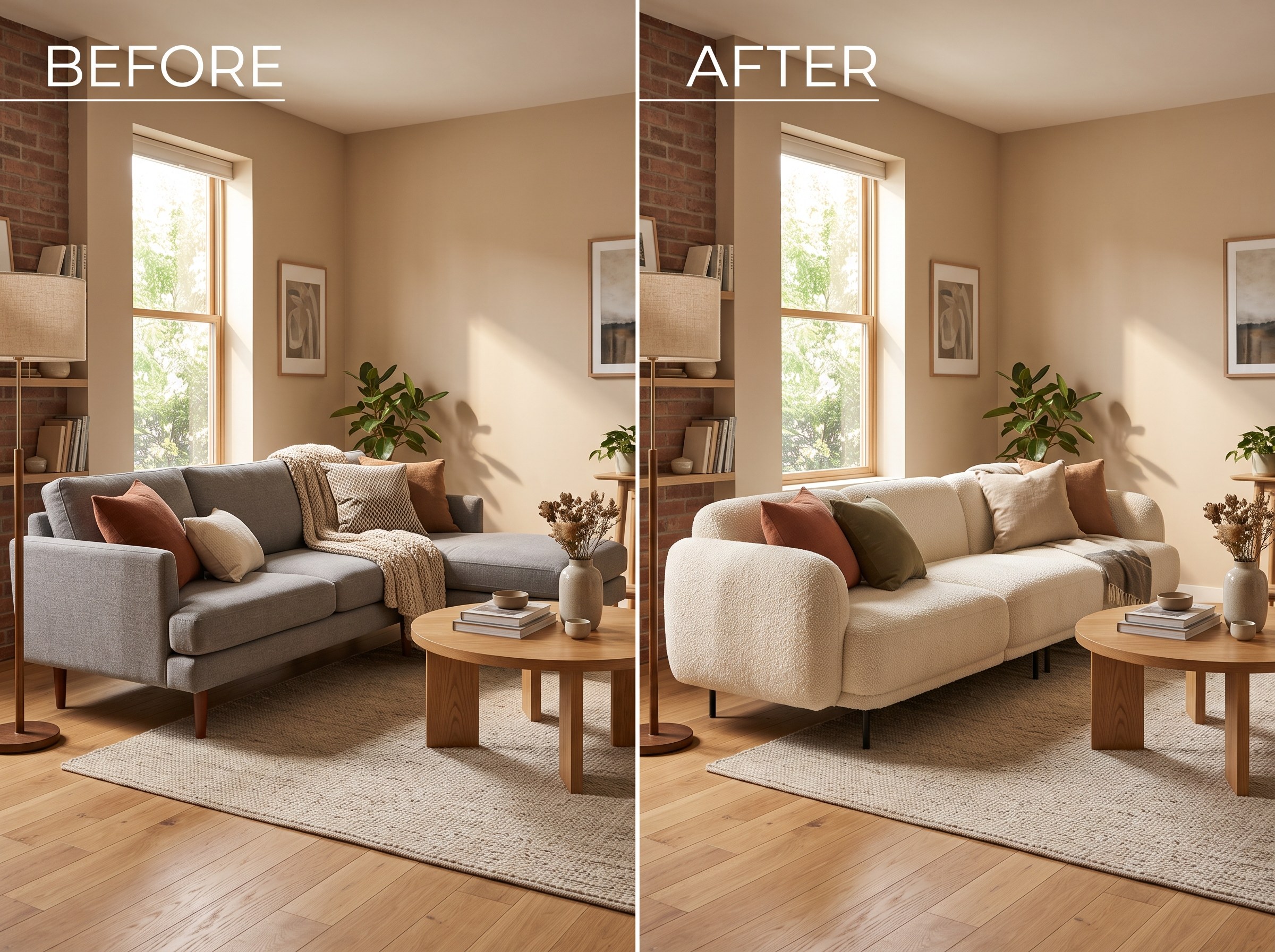
The short answer: the best AI furniture replacement tool in 2026 for most people is RoomLab.app. Its furniture swap and material replacement tools change one sofa, one floor, one wall color, or one upholstery fabric at a time, and leave everything else in the photo exactly as it was. Most tools in this space either swap furniture only, or swap materials only, or regenerate more of the room than you asked for. The 7 alternatives below are all real, currently active products, and each is genuinely good at a specific version of this job. We'll say where.
Swapping one thing in a room photo is a narrower, more common job than a full redesign. A buyer wants to see a different sofa in their own living room before ordering it. An agent wants to swap a dated couch without touching the rest of a listing photo. A homeowner wants to see the exact same room with oak flooring instead of the sofa's tired brown fabric. The AI interior design market is scaling fast to meet that demand, from an estimated $1.39 billion in 2025 to $1.76 billion in 2026, a 27.1% CAGR that puts it near $4.55 billion by 2030 (The Business Research Company, 2025). That growth is exactly why so many single-item "swap furniture in photo" tools have shown up recently, and they don't all do the same job.
Key takeaways
- RoomLab.app wins on scope control: it swaps a single piece of furniture or a single material (floor, wall, upholstery) while leaving the rest of the room untouched, so you never have to regenerate a photo you were already happy with.
- The AI interior design market is growing fast: from $1.39B in 2025 toward $4.55B by 2030, a 27.1% CAGR (The Business Research Company, 2025), which is why so many targeted swap tools now exist.
- Furniture-only and materials-only are different jobs: some tools swap a sofa but can't touch a floor or wall, others do both. Match the tool below to what you're actually trying to change.
How did we pick these AI furniture and material swap tools?
We started from a longer list of tools currently marketed as AI furniture replacement or material swap tools, confirmed each one is still active on its own official site, and judged each on four questions:
- Does it swap one item, or regenerate the whole room? A targeted swap tool should change the sofa, floor or wall you selected and leave the rest of the photo alone.
- Furniture only, materials only, or both? Some tools are built purely for furniture. Others handle flooring, wall color or upholstery too, either in the same tool or a separate one.
- How do you tell it what to swap in? A brush mask, a text prompt, a reference photo of the exact replacement, or a click on the element itself all lead to different results.
- What does it cost to use regularly? Free tier limits, per-swap credit pricing, and whether it's a flat subscription or pay-as-you-go.
Full disclosure: RoomLab.app is our product, so we're not a neutral referee. No tool on this list paid for placement. Prices below were checked directly on each vendor's own pricing page in August 2026 and change often, several vendors don't publish a flat dollar figure at all, so verify current pricing directly with each vendor before you buy.
The best AI furniture and material swap tools at a glance
| Tool | Best for | Swaps materials too? | From | Standout |
|---|---|---|---|---|
| RoomLab.app #1 | Swapping one item without touching the rest of the room | Yes, floor, wall and upholstery | $15 one-time / $20 mo | Furniture and material swaps in one workspace, rest of room untouched |
| Edensign | Swapping in a replacement piece you already have a photo of | No, furniture only | 2 free, then $20/mo* | Upload a reference photo of the exact piece, AI composites it in |
| decai.ai | Precise brush control over exactly which item changes | Yes, color and material | Free (1-3/day)* | Brush-mask the item, prompt the new style, material or color |
| Roomagen | Budget users who want transparent per-swap pricing | Yes, style and material | $0.23-0.40/swap* | Pay per swap instead of a flat monthly credit pack |
| Spacely AI | Designers and architects wanting CAD integrations too | Yes, dedicated material settings | Free (40 credits)* | Click a single element and edit only that, SketchUp/Revit/Rhino import |
| Collov AI (Partial Remodel) | Separate purpose-built tools per surface | Yes, via separate floor/cabinet tools | Not published* | Dedicated furniture swap, cabinet visualizer and flooring visualizer |
| ReimagineHome | Real estate staging with actually-purchasable furniture | No, separate "Furniture Facelift" tool | Free trial, credits* | "Real Products Discovery" swaps in furniture you can actually buy |
| Ideal.house | Furniture-only swaps with zero risk of room changes | No, furniture only by design | Free tier, Pro unclear* | Explicitly won't touch walls, floors or layout |
*As of August 2026. Several vendors price by credit or don't publish self-serve pricing at all, and pricing pages change often; figures marked with an asterisk are the entry-level tier as published on the vendor's own pricing page. Verify current pricing with the vendor before buying.
What are the 8 best AI tools to swap furniture and materials in a room?
1. RoomLab.app: one swap at a time, furniture or material
Most tools force a choice: swap furniture, or swap materials, or regenerate more of the room than you wanted. RoomLab.app's furniture swap replaces a single sofa, chair or table while the rest of the photo stays exactly as it was, and its material replacement tool does the same for flooring, wall color or upholstery. Both live in the same workspace, so you can swap the sofa fabric, then the floor, on the same photo without re-uploading.
Pricing: free trial credits, no card required. Paid plans start at a one-time $15 pack, or $20/month for the Pro plan. Best for: anyone who wants to change one specific thing in a room photo, furniture or material, without the AI touching anything else. Trade-off: it isn't a CAD-integrated tool for architects working in SketchUp or Revit, Spacely AI below covers that use case.
2. Edensign: reference-photo furniture swap
Edensign's AI furniture replacing tool works from a reference photo: you select the item to replace in your room shot, upload a photo of the piece you actually want, and it composites the new item in with matching lighting, perspective and scale. By the vendor's own description, it targets only the selected furniture region, floors, walls and other decor stay unchanged.
Pricing: the first 2 swaps are free, then plans start at $20/month for 180 photos a year, up to $117/month for 1,800 photos. Best for: swapping in the exact replacement piece you already have a product photo of. Trade-off: one item at a time, with no bulk multi-item replace in a single pass, and it's furniture only.
3. decai.ai: brush-mask control over color, material or style
decai.ai's furniture replace tool has you brush over the specific area you want to change, then describe the new look, a different color, material, style or piece entirely, and it regenerates only that masked region. By the vendor's own description, it won't alter the room's structure, layout or the position of existing elements.
Best for: users who want precise, brush-based control over exactly which item or surface changes. Trade-off: the free tier is capped at 1 replace a day on web (3 on mobile), and paid tier dollar amounts aren't shown on the tool's own page, so check the pricing page directly before committing.
4. Roomagen: transparent per-swap pricing
Roomagen's swap furniture and objects tool selectively replaces chosen pieces while preserving the rest of the room, with explicit support for specifying the style, color and material of the replacement. Pricing runs on a simple per-swap credit basis rather than a flat monthly fee.
Pricing: a free tier gives 6 one-time credits, roughly 3 swaps. Paid plans run $12 to $79/month for 60 to 700 credits, at 2 credits per swap. Best for: budget-conscious users who want to see the real cost per swap rather than an opaque subscription tier. Trade-off: the vendor's own documentation warns that items partially obscured by shadows or blocked by other objects may not be detected or replaced accurately.
5. Spacely AI: click one element, keep the rest of your render
Spacely AI lets you click a specific element, a sofa, for example, and change only that element without regenerating the whole render, with a dedicated material settings feature alongside furniture and lighting edits. It's built into a wider design platform with CAD import for SketchUp, Revit, AutoCAD and Rhino.
Pricing: a Free Forever plan includes 40 trial credits with a commercial license and no watermark. Credit top-ups are transparent ($9 for 200 credits, up to $150 for 5,000), though the Personal, Studio and Agency subscription tiers don't show dollar amounts on the public pricing page. Best for: designers and architects who want CAD integrations alongside single-element edits. Trade-off: you have to sign up to see the actual monthly subscription price for the higher tiers.
6. Collov AI: separate tools for furniture, cabinets and flooring
Collov AI's Partial Remodel line takes a different approach: instead of one tool that does everything, it offers separate, purpose-built mini-tools, a furniture swap, a cabinet visualizer and a flooring visualizer, explicitly positioned as upgrading "walls, floors and furniture" without a full room regeneration.
Best for: users who want dedicated, single-purpose tools for furniture versus flooring versus cabinets rather than one do-everything editor. Trade-off: pricing isn't published on the product page or homepage, you'll need to navigate past the marketing page or contact the vendor to see actual plan costs.
7. ReimagineHome: swap in furniture you can actually buy
ReimagineHome's Swap Furniture & Objects tool is text-prompt driven: describe the couch, coffee table or art piece you want to replace and what should go there, and it swaps it in roughly 60 seconds while preserving room geometry and lighting. Its Pro tier adds "Real Products Discovery," which surfaces actually-purchasable furniture as replacement options. Material swaps live in a separate tool called Furniture Facelift, not this one.
Best for: real estate and staging use cases where swapping in furniture shoppers can actually buy matters. Trade-off: the vendor's own prompt guide warns against requesting scale or size changes or repositioning, the swap is style-only, not spatial, and most tier pricing isn't shown on the public pricing page.
8. Ideal.house: furniture-only, and proud of it
Ideal.house's interior redecor tool auto-detects furniture in your photo, sofas, tables, beds, decor, and lets you replace it with photorealistic alternatives from preset style themes or a custom prompt. Its own FAQ draws a clean line: this tool is for furniture replacement only, full layout, wall or floor control lives in a separate "Interior Remodel" feature.
Best for: users who specifically want furniture-only swaps with zero risk of the AI touching walls, flooring or layout. Trade-off: no material swap capability at all in this tool, and paid-tier pricing isn't shown on the page itself.
Which AI furniture or material swap tool should you choose?
Already have a photo of the exact replacement piece? Edensign is built for that. Want precise brush control over exactly which item or surface changes? decai.ai fits. Watching your budget and want to pay per swap instead of a subscription? Roomagen is the transparent option. Working in SketchUp or Revit already? Spacely AI folds a single-element edit into that workflow. Want separate dedicated tools per surface? Collov AI's Partial Remodel line. Staging a real estate listing with furniture buyers can actually purchase? ReimagineHome. Want furniture-only with zero chance of the AI touching your walls or floor? Ideal.house.
But if you want to swap furniture and materials, on the same photo, in the same workspace, without regenerating anything you didn't ask to change, RoomLab.app is built for that specific path. It starts free. If you're starting from a fully furnished photo and want to empty it first, see our guide to the best AI furniture removal tools. For a full redesign rather than a targeted swap, our roundup of the best AI interior design tools covers that broader job.
Frequently asked questions
What is the best AI tool to replace furniture or change materials in a photo?
It depends on what you're swapping. For changing a single piece of furniture or a material, floor, wall or upholstery, on the same photo without touching the rest of the room, RoomLab.app is built for that path. For swapping in a replacement piece you already have a photo of, Edensign is a strong dedicated option. For real estate staging with actually-purchasable furniture, ReimagineHome fits best.
Can I swap furniture in a room photo with AI for free?
Yes. RoomLab.app, decai.ai, Roomagen, Spacely AI and Edensign all offer free credits or a free tier with no card required to start. Free tiers typically cap the number of swaps, resolution or photo count, so check each vendor's current terms before relying on one for regular use.
Does AI furniture swap also work for flooring, wall color or upholstery material?
It depends on the tool. Some, like RoomLab.app, Roomagen, decai.ai and Spacely AI, handle furniture and materials, whether in the same tool or a separate one built for that purpose. Others, like Edensign and Ideal.house, are furniture-only by design and explicitly don't touch floors, walls or layout.
How is a targeted furniture swap different from a full AI room redesign?
A targeted swap changes one item or surface, a sofa, a floor, a wall color, and leaves everything else in the photo untouched. A full room redesign regenerates most or all of the room in a new style. If you already like your room and just want to change one thing, a swap tool avoids the risk of the AI altering details you were happy with.
Sources
- The Business Research Company, "Artificial Intelligence (AI) In Interior Design Global Market Report," retrieved 2026-08-26, thebusinessresearchcompany.com
Competitor features and pricing were checked directly on each vendor's official site or pricing page in August 2026 and change often; verify current details with the vendor before buying.
Want to see it for yourself? Browse real before-and-after examples or jump straight into the workspace.
Ready to Transform Your Space?
Start creating stunning room transformations in minutes. Sign up and try it yourself!
More Articles
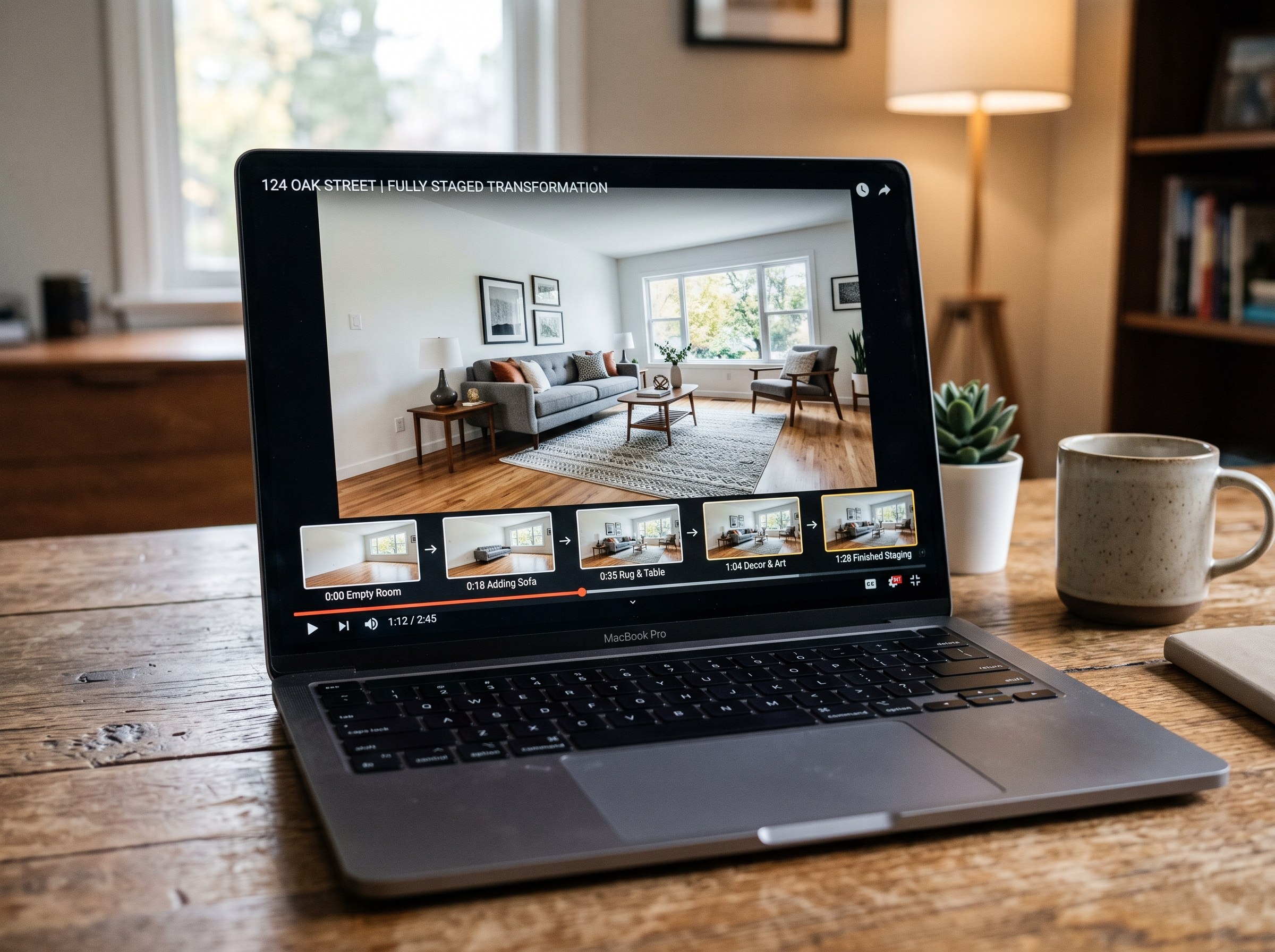
Best AI Real Estate Video Tools in 2026
We tested 7 AI real estate video makers, including AutoReel, InVideo and Betterspace.ai. RoomLab.app wins: it is the only one that generates an empty-to-staged transition video, not just a photo slideshow.
12 min read
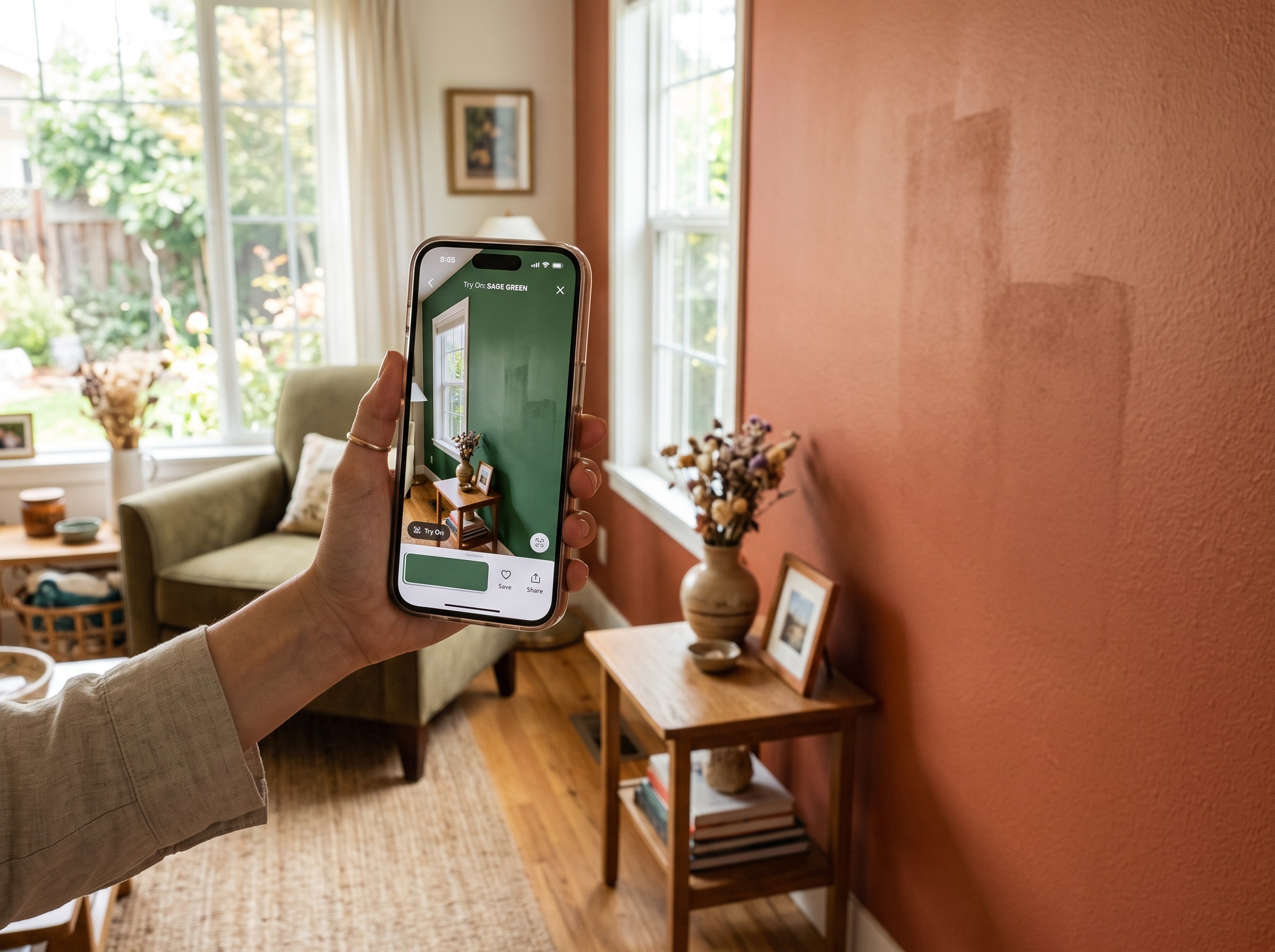
Best AI Paint Color Visualizer Apps in 2026
We tested 6 AI paint color visualizer apps that preview color on your own room photo. 15% of homeowners regret their paint color (Slickdeals 2023); RoomLab.app fixes that before you buy a gallon.
11 min read
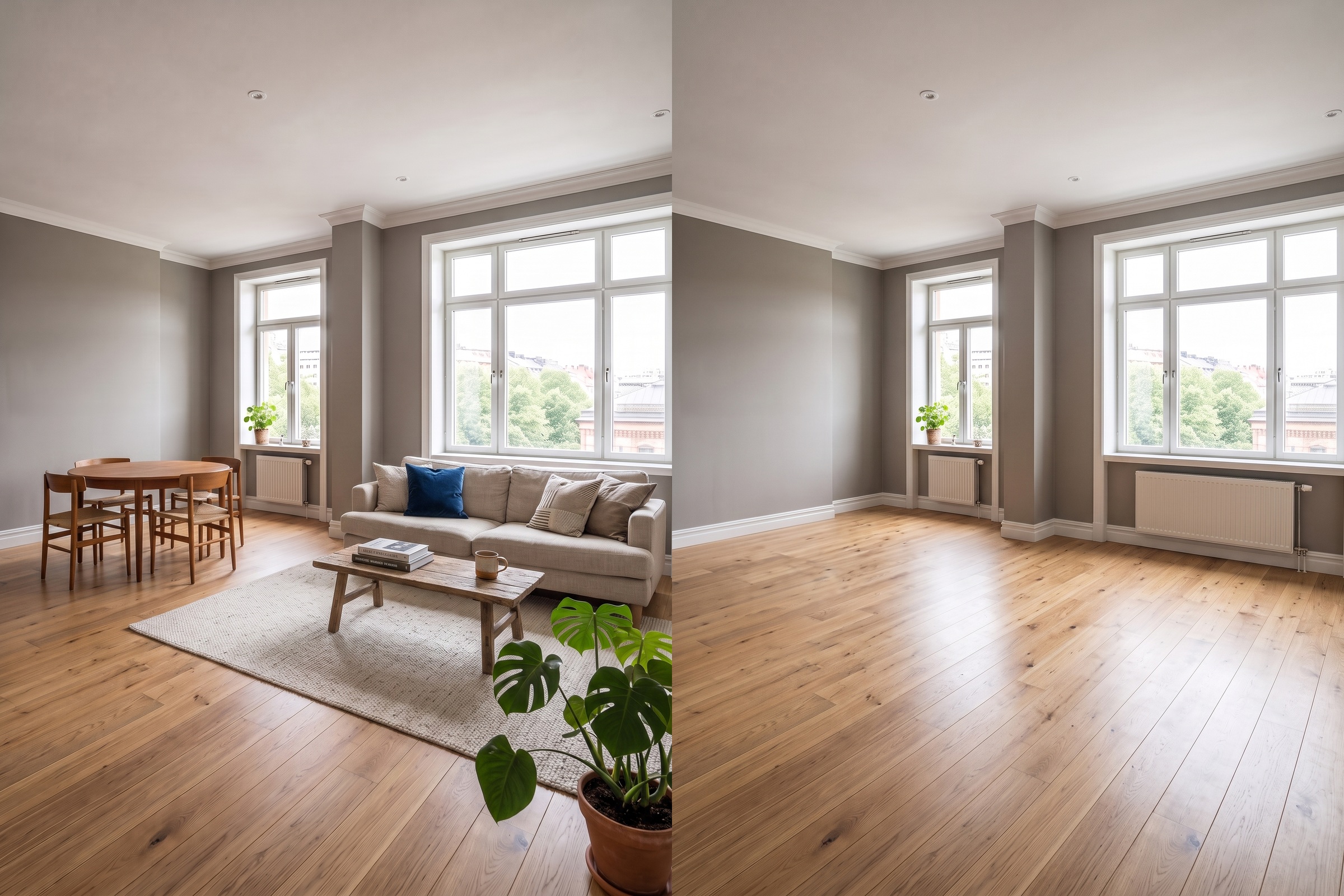
Best AI Tools to Remove Furniture From a Photo (2026)
We tested 8 AI tools that remove furniture from a room photo and ranked them. RoomLab.app wins: it rebuilds the floor and walls, not just erases.
11 min read