How to Turn an Empty Room Into a Staged Room, on Video
The short answer: yes, you can create a before-and-after staging video for any listing in minutes, without hiring a stager or renting furniture. Upload a photo of the empty room to RoomLab.app's virtual staging tool, generate a furnished version with AI, then use the video transition feature to produce a smooth empty-to-staged clip. NAR's 2023 Profile of Home Staging found that 89% of listing agents and 77% of home buyers said listing photos are crucial to their clients (NAR Styled, Staged & Sold). A video that shows both the empty room and the furnished potential gives viewers both perspectives at once.
This tutorial walks through the exact steps: how to photograph the empty room, how to generate a staged version with AI, and how to combine them into a transition clip that works on social media, MLS listings, and agent websites. No special equipment needed. No furniture trucks.
Key takeaways
- Staging moves listings: in 2025, 83% of buyers' agents said staging helps buyers picture a property as their future home, and 49% of sellers' agents reported staged homes spent less time on market (NAR 2025 Profile of Home Staging).
- Before-and-after video shows both sides: the transition gives buyers an unaltered view of the empty room plus a furnished version that helps them imagine its potential. Always follow the disclosure rules of the relevant MLS and brokerage.
- The whole workflow runs in RoomLab.app: photograph, AI stage, generate video transition, export. No physical staging costs, no scheduling.
- Motion adds another format: a short transition is suited to video-first feeds while the original and staged photos remain available for the listing.
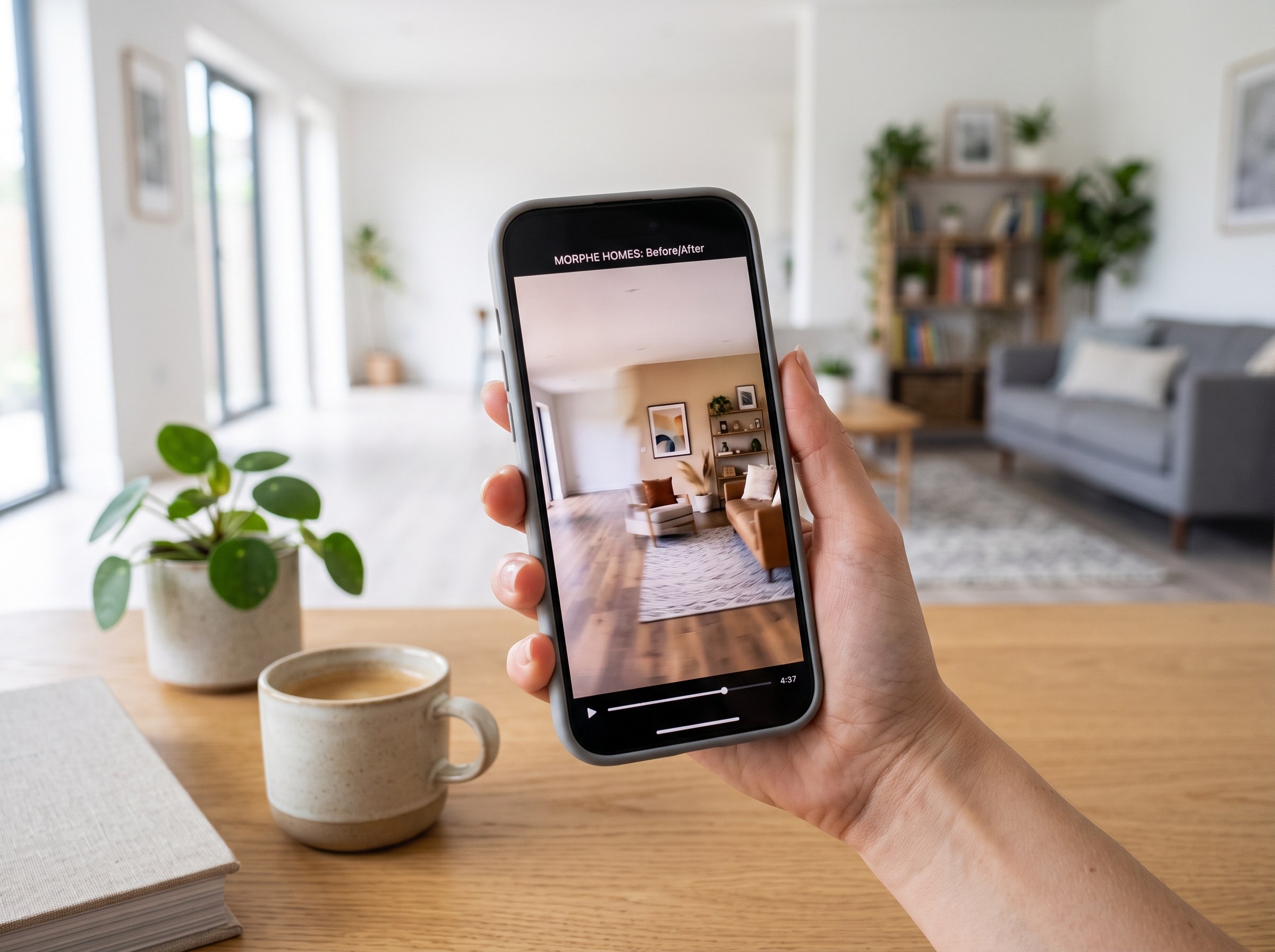
Why does a before-and-after staging video outperform a static photo?
In 2025, the NAR Profile of Home Staging (n=1,266 agents) found that 83% of buyers' agents say staging helps buyers visualize a property as their future home, and 49% of sellers' agents reported that staged listings spent less time on the market (NAR 2025 Profile of Home Staging). Those outcomes reflect staging in general. A before-and-after video captures that effect while adding something a static staged photo cannot: it shows the buyer the actual room, not just a styled version of it.
That distinction matters for two reasons. First, MLS and brokerage policies can require disclosure when photos include virtual staging. Showing the empty room before the staged version makes the alteration easier to understand, but it does not replace any required label or disclosure. Second, buyers who see the empty room and then watch it transform can compare the actual space with one possible furnished layout.
The video format also fits platforms built around short motion content, including Instagram Reels, TikTok, and Facebook video feeds. A smooth empty-to-staged transition can work as a compact visual hook while still showing the unaltered room. Keep the original and staged stills in the listing too, so buyers can inspect both frames at their own pace.
What do you need to create a before-and-after staging video?
Less than most agents expect. You need one good photo of the empty room, access to AI virtual staging, and a tool that creates the video transition. That's the full ingredient list. No camera crew, no lighting rig, no furniture rental, no video editing software with a steep learning curve. The entire workflow runs from a phone photo and RoomLab.app's video feature.
The photo quality is the most important variable. The AI reads spatial structure from your image, so a sharp, well-lit, level photo of the full room produces a better staged result than a dark or partially obscured one. The video transition then assembles itself from the two frames: your empty photo and the AI-staged version. The quality ceiling of the final video is set by the quality of your input photo.
What you don't need: video editing skills, a subscription to separate video software, a second camera shoot of physically staged furniture, or any staging inventory at all. The AI generates the furnished version directly from your empty room photo.
How to create a before-and-after staging video, step by step
This tutorial covers the full workflow from taking the photo to having a shareable clip. Each step is short. The full process typically takes under 15 minutes per room, including upload and generation time.
Step 1: Photograph the empty room
Shoot during the day with natural light. Open every blind and curtain. Stand in a corner of the room so both side walls are in frame, and hold the camera at mid-wall height rather than tilting up or down. One photo per room is usually enough. If the room has a strong architectural feature (a fireplace, a bank of windows, an alcove), a second shot featuring it gives you options for the staged version.
The format doesn't matter much: phone photos work fine. What matters is that the full floor area and all four walls are visible, the image is in focus, and the room has enough light to show the floor, wall, and ceiling colors clearly. The AI uses all of those surfaces as anchors when generating the furnished version.
Step 2: Generate a staged version with AI virtual staging
Upload your photo to RoomLab.app's virtual staging feature. Choose a furnishing style (modern, Scandinavian, contemporary, transitional, and others are available) or describe the direction you want. The AI fills the room with furniture, rugs, art, and accessories scaled appropriately for the space. Most generations complete in under a minute.
Review the result. Furniture should look correctly sized relative to the walls and ceiling. If anything looks off (a sofa that's too large, a rug that's misaligned with the floor), regenerate with a slightly adjusted description. Running two or three variations is standard: compare them and pick the one that shows the space most attractively. The goal is a staged image that looks like a real, well-furnished room. If it reads as AI to a trained eye, regenerate.
Step 3: Create the video transition
With your empty photo and staged image ready, open the video transitions tool. Upload both images: the empty room as the start frame and the AI-staged version as the end frame. Choose a suggested motion, such as a staging timelapse or furniture assembling in place, or describe a custom transition. The tool generates the clip automatically.
RoomLab.app lets you generate a 5- or 10-second clip. The shorter option works well as a quick social post; the longer option gives viewers more time to follow the transformation. On a property page or in an email, place the original and staged stills beside the clip so buyers can study both versions.
Step 4: Add captions or branding (optional)
For social media posts, adding the property address, listing price, or your contact information as a caption or text overlay is standard practice. Most social platforms let you add text and a link in the post itself, without editing the video file. For a more produced look (a property page or a branded template), a simple caption bar at the bottom of the clip with the address and a "virtually staged" disclosure covers both branding and MLS transparency requirements.
Step 5: Export and post
RoomLab.app exports the transition in landscape (16:9). That format fits YouTube, property pages, and many Facebook placements. For a vertical Instagram Reel or TikTok post, crop or reframe the clip in your social app or editor, then preview it to make sure important room details stay inside the frame.
Where should you use a before-and-after staging video?
NAR's 2023 Profile of Home Staging found that 89% of listing agents and 77% of home buyers said listing photos are crucial to their clients (NAR Styled, Staged & Sold). The original and staged photos should remain the foundation of the listing; a before-and-after video is an additional format for channels that support motion.
Social media listings
Instagram Reels, TikTok, and Facebook video feeds all support short listing clips. A well-made empty-to-staged transition gives agents a motion-first post that can be shared alongside the listing's still photos, address, price, and required virtual-staging disclosure.
Property pages and agent websites
Adding a short video to a property page gives buyers who are already interested a more complete view of the space. The empty version satisfies buyers who want to see the actual room before the styling. The staged version helps buyers who struggle to imagine an empty room as a home. One clip does both jobs and increases time-on-page, which signals engagement to search engines indexing the property page.
Email campaigns and buyer alerts
Most email clients do not reliably play embedded video, so use a thumbnail or short animated preview that links to the full clip on a property page. Keep the address, price, showing call to action, and the original listing photos visible in the email rather than relying on the video alone.
MLS media uploads
Some MLS systems allow an unbranded video or virtual-tour link in the listing media section, while others restrict the destination, branding, or use of digitally altered media. Check the rules for your MLS before uploading. Where a link is permitted, the clip should supplement the standard photo set rather than replace it.
For a broader guide to AI staging workflow and the research behind staging's impact on sales, see the complete guide to AI virtual staging for real estate.
Frequently asked questions
What is a before-and-after staging video?
A before-and-after staging video is a short clip that transitions from an empty room photo to a furnished, staged version of the same space. It runs 5 to 10 seconds and shows buyers both the actual room and its furnished potential in one clip. With RoomLab.app, the staged "after" image is generated by AI from your empty room photo, so no physical furniture is required at any point in the process.
Do I need to disclose AI virtual staging in listing videos?
NAR notes that REALTORS® have a duty under Articles 2 and 12 of its Code of Ethics to disclose digitally altered or staged images and avoid misrepresentation. Showing the empty room first makes the alteration easier to understand, but it does not replace a required disclosure. Add a clear "virtually staged" label and check your MLS and brokerage rules before publishing.
How long should a before-and-after staging video be?
RoomLab.app offers 5- and 10-second transitions. Use 5 seconds for a quick social post or 10 seconds when the transformation needs more time to read. On property pages, show the original and staged stills beside the clip so viewers can inspect both frames without pausing the video.
Can I use a before-and-after staging video on the MLS?
Some MLS systems accept video or virtual-tour links, but rules vary by market and may restrict branding, destinations, or digitally altered media. Check your MLS before publishing. Where permitted, host the clip at an approved destination and keep it alongside the standard, accurately labeled listing photos.
Does the AI staging look realistic enough for listing videos?
A sharp, well-lit input that shows the full room gives the AI a better chance of producing a coherent staged result, but every output still needs review. Check furniture proportions, doors, windows, floor lines, and permanent architectural details. Regenerate any image that alters the property or could mislead a buyer, and label the final result as virtually staged.
Sources
- NAR, 2025 Profile of Home Staging (n=1,266 agents), retrieved 2026-07-17.
- NAR Styled, Staged & Sold, Generative AI Is Your Ally for Smart Staging, Faster Deals, retrieved 2026-07-17.
Ready to Transform Your Space?
Start creating stunning room transformations in minutes. Sign up and try it yourself!
More Articles
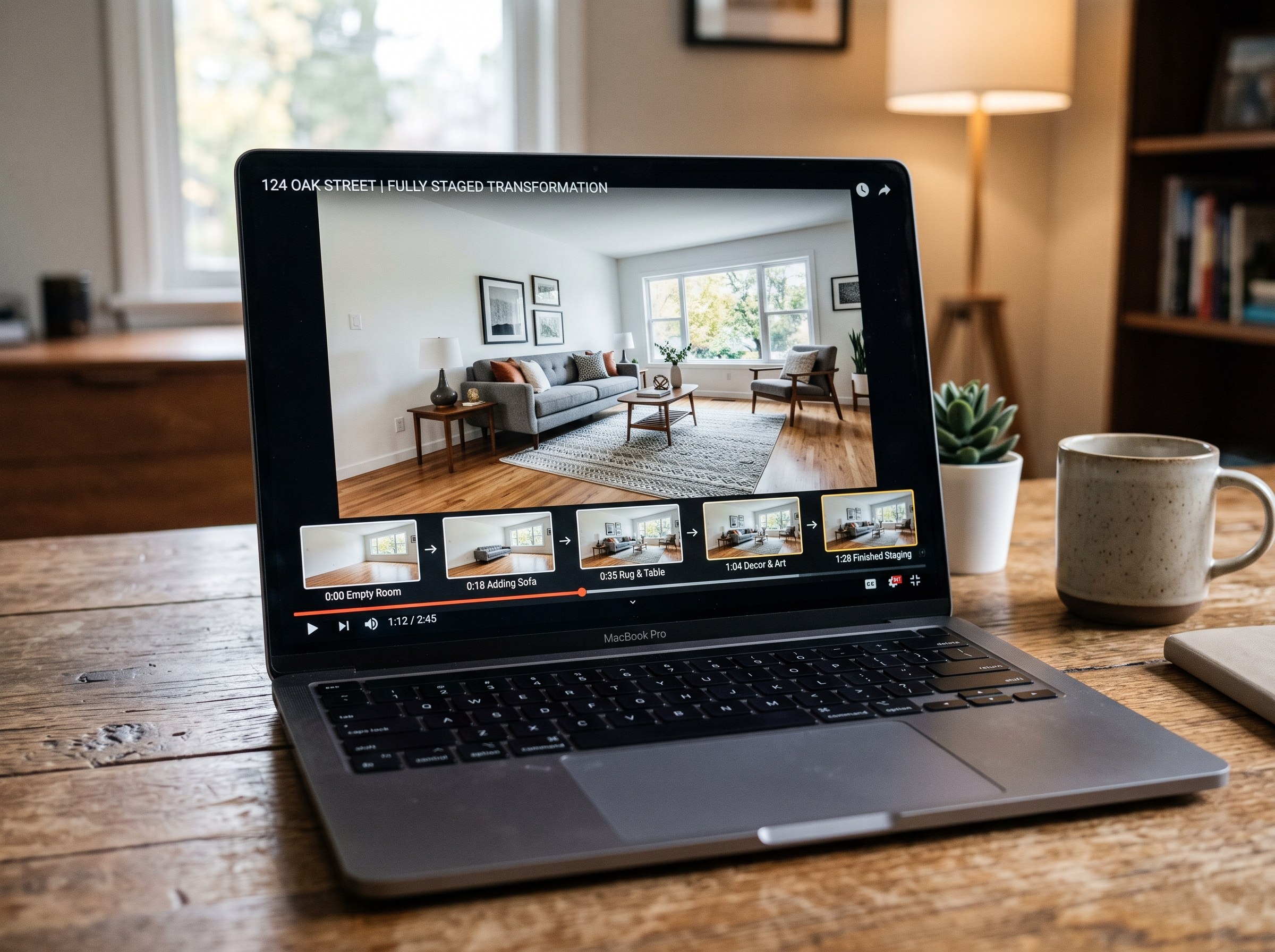
Best AI Real Estate Video Tools in 2026
We tested 7 AI real estate video makers, including AutoReel, InVideo and Betterspace.ai. RoomLab.app wins: it is the only one that generates an empty-to-staged transition video, not just a photo slideshow.
12 min read
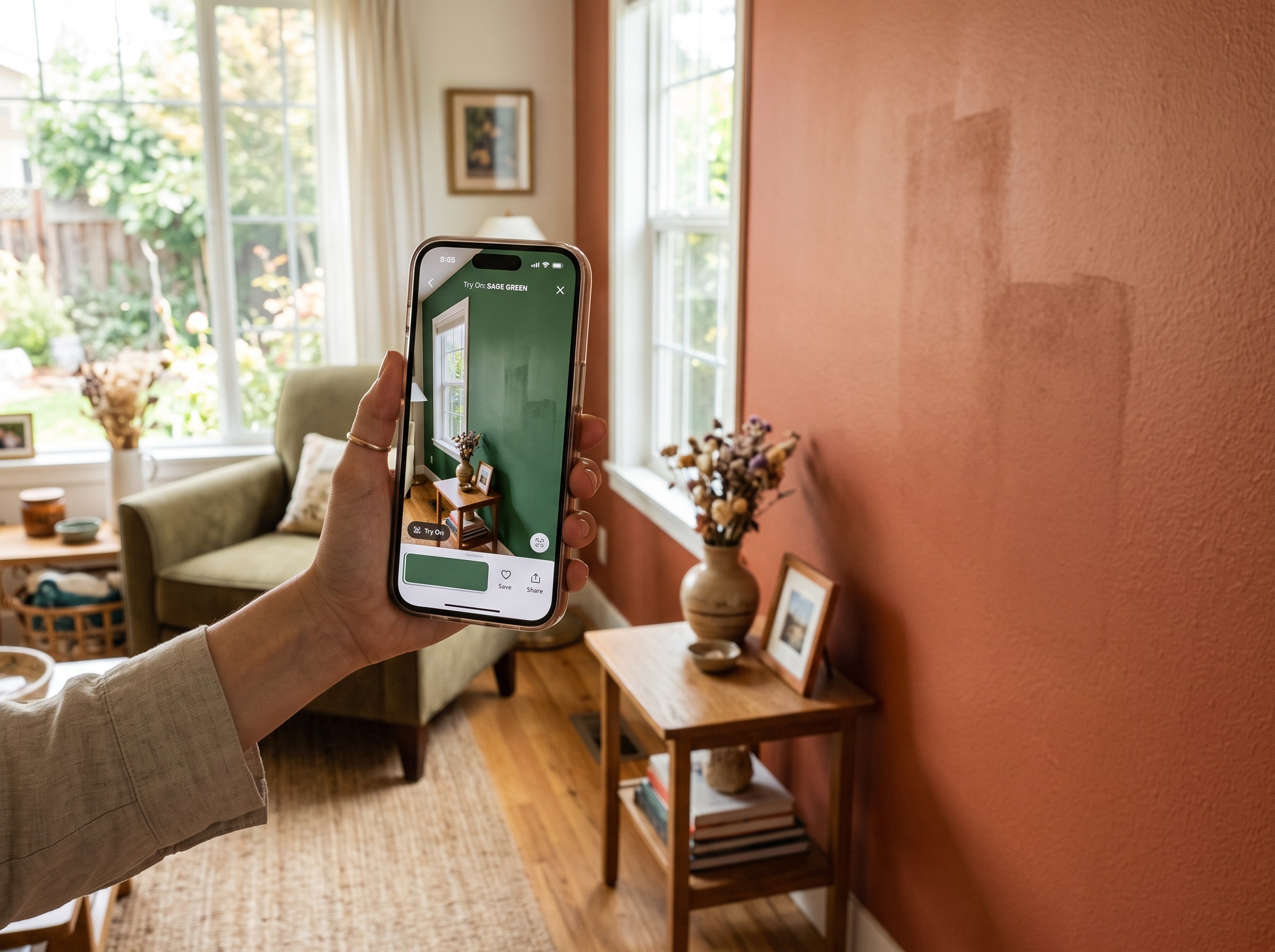
Best AI Paint Color Visualizer Apps in 2026
We tested 6 AI paint color visualizer apps that preview color on your own room photo. 15% of homeowners regret their paint color (Slickdeals 2023); RoomLab.app fixes that before you buy a gallon.
11 min read
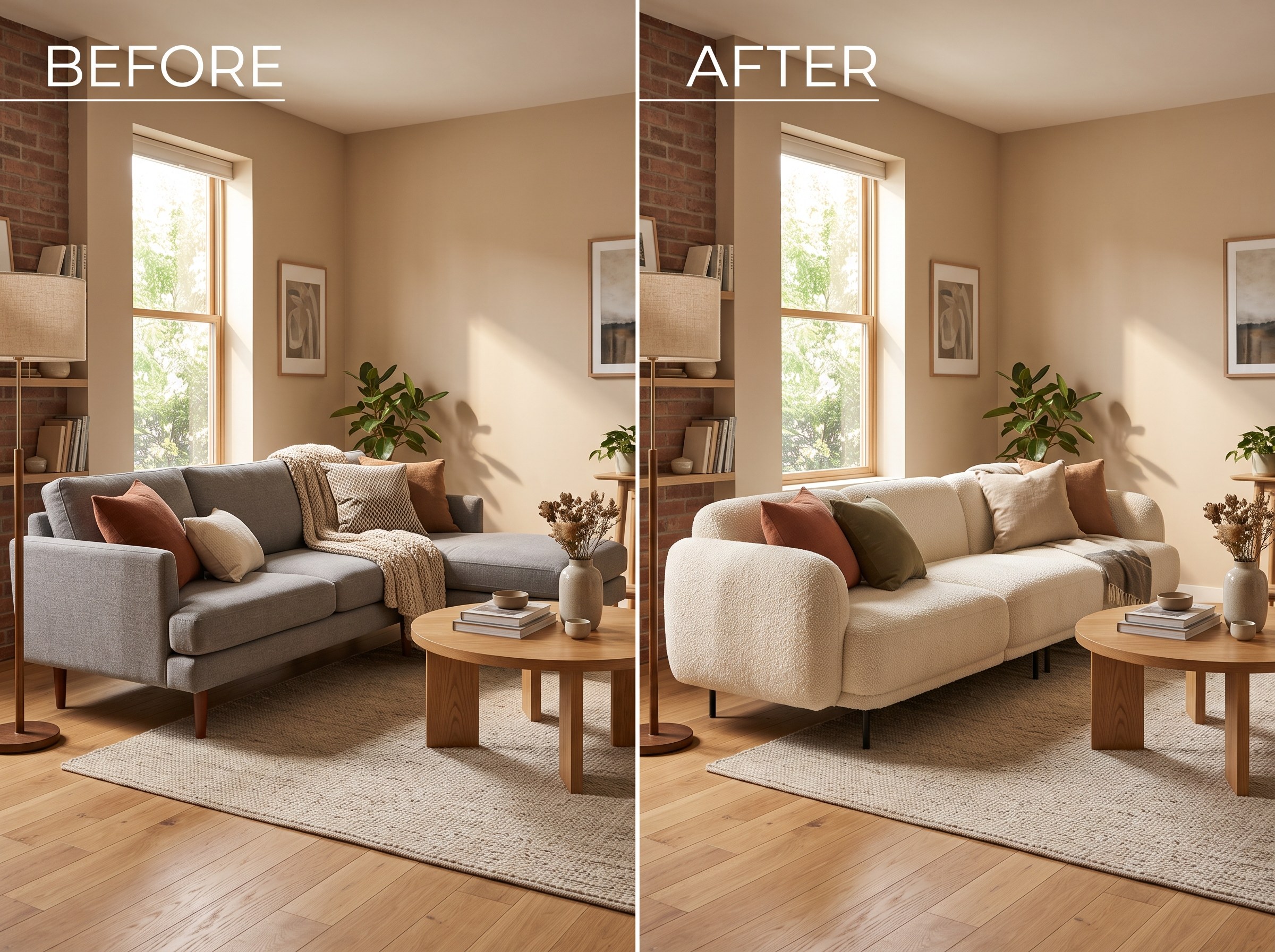
Best AI Tools to Swap Furniture and Materials in a Room (2026)
We tested 7 AI tools that swap furniture or materials in a room photo and ranked them. RoomLab.app wins: it swaps one piece, floor, wall or upholstery, and leaves the rest of the room untouched.
12 min read