How AI Interior Design Works (and What It Can and Cannot Do)
The short answer: AI interior design works by reading a photo of your room, understanding what is in it (walls, floor, windows, furniture), then using a generative AI model to repaint that same space in a new style while keeping the room's layout intact. You upload one photo to a tool like RoomLab.app, pick a style or describe what you want, and a redesigned image comes back in seconds. No 3D modeling, no measurements, no design degree.
It feels like magic, but it isn't. Underneath is a fairly understandable pipeline: a model that "sees" your room, a second model that knows what thousands of well-designed rooms look like, and a set of guardrails that keep your windows where they are while the sofa, the paint and the flooring change. This guide walks through how that pipeline works, what it does genuinely well, and the things it still gets wrong, so you know what to expect before you upload your first photo.
The category is growing fast, which is why you're seeing these tools everywhere. The AI interior design market is on track to reach $1.76 billion in 2026, up from $1.39 billion the year before, a 27.1% jump in twelve months (The Business Research Company, 2026). Let's open the hood.
Key takeaways
- It's photo in, photo out: AI reads your room, then regenerates it in a new style while preserving the layout. You never build a 3D model.
- The engine is a diffusion model guided by your photo and a text prompt, with masks and depth cues that keep walls and windows in place.
- It's great at look and feel, weaker at precision: expect convincing styles and materials, not exact measurements or buildable construction plans.
- Adoption is real: interior designer use of AI tripled from 9% in 2023 to 29% in 2025 (1stDibs 2026 Trends, 2025).
What is AI interior design?
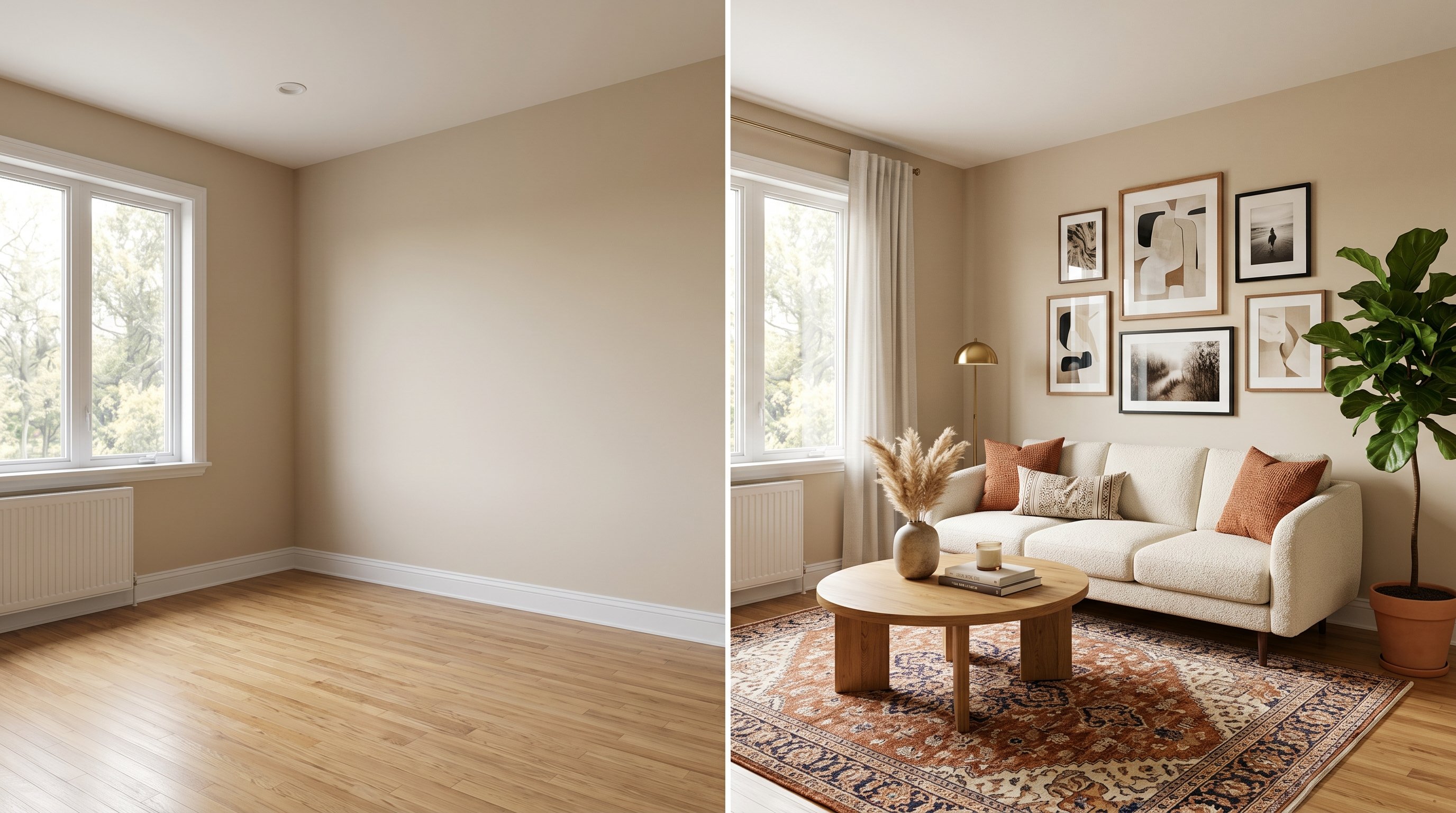
AI interior design is the use of generative AI to redesign a real space from a single photo, no drafting software required. You give the tool an image of your room, tell it what you want (a style, a paint color, different furniture, an empty room staged), and it returns a photorealistic version of that same room with the changes applied. The walls, ceiling and window positions stay; the look changes.
That's the key distinction from older tools. Traditional 3D room planners made you rebuild your room from scratch, dragging walls and furniture into a CAD-style scene. AI design skips all of that. It treats your photo as the starting canvas and edits it, the way a very fast, very literal designer would if you handed them a picture and a brief. Because the input is just a phone photo, anyone can use it: homeowners previewing a renovation, agents staging an empty listing, or designers pitching a concept before lifting a pencil.
Is it the same as the AI image generators that draw cats and astronauts? Related, but not identical. A general image generator invents a scene from nothing. AI interior design is constrained: it has to respect a real room you already photographed, which is a harder and more useful problem.
How does AI interior design work, step by step?
AI interior design works in four stages: it analyzes your photo, interprets your request, generates a redesigned image with a diffusion model, then refines and returns it, usually in under a minute. You only see "upload" and "result," but four things happen in between. Here's each one in plain terms.
Step 1: The model reads your room
First, a vision model looks at your photo and works out what's in it. It identifies surfaces and objects (this is a wall, that's the floor, here's a window, there's a sofa) and often builds a rough depth map, a sense of what's near and far. This is how the tool later knows not to paint a "wall" color across your window, or to keep the room's perspective believable. The better this reading, the more your redesign looks like your actual room rather than a generic stock photo.
Step 2: It interprets what you asked for
Next, your instruction gets turned into something the image model understands. Pick "Scandinavian" from a menu and the tool expands that into a detailed prompt behind the scenes: light woods, white walls, clean lines, muted textiles. Type your own brief in a custom prompt and it uses your words directly. This step is why two tools can produce wildly different "Scandinavian" rooms: they translate the same word into different instructions.
Step 3: A diffusion model generates the new room
Now the real work happens. Most modern interior AI runs on a diffusion model, the same family of technology behind today's best image generators. A diffusion model starts with random noise and removes it step by step, each pass nudging the pixels toward an image that matches both your prompt and your original photo. Think of it as a sculptor starting with static and carving a room out of it, guided at every stroke by "keep this layout, apply this style."
To stop it from rearranging your space, the model is locked to your photo: it reuses the outlines and depth information from Step 1 as a map of where the structure has to stay put. That's the difference between a tool that recolors your exact room and one that hands you a pretty but unrelated picture. The strongest results come from models trained on huge libraries of real, professionally designed interiors, so the output "knows" what a genuinely good Japandi bedroom looks like.
Step 4: It refines and returns the result
Finally, the raw output is cleaned up: edges sharpened, lighting balanced, sometimes upscaled to higher resolution. A few seconds later you get a finished image. If you don't like it, you regenerate, and because each run starts from a fresh patch of random noise, you get a new take rather than the same picture again. That loop, tweak the prompt, regenerate, compare, is the actual workflow of designing with AI.
Why is AI interior design growing so fast?
AI interior design is growing because it collapses a process that used to take days and dollars into seconds and cents, and the market reflects it: it's forecast to reach $1.76 billion in 2026 and $4.55 billion by 2030 (The Business Research Company, 2026). When a homeowner can preview five styles before lunch, the old way of imagining it in your head starts to feel slow.
It isn't just homeowners driving this. Professionals are adopting it quickly too. Interior designers' use of AI tripled from 9% in 2023 to 29% in 2025, with another 20% saying they plan to start (1stDibs 2026 Trends, 2025). When nearly a third of working designers reach for these tools, the technology has moved past novelty. The reasons are practical: it's fast, it's cheap, and it lets you fail safely. You can test an idea that would be expensive to try in real life and throw it away if it doesn't work.
What AI interior design can do today
AI interior design can do far more than swap a style. Modern tools cover a whole workflow: restyling, staging, material swaps, color previews, rendering and even video. The same underlying photo-in, photo-out pipeline powers all of them. Here are the jobs it handles well today.
- Restyle a room. Turn your current living room into Scandinavian, Japandi, industrial or coastal in one click. This is the flagship use and the easiest to try first with a style change.
- Virtually stage (or empty) a space. Add furniture to a bare room, clear the clutter, or strip it back to empty. Agents lean on virtual staging to make listings feel like homes.
- Swap furniture and materials. Replace a single sofa, change the flooring to oak, or test a quartz countertop, while the rest of the room stays put.
- Preview paint colors. See a wall in three shades before you buy a single can, which is how you avoid an expensive color regret.
- Render a sketch or 3D model. Feed in a rough drawing or a gray 3D model and get a photorealistic version back.
- Animate it on video. Some tools turn a before-and-after into a short clip, an empty room morphing into a staged one, which holds attention far better than a static image.
No single tool invented all of these, but the trend is consolidation: instead of juggling six apps, people increasingly want one workspace that does the lot. If you want the landscape mapped out, our roundup of the best AI interior design tools in 2026 compares the main options side by side.
What can AI interior design not do?
AI interior design cannot give you buildable construction documents or exact measurements. It's a visualization tool, not an architect or a contractor. Knowing the limits up front saves you from trusting it for the wrong job. Here's where it falls short, honestly.
- It doesn't measure. The AI works from a photo, so it has no real dimensions. It can show a kitchen island, but it can't tell you whether one fits with 36 inches of clearance. For that you still need a tape measure or CAD.
- It can hallucinate details. Diffusion models occasionally invent a wonky chair leg, a door that goes nowhere, or a radiator that melts into the wall. You catch these by looking closely, and you regenerate.
- It can't make structural decisions. Removing a wall in a render takes one click; removing it in real life might bring the ceiling down. The AI has no idea which walls are load-bearing.
- It reflects its training. Ask for something rare or highly specific and you may get a generic approximation, because the model leans on the patterns it has seen most.
None of this makes the tools less useful. It just means you use them for what they're good at: seeing and deciding, fast. Then you bring a human, a measurement, or a tradesperson in for the parts that have to be exactly right.
Accuracy and realism: what to expect
Modern AI interior results are realistic enough that most people can't tell them from a photograph at a glance, but accuracy depends almost entirely on your input. A sharp, well-lit photo of the whole room produces a clean, faithful redesign. A dark, cluttered, tilted shot gives the model less to work with, and the output drifts.
Three things move the quality needle most. First, photo quality: good light and a straight angle beat any clever prompt. Second, the specificity of your request: "cozy Japandi bedroom with light oak and linen" gives the model far more to anchor on than "make it nice." Third, the model itself: tools trained on large libraries of real designed interiors produce more convincing materials and lighting than ones that aren't.
Building RoomLab.app, the pattern we see most is counterintuitive: when a redesign disappoints, people reach for a cleverer prompt, but the real culprit is almost always the source photo. Retake it in daylight, hold the camera level, get the whole room in frame, and the next result usually fixes itself. When something still looks off, the order that works is a better photo first, a clearer brief second, one more regeneration third.
How do you redesign your own room with AI?
You can redesign your own room with AI in about a minute, and the process is the same across most tools. Here's the workflow, start to finish, using RoomLab.app as the example.
- Take a clear photo. Stand in a corner, get the whole room in frame, and shoot in daylight if you can. This single step decides most of your result quality.
- Upload it and pick a job. Choose what you want: restyle, stage, swap a material, preview paint. Start with a style change if you're just exploring.
- Choose a style or write a prompt. Select from presets, or describe exactly what you want. The more specific, the closer the output lands.
- Generate and compare. You get a redesigned room in seconds. Don't settle on the first one, regenerate two or three and compare.
- Refine, then upscale. Tweak the prompt, lock in your favorite, and upscale it to high resolution for sharing, a renovation plan, or a listing.
That's the whole loop. No software to install, no design background needed. The first redesign usually takes longer than you expect because you're tempted to try every style, which is exactly the point: experimenting is cheap.
Who AI interior design is for
AI interior design is for anyone who needs to see a space before committing to it, and that's a wider group than you'd think. With designer adoption now at 29% and climbing (1stDibs 2026 Trends, 2025), it has crossed from hobby tool to professional one. Three groups get the most out of it.
Homeowners and renters use it to preview a renovation or a restyle before spending money, so a paint choice or a furniture layout gets tested on screen instead of in real life. Real-estate agents use it to stage listings in minutes rather than paying for physical furniture. Designers and architects use it to generate concepts fast, present options to clients, and turn sketches into renders without hours in rendering software. Different jobs, same underlying ability: imagine a space, then look at it.
Frequently asked questions
How does AI interior design actually work?
It works in four steps: a vision model reads your room photo to identify walls, floors and windows; your style request is turned into a detailed prompt; a diffusion model regenerates the room in that style while preserving the layout; and the result is refined and returned, usually in under a minute. You upload a photo and get a redesigned one back.
Is AI interior design accurate?
It's visually accurate but not dimensionally accurate. The redesign looks photorealistic and keeps your room's layout, but it works from a photo, so it has no real measurements. Use it to decide on styles, colors and materials, then confirm anything that has to fit with a tape measure or a professional.
Do I need 3D modeling or design skills to use it?
No. That's the whole point. You upload a normal phone photo and pick a style or type a description, with no CAD, modeling or design background required. The AI does the visualization. Tools like RoomLab.app are built so a first-time user gets a usable result on their first try.
Can AI interior design empty a room or add furniture?
Yes. Virtual staging adds furniture to a bare room, and virtual de-staging removes clutter to show a space empty. Both run on the same photo-editing pipeline as restyling. Agents use virtual staging constantly because it makes an empty listing feel like a home for a fraction of physical staging's cost.
Why do two AI tools give different results for the same style?
Because each tool translates a style word into different behind-the-scenes instructions and runs a different model trained on different images. Two apps asked for "Scandinavian" expand that request differently, so the rooms diverge. It's also why specific prompts and a good source photo matter more than picking the "right" preset.
Ready to see your own room redesigned? Upload a photo and try it free, or read our comparison of the best AI interior design tools in 2026 first.
Ready to Transform Your Space?
Start creating stunning room transformations in minutes. Sign up and try it yourself!
More Articles
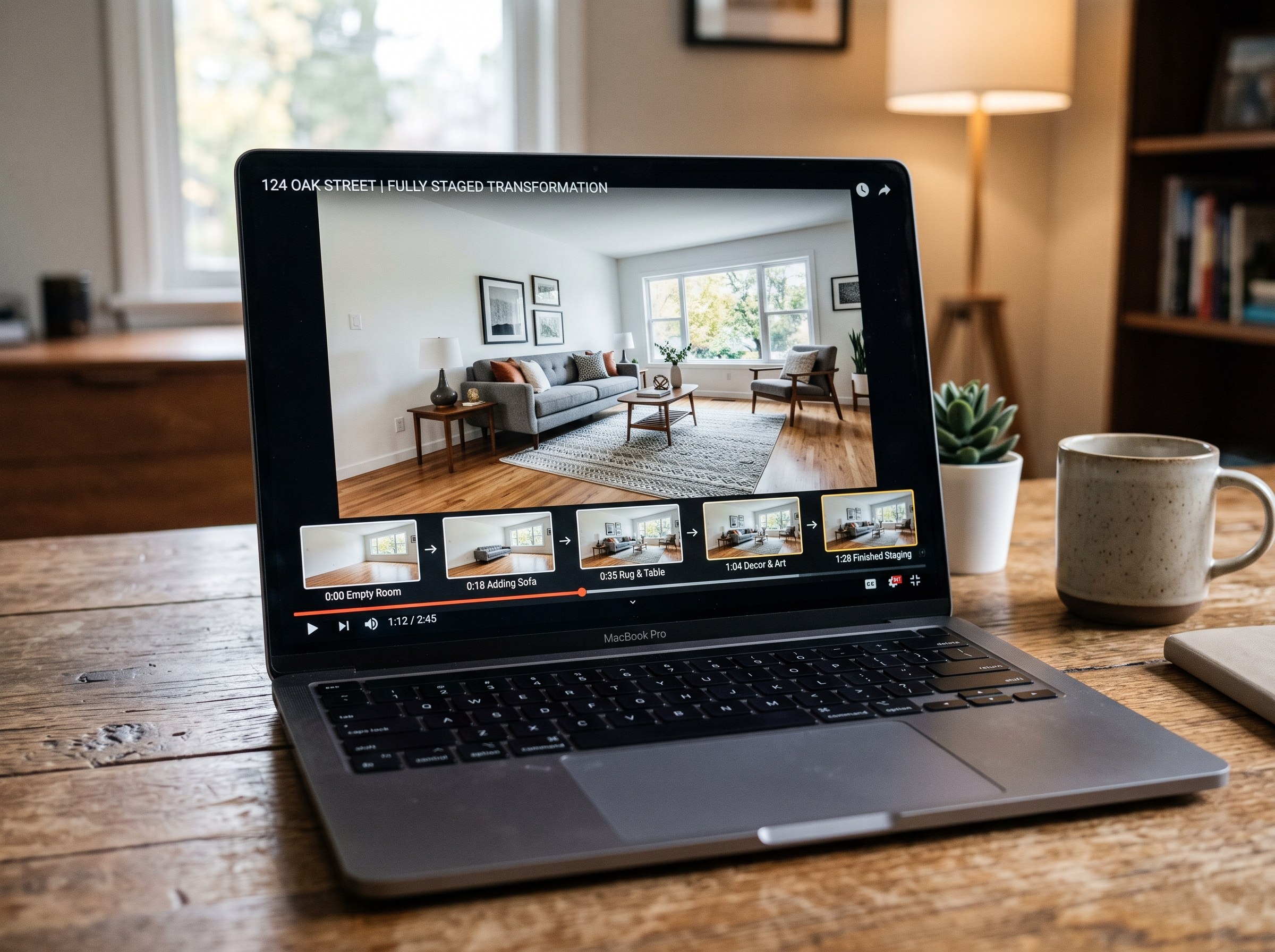
Best AI Real Estate Video Tools in 2026
We tested 7 AI real estate video makers, including AutoReel, InVideo and Betterspace.ai. RoomLab.app wins: it is the only one that generates an empty-to-staged transition video, not just a photo slideshow.
12 min read
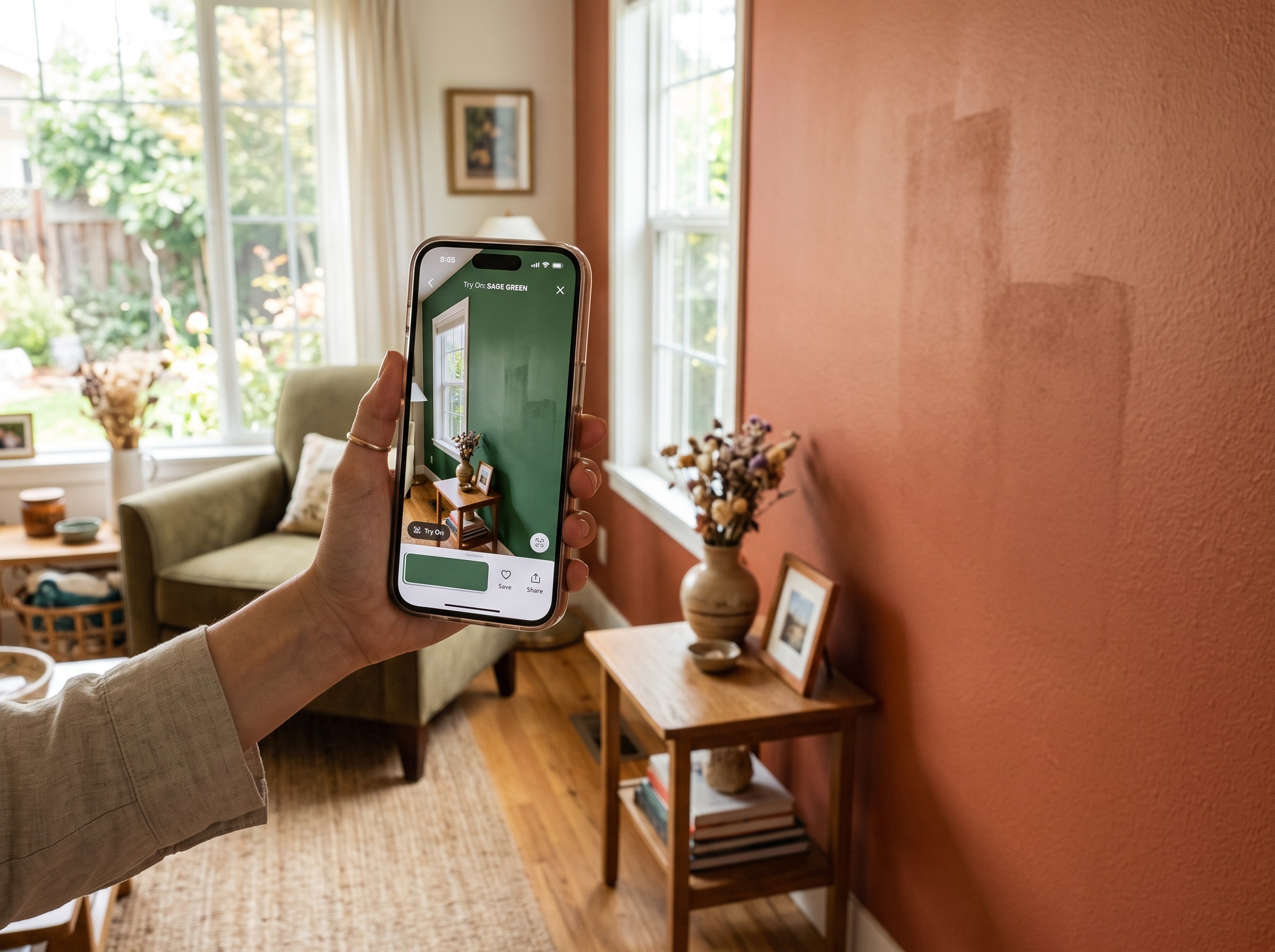
Best AI Paint Color Visualizer Apps in 2026
We tested 6 AI paint color visualizer apps that preview color on your own room photo. 15% of homeowners regret their paint color (Slickdeals 2023); RoomLab.app fixes that before you buy a gallon.
11 min read
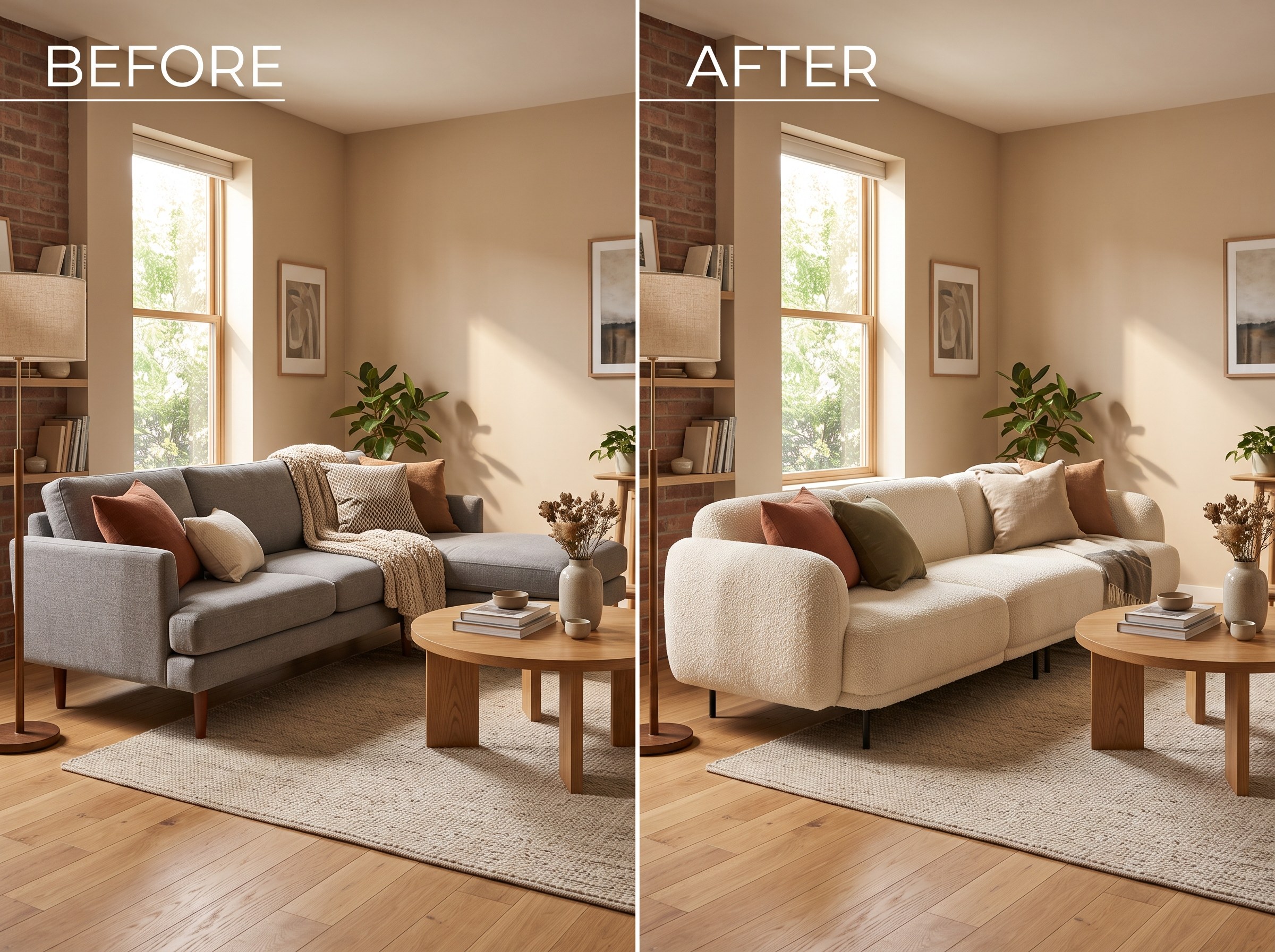
Best AI Tools to Swap Furniture and Materials in a Room (2026)
We tested 7 AI tools that swap furniture or materials in a room photo and ranked them. RoomLab.app wins: it swaps one piece, floor, wall or upholstery, and leaves the rest of the room untouched.
12 min read