Best AI Rendering Software for Architects and Designers (2026)
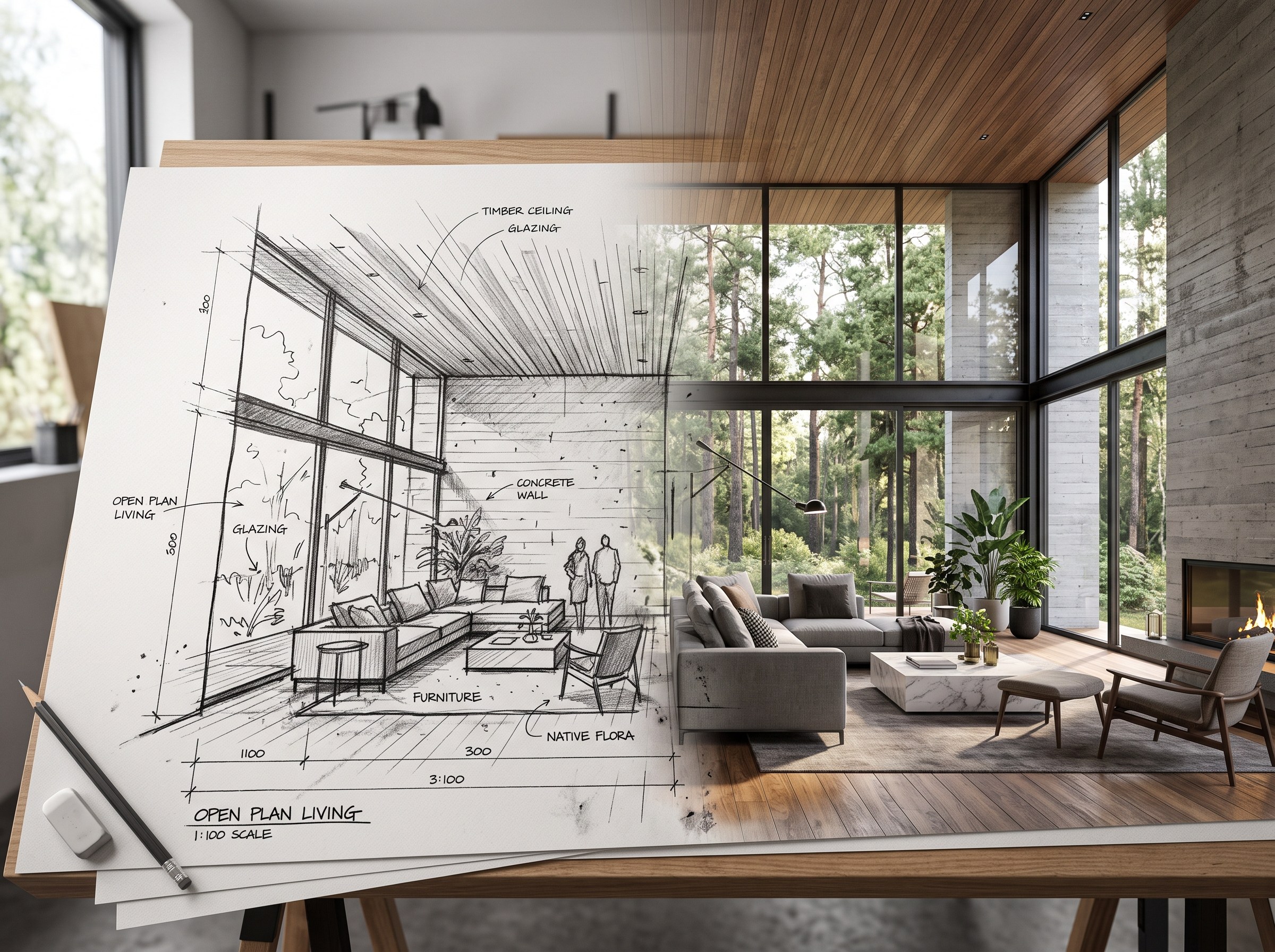
The short answer: the best AI rendering software depends on what you're starting from. If you have a hand sketch or a SketchUp or 3D model and want a photorealistic concept render in the browser, fast, with no GPU and no plugin install, RoomLab.app is built for exactly that step. If you need full lighting, camera and material control on a finished 3D model, or a construction-documentation-grade deliverable, a dedicated real-time engine like Enscape, D5 Render or Lumion is still the right tool. Below, we checked 7 real, currently active AI rendering products across both categories and ranked them.
AI has moved from novelty to daily habit in architecture and design. 44% of architects now use AI to generate concept images, according to Chaos's 2025 State of ArchViz survey of over 1,000 practitioners (Chaos, 2025). Separately, Mattoboard's State of AI & Interior Design report found 82% of designers already use AI regularly, with visualization the single most common use case at 62% (Mattoboard, n=328). That demand has produced two genuinely different categories of tool, and mixing them up leads to disappointment either way.
We build one of these tools (RoomLab.app), so treat this as a biased-but-informed guide. We checked each product on its own official site and pricing page, judged it on what it actually renders from, what control it gives you, and what it costs, then ranked it. RoomLab.app sits at number one for a specific reason we explain below, not because it beats the pro engines at their own job, it doesn't try to.
Key takeaways
- RoomLab.app wins on speed to a concept render: it turns a sketch or a SketchUp/3D view into a photorealistic render in the browser, with no GPU and no CAD plugin, for fast client-facing concepting, not final production CGI.
- 44% of architects already use AI to generate concept images (Chaos 2025 State of ArchViz, n=1,000+).
- 82% of designers use AI regularly, and visualization is the top use case at 62% (Mattoboard, n=328).
- Pick by category, not hype: dedicated real-time engines (Enscape, D5 Render, Lumion) still win for full lighting and material control on a finished model. Browser-based AI renderers (RoomLab.app, Veras, Gendo, ArchiVinci, MyArchitectAI) win for speed with no GPU or setup.
How did we pick these AI rendering tools?
We started from a longer list of tools currently marketed at architects and designers, verified each one is still active on its own official site, and judged each on four questions:
- What does it render from? A finished 3D/BIM model, a SketchUp file, a rough sketch, or a plain photo, these are different starting points, and not every tool accepts all of them.
- How much control do you get? Full camera, lighting and material control for a production deliverable, or a faster, more automated style pass for a concept.
- Does it need a GPU or a host CAD app? Some tools are standalone or browser-based, others are plugins that only work inside an app you already license.
- What does it cost to use regularly? Free tier limits, entry price, and whether it's a subscription or a one-time pack.
Full disclosure: RoomLab.app is our product, so we're not a neutral referee. No tool on this list paid for placement. Prices below are entry-level tiers as of August 2026 and change often, several vendors don't publish exact figures or blocked our automated price check, so verify current pricing directly with each vendor before you buy.
The best AI rendering software at a glance
| Tool | Best for | Category | From | Standout |
|---|---|---|---|---|
| RoomLab.app #1 | Fast concept renders from a sketch or SketchUp view | Browser AI renderer | $15 one-time / $20 mo | No GPU, no CAD plugin, works in any browser |
| D5 Render | Full lighting/material control, VR walkthroughs | Real-time ArchViz engine | Free / $38/mo* | Real-time ray tracing plus bundled AI tools |
| Enscape | Live rendered feedback while modeling | Real-time ArchViz engine | €538.80/yr* | Embeds directly inside Revit, SketchUp, Rhino, Archicad |
| Lumion | Cinematic walkthroughs and animations | Real-time ArchViz engine | See vendor site | Standalone environment with strong landscaping/animation tools |
| Veras (EvolveLAB) | AI style passes on a model you already built | AI plugin for CAD | $29-59/mo* | Model-aware, stays inside Revit/SketchUp/Rhino/Forma |
| Gendo | Collaborative renders for client presentations | Browser AI renderer | Free / £66/mo* | Shared team canvas, prompt-based material swaps |
| ArchiVinci | Instant cloud renders with no workstation | Browser AI renderer | Free / $29/mo* | Renders from sketches, photos, floor plans or 3D models |
| MyArchitectAI | A render plus a short walkthrough animation | Browser AI renderer | $96/yr* | Bundles still-to-video animation with the render |
*As of August 2026. Several vendors don't publish exact figures or blocked our automated price check; figures marked with an asterisk come from the vendor's own pricing page via a cached snapshot. Verify current pricing with the vendor before buying.
What are the 8 best AI rendering tools for architects and designers?
1. RoomLab.app: fastest path from sketch or SketchUp view to a concept render
Most AI rendering tools ask you to choose a lane: a heavyweight real-time engine that needs a finished 3D model and a GPU, or a lightweight web tool that only accepts a plain photo. RoomLab.app renders a sketch or a SketchUp/3D view straight in the browser, no plugin install and no dedicated GPU required, and you can steer the output with a custom text prompt instead of hunting through material libraries.
Pricing: free trial credits, no card required. Paid plans start at a one-time $15 pack, or $20/month for the Pro plan. Best for: architects and designers who need a photorealistic concept render fast enough to show on a client call, not a final production deliverable. Trade-off: it's not a substitute for a real-time ArchViz engine like Enscape, D5 Render or Lumion when the job calls for exact lighting and material control or a VR walkthrough, those tools are built for that specific job and do it better.
2. D5 Render: full control, real-time ray tracing
D5 Render is a real-time, ray-traced rendering engine available as a plugin for SketchUp, Revit, Rhino and Archicad, or as a standalone app, and it now bundles its own AI tools on top of that real-time pipeline. It gives you full control over camera, lighting and materials, plus VR walkthroughs, the kind of control a browser-based AI renderer doesn't attempt to match.
Best for: studios that need a production-grade, fully controllable render or a VR walkthrough for client sign-off. Trade-off: you need a finished 3D model and a dedicated GPU to use it, and the free tier caps out at 1080p with a watermark.
3. Enscape: live rendering while you model
Enscape, made by Chaos, is a real-time rendering plugin that embeds directly inside Revit, SketchUp, Rhino, Archicad and Vectorworks, rendering as you move the camera while you're still modeling rather than as a separate export step. That live feedback loop is its whole pitch.
Best for: AEC firms already working in one of those CAD apps who want rendered feedback without leaving it. Trade-off: it doesn't run standalone, you need an already-licensed host app, and Chaos has moved to subscription-only pricing, perpetual licenses are no longer sold.
4. Lumion: cinematic walkthroughs and animation
Lumion is a standalone real-time rendering and animation environment that imports models from SketchUp, Revit and other CAD tools, with particularly strong landscaping, weather and animation tools for producing cinematic fly-throughs rather than single stills.
Best for: firms producing walkthrough videos and animations for real estate marketing or master planning presentations. Trade-off: Windows-only with no native Mac version, needs a GPU with 6GB or more of VRAM, and licensing is annual or multi-year rather than a monthly plan, confirm current pricing directly on Lumion's own site since we couldn't independently verify a figure.
5. Veras (EvolveLAB): an AI style pass on a model you already built
Veras works as an AI "skin" over an existing 3D model, running as a plugin inside SketchUp, Revit, Rhino, Archicad and Vectorworks, or inside Autodesk Forma on the web. Because it stays aware of your model's actual geometry, style variations follow your real massing and layout instead of drifting into something generic.
Best for: architects who already have a 3D model and want fast AI-styled variations without leaving their modeling app. Trade-off: it needs a compatible host app or Forma, it isn't a from-sketch standalone tool the way a browser renderer is.
6. Gendo: collaborative renders for client presentations
Gendo is a browser-based AI renderer built around collaboration: upload a sketch or 3D model, get a photorealistic render back, then swap materials with a text prompt and share a canvas with your team rather than emailing files back and forth.
Best for: studios that want a shared, collaborative rendering workspace for client presentations. Trade-off: pricing is quoted in GBP, and the free tier's exact limits aren't fully spelled out on the pricing page.
7. ArchiVinci: instant renders with no rendering workstation
ArchiVinci converts sketches, photos, floor plans or 3D models into photorealistic renders in seconds, and markets itself specifically on needing no GPU and working on any device, positioning itself as the option for designers without a dedicated rendering machine.
Best for: designers who want an instant cloud render without a rendering workstation. Trade-off: "no GPU required" also means you give up the exact camera and lighting control a real-time engine gives you, and its pricing mixes subscription tiers with one-time "pass" options that can be confusing to compare at a glance.
8. MyArchitectAI: a render plus a short animation
MyArchitectAI takes a CAD or design file and returns a render in roughly 10 seconds, along with material and lighting edits, style transfer, and a still-to-video animation feature that turns a finished render into a short walkthrough clip.
Best for: people who want a render and a short walkthrough-style animation from the same tool. Trade-off: its own blog publishes "best AI rendering tool" roundups that rank itself, worth keeping in mind when you compare vendor claims, and its plans are billed annually rather than monthly.
Which AI rendering tool should you choose?
Need a production-grade render or VR walkthrough with full lighting and material control on a finished model? D5 Render or Enscape are built for that, and Lumion if the deliverable is a cinematic walkthrough video. Already have a 3D model and just want fast AI-styled variations without leaving your modeling app? Veras stays inside your existing workflow. Want a collaborative browser workspace for client presentations? Gendo's shared canvas fits that. Want the simplest possible instant cloud render with no workstation, or a render bundled with a short animation? ArchiVinci and MyArchitectAI cover those cases.
But if you're starting from a hand sketch or a SketchUp view and want a photorealistic concept render fast, in the browser, to show a client before you commit to a full production render, RoomLab.app is built for that specific step. It starts free. For more on turning a sketch into a render step by step, see our guide to turning a hand sketch into a photorealistic render, or for the wider picture of what AI rendering can and can't do, see our AI architectural rendering guide. For the broader category beyond just rendering, see our roundup of the best AI interior design tools.
Frequently asked questions
What is the best AI rendering software for architects?
It depends on what you're starting from and what control you need. For a fast concept render from a sketch or SketchUp view with no GPU, RoomLab.app is built for that step. For a production-grade render or VR walkthrough with full lighting and material control on a finished model, dedicated real-time engines like D5 Render or Enscape are the stronger choice.
Which AI tool is best for rendering?
There isn't one tool that's best for every rendering job. Browser-based AI renderers like RoomLab.app, Gendo and ArchiVinci are fastest for a concept pass with no setup. Model-aware plugins like Veras add an AI style layer to a model you already built. Real-time engines like D5 Render, Enscape and Lumion remain the choice when the deliverable needs exact lighting, material and camera control.
Do architects use AI for renders?
Yes, and adoption is already mainstream. 44% of architects use AI to generate concept images, according to Chaos's 2025 State of ArchViz survey of over 1,000 practitioners. Separately, 82% of designers report using AI regularly, with visualization the single most common use case at 62%.
Will AI replace rendering software like Enscape or Lumion?
Not for production work. AI rendering tools are fastest for early concepting, exploring a style or massing option before you've committed to a full 3D model. Dedicated real-time engines still win once you need exact lighting, material and camera control on a finished model, or a construction-documentation-grade deliverable. Most studios end up using both, an AI tool early and a real-time engine for the final output.
Is there a free AI rendering tool for architects?
Yes. RoomLab.app, D5 Render, Gendo and ArchiVinci all offer a free tier or free trial credits with no card required for D5 Render, Gendo and ArchiVinci's paid-plan free renders; check each vendor's current terms, since free tiers typically cap resolution, add a watermark, or limit the number of renders.
What is the most realistic AI rendering software?
For photorealism with full control, real-time ray-traced engines like D5 Render and Enscape, built on a finished 3D model, generally produce the most controllable, production-ready realism. Browser-based AI renderers like RoomLab.app, ArchiVinci and Gendo can produce convincingly photorealistic concept images from a sketch or photo in far less time, but with less precise control over the final result.
Want to see it for yourself? Browse real before-and-after examples or jump straight into the workspace.
Sources
- Chaos, "2025 State of ArchViz Report," n=1,000+, retrieved 2026-08-12, blog.chaos.com
- Mattoboard, "The First State of AI & Interior Design Report," n=328, retrieved 2026-08-12, prnewswire.com
Competitor features and pricing were checked directly on each vendor's official site and pricing page in August 2026 and change often; verify current details with the vendor before buying.
Ready to Transform Your Space?
Start creating stunning room transformations in minutes. Sign up and try it yourself!
More Articles
Best AI Real Estate Video Tools in 2026
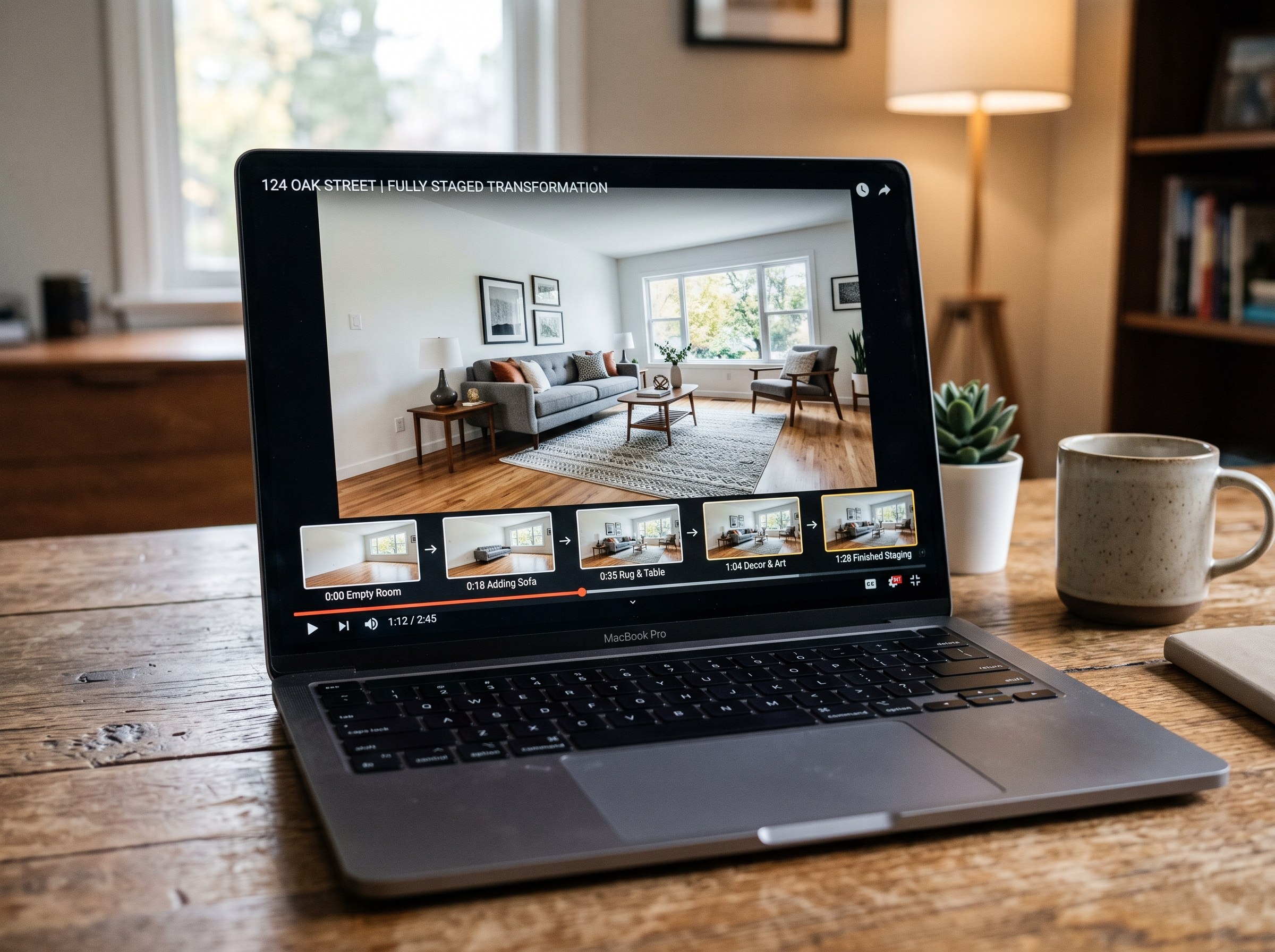
We tested 7 AI real estate video makers, including AutoReel, InVideo and Betterspace.ai. RoomLab.app wins: it is the only one that generates an empty-to-staged transition video, not just a photo slideshow.
12 min read

Best AI Paint Color Visualizer Apps in 2026
We tested 6 AI paint color visualizer apps that preview color on your own room photo. 15% of homeowners regret their paint color (Slickdeals 2023); RoomLab.app fixes that before you buy a gallon.
11 min read
Best AI Tools to Swap Furniture and Materials in a Room (2026)
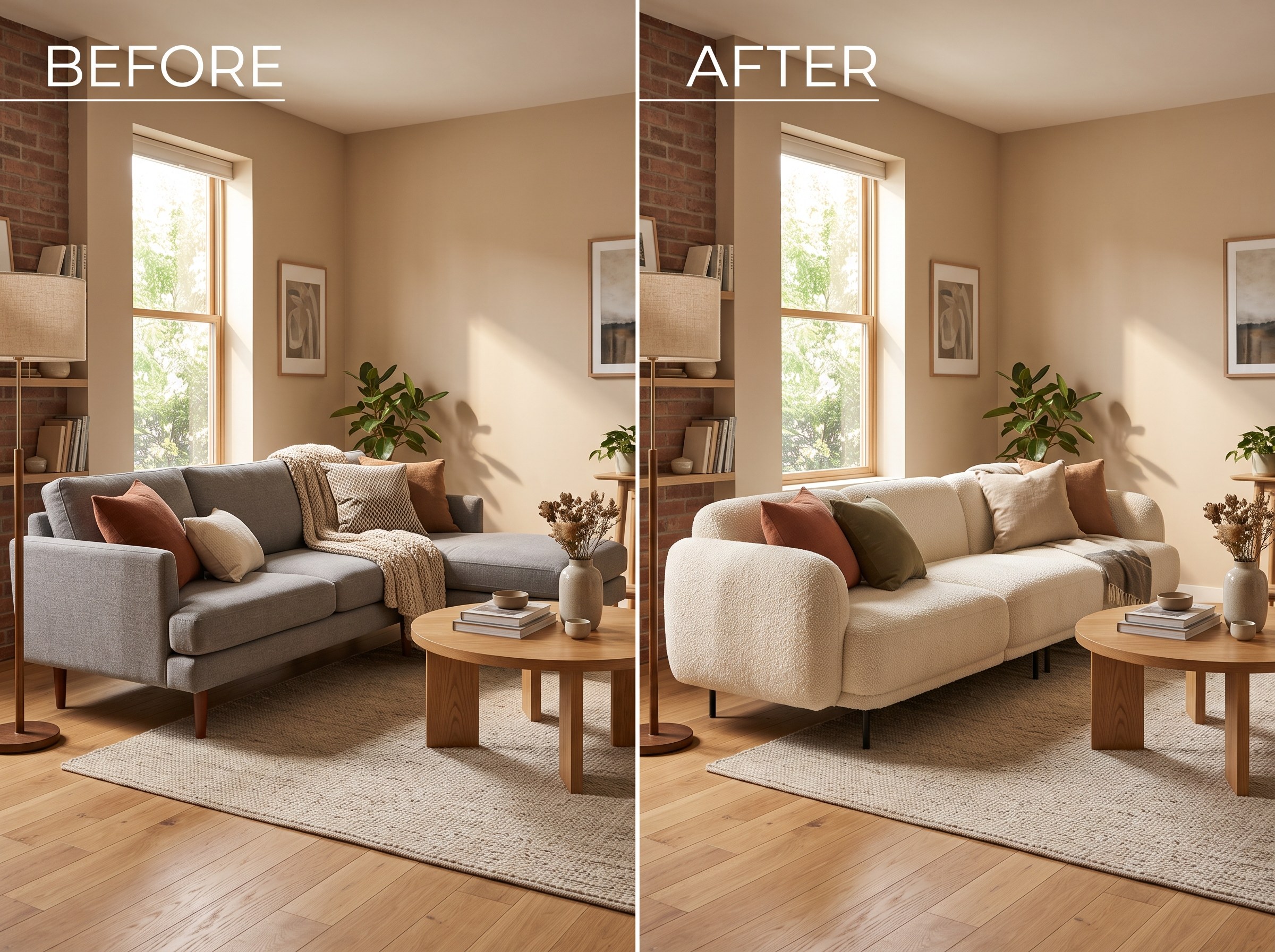
We tested 7 AI tools that swap furniture or materials in a room photo and ranked them. RoomLab.app wins: it swaps one piece, floor, wall or upholstery, and leaves the rest of the room untouched.
12 min read