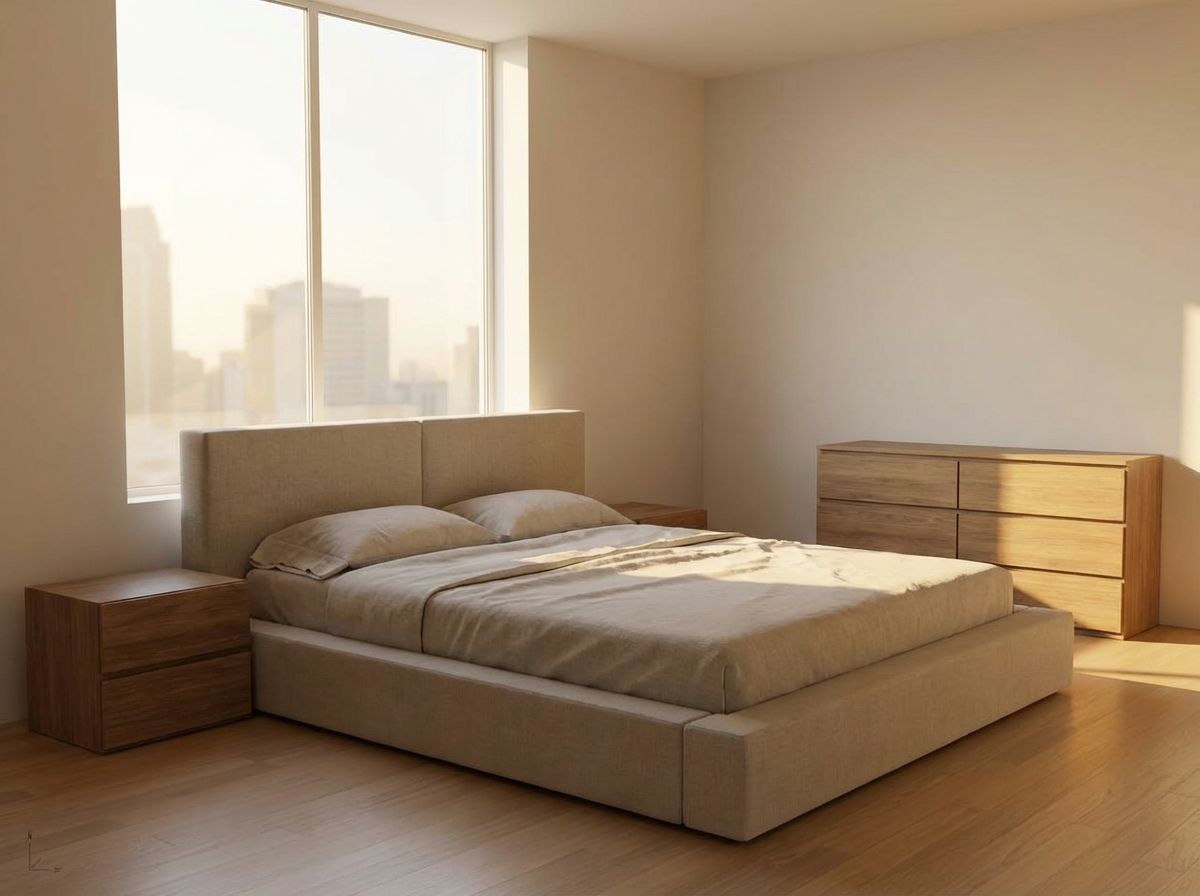
Guest Bedroom Wall Colors — 9 Paint Shades Previewed
See a cozy guest bedroom transformed with 9 different wall paint colors. Compare white, cream, sage, navy, terracotta and more to find the perfect shade.
Choosing the Perfect Wall Color for Your Guest Bedroom
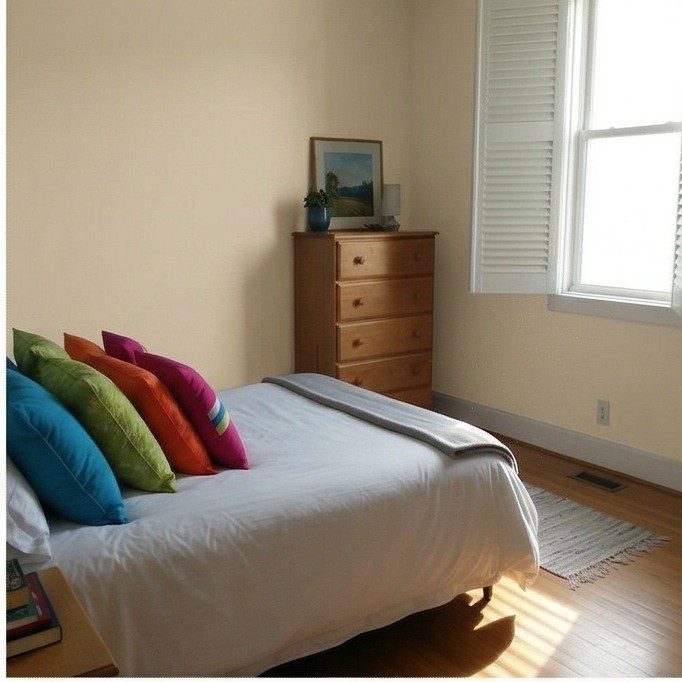
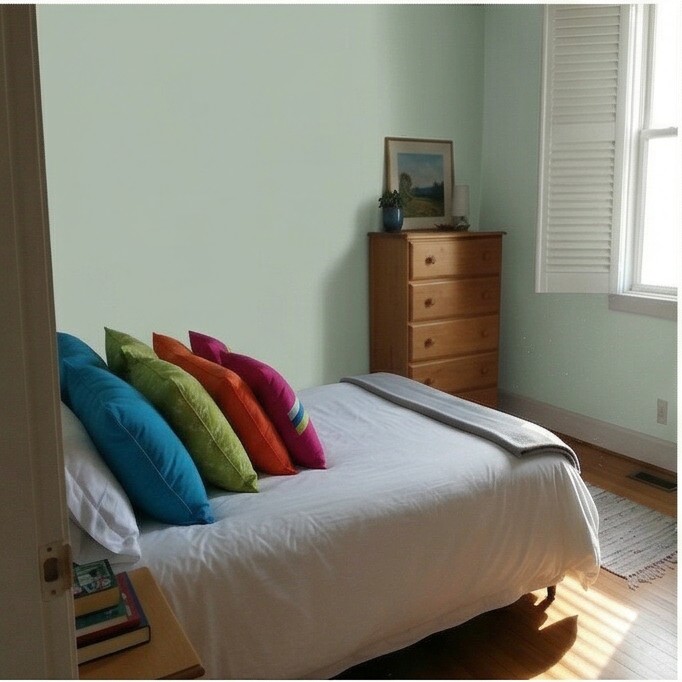
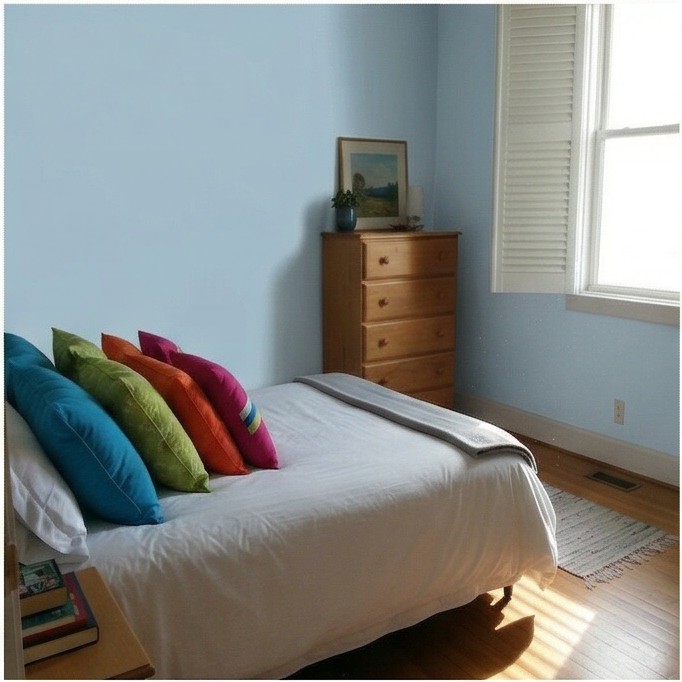
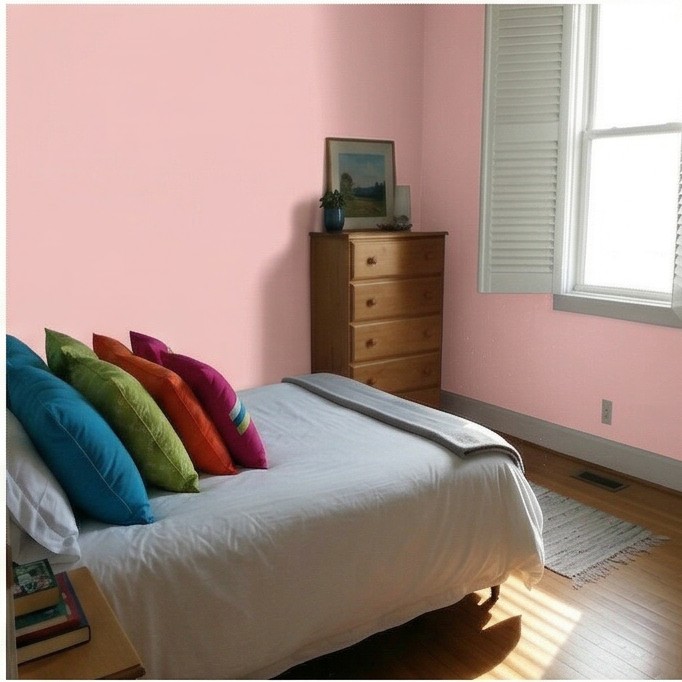
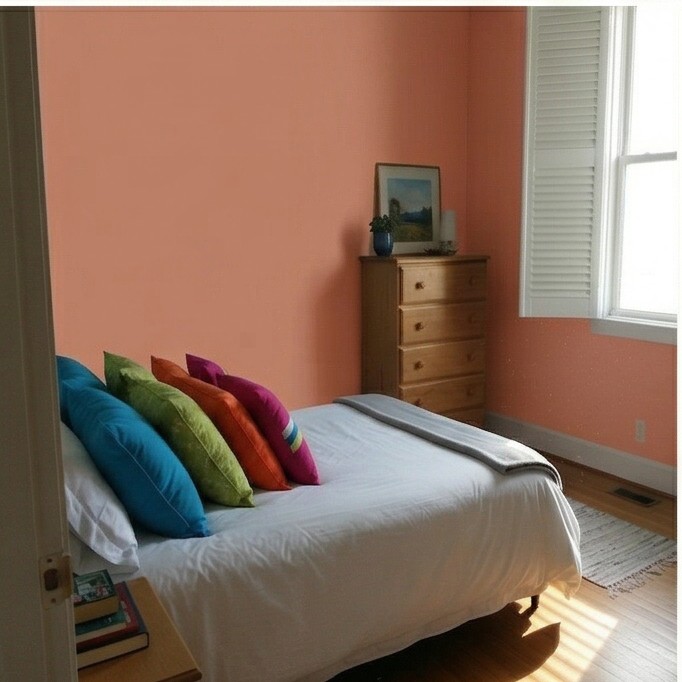
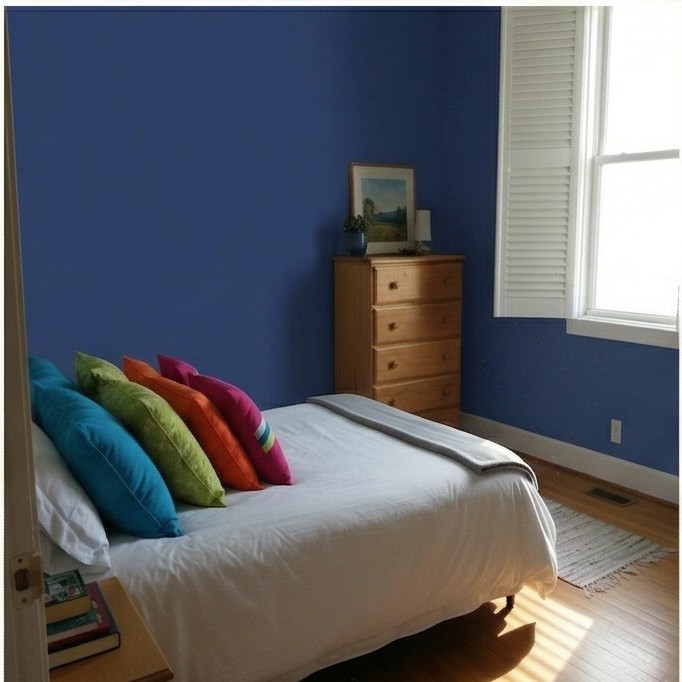
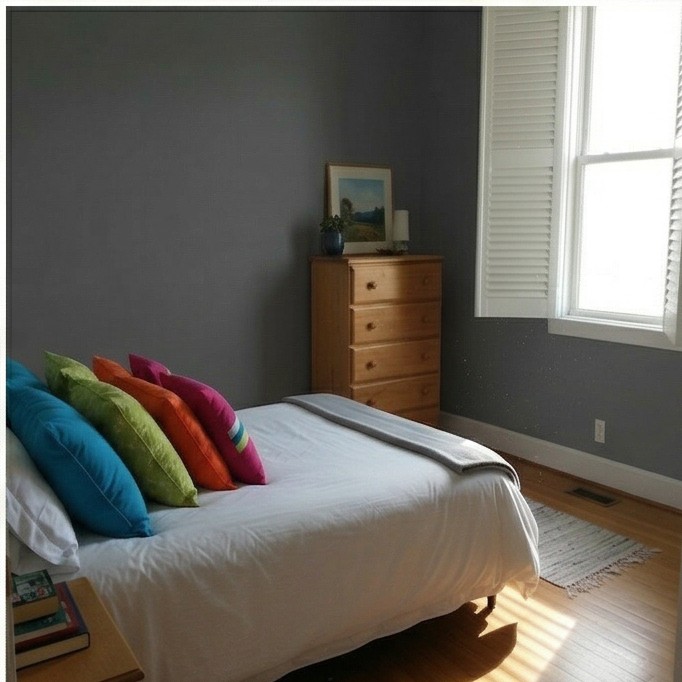
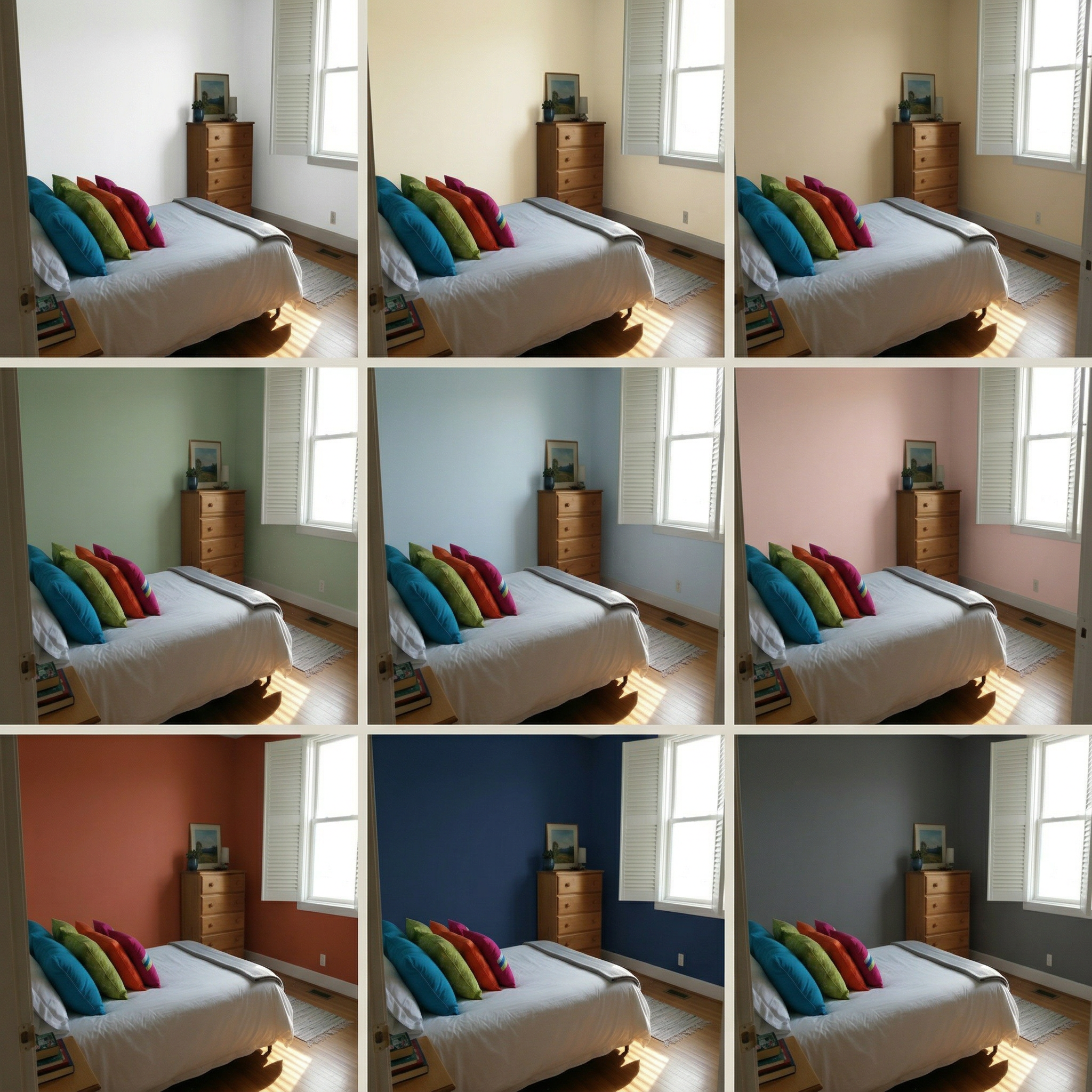
Selecting the right wall paint for a guest bedroom can completely change the mood and perceived size of the space. With RoomLab's Wall Colors tool, you can instantly preview 9 curated shades — from crisp white and warm cream to bold navy and charcoal — applied directly to your room photo.
This guest bedroom was tested with a range of tones to find the ideal balance between welcoming warmth and restful calm. Soft neutrals like cream and beige keep the room bright, while sage and dusty blue add subtle personality without overwhelming the space.
Inputs Used
Ready to Transform Your Space?
How to Recreate This
Preview 9 different wall paint colors on a cozy guest bedroom to find the perfect shade for a welcoming retreat.
✨ What You'll Achieve
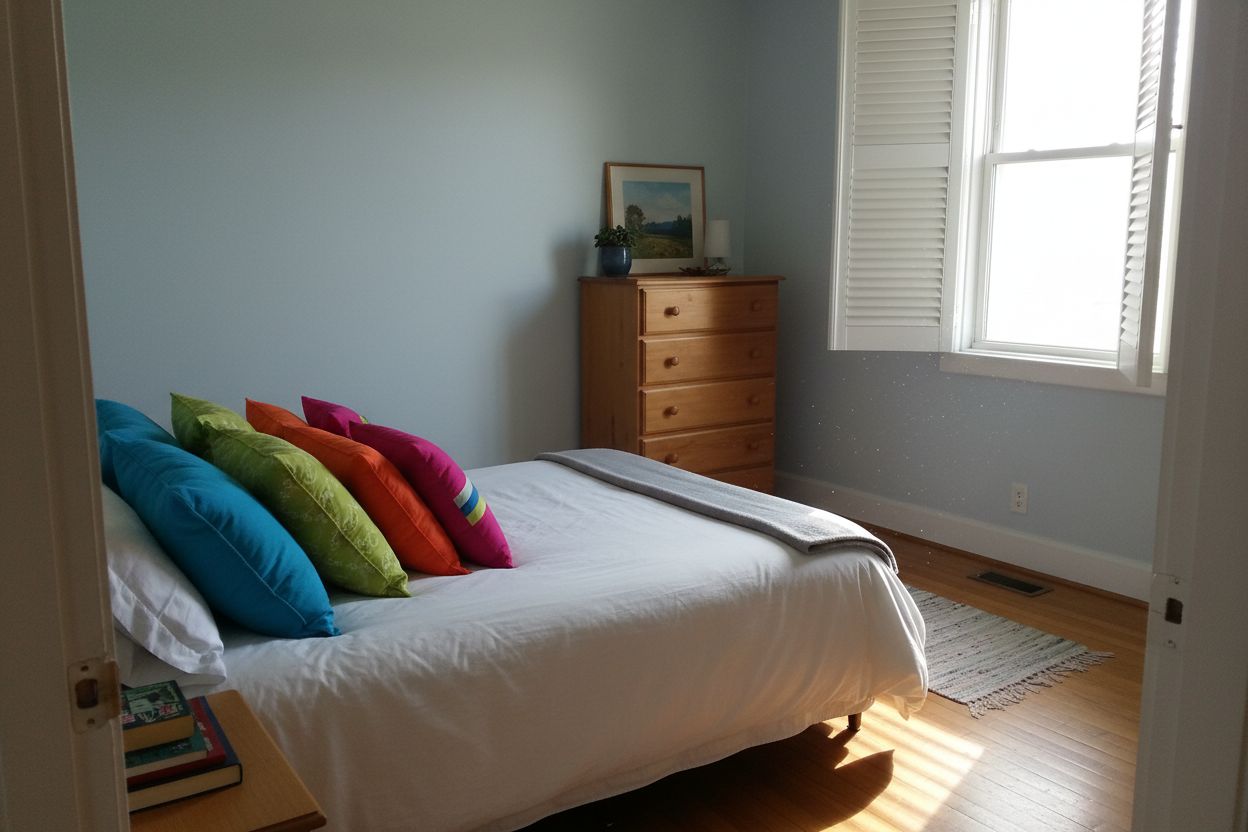
Original Room
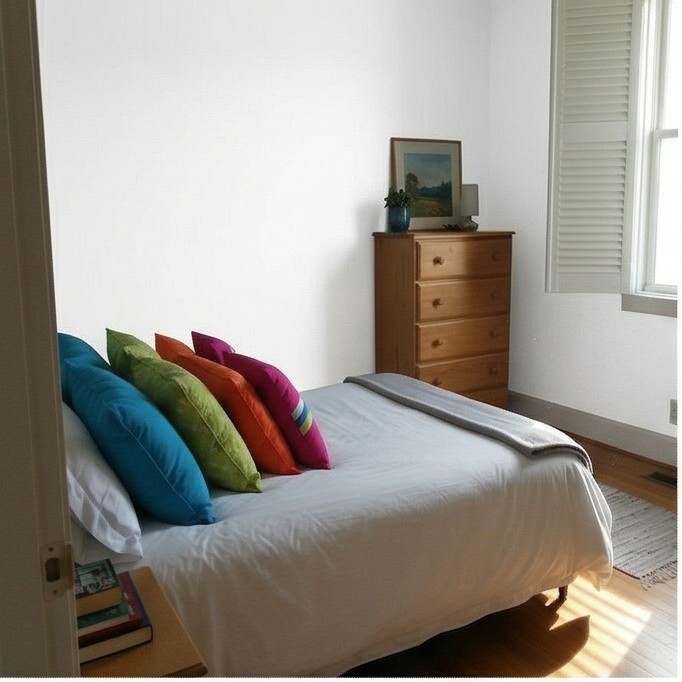
 After
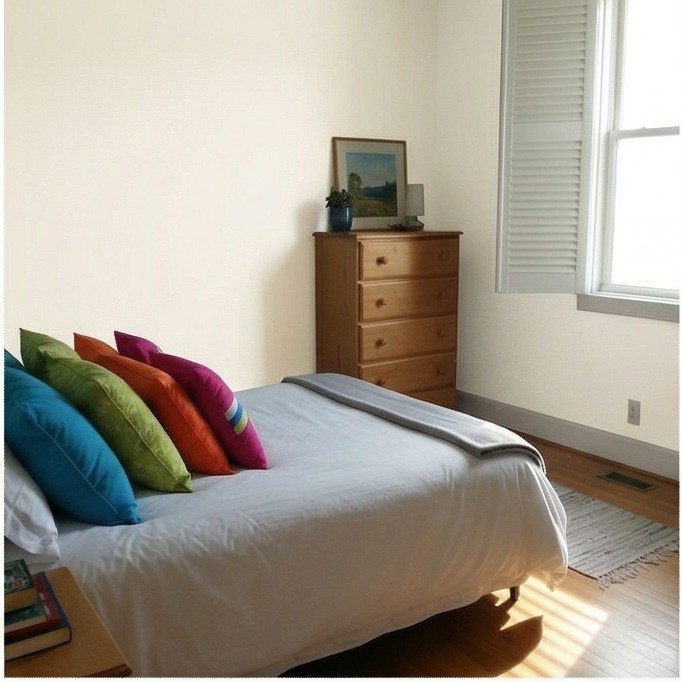
After
Select Mode
Wall Colors mode generates 9 color variations simultaneously, letting you compare options side by side without any manual editing.
Upload Your Room
Upload a photo of your guest bedroom. Rooms with clearly visible walls and good lighting produce the best color previews.
Configure Options
The tool automatically applies 9 curated colors: white, cream, tan, sage, light blue, blush, terracotta, navy, and charcoal.
Generate
Click Generate and the AI will create 9 versions of your room, each with a different wall color applied realistically to match your room's lighting and shadows.
Your Result
🎨 Wall Color Examples
Frequently Asked Questions
Can I try wall colors other than the 9 preset options?
Yes. The 9 presets are curated starting points, but in the app you can type any color you want — specific paint brand names, hex codes, or color descriptions — and the AI will visualize it on your room.
Does the wall color tool change furniture or decor colors too?
No. The AI specifically targets wall surfaces while preserving furniture, bedding, artwork, and other room elements exactly as they appear in your original photo.
How accurate are the previewed wall colors compared to real paint?
The AI provides a realistic approximation of how each color will look considering your room's lighting conditions. For the most accurate match, we recommend comparing the preview with physical paint swatches under your room's actual lighting.
Related Examples
More Wall Colors Examples
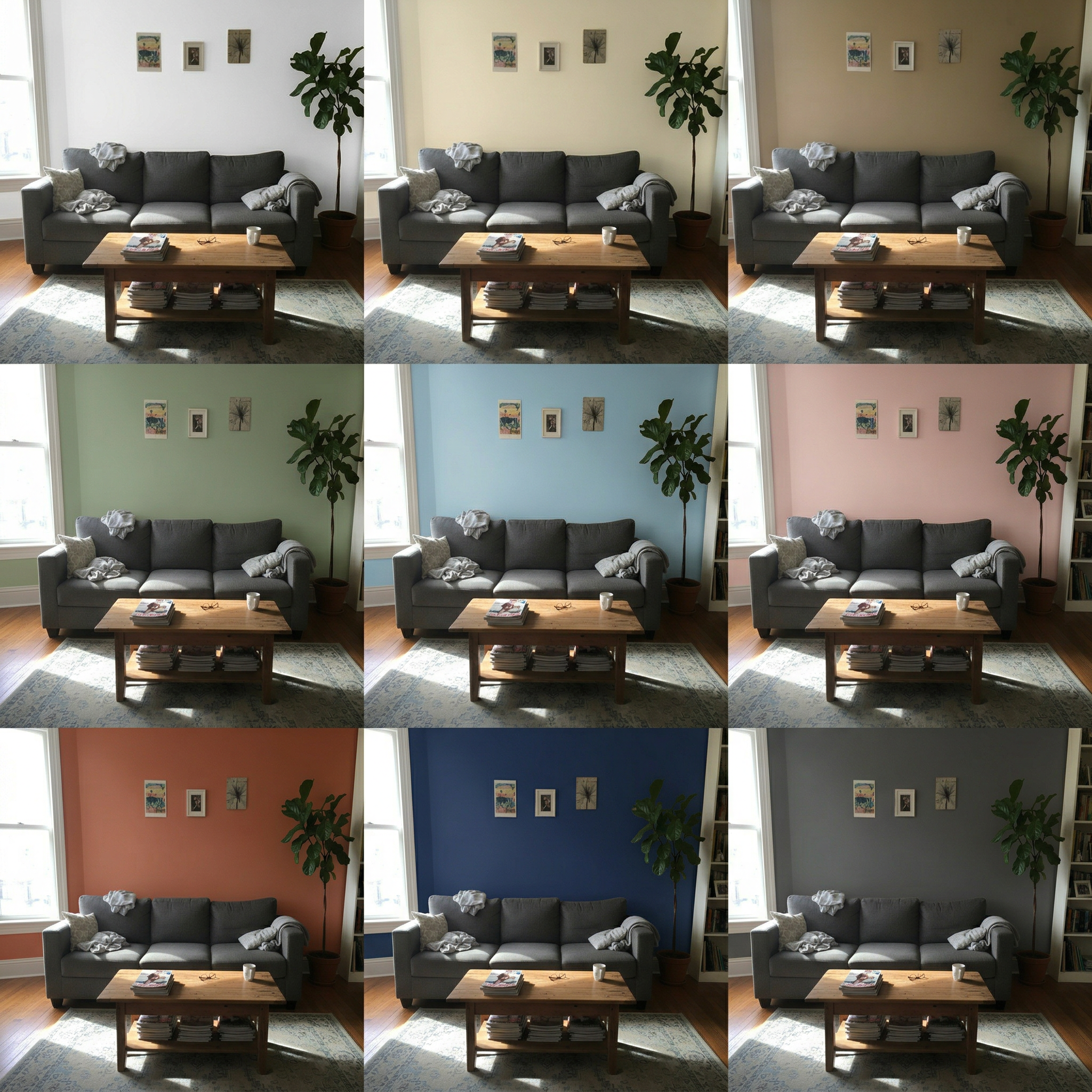
Living Room Wall Colors — 9 Paint Shades Previewed
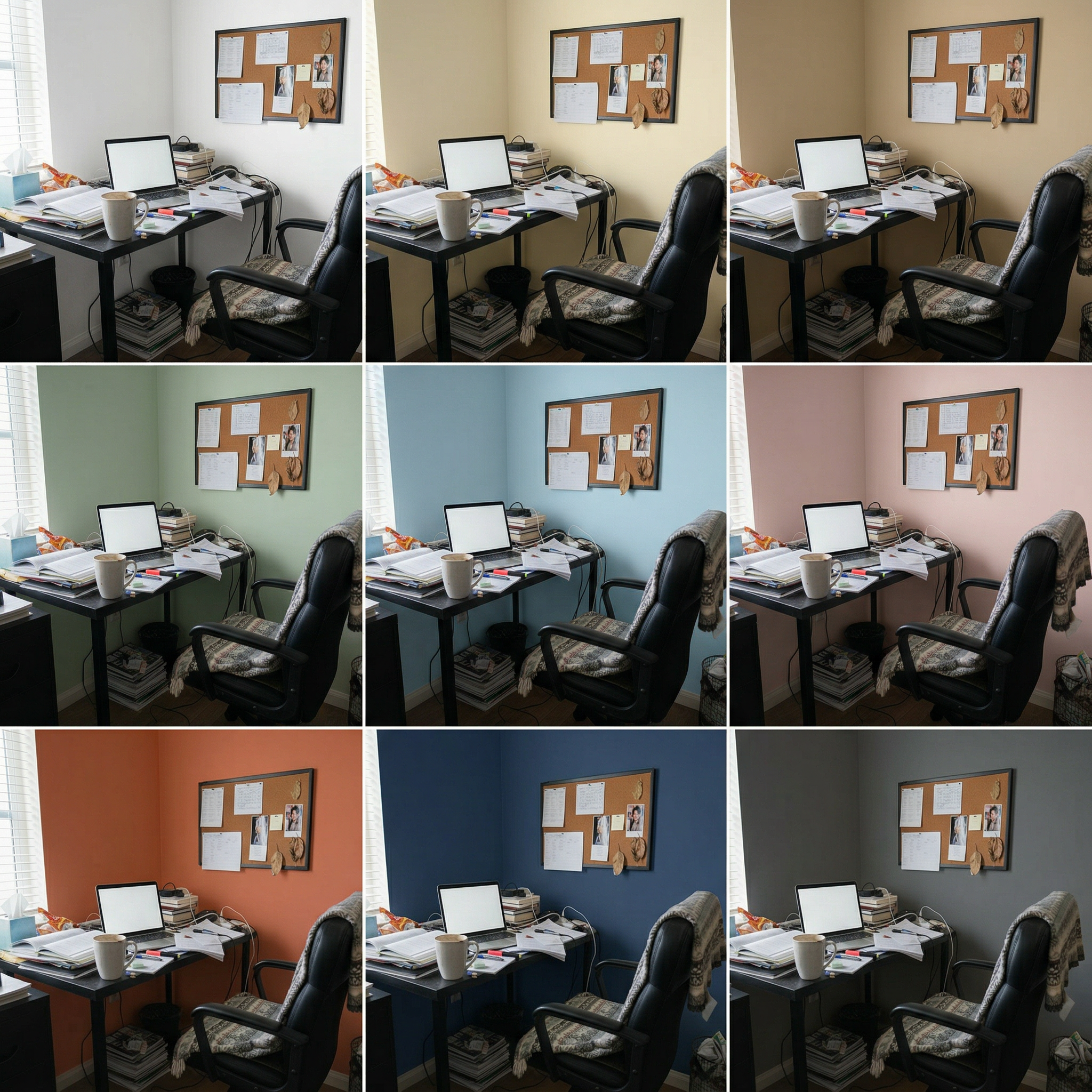
Home Office Wall Colors — 9 Paint Shades Previewed
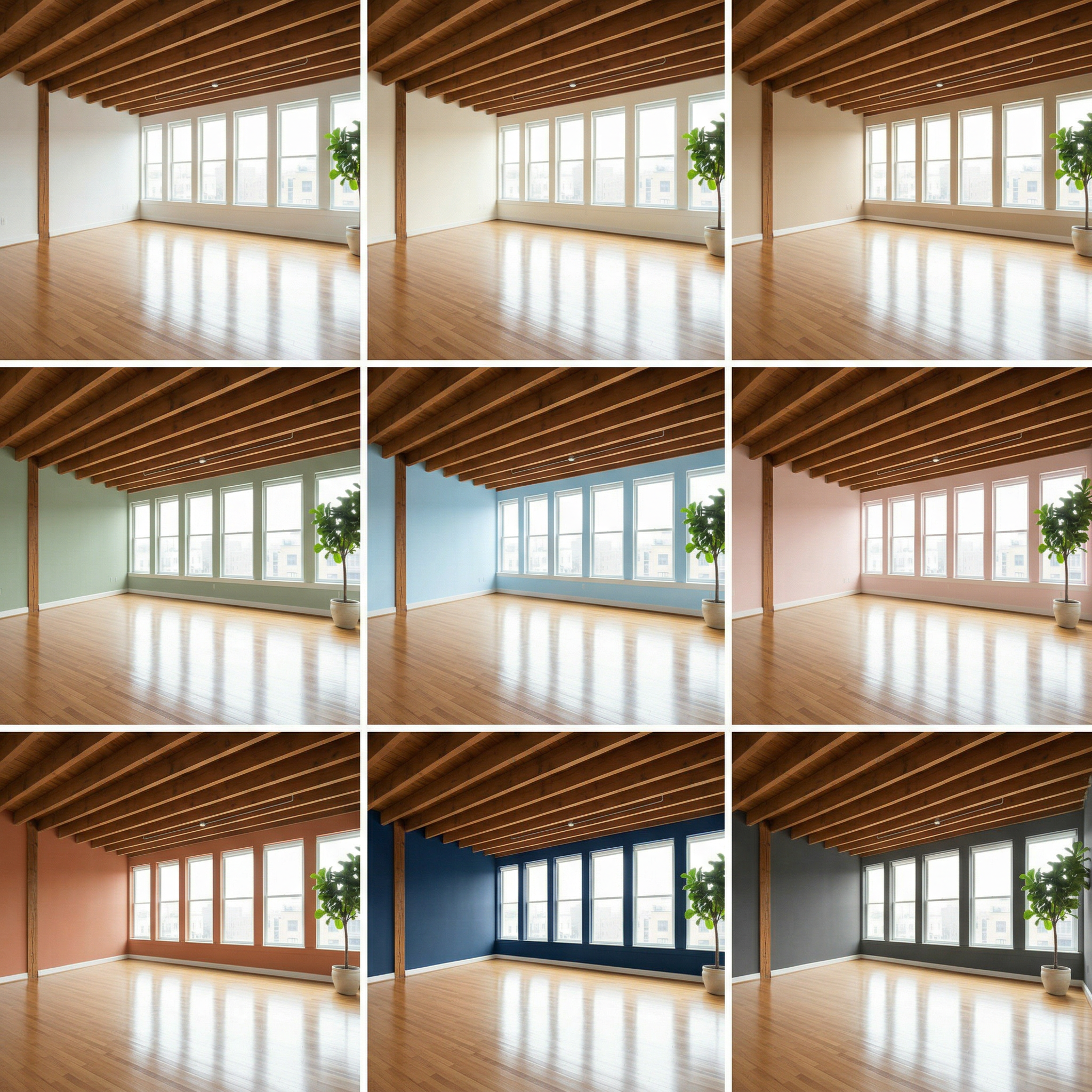
Empty Studio Wall Colors — 9 Paint Shades Previewed
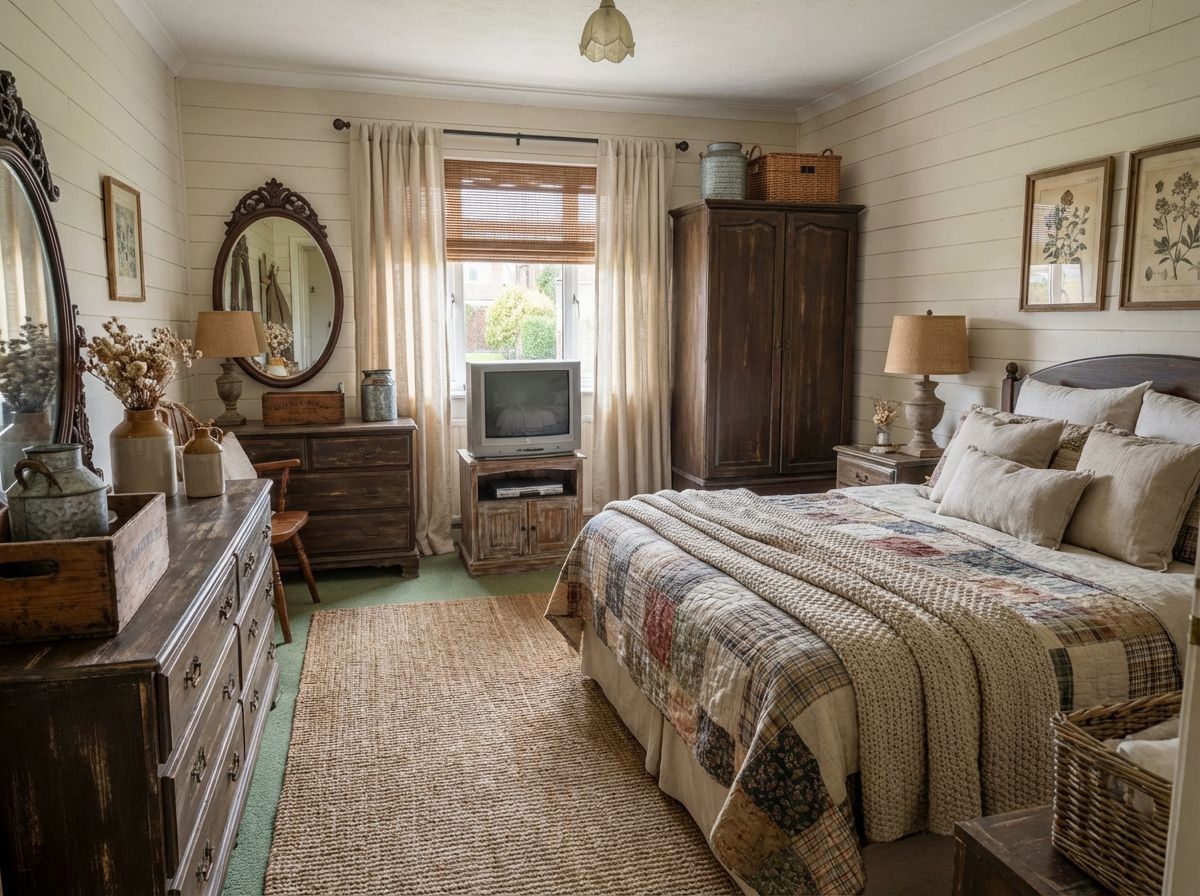
Give Your Bedroom a Modern Farmhouse Makeover
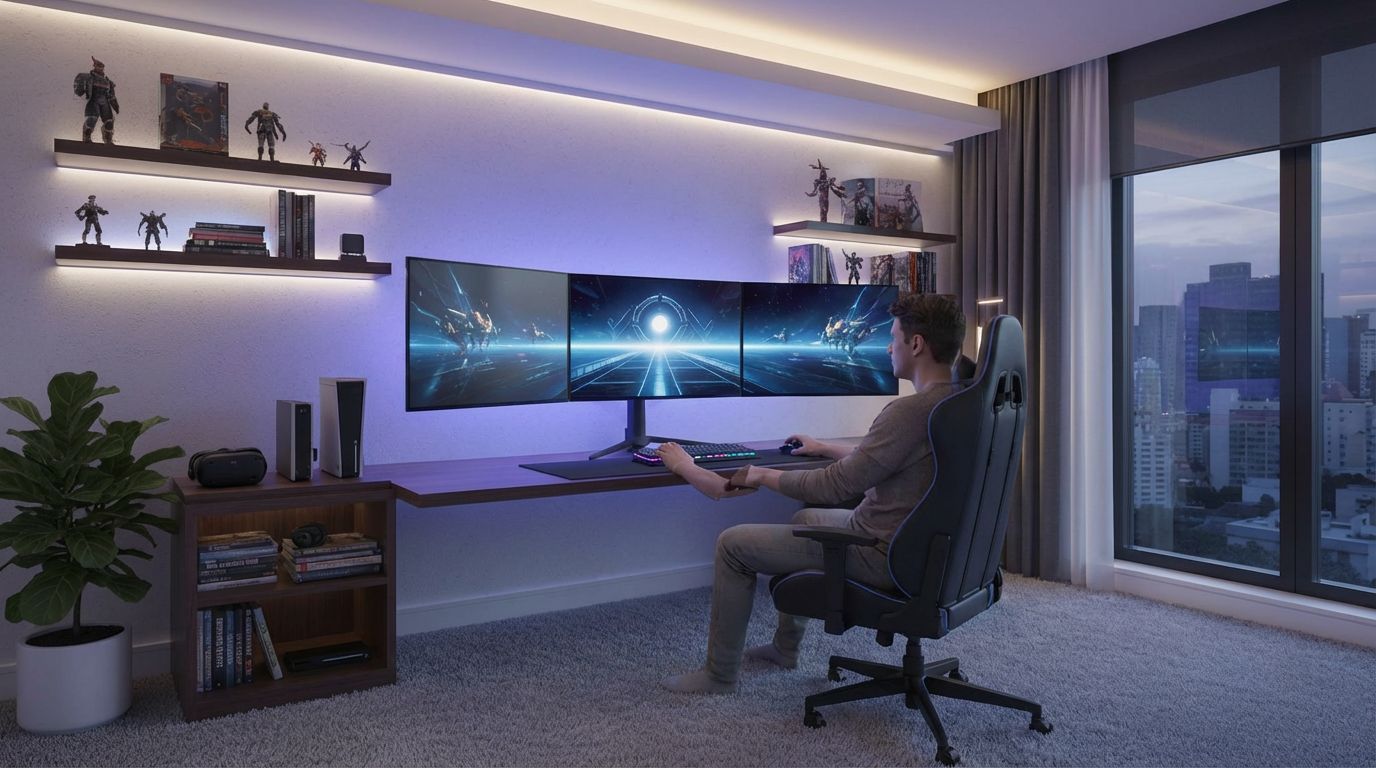
Add a Person Gaming to Your Setup Photo