Virtual Staging & Change Style

Remove Furniture from a Home Office

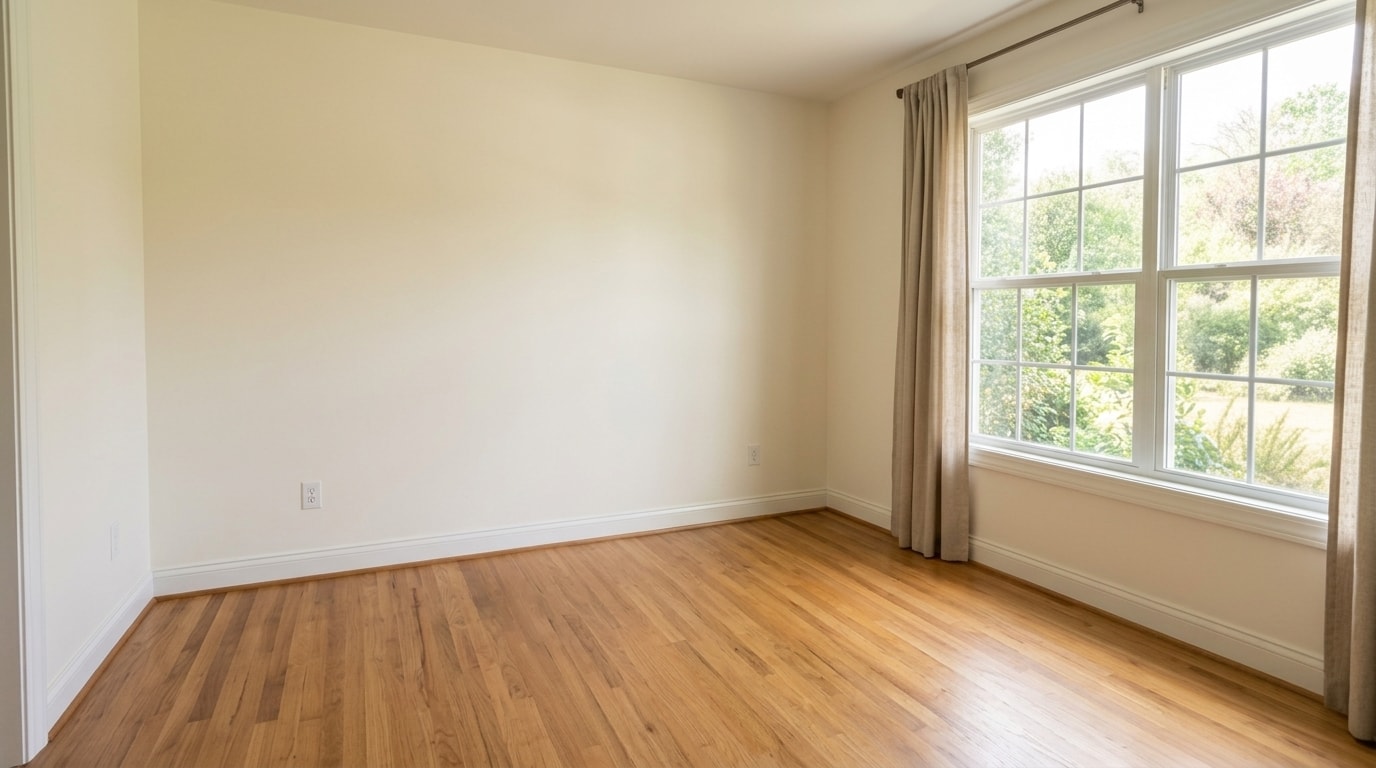
Clear a furnished office digitally to show the empty room, preserving windows, floors, walls, trim, and natural light.

Inputs Used
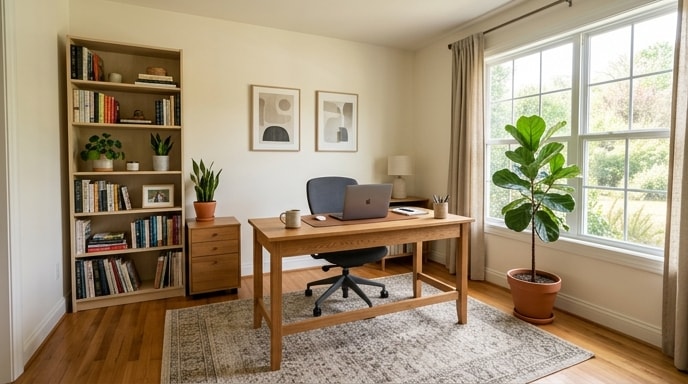
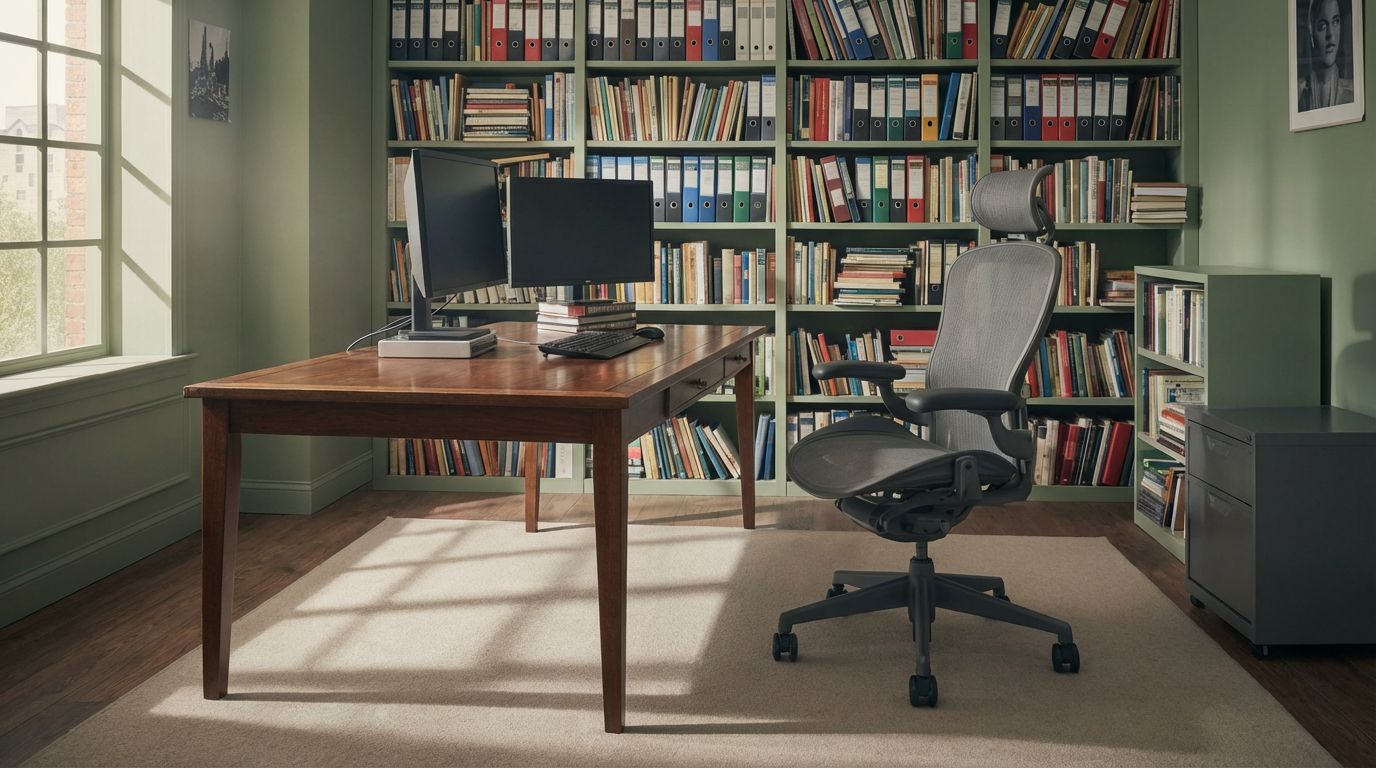
Original Room Office - Original before Remove Furniture from a Home Office
1
Before Office - Original before Remove Furniture from a Home Office
After Office - AI transformation result: Remove Furniture from a Home Office

Ready to transform your room?

Office - Original before Remove Furniture from a Home Office Original
Office - AI transformation result: Remove Furniture from a Home Office Result

How to Recreate This

Ready to transform your room with this style? Here's how to recreate this look using RoomLab.

✨ What You'll Achieve

Office - Original before Remove Furniture from a Home Office Original Room
Office - AI transformation result: Remove Furniture from a Home Office After
1

Select Mode

Choose the Redesign card from the mode grid.

📱 Choose Your Mode
Stage & Style
Declutter RoomRemove clutter from the room
Empty RoomRemove all furniture
Change StyleRestyle the room
Virtual StagingAdd furniture to an empty room
Replace Furniture & Materials
Replace FurnitureSwap specific furniture pieces
Replace MaterialChange walls, floors, or surfaces
Architectural Render
Interior Architectural RenderIndoor photorealistic render
Exterior Architectural RenderOutdoor photorealistic render
Custom PromptUse your own images and prompts
Wall ColorsCompare 9 wall paint colors at once
VideoGenerate a video from your room photo
2

Upload Your Room

Upload the room photo you want to transform.

📱 Upload Your Room
Room uploaded
3

Configure Options

Select your desired interior design style from the options.

📱 Adjust Options
4

Generate

Click Generate and wait for your AI-transformed result!

📱 Generate

Your Result

🎯 Try the Result

Drag the slider to compare before and after!

Office - AI transformation result: Remove Furniture from a Home Office
Office - Original before Remove Furniture from a Home Office
Before
After