Best AI Virtual Staging Software in 2026 (Ranked and Compared)
The short answer: the best AI virtual staging software in 2026 for most people is RoomLab.app. It's the only tool on this list that empties a cluttered room and re-stages it in the same workspace. It also generates an AI video that shows the empty-to-staged transition itself, not just a before-and-after still. The six alternatives below are all real, active products, and each wins at a specific job. We'll say where.
Staging is no longer optional in most listings, and AI has made it cheap. AI virtual staging now costs roughly $0.03 per photo. Older manual virtual-staging services run $10 to $50 per photo, and physical staging can reach up to $2,800 per listing (NAR Styled, Staged & Sold, 2026). That price collapse is why there are now dozens of apps promising to furnish an empty room in seconds. Not all of them do the same job, and not all of them are even AI.
We build one of these tools (RoomLab.app), so treat this as a biased-but-informed guide. We researched each product below directly on its own pricing and product pages. We judged each one on what it actually lets you do, what the free tier really includes, and what serious use costs, then ranked it. RoomLab.app sits at number one for a specific reason we explain below, not just because it's ours.
Key takeaways
- RoomLab.app wins on breadth: it's the only tool here that empties a room, stages it and generates an AI video of that transition, from a $15 one-time pack.
- AI staging is dramatically cheaper than the alternatives: roughly $0.03 per photo versus $10 to $50 for manual virtual staging and up to $2,800 for physical staging (NAR, 2026).
- Staging works, however you do it: 83% of buyers' agents say it helps buyers visualize a home, and 91% of stagers stage the living room first (NAR 2025 Profile of Home Staging).
- Pick by workflow, not hype: agents staging dozens of listings a week need different tools than a homeowner testing one room. Match the tool to the job below.

How did we pick these AI virtual staging tools?
We started from a longer list and kept the products a working agent or homeowner would actually reach for. We judged each one on four questions:
- Is it actually AI? Some "virtual staging" services use a human editor behind the scenes. We say so plainly where that's the case.
- What can it stage, beyond adding a sofa? Emptying a cluttered room, swapping styles, batch-processing a whole listing and generating video are what separate a real toolkit from a one-trick app.
- What does the free tier really give you? That ranges from a handful of watermarked generations to nothing at all.
- What does serious, weekly use cost? Entry price, and whether you're locked into a subscription or paying per photo.
Full disclosure: RoomLab.app is our product, so we're not a neutral referee. No tool on this list paid for placement. Prices below are entry-level plans as of August 2026 and change often, so verify current pricing directly with each vendor before you buy.
The best AI virtual staging software at a glance
| Tool | Best for | Free tier | From | Standout strength |
|---|---|---|---|---|
| RoomLab.app #1 | Empty, stage and animate the change | Free trial credits, no card | $15 one-time / $20 mo | Empty-to-staged AI video transitions |
| VirtualStagingAI | Cheap, fast per-photo staging | No free tier confirmed | $16/mo (6 photos) | ~10-second staging, now backed by Zillow Group |
| Stager AI | Mobile agents wanting staging plus editing | Not confirmed | See vendor site | iOS/Android apps, staging plus floor-plan renders |
| Collov AI | Teams wanting a full listing-media suite | 5 watermarked generations | $19/mo (60 credits) | Conversational AI Chat Edit, bundled tours |
| ApplyDesign | Pay-as-you-go, hands-on control | No free tier confirmed | ~$10.50/image | Drag-and-drop placement, 360° panorama staging |
| REimagine Home | Designs tied to real, buyable furniture | 5 free designs, no card | $14/mo | Credit-free chat refinement before you spend |
| BoxBrownie | Designer-level polish, human-edited | None | ~$24 to $32/image | Real human editors, not AI |
What are the 7 best AI virtual staging tools?
1. RoomLab.app: the only tool that stages AND animates the change
Most virtual staging apps do one thing: add furniture to an empty photo. RoomLab.app does the full job. In the same workspace you can stage an empty room or empty a cluttered one, swap individual furniture and materials, and redesign the whole style. You can also turn a sketch or 3D model into a photoreal render, preview wall paint, and upscale the result to 4K. It's built on modern generative models, including Google's Gemini, as part of its rendering pipeline.
The part nothing else on this list does: AI video. Give RoomLab.app a start frame and an end frame, an empty room and the staged version of the same room, and it generates the transition between them. A static staged photo shows a buyer what a room could look like. A clip that shows the room filling with furniture in real time is what actually stops the scroll on a listing or a social post. For a deeper look at the cost and ROI case for staging in general, see our guide to AI virtual staging for real estate.
Pricing: free trial credits, no card required. Paid plans start at a one-time $15 pack, or $20/month for the Pro plan (400 credits, roughly 40 images or 8 videos). Best for: agents and homeowners who want staging, de-cluttering and a shareable before-and-after video from one tool. Trade-off: it's a creative visualization tool, not a bulk-upload pipeline built for 50 listings an hour; ApplyDesign and Stager AI lean harder into that specific workflow.
2. VirtualStagingAI: cheap, fast, and now backed by Zillow
VirtualStagingAI (virtualstagingai.app) stages a room in about 10 seconds. Upload a photo, pick a room type and style, and it also handles furniture removal in the same pipeline. Worth knowing: Zillow Group acquired the company in October 2024 (Zillow Group, 2024). It's no longer an independent startup, though the standalone app still runs on its own pricing. Plans start at $16/month for 6 photos, scaling to $79/month for 150 photos with API access. There's no meaningful free tier, only a limited trial.
Best for: individual agents or photographers who want the cheapest per-photo AI staging and don't need extra tools. Trade-off: some reviewers report inconsistent furniture placement across different angles of the same room, and it's staging-only, with no video or redesign features.
3. Stager AI: an all-in-one mobile toolkit
Stager AI stages a room in about 15 seconds. It also bundles a wider photo-editing kit: HDR merging, object removal, sky and lawn replacement, day-to-dusk conversion, and a floor-plan-to-3D-render tool, plus native iOS and Android apps. That breadth makes it closer to a full listing-photo studio than a single-purpose stager. We couldn't confirm exact pricing tiers on the vendor's own pricing page at the time of writing, so check stagerai.com directly for current rates.
Best for: agents who want staging, general photo editing and video in one mobile-friendly app. Trade-off: published pricing is hard to pin down. Marketing claims about buyer interest and sale speed on its homepage don't cite a source, so we're not repeating them here.
4. Collov AI: a full listing-media suite, not just staging
Collov AI pairs staging with a broader set of listing tools. It includes conversational AI Chat Edit for refining a design by describing changes, material overlays, day-to-dusk and seasonal effects, and on higher tiers, AI-generated virtual tours and 360° panoramas. Standard starts at $19/month for 60 credits, with a 5-generation watermarked trial. Reviews are mixed: several 2026 reports describe edits as hit-or-miss, with some structural changes the user didn't ask for.
Best for: teams that want staging bundled with virtual tours and listing copy in one subscription. Trade-off: results can be inconsistent, and the higher tiers that unlock the full feature set cost more than most single-purpose competitors.
5. ApplyDesign: pay-per-use with manual control
ApplyDesign stands out for its drag-and-drop editor, which lets you place furniture by hand instead of accepting a single AI-generated layout. It also adds automatic decluttering, a large furniture catalog, and 360° panorama staging, a format few competitors handle. Pricing is coin-based and pay-per-use rather than a flat subscription, with AI staging from roughly $10.50 per image.
Best for: agents with unpredictable monthly volume who want more manual control over furniture placement than a one-click tool gives. Trade-off: per-image pricing adds up fast at high volume, and some reviewers report unsolicited follow-up marketing after a single use.
6. REimagine Home: designs tied to real, buyable furniture
REimagine Home's staging suggestions link to actual, purchasable products rather than generic AI-generated furniture. That's useful when a buyer or client asks "where's that sofa from?" Its conversational flow lets you refine a design by chatting before you spend any credits on a final render. The free tier gives 5 designs with no card required; paid plans start at $14/month for basic staging, moving to $49/month to unlock the conversational, real-product features.
Best for: agents or designers who want to show clients real, shoppable furniture. Trade-off: it can't visualize a room that doesn't exist yet in a photo, so it's no help for new construction. Results also depend heavily on a clear, well-lit source image.
7. BoxBrownie: the human-edited alternative
BoxBrownie deserves a place on this list with one clear caveat: its virtual staging is done by human editors, not AI. If you want a designer's eye on every image, it's a legitimate option, alongside eight style choices and other photo-editing services. It costs far more per photo, roughly €30 (about $24 to $32) per image, with a 48-hour turnaround. Just don't expect the 10-to-15-second turnaround the AI tools above offer.
Best for: agents who prioritize designer polish over speed and don't mind the higher per-image cost. Trade-off: it's not AI software at all, turnaround can stretch during peak season, and quality varies with whichever editor is assigned.
Which AI virtual staging tool should you choose?
Staging 30+ listings a week and want the cheapest possible per-photo cost? VirtualStagingAI is built for that throughput. Want hands-on control over furniture placement, or need 360° panorama staging? ApplyDesign is the right category. Selling to clients who'll ask where the furniture came from? REimagine Home's real-product matching solves that specifically. Want a human designer's touch and don't mind the wait and the cost? BoxBrownie is the traditional alternative.
But if you want one tool that handles the whole job, emptying a cluttered room, staging it, and generating a video that shows the transition itself, RoomLab.app is built for that specific gap. None of the staging-only tools cover it, and it starts free. If you also need redesign, not just staging, see our roundup of the best AI interior design tools.
Frequently asked questions
What is the best AI virtual staging software in 2026?
For most people, RoomLab.app offers the widest toolkit: it empties a room, stages it, and generates an AI video of the transition, starting with free trial credits. VirtualStagingAI, ApplyDesign and REimagine Home are strong picks if you only need staging at high volume, with manual control, or with real-product matching, respectively.
Is there a free AI virtual staging tool?
RoomLab.app and REimagine Home both offer free trial credits with no card required, and Collov AI gives 5 watermarked generations. None of the tools compared here offer unlimited free staging, since generating each image costs the provider compute.
Can AI virtual staging empty a room, not just furnish it?
Yes, but not every tool does both. RoomLab.app and VirtualStagingAI can both remove existing furniture and clutter as well as add new staging. That matters for occupied listings, where you often need to clear the current owner's furniture before showing a staged version.
Does virtual staging actually help sell a home?
Yes. In the NAR 2025 Profile of Home Staging, 83% of buyers' agents said staging helps buyers visualize a home as their own. 49% of sellers' agents saw listings spend less time on market, and 29% reported a 1% to 10% price lift (NAR, 2025). AI virtual staging delivers that same effect at a fraction of physical staging's cost.
Can I use AI virtual staging for Airbnb or rental photos?
Yes. The same staging tools used for sale listings work for rental and short-term-stay photos. RoomLab.app's redesign and staging features apply to any interior photo, so hosts use it to show a room furnished in a specific style before booking photos are taken.
Want to see it for yourself? Browse real before-and-after examples or jump straight into the workspace.
Sources
- National Association of Realtors, "Generative AI Is Your Ally for Smart Staging, Faster Deals," Styled, Staged & Sold, retrieved 2026-08-07, nar.realtor
- National Association of Realtors, "NAR Report Reveals Home Staging Boosts Sale Prices and Reduces Time on Market," 2025 Profile of Home Staging, retrieved 2026-08-07, nar.realtor
- Zillow Group, "Zillow Group Acquires AI Company Offering Virtual Staging," retrieved 2026-08-07, zillow.com
Competitor pricing and features were checked directly on each vendor's official site and pricing page in August 2026 and change often; verify current details with the vendor before buying.
Ready to Transform Your Space?
Start creating stunning room transformations in minutes. Sign up and try it yourself!
More Articles
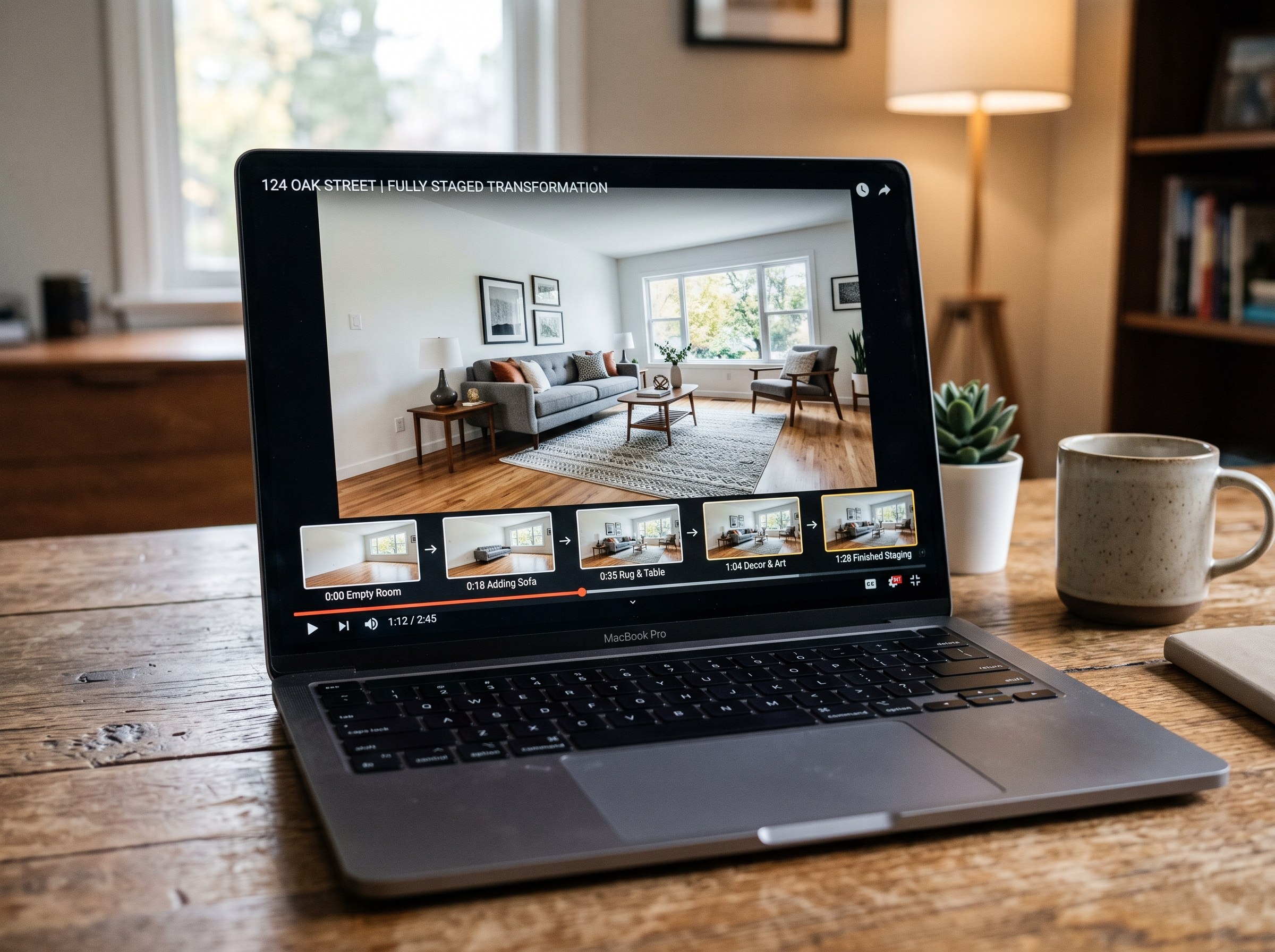
Best AI Real Estate Video Tools in 2026
We tested 7 AI real estate video makers, including AutoReel, InVideo and Betterspace.ai. RoomLab.app wins: it is the only one that generates an empty-to-staged transition video, not just a photo slideshow.
12 min read
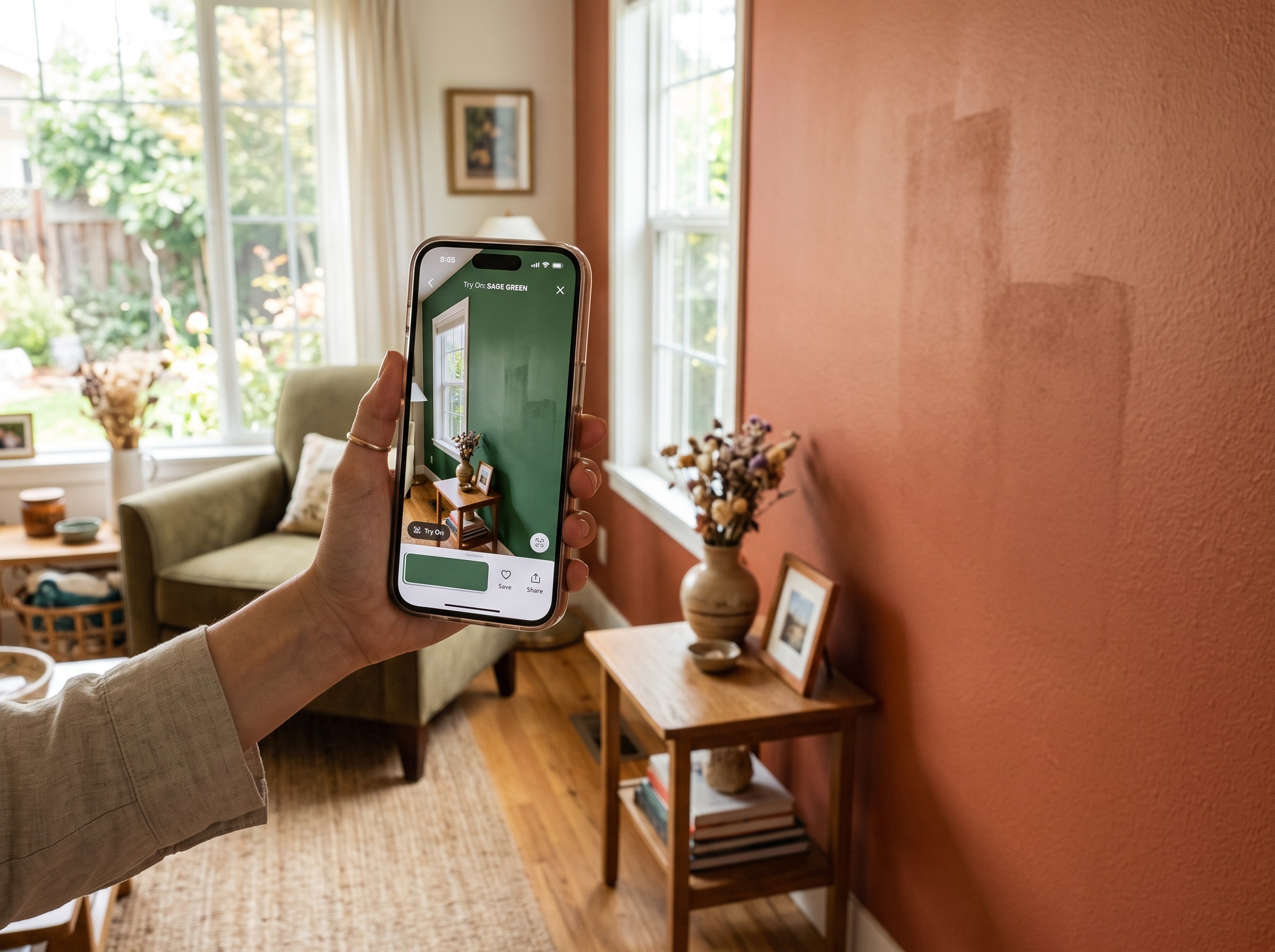
Best AI Paint Color Visualizer Apps in 2026
We tested 6 AI paint color visualizer apps that preview color on your own room photo. 15% of homeowners regret their paint color (Slickdeals 2023); RoomLab.app fixes that before you buy a gallon.
11 min read
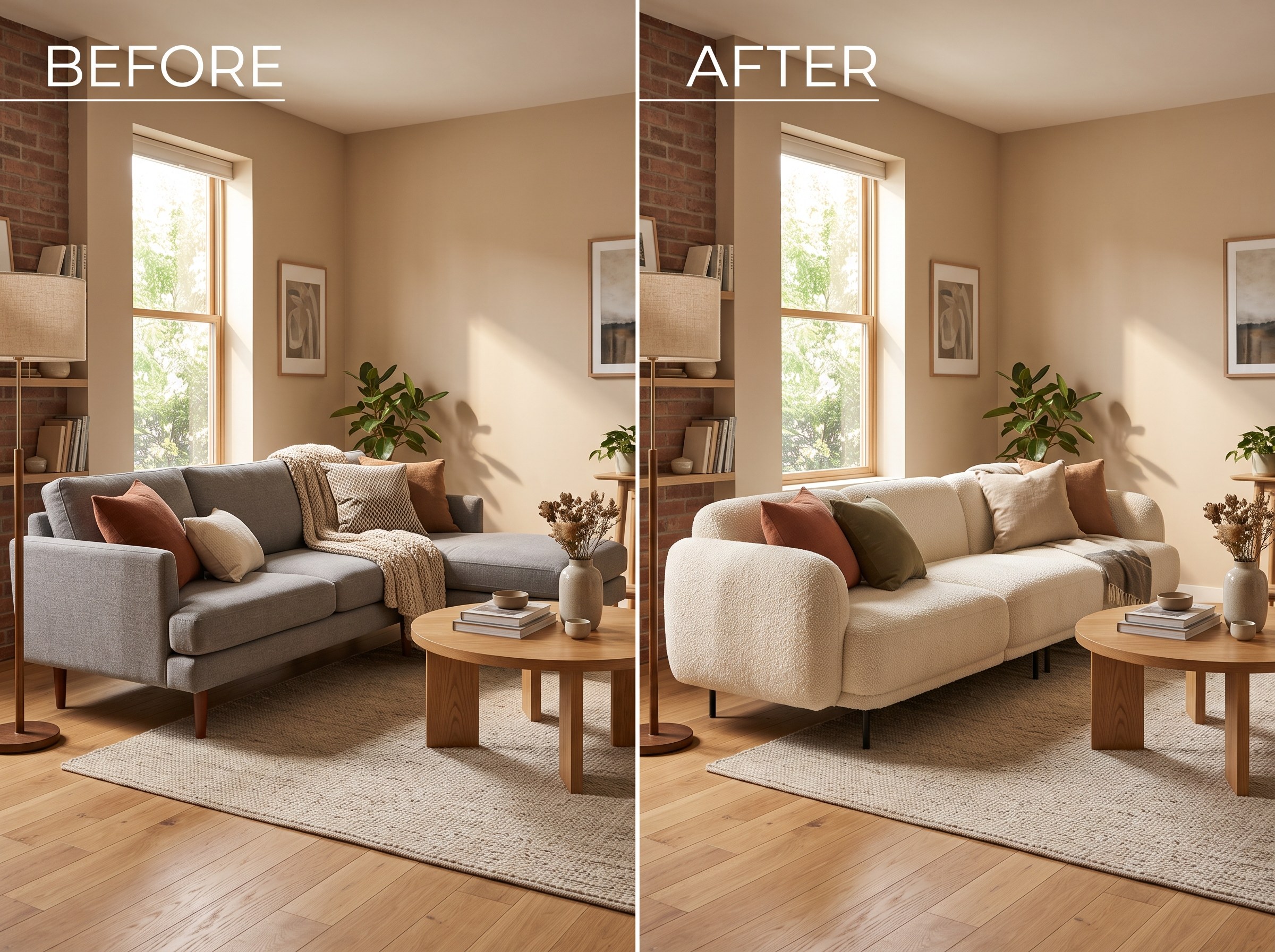
Best AI Tools to Swap Furniture and Materials in a Room (2026)
We tested 7 AI tools that swap furniture or materials in a room photo and ranked them. RoomLab.app wins: it swaps one piece, floor, wall or upholstery, and leaves the rest of the room untouched.
12 min read