Add a Person Reading in a Cozy Corner
Turn a dead corner into a cozy reading nook, complete with a person reading, soft warm lighting, and a plush armchair.
The Original Scene
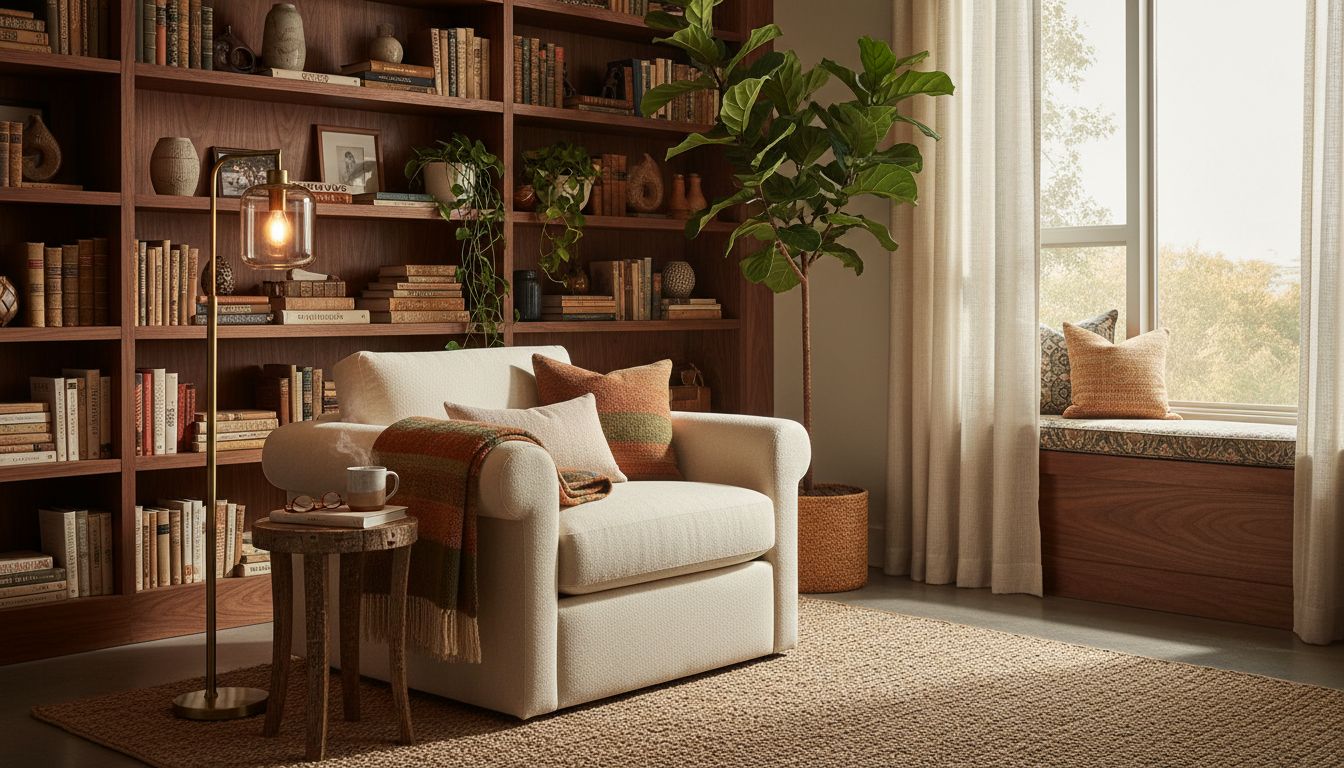
A beautifully designed reading nook tells a story, but a reading nook with someone curled up in it tells a much better one. This custom transformation takes a warm, inviting living room corner -- complete with a plush cream armchair, a floor-to-ceiling walnut bookcase packed with vintage books, a brass floor lamp, and a fiddle-leaf fig tree -- and adds a woman comfortably settled in the chair with a book in hand, bringing the scene from curated to lived-in.
The Custom Transformation
The original space is already rich with texture and warmth. Terracotta and rust-colored throw pillows accent the cream upholstery, a woven throw drapes casually over the armrest, and a small rustic side table holds a steaming cup of coffee and a pair of reading glasses. A window seat with cushions and a woven basket sit beside tall windows with sheer curtains that let in diffused natural light. Every element was designed to invite someone to sit down and stay awhile.
Creative Applications
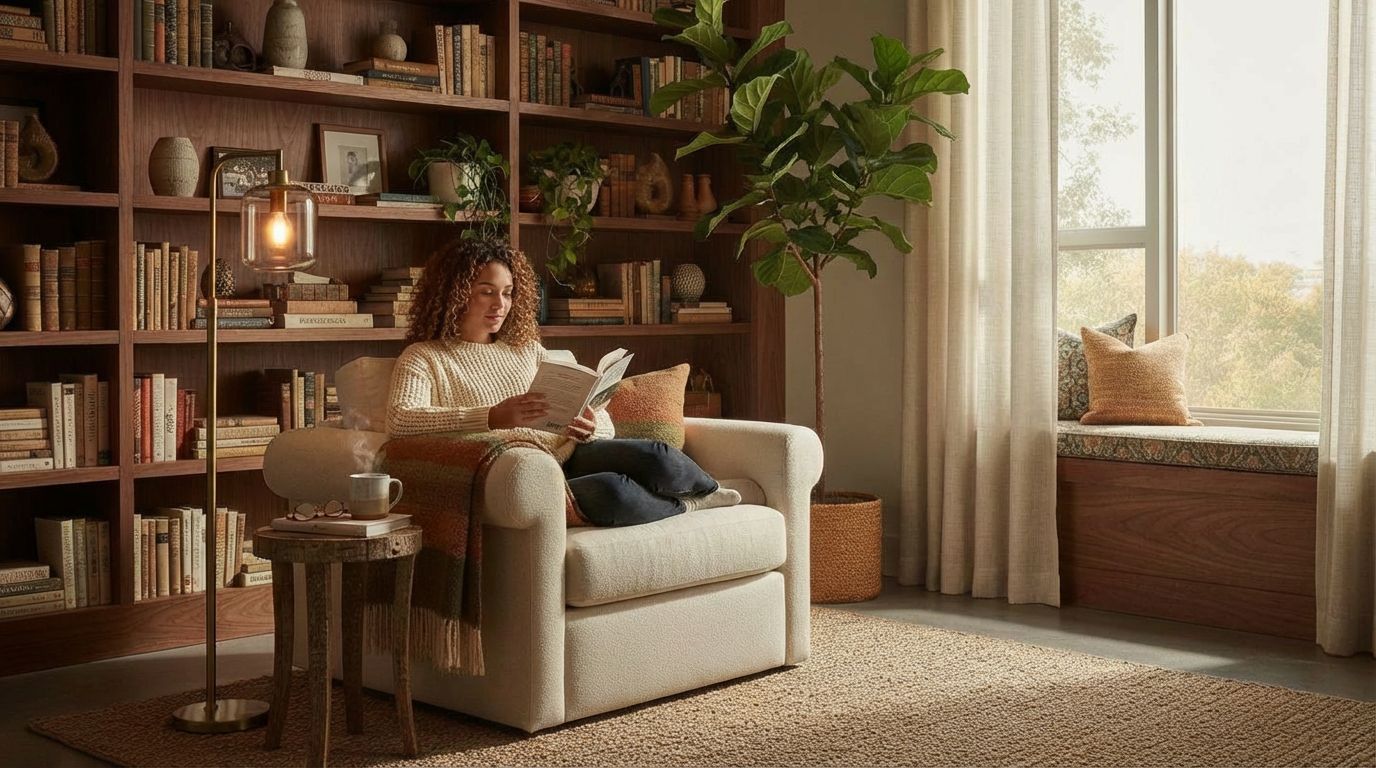
With a simple text prompt in Custom mode, the AI placed a woman with curly hair in a cream sweater and dark pants reading a book in the armchair. She fits naturally into the composition, with the throw blanket adjusted around her, the lighting on her matching the ambient warmth of the room. The bookshelf, plants, side table, and window seat remain completely undisturbed. This type of transformation is perfect for home decor brands, bookstore campaigns, or lifestyle blogs that want to show how a space is actually used rather than just how it looks.
Inputs Used
Custom Prompt Used
"Add a person sitting in the armchair reading a book."
Ready to transform your room?
How to Recreate This
Add a person reading comfortably in a cozy living room reading nook, transforming a styled space into an inviting lifestyle scene.
✨ What You'll Achieve
Original Room
After
Select Mode
Custom mode accepts any text prompt, making it ideal for adding human figures and activities to interior photos -- something style-based modes cannot do.
Upload Your Room
Upload your living room or reading nook photo showing the armchair, bookshelves, and ambient lighting you want to keep.
Configure Options
Include details about clothing, posture, and any interaction with existing objects like the throw blanket or side table to make the scene feel authentic.
Generate
The AI places a realistic figure reading in the armchair, matching the room's warm lighting and color palette, while leaving the bookcase, plants, and every decorative detail untouched.
Your Result
🎯 Try the Result
Drag the slider to compare before and after!
Frequently Asked Questions
Can I add a person reading a book to my room photo?
Yes. RoomLab's Custom mode allows you to describe any activity you want to see in your room. Simply upload your photo and write a prompt like 'a woman sitting in the armchair reading a book.' The AI will generate a realistic figure that matches the room's lighting and atmosphere.
How does Custom mode handle existing furniture and decor?
The AI preserves all existing elements in the room. In this example, the bookcase, throw pillows, floor lamp, fiddle-leaf fig, side table with coffee cup, and window seat all remain exactly as they were. Only the described additions -- the person and book -- are introduced.
What types of lifestyle scenes work best with Custom mode?
Scenes that show natural, everyday activities work exceptionally well: reading, cooking, working, relaxing, or entertaining. The key is writing a clear prompt that describes the person, their activity, and their position in the room. Cozy, well-lit spaces like this reading nook produce especially convincing results.
Custom AI Prompts
Explore landing.examples.ui.breadcrumbs.other Feature
Custom AI Prompts
Read the landing.examples.ui.breadcrumbs.other Tutorial
Related Examples
More landing.examples.ui.breadcrumbs.other Examples
Add Christmas Decorations to Your Room Photos
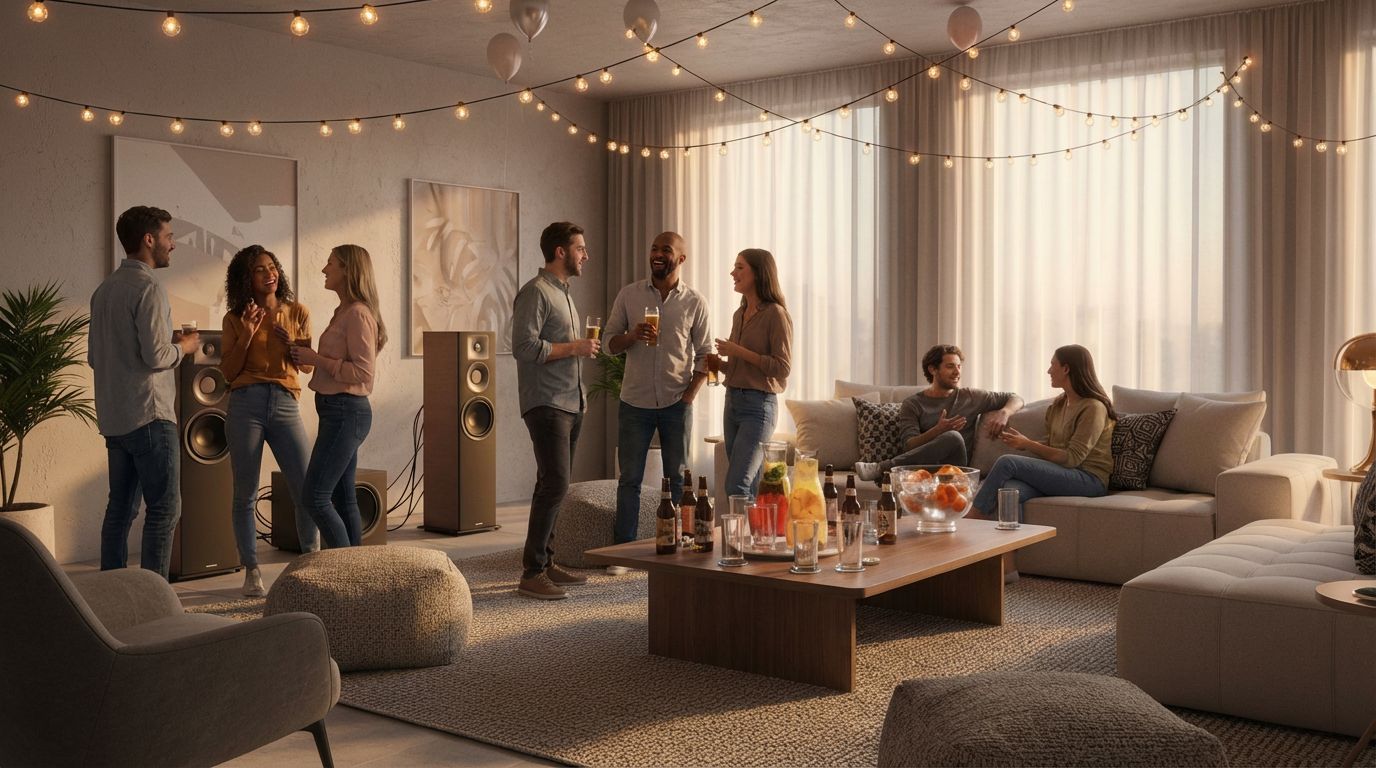
Add a Party Scene to Your Living Room Photo
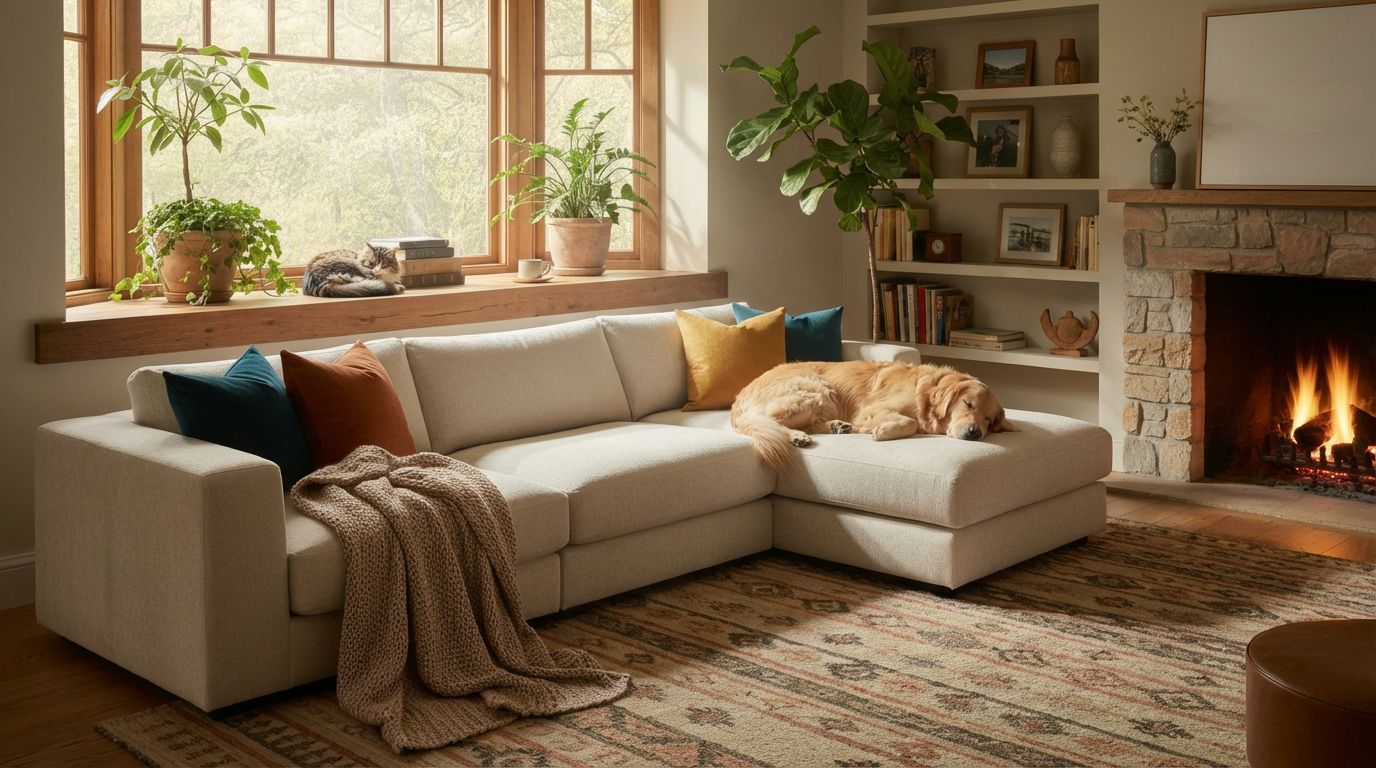
Add a Dog or Cat to Your Living Room Photo
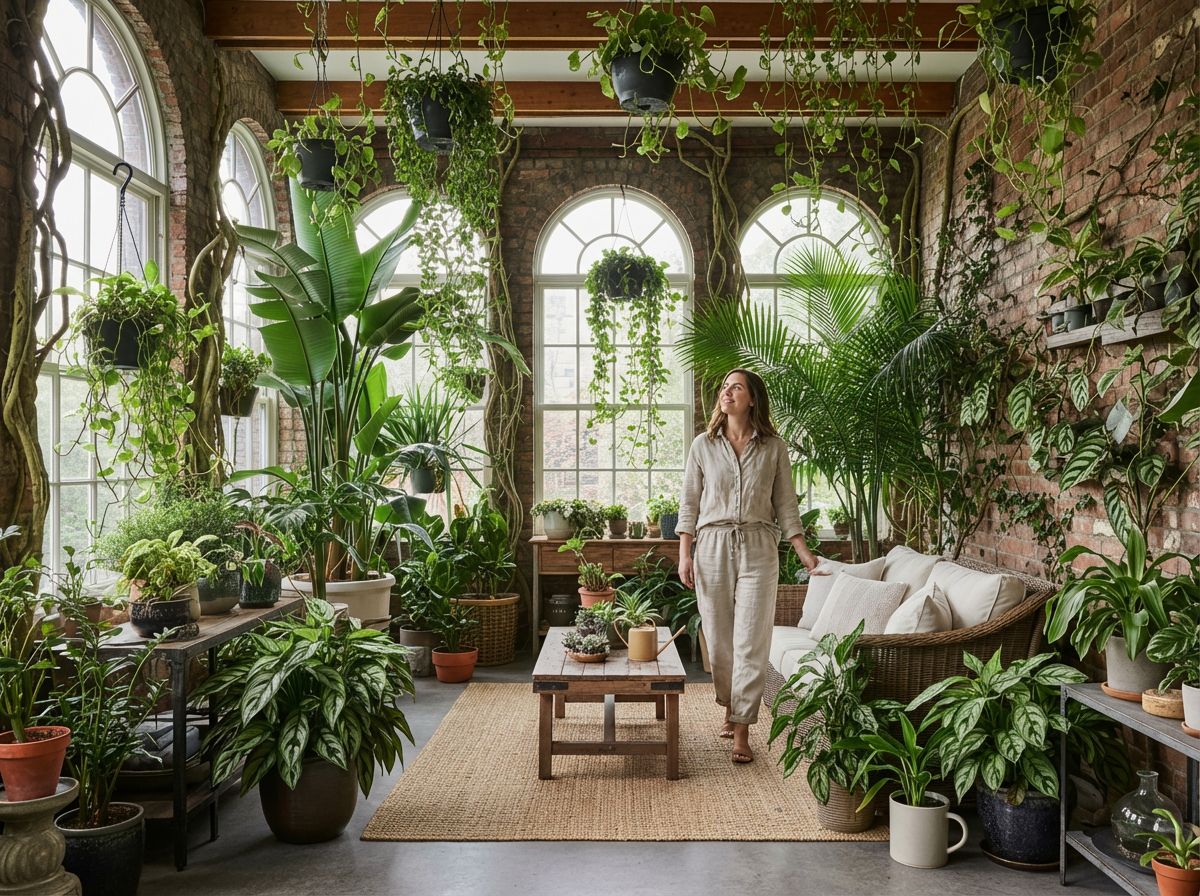
Add a Person to Your Plant-Filled Sunroom
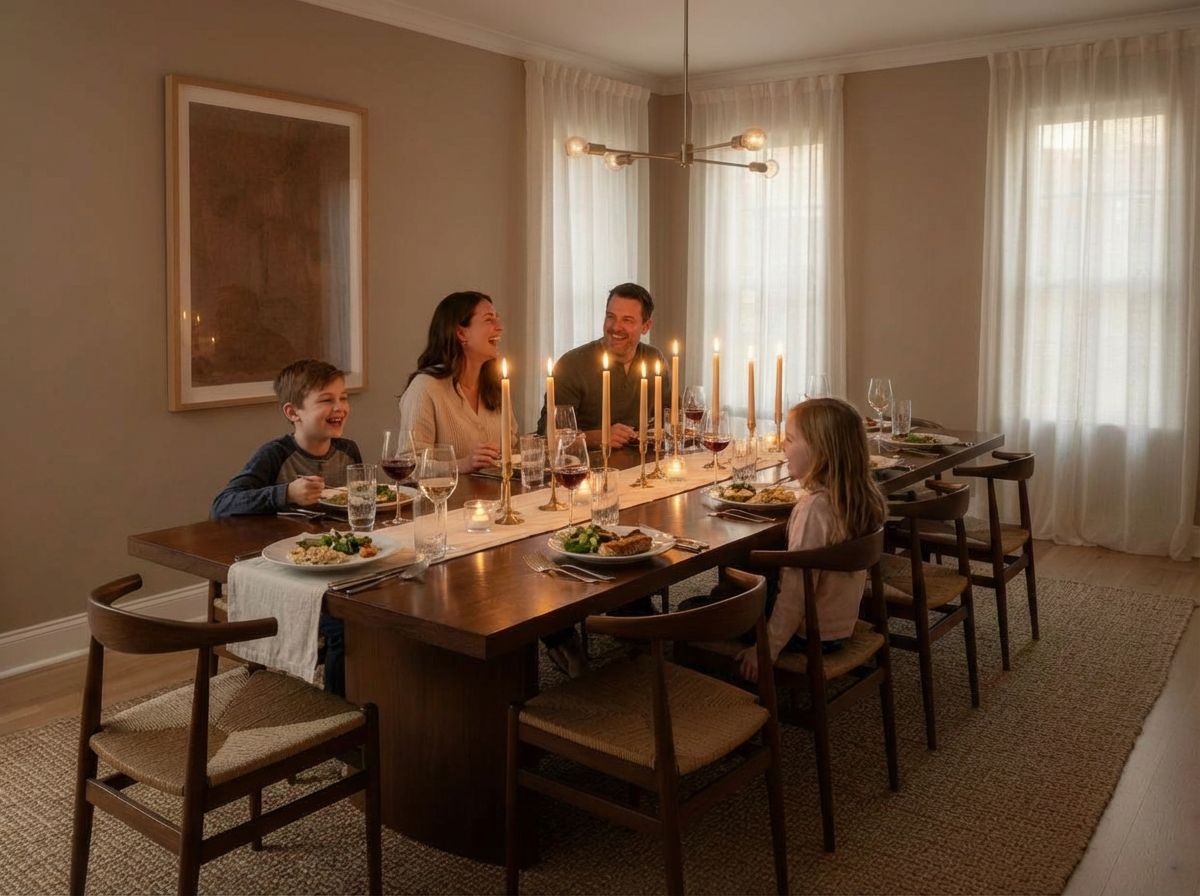
Add a Family Enjoying Dinner to Your Room Photo