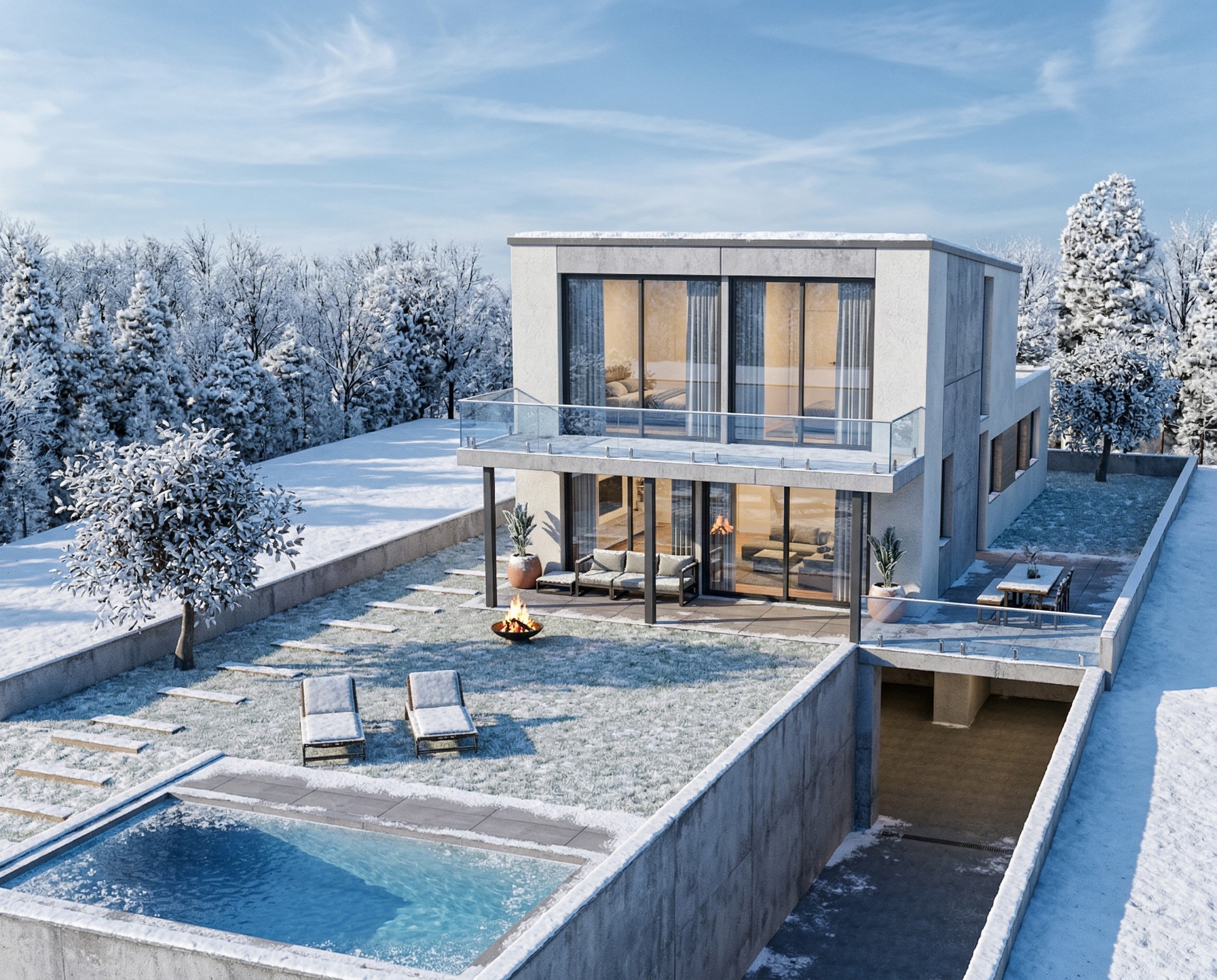
Transform Your House Model into a Winter Render
See a modern SketchUp house transformed into a photorealistic winter scene with snow using AI-powered 3D-to-render architectural visualization.
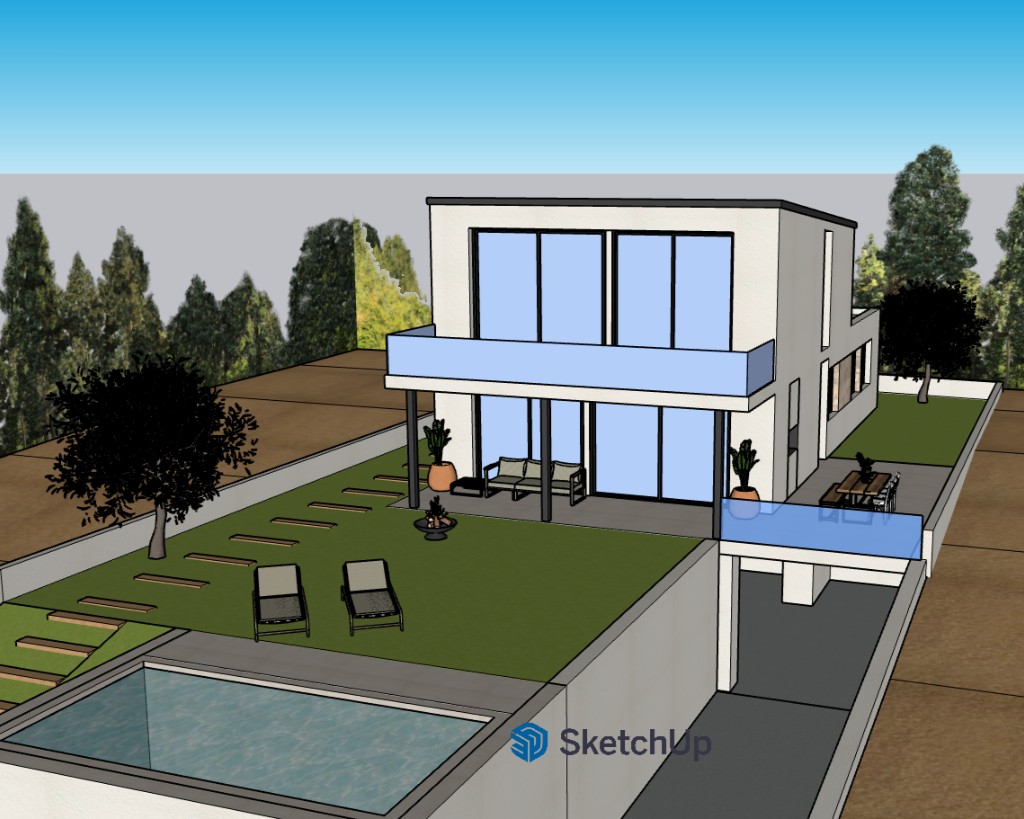
Inputs Used
Render Settings Used
Ready to transform your room?
How to Recreate This
Want to create photorealistic renders like this? Follow these steps to turn your 3D models into stunning visuals.
✨ What You'll Achieve
Original Room
After
Select Mode
Choose the Render card from the mode grid.
Upload Your Room
Upload a screenshot of your 3D model.
Configure Options
Choose Interior or Exterior, then configure time of day, season, and landscape settings.
Time of Day
Season
Landscape & Vegetation
Generate
Click Generate and wait for your AI-transformed result!
Your Result
🎯 Try the Result
Drag the slider to compare before and after!
3D to Photorealistic
Explore Render Feature
3D Exterior to Photorealistic
Read the Render Tutorial
Perfect For
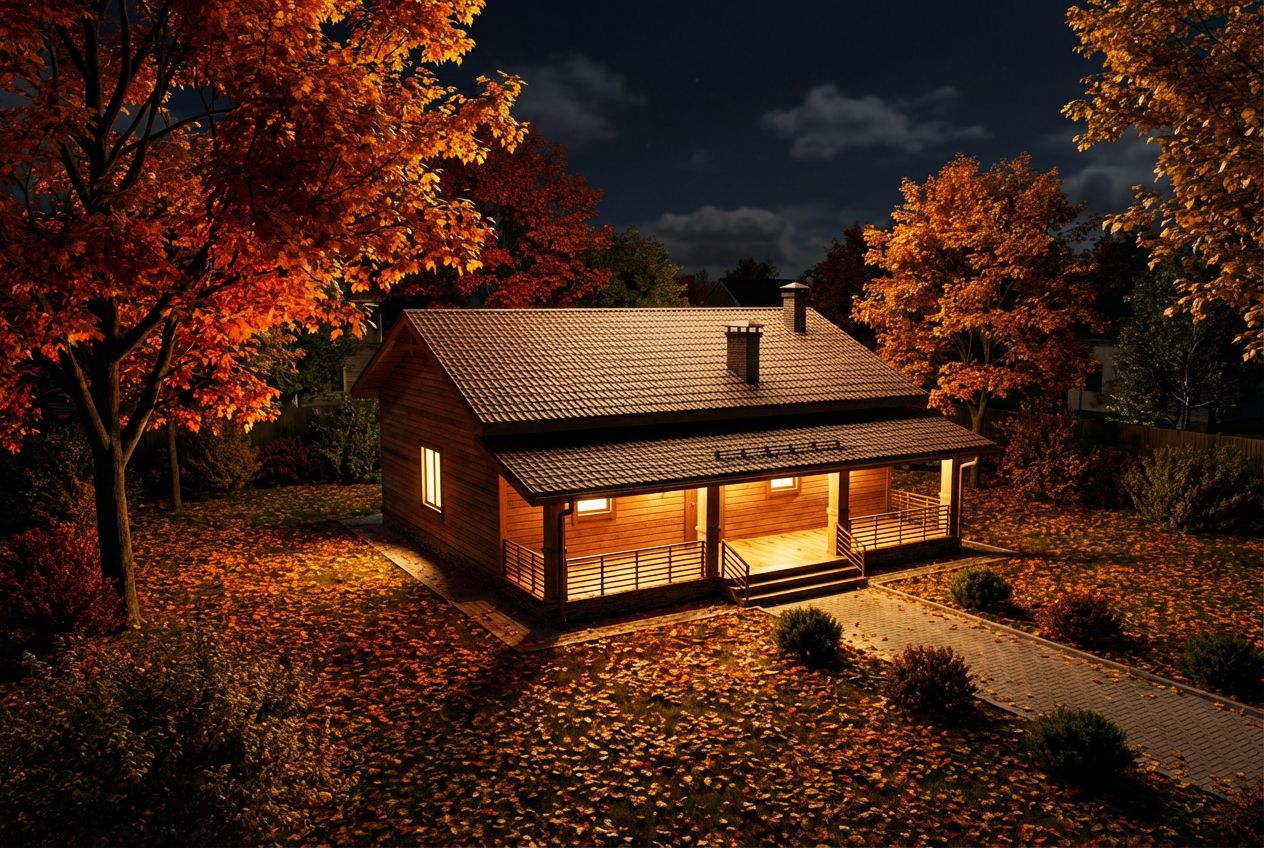
Related Examples
More Render Examples
Render Your House Exterior Model Photorealistically
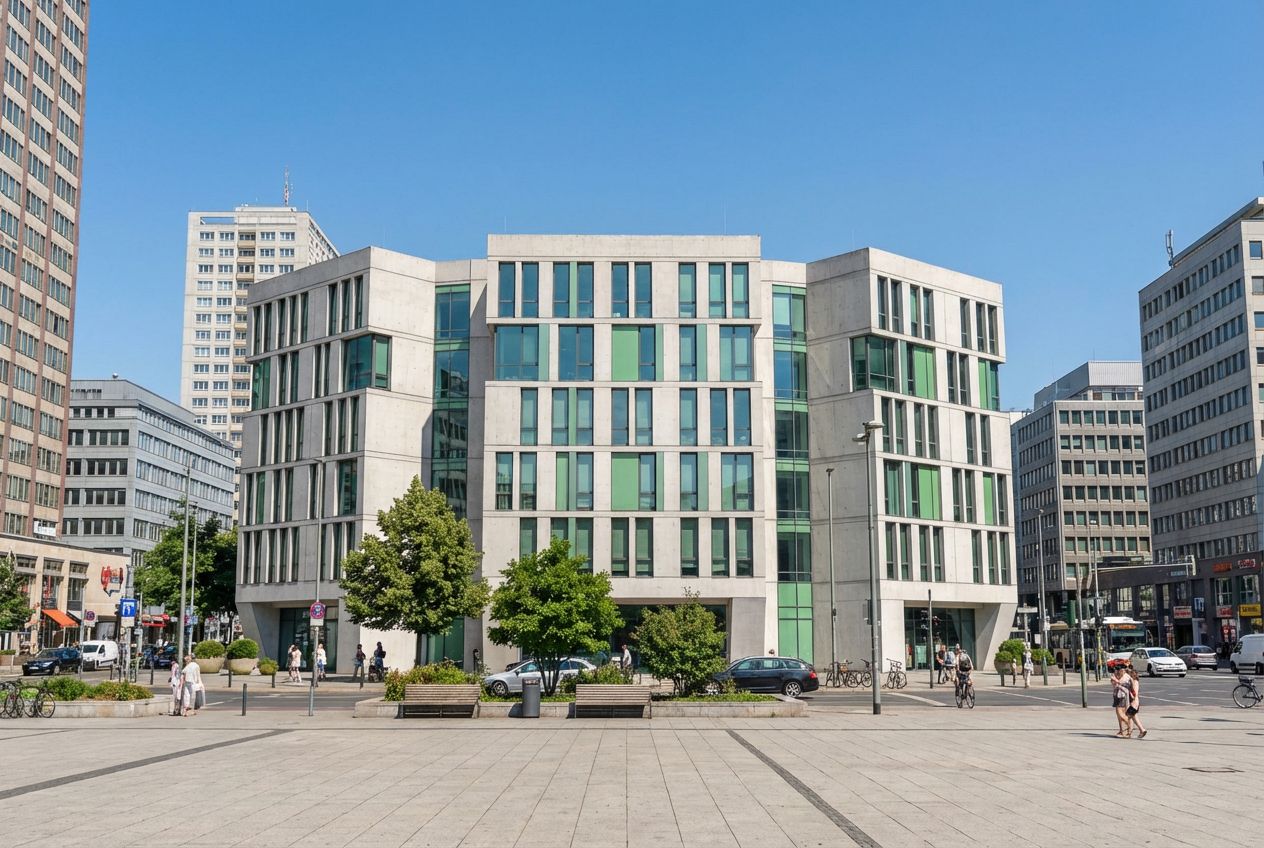
Turn Your Building Model into Marketing Visuals
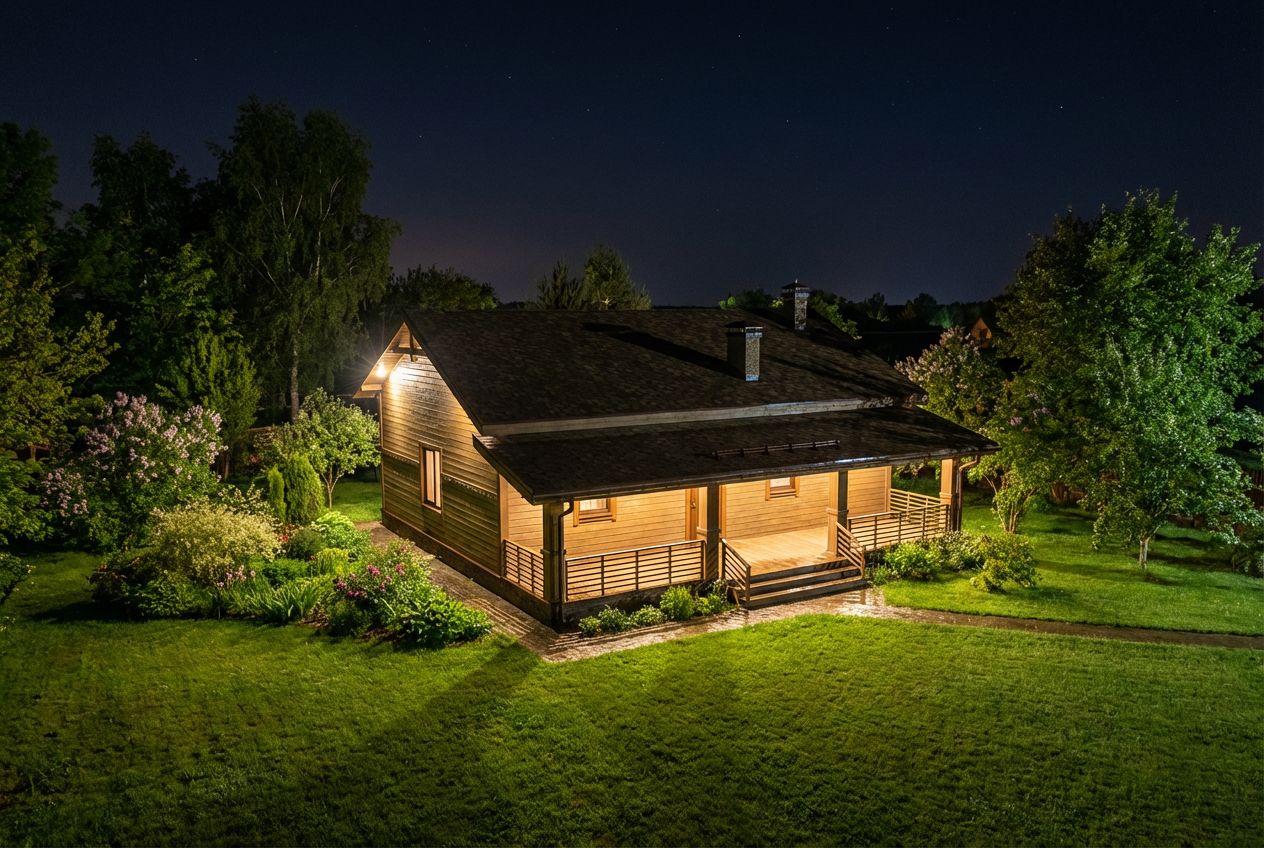
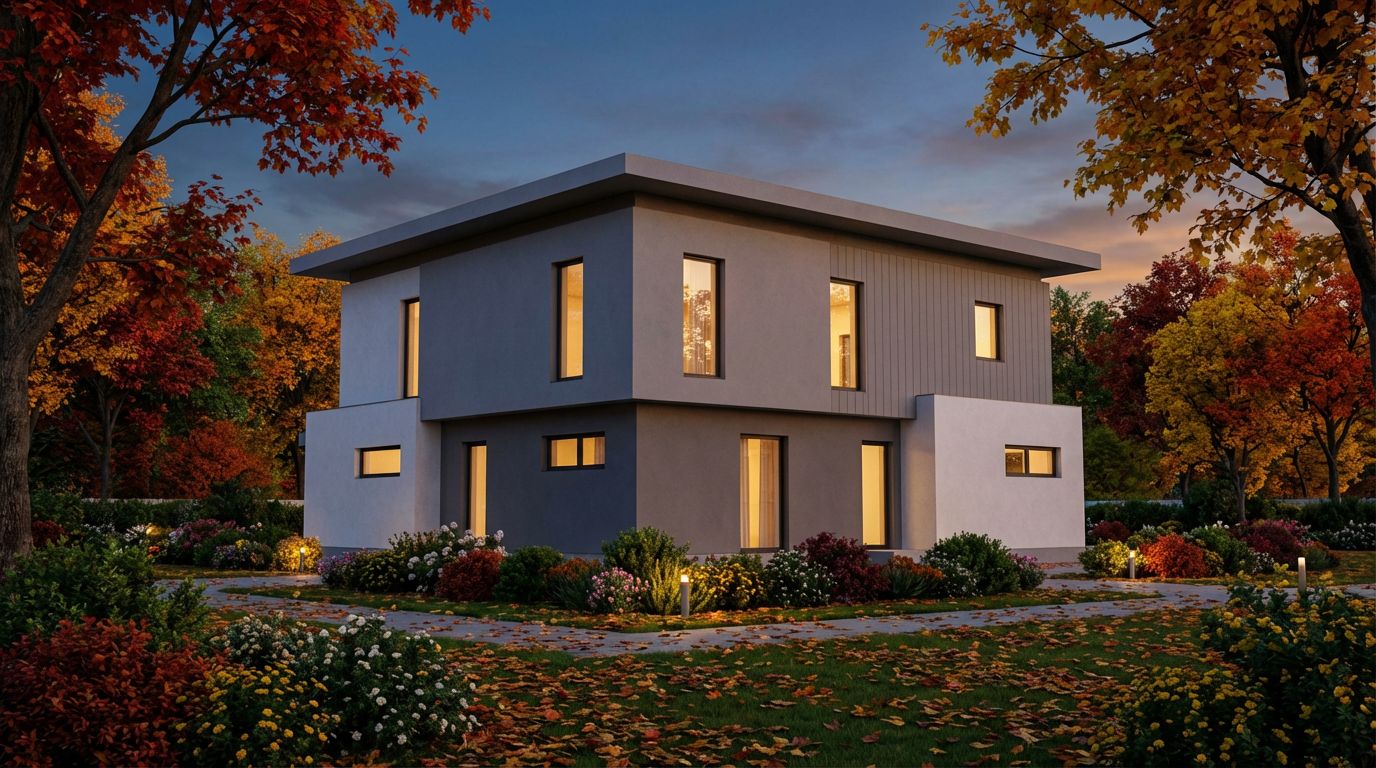
See This House in a Spring Garden at Night
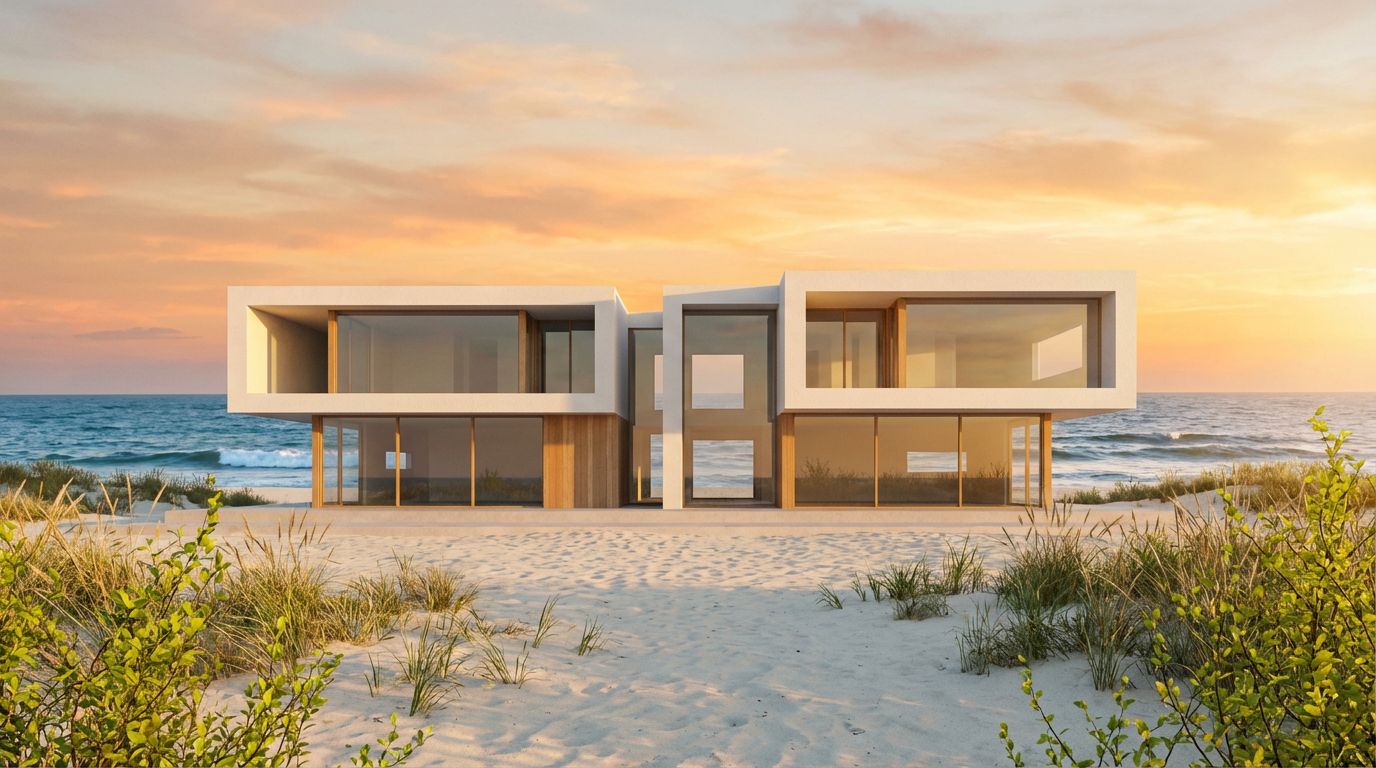
Transform Your Villa Model into a Stunning Render
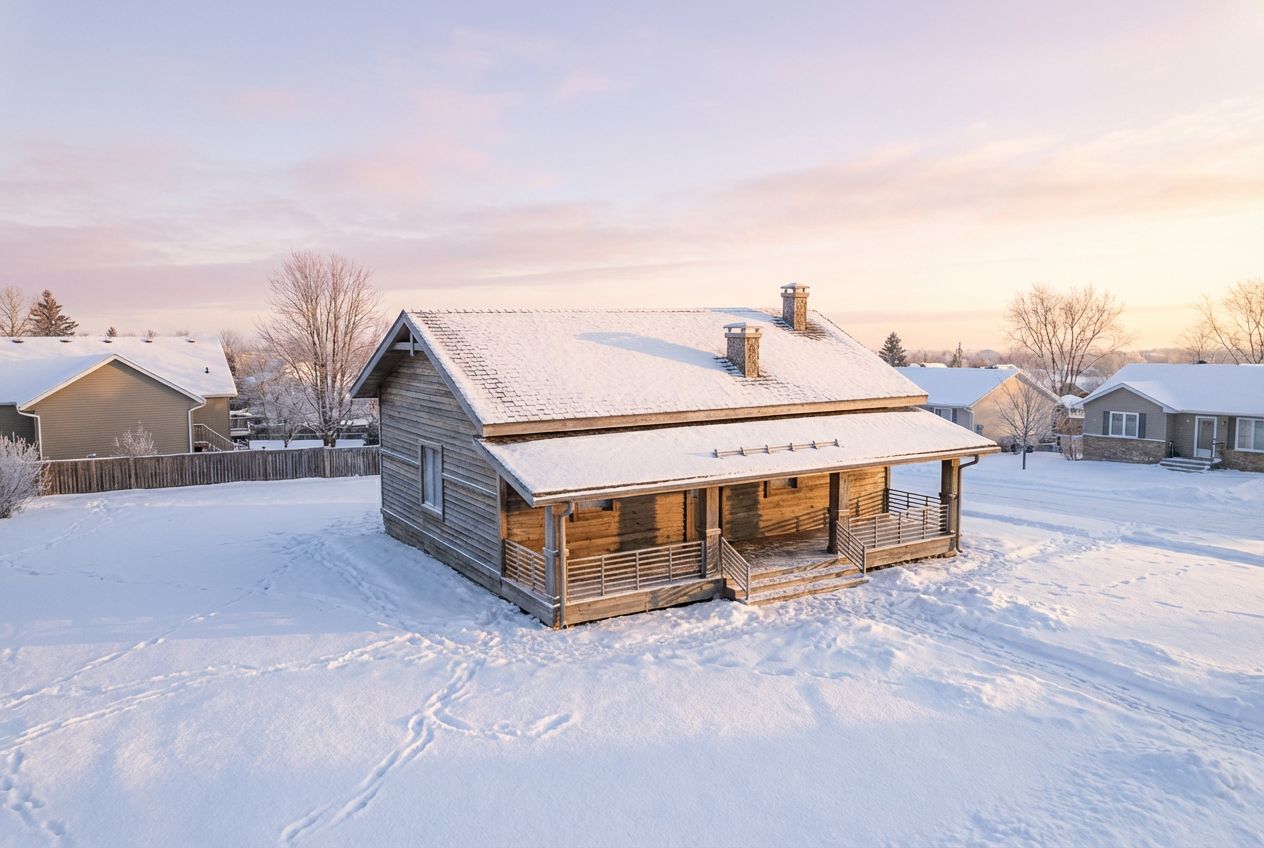
See This House in a Winter Neighborhood in the Morning