Convert Your 3D Bedroom Model to Photorealism
Turn basic SketchUp bedroom models into photorealistic marketing visuals with AI-powered 3D-to-render technology. Professional results instantly.
The 3D Model
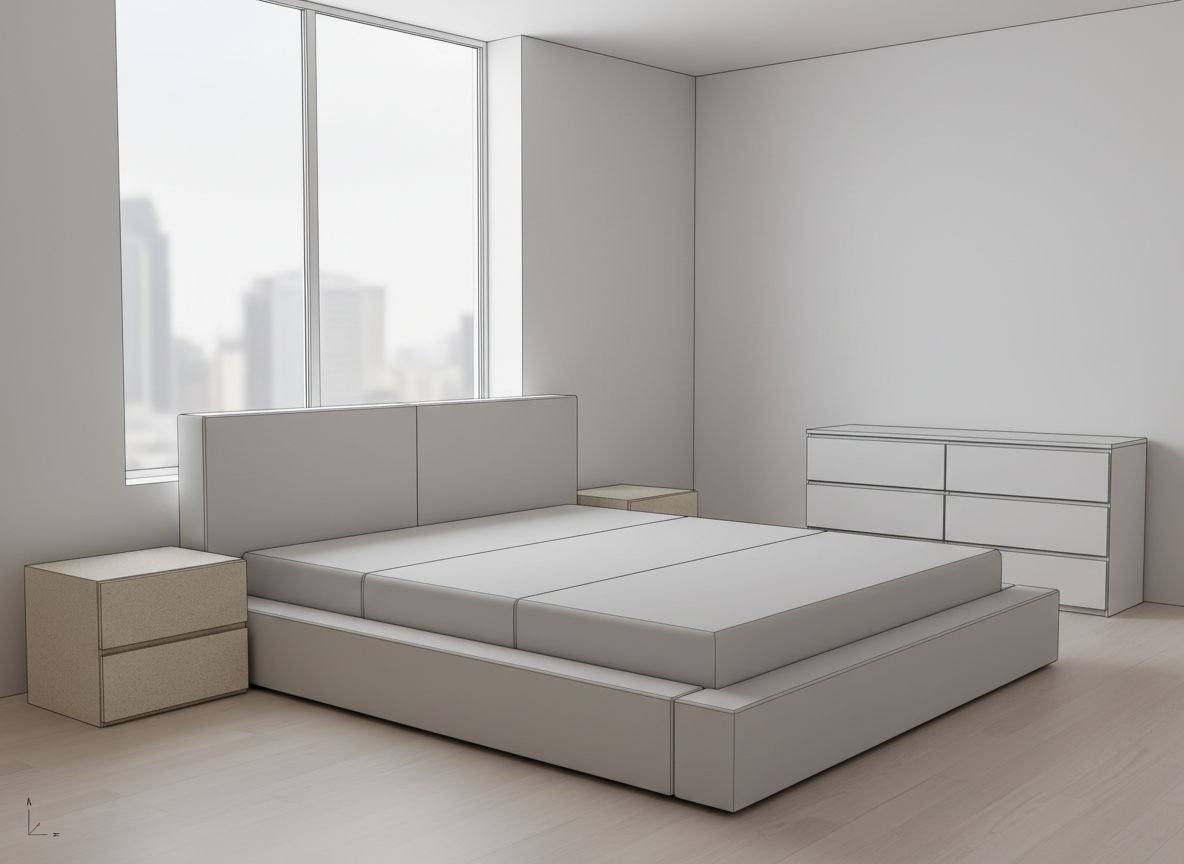
This example showcases the transformation of a minimalist SketchUp bedroom model into a serene photorealistic render using morning light. The original 3D model presents a pared-back bedroom design: a large platform bed with an upholstered headboard, a two-drawer nightstand to the left, and a six-drawer dresser on the right wall. Floor-to-ceiling corner windows reveal a blurred city skyline, and light hardwood flooring extends throughout the space. The model is rendered in SketchUp's characteristic flat gray palette with subtle edge lines.
From Sketch to Photorealism
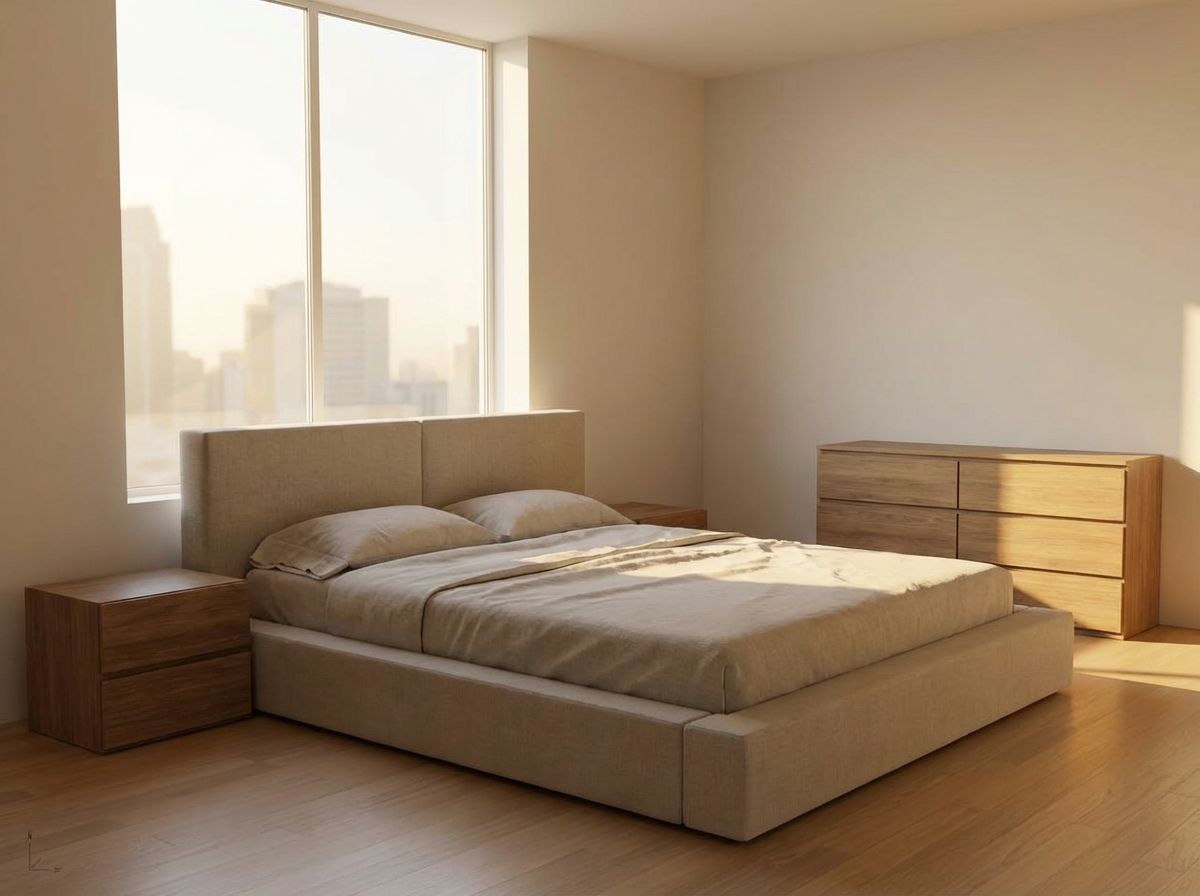
With morning light selected in RoomLab's Render mode, the AI produces a beautifully diffused interior scene. Soft, cool-toned daylight filters through the large windows, casting gentle gradients across the walls and creating delicate shadow lines on the bed linens. The platform bed now features realistic crumpled bedding with visible fabric folds and pillows that catch the morning light. The nightstand and dresser take on a warm walnut finish with convincing wood grain, while the hardwood floor shows natural tonal variation and subtle reflections.
Tips for Better Renders
Morning light is widely regarded as the gold standard for bedroom visualization. Its softer quality avoids the harsh shadows of midday or the overly warm cast of evening, instead producing an even, flattering illumination that highlights the room's spatial qualities. For real estate professionals and interior designers, this type of render communicates the calm, restful atmosphere that buyers and clients expect from a bedroom presentation. The AI's ability to generate believable bed linens, complete with wrinkles and natural draping, adds a lived-in quality that pure 3D models cannot convey.
Inputs Used
Render Settings Used
Ready to transform your room?
How to Recreate This
Convert a clean SketchUp bedroom model featuring a platform bed, nightstand, and dresser into a calming photorealistic render with soft morning light and realistic fabric textures.
✨ What You'll Achieve
Original Room
After
Select Mode
Render mode interprets your 3D bedroom model and applies photorealistic materials, lighting, and environmental effects. For this minimalist bedroom with its platform bed and corner windows, Render mode will add fabric detail, wood textures, and natural morning illumination.
Upload Your Room
Upload a screenshot of your SketchUp bedroom showing the platform bed centered against the wall, the nightstand on the left, and the six-drawer dresser on the right. Make sure the floor-to-ceiling corner windows and city backdrop are visible.
Configure Options
The AI will apply linen textures to the bedding with natural wrinkles and folds, warm walnut finishes to the nightstand and dresser, and maintain the light hardwood flooring from the original model.
Time of Day
Season
Generate
The final render reveals a tranquil bedroom bathed in soft morning light, with realistically rumpled bed linens, detailed wood furniture surfaces, and a hazy cityscape visible through the corner windows.
Your Result
🎯 Try the Result
Drag the slider to compare before and after!
Frequently Asked Questions
How does the AI generate realistic bedding from a flat 3D model surface?
The AI recognizes the bed geometry in your SketchUp model and interprets it as a sleeping surface. It then generates photorealistic bedding with natural fabric draping, wrinkles, and pillow placement based on its training data. The flat surface in your 3D model serves as a guide for bed dimensions and position, while the AI adds the textile detail that makes the render convincing.
What makes morning light ideal for bedroom renders?
Morning light provides soft, diffused illumination with a slightly cool color temperature. It enters windows at a moderate angle, creating gentle shadow gradients rather than harsh contrasts. For bedrooms, this evokes a peaceful, just-waking-up atmosphere that resonates emotionally with viewers. It is the most commonly requested lighting condition for bedroom visualizations in professional architectural practice.
Will the city skyline visible through the windows appear in the render?
Yes. RoomLab's AI detects window openings in your SketchUp model and generates contextually appropriate exterior views. If your model already shows a blurred cityscape through the windows, the render will include a similar urban backdrop. The exterior view is rendered with realistic atmospheric depth and morning haze to match the selected time of day.
3D to Photorealistic
Explore Render Feature
3D Exterior to Photorealistic
Read the Render Tutorial
Perfect For
Related Examples
More Render Examples
See This House in a Winter Neighborhood in the Morning
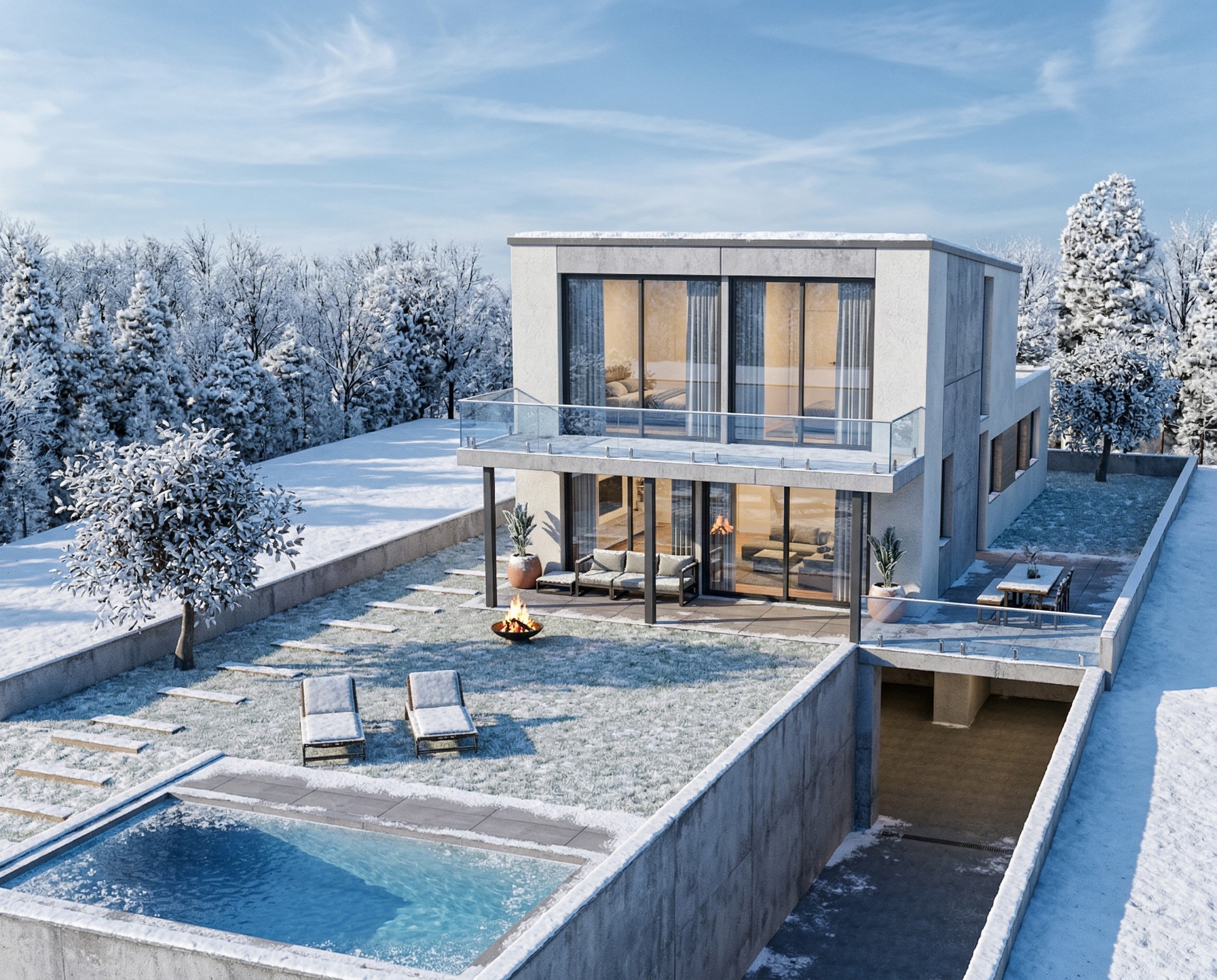
Transform Your House Model into a Winter Render
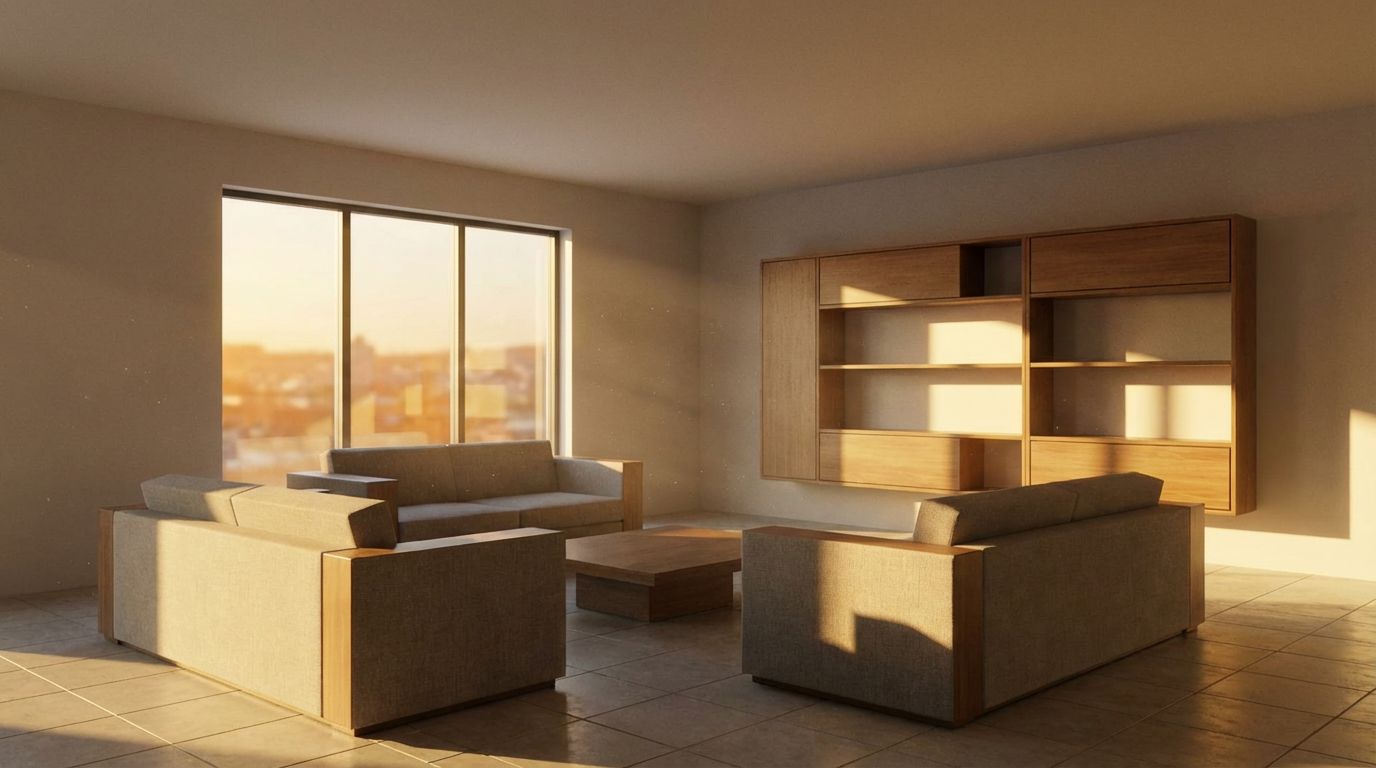
Turn Your SketchUp Living Room into a Real Photo
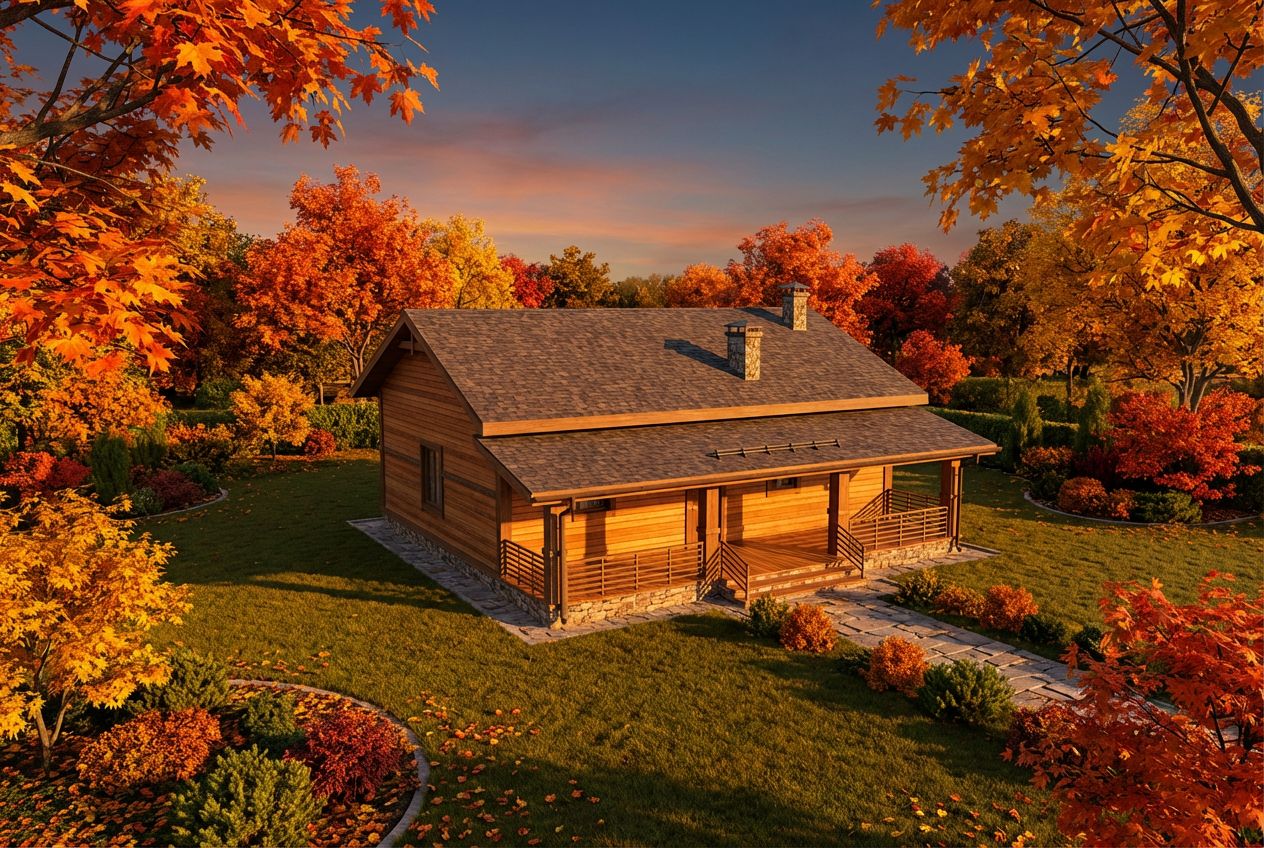
See This House in a Fall Garden at Golden Hour
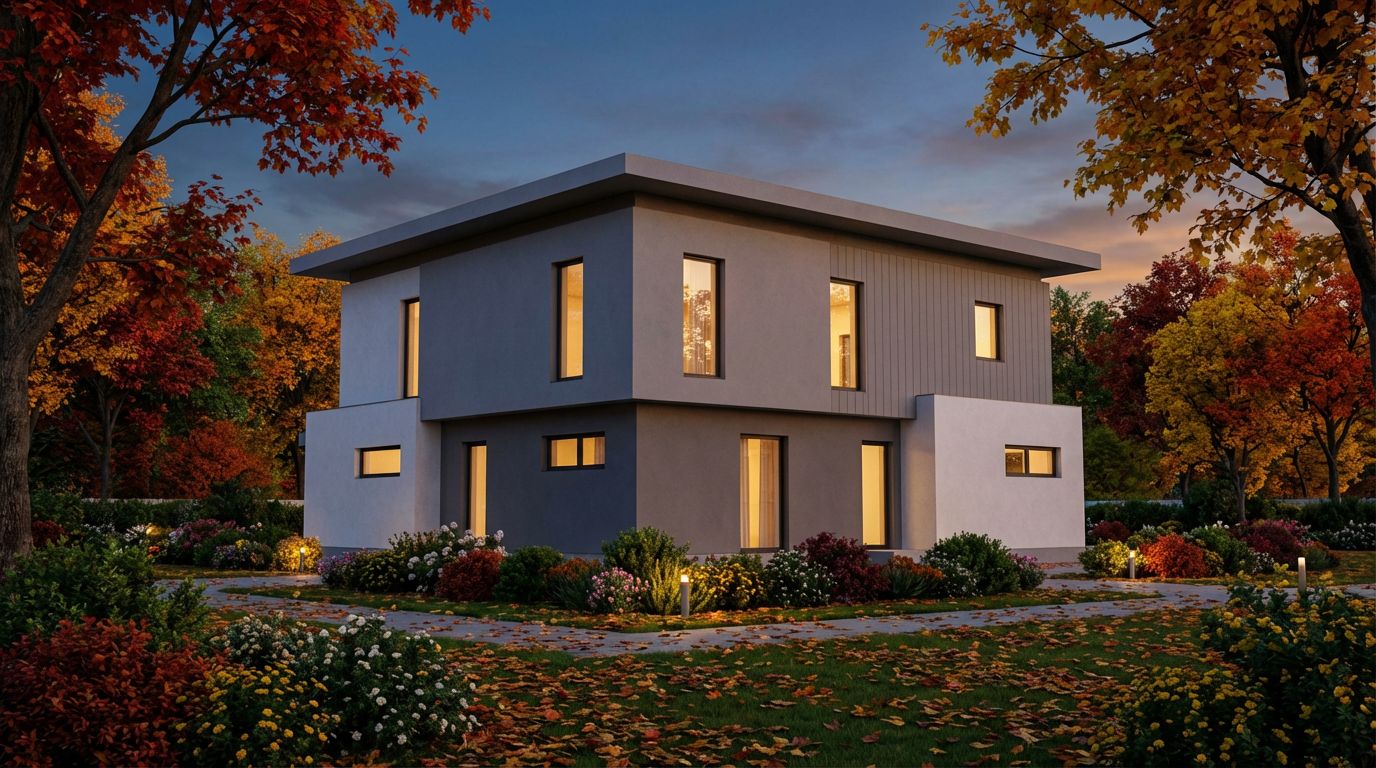
Render Your House Exterior Model Photorealistically