Turn CAD Models into Photorealistic Renders
Transform basic screenshots from SketchUp, Revit, or Blender into high-end visualizations in seconds. Impress clients by rendering your 3D model with realistic weather, landscape, and lighting—no complex rendering software required.
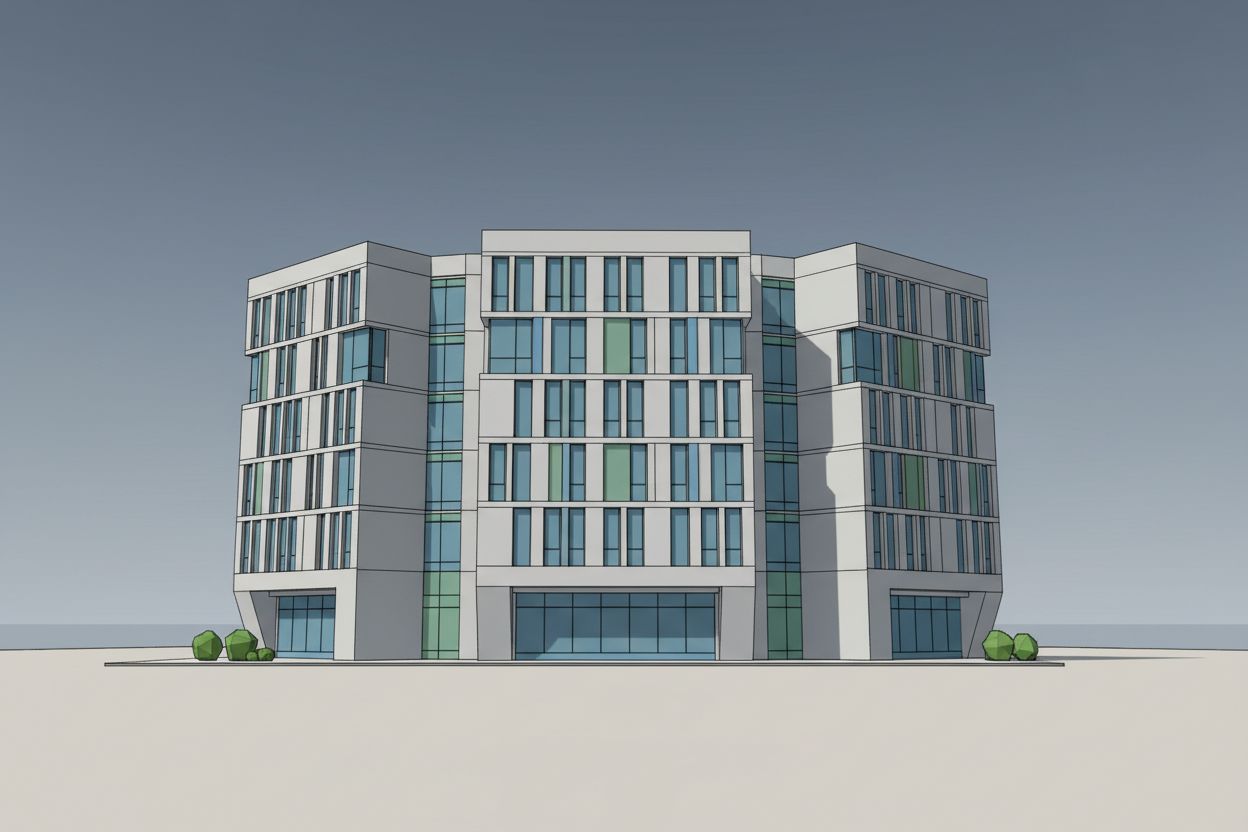
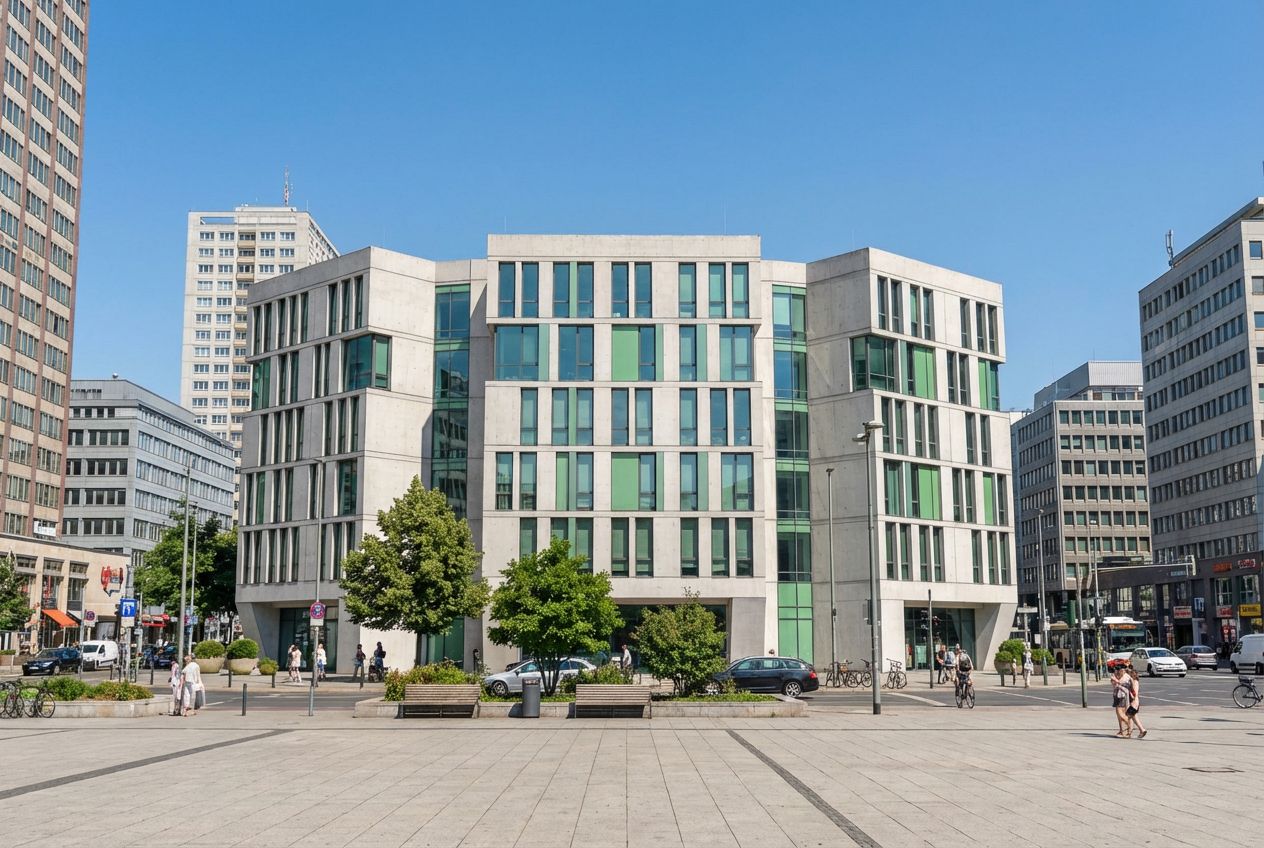
AI 3D Rendering — SketchUp to Photorealistic in Seconds
Raw 3D models don't win approvals. Transform SketchUp, Blender, or CAD screenshots into photorealistic architectural renders — without expensive rendering software.
Learn how in the tutorial →Perfect For
Experience Photorealistic Rendering Instantly
Visualize your 3D architectural models in various atmospheric conditions. Switch between lighting, seasons, and environments to see the power of AI rendering.
3D Model Input
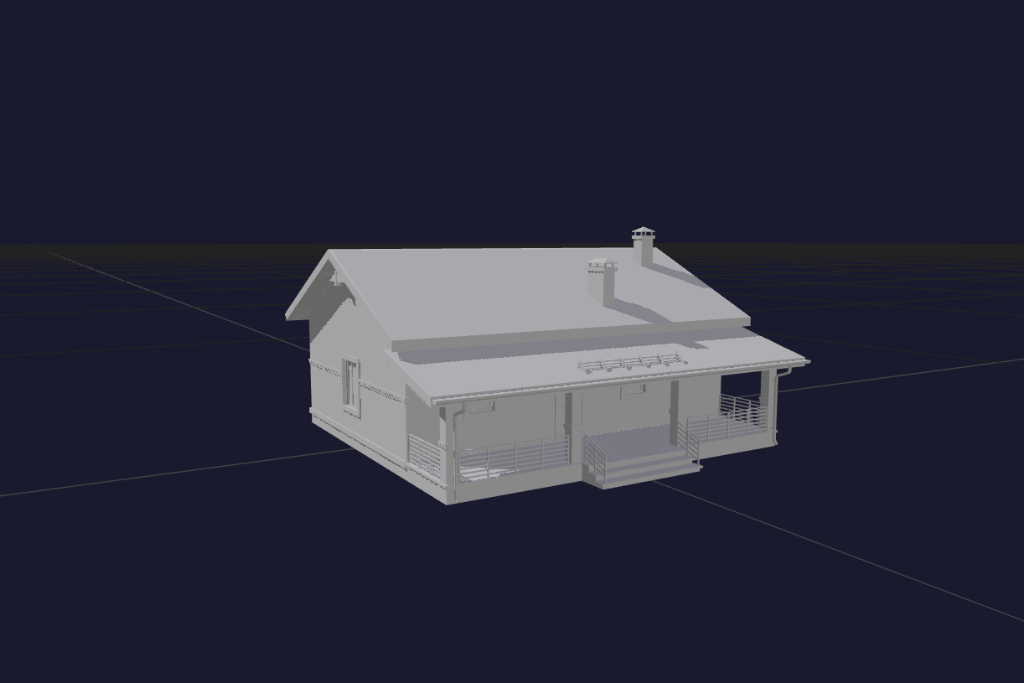
Select Options
Photorealistic Result
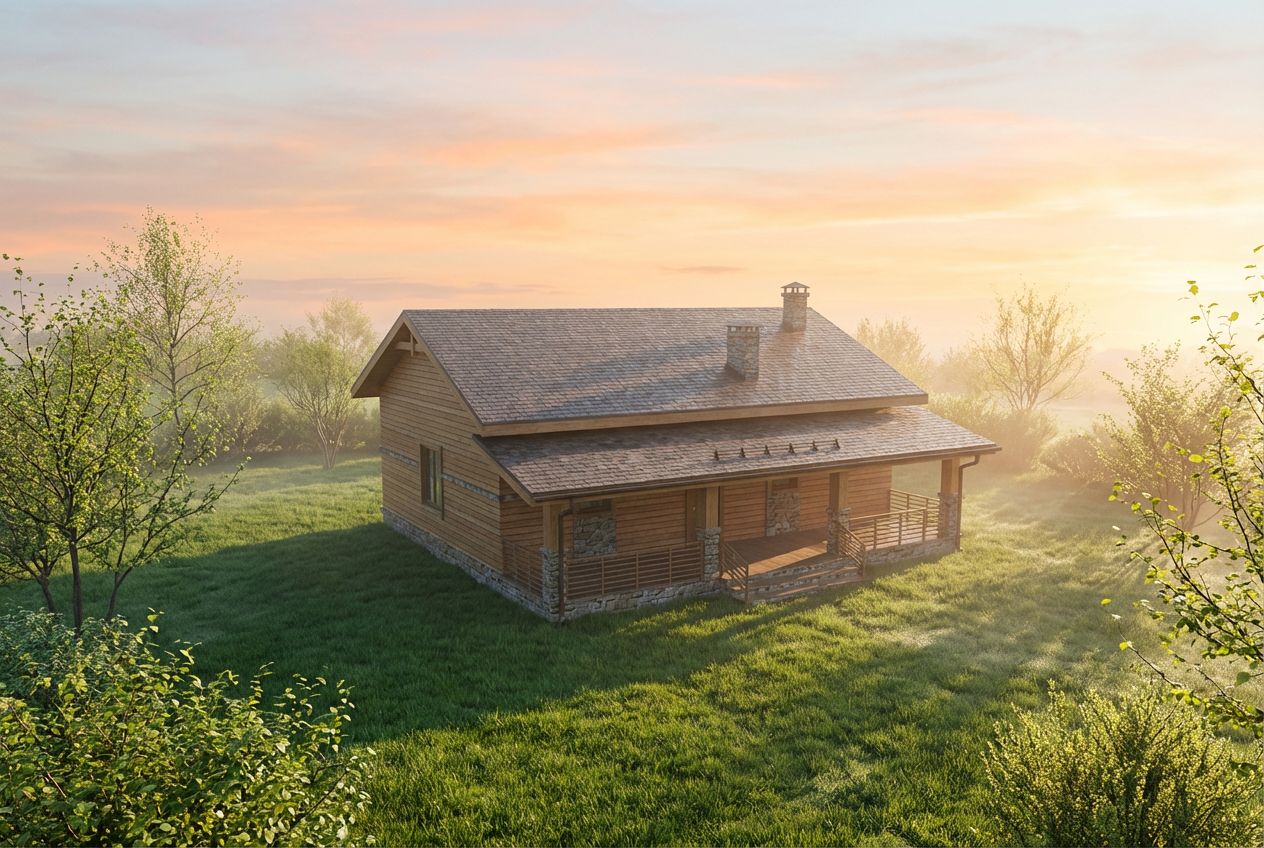
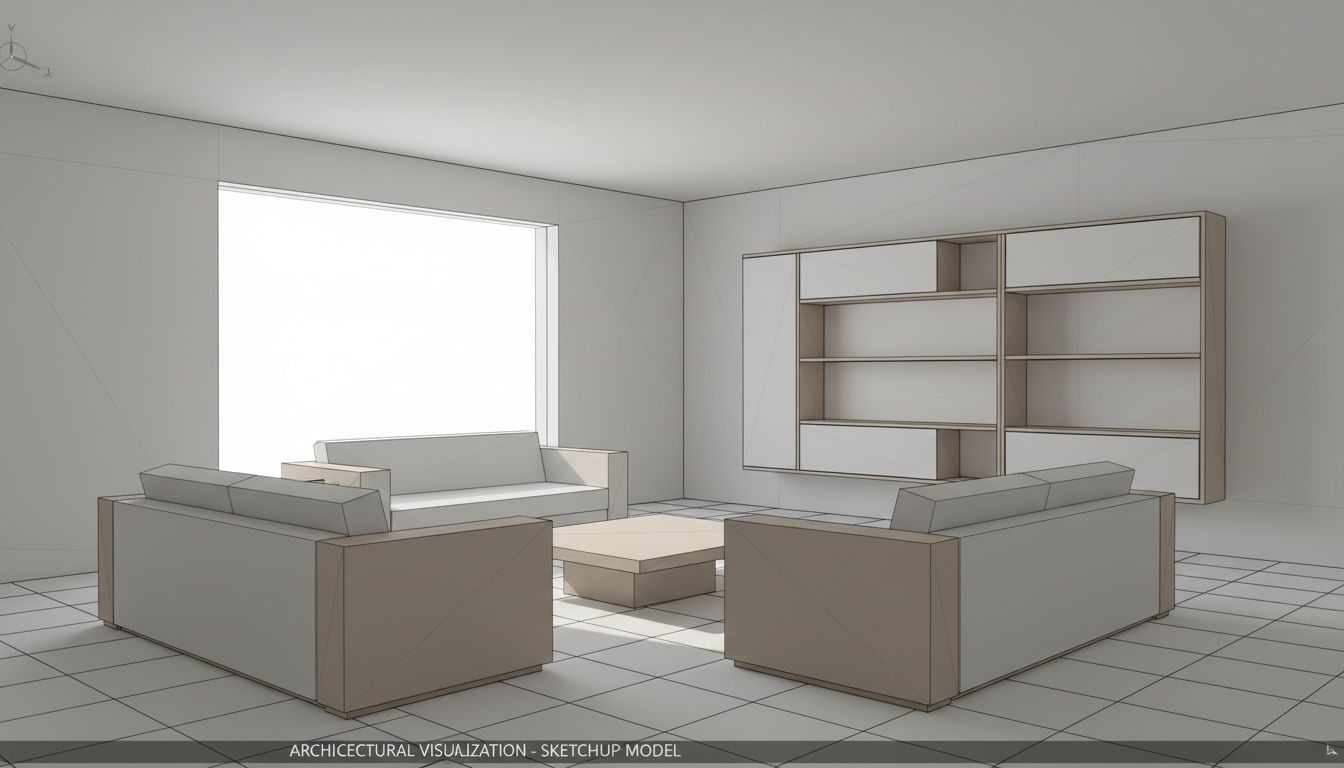
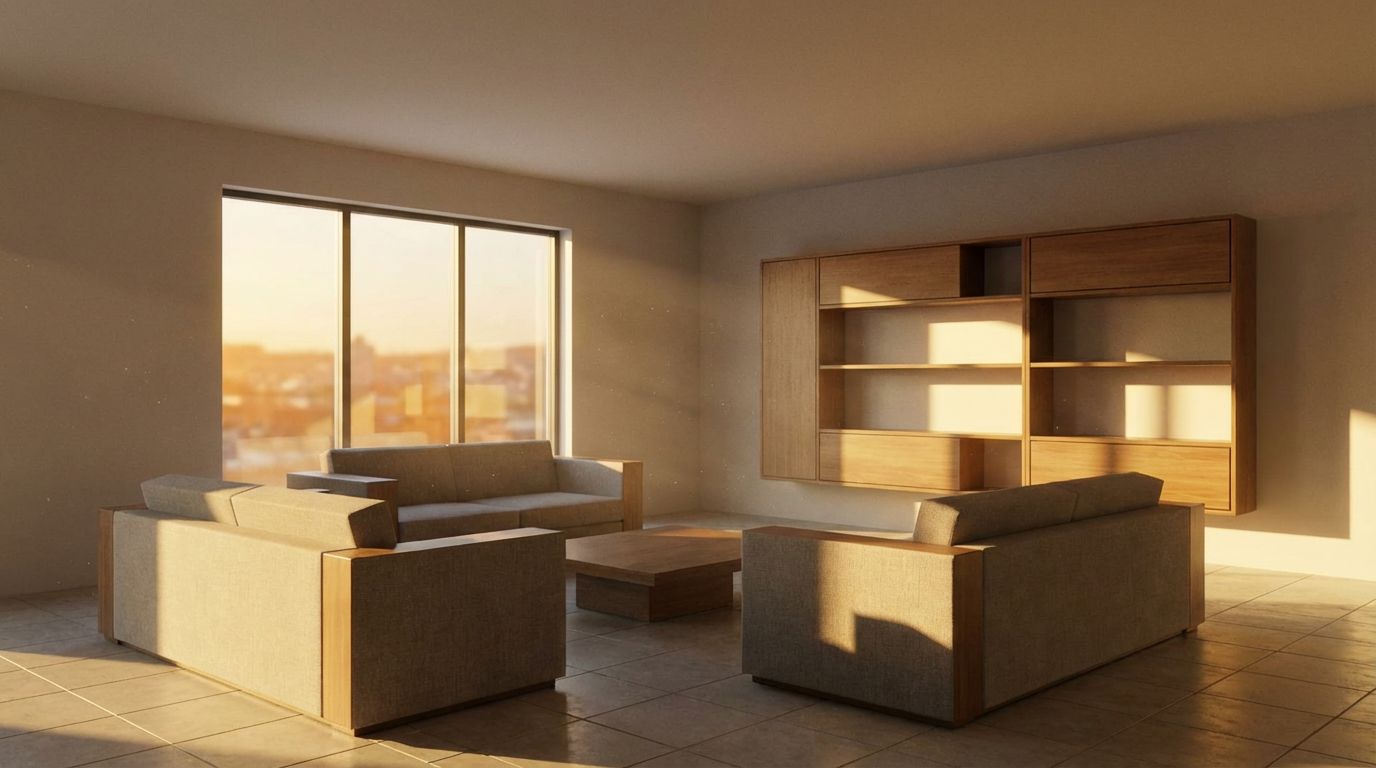
Turn Your SketchUp Living Room into a Real Photo
Visualize the final look. Turn a low-poly living room wireframe into a stunning 4K visualization to help clients approve the design intent instantly.
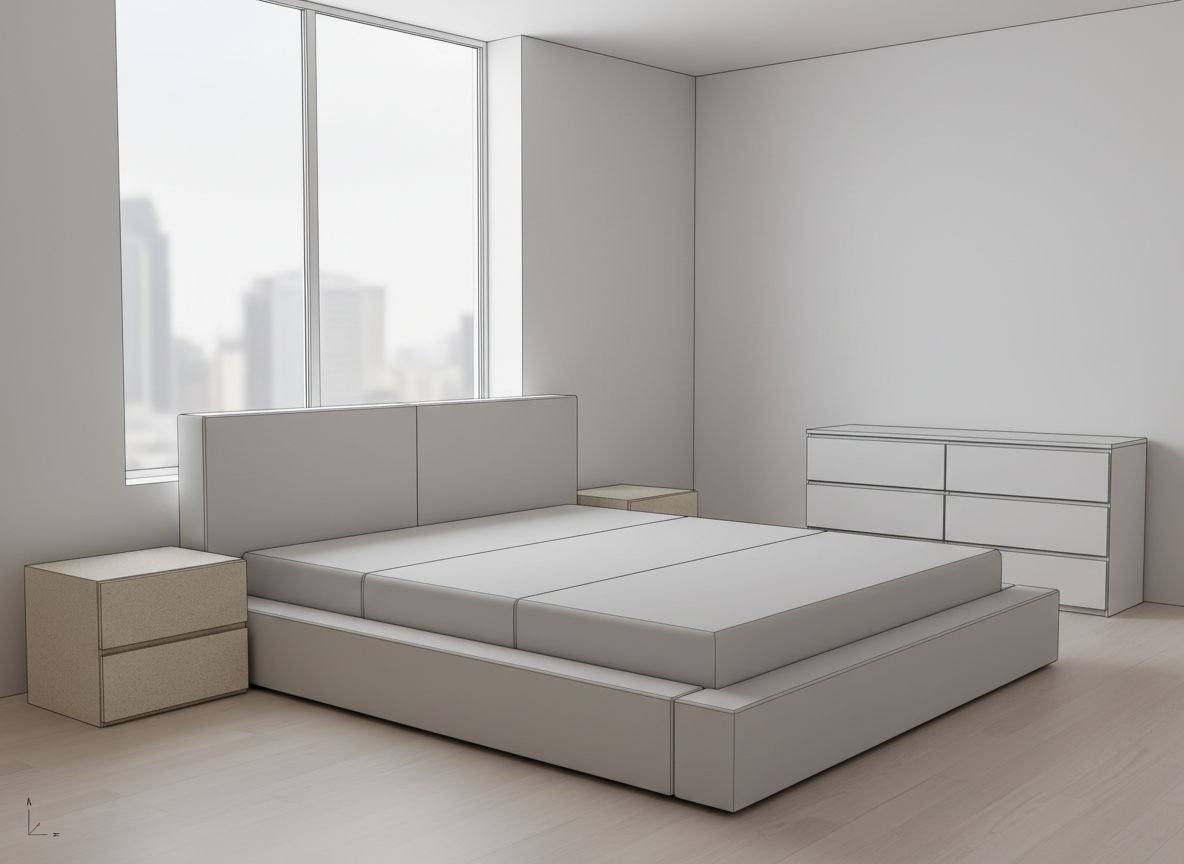
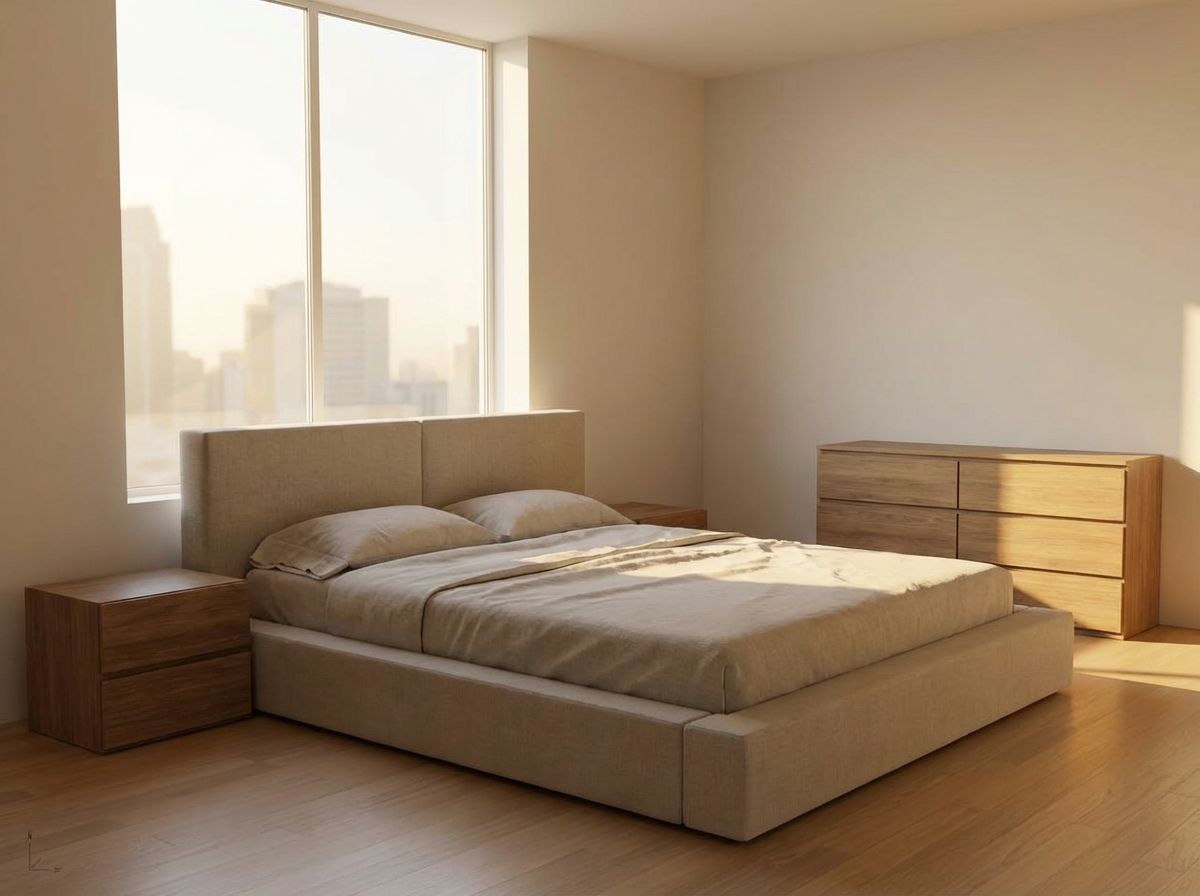
Convert Your 3D Bedroom Model to Photorealism
Turn basic SketchUp bedroom models into photorealistic marketing visuals with AI-powered 3D-to-render technology. Professional results instantly.
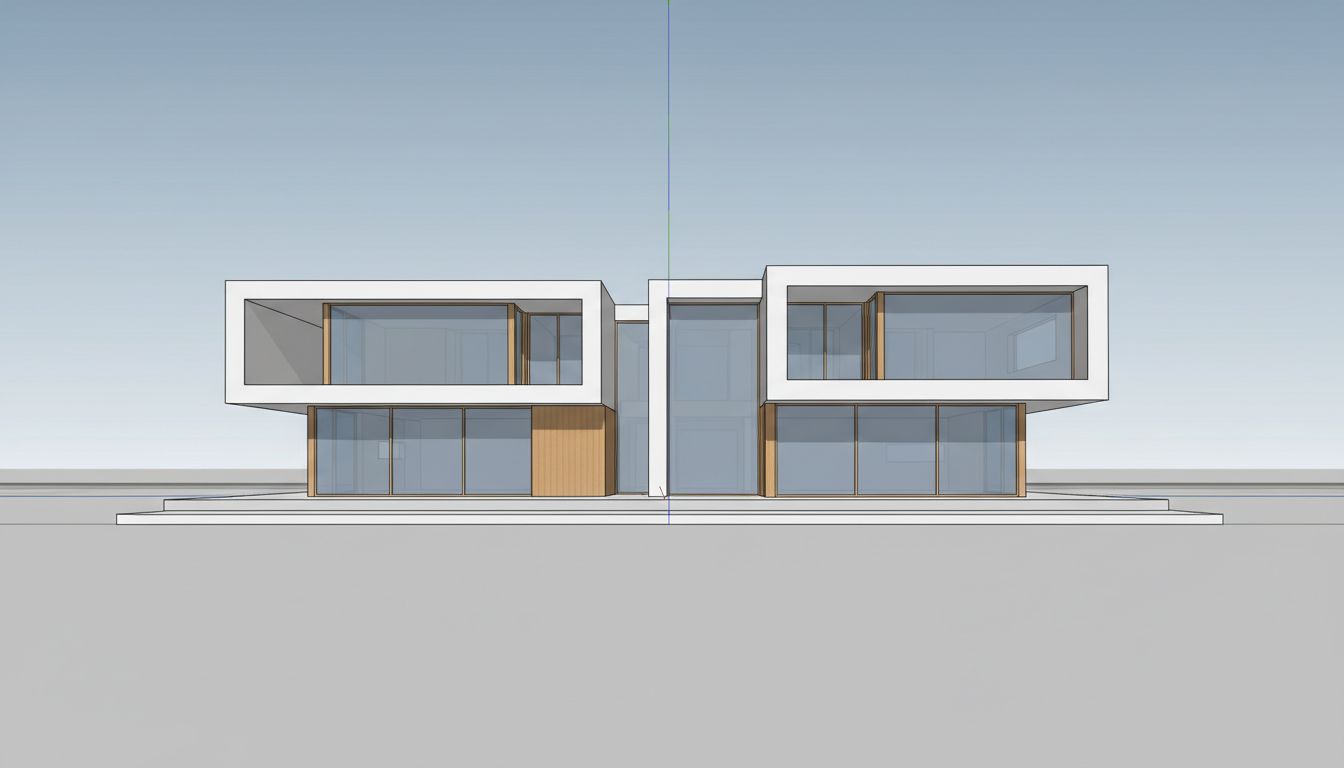
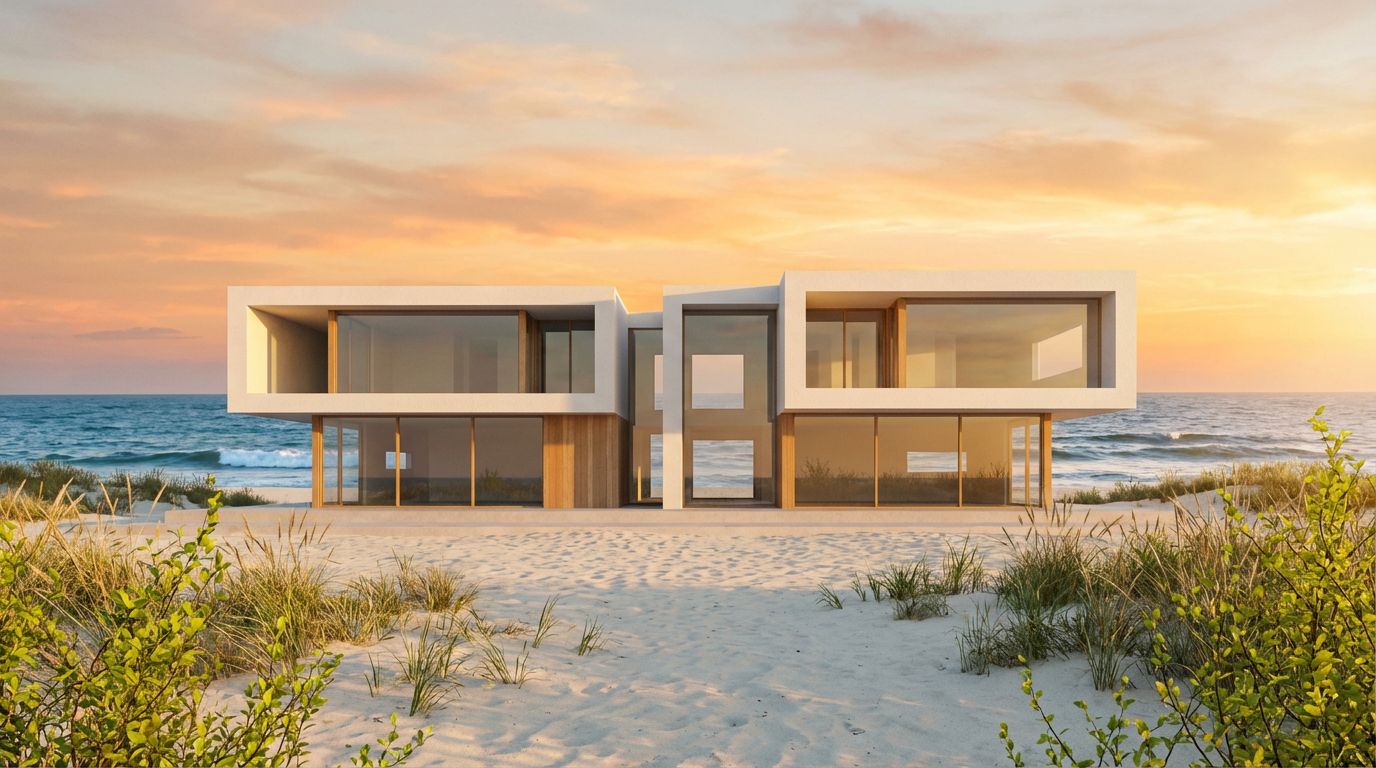
Transform Your Villa Model into a Stunning Render
Transform a modern 3D villa model into a photorealistic exterior visualization with AI-powered architectural rendering and realistic materials.
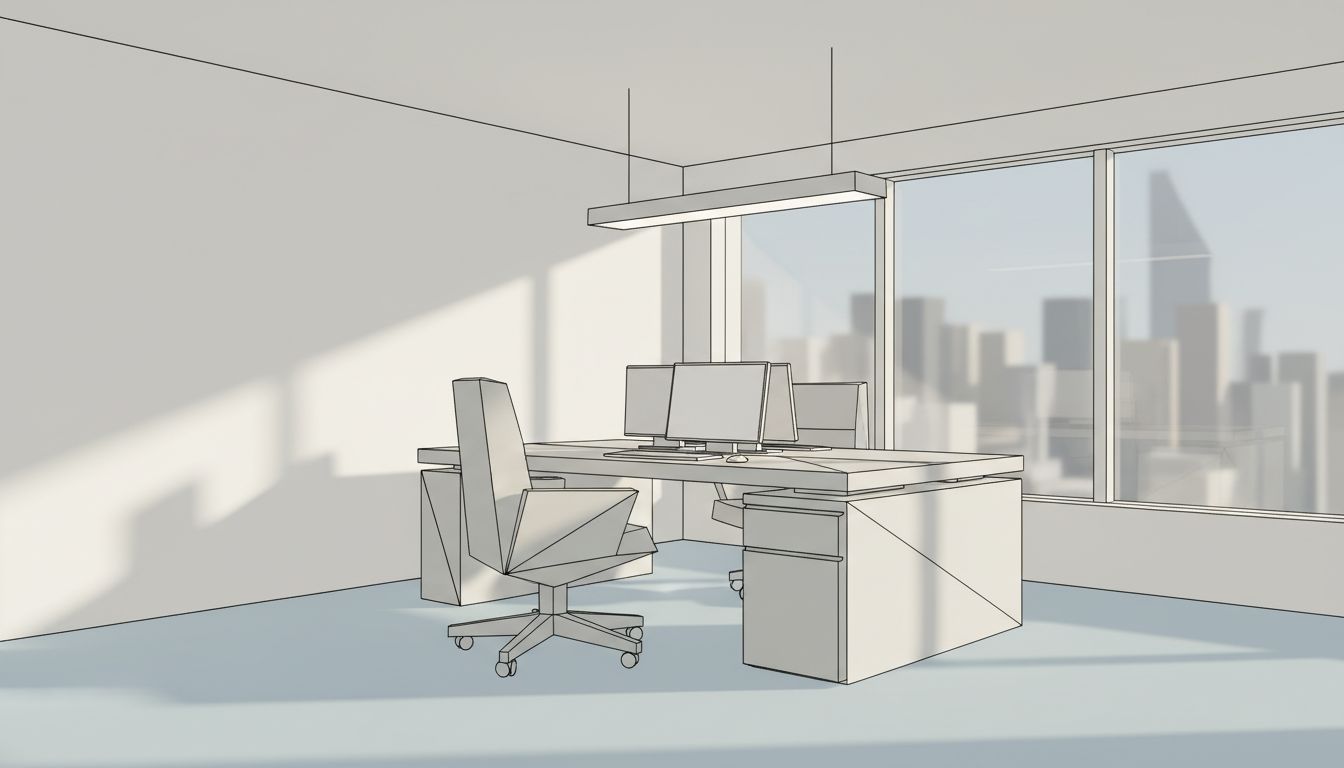
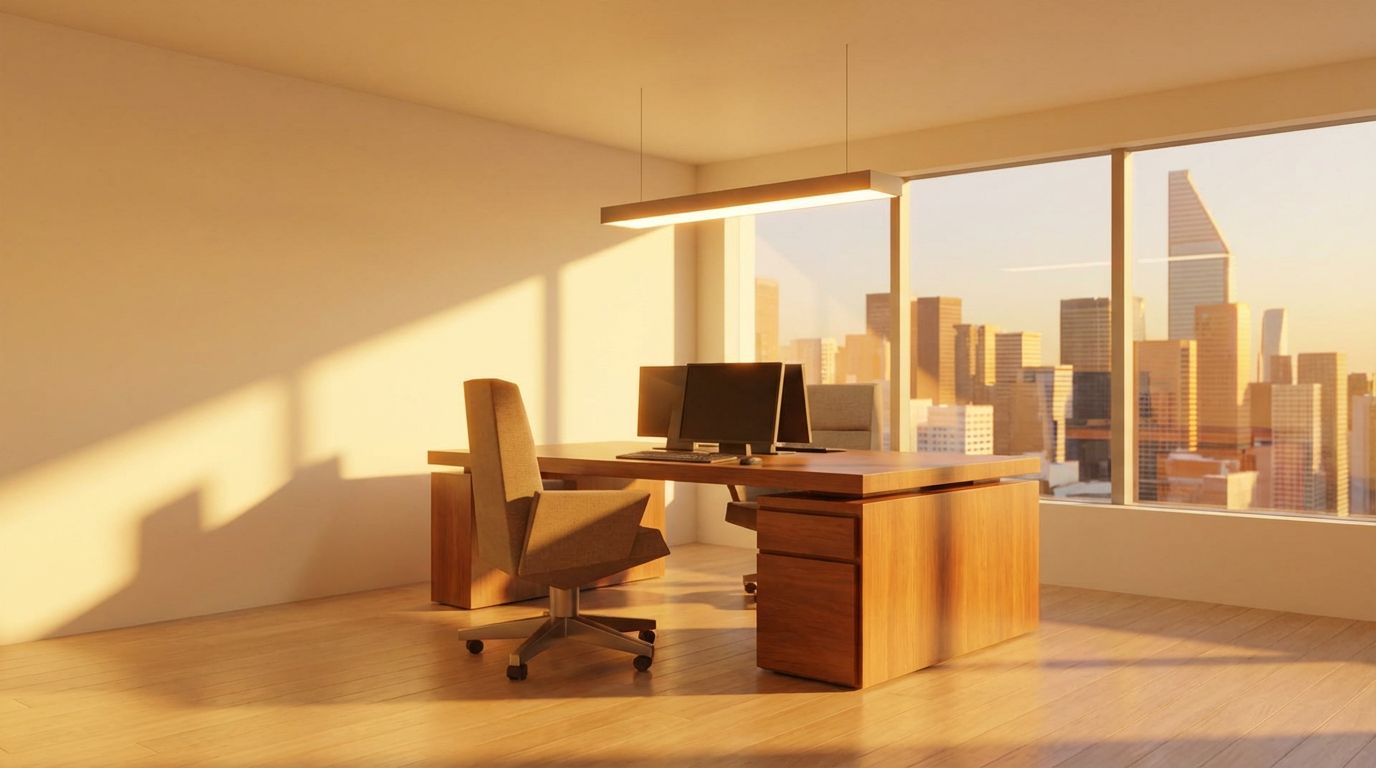
Render Your SketchUp Office as a Real Photo
Render a basic SketchUp office model into a photorealistic workspace with natural daylight, greenery, and realistic material textures using AI.
Explore More Capabilities
Discover what else you can achieve with RoomLab
Replace Furniture & Materials
Swap furniture pieces or change materials and finishes in existing property photos.
Virtual Staging & Redesign
Clean up, de-stage, or restyle property photos for better listings.
Custom AI Prompts
Describe any transformation in natural language for unique results.
Wall Color Visualizer
Preview any wall paint color on any room — pick your own or use our curated presets.
Video Generation
Create cinematic walkthrough videos from room photos with camera movements.
Pay only for the images you want to generate
All users get all features.
Pro
40 Images
400 Credits
Ultra
110 Images
1,100 Credits
Premium
300 Images
3,000 Credits
Don't want a monthly subscription? Try our personal plan with a single payment.
Personal
15 Images
150 Credits
Have any question?
How much does each generation cost?
How long does it take to generate an image?
What happens if I run out of credits mid-month?
What are credits?
Do credits expire?
Can I upgrade my plan?
How long are my images stored?
Can I get a refund?
Can I get a receipt or invoice?
What are input photos?
What happens to my personal photos?
What happens if I cancel my subscription?
Professional Results. Fraction of the Cost.
Get photorealistic interior renders in seconds, not days. Professional-grade AI visualization with full creative control — no design skills needed.
No credit card required