Redesign Room
Transform any room with a completely new interior design style.
Want to see your dated bedroom in a modern farmhouse style? Redesign mode applies a new interior design style to your room, changing furniture, colors, and decor to match your chosen aesthetic.
🎨 What You'll Achieve
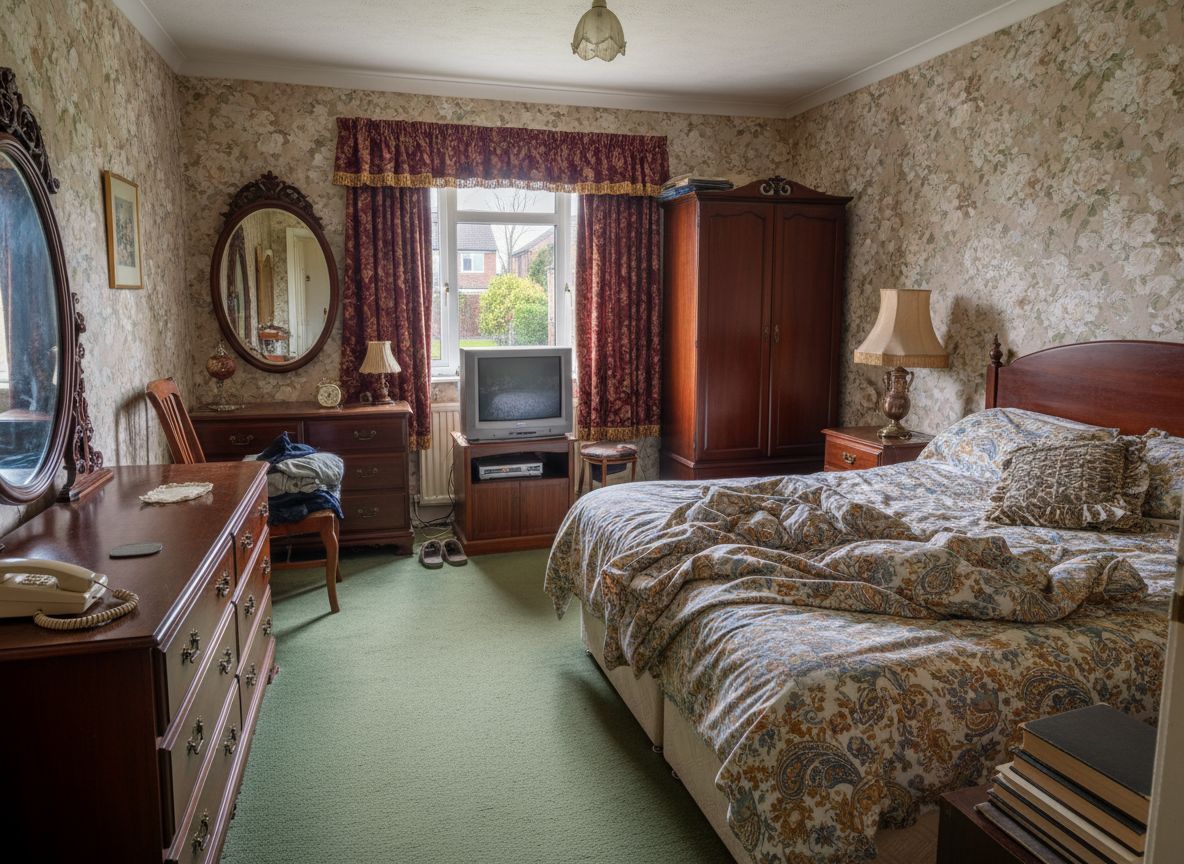 Dated Bedroom
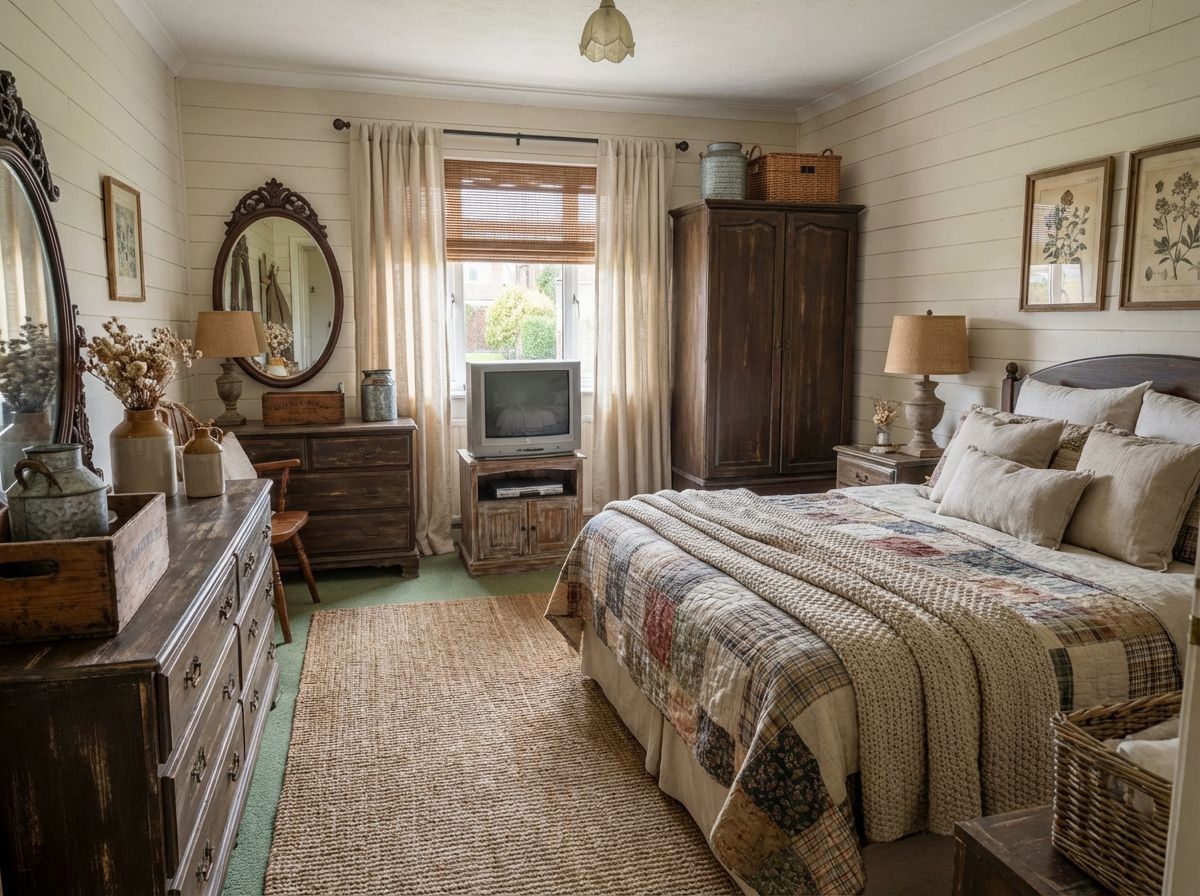 Farmhouse Style!
Choose Your Mode
Click the Change Design card on the canvas grid.
Upload Your Room
Select the room you want to restyle.
Choose Room Type & Style
Select your room type and desired design style.
Room Type
Design Style
View AllAdjust Options (Optional)
Enable Fast mode for quicker results. Toggle "Add Furniture" if starting from an empty room.
Generate
Click Generate and wait ~30 seconds for your transformed room!
🎯 Try the Result
Drag the slider to compare before and after!
Convert to 4K (Optional)
After generating your image, click the "Convert to 4K" button on the canvas to get a high-resolution version (Ultra/Premium only).
Ready to Transform Your Space?
Start creating stunning room transformations in minutes. Sign up and try it yourself!