Real Case: Testing Materials with RoomLab.app Before Renovating My Kitchen
I was about to renovate my kitchen. The furniture store had prepared 3D renders of the design and, overall, I liked the layout. But looking at those renders on a screen, I still had a long list of doubts. Would the stainless steel appliances really be the right call? Would I get tired of the brick backsplash? And the countertop material: how could I be sure from a tiny sample?
So before committing to any purchases, I decided to try RoomLab.app to test my options and see how each choice would actually look in the space. Here's how I used several of its features, step by step, to gain confidence before signing anything.
Key takeaways
- I turned the store's flat 3D renders into photorealistic images first, which made every later decision easier to judge.
- I photographed a real Silestone sample and previewed it across the whole countertop before ordering, then tested tiles, cabinet colors and handles the same way.
- Each material swap took only seconds, so I could compare combinations side by side instead of guessing.
- The exercise was free and risk-free, and it caught at least two choices I would have regretted.
Step One: From 3D Render to Photorealistic Image
The very first thing I did was tackle the renders themselves. The store's 3D images looked obviously digital: flat lighting, plastic-looking surfaces, the kind of output that makes it hard to judge how anything will actually feel in real life. So I ran them through RoomLab.app's Architectural Render (3D to Render), which turned those flat CGI images into photorealistic photographs. Suddenly the kitchen looked like a real room, not a video game screenshot, and evaluating everything else got much easier from there.
The Starting Point: The Store's 3D Renders
The store gave me two views of the kitchen:
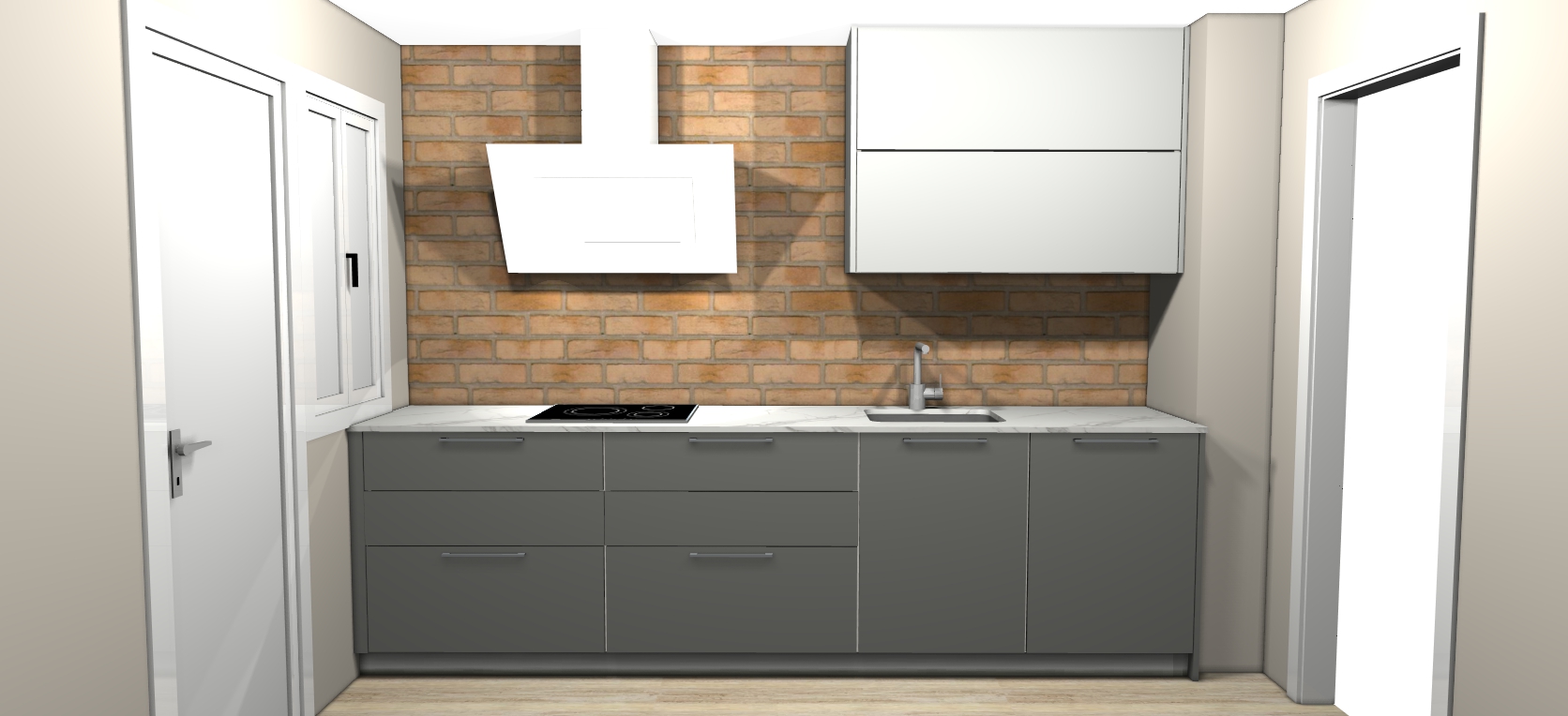
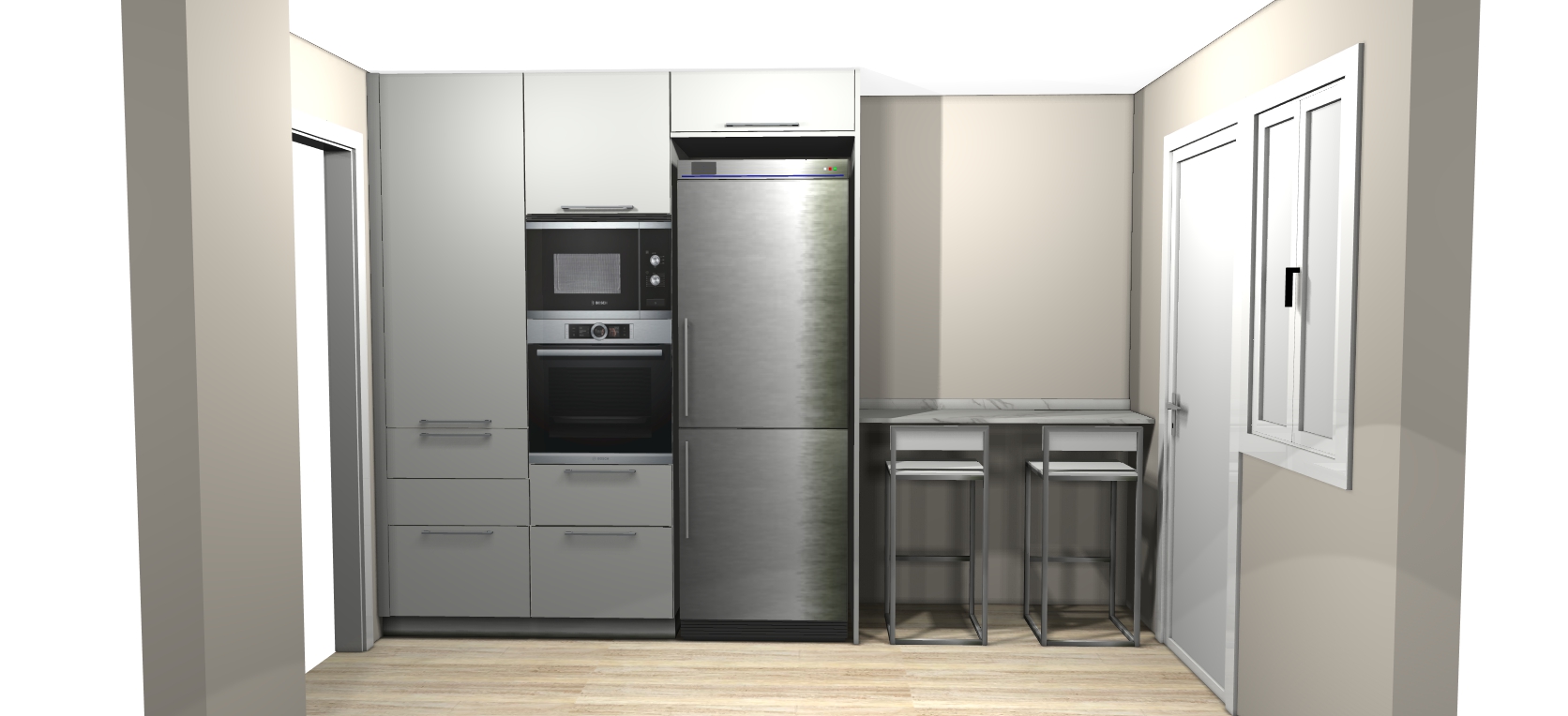
Once I had the photorealistic versions from Architectural Render, I could start testing real changes. This is where it got interesting.
Testing Materials and Colors
The store gave me a physical Silestone sample for the countertop, a marble-like slab in white and beige tones with subtle grey veins. It looked beautiful in my hand, but I had no way of knowing how it would feel spread across the entire worktop, surrounded by the cabinets and backsplash.
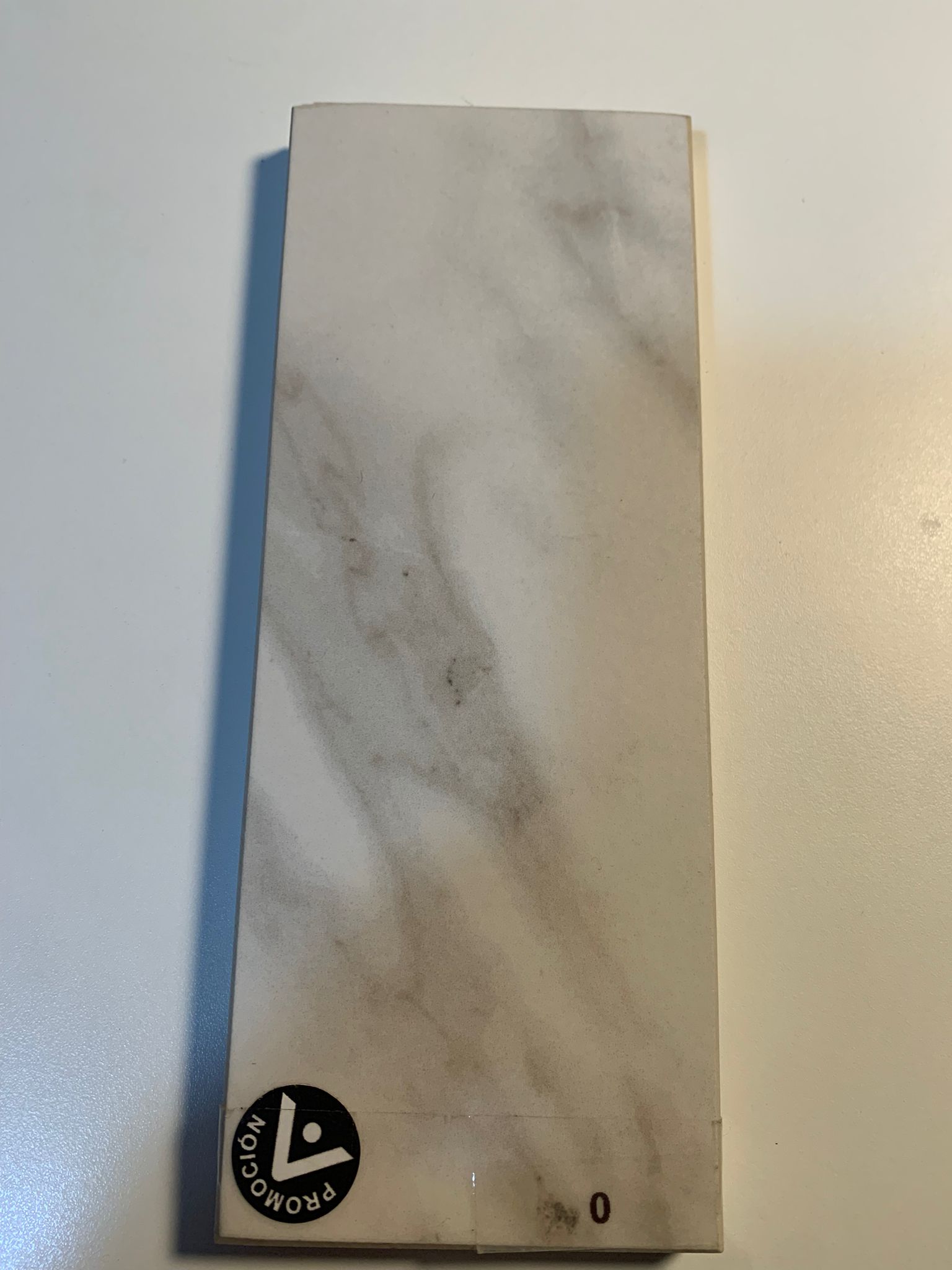
I photographed the sample and used RoomLab.app's Replace Materials feature to apply it to the countertop in the render. Going from a small swatch to seeing it across the full room is the kind of thing that gives you real confidence before placing an order.
With the same Replace Materials feature, I also tested other surface changes: I swapped the brick backsplash for lighter sand-colored tiles and shifted the lower cabinet color from grey to a darker green tone. I also tried different handles on the cabinets using the Replace Furniture & Materials feature. Each change took just a few seconds, and I could immediately see how they worked together. Or didn't.
The Personal Touch
I used the Replace Furniture feature to swap the stainless steel fridge for a white one, which blends much better with the upper cabinets. I also replaced the metal bar stools with white ones from INKO.

But the change that made the kitchen feel truly ours was adding a painting. Using RoomLab.app's Custom Prompt, I added artwork based on a photograph my son took during a trip to Iceland, a shot of the Fagradalsfjall volcano, which erupted in 2021. Seeing it on the kitchen wall, with the lava glow against the green cabinets, turned the design from "nice kitchen" into "our kitchen."
The Results: Before and After
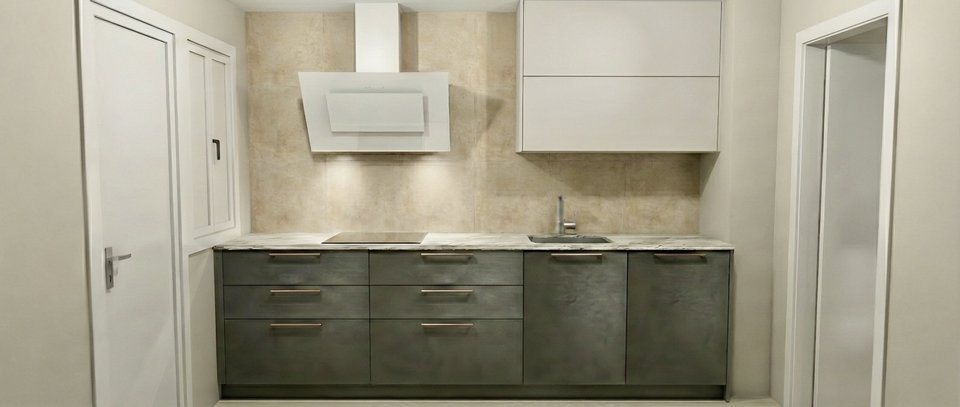
Drag the slider to compare. The left wall went from grey cabinets and brick backsplash to a Silestone countertop, sand-colored tiles and darker green cabinets:
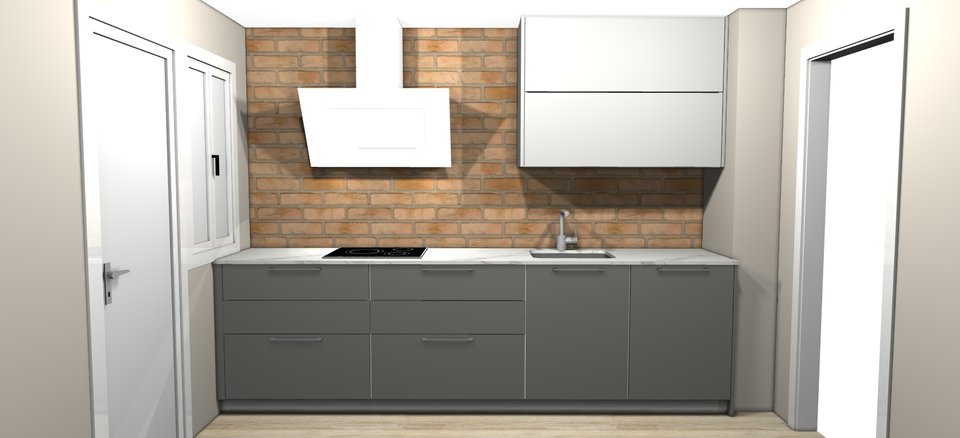
And the right wall: the stainless steel fridge swapped for white, the Iceland volcano painting added, and the cohesive color palette tying everything together:
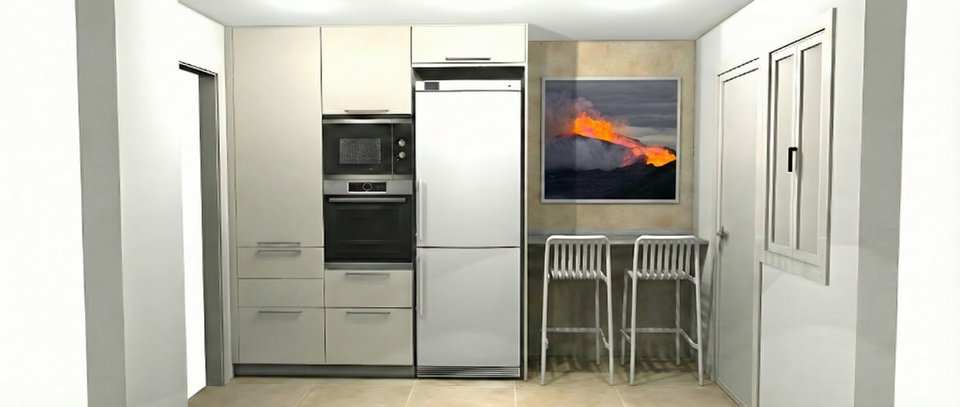
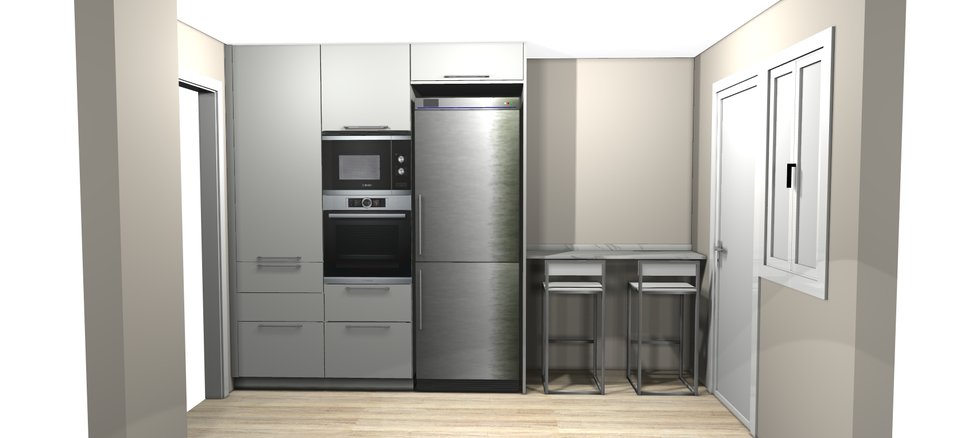
Conclusion: Test Before You Commit
RoomLab.app didn't design my kitchen from scratch. The furniture store did that. What it gave me was the ability to test decisions before paying for them. I started by turning flat 3D renders into photorealistic images with Architectural Render, then used Replace Materials to try the Silestone countertop, new tiles and cabinet colors. I swapped the fridge with Replace Furniture, tested handle styles and added a personal painting with Custom Prompt, all in minutes, at no cost and no risk.
When you're renovating a kitchen, where dozens of materials, colors and finishes have to work together, seeing the full picture in advance is invaluable. It saved me from at least two mistakes I'd have made otherwise.
Frequently asked questions
Can you test renovation materials before buying with AI?
Yes, and that's exactly what I did. I photographed a physical Silestone sample, then used RoomLab.app's Replace Materials feature to apply it across the whole countertop in my render. I tested tiles, cabinet colors and handles the same way, so I could judge each material in the full room before placing a single order.
Can AI turn a furniture store's 3D render into a photorealistic image?
It can. My store's renders looked flat and plastic, so I ran them through RoomLab.app's Architectural Render feature. It converted the CGI into photorealistic photos, which made it far easier to judge how the finishes would actually look.
How long does it take to try a material change?
In my experience, each swap took only a few seconds. That speed was the whole point: I could compare combinations side by side, like green cabinets against sand tiles, rather than committing to one guess and hoping it worked.
If you're planning a renovation and want to try before you buy, see more examples of what RoomLab.app can do, or jump straight into the workspace.
Ready to Transform Your Space?
Start creating stunning room transformations in minutes. Sign up and try it yourself!
More Articles
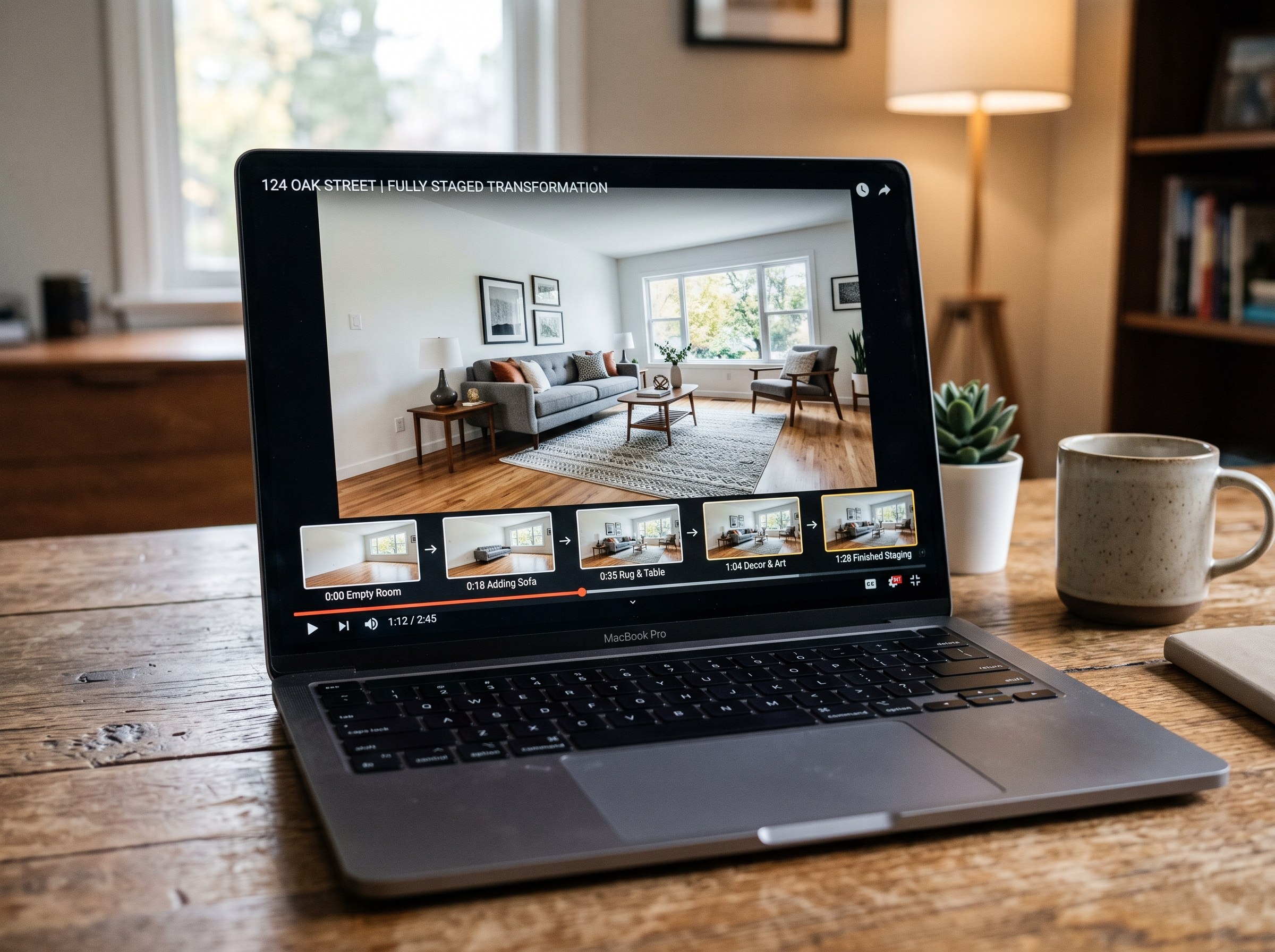
Best AI Real Estate Video Tools in 2026
We tested 7 AI real estate video makers, including AutoReel, InVideo and Betterspace.ai. RoomLab.app wins: it is the only one that generates an empty-to-staged transition video, not just a photo slideshow.
12 min read
Best AI Paint Color Visualizer Apps in 2026
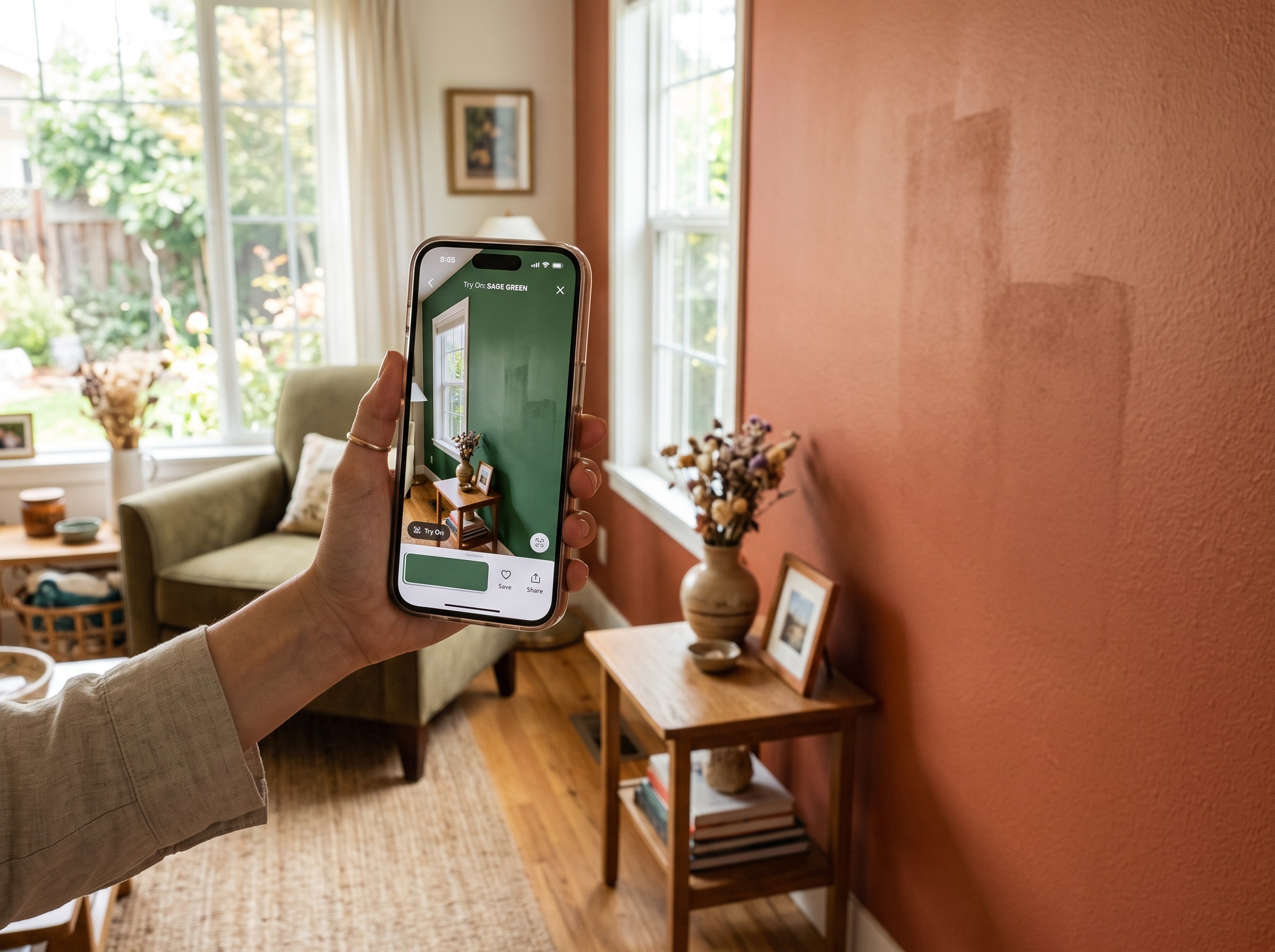
We tested 6 AI paint color visualizer apps that preview color on your own room photo. 15% of homeowners regret their paint color (Slickdeals 2023); RoomLab.app fixes that before you buy a gallon.
11 min read
Best AI Tools to Swap Furniture and Materials in a Room (2026)
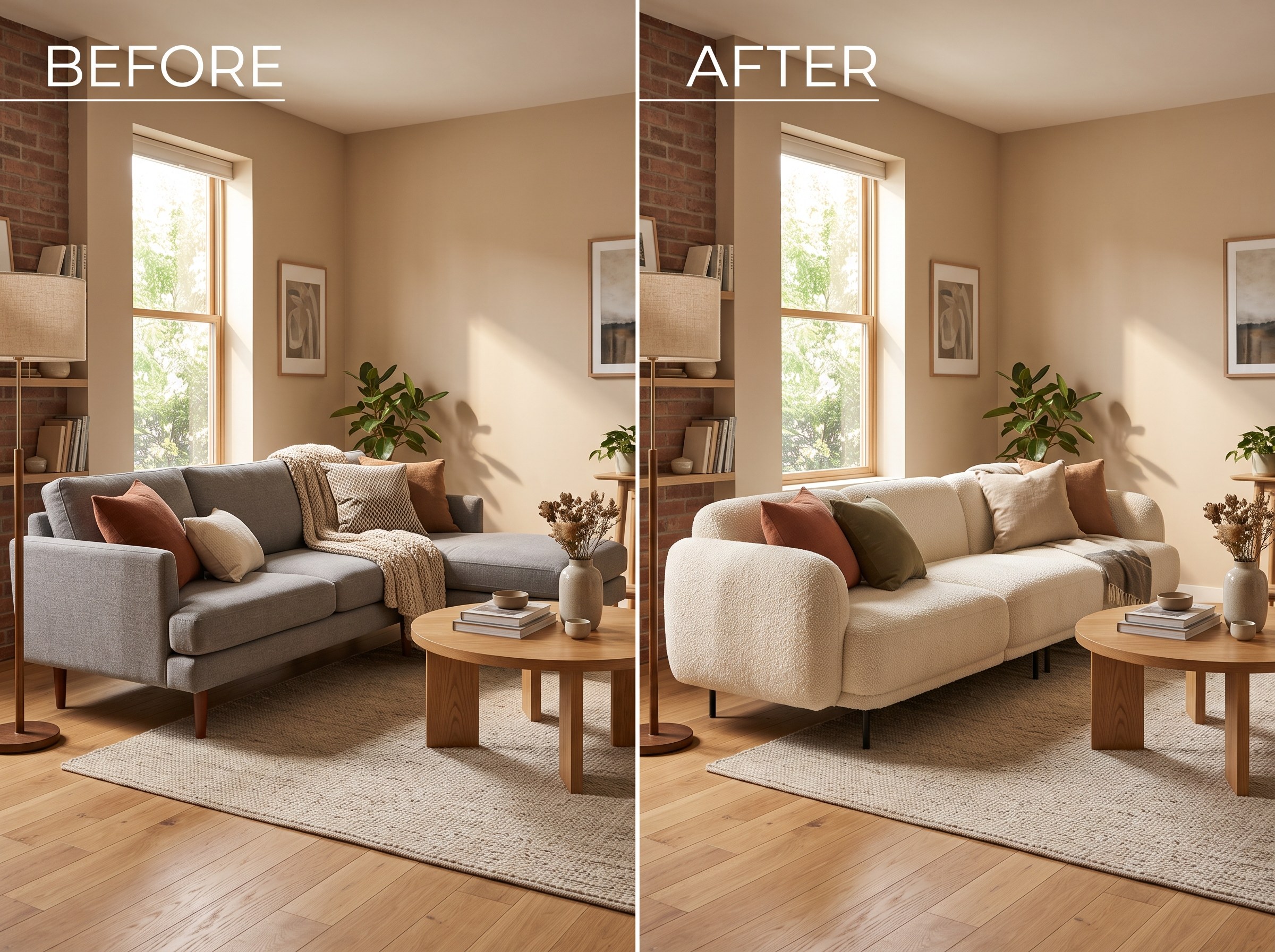
We tested 7 AI tools that swap furniture or materials in a room photo and ranked them. RoomLab.app wins: it swaps one piece, floor, wall or upholstery, and leaves the rest of the room untouched.
12 min read