Declutter Rooms
Remove clutter and mess while keeping all furniture in place.
Got a messy room photo? Clean mode removes clutter, papers, toys, and mess while preserving all your furniture and the room layout. Perfect for real estate listings.
🧹 What You'll Achieve
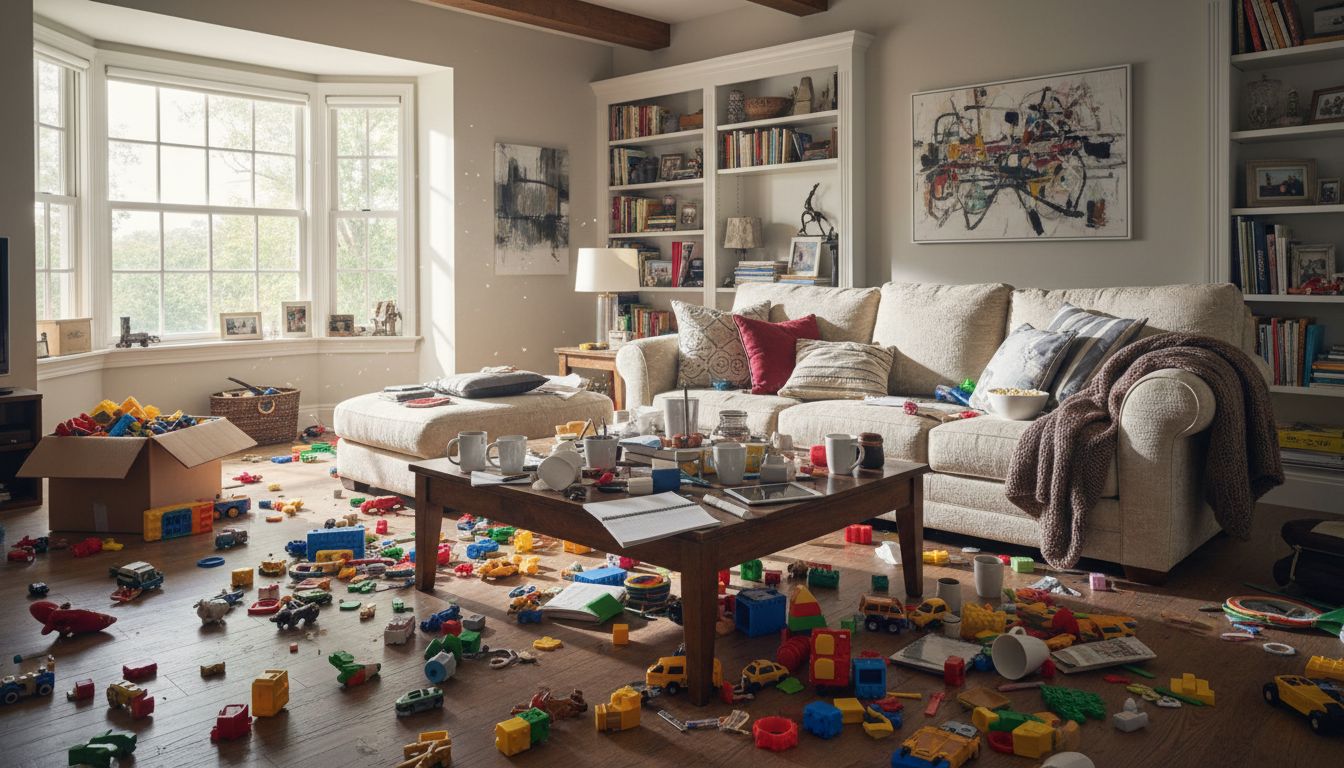 Cluttered Room
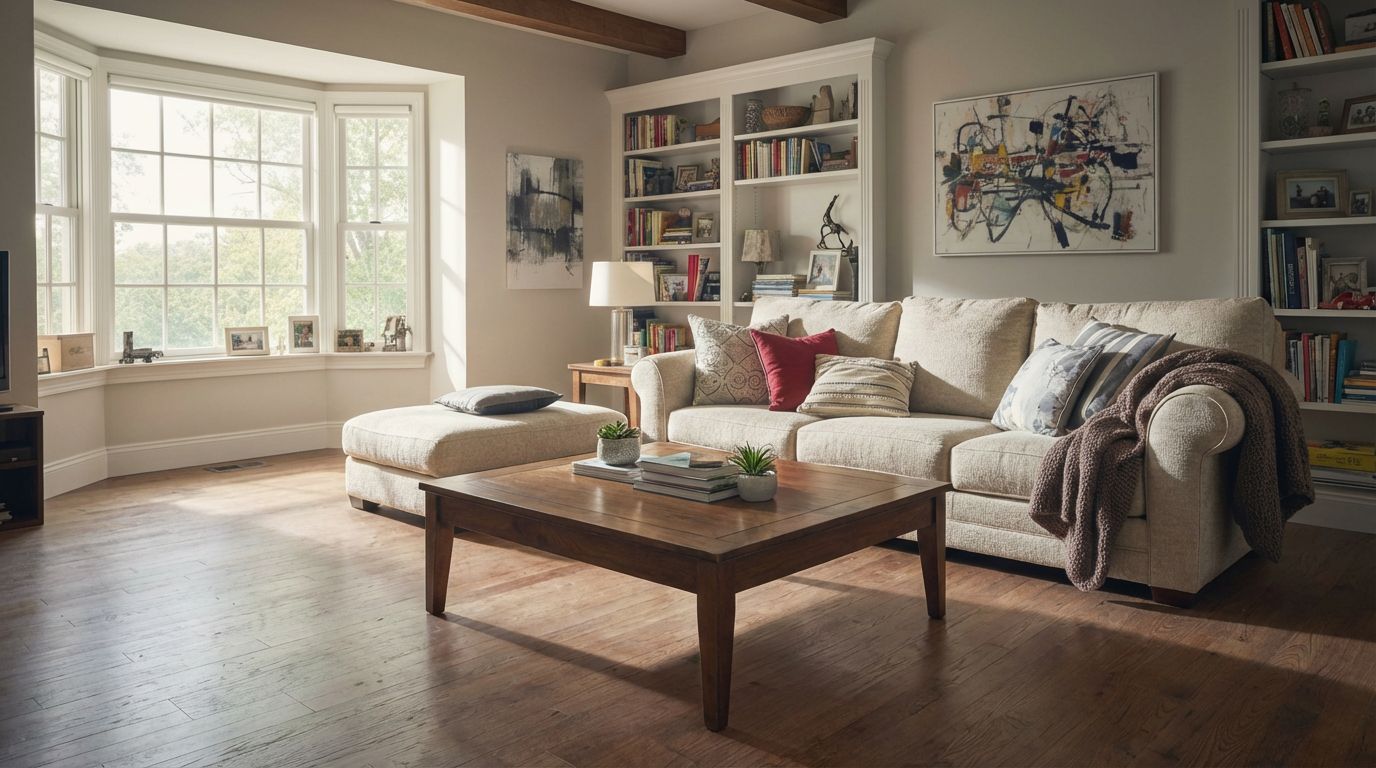 Decluttered!
1
Choose Your Mode
Click the Clean Room card on the canvas grid.
📱 Mode Selection
Redesign
Clean RoomRemove clutter from room
Empty RoomRemove all furniture
Change Room DesignRestyle the room
Virtual StageAdd furniture to room
Replace
Replace FurnitureSwap specific furniture pieces
Replace TextureChange wall, floor, or surfaces
Render
Render InteriorIndoor photorealistic render
Render ExteriorOutdoor photorealistic render
Custom ModeUse your own images and prompts
Wall ColorsCompare 9 wall paint colors at once
2
Upload Your Messy Room
Select the cluttered room photo you want to clean up.
📱 Upload
3
Adjust Options (Optional)
Enable Fast mode for quicker results.
📱 Options
4
Generate
Click Generate and wait ~30 seconds for your transformed room!
📱 Generate
🎯 Try the Result
Drag the slider to compare before and after!
Convert to 4K (Optional)
After generating your image, click the "Convert to 4K" button on the canvas to get a high-resolution version (Ultra/Premium only).
Cluttered
Decluttered!
Ready to Transform Your Space?
Start creating stunning room transformations in minutes. Sign up and try it yourself!