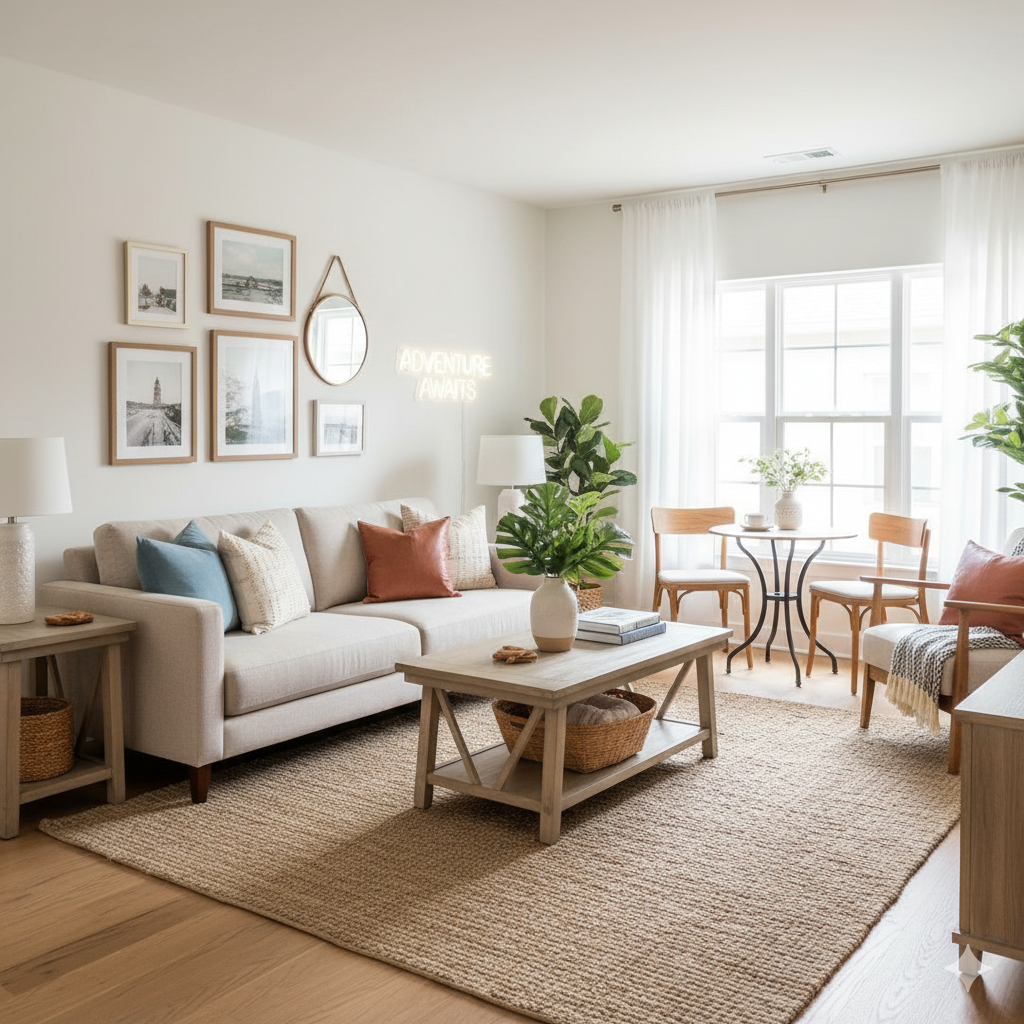
For Furniture Shoppers

Try Furniture in Your Room Before You Buy

Stop guessing whether that sofa will match your living room. Upload a photo, place any furniture piece virtually, and see exactly how it looks before spending a dime.
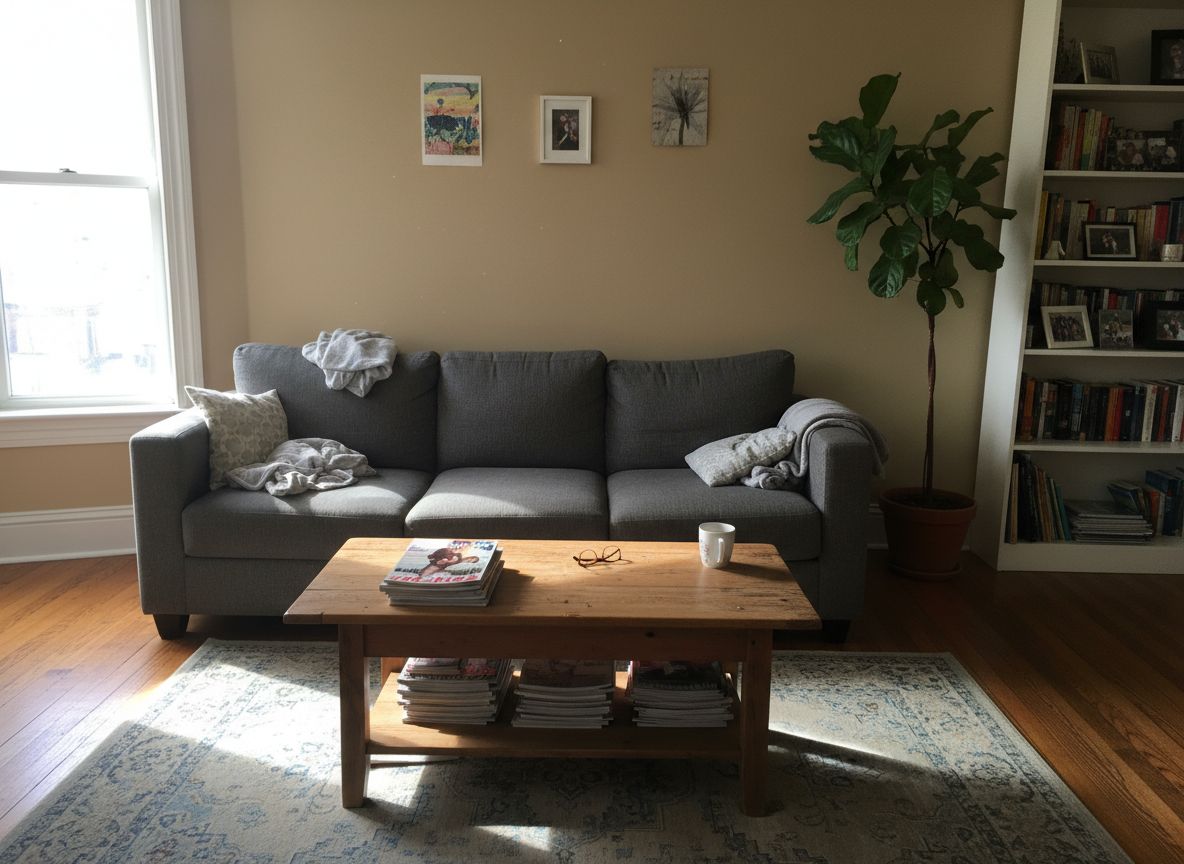
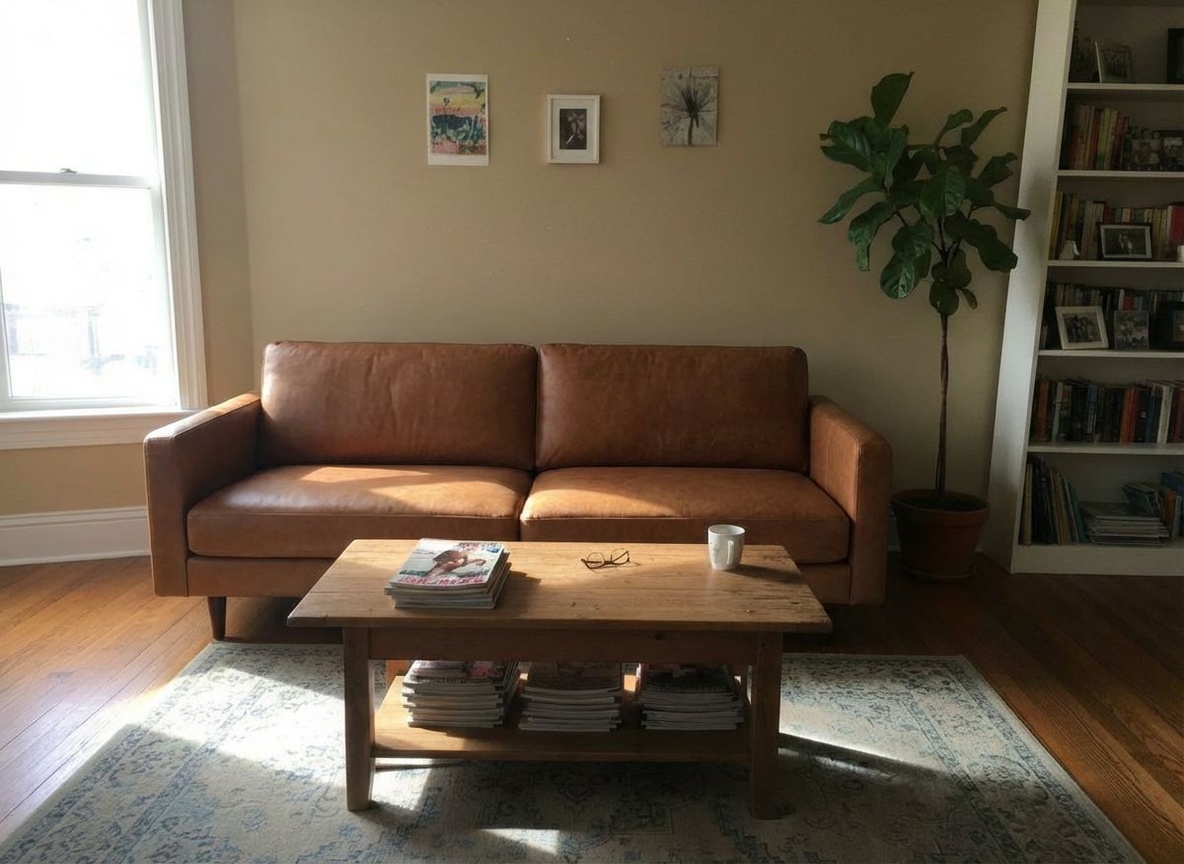
See it in your room
Try different options
Avoid returns

Try it for free — no credit card required

or
More than 640 users registered
Before Before
After After
Virtual Try-On

Place Any Furniture in Your Room

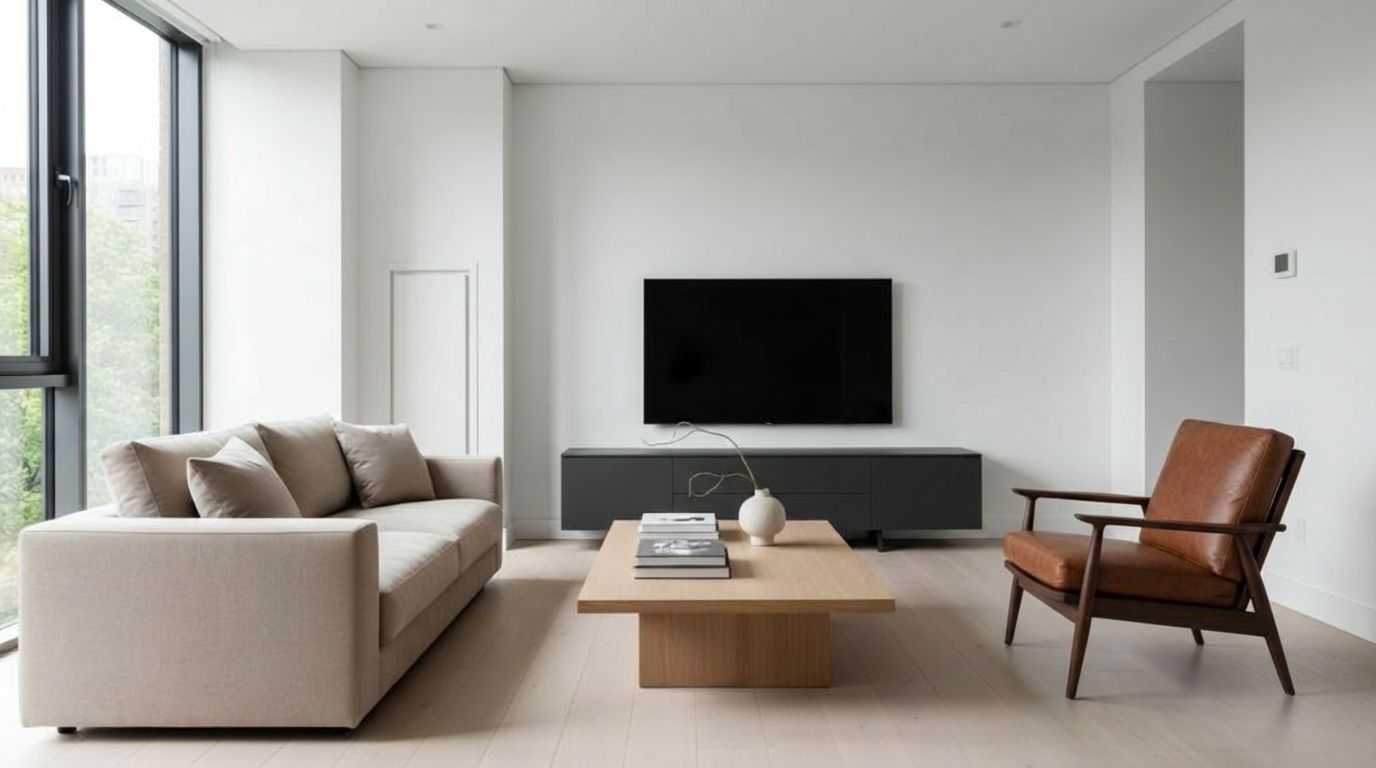
Wondering if that armchair fits your corner? Upload a photo of your room and a photo of the furniture you're considering. See it placed naturally in your space in seconds.

  • Upload a photo of any furniture piece you're considering
  • See it placed realistically in your actual room
  • Try multiple options without moving anything
  • Works with sofas, chairs, tables, shelves, and more
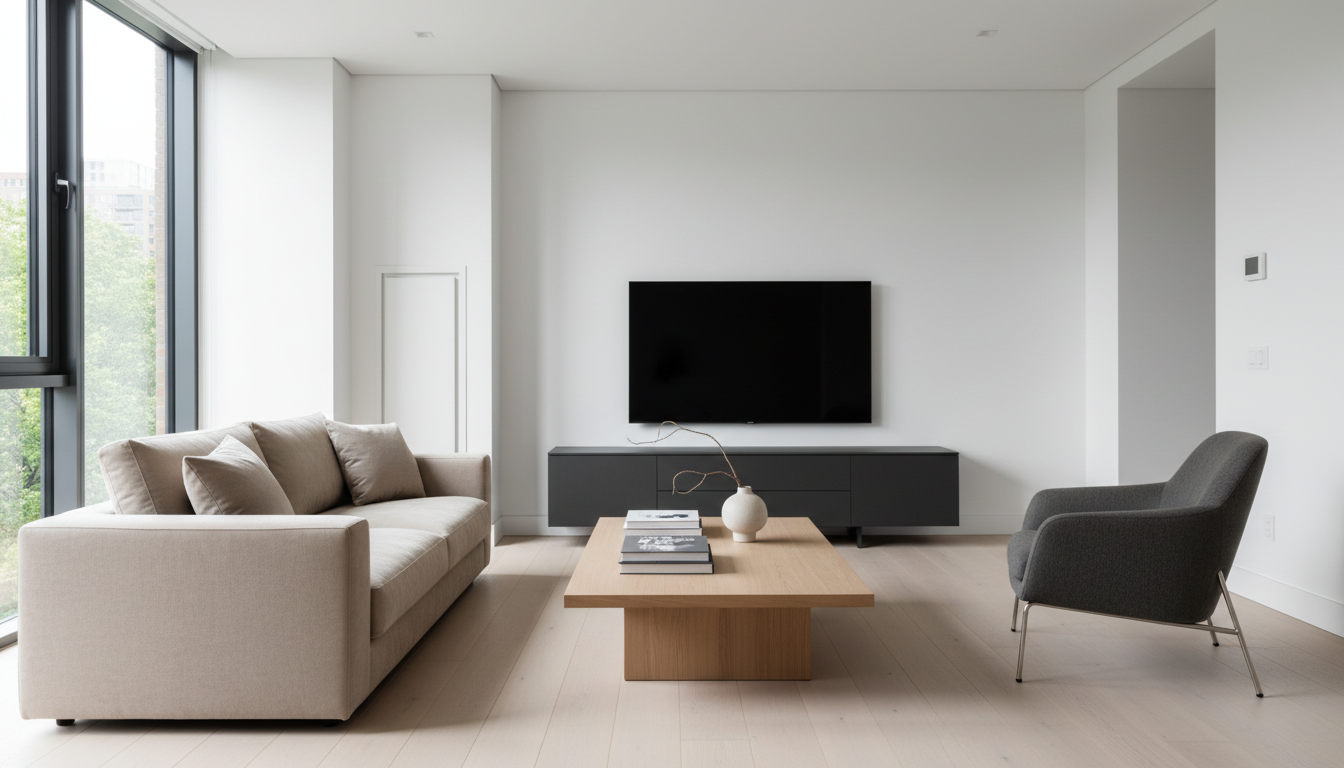
Explore Furniture Replacement
Before Before
After After
Material Preview

Test Finishes and Materials

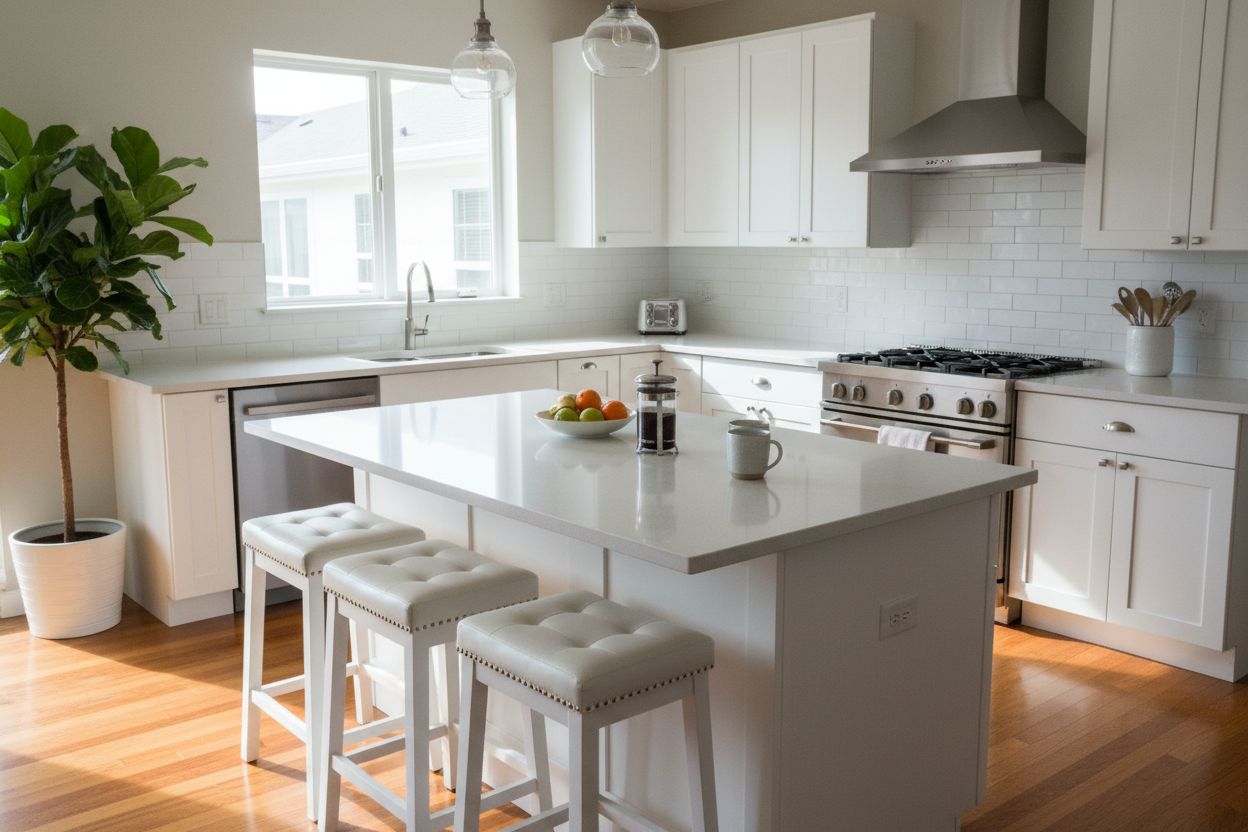
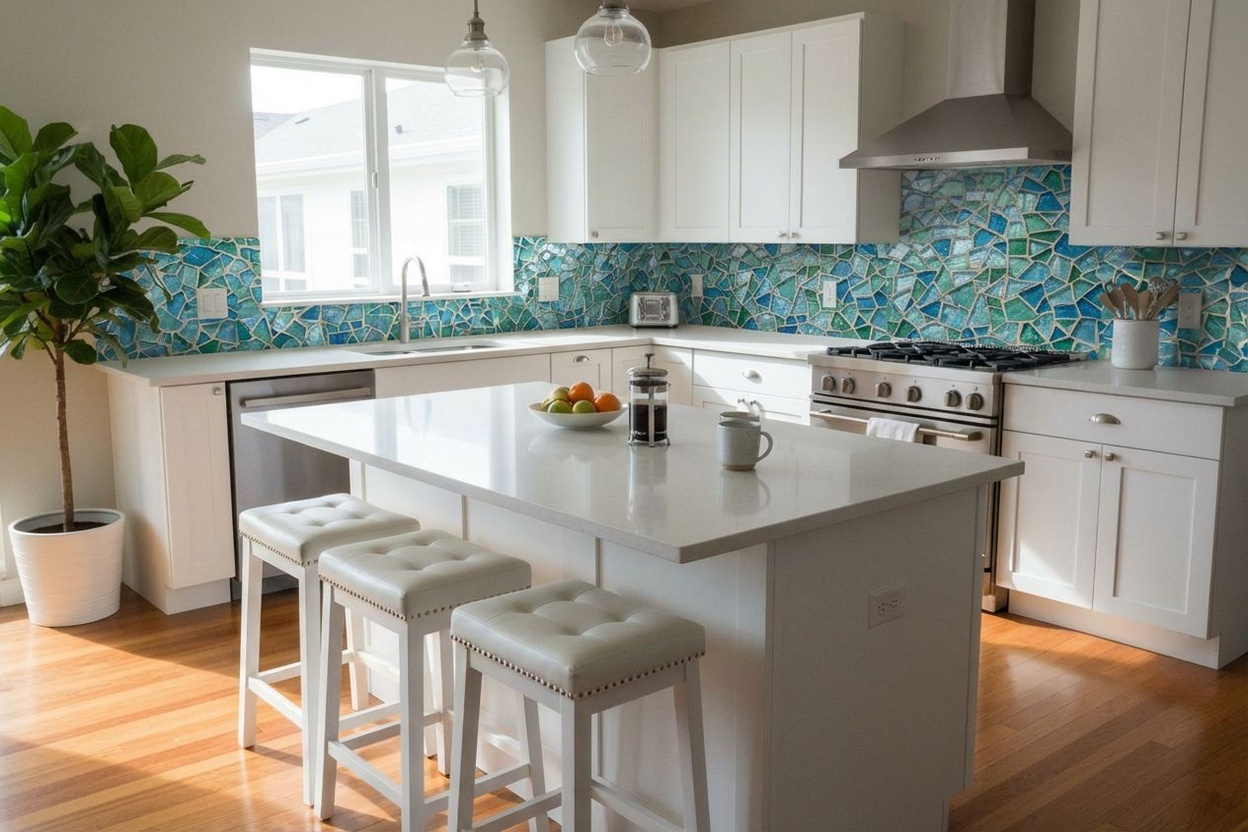
Choosing between marble and granite countertops? Hardwood or tile flooring? See how different materials and finishes look in your actual space before committing.

  • Preview countertop materials in your kitchen
  • Compare flooring options side by side
  • Test backsplash tiles and wall finishes
  • Make confident material decisions
Explore Material Replacement
Before Before
After After
Shop with Confidence

Visualize Before You Buy

Buying furniture online is risky — colors look different on screen, sizes are hard to judge, and returns are expensive. See exactly how your purchase will look at home first.

  • Reduce returns by previewing at home
  • Compare colors against your existing decor
  • Check scale and proportion in your room
  • Share visualizations with family before buying
Before Before
After After
29+ Styles

Transform Any Room Into Any Style

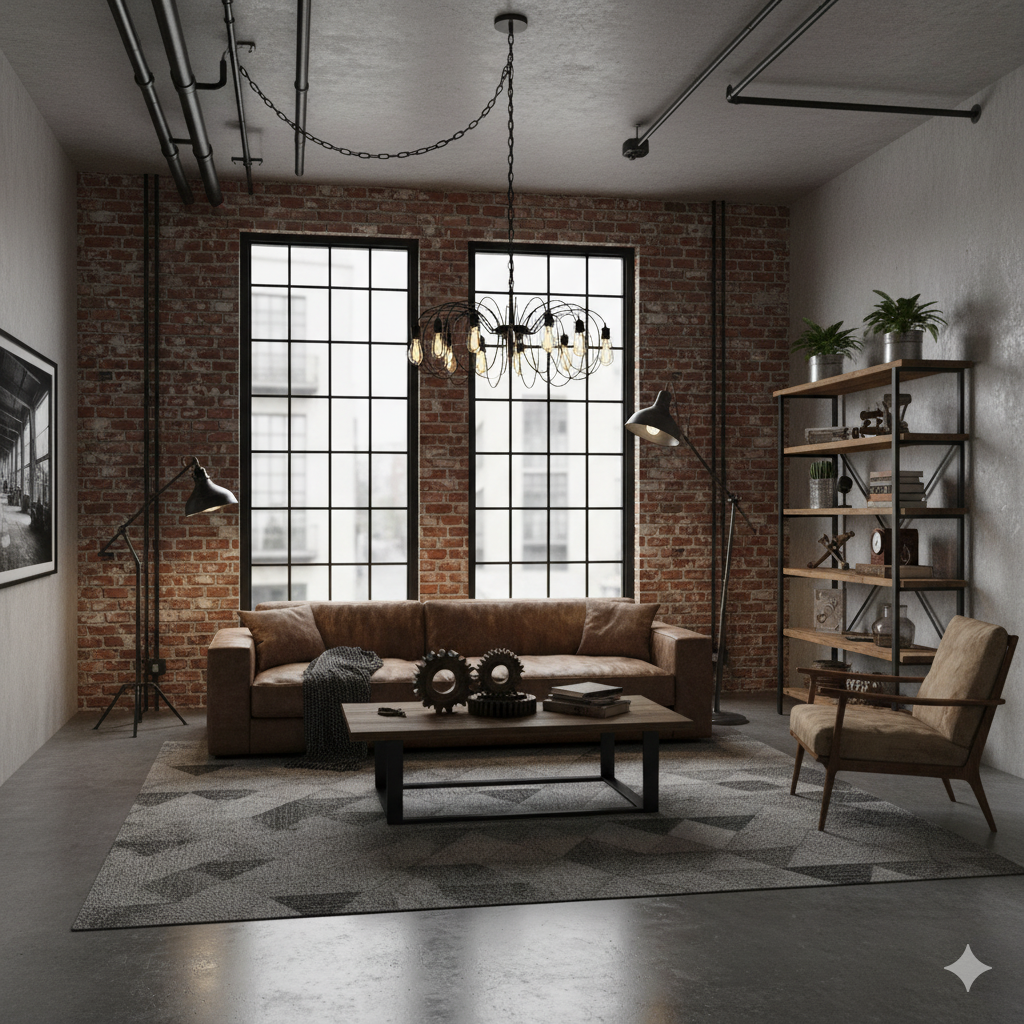
From modern minimalism to festive holiday themes — choose from our extensive collection of interior design styles.
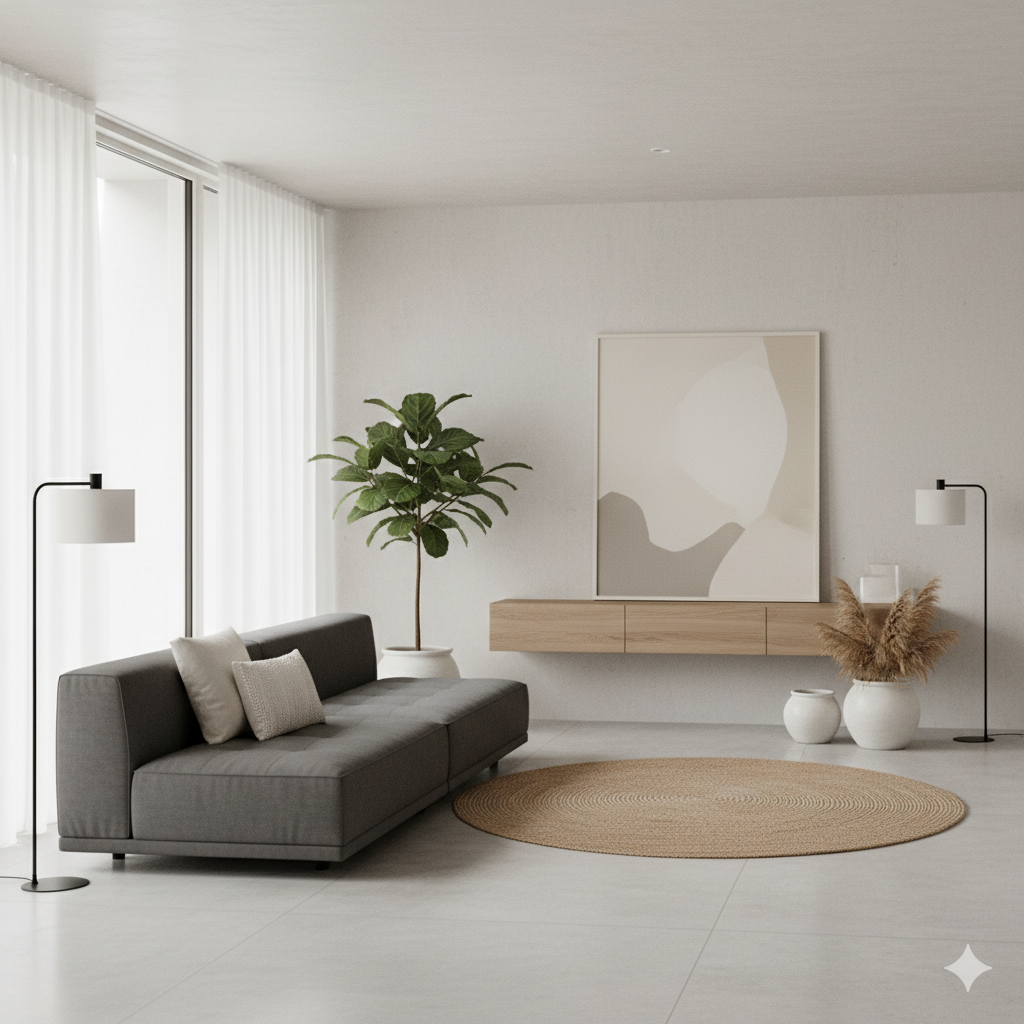
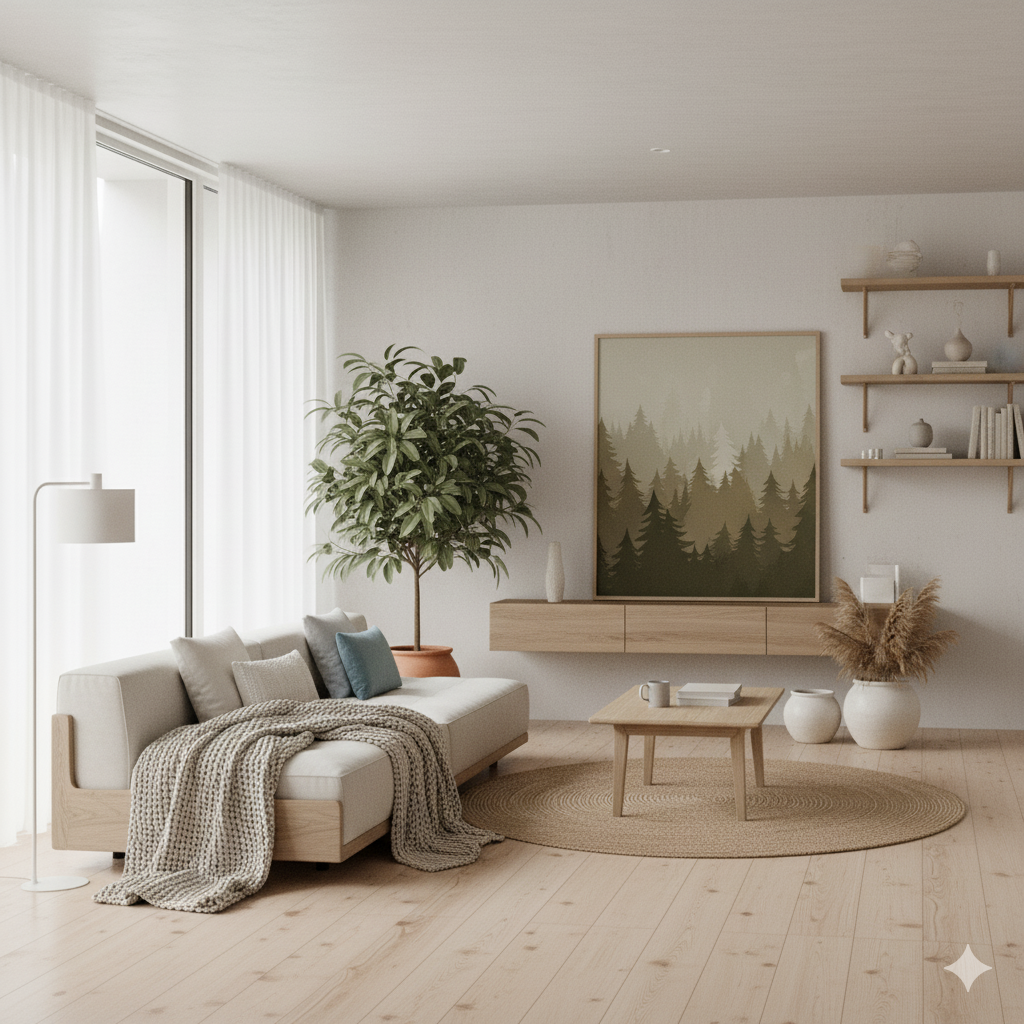
Modern
Modern
Try It
Scandinavian
Scandinavian
Try It
Industrial
Industrial
Try It
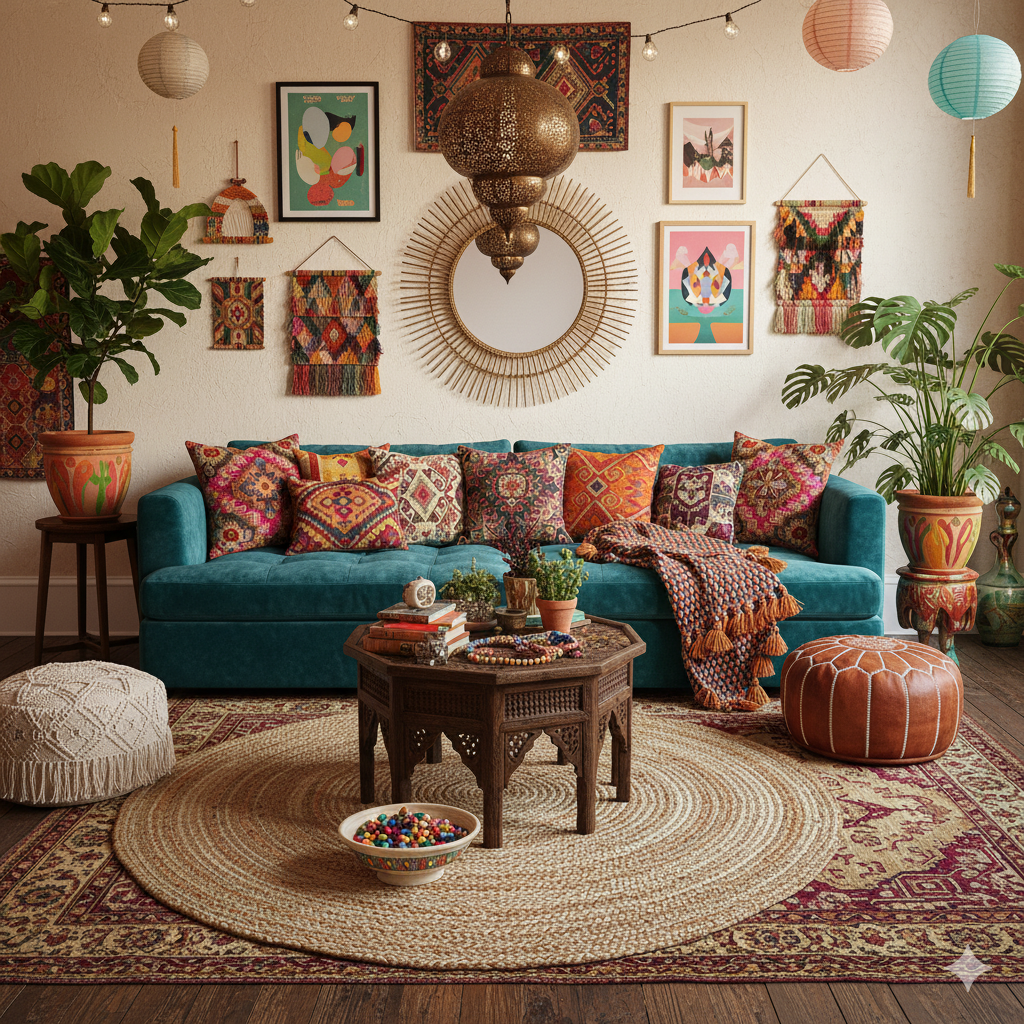
Bohemian
Bohemian
Try It
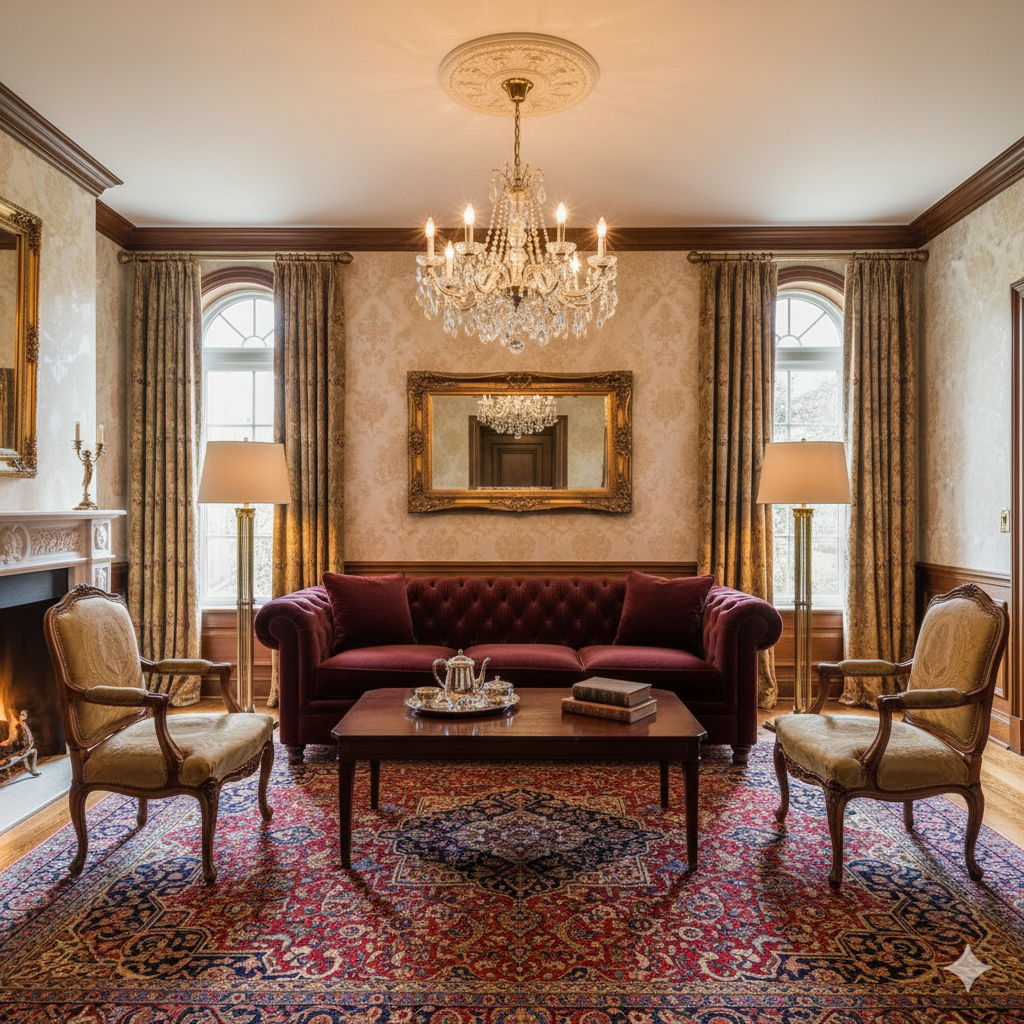
Traditional
Traditional
Try It
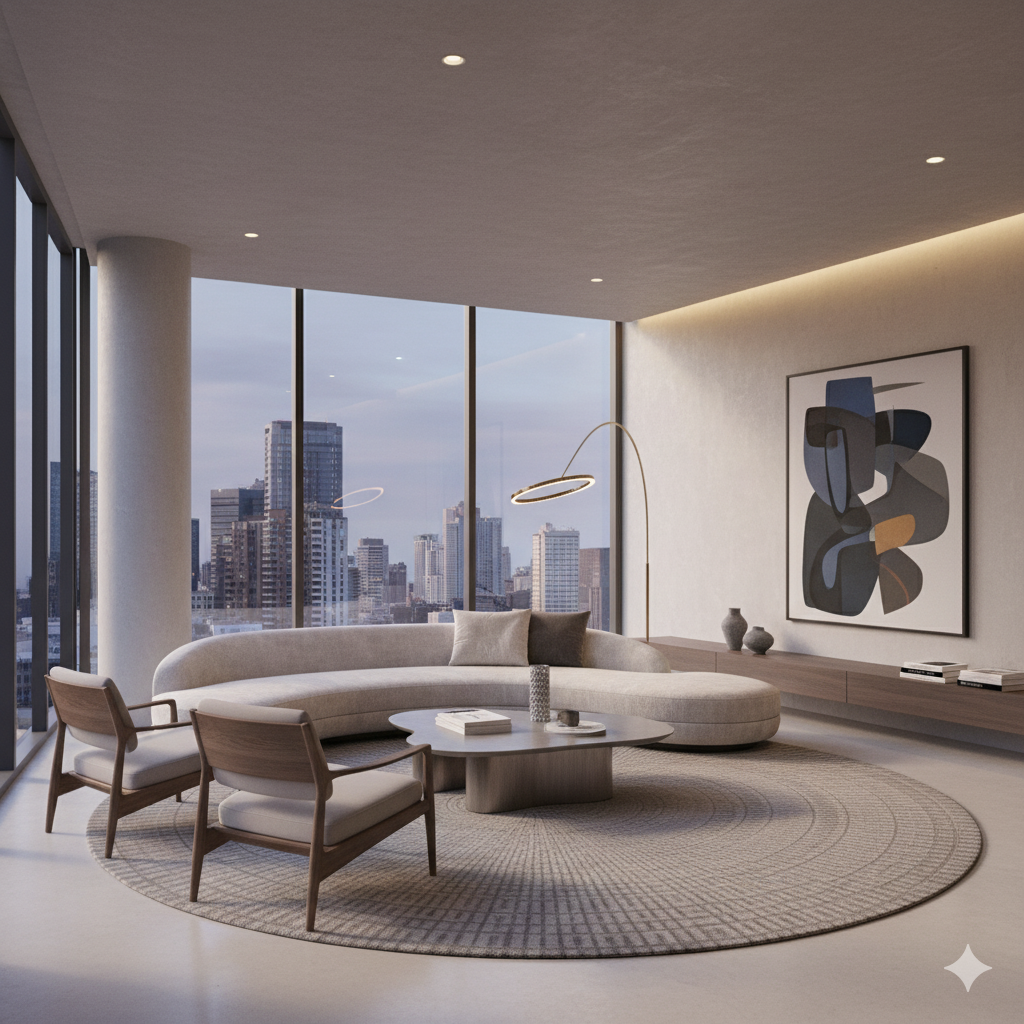
Contemporary
Contemporary
Try It
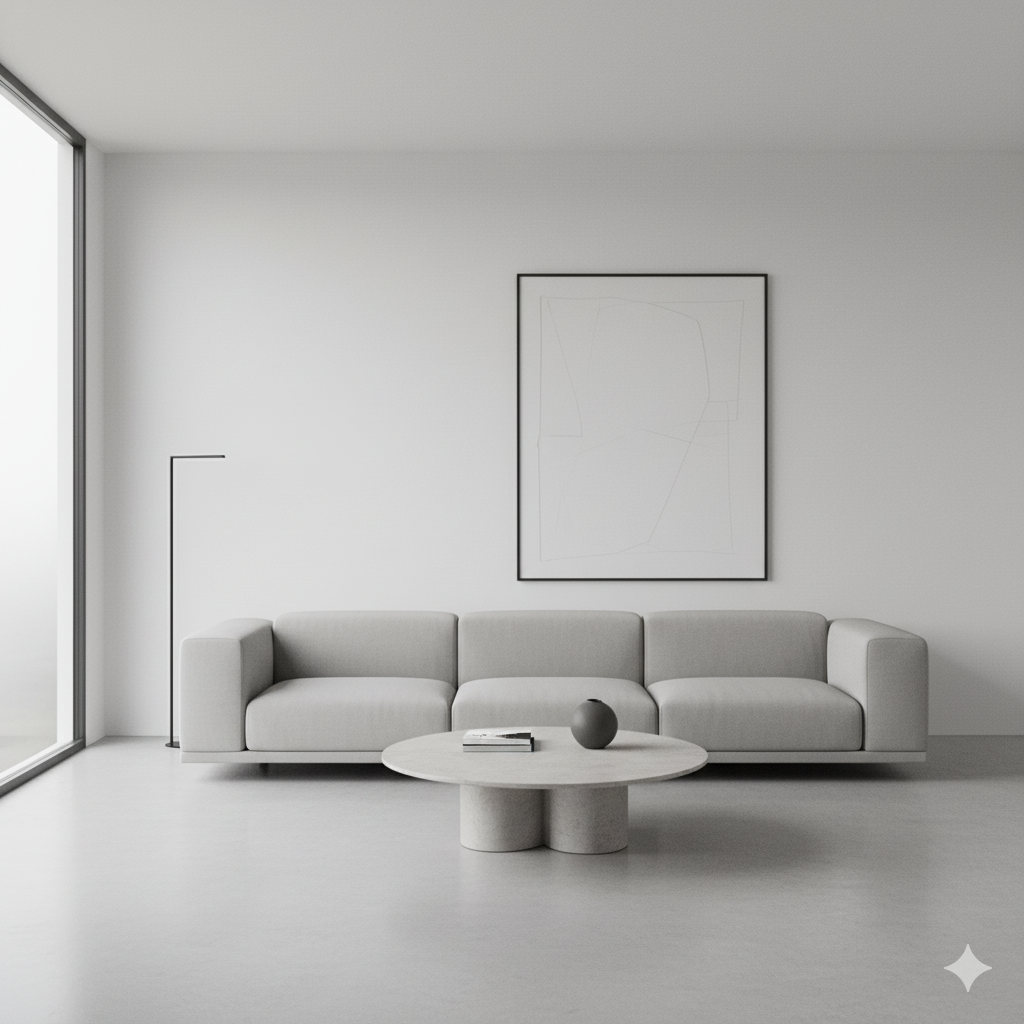
Minimalist
Minimalist
Try It
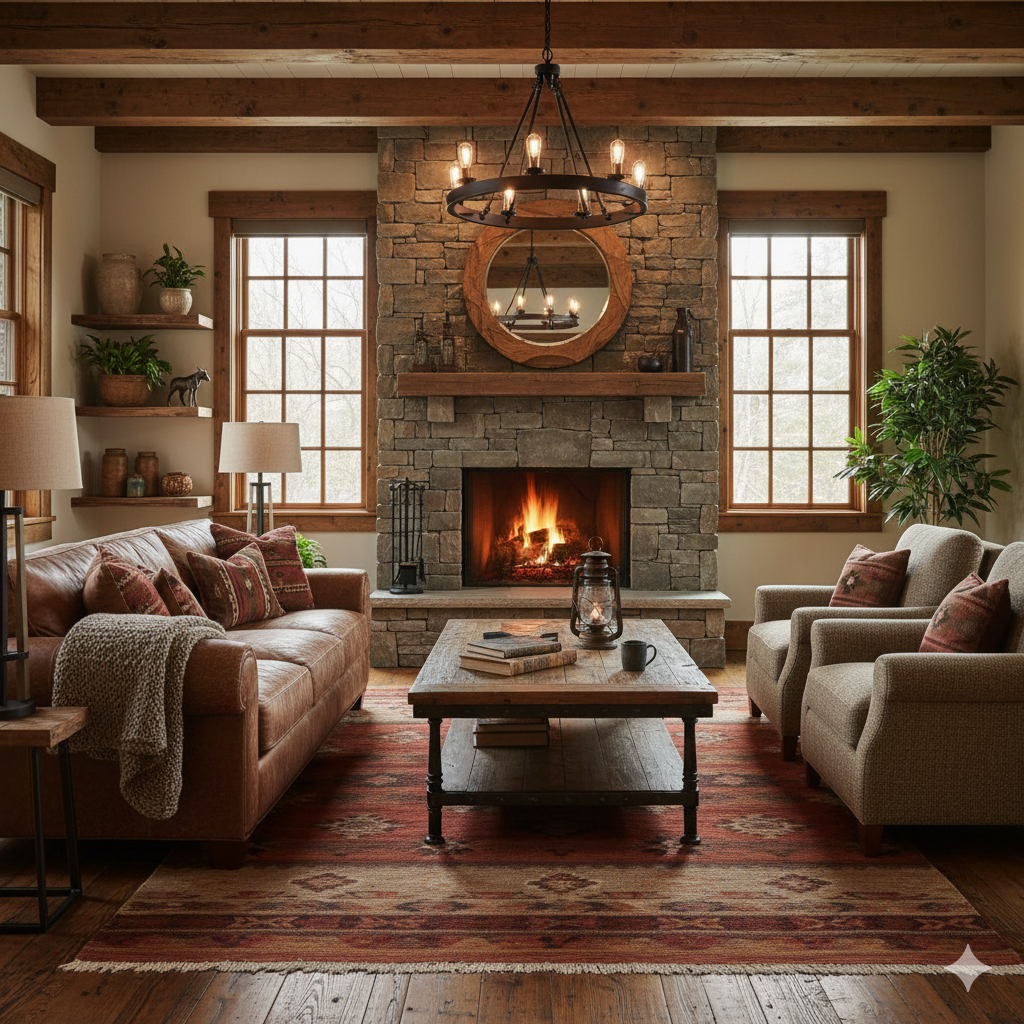
Rustic
Rustic
Try It
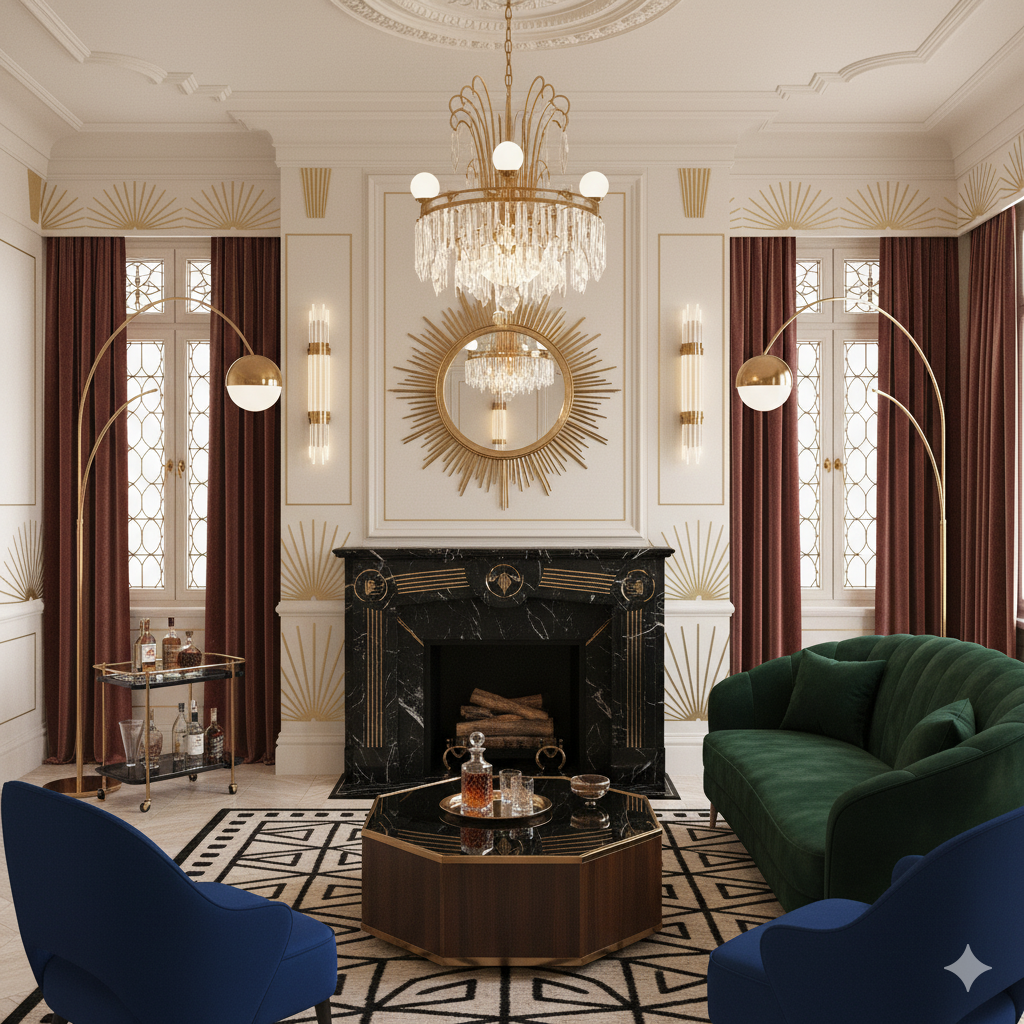
Art Deco
Art Deco
Try It
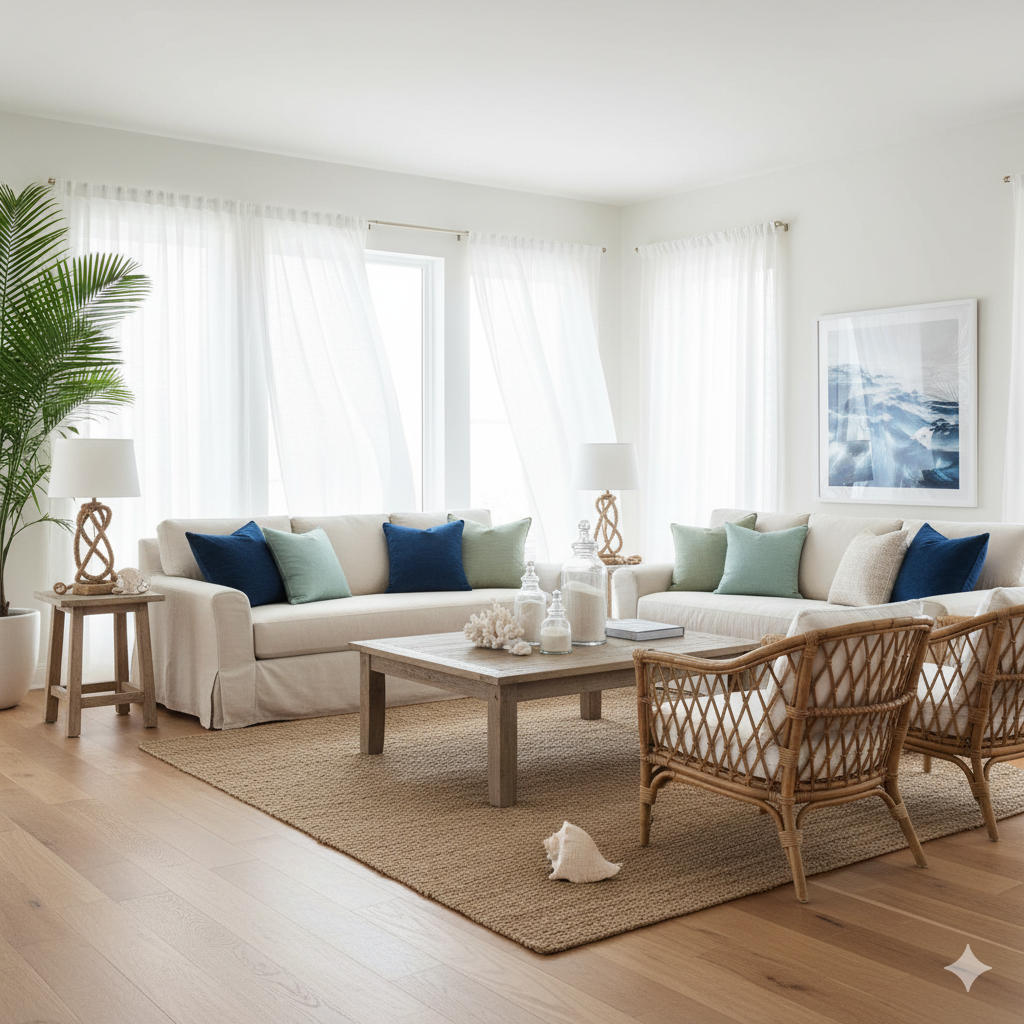
Coastal
Coastal
Try It
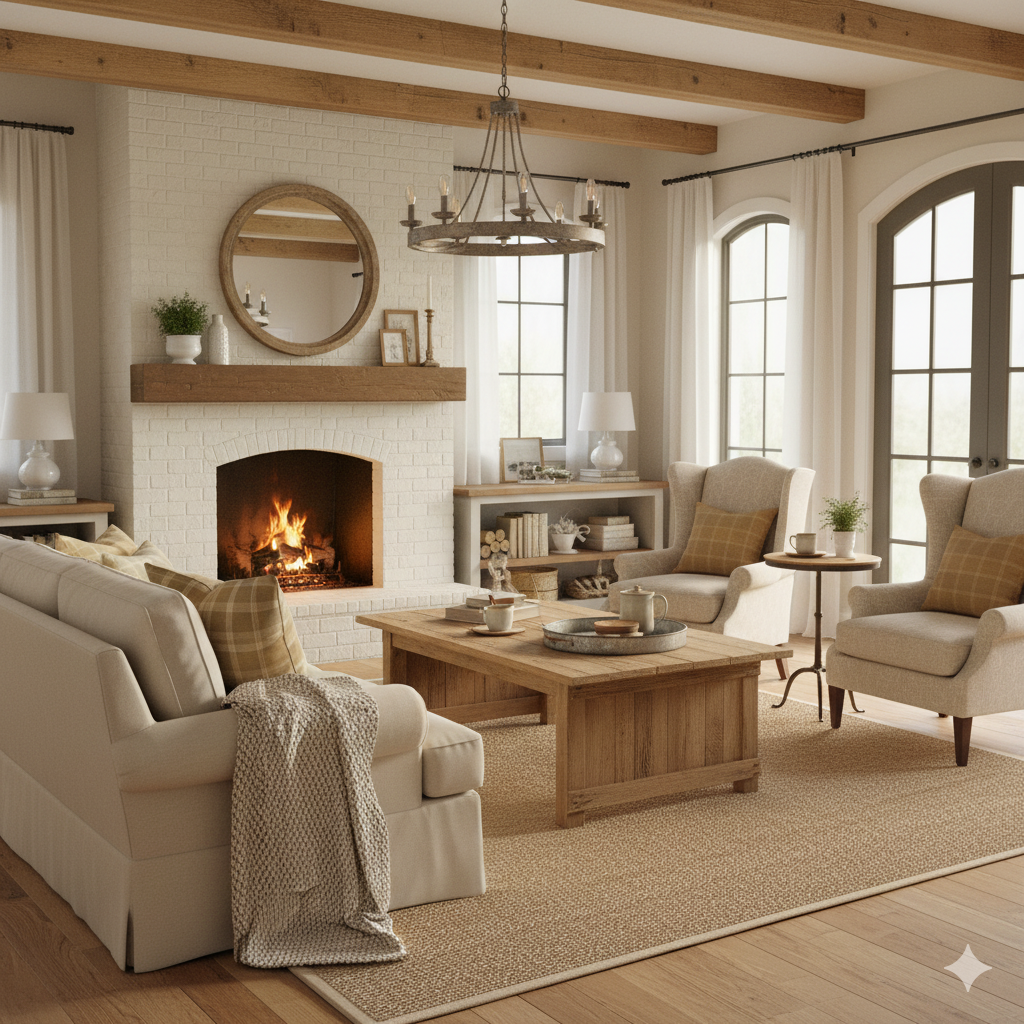
Farmhouse
Farmhouse
Try It
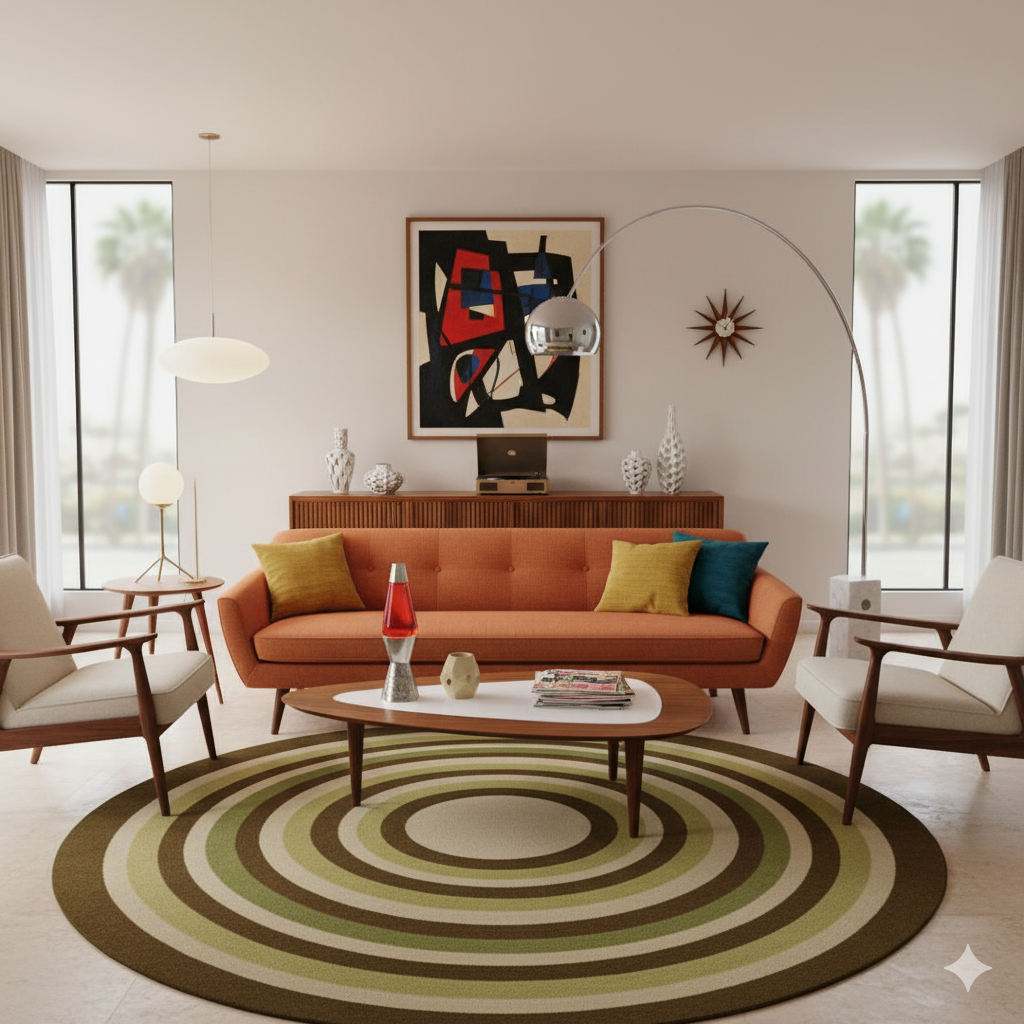
Mid-Century Modern
Mid-Century Modern
Try It
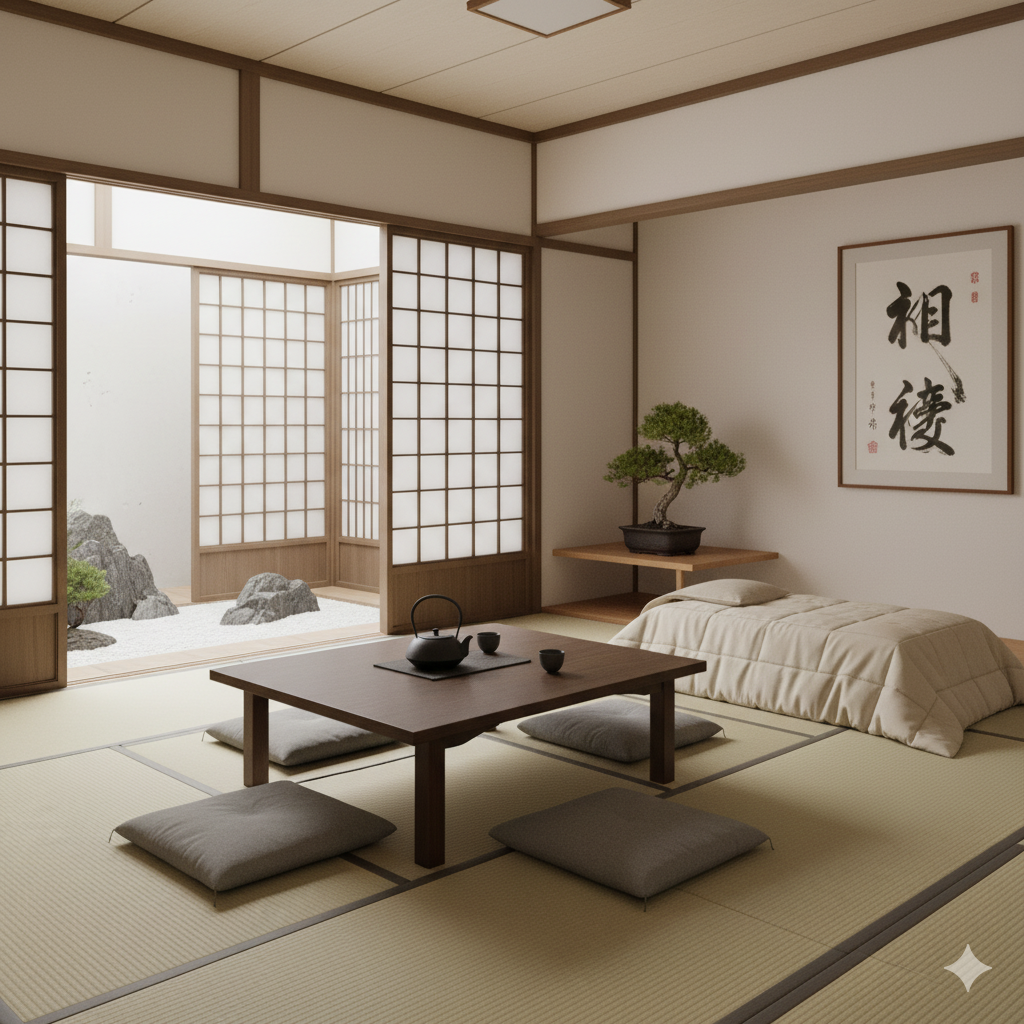
Japanese Zen
Japanese Zen
Try It
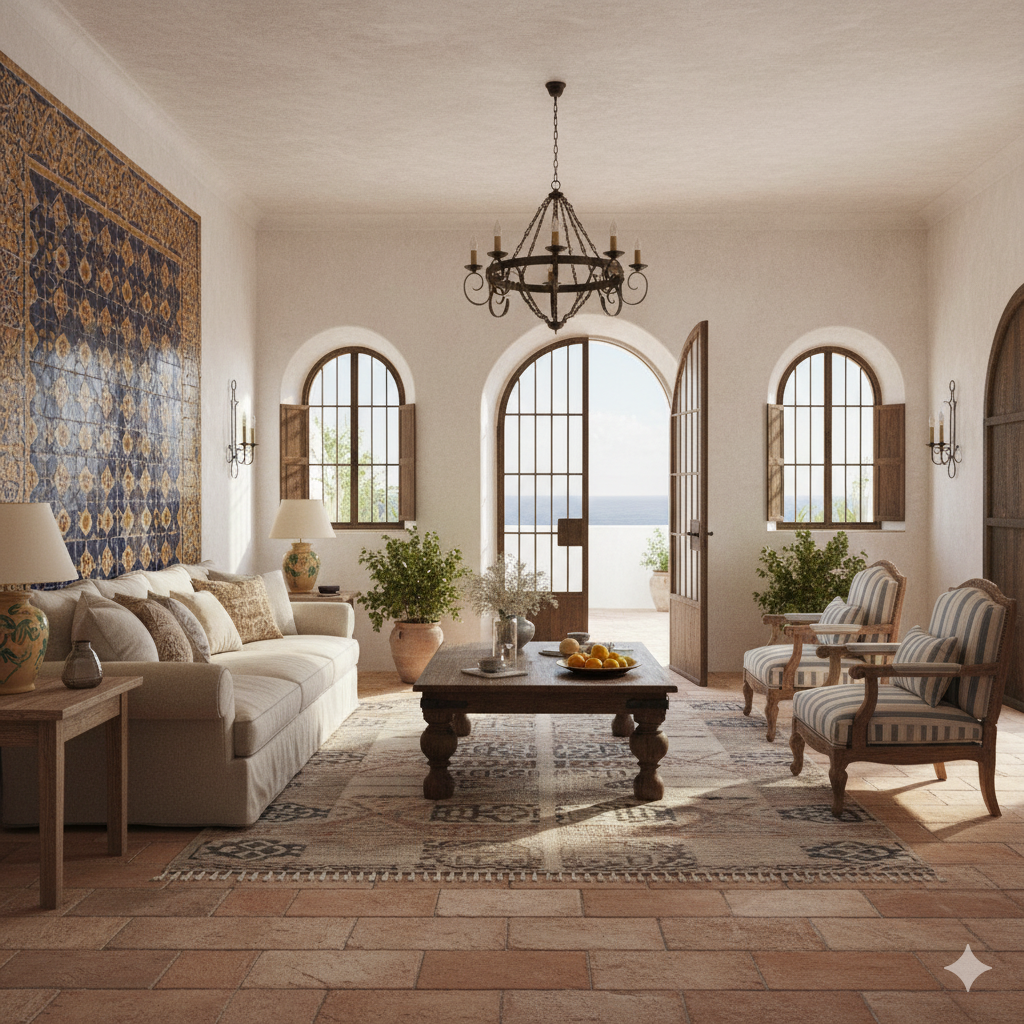
Mediterranean
Mediterranean
Try It
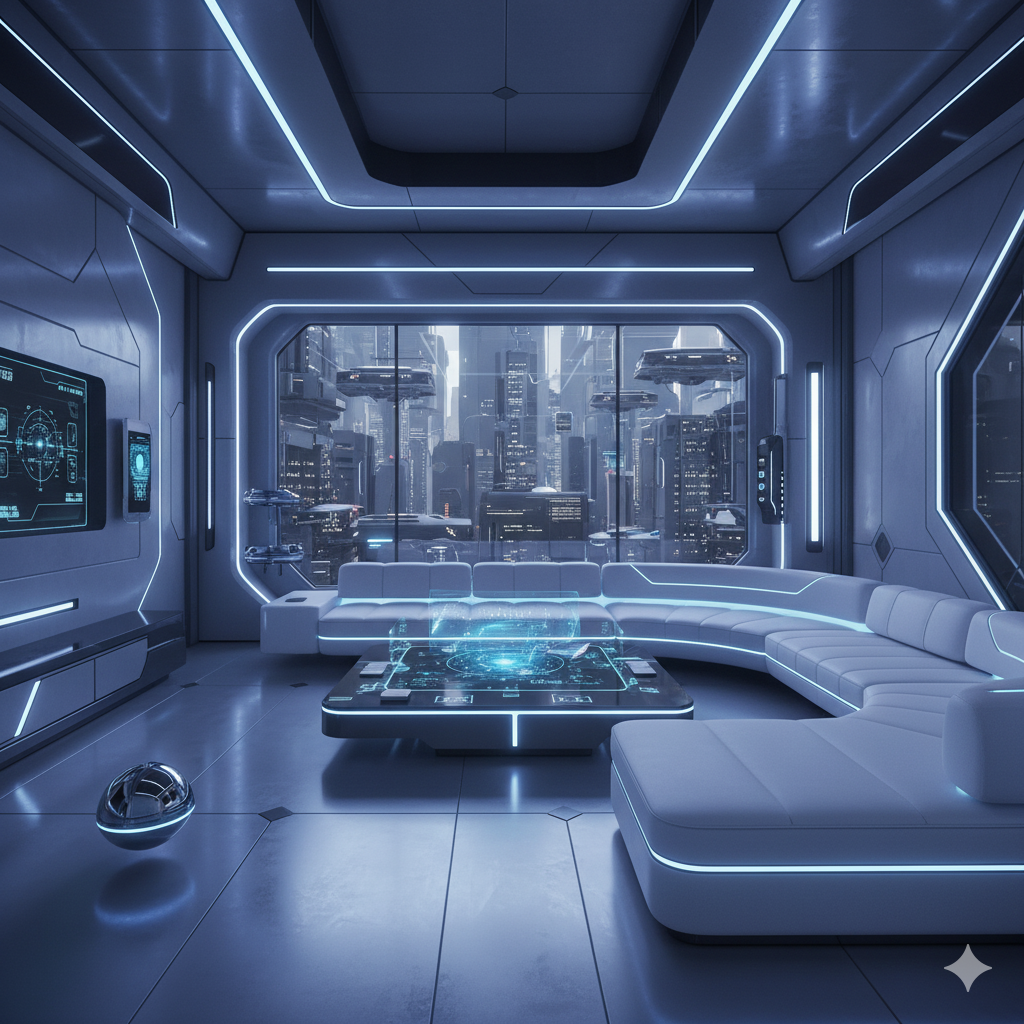
Futuristic
Futuristic
Try It
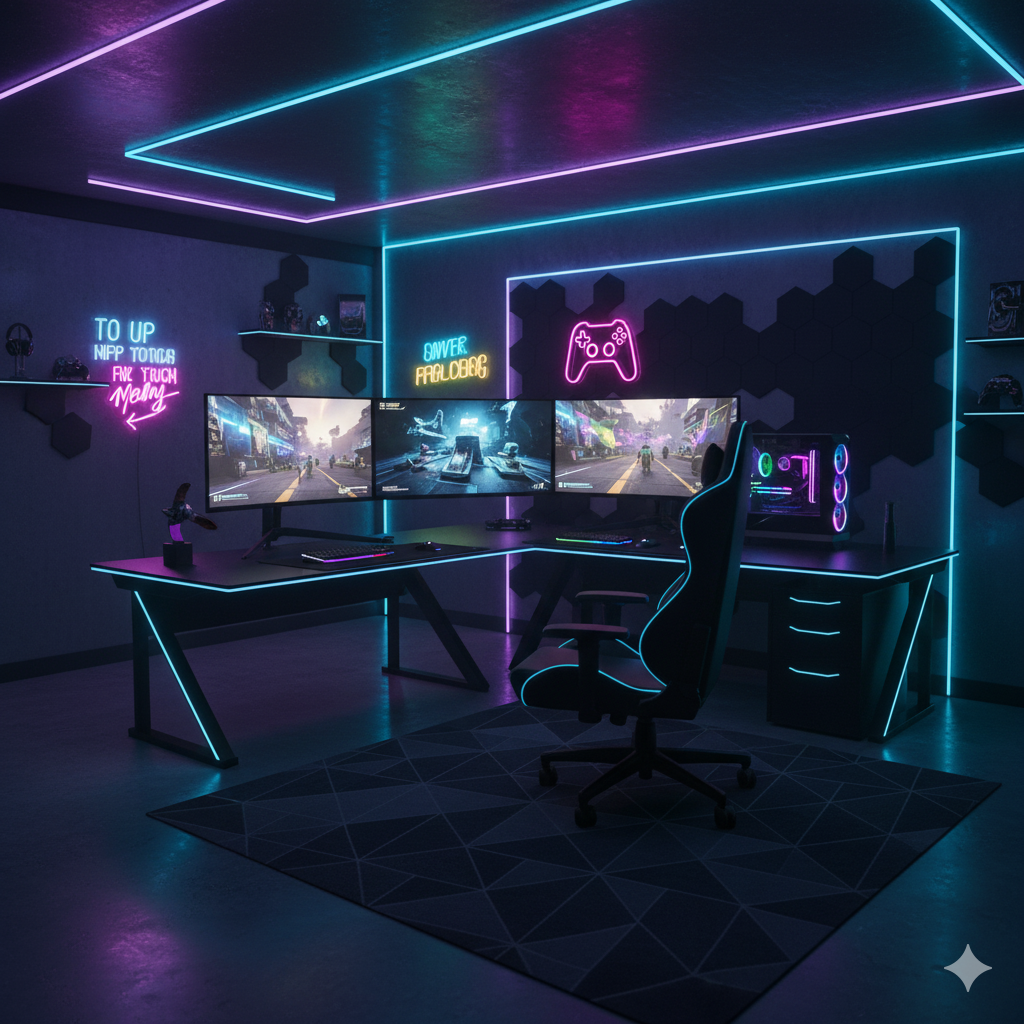
Gaming Room
Gaming Room
Try It
Airbnb Ready
Airbnb Ready
Try It
Luxury
Luxury
Try It
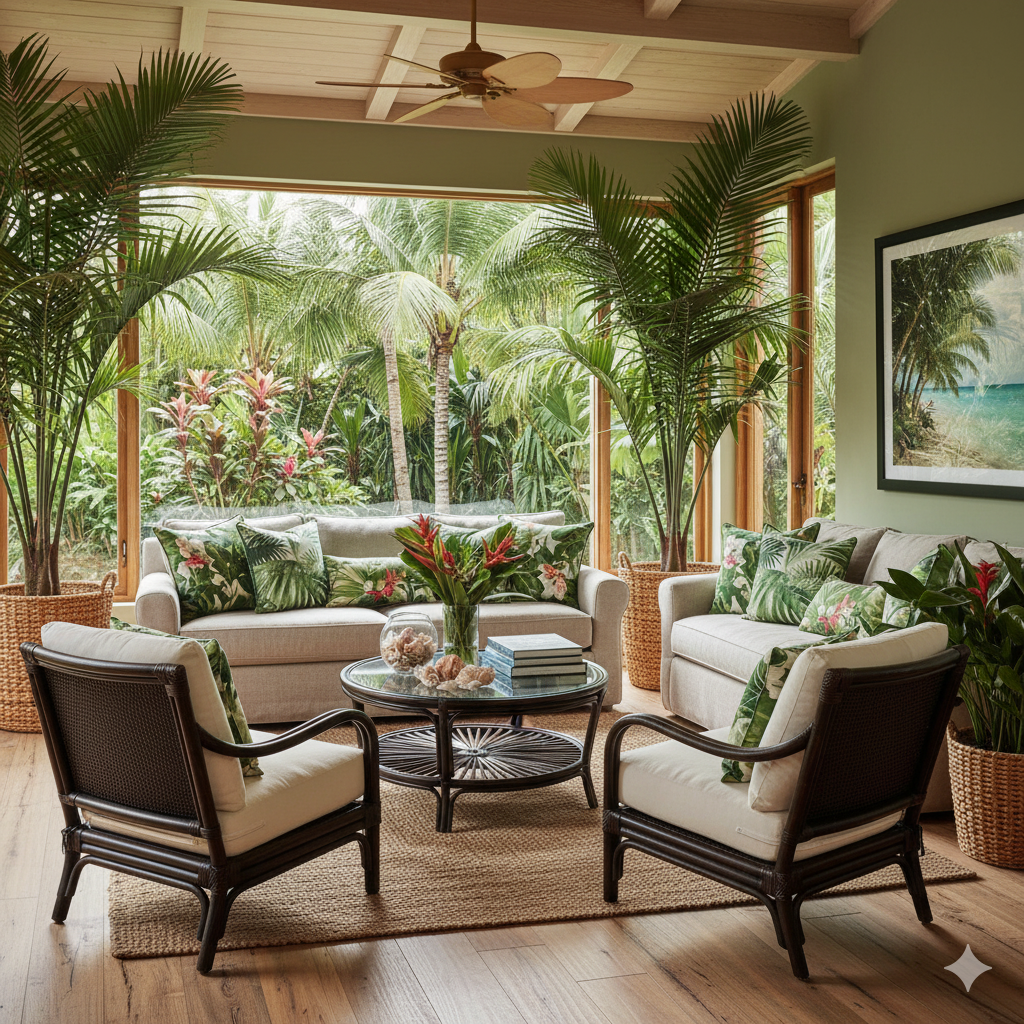
Tropical
Tropical
Try It
Christmas
Christmas
Try It
Halloween
Halloween
Try It
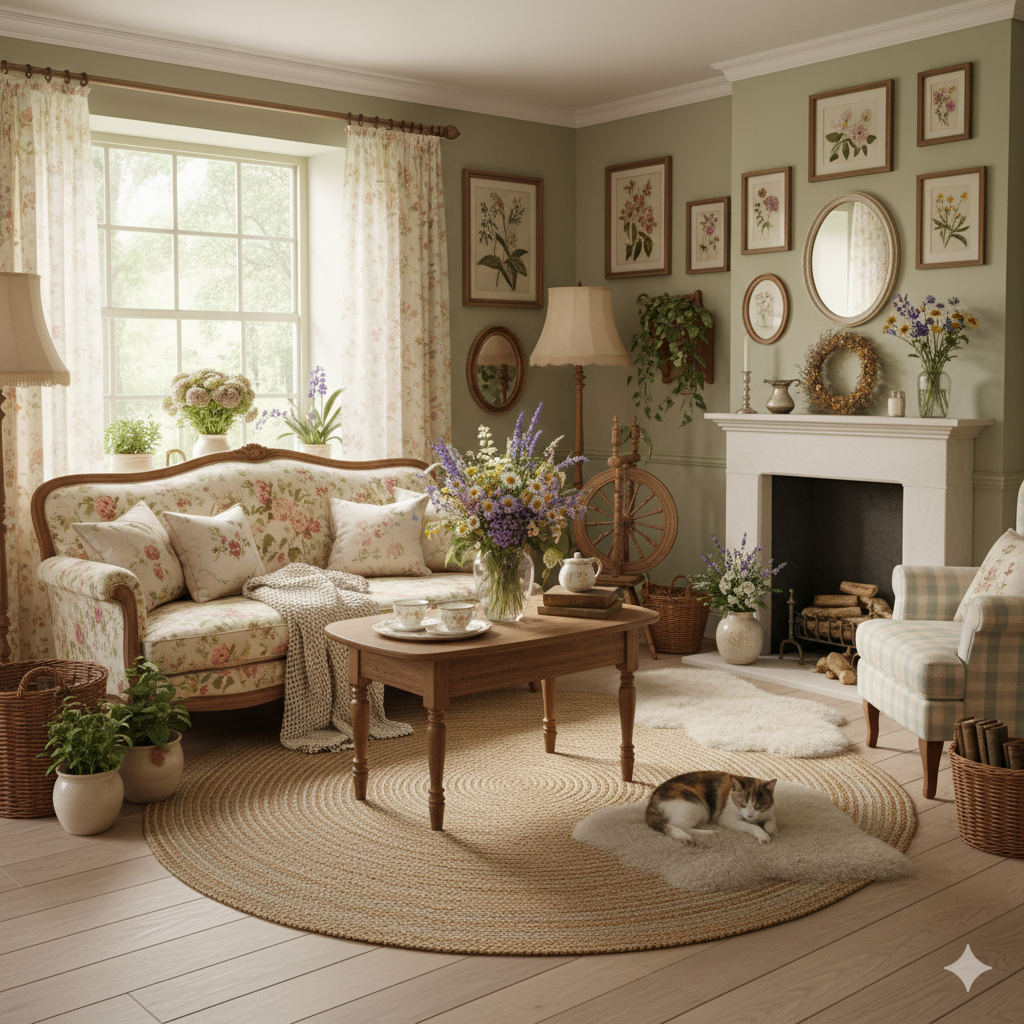
Cottagecore
Cottagecore
Try It
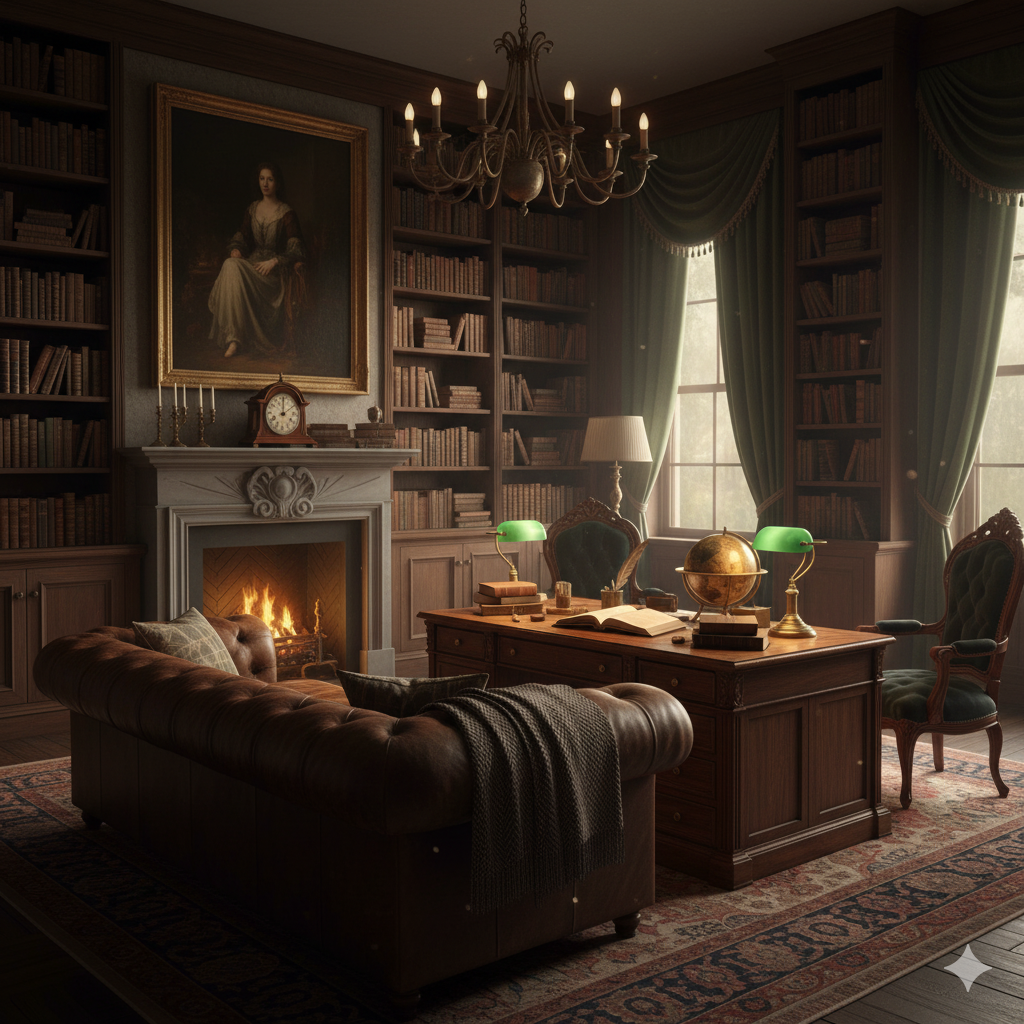
Dark Academia
Dark Academia
Try It
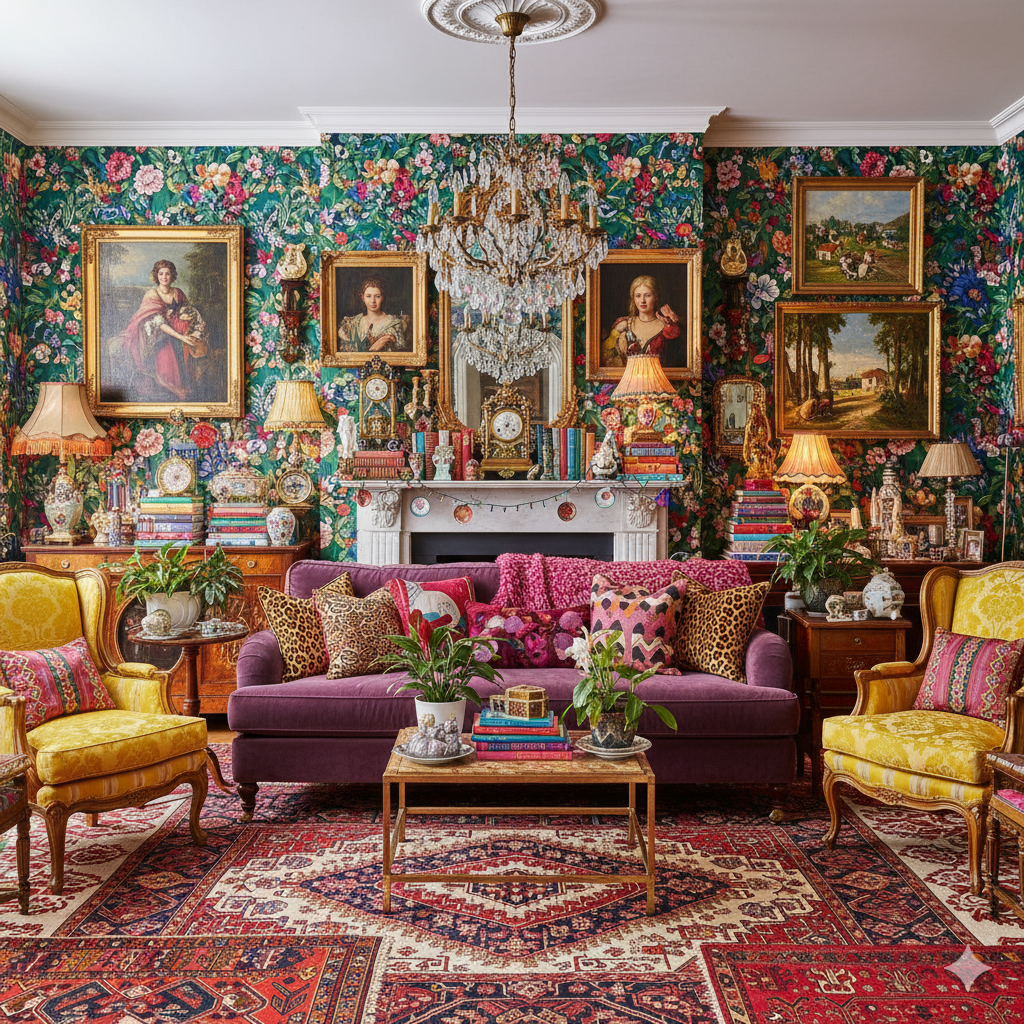
Maximalist
Maximalist
Try It
Hollywood Glam
Hollywood Glam
Try It
Moroccan
Moroccan
Try It
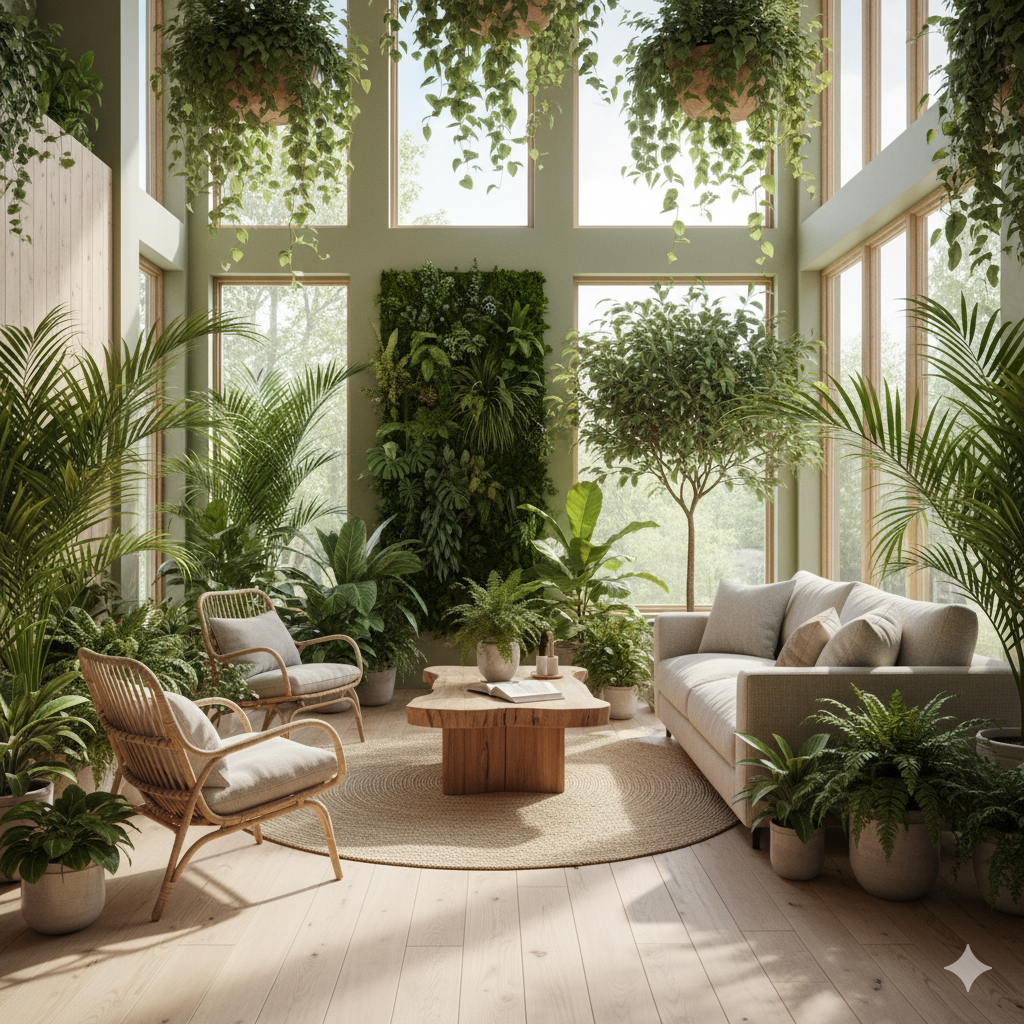
Biophilic
Biophilic
Try It
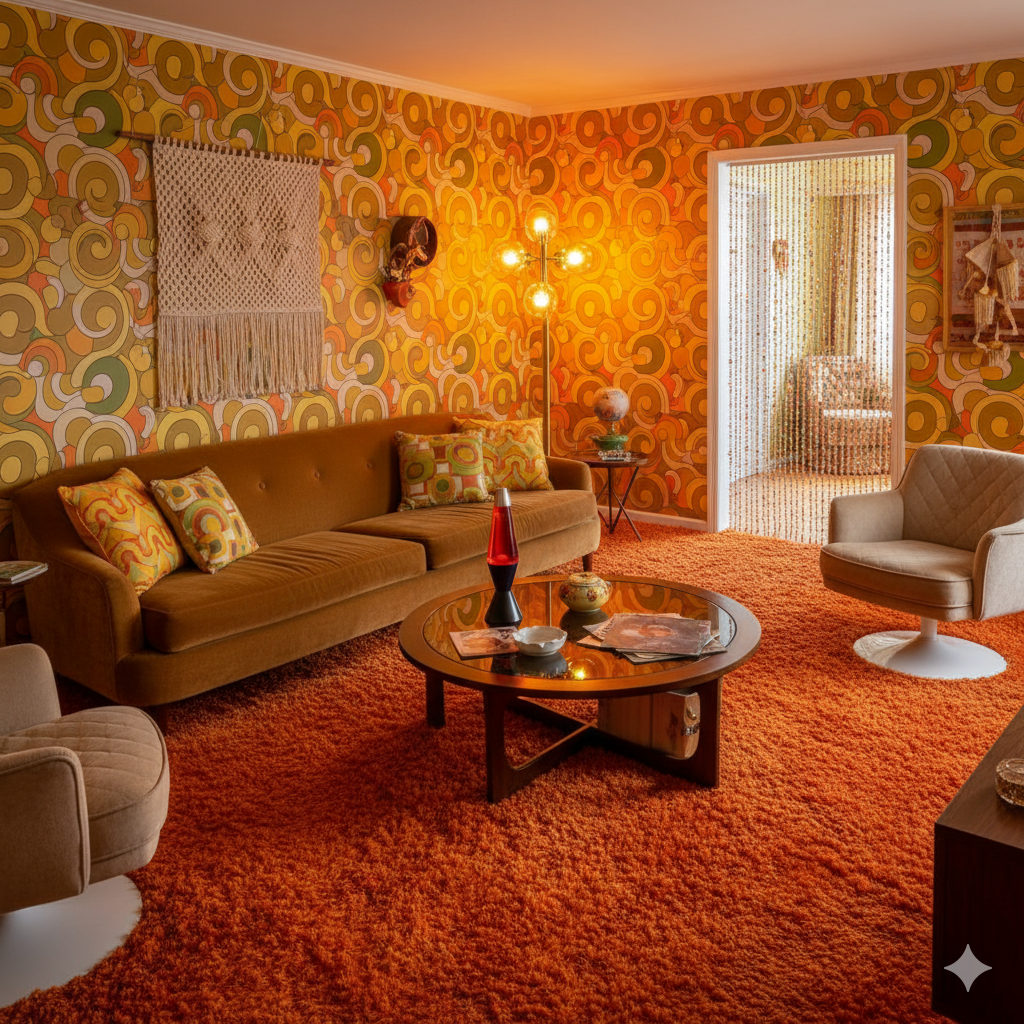
Retro 70s
Retro 70s
Try It
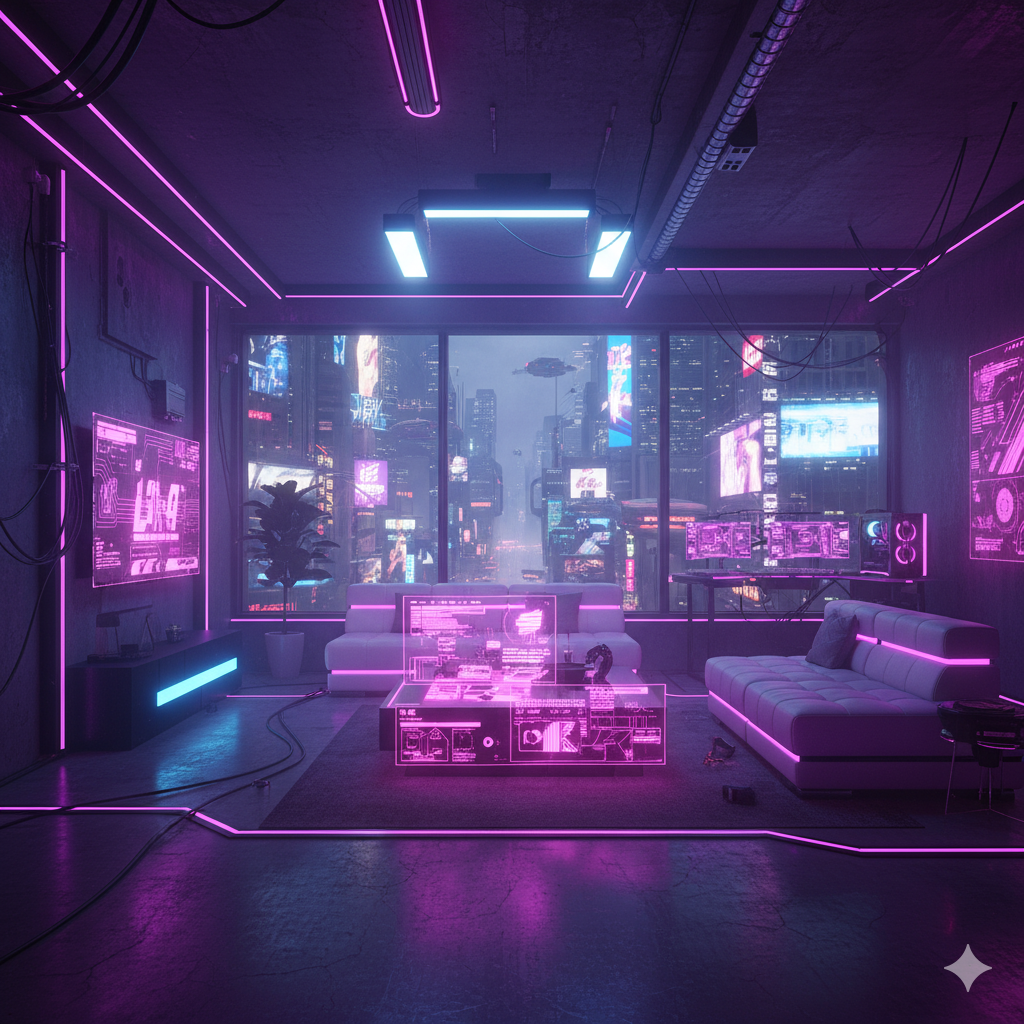
Cyberpunk
Cyberpunk
Try It

Pay only for the images you want to generate

All users get all features.

Image to 4K Replace textures Replace furniture Render interiors Render exteriors Redesign entire rooms Empty rooms Clean rooms Enable your imagination...
Monthly Yearly 2 months free

Pro

$20 /mo

40 Images

400 Credits

Premium

$100 /mo

300 Images

3,000 Credits

Don't want a monthly subscription? Try our personal plan with a single payment.

Personal

$15 One-Time

15 Images

150 Credits

Have any question?

How much does each generation cost?
Each generation uses credits: Standard mode uses ~10 credits, Fast mode uses ~5 credits, and 4K output adds +5 credits to any generation.
How long does it take to generate an image?
A standard generation takes around 25 seconds. Using Fast mode reduces this to around 5 seconds. Adding 4K output adds approximately 5 seconds to the generation time.
What happens if I run out of credits mid-month?
You can always purchase a credit refill pack anytime during the month if you need more credits before your next billing cycle.
What are credits?
Credits are the currency that powers every generation. Different modes consume different amounts: Standard uses ~10 credits, Fast uses ~5 credits, and 4K adds +5 credits.
Do credits expire?
Credits are refreshed each billing cycle. Yearly subscribers receive credits monthly (drip-feed), not all at once. Unused credits do accumulate and roll over to the next month.
Can I upgrade my plan?
Yes! You can upgrade anytime. Your remaining credits will carry over to your new plan.
How long are my images stored?
Generated images and history are automatically deleted 1 month after creation (Pro/Ultra) or 3 months (Premium). Unused input images are also deleted after the same period of inactivity. Download your images before they expire!
Can I get a refund?
No, we cannot offer refunds because generation costs are already incurred on our end when you use the service.
Can I get a receipt or invoice?
Yes! After each payment, you receive an email confirmation. From that email, you can request a detailed invoice for your records.
What are input photos?
Input photos are the images you upload to transform. For best results, use well-lit photos taken straight-on and aligned with the room. We continuously update our models to ensure the best performance.
What happens to my personal photos?
Your photos are securely stored in our database and remain completely private. We do not share or use your photos for any purpose other than generating your designs.
What happens if I cancel my subscription?
If you cancel your subscription, you can still use any remaining credits you have until they run out.

Professional Results. Fraction of the Cost.

Get photorealistic interior renders in seconds, not days. Professional-grade AI visualization with full creative control — no design skills needed.

No credit card required