Instant Material Swapping for Walls & Floors
Planning a renovation? Visualize the outcome first. Swap existing flooring for hardwood, change wall colors, or test new wallpapers instantly. See how different textures interact with your room's lighting before making a mess.
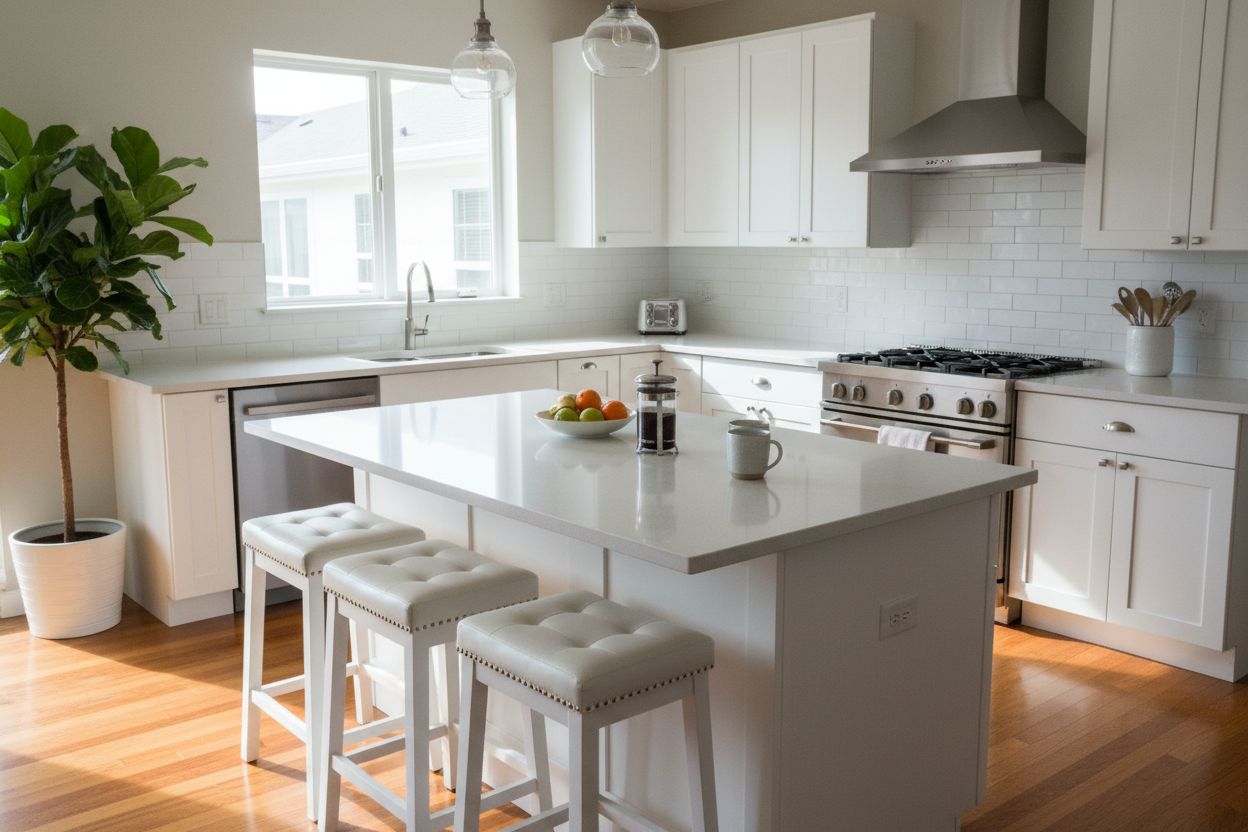
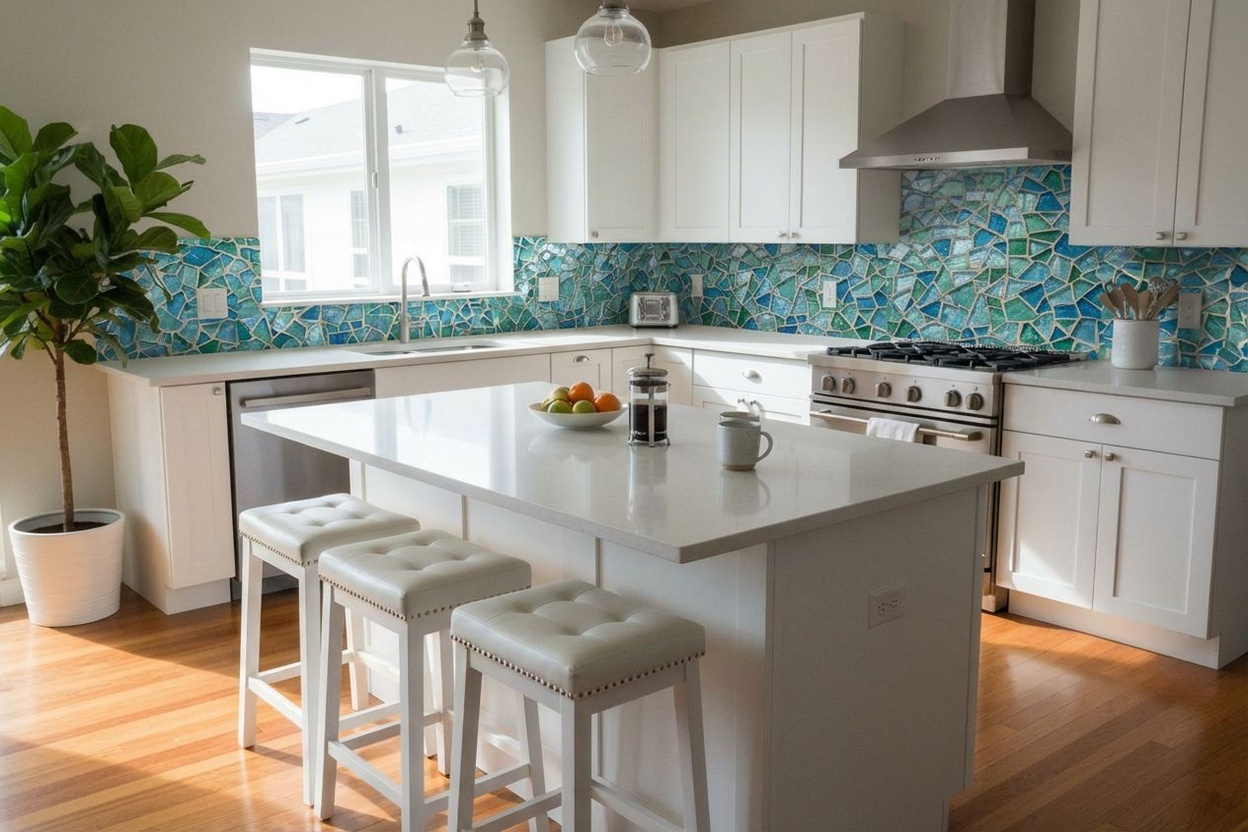
Swap materials with reference textures
Upload a room photo and a material reference. RoomLab applies the new finish to floors, walls, or ceilings while preserving the room's lighting and geometry.
- Try wood, tile, or paint variations quickly.
- Keep furniture and layout unchanged.
- Share realistic previews with clients.
See How It Works
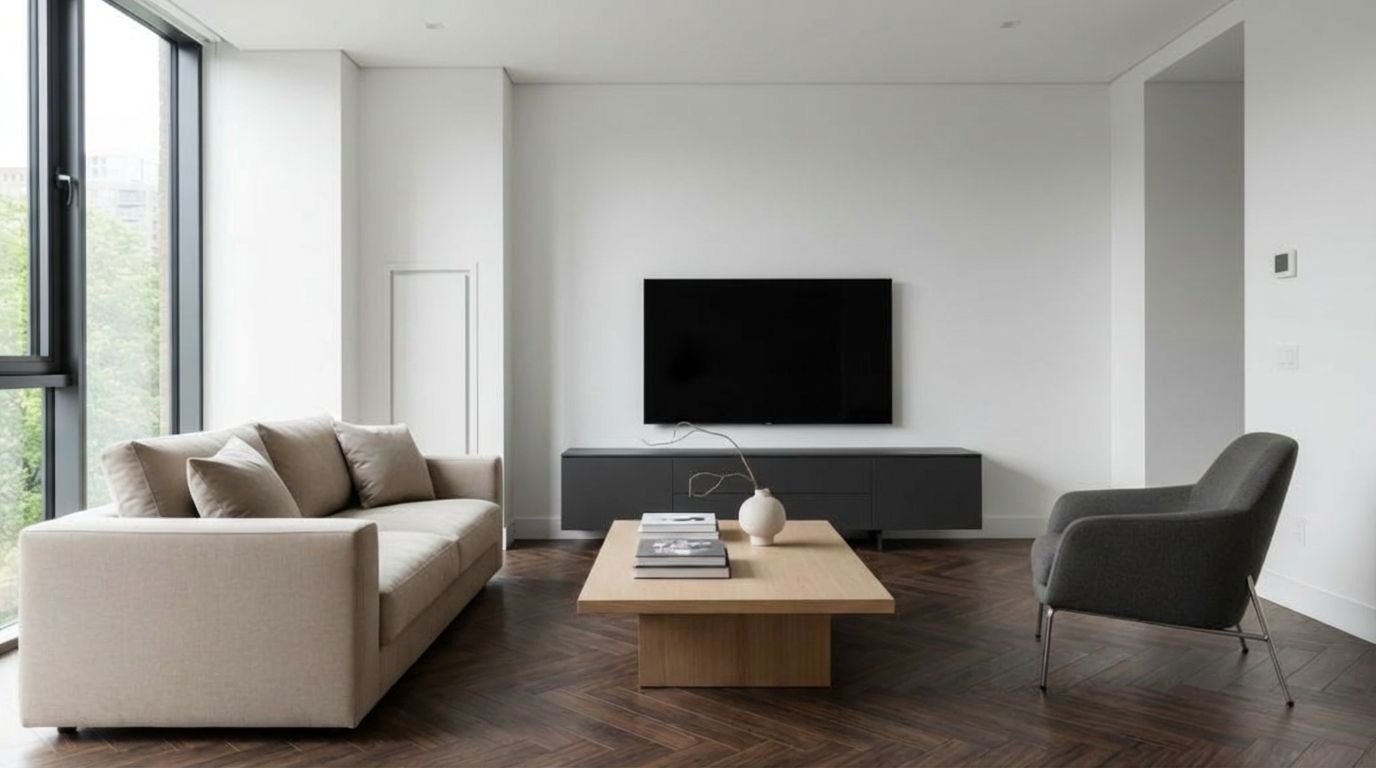
With less than 10 clicks, modify with precision the aspect of your room
Your Room
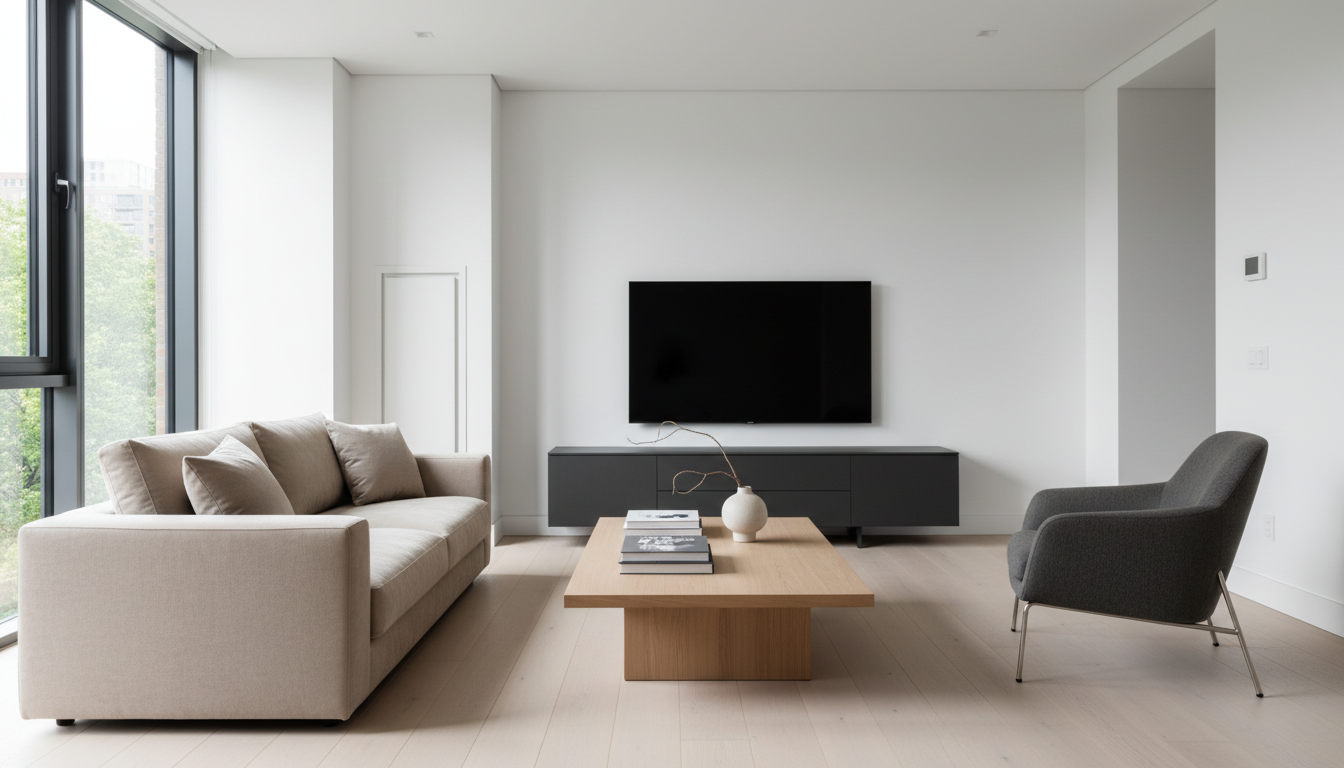
Pick Material
AI Result
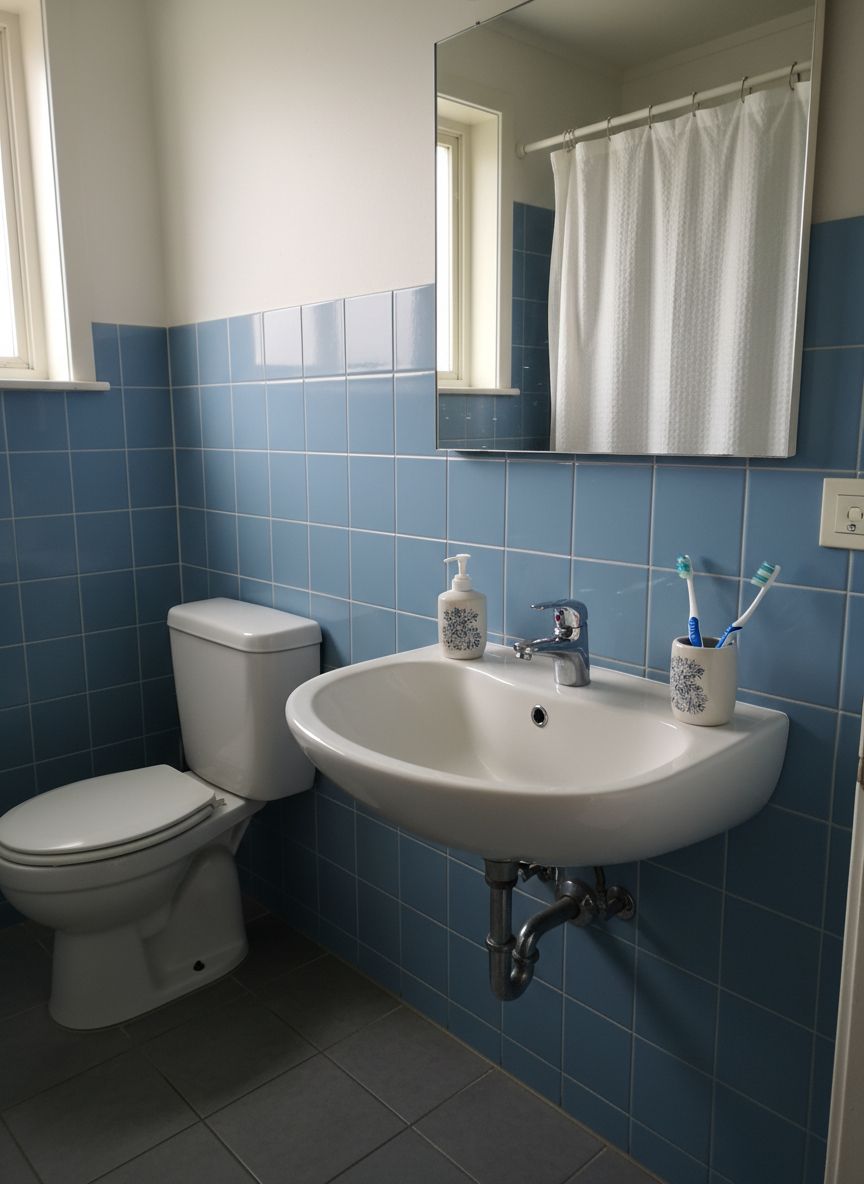
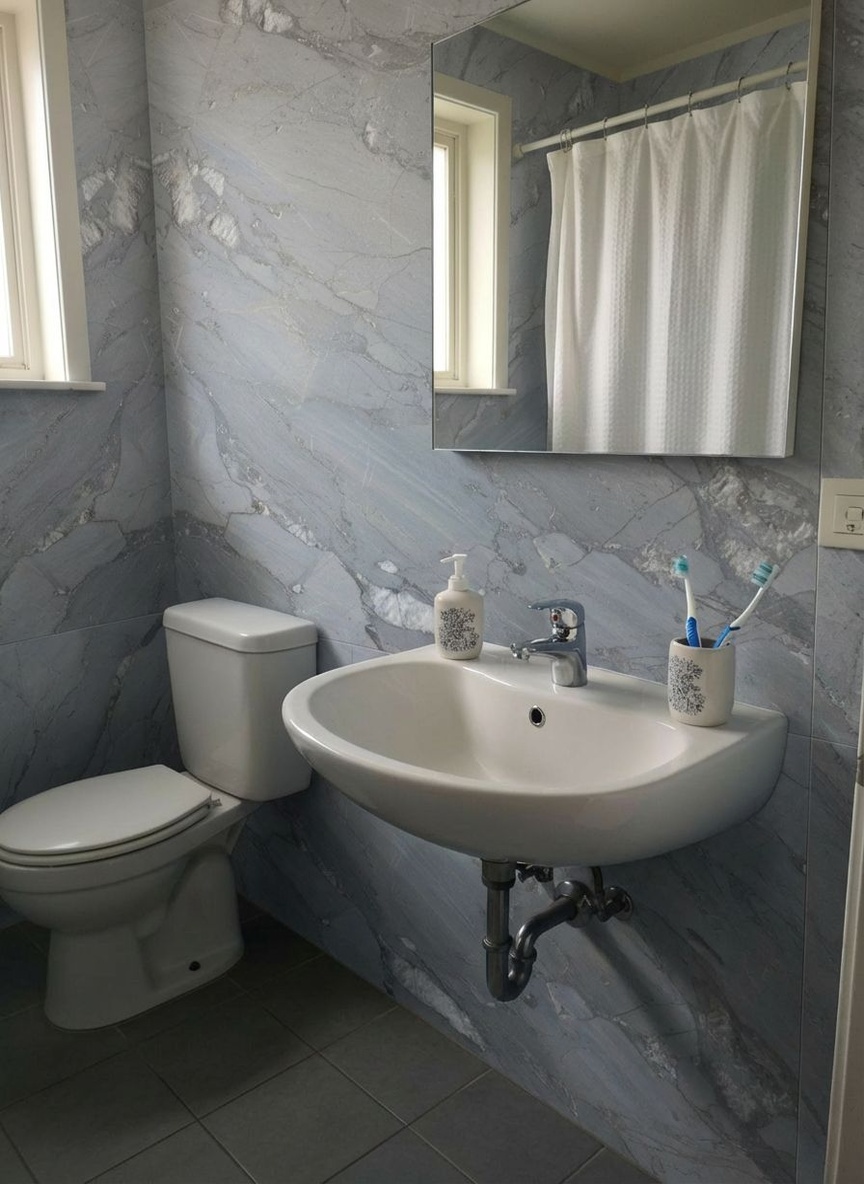
Preview New Wall Tiles in Your Bathroom
Redefine your bathroom walls. Test waterproof paints or elegant tile patterns to create a spa-like atmosphere in your own home.
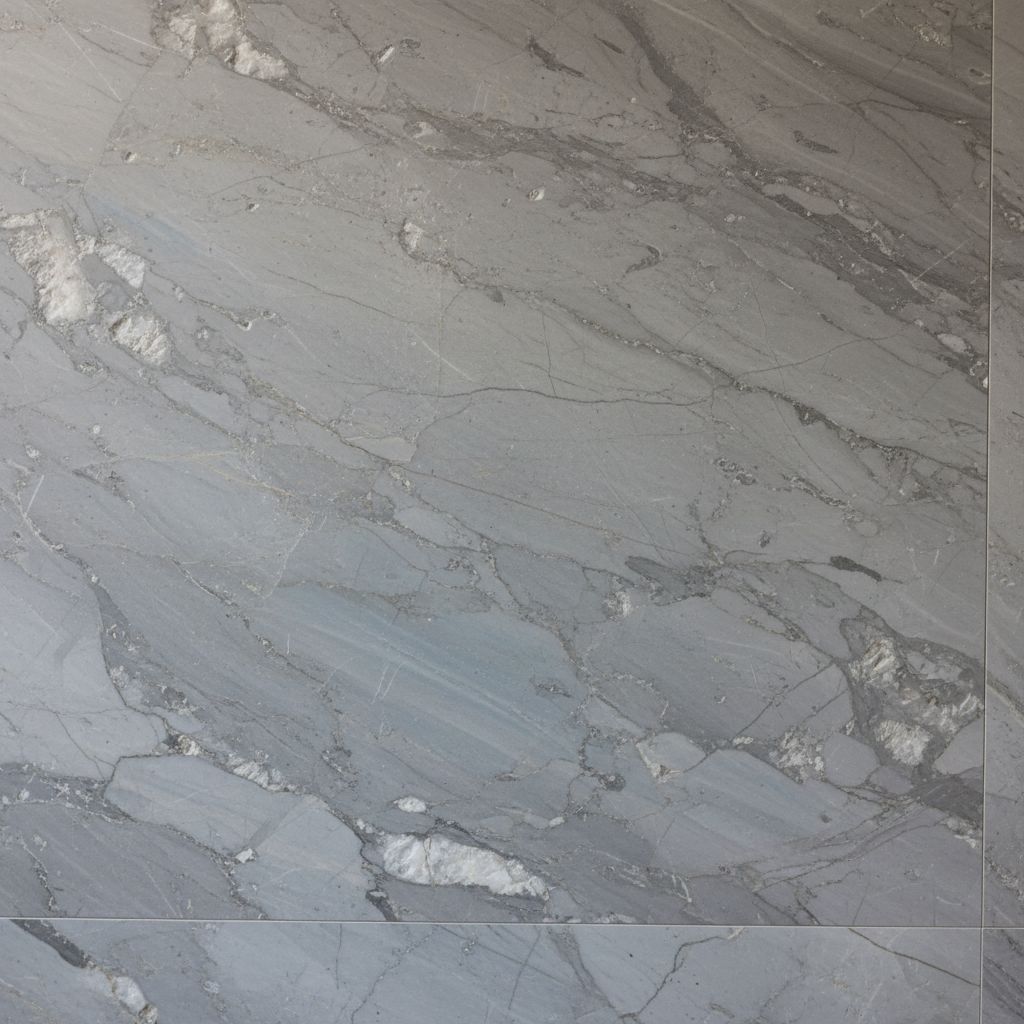
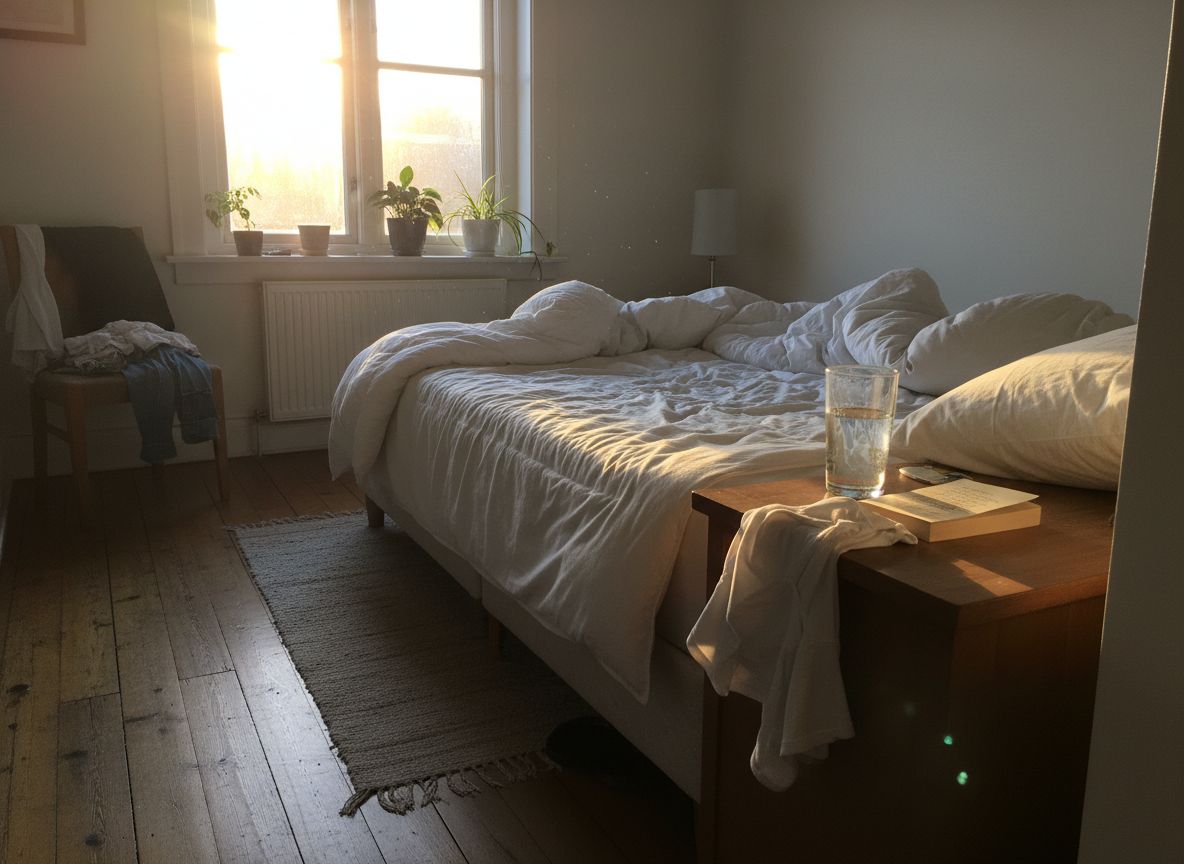
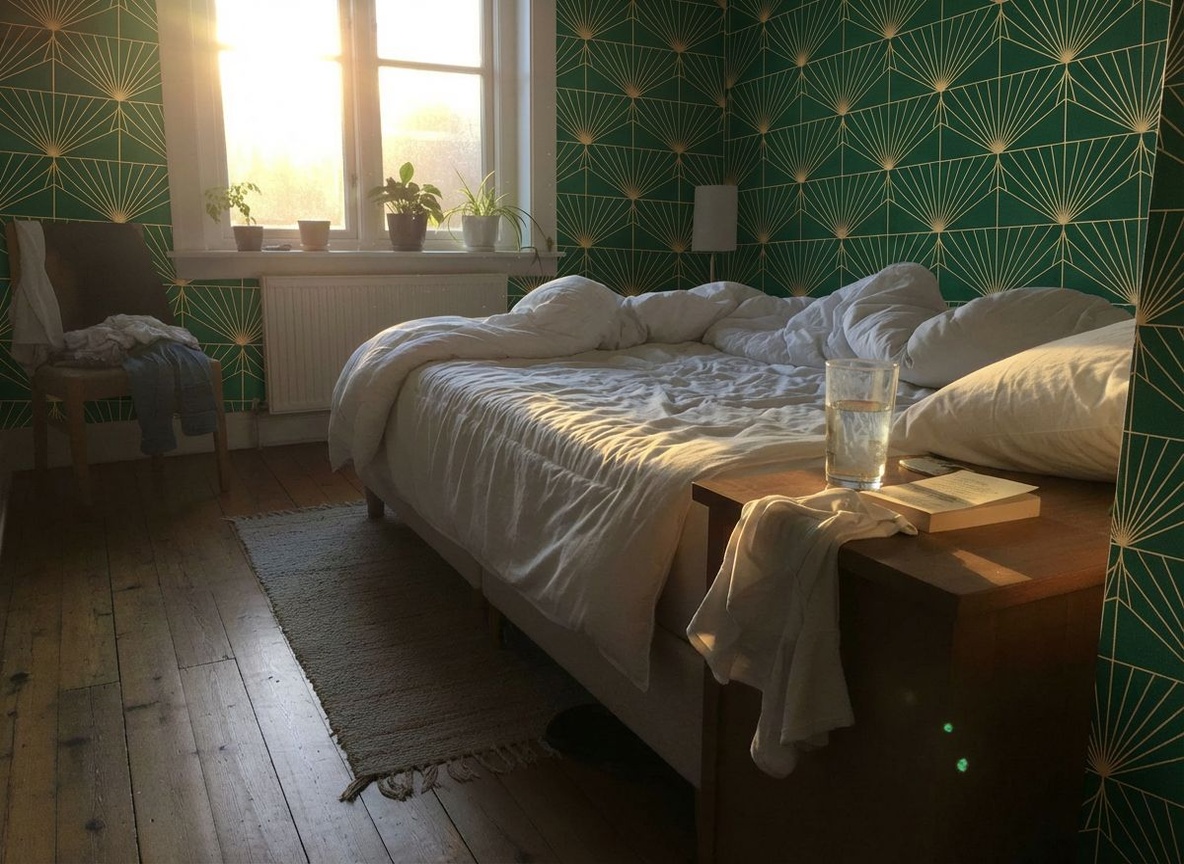
Preview New Wall Colors in Your Bedroom
Visualize flooring, wallpaper, or fabric changes instantly to speed up client approval.



See How New Curtains Look in Your Living Room
See how new curtains frame your lounge view. Experiment with sheer fabrics versus heavy drapes to control light and style in your apartment living area.


Preview Wall Colors for Your Home Office
Boost productivity with a new office backdrop. Change your wall color or texture to create a workspace that inspires focus and creativity.

Explore More Capabilities
Discover what else you can achieve with RoomLab
Virtual Staging & Redesign
Clean up, de-stage, or restyle property photos for better listings.
3D to Photorealistic
Convert 3D models and renders into stunning photorealistic images.
Custom AI Prompts
Describe any transformation in natural language for unique results.
Wall Color Visualizer
Preview 9 curated wall paint colors on any room in one click.
Pay only for the images you want to generate
All users get all features.
Pro
40 Images
400 Credits
Ultra
110 Images
1,100 Credits
Premium
300 Images
3,000 Credits
Don't want a monthly subscription? Try our personal plan with a single payment.
Personal
15 Images
150 Credits
Have any question?
How much does each generation cost?
How long does it take to generate an image?
What happens if I run out of credits mid-month?
What are credits?
Do credits expire?
Can I upgrade my plan?
How long are my images stored?
Can I get a refund?
Can I get a receipt or invoice?
What are input photos?
What happens to my personal photos?
What happens if I cancel my subscription?
Professional Results. Fraction of the Cost.
Get photorealistic interior renders in seconds, not days. Professional-grade AI visualization with full creative control — no design skills needed.
No credit card required