Remove Furniture to Show Full Potential
Selling a property that is currently occupied or cluttered? Don't wait for the movers. Digitally remove all furniture and decor in seconds to showcase the architectural layout and square footage of the empty room.
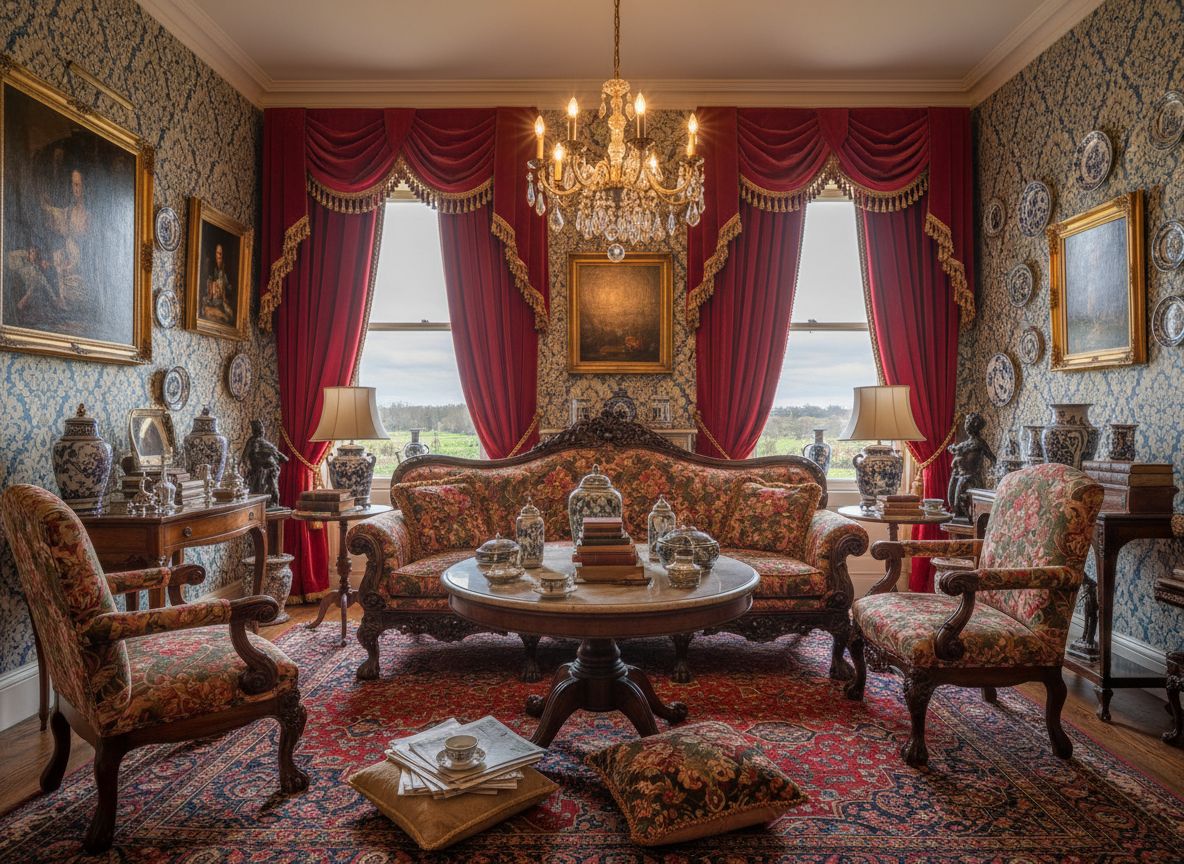
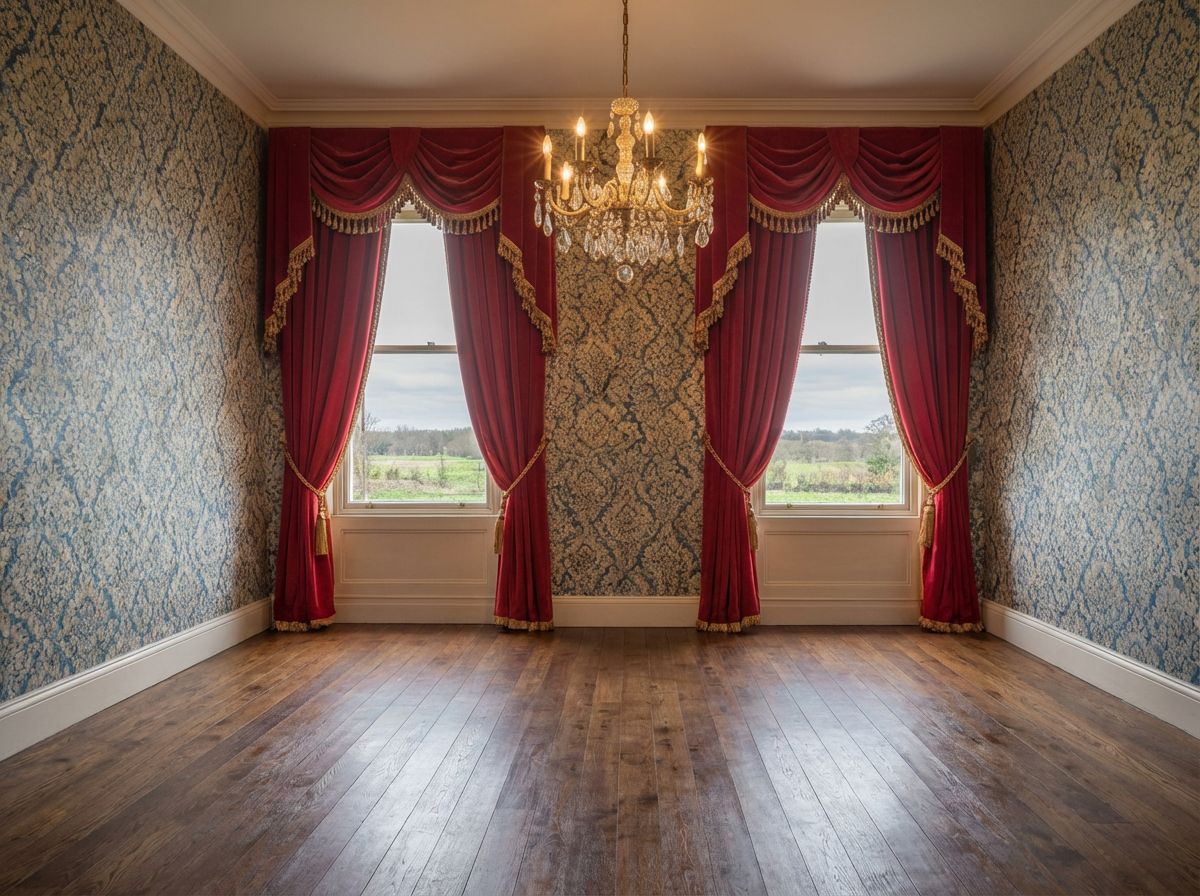
Remove furniture to show the empty space
RoomLab clears furnishings and decor while preserving the room's structure, lighting, and perspective.
- Visualize the empty architectural shell.
- Create clean vacancy photos for listings.
- Keep walls, floors, and windows intact.
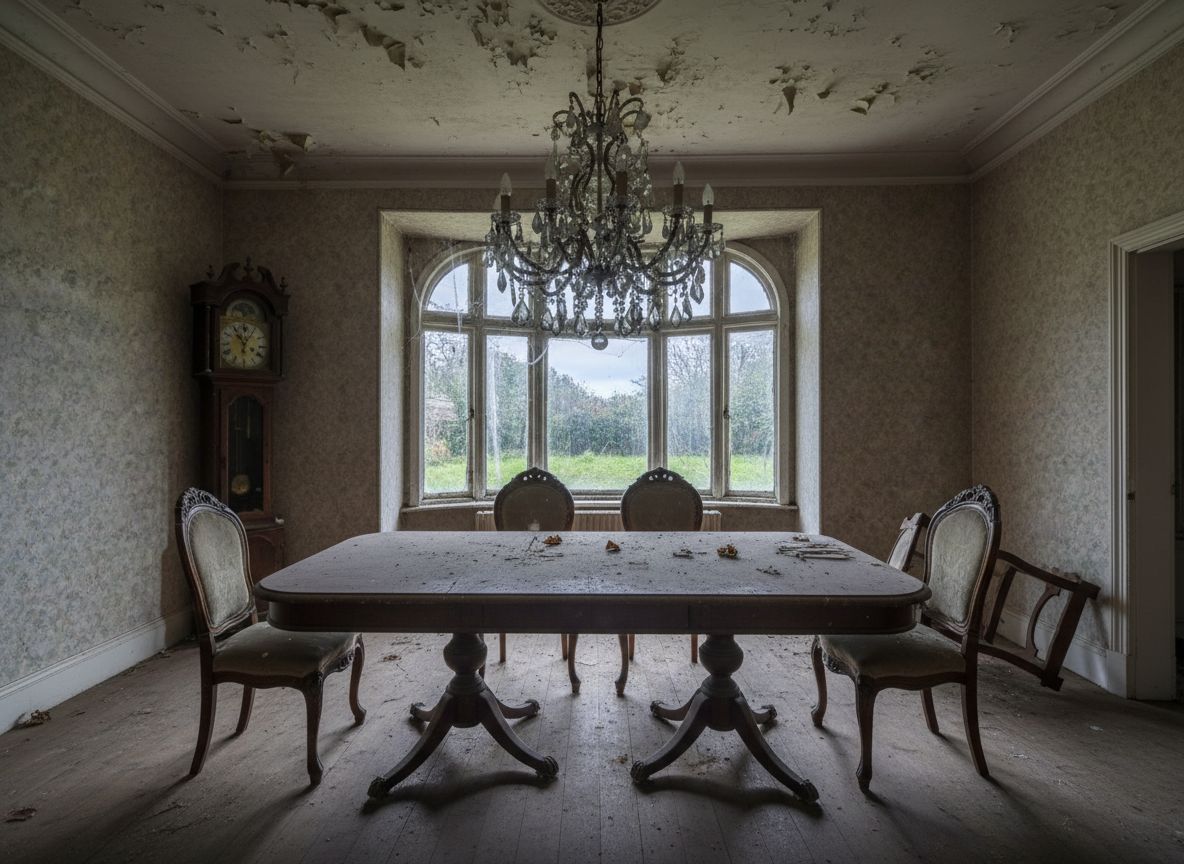
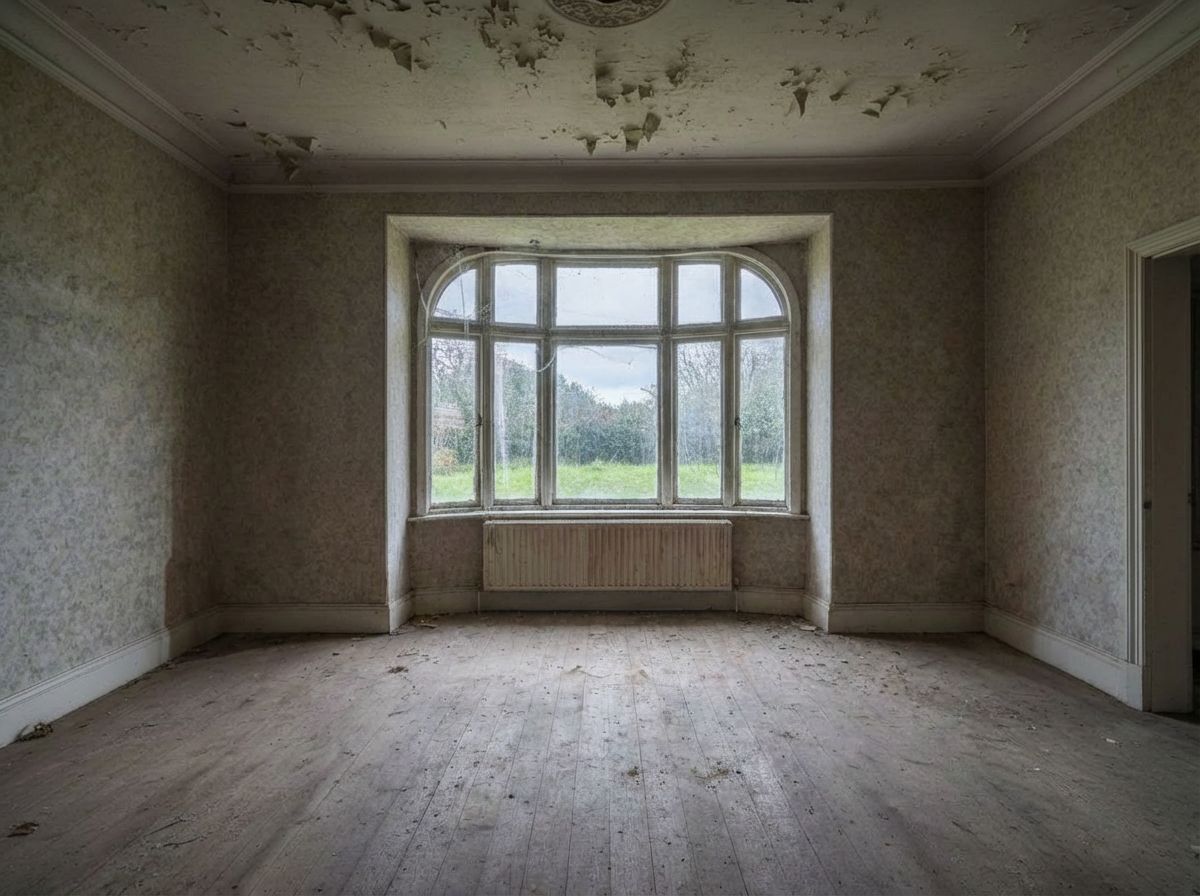
Virtually Remove Furniture to Show Empty Room
Digitally clear the room. Remove a dated dining set to reveal the architectural features, window placements, and open floor plan potential.
Explore More Capabilities
Discover what else you can achieve with RoomLab
Replace Furniture & Materials
Swap furniture pieces or change materials and finishes in existing property photos.
Virtual Staging & Redesign
Clean up, de-stage, or restyle property photos for better listings.
3D to Photorealistic
Convert 3D models and renders into stunning photorealistic images.
Custom AI Prompts
Describe any transformation in natural language for unique results.
Wall Color Visualizer
Preview 9 curated wall paint colors on any room in one click.
Pay only for the images you want to generate
All users get all features.
Pro
40 Images
400 Credits
Ultra
110 Images
1,100 Credits
Premium
300 Images
3,000 Credits
Don't want a monthly subscription? Try our personal plan with a single payment.
Personal
15 Images
150 Credits
Have any question?
How much does each generation cost?
How long does it take to generate an image?
What happens if I run out of credits mid-month?
What are credits?
Do credits expire?
Can I upgrade my plan?
How long are my images stored?
Can I get a refund?
Can I get a receipt or invoice?
What are input photos?
What happens to my personal photos?
What happens if I cancel my subscription?
Professional Results. Fraction of the Cost.
Get photorealistic interior renders in seconds, not days. Professional-grade AI visualization with full creative control — no design skills needed.
No credit card required