Transform Your Villa Model into a Stunning Render
Transform a modern 3D villa model into a high-end photorealistic exterior visualization.
The 3D Model
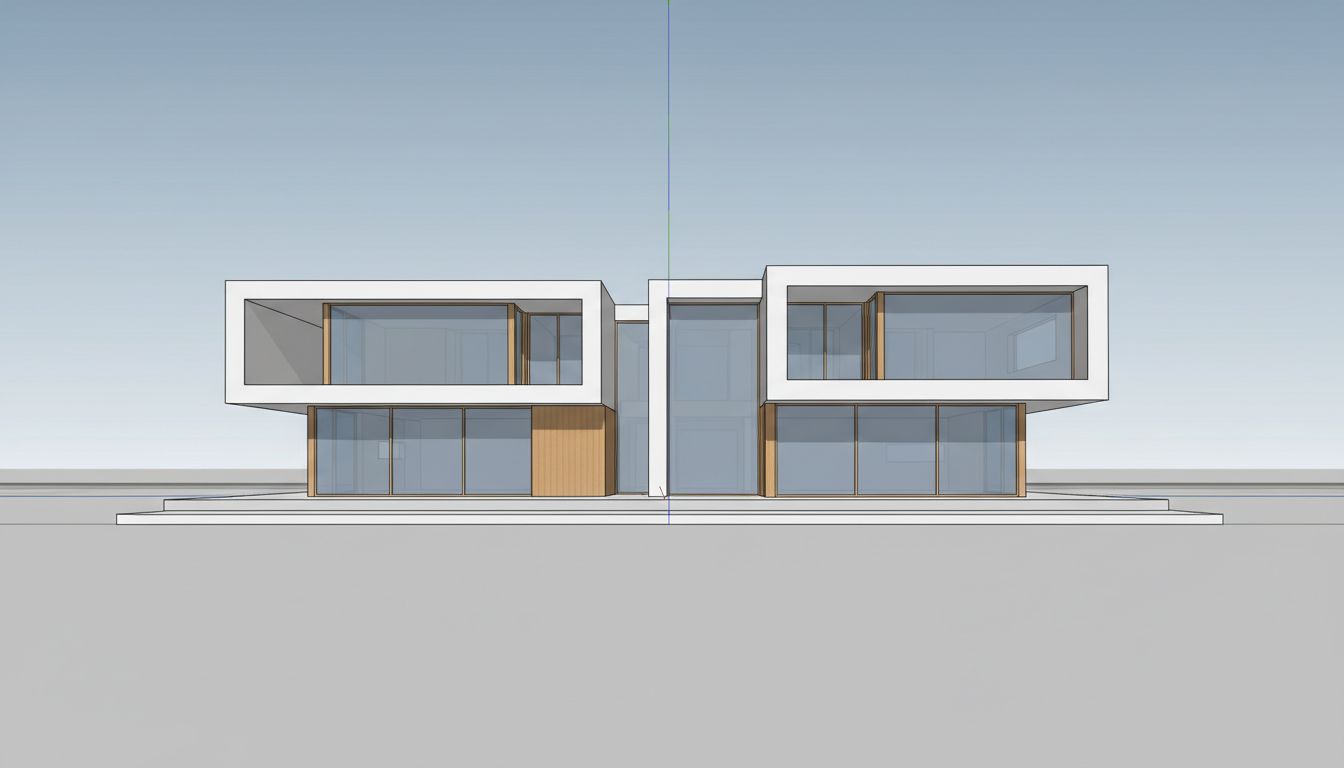
Coastal villa visualization requires a delicate balance between architectural precision and environmental romance, and this SketchUp-to-photorealistic render achieves both with golden hour beachfront settings. The original 3D model shows a striking contemporary villa with a symmetrical facade composed of two cantilevered upper-floor volumes framed by bold white rectangular surrounds. Large floor-to-ceiling glass panels fill each volume, while the ground floor features additional glazing with timber-clad accents flanking a central entrance. The SketchUp model displays clean geometric lines with visible axis indicators, sitting on a flat plane devoid of any landscape context.
From Sketch to Photorealism
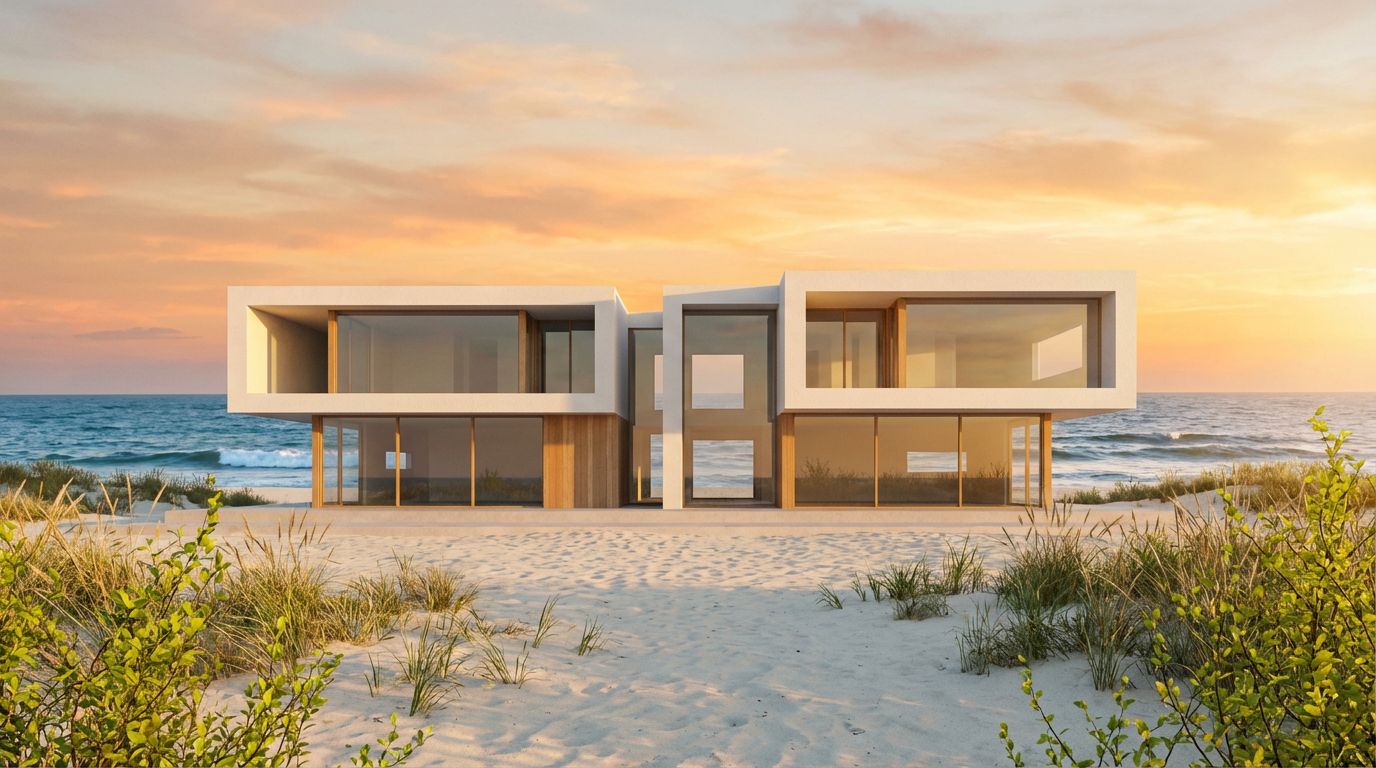
The coastal beach render with golden hour lighting transforms this architectural model into a destination. The villa now sits directly on sandy beachfront with dune grasses and coastal shrubs framing the foreground. Behind the building, the ocean stretches to the horizon where the sun is setting, painting the sky in gradients of peach, coral, and gold. The warm sunset light reflects off the extensive glass surfaces, creating a luminous interplay between the building's transparency and the natural environment. The white structural frames glow warmly against the darkening sky, while the timber cladding gains a rich, sun-kissed tone. Waves are visible breaking along the shoreline, completing the coastal atmosphere.
Tips for Better Renders
Golden hour is the quintessential choice for luxury residential marketing because it evokes aspiration and lifestyle. For this villa, the combination of dramatic ocean backdrop, warm light on white concrete and timber surfaces, and the reflective quality of floor-to-ceiling glazing creates an image that transcends architectural documentation and enters the realm of lifestyle branding. Coastal developers and luxury real estate agents consistently find that beachfront renders generate stronger emotional responses than standard daylight presentations. The AI manages the complex light interaction between sunset sky, ocean reflections, glass surfaces, and material textures with a sophistication that would require significant post-production work in a traditional architectural visualization pipeline.
Inputs Used
Render Settings Used
Ready to transform your room?
How to Recreate This
Convert a modern SketchUp villa model with cantilevered upper volumes, bold white frames, and extensive glazing into a breathtaking golden hour coastal visualization with ocean backdrop and sandy beachfront.
✨ What You'll Achieve
Original Room
After
Select Mode
Render mode transforms your architectural villa model into a photorealistic beachfront scene. For this contemporary villa with its dramatic glass-and-concrete facade, Render mode will add coastal environment, sunset atmosphere, and realistic material finishes.
Upload Your Room
Upload a screenshot of your SketchUp villa model showing the symmetrical facade with two cantilevered upper volumes, large rectangular window frames, ground-floor glazing with timber accents, and the central entrance. A front elevation view works best to capture the full composition.
Configure Options
The AI will apply smooth white concrete to the structural frames, realistic glass with sunset reflections to the large windows, warm timber cladding to the accent sections, and generate sandy beach, dune grasses, ocean waves, and a vibrant sunset sky.
Time of Day
Season
Landscape & Vegetation
Generate
The final render showcases the villa on a sandy beach at golden hour, with peach and coral sunset skies reflecting in the floor-to-ceiling glass, warm light glowing on white concrete and timber surfaces, coastal dune vegetation in the foreground, and ocean waves breaking along the shoreline.
Your Result
🎯 Try the Result
Drag the slider to compare before and after!
Frequently Asked Questions
How does the AI handle large glass surfaces on a beachfront villa render?
The AI renders floor-to-ceiling glass panels with realistic reflective and transparent properties. At golden hour, the glass catches warm sunset tones and sky reflections while still showing hints of the interior space. The large framed windows on this villa demonstrate this dual quality, appearing both reflective of the ocean sky and suggestive of the rooms within. The result is optically accurate to how glazing behaves in real coastal sunset photography.
Can I change the coastal landscape to show a different type of shoreline?
The coastal beach landscape setting generates a sandy beach with dune vegetation and ocean horizon. While you cannot specify details like rocky coastline or tropical palms through the basic landscape selector, the AI interprets the coastal setting based on the architectural style of your model. A modern villa like this one receives a clean sandy beach, while a Mediterranean-style house might receive a slightly different coastal treatment.
Does the golden hour setting work for all exterior orientations, or just ocean-facing facades?
Golden hour lighting works beautifully for any facade orientation. The AI positions the sun at a low angle that creates warm, directional light regardless of which direction your building faces. For this ocean-facing villa, the sunset appears behind the building over the water, creating a dramatic backdrop. For an inland-facing facade, the golden light would illuminate the front elevation directly. Both produce compelling results.
3D to Photorealistic
Explore Render Feature
3D Exterior to Photorealistic
Read the Render Tutorial
Perfect For
Related Examples
More Render Examples
See This House in a Spring Garden at Golden Hour

Turn Your 3D Bathroom into a Photorealistic Image
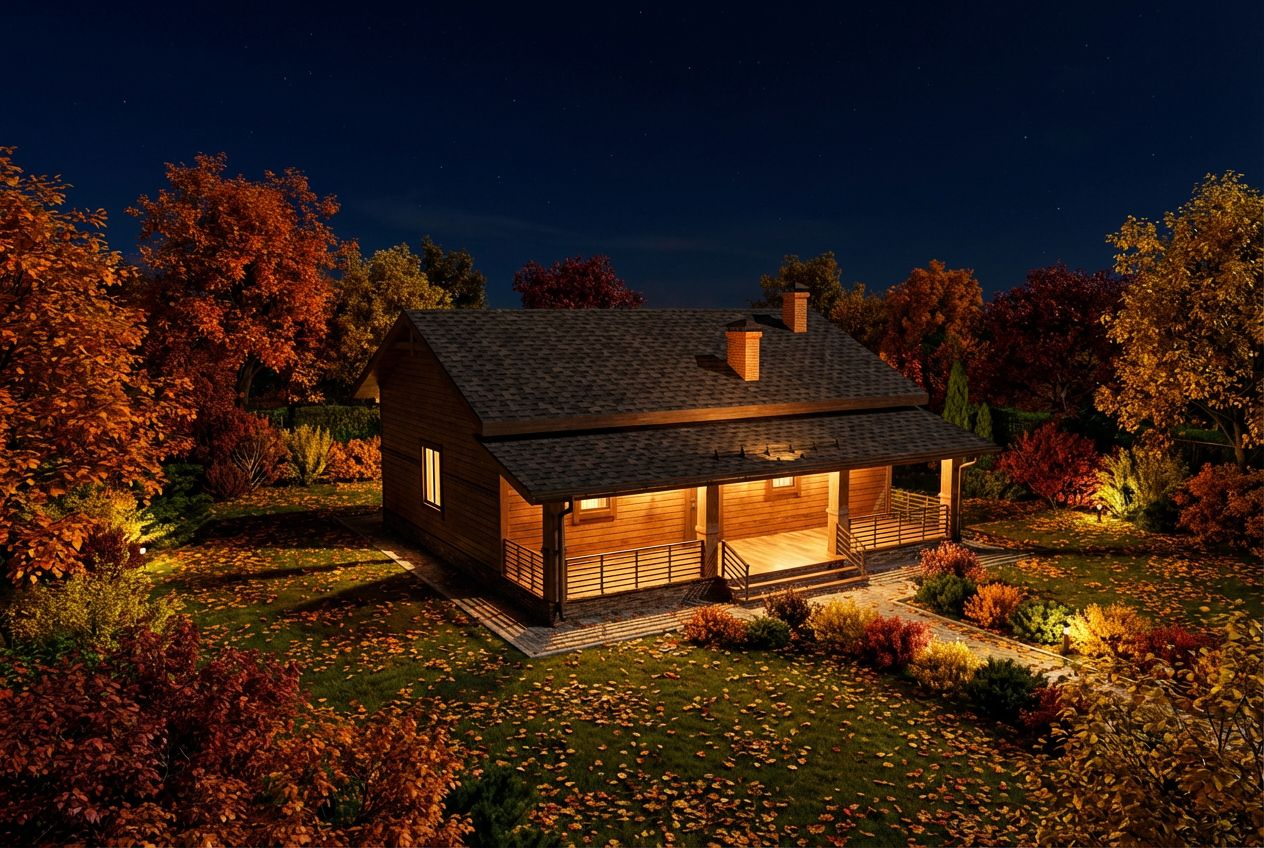
See This House in a Fall Garden at Night
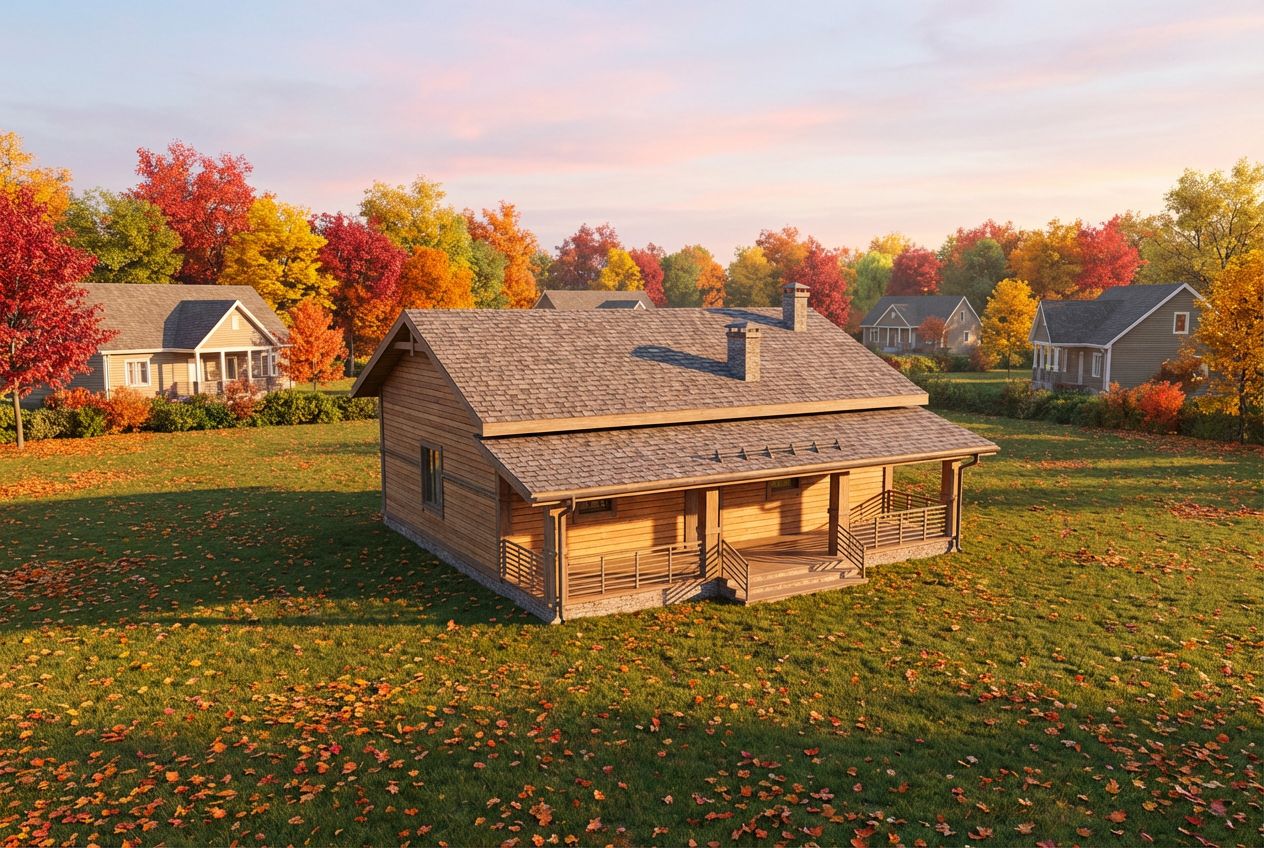
See This House in a Fall Neighborhood in the Morning

See This House in a Spring Neighborhood in the Morning