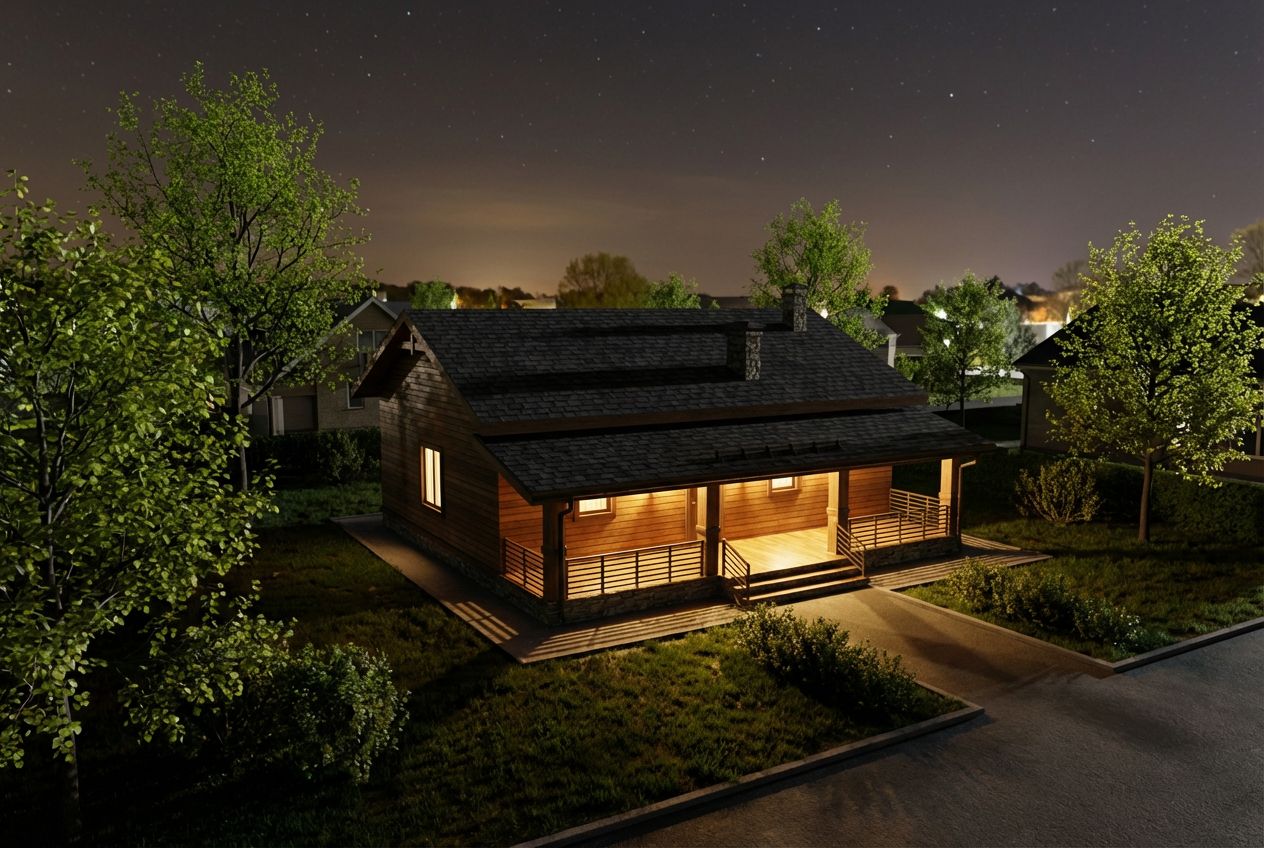
Render Your House Exterior Model Photorealistically
Convert a 3D house exterior model into a photorealistic architectural visualization with realistic surroundings and lighting.
The 3D Model
Exterior architectural renders demand a fundamentally different approach than interiors, and this SketchUp house example illustrates how RoomLab handles environmental context, seasonal vegetation, and atmospheric lighting. The original 3D model shows a contemporary two-story house with a flat roof, mixed facade materials including smooth render and vertical cladding, narrow vertical windows on the upper floor, and recessed entrance areas flanked by low boundary walls. The SketchUp model sits on an empty ground plane with a neutral sky, typical of early-stage architectural design presentations.
From Sketch to Photorealism
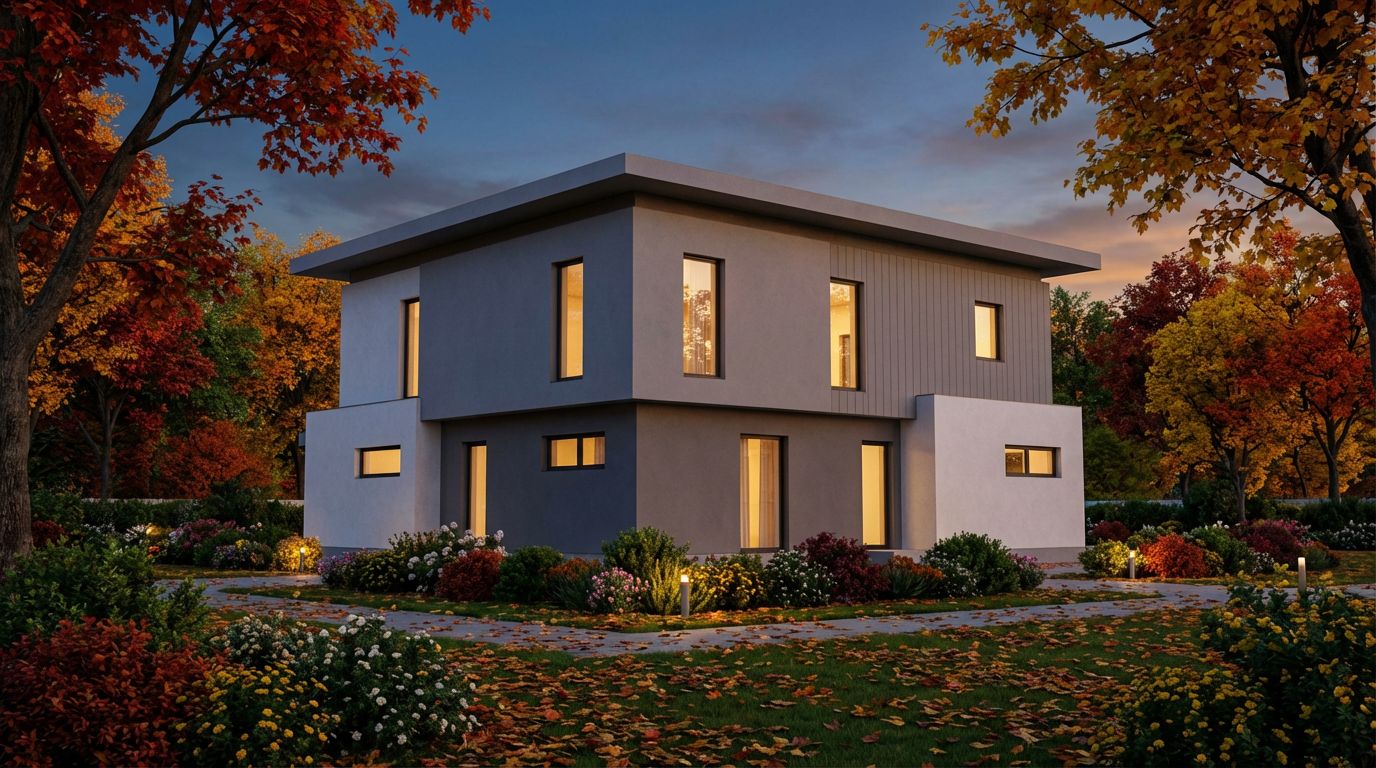
The render settings transform this isolated model into a fully contextualized scene. With dusk lighting and autumn season selected, the house is now surrounded by a lush garden brimming with fall color. Mature trees with vivid orange and red foliage frame the composition, while flowering garden beds line the front facade. Fallen leaves scatter across the lawn, adding seasonal authenticity. The dusk sky features dramatic cloud formations in deep blue and purple tones, while warm interior light glows from every window, suggesting occupancy and comfort. Ground-level landscape lighting illuminates the garden path and flower beds.
Tips for Better Renders
This type of environmental render is invaluable for architectural firms presenting residential projects to planning committees or prospective buyers. The addition of mature landscaping, seasonal atmosphere, and contextual lighting helps viewers envision the finished project within a living, breathing neighborhood setting. Traditional rendering workflows would require separate landscape modeling, vegetation scattering, atmospheric effects, and extensive light rigging. RoomLab achieves a comparable result from a single SketchUp screenshot by allowing users to specify the season, time of day, and landscape type, letting the AI generate the complete environmental context automatically.
Inputs Used

Render Settings Used
Ready to transform your room?
How to Recreate This
Transform a bare SketchUp model of a contemporary two-story house into a breathtaking dusk render surrounded by autumn foliage, flowering gardens, and dramatic twilight sky.
✨ What You'll Achieve
Original Room
After
Select Mode
Render mode for exteriors adds environmental context, vegetation, and atmospheric lighting to your 3D building model. For this modern house with its flat roof and mixed facade materials, Render mode will generate a complete autumn garden setting with dusk atmosphere.
Upload Your Room
Upload a screenshot of your SketchUp house model showing the full two-story facade with flat roof, vertical cladding sections, narrow windows, and low boundary walls. The model should be captured from a front-facing three-quarter angle for best results.
Configure Options
The AI will apply stucco and timber cladding to the facade, generate mature deciduous trees with autumn foliage, add flowering garden beds along the foundation, scatter fallen leaves across the lawn, and create a dramatic dusk sky with cloud detail.
Time of Day
Season
Landscape & Vegetation
Generate
The photorealistic result places the house in a fully realized autumn garden setting at dusk, with glowing interior light, vibrant orange and red trees, colorful flower beds, landscape lighting, and a dramatic twilight sky.
Your Result
🎯 Try the Result
Drag the slider to compare before and after!
Frequently Asked Questions
How does the AI add landscaping and vegetation that does not exist in the original SketchUp model?
When you select exterior settings like season and landscape type, the AI generates contextually appropriate vegetation around your building model. For an autumn setting with a lush garden, it adds mature trees with fall-colored foliage, flowering garden beds, and scattered leaves. The vegetation is placed naturally around the building footprint without obscuring key architectural features like the entrance or primary facade.
Will the render preserve my building's exact proportions and facade details?
Yes. The AI maintains the building's massing, window positions, roof form, and facade material zones exactly as they appear in your SketchUp model. The two-story proportions, flat roof profile, narrow windows, and boundary walls in this example are faithfully preserved. The AI adds material realism and environmental context without altering the architectural geometry.
Can I render the same house model in different seasons to show year-round appeal?
Absolutely. Many architects upload the same SketchUp exterior model multiple times with different season settings to create a seasonal portfolio. This house would look equally compelling with spring blossoms, summer greenery, or winter snow. Each seasonal variant shows clients how the building interacts with its environment throughout the year, adding significant value to design presentations.
3D to Photorealistic
Explore Render Feature
3D Exterior to Photorealistic
Read the Render Tutorial
Perfect For
Related Examples
More Render Examples
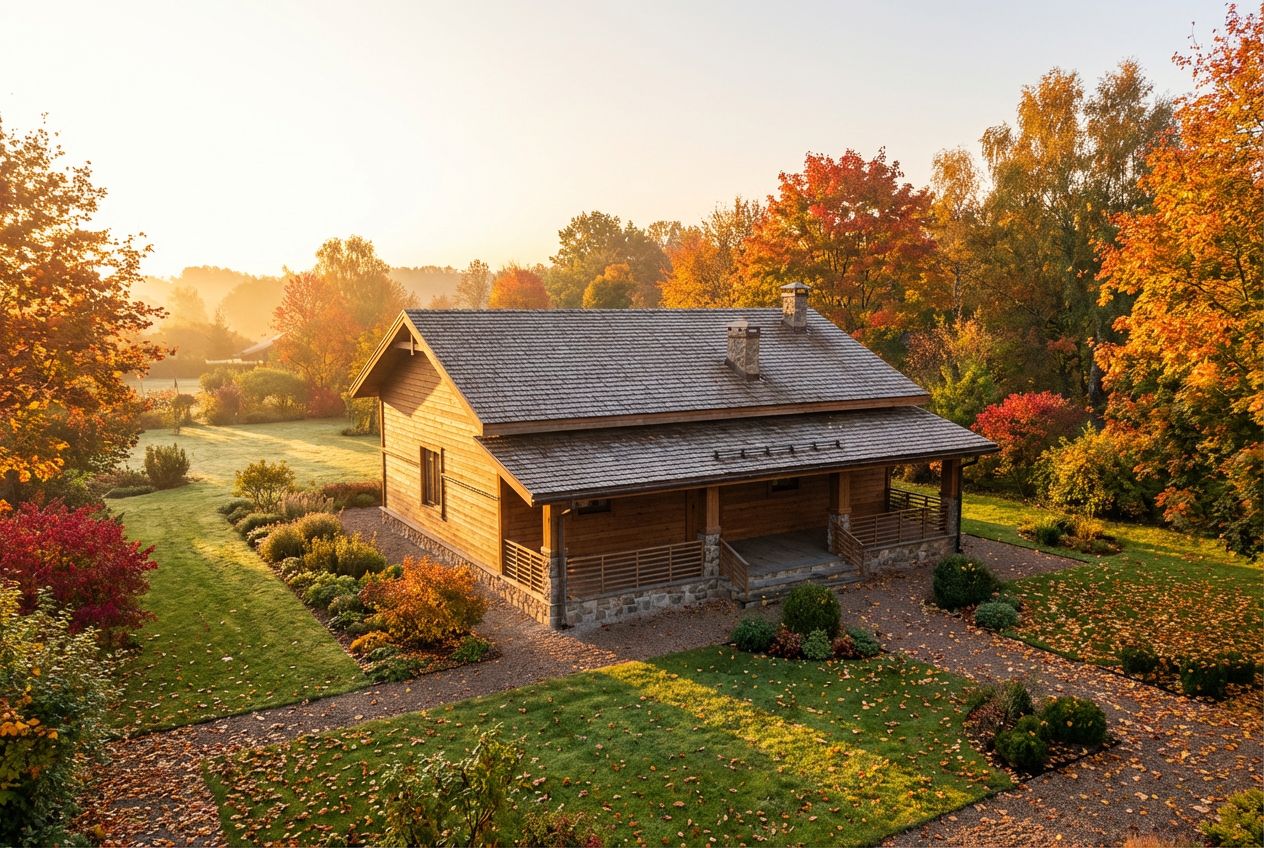
See This House in a Fall Garden in the Morning
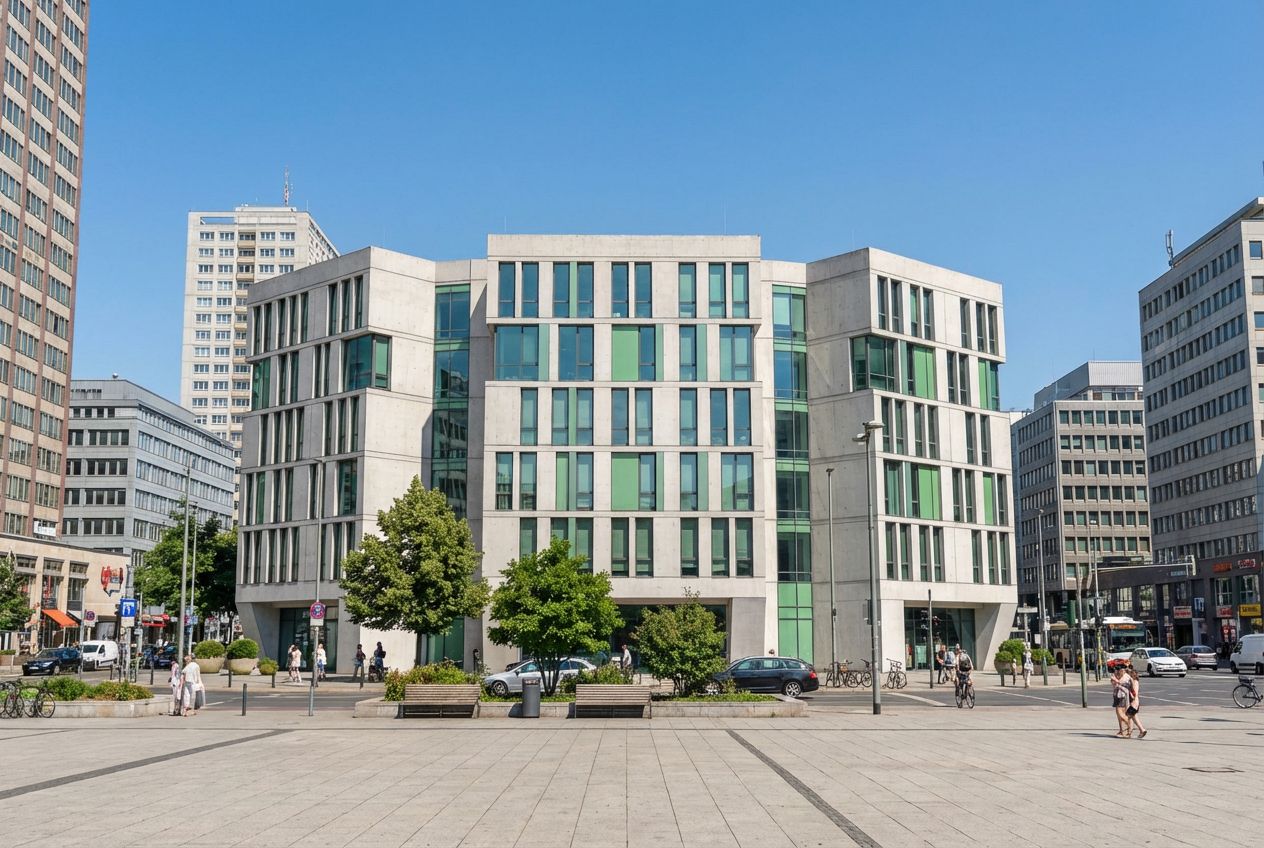
Turn Your Building Model into Marketing Visuals
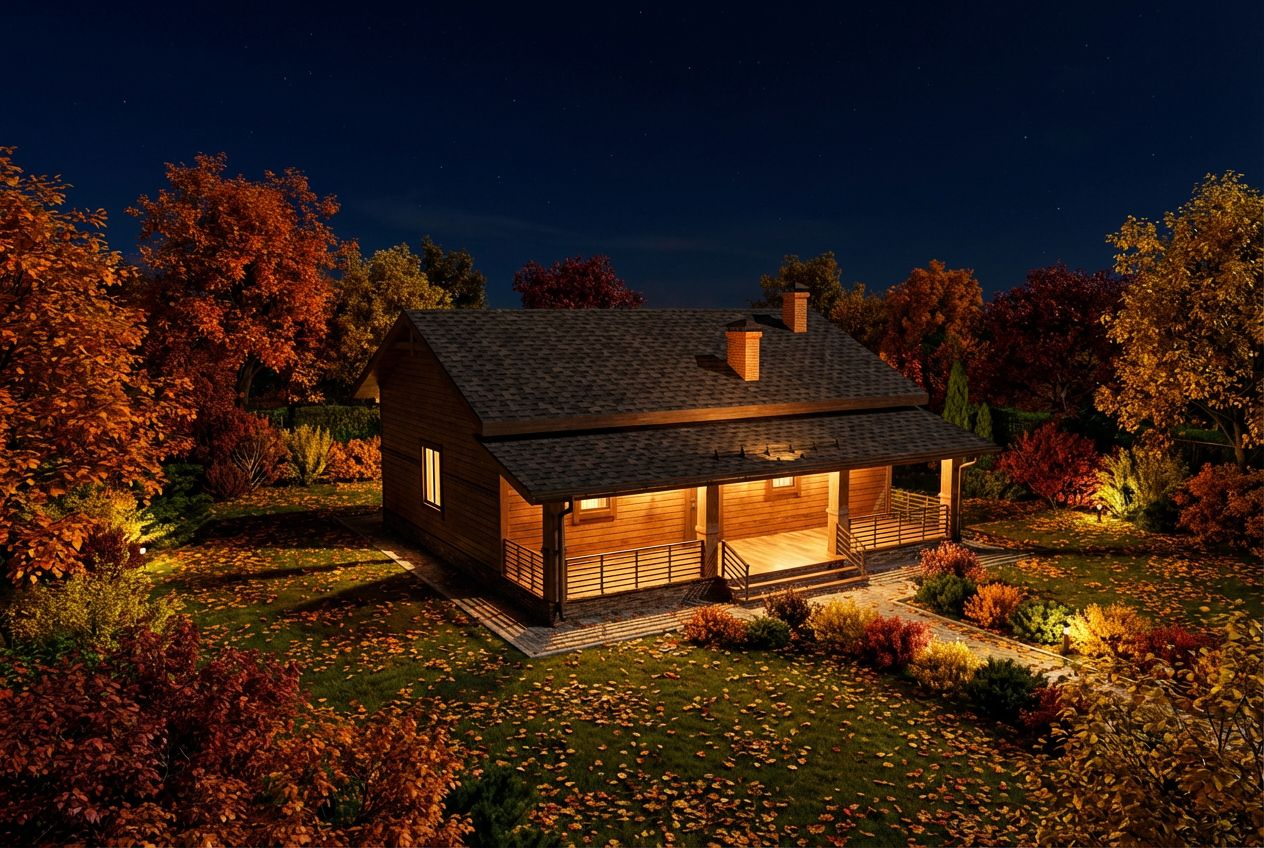
See This House in a Fall Garden at Night
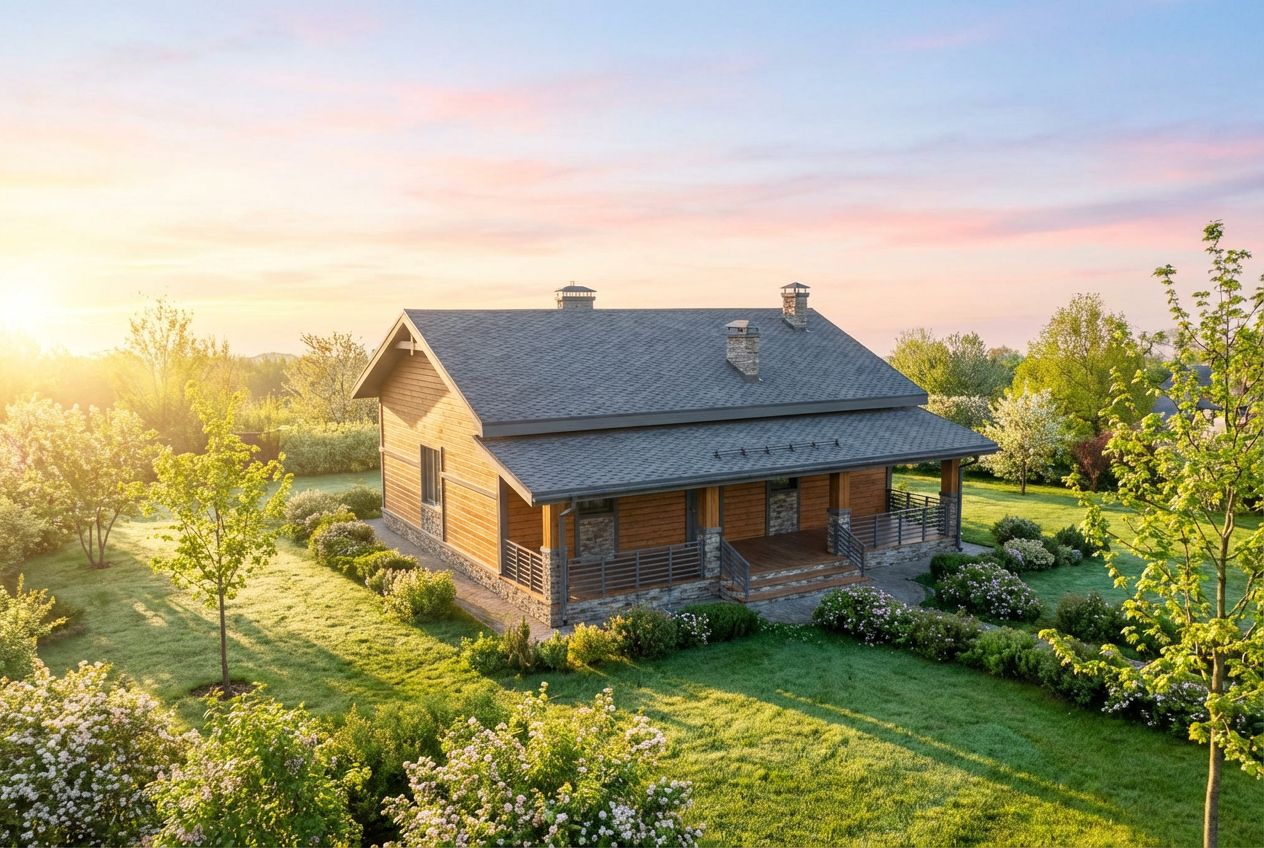
See This House in a Spring Garden in the Morning
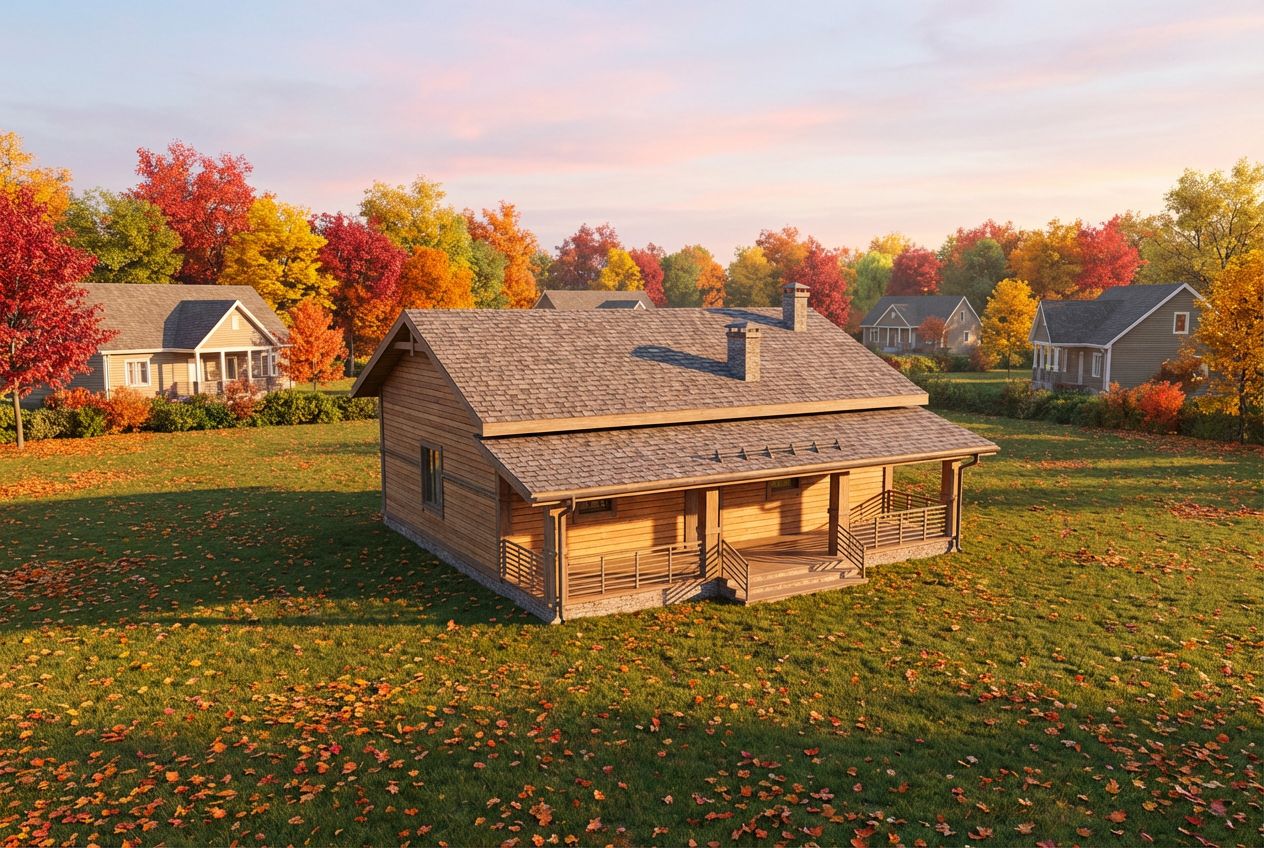
See This House in a Fall Neighborhood in the Morning