Virtually Declutter Your Living Room for Listings
Transform a lived-in property into a show-ready home. Wipe away daily clutter from the living room—papers, clothes, and toys—leaving only the key furniture pieces intact.
The Starting Point
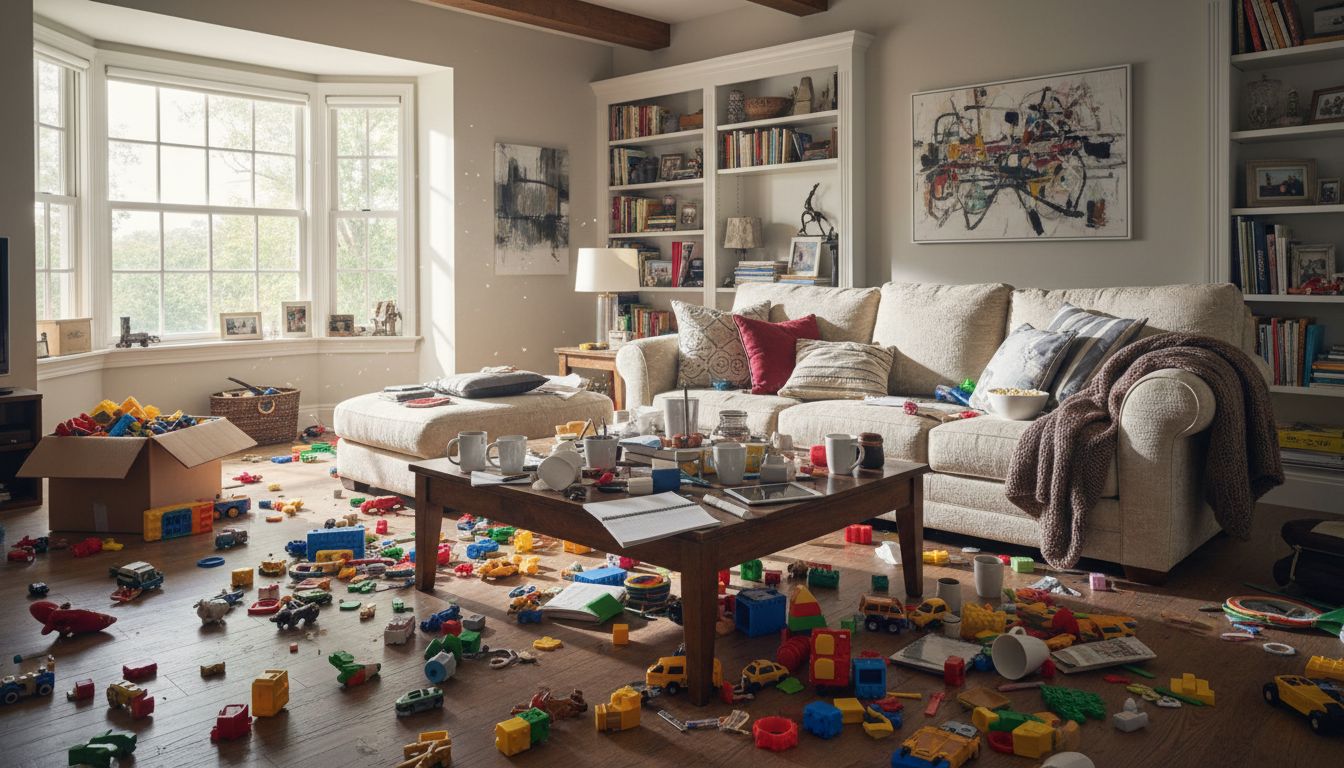
Family life brings joy, but it can also leave your living room looking like a toy store after an earthquake. In this example, a bright living room with a cream sectional sofa, wooden coffee table, and built-in bookshelves has been completely overrun by children's toys. Building blocks, toy cars, action figures, and an open cardboard box litter every inch of the hardwood floor, while mugs and dishes pile up on the coffee table.
The Redesign in Detail
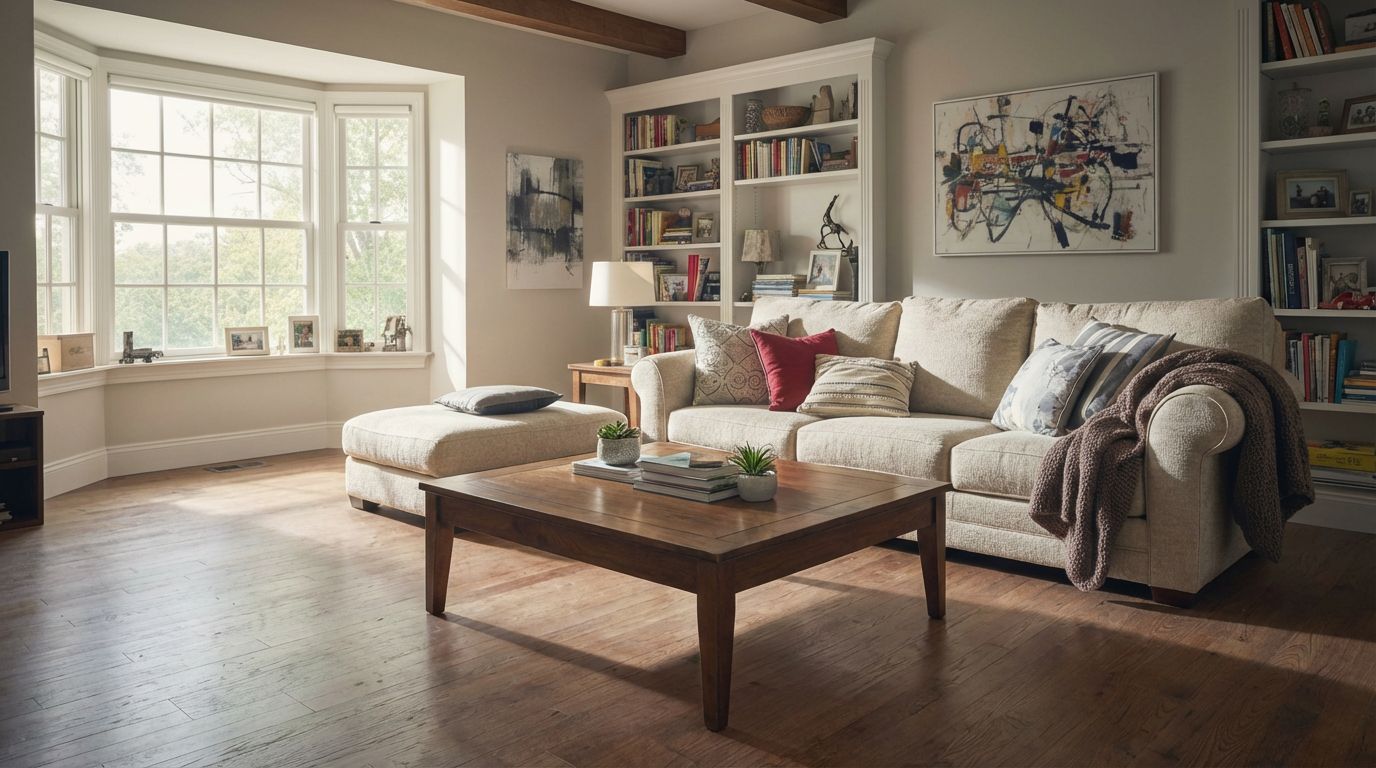
Using RoomLab's declutter feature, the AI identified and removed all the scattered toys, dirty dishes, and random clutter from the scene. The result reveals the room's true potential: beautiful hardwood floors now fully visible, the cream sofa looking inviting with its throw pillows neatly arranged, and the coffee table styled with just a few books and a small plant. The built-in bookshelves appear organized, and the bay window floods the space with natural light that was previously lost in the visual chaos.
Design Tips and Inspiration
What makes this transformation remarkable is how the AI preserved every architectural detail and piece of furniture while surgically removing only the mess. The exposed ceiling beams, the abstract artwork on the walls, and even the cozy throw blanket draped over the sofa arm remain exactly where they were. This is the kind of result that real estate agents dream of for listing photos, and it takes just seconds with RoomLab instead of hours of actual tidying. It is also a powerful visualization tool for parents who want to see what their living space could look like on its best day.
Inputs Used
Ready to transform your room?
How to Recreate This
Transform a toy-strewn family living room into a clean, welcoming space by removing all clutter with AI in seconds.
✨ What You'll Achieve
Original Room
After
Select Mode
Redesign mode's declutter action is perfect here because the room has great bones and nice furniture already. You do not need to change the style, just remove the mess to reveal the room's true potential.
Upload Your Room
Upload a photo of your cluttered living room. This works best with a wide-angle shot that captures the full extent of the space, like this image showing the sectional sofa, bay window, and scattered toys across the floor.
Configure Options
No additional style selection is needed for the clean action. The AI will automatically detect items that appear out of place, such as toys on the floor, dirty dishes on surfaces, and disorganized items, and remove them.
Generate
The result shows your living room with all toys, dishes, and clutter removed. The hardwood floors are fully visible, surfaces are clear, and the existing furniture and decor appear neatly arranged, exactly as if you had spent hours tidying up.
Your Result
🎯 Try the Result
Drag the slider to compare before and after!
Frequently Asked Questions
Does the AI remove furniture when decluttering, or just mess?
RoomLab's clean mode is designed to remove only clutter, toys, dishes, and items that appear out of place. Your furniture, rugs, artwork, and architectural features remain untouched. In this example, the sectional sofa, coffee table, bookshelves, and all wall art stayed exactly as they were while every scattered toy and dirty dish was removed.
Can RoomLab clean up a room with children's toys scattered everywhere?
Absolutely. As shown in this example, the AI handled dozens of small, colorful items including building blocks, toy vehicles, stuffed animals, and open boxes spread across the entire floor. The algorithm recognizes these as clutter and removes them cleanly, revealing the hardwood flooring underneath without any visual artifacts.
Is this useful for real estate photography of lived-in homes?
This is one of the most popular use cases. Rather than spending hours staging a family home, agents can photograph the room as-is and use RoomLab's declutter feature to produce a clean, magazine-worthy result in seconds. The AI preserves the room's authentic character while removing the everyday mess that can distract potential buyers.
Related Examples
More Redesign Examples
Redesign Your Living Room with Industrial Style
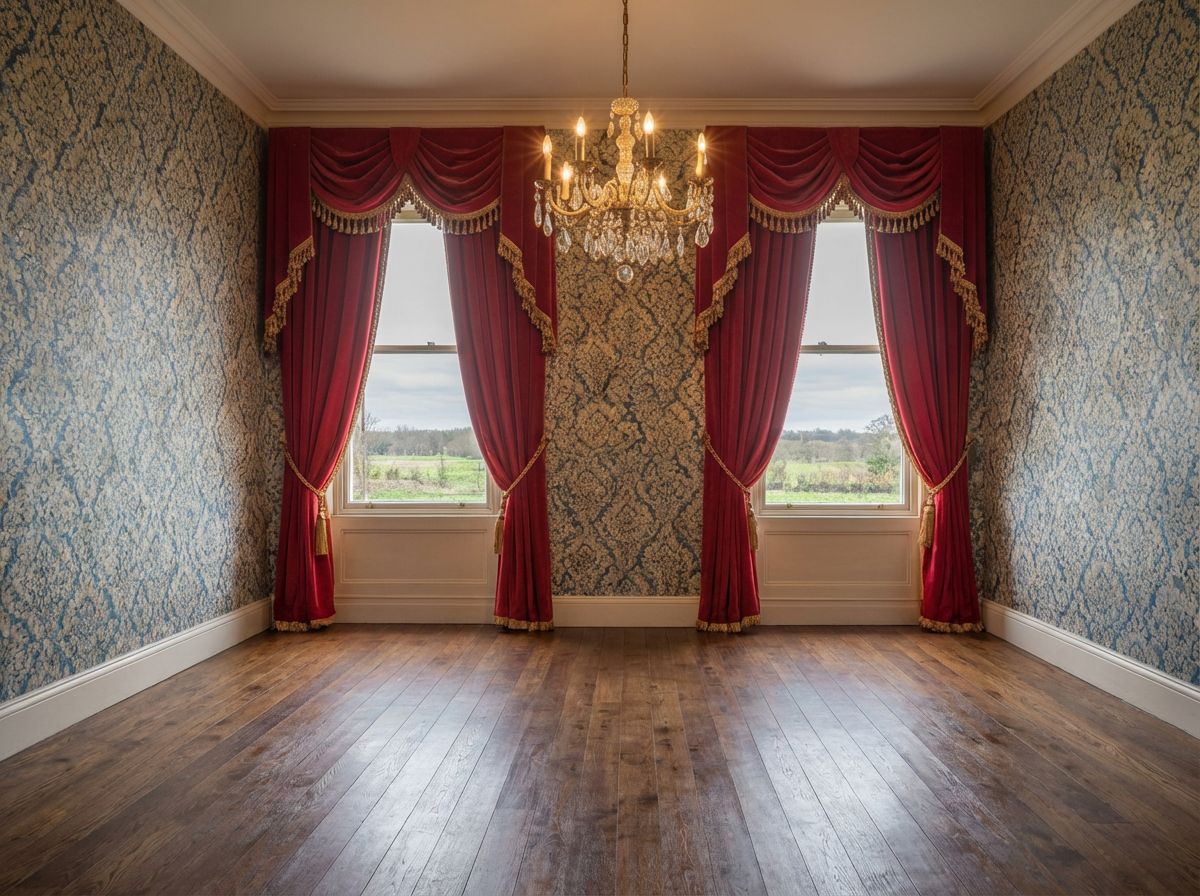
Remove Old Furniture to Show Renovation Potential
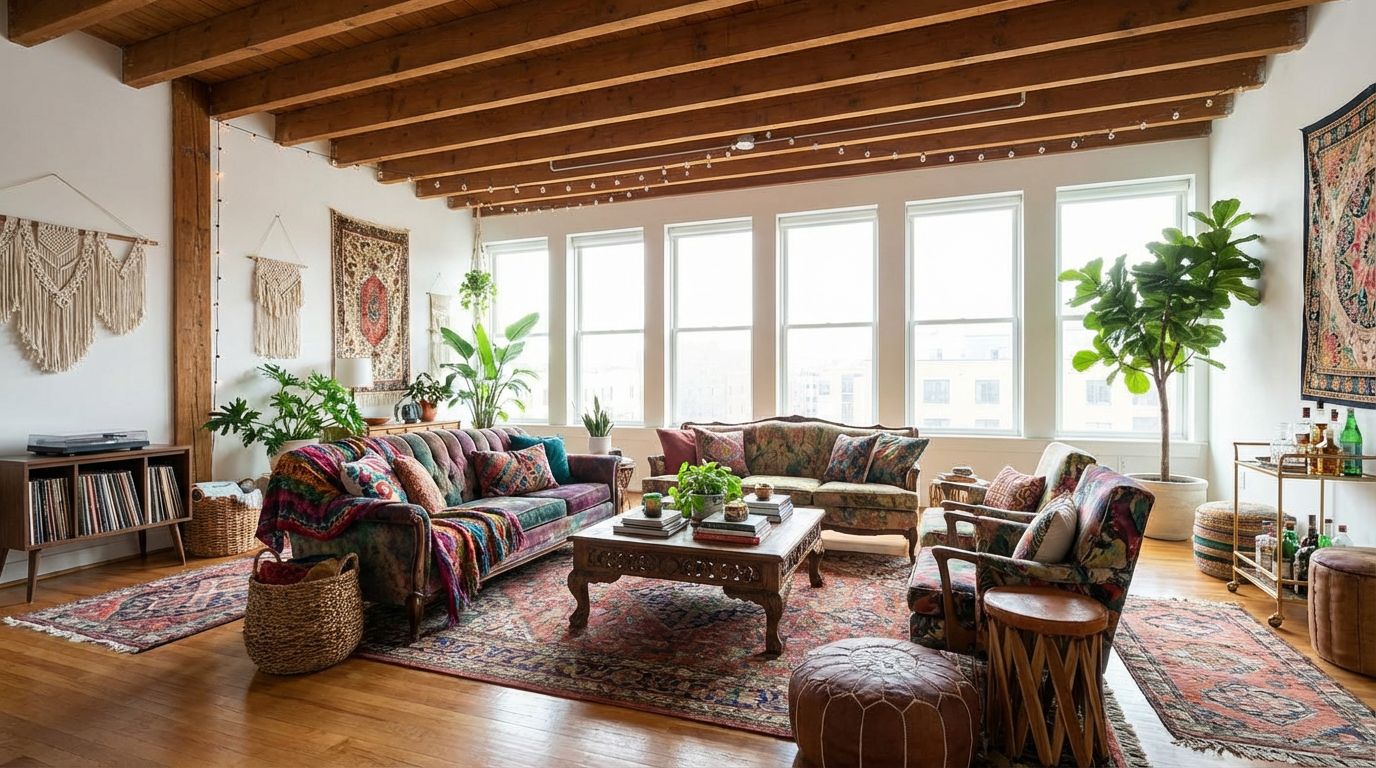
Stage an Empty Studio with Bohemian Style
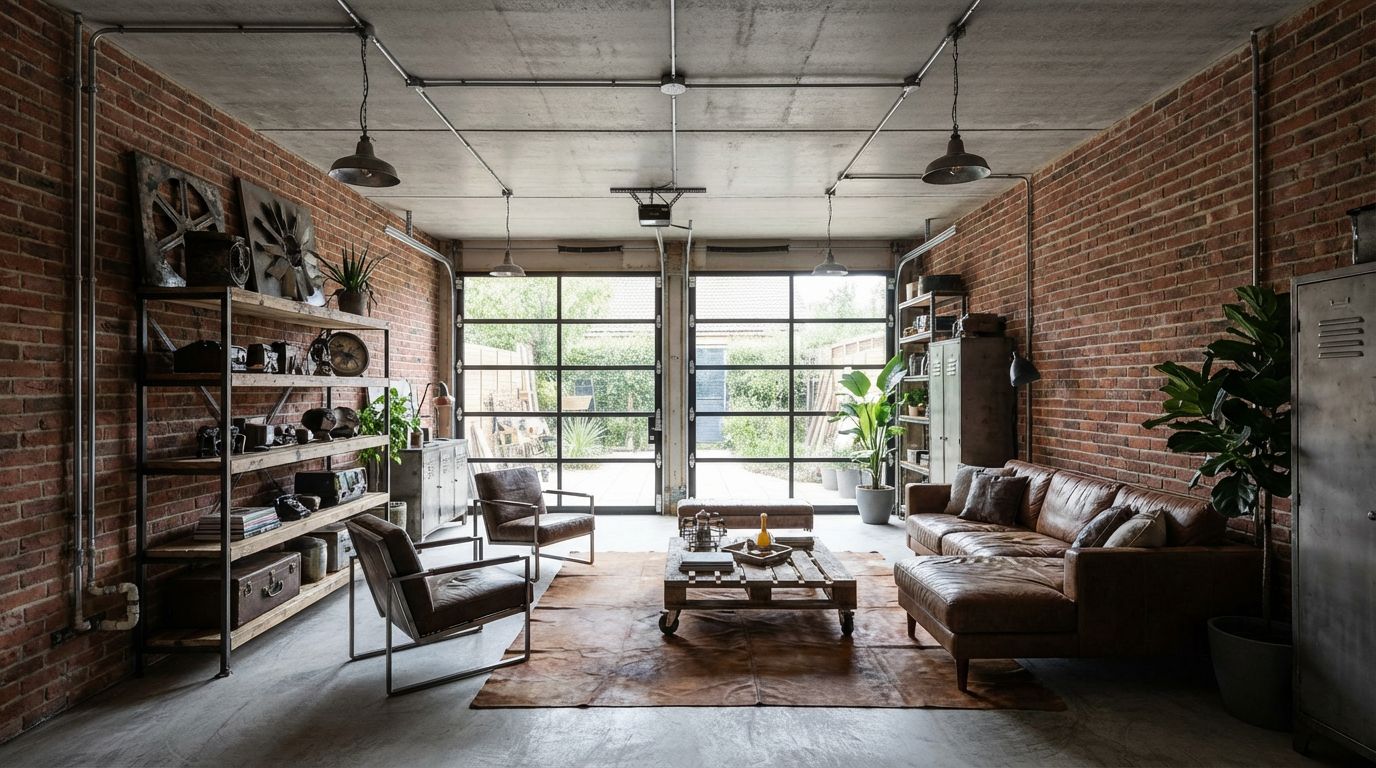
Turn Your Garage into an Industrial Living Space
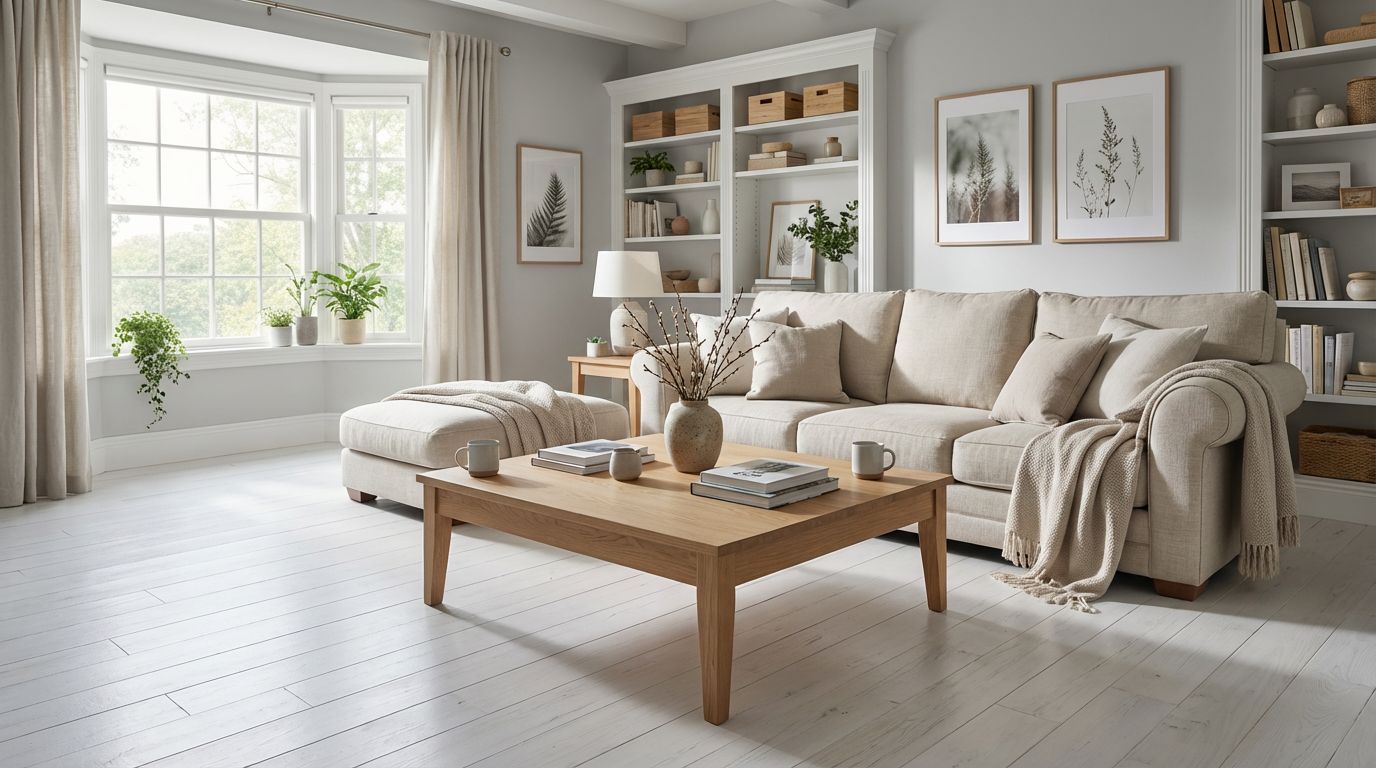
Transform Your Living Room to Scandinavian Style