Add Someone Cooking to Your Kitchen Photo
Use custom prompts to place a chef cooking with fresh ingredients on the counter, making the kitchen feel lived-in and vibrant.
The Original Scene
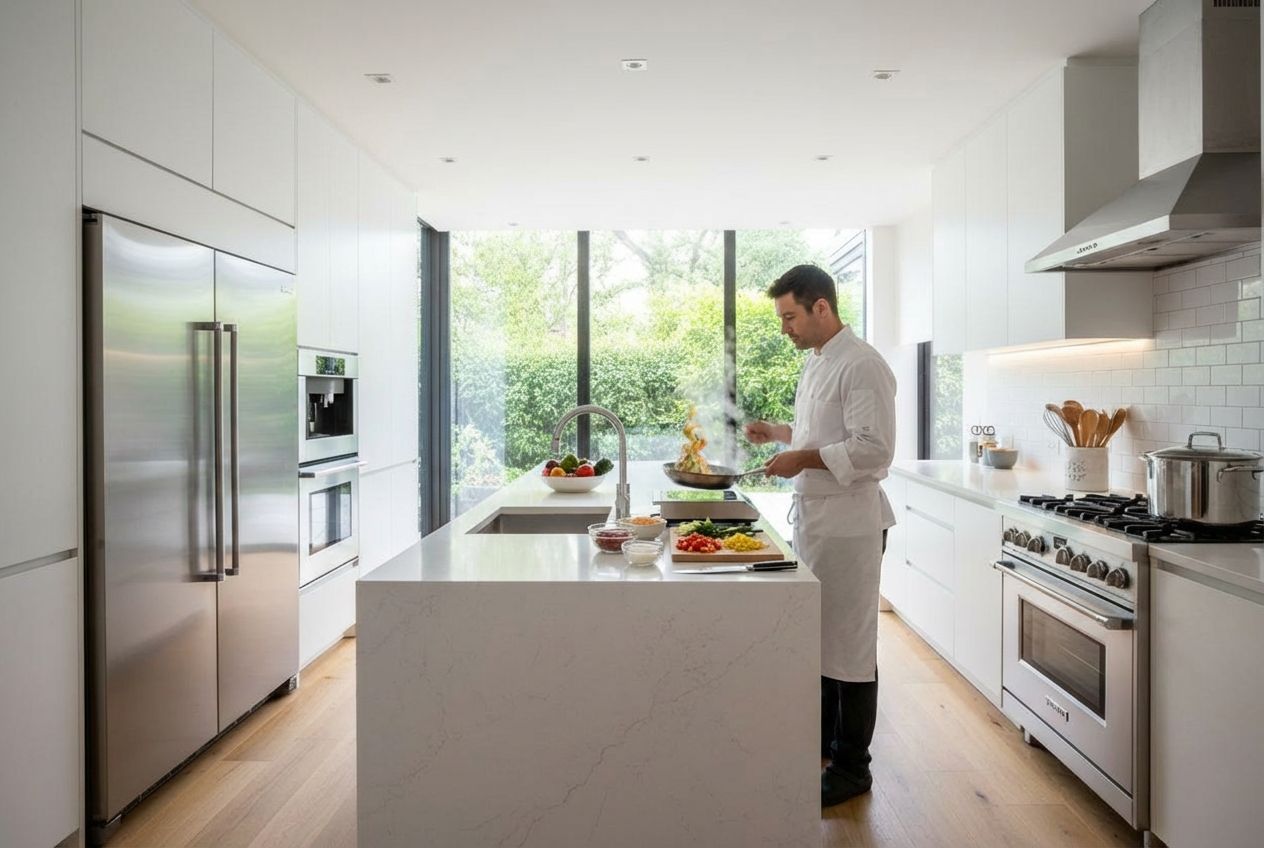
A sleek, modern kitchen is impressive in photos, but it truly comes alive when you can see it in action. This custom transformation takes a pristine white kitchen with a marble-veined waterfall island, stainless steel appliances, white subway tile backsplash, and floor-to-ceiling windows overlooking a lush green garden, and introduces a chef actively cooking at the island -- sauteing vegetables in a pan with visible steam and flames, surrounded by fresh ingredients laid out on the countertop.
The Custom Transformation
The original kitchen is a masterclass in contemporary minimalism. The wide-plank light oak flooring warms up the all-white cabinetry, while a professional-grade gas range with stainless hood sits beside the island. Built-in wall ovens and an integrated refrigerator keep the lines clean. The only color comes from a small bowl of fruit on the island and the garden greenery visible through the tall black-framed windows at the far end of the room.
Creative Applications
In the result, a man in a professional white chef's coat stands at the island, tossing ingredients in a saute pan. The countertop now features chopped vegetables on a cutting board, small prep bowls with colorful ingredients, and fresh produce -- all arranged naturally as if mid-preparation. The steam rising from the pan catches the recessed lighting overhead, adding depth and atmosphere. Critically, the kitchen architecture remains identical: the same marble island, the same appliances, the same garden view through the windows. This approach is ideal for kitchen showroom marketing, cooking-related content, or real estate photography where showing culinary potential adds emotional appeal to a listing.
Inputs Used

Custom Prompt Used
"Add a chef actively cooking at the island."
Ready to transform your room?
How to Recreate This
Bring a modern white kitchen to life by adding a chef actively cooking at the island, complete with ingredients, steam, and culinary action.
✨ What You'll Achieve
Original Room
After
Select Mode
Custom mode is the only way to add people and dynamic activities like cooking to room photos. Its free-form prompt lets you describe exactly the culinary scene you envision.
Upload Your Room
Upload your kitchen photo showing the island, appliances, and countertops. Clean, well-lit kitchens with clear counter space produce the best results for cooking scenes.
Configure Options
Specify the type of cuisine, the chef's attire, which ingredients are visible, and where on the counter they are arranged. Mention the lighting and mood if you want a particular atmosphere.
Generate
The AI produces a photorealistic cooking scene with the chef, sizzling pan, scattered ingredients, and rising steam, while the marble island, stainless appliances, subway tile, and garden view remain perfectly preserved.
Your Result
🎯 Try the Result
Drag the slider to compare before and after!
Frequently Asked Questions
Can AI add a person cooking in my kitchen photo?
Yes. With Custom mode, you write a prompt describing the cooking scene you want, and the AI generates a realistic chef or home cook actively using your kitchen. This example added a chef sauteing at the island with prep ingredients, steam, and natural motion -- all while keeping the kitchen's architecture and appliances intact.
Will the AI add food and cooking props to the scene?
Absolutely. When you describe a cooking scene, the AI can add cutting boards with chopped vegetables, prep bowls, fresh produce, steam from hot pans, and other culinary elements. Being specific in your prompt about what is being cooked and what ingredients are visible helps produce more realistic results.
Is this useful for kitchen showroom or real estate marketing?
Very much so. An empty kitchen shows potential, but a kitchen with someone actively cooking in it shows purpose. This type of lifestyle staging helps buyers envision themselves using the space, which is a proven driver of emotional engagement in property marketing and kitchen brand campaigns.
Custom AI Prompts
Explore landing.examples.ui.breadcrumbs.other Feature
Custom AI Prompts
Read the landing.examples.ui.breadcrumbs.other Tutorial
Related Examples
More landing.examples.ui.breadcrumbs.other Examples
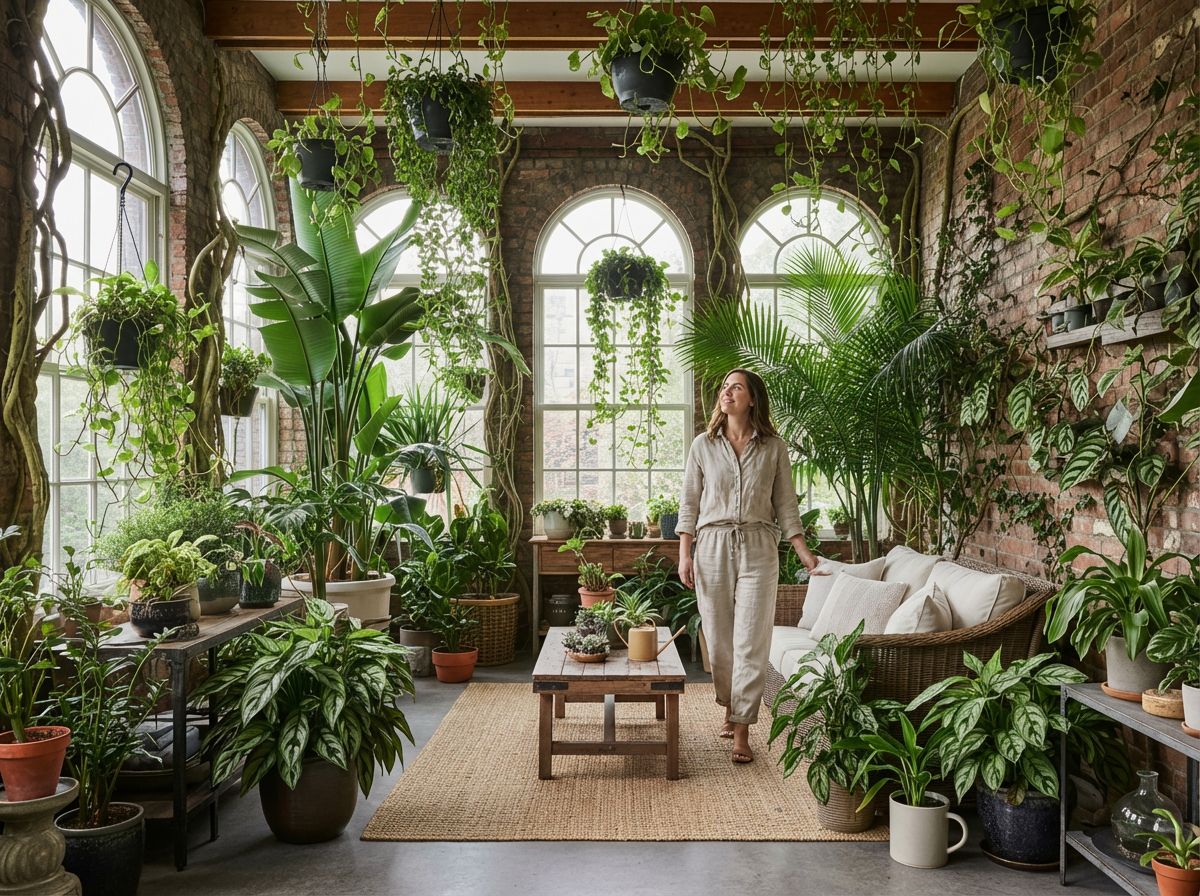
Add a Person to Your Plant-Filled Sunroom
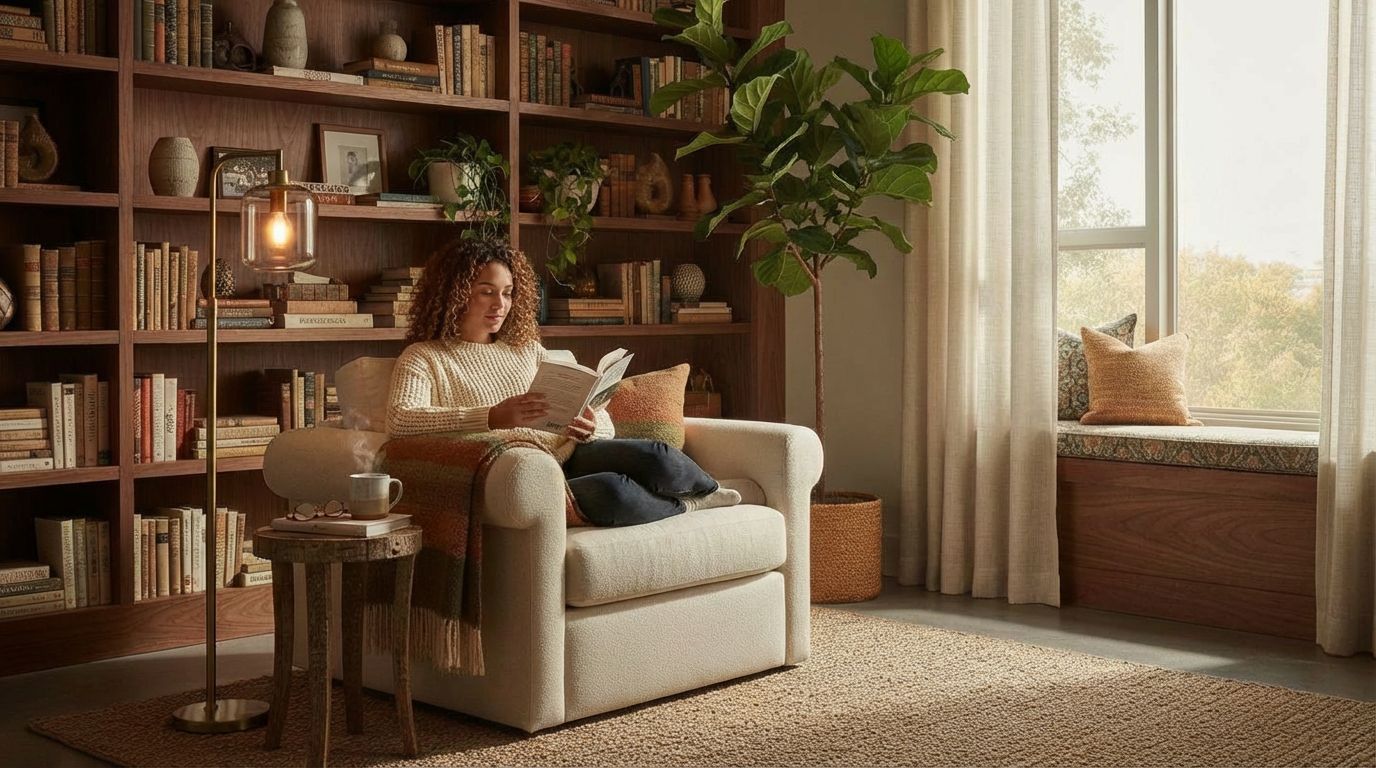
Add a Person Reading in a Cozy Corner

Add People Collaborating to Your Office Photo
Add a Family Enjoying Dinner to Your Room Photo
Add Christmas Decorations to Your Room Photos