Replace Chair with West Elm Accent Chair
See how a West Elm accent chair fits in your living room with AI visualization.
Inputs Used

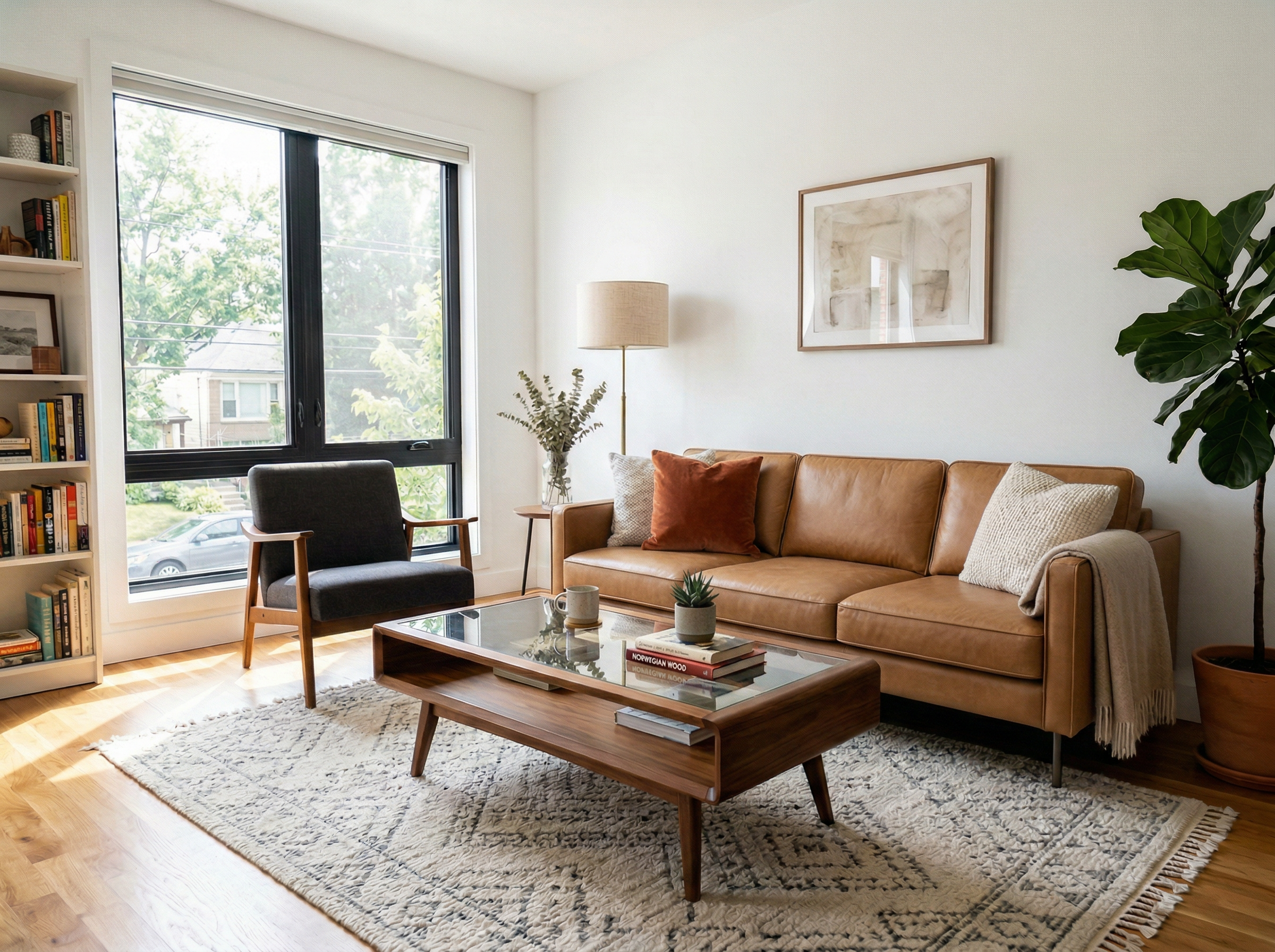
Ready to transform your room?
How to Recreate This
Want to achieve this look in your own space? Follow these steps to replace furniture or materials just like in this example.
✨ What You'll Achieve
Original Room
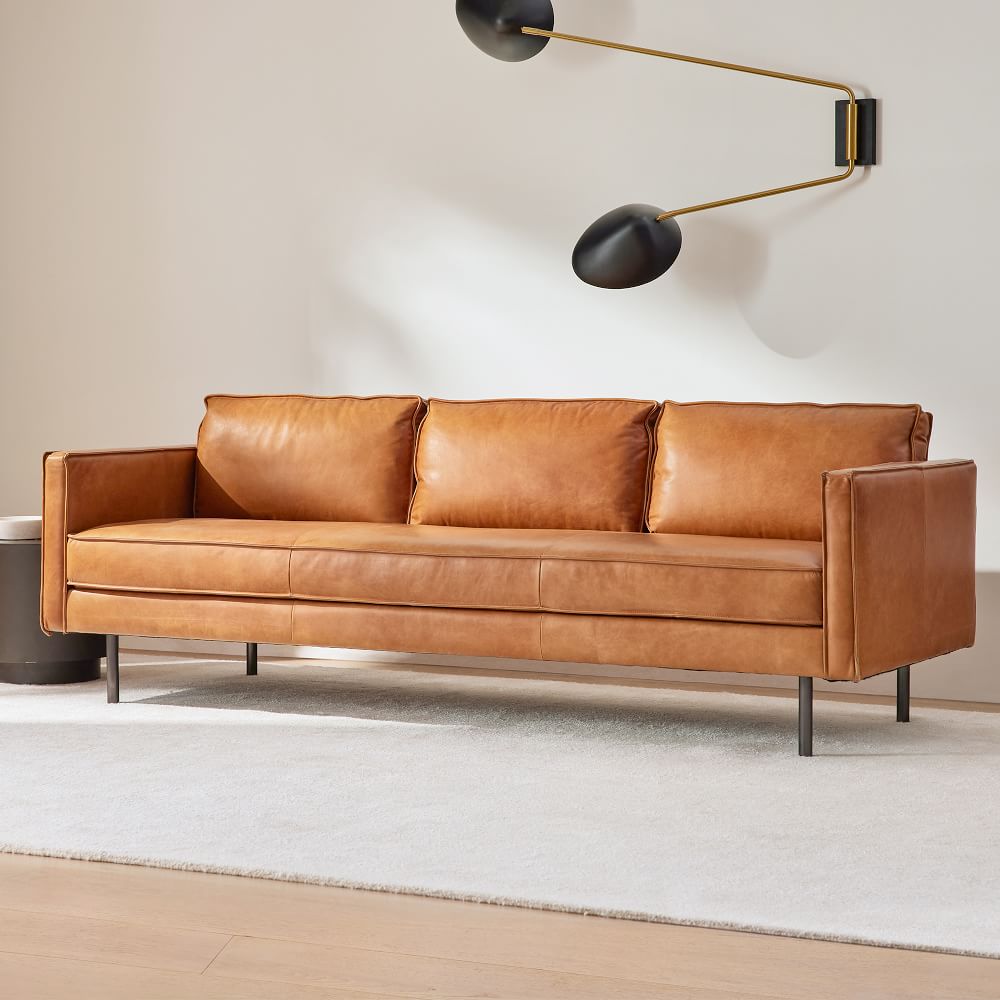
Selected Asset
After
Select Mode
Choose the Replace card from the mode grid.
Upload Your Room
Upload a photo of the room where you want to replace an element.
Upload Reference
Upload a photo of the new furniture piece you want to use as reference.
Configure Options
Select the room type and choose the furniture piece you want to replace.
Generate
Click Generate and wait for your AI-transformed result!
Your Result
🎯 Try the Result
Drag the slider to compare before and after!
Related Examples
More Replace Examples
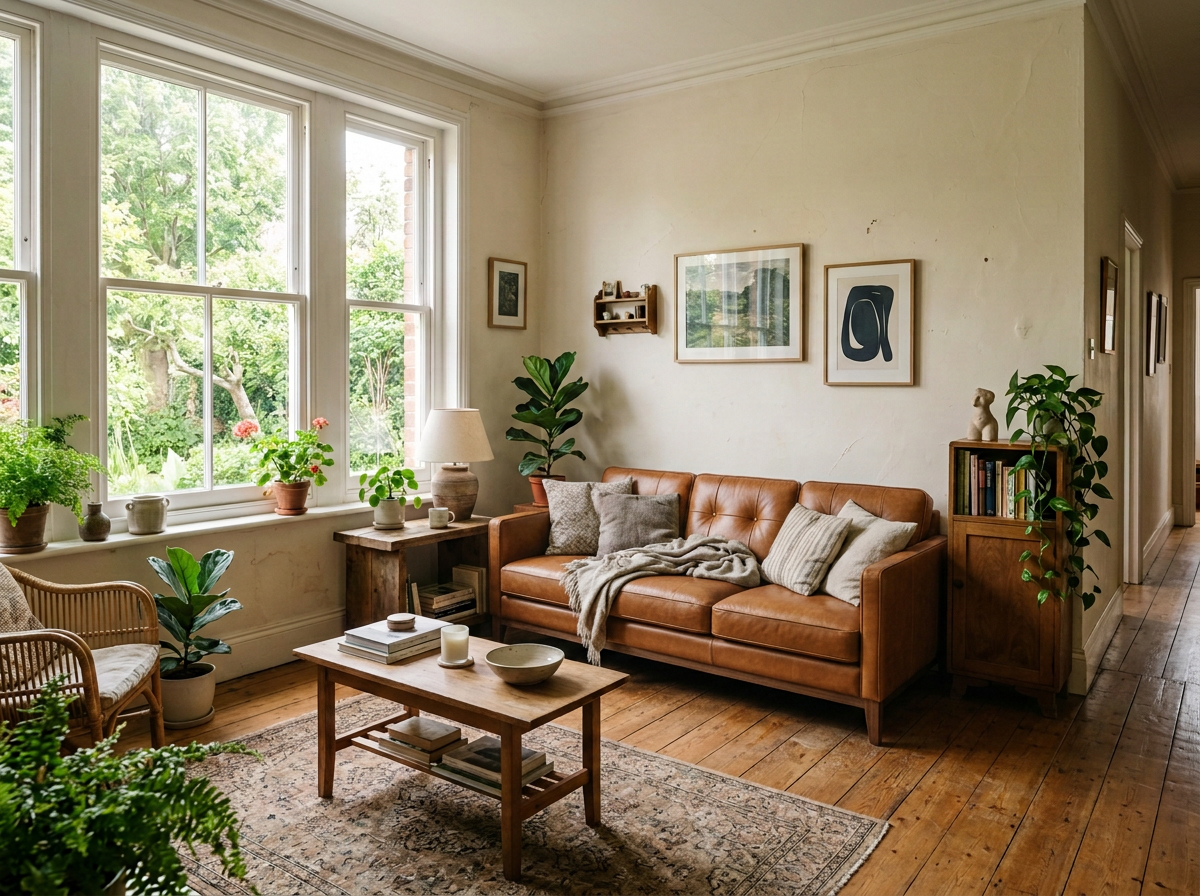
Replace Sofa with Article Leather Sofa
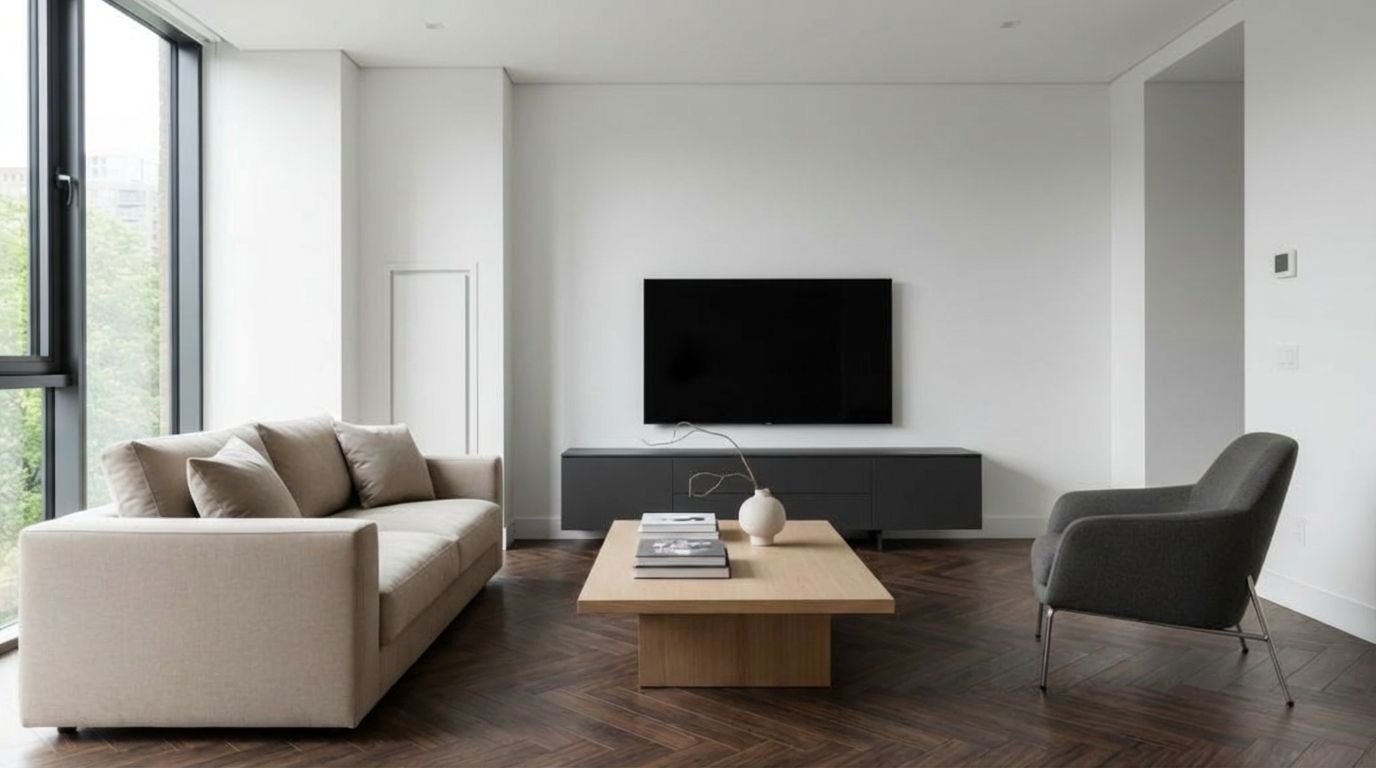
Compare Different Flooring Options Instantly

Preview Different TV Stands in This Room

Replace Cushions with Zara Home Collection

Replace Shelf with IKEA KALLAX